
ModsJava
Chat images
Java mod listed for Minecraft 1.21. Downloads from the MC Java Mods app on Android.
⬇ Download on ModrinthChat Images 
A Fabric mod for Minecraft 1.21.11 that lets you send and view images directly in the chat.
Note: This mod is still rough around the edges — minor bugs may occur.
Features
- Send images in chat — click the image button next to the chat input, select a file, and send it
- Fullscreen viewer — click any image in chat to open it fullscreen with zoom, pan, and drag support
- Server-client detection — the mod automatically detects whether the server supports Chat Images and disables the button if not
Screenshots
Image button in chat input
Image rendered inline in chat messages
Fullscreen image viewer with zoom and drag
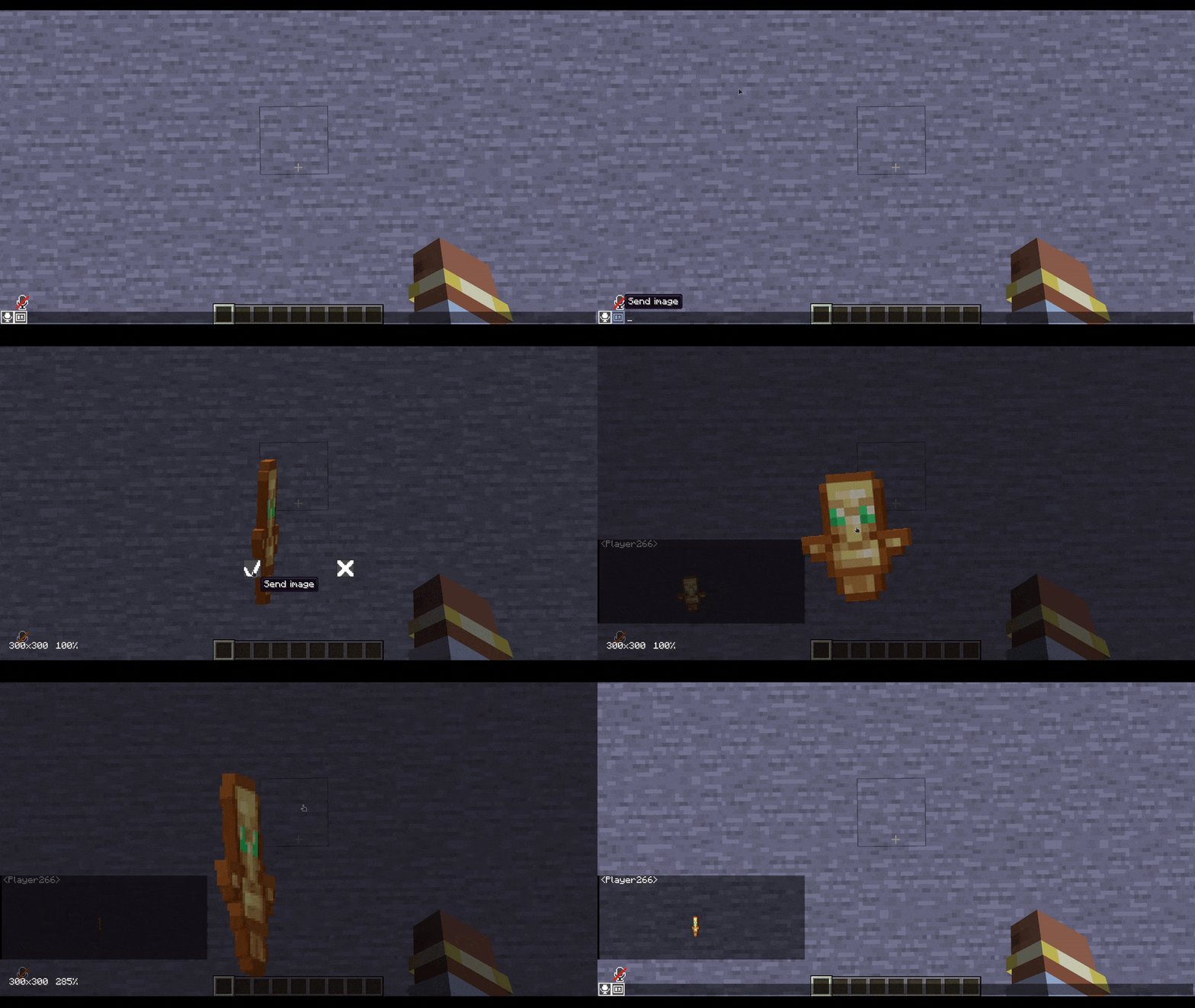
Gif support
Usage
- Install the mod on both the server and client (Fabric API required)
- Join the server — the image button next to the chat input should be active
- Click the button, select an image file, and send it
- Click any image in chat to open it in the fullscreen viewer
Commands
/chatimages test <player>— test if a player has the mod installed/chatimages reconnect <player>— re-send the handshake to a player
Compatibility
- Incompatible with ChatAnimation
- Requires Fabric API
Quick facts
- Edition: Minecraft Java
- File type: .jar
- Minecraft version listed: 1.21.11
- How to install: Install the matching mod loader (Forge, Fabric or NeoForge) for your Minecraft version. → Download the .jar. → Put it in the .minecraft/mods folder and launch that loader profile.
- Where to get it: Opens on Modrinth — not every file is mirrored on our own servers.
Install steps are the general flow for this file type — How to install Minecraft Java mods & modpacks walks through it step by step.
File checked by MCModsHub
- Ships as Chatimages-1.1.jar — drop this file into the mods folder
- Download size: 307 KB
- Download link checked 25 Oct 2026 — working
These come from our own check of the pack file, not from the source page.