
Advanced Cobblemon PC Filter
Unlock the full potential of your PC box. Adds more search string filters to the default Cobblemon PC search bar.
⬇ Download on Modrinth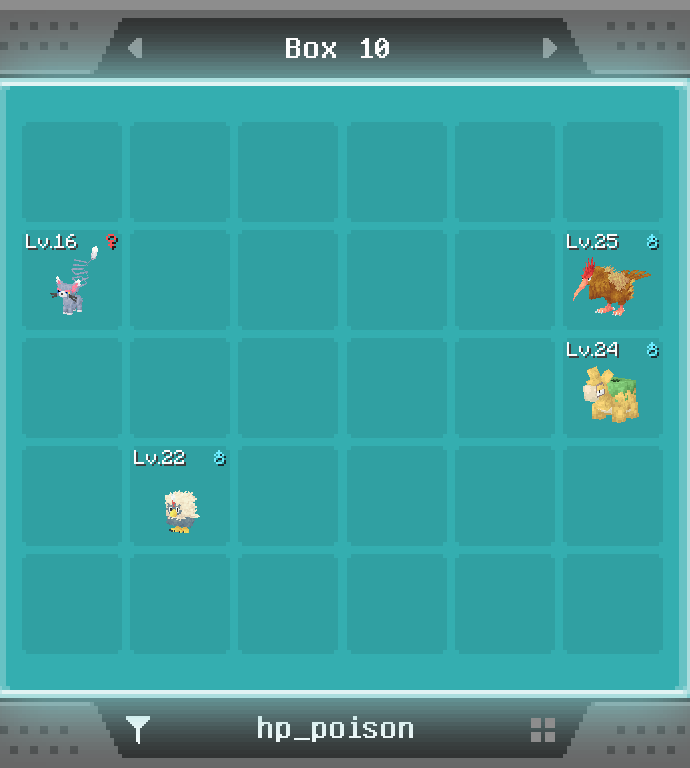
Advanced Cobblemon PC Filter
Unlock the full potential of your PC box. Adds more search string filters to the default Cobblemon PC search bar.
Custom Math Filters
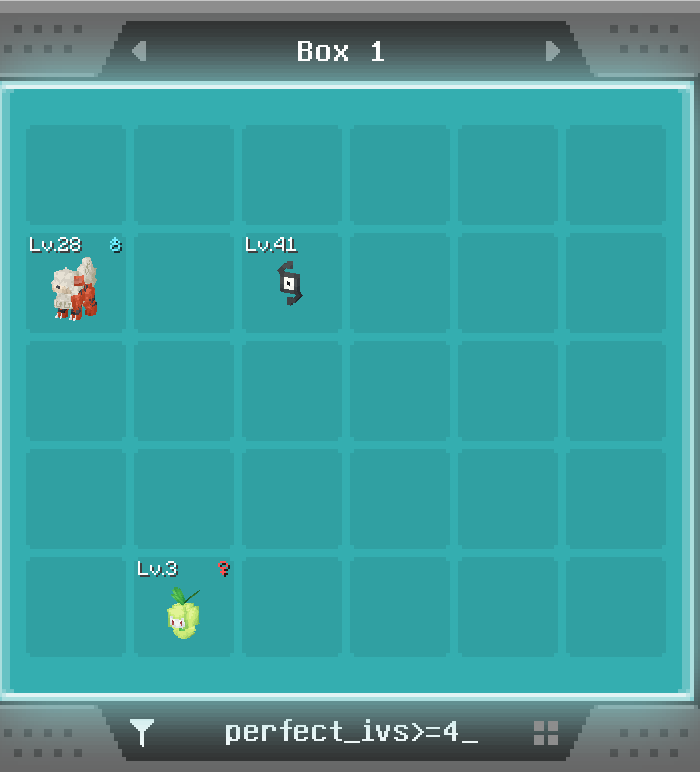
- perfect_ivs
- perfect_evs
- iv_total/total_ivs
- ev_total/total_evs
- bst/base_stats
- stab_count
Math Filter Operators:
=, <=, >, <, !=, =
Examples: "perfect_ivs >=4", "ev_total<100", "stab_count=2", "perfect_evs!=3"
Full List of Custom Filters
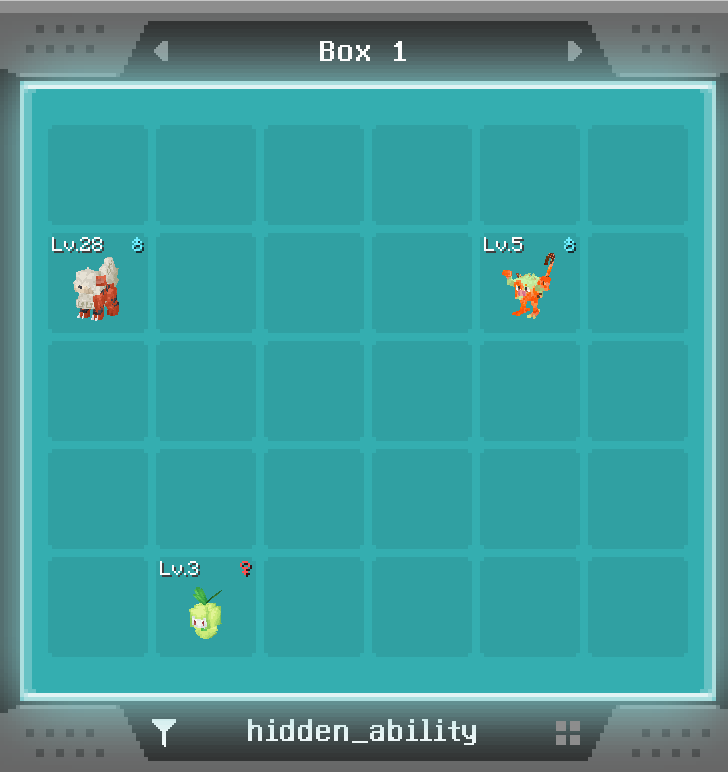
- hidden_ability/has_ha
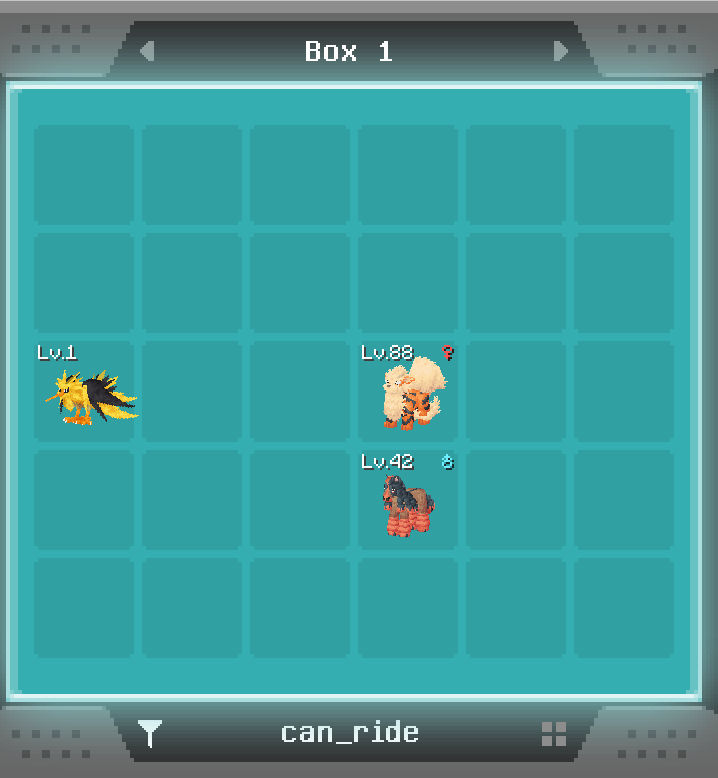
- is_mountable/can_ride
- has_egg_move/egg_move
- has_tm_move/tm_move
- has_mark/is_marked
- is_minted/minted_nature
Breeding Tools: Search by egg_group= to instantly find compatible parents. Ex. "egg_group=field", "egg_group=water_1"
Collector's Logic: Use ball= or caught_in= to find your favourite Aprimons or special event balls. Ex. "ball=moon", "caught_in=ultra"
Hidden Power Type Identifier: Search by hp_ to filter for Pokemon of a specific hidden power type. Ex. "hp_dragon", "hp_poison"
Stat Boost/Drop by Nature Filter: Use boosts_ and drops_ to filter by all natures that boost/drop a specific stat. Stat suffixes are: atk, def, spa, spd, spe. Ex. "boosts_atk", "boosts_spd", "drops_def", "drops_spe"
How to use the mod:
In-game, simply type your command into the default Cobblemon PC search bar. That's it*!
*Cobblemon 1.7.0+ required, along with Frabric mod loader dependencies.
- Edition: Minecraft Java
- File type: .jar
- Minecraft version listed: 1.21.10
- How to install: Install the matching mod loader (Forge, Fabric or NeoForge) for your Minecraft version. → Download the .jar. → Put it in the .minecraft/mods folder and launch that loader profile.
- Where to get it: Opens on Modrinth — not every file is mirrored on our own servers.
Install steps are the general flow for this file type — How to install Minecraft Java mods & modpacks walks through it step by step.
- Ships as cobblemonfilter-1.0.0.jar — drop this file into the mods folder
- Download size: 39 KB
- Download link checked 24 Aug 2026 — working
These come from our own check of the pack file, not from the source page.