
AutoBackupClient MITE
Java mod listed for Minecraft 1.6. Downloads from the MC Java Mods app on Android.
⬇ Download on Modrinth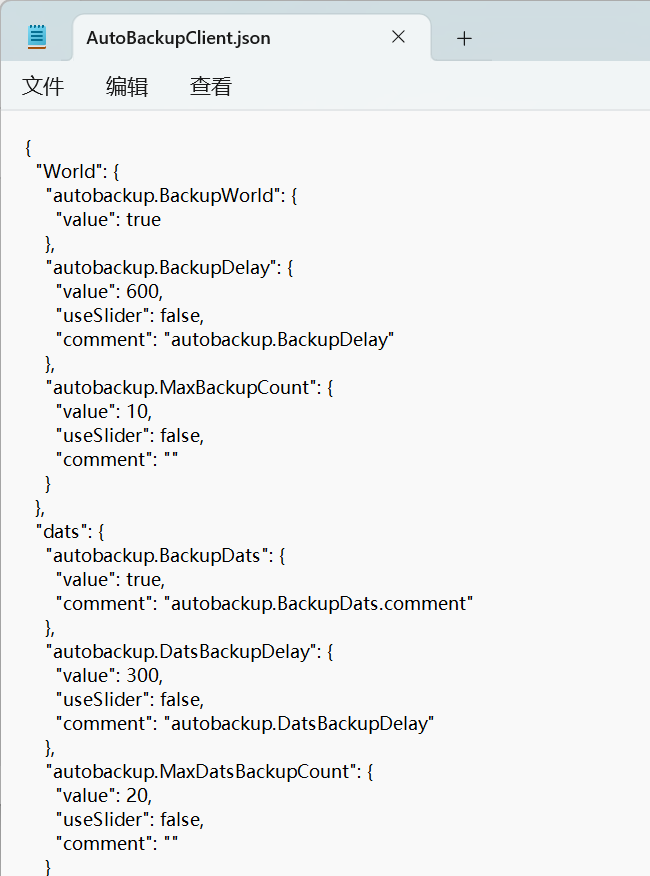

What this mod can do?
This mod automatically backs up your precious save files. With it installed, you can dive into mining, exploring, and other dangerous adventures with total peace of mind.
How to use?
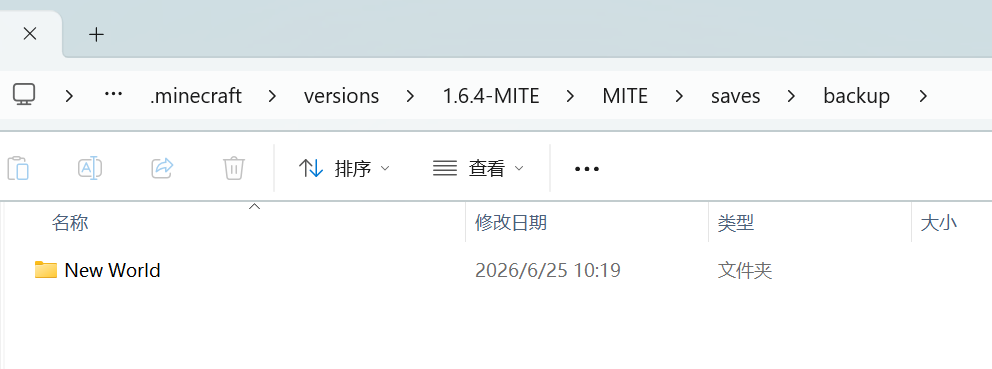
You can find the backups in the following path: .minecraft\versions\1.6.4-MITE\MITE\saves\backup
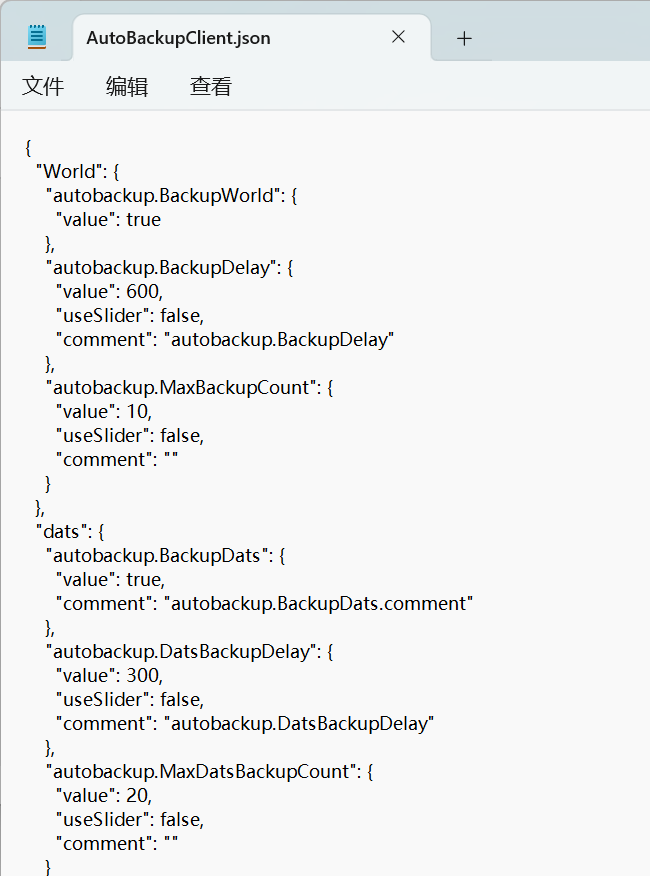
You can configure the related settings in: .minecraft\versions\1.6.4-MITE\config\AutoBackupClient.json
In-game, it will be displayed as follows:Save notifications are displayed in the bottom-left corner of the screen.

Other Notes
You don't need to worry about auto-backups filling up your storage space. When a new backup is created, the oldest one will be automatically deleted.
- Edition: Minecraft Java
- File type: .jar
- Minecraft version listed: 1.6.4
- How to install: Install the matching mod loader (Forge, Fabric or NeoForge) for your Minecraft version. → Download the .jar. → Put it in the .minecraft/mods folder and launch that loader profile.
- Where to get it: Opens on Modrinth — not every file is mirrored on our own servers.
Install steps are the general flow for this file type — How to install Minecraft Java mods & modpacks walks through it step by step.
- Ships as [自动存档备份模组 fml3]AutoBackupClient-1.0.0.jar — drop this file into the mods folder
- Download size: 19 KB
- Download link checked 25 Oct 2026 — working
These come from our own check of the pack file, not from the source page.