
Unlimited Stack
Bedrock add-on listed for Minecraft 1.21–26.x (behavior pack only). File opened and checked on 18 Sep 2026; installs from the MC Bedrock Mods app on Android.
Carry huge amounts of items without filling your inventory! Unlimited Stacks uses smart virtual storage and auto-refill to keep your items organized…
⬇ Download on CurseForge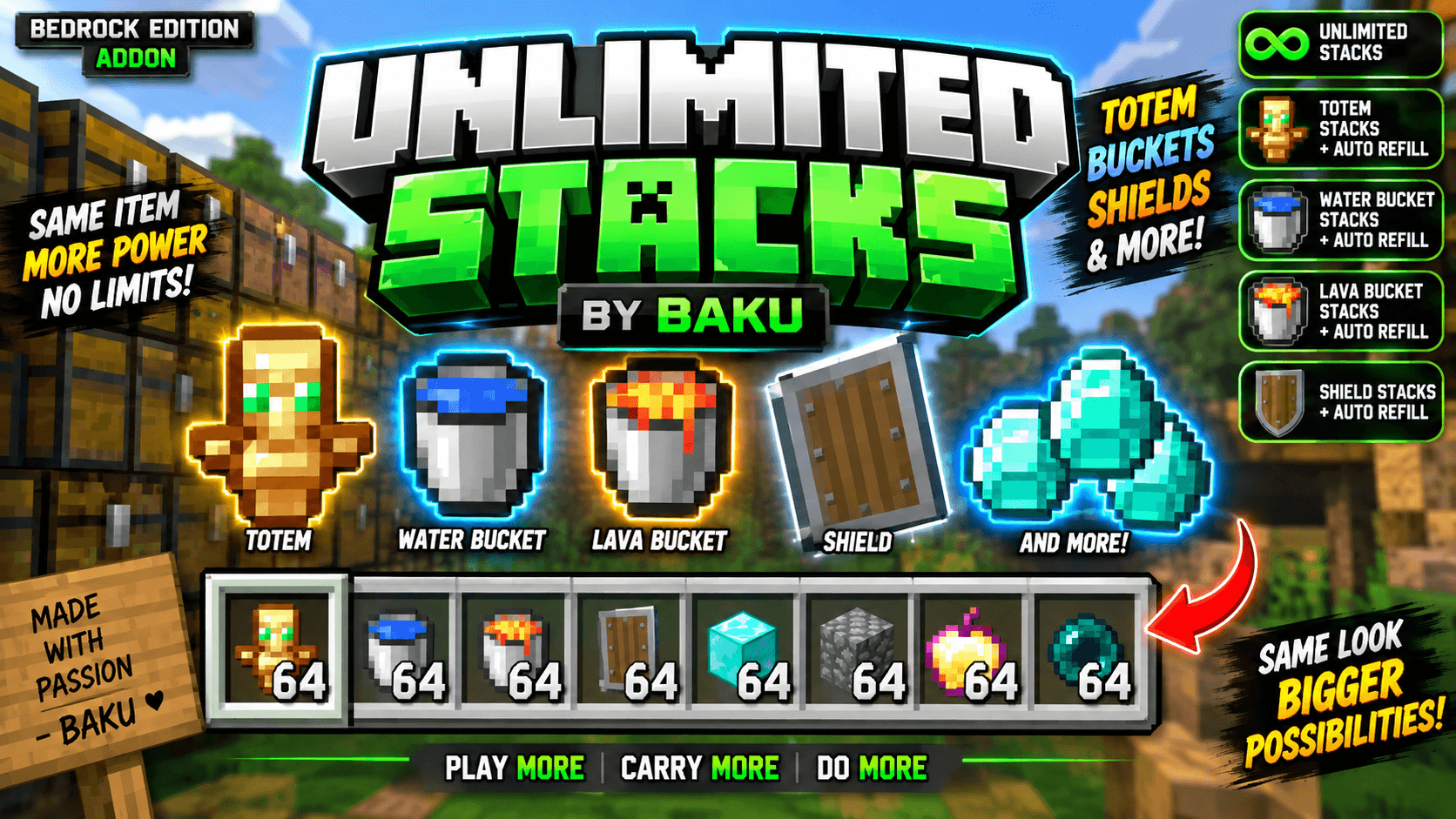
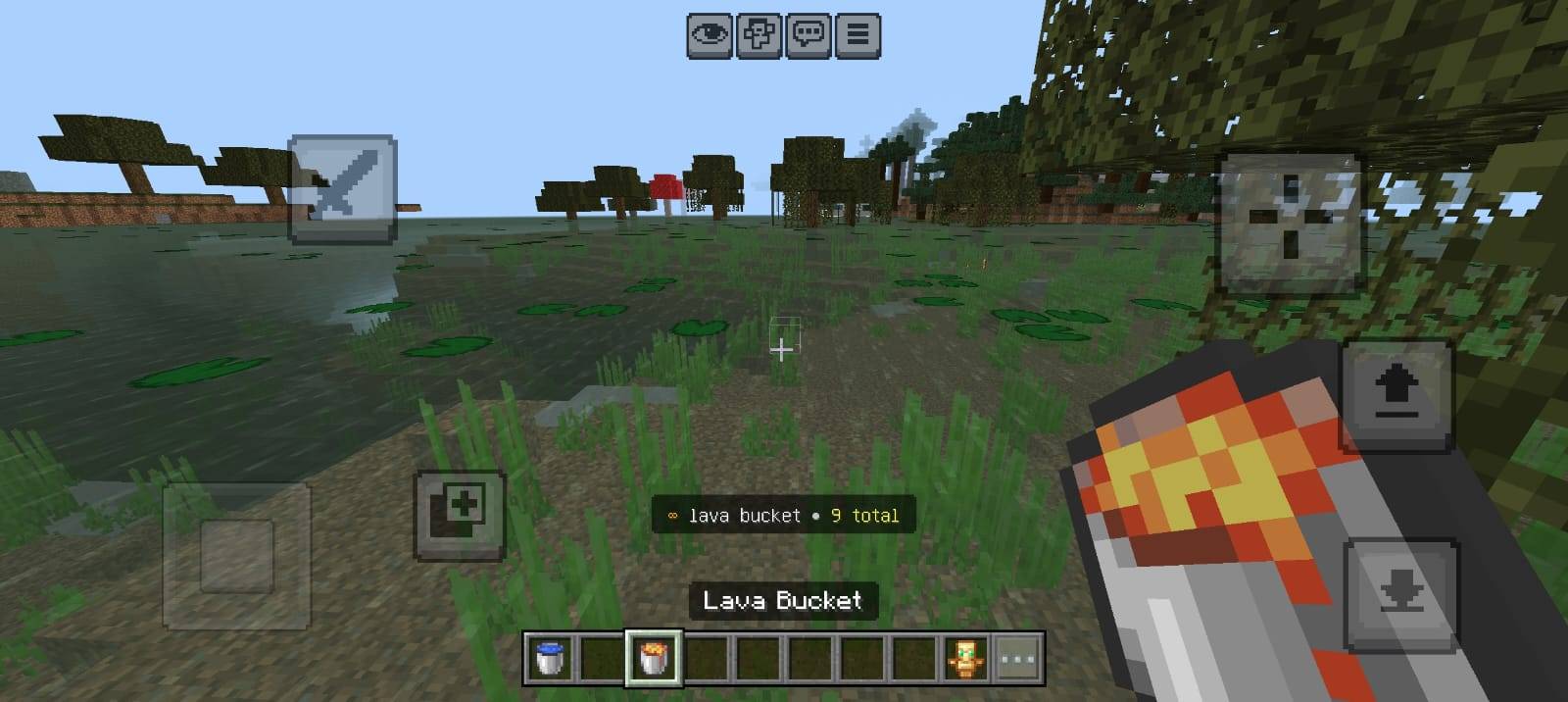
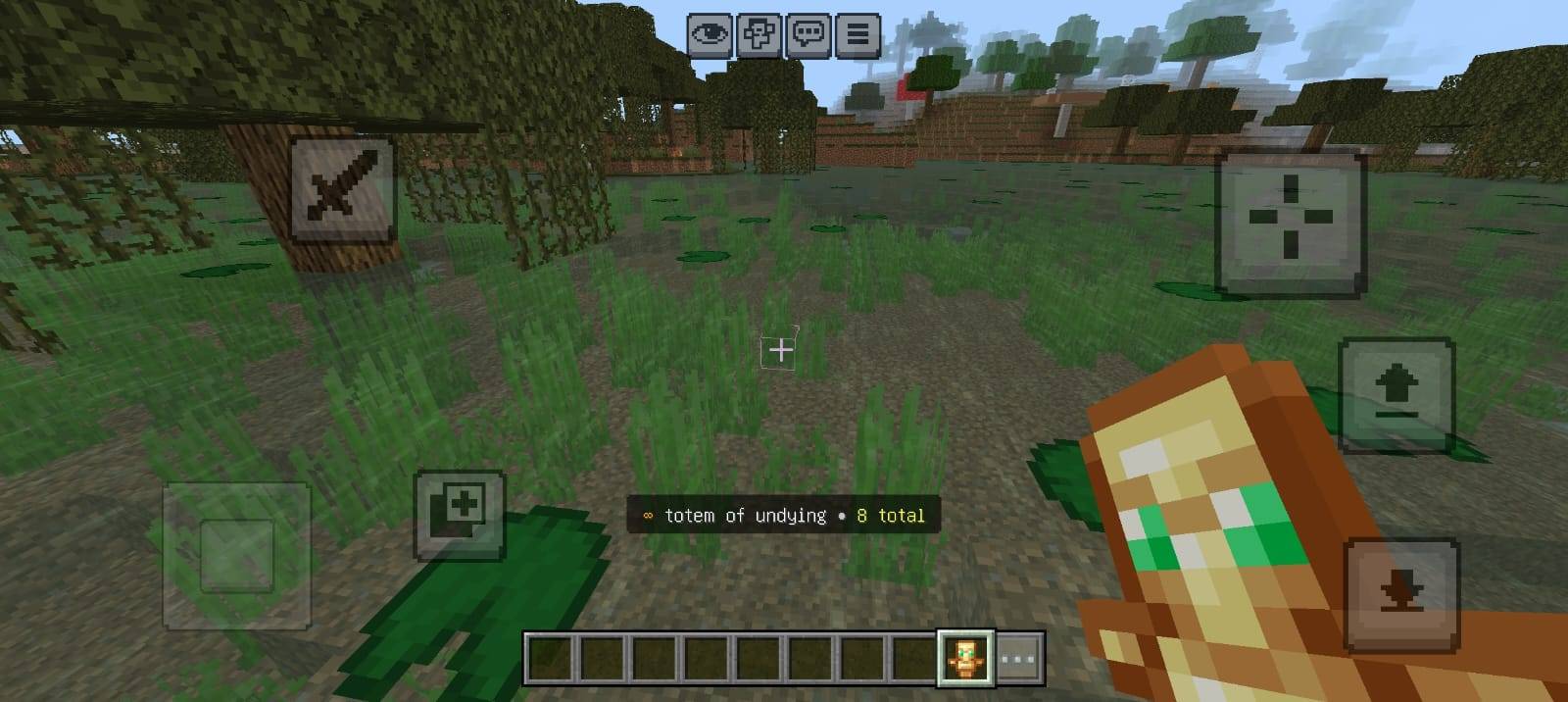
Unlimited Stacks by Baku
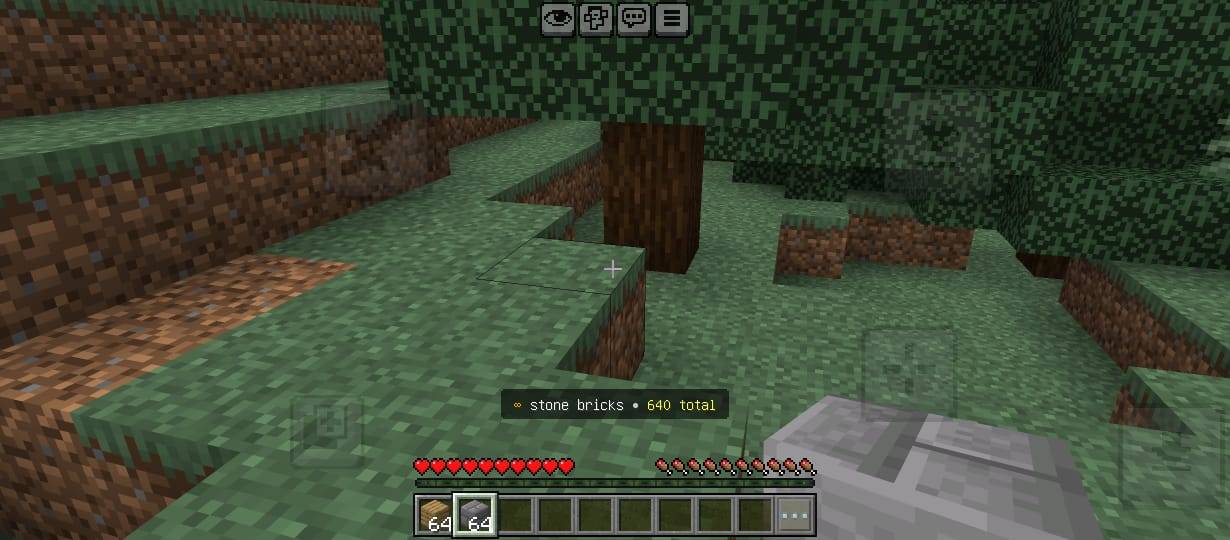
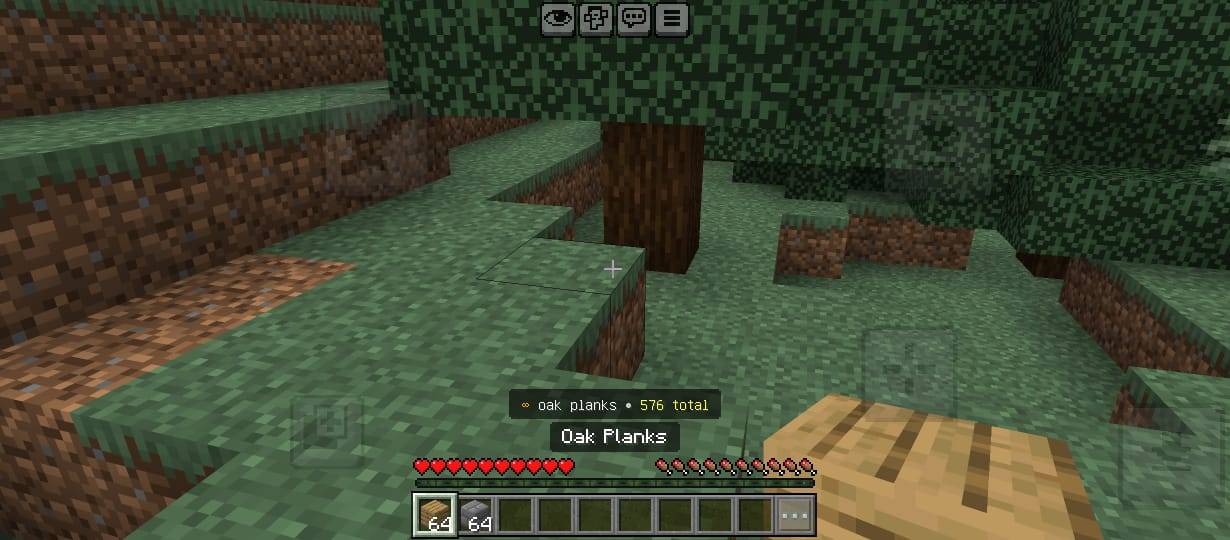
Unlimited Stacks is a Minecraft Bedrock addon designed to make inventory management easier by allowing you to carry far more items without constantly filling your inventory.
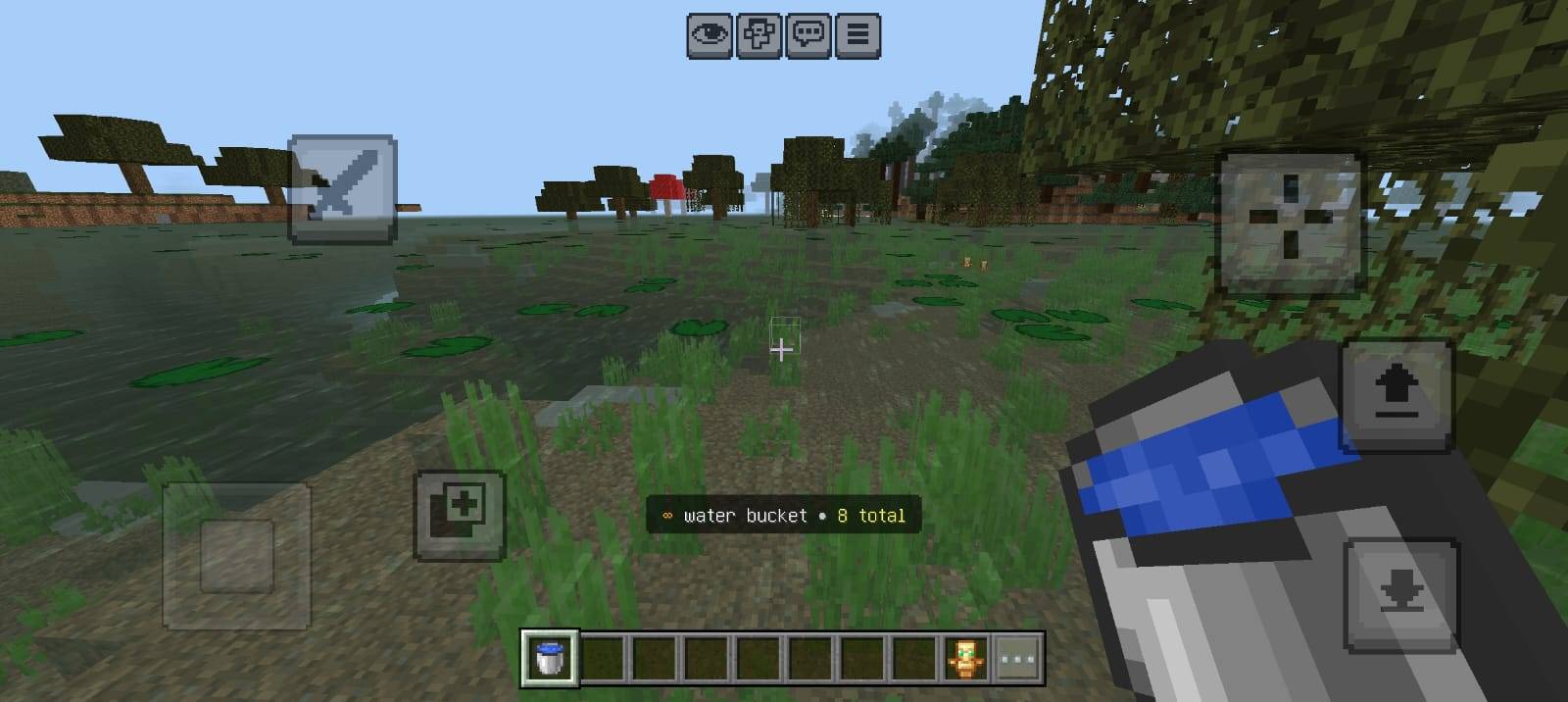
This addon uses a smart virtual stacking system that automatically stores extra items and refills your visible stack whenever needed.
Special Stack Support
- Totem of Undying – Carry multiple Totems with automatic refill support.
- Water Bucket – Extra Water Buckets are stored and automatically refilled after use.
- Lava Bucket – Carry multiple Lava Buckets without using many inventory slots.
- Shield – Multiple normal Shields can be stored using the virtual stacking system.
Main Features
- Smart Unlimited Stack System
- Automatic Stack Refill
- Totem Offhand Auto Refill
- Shield Offhand Auto Refill
- Water & Lava Bucket Support
- Extra Items Stored Automatically
- Less Inventory Clutter
- Designed for Survival Gameplay
- Simple and Lightweight System
How It Works
Minecraft normally limits how many items can exist inside a single visible stack. Unlimited Stacks works around this limitation by keeping the normal visible item while storing additional items inside a virtual reserve.
When the visible item is used, consumed or removed, the addon automatically refills it using items from the stored reserve.
Totem & Shield Support
Totems and Shields also work with the offhand slot. When a Totem activates or a supported Shield is removed or broken, another available item can automatically refill the offhand.
Special Shields with custom names, lore or enchantments may remain separate to help protect their custom data.
Perfect For
Survival worlds, SMPs, exploration, mining, building and players who want to spend less time organizing inventory and more time playing.
Addon Name: Unlimited Stacks by Baku
Creator: Baku
All Rights & Credits: Baku
Carry More. Manage Less. Play More.
- Edition: Minecraft Bedrock
- File type: .mcpack or .mcaddon
- Minecraft versions listed: 26.20, 26.30, 26.40
- How to install: Download the .mcpack or .mcaddon file. → Open it — Minecraft imports it. → In your world: Behavior Packs → Available → Activate, then the same under Resource Packs.
- Where to get it: Opens on CurseForge — not every file is mirrored on our own servers.
Install steps are the general flow for this file type — How to install Minecraft Bedrock addons & mods walks through it step by step.
- Pack type: .mcaddon — behaviour and resource pack in one file
- Manifest requires Minecraft 1.21.80 or newer
- Complete pack — everything it depends on is inside the file
- Download size: 128 KB
- Download link checked 22 Oct 2026 — working
These come from our own check of the pack file, not from the source page.