
ResourcepacksJava
Remove Enchant Glint Resource Pack (1.21.11, 1.21.1) – True Vanilla Colors
Java resource pack listed for Minecraft 1.21. Downloads from the MC Java Mods app on Android.
⬇ Download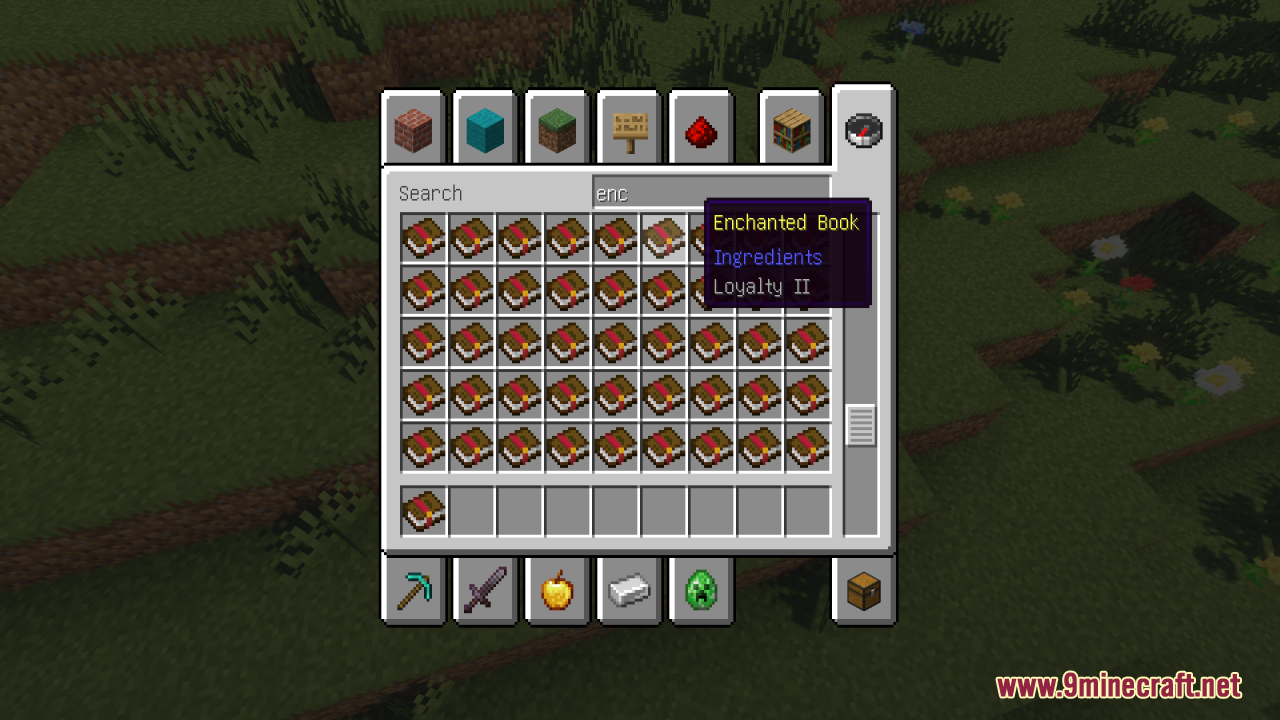
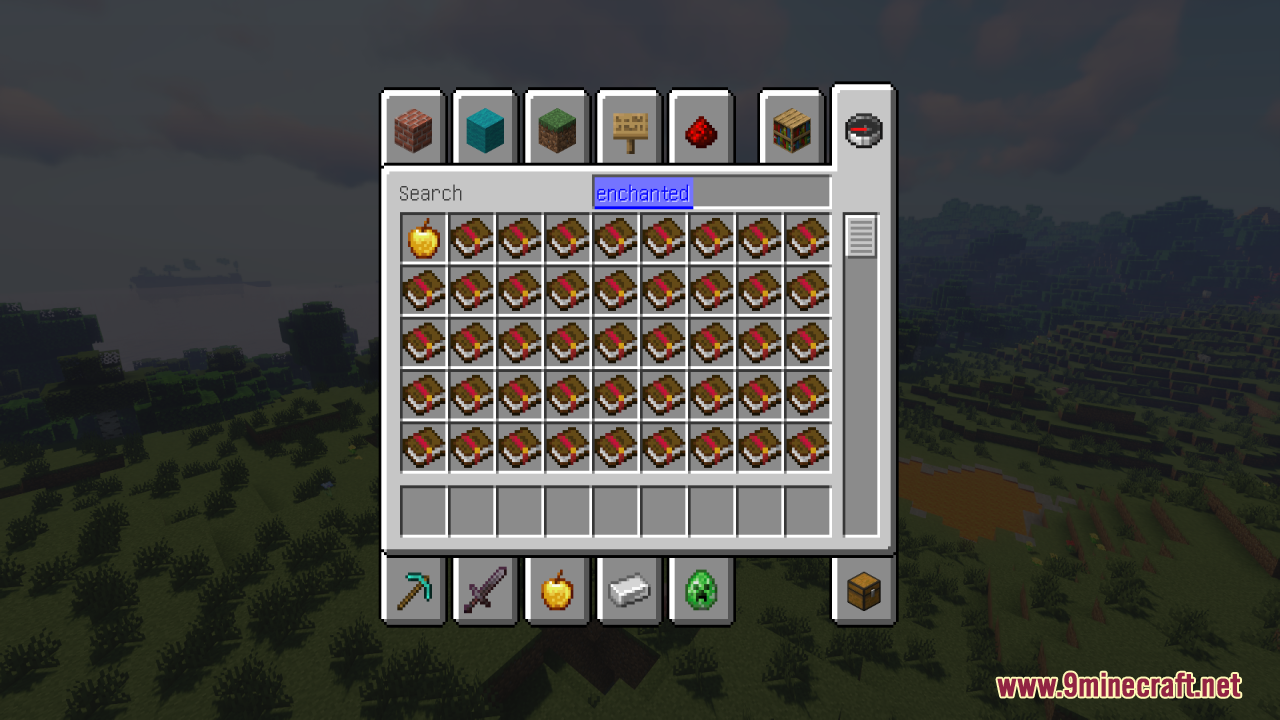
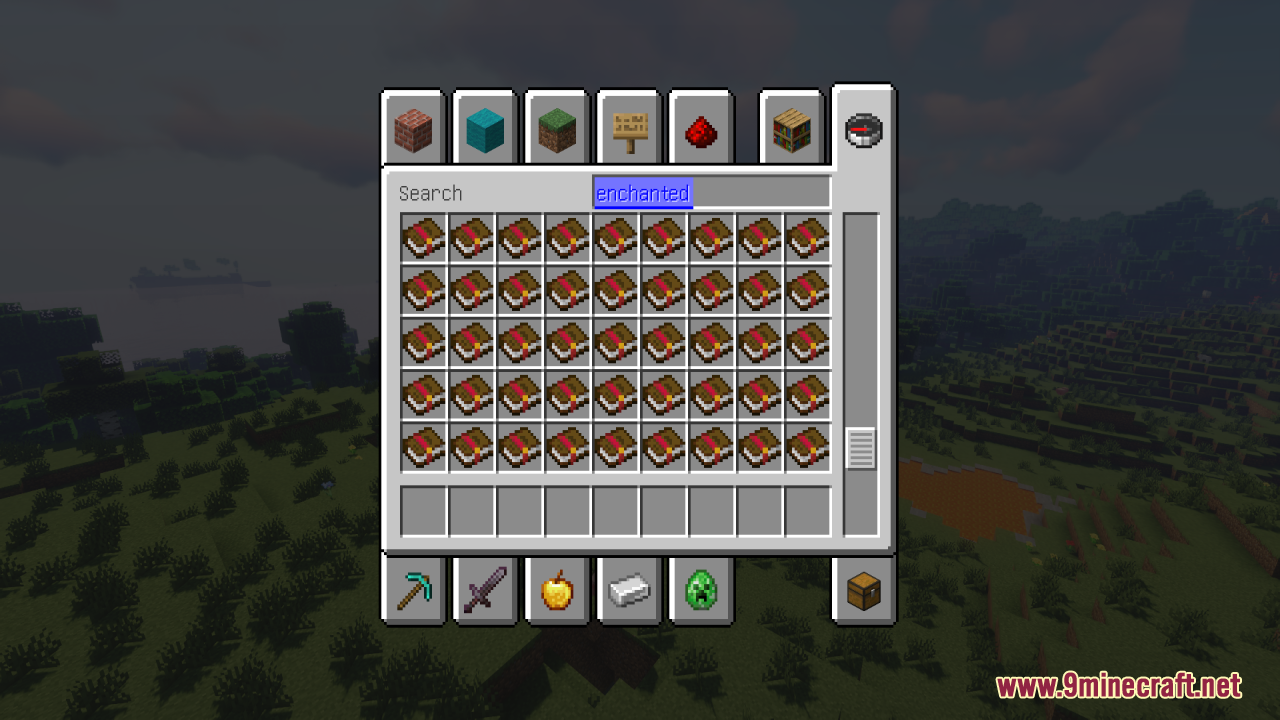
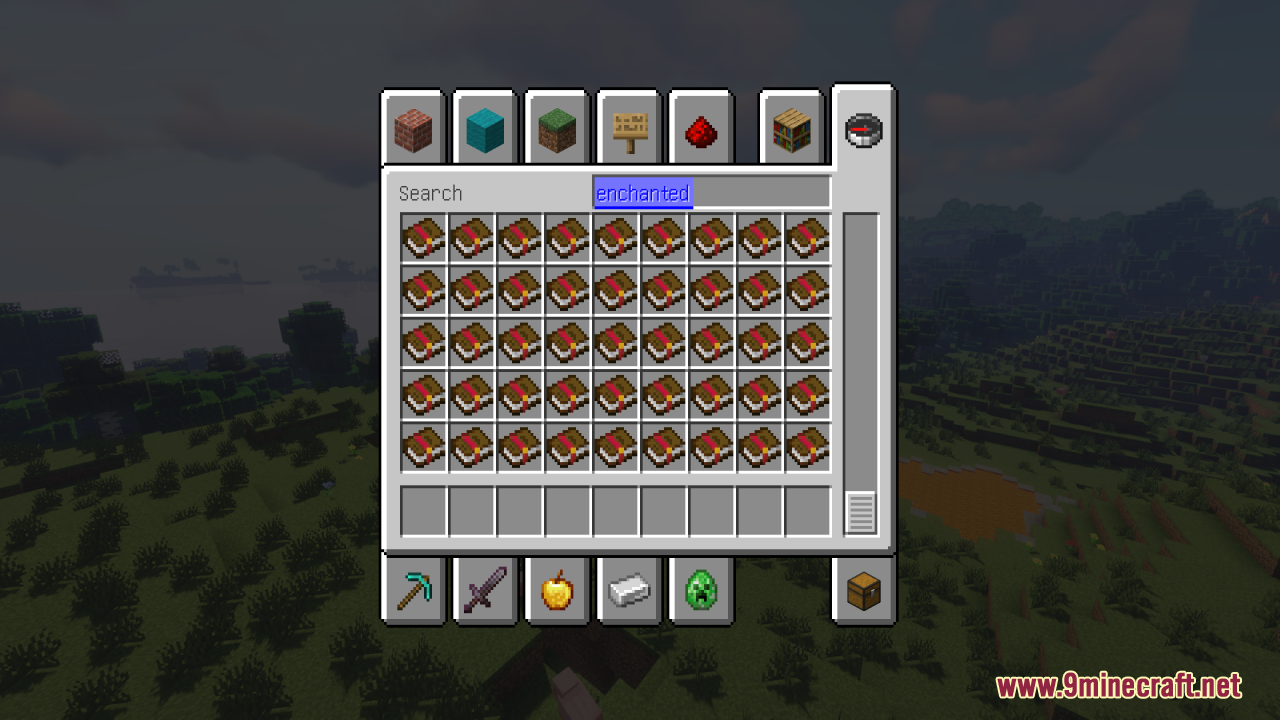


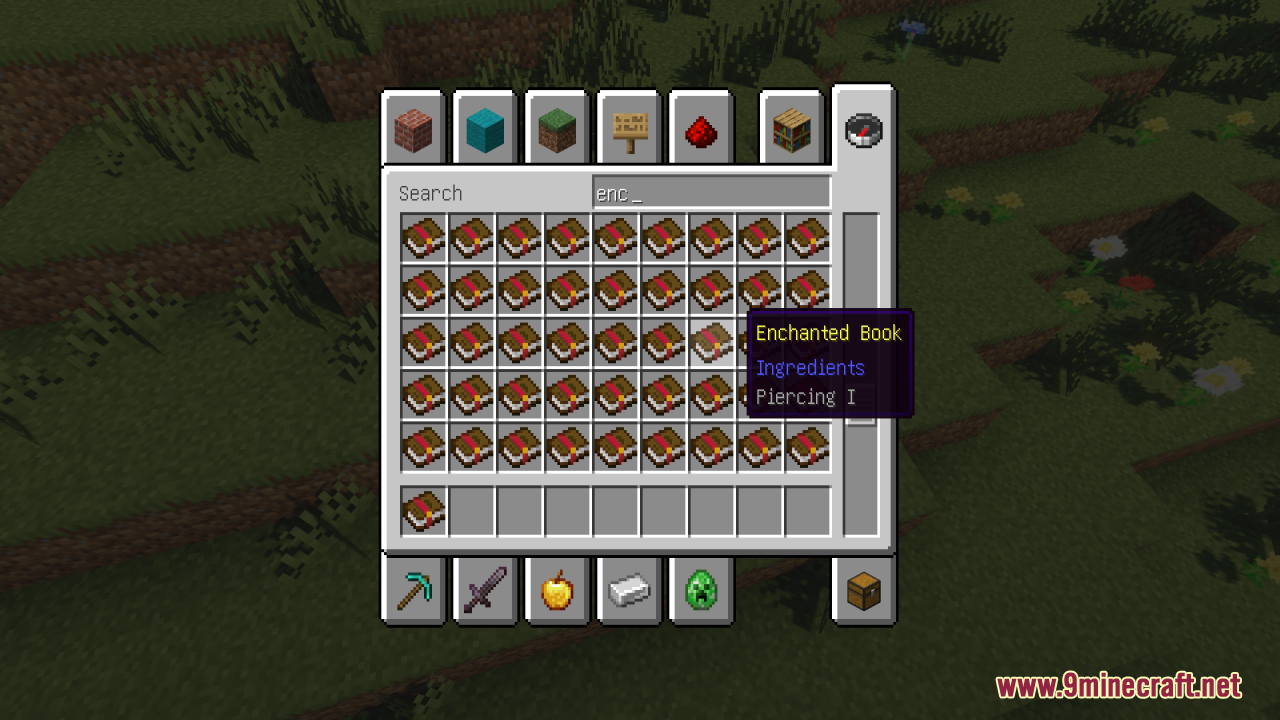
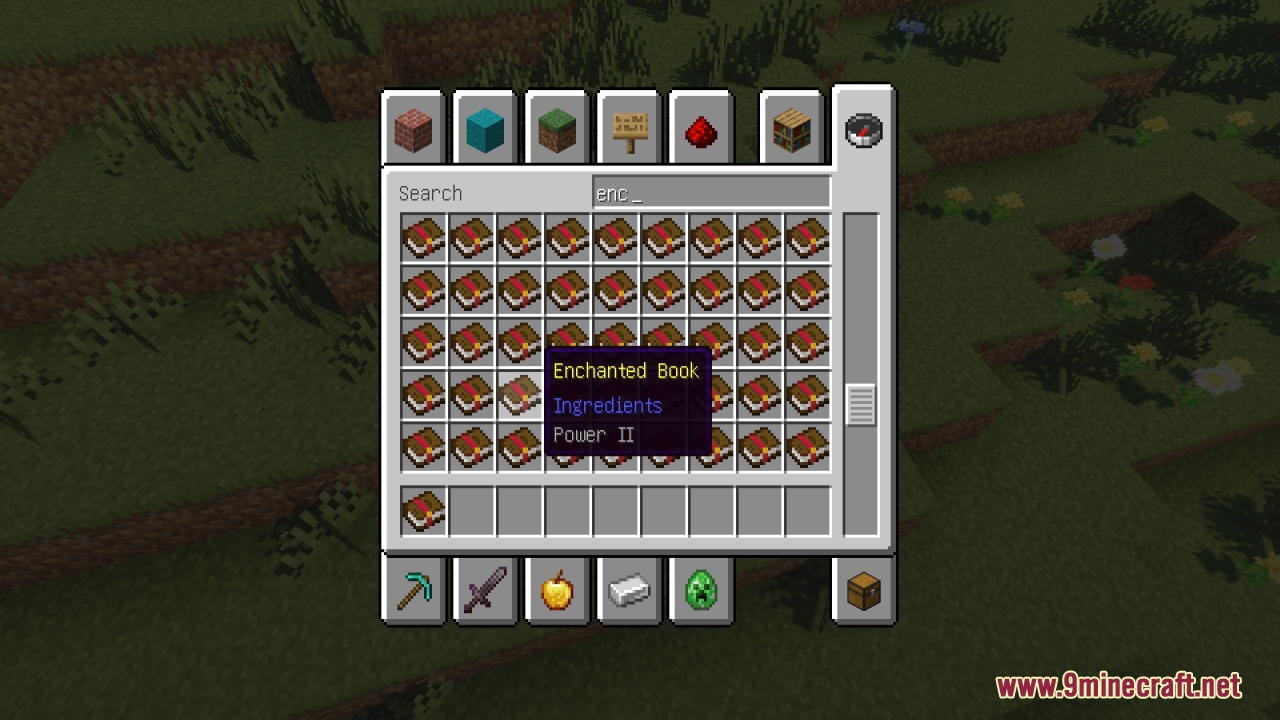
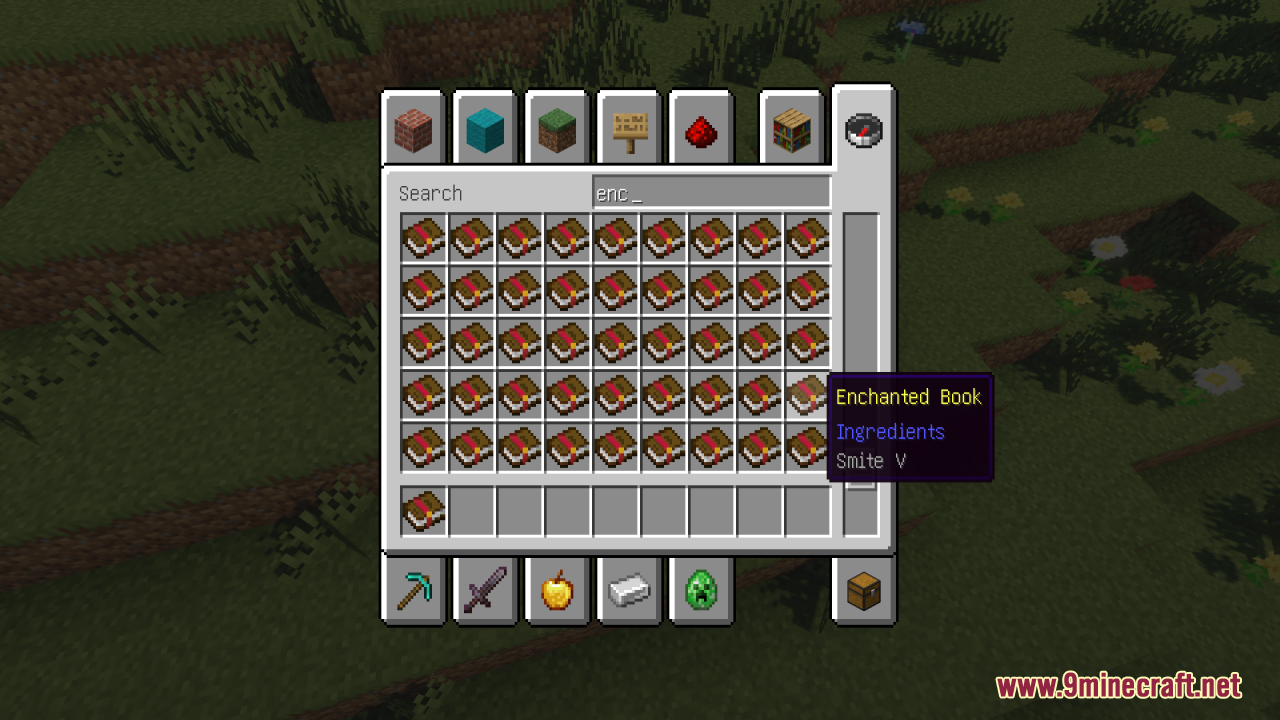
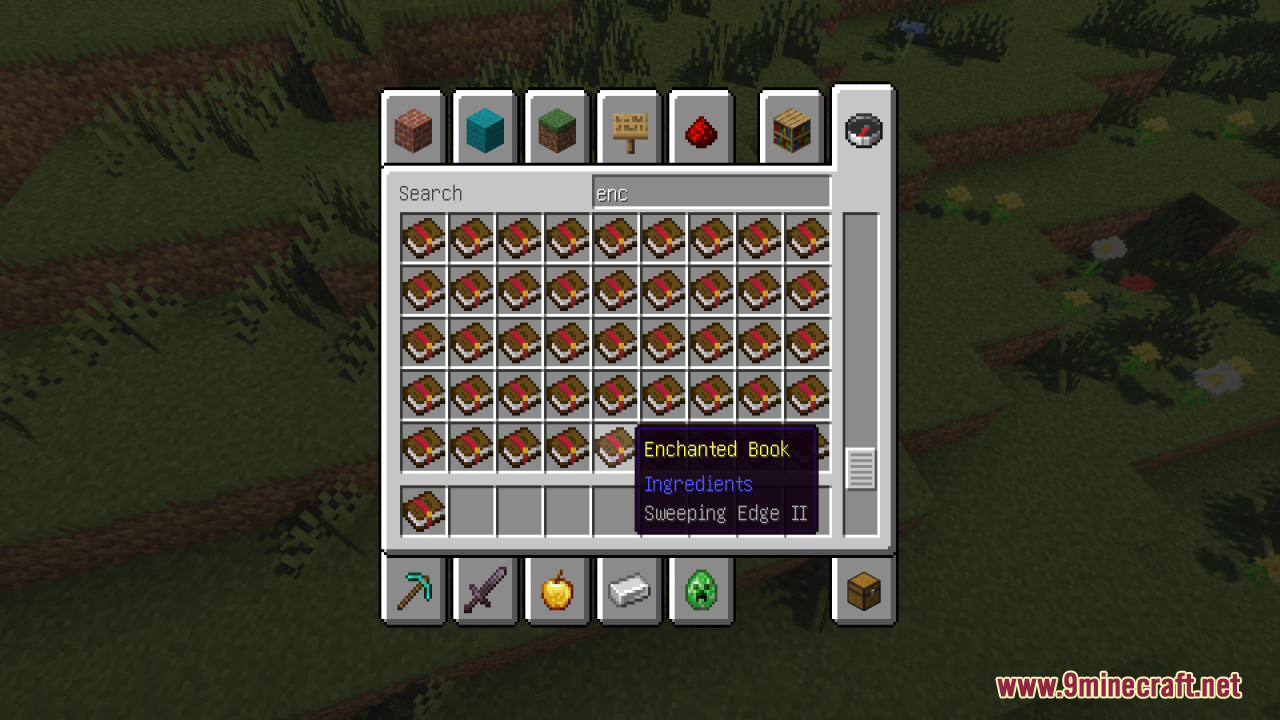
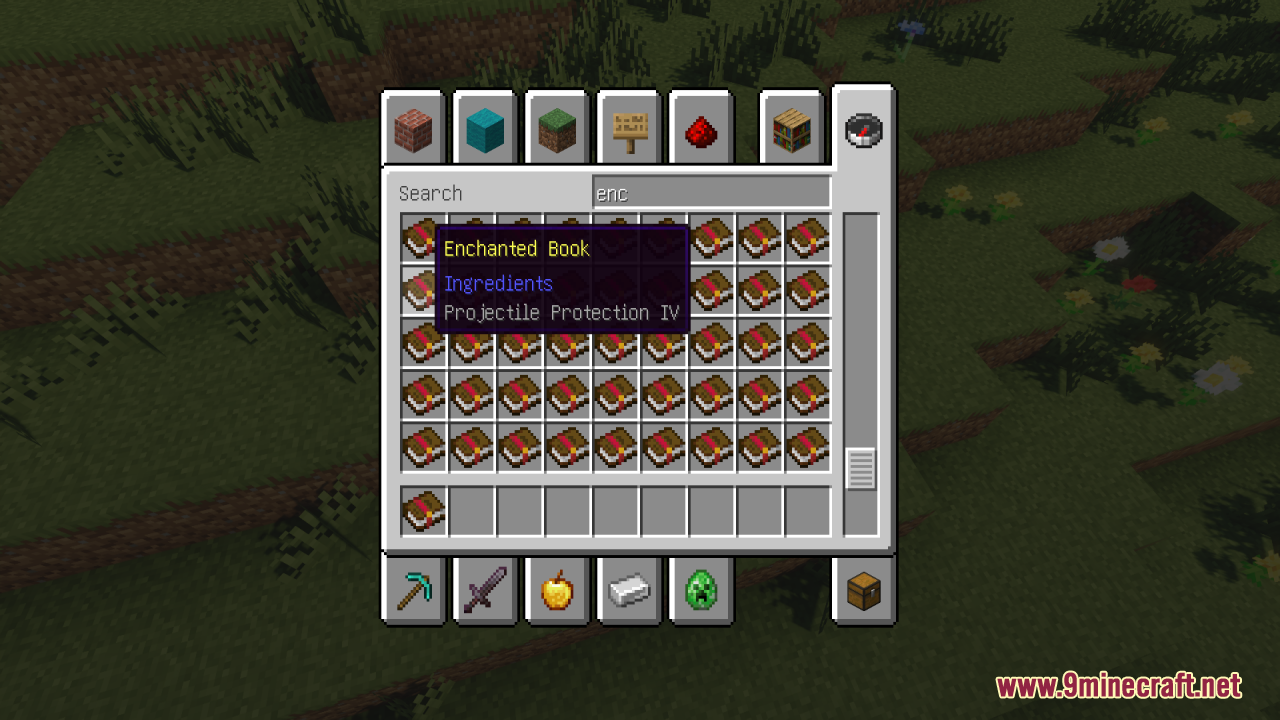
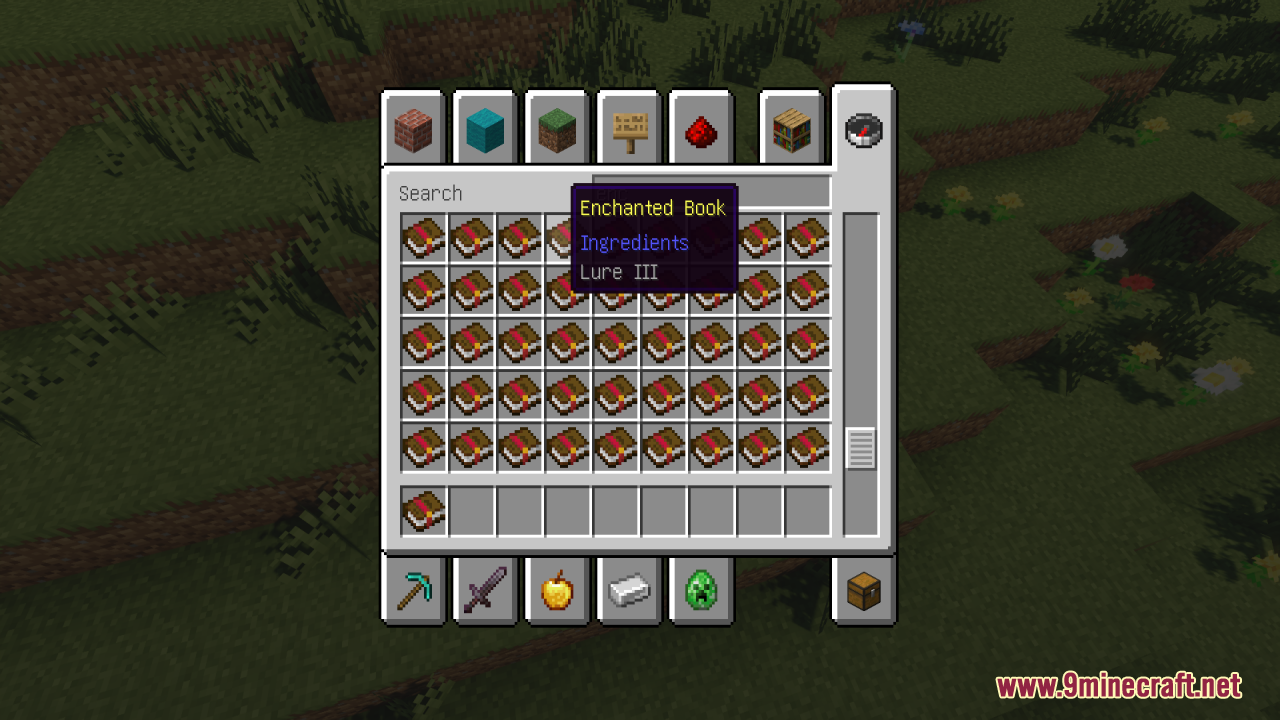
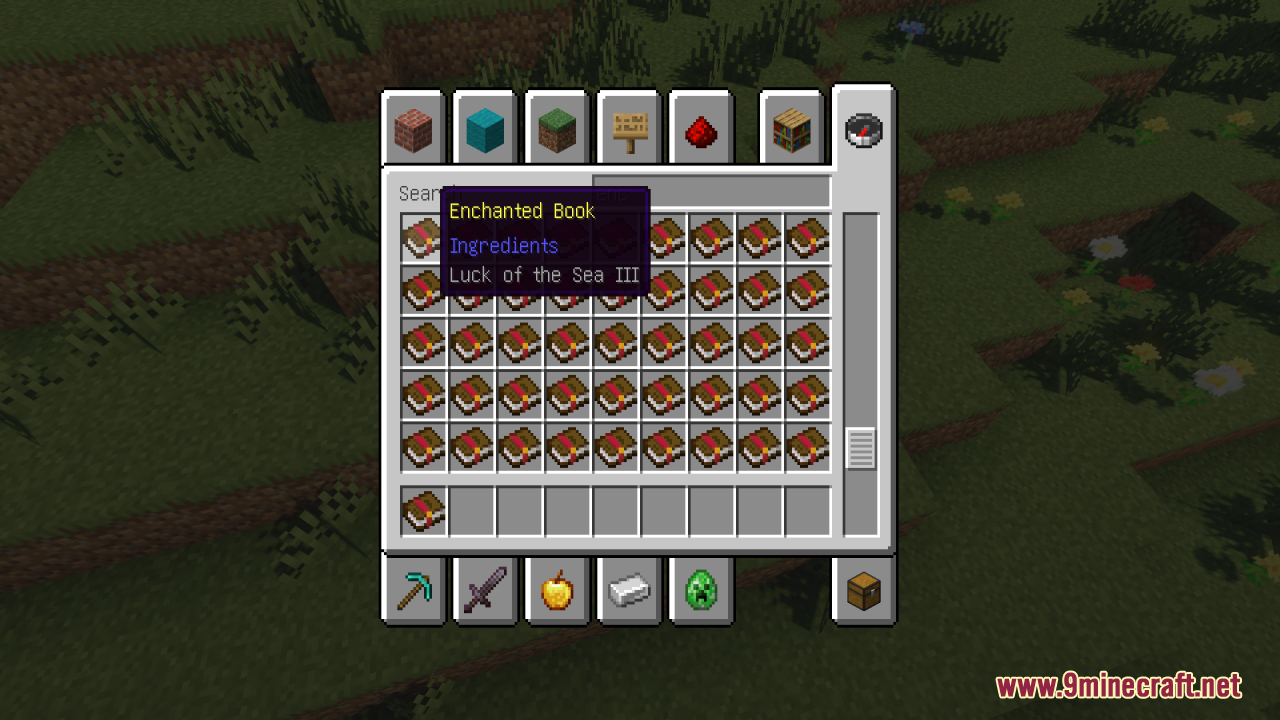
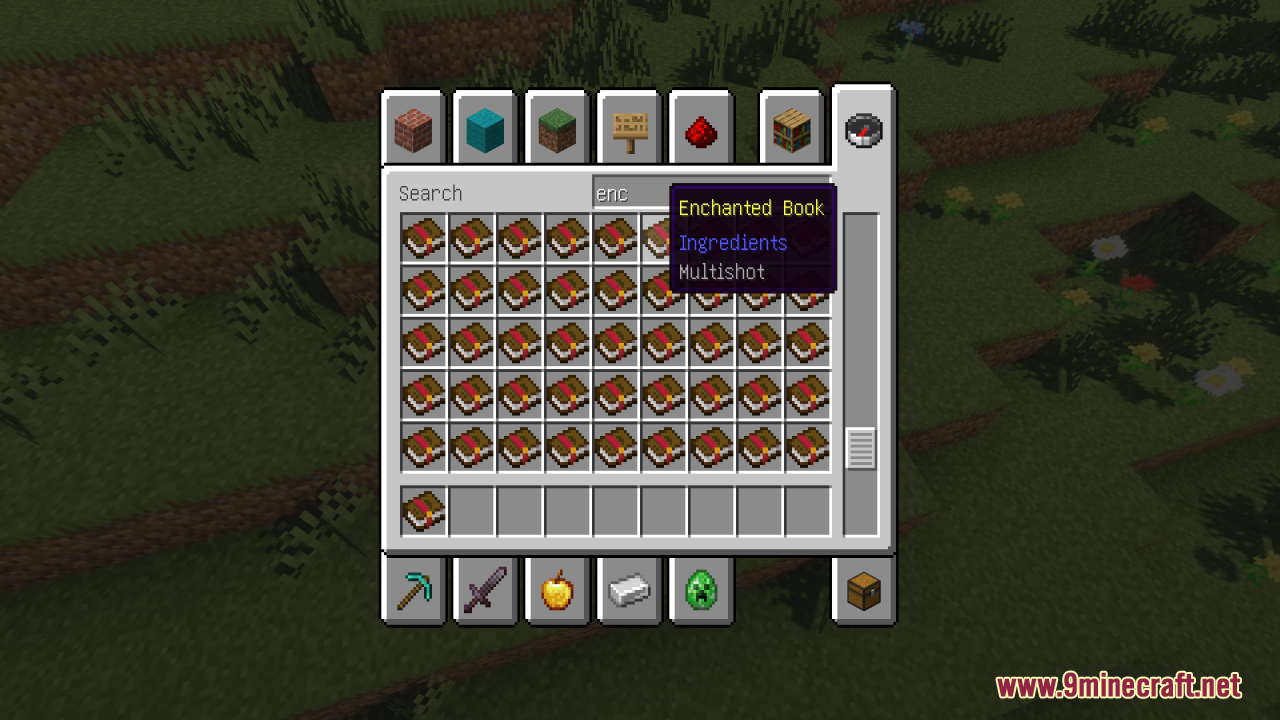
Remove Enchant Glint Resource Pack cleans up your items by taking away the purple glowing effect from enchanted gear. When you put good magic on your swords, armor, or tools, the game usually makes them flash and shine. This pack removes that flash completely. It helps you see the true colors and shapes of your items. If you like a simple look or have trouble telling your tools apart when they glow, this pack gives you a clear view.
Features:
- No More Purple Glow: Removes the shiny magic effect from all enchanted tools, weapons, and armor pieces.
- Helps you spot exactly which item you are holding because the original colors stay clear.
- Stops the constant flashing on your hotbar and character so you can focus on the game.
- Works alongside other mods and custom character skins without breaking their textures.
- Keeps your inventory looking neat and simple even when you carry fully upgraded gear.
Screenshots:
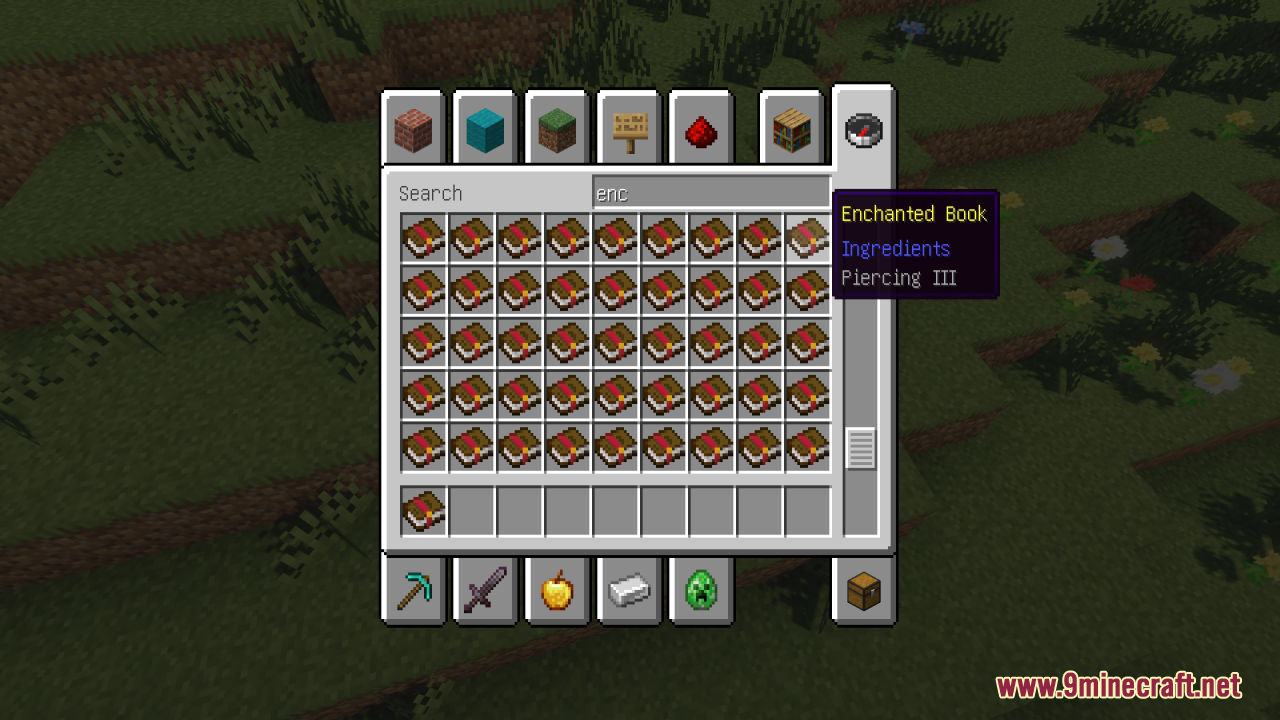
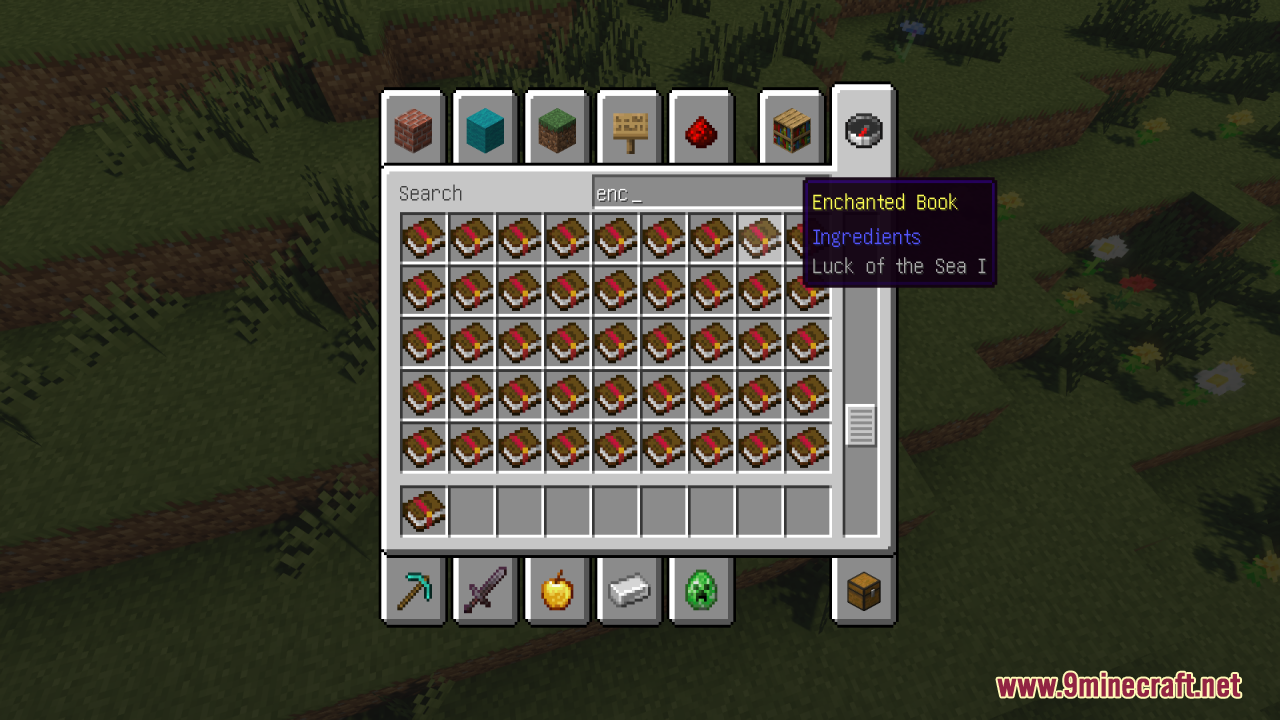
Remove Enchant Glint Resource Pack Download Links
Quick facts
- Edition: Minecraft Java
- File type: .zip (resource pack)
- Minecraft versions listed: 1.21.11, 1.21.1
- How to install: Download the .zip resource pack — do not unzip it. → Put it in .minecraft/resourcepacks. → Enable it in Options → Resource Packs.
- Where to get it: In MC Java Mods, or directly above on this page.
Install steps are the general flow for this file type — How to install Minecraft Java resource packs walks through it step by step.
File checked by MCModsHub
- Downloads as 3463.mcpack
- Download size: 12 KB
- Download link checked 29 Jul 2026 — working
- Mirrored on our own servers — the download does not depend on the original host
These come from our own check of the pack file, not from the source page.