Stashify (Achievement Friendly)
Achievement-friendly Minecraft Bedrock storage addon that lets you link up to 64 containers and quickly deposit matching items using the Stashify Core.
⬇ Download on CurseForge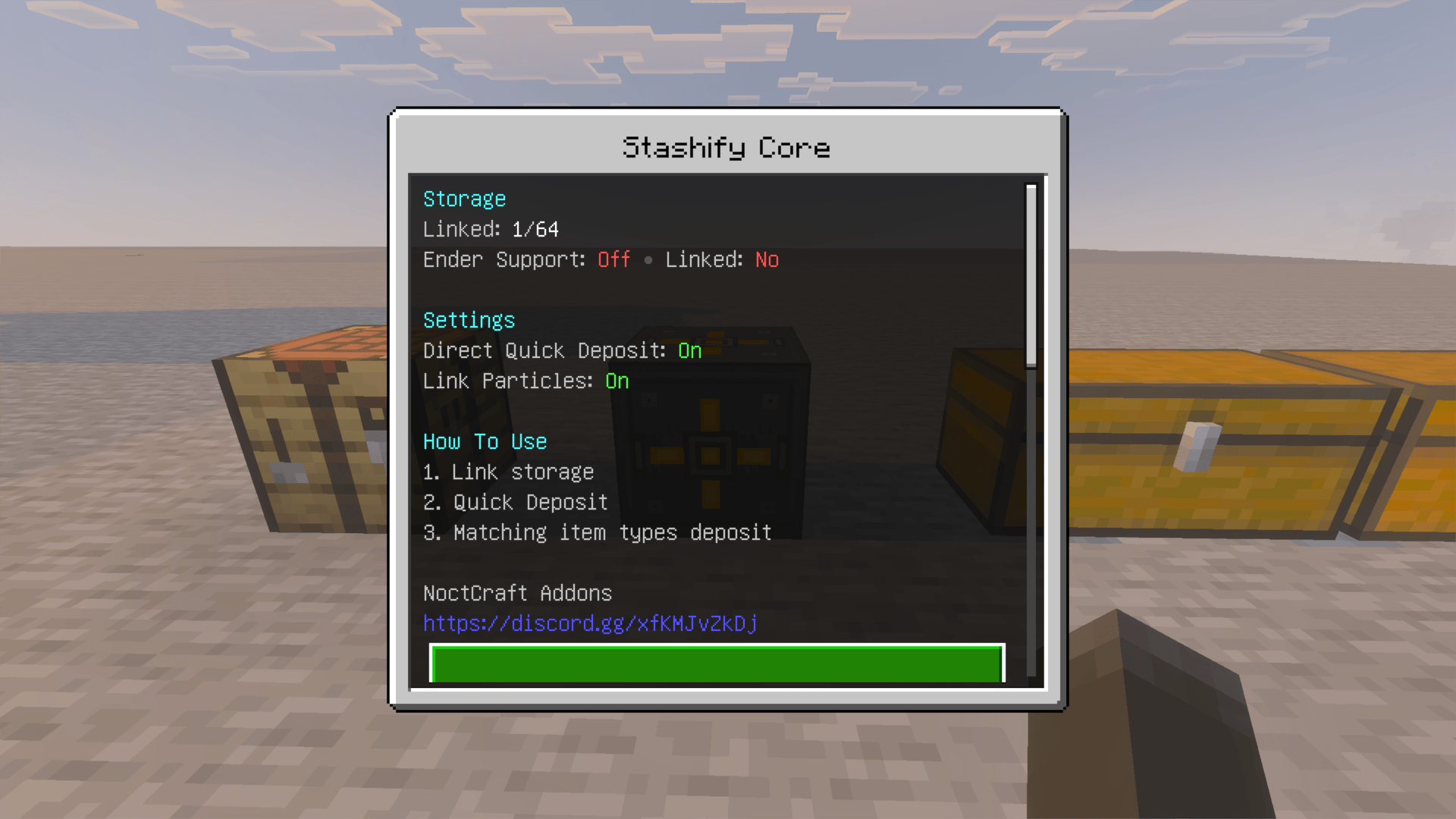
Stashify
Stashify is an achievement-friendly storage utility add-on for Minecraft Bedrock Edition.
Link storage to a Stashify Core, then use Quick Deposit to move matching items from your inventory into the containers where those items already belong.
Achievement Friendly • Survival Friendly • Realm Compatible
Current Version: v1.1.0
Support: Join the NoctCraft Addons Discord
v1.1.0 Update
This update completes the linked-storage counting fix that was only partially resolved in the previous release and improves storage-link feedback.
- Fixed linked-storage counts so valid storage units count correctly up to 64/64
- Fixed Double Chests being split or counted as two separate links
- Double Chests now remain 1 linked storage unit, including when a linked single chest is expanded into a Double Chest
- Improved duplicate-link detection for storage that is already linked
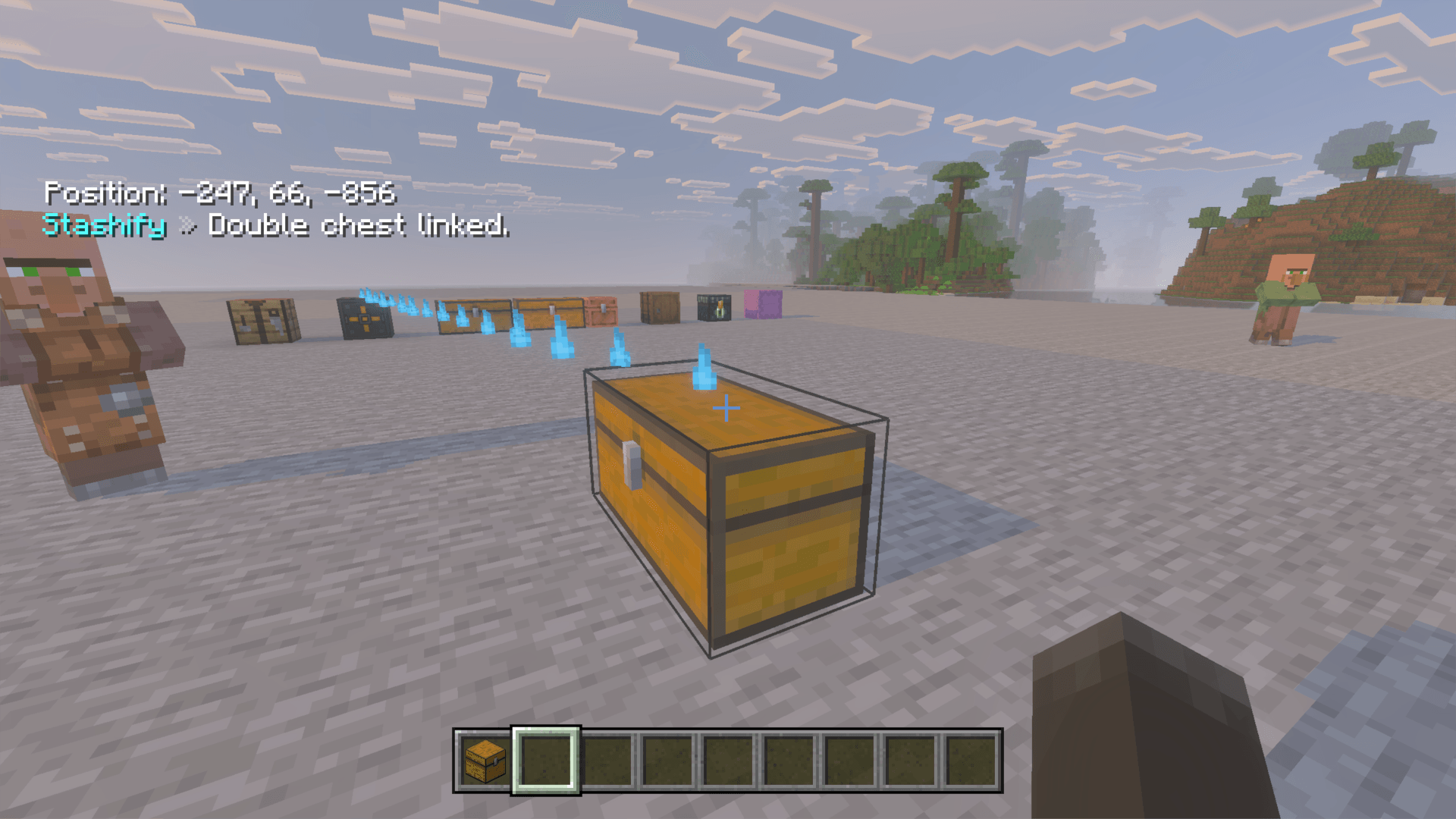
- Added a brief outline effect when storage is successfully linked
- Added outline support for all supported linkable storage types
- Already-linked storage now displays a clear red error message
Previous Improvements
Realm & Core Updates
Improved Realm update handling after an issue could cause an older Stashify Behavior Pack or Core version to remain active.
Quick Deposit Improvements
Improved deposit handling when linked storage is unloaded or temporarily unavailable.
Chat Feedback Toggle
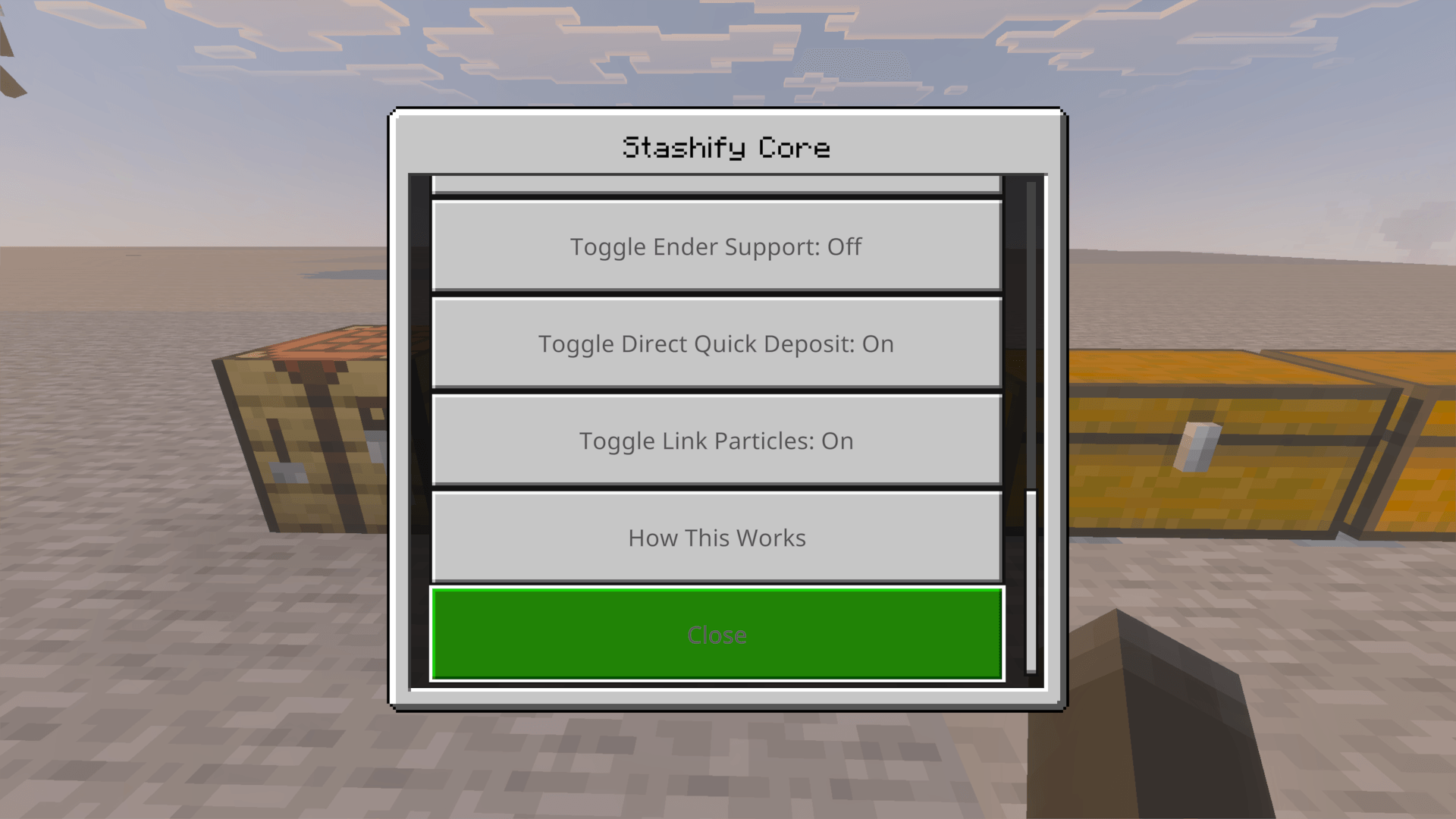
Routine Stashify deposit and status messages can be turned on or off.
Smooth Menu Text
Menu buttons use smooth, non-pixel text for improved readability.
Features
- Craftable Stashify Core
- Up to 64 linked storage units per Core
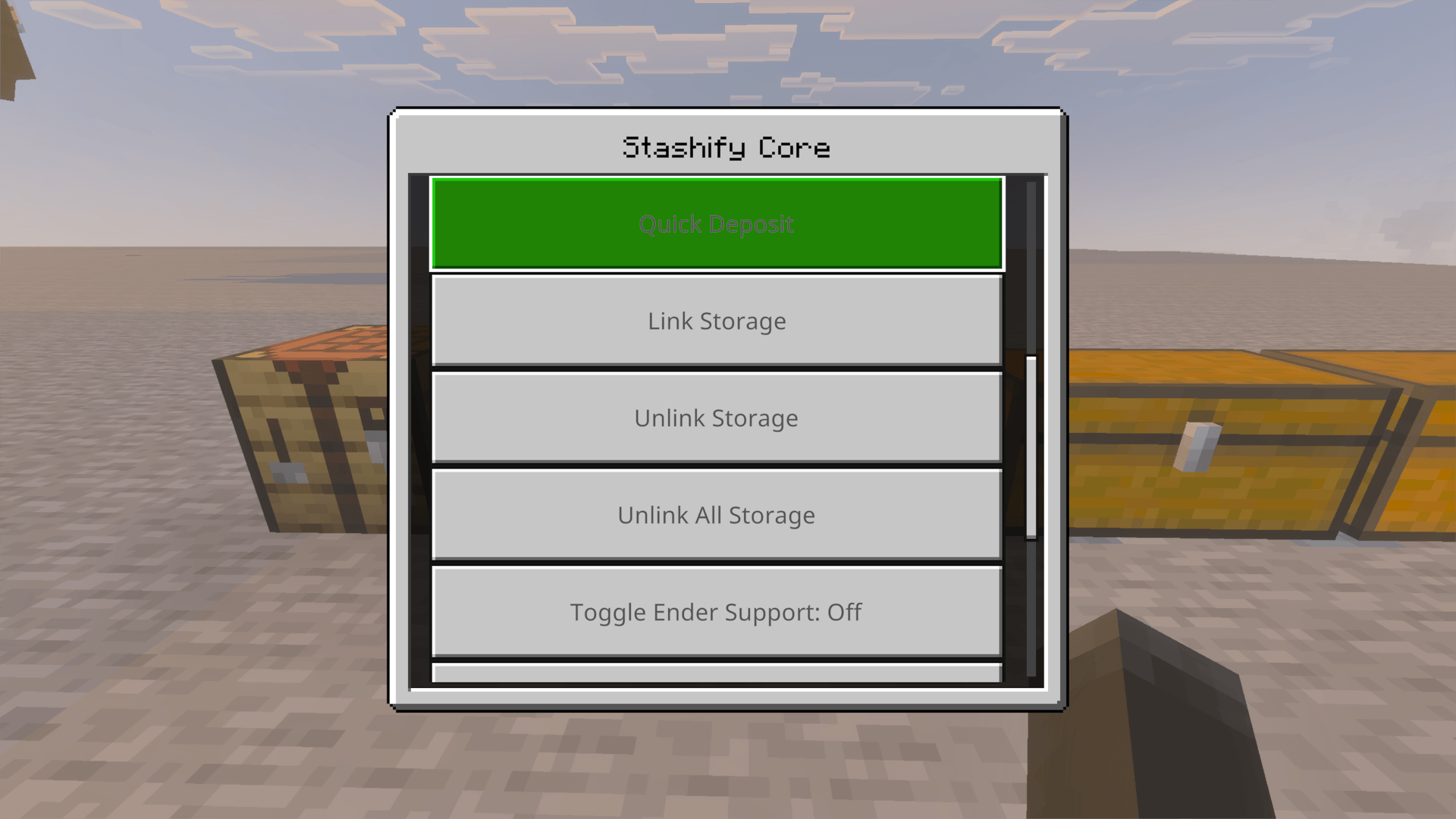
- Quick Deposit from the Core menu
- Direct crouch-and-interact Quick Deposit
- Deposits matching item types only
- Fills existing stacks before empty slots
- Individual linking and unlinking
- Unlink All Storage
- Per-player Direct Quick Deposit setting
- Chat Feedback toggle
- Temporary storage-link outline
- Core ownership protection
- Ender Chest support
- Double Chest support
- Shulker Box support
- Copper Chest support
- Safe handling for customized and special items
How Quick Deposit Works
Stashify only moves an item when linked storage already contains the same item type.
Chest: Cobblestone • Dirt • Iron Ingots
Inventory: Cobblestone • Dirt • Oak Logs
Quick Deposit moves the Cobblestone and Dirt. The Oak Logs remain in your inventory because that storage does not already contain Oak Logs.
Your existing storage layout becomes the sorting system.
Getting Started
- Craft and place a Stashify Core
- Open the Core menu
- Select Link Container
- Interact with the storage you want to link
- Repeat for additional containers
- Select Quick Deposit to organize your inventory
Each Core supports up to 64 linked storage units.
Crafting
Craft the Stashify Core using 2 Dirt stacked vertically:
| Dirt |
| Dirt |
The recipe works in both the player crafting menu and a Crafting Table.
Supported Storage
Chests • Trapped Chests • Double Chests • Barrels • Shulker Boxes • Copper Chests & Variants • Ender Chests
Double Chests count as one linked storage unit.
Ender Chests use each player's personal Ender Chest inventory.
Direct Quick Deposit
When enabled, crouch and interact with supported storage to deposit matching items directly into that container.
This setting is controlled per player and can be disabled whenever normal crouch interactions are preferred.
Achievement Friendly
✓ No experimental settings required
✓ No Beta or Preview APIs required
✓ No cheats required for normal use
✓ Survival friendly
✓ Multiplayer and Realm compatible
Usage
You may use and modify Stashify for your own personal or private use.
Do not reupload, redistribute, sell, republish, or claim Stashify or modified versions as your own without permission from NoctCraft Addons.
Support
Need help, found a bug, or have a suggestion?
Join the NoctCraft Addons Discord
Created by NoctCraft Addons
- Edition: Minecraft Bedrock
- File type: .mcpack or .mcaddon
- Minecraft versions listed: 26.20, 26.30, 26.40
- How to install: Download the .mcpack or .mcaddon file. → Open it — Minecraft imports it. → In your world: Behavior Packs → Available → Activate, then the same under Resource Packs.
- Where to get it: Opens on CurseForge — not every file is mirrored on our own servers.
Install steps are the general flow for this file type — How to install Minecraft Bedrock addons & mods walks through it step by step.
Stashify (Achievement Friendly) is a free Minecraft Bedrock addon. Compatible with Minecraft 26.20, 26.30, 26.40, 26.50. Downloaded 95 times (via CurseForge). Download it and open it directly in the game.