AddonsBedrock
Multi World
Create and manage an unlimited number of independent sub-worlds within a single Minecraft world with zero performance cost.
⬇ Download on CurseForge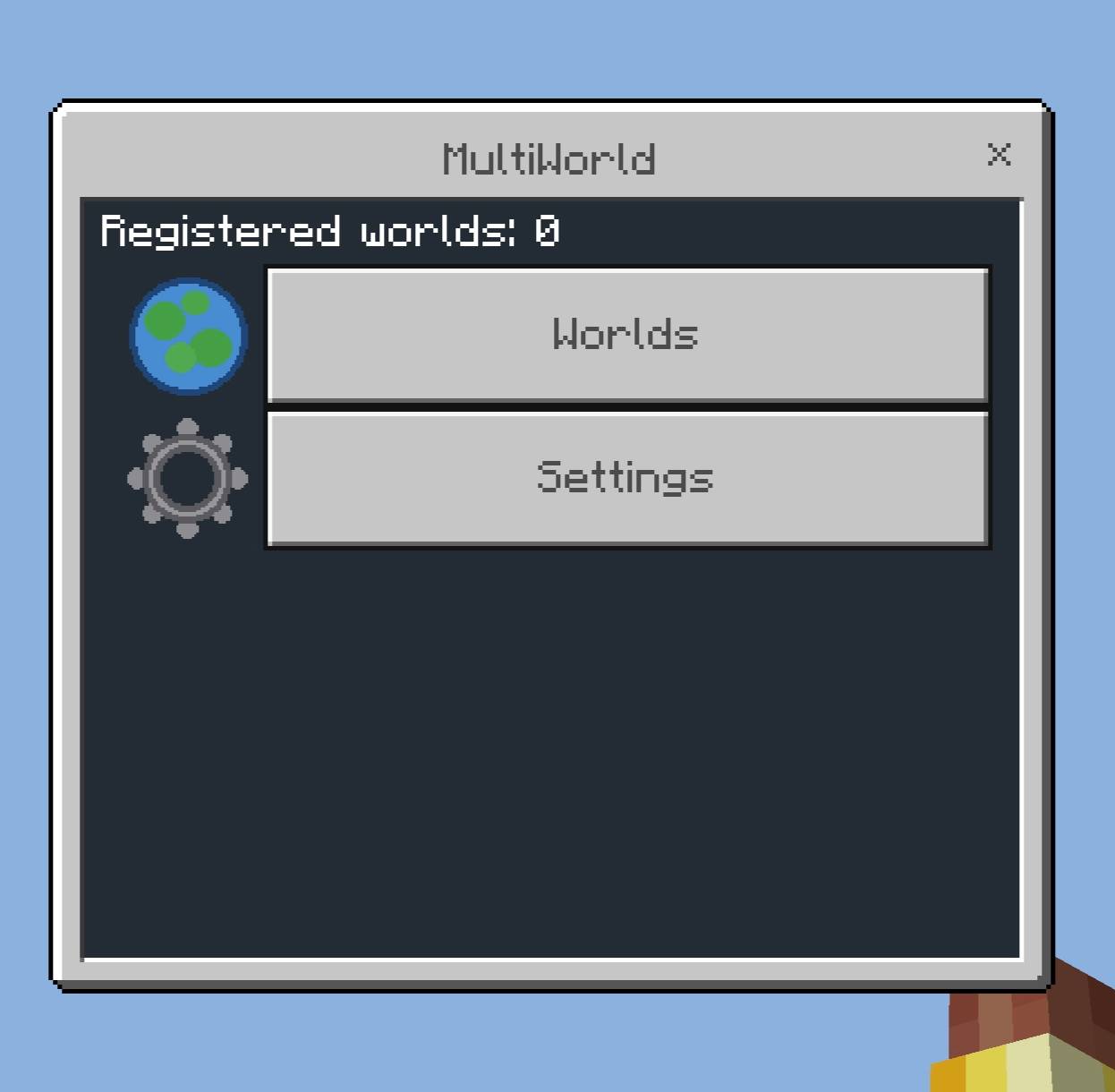
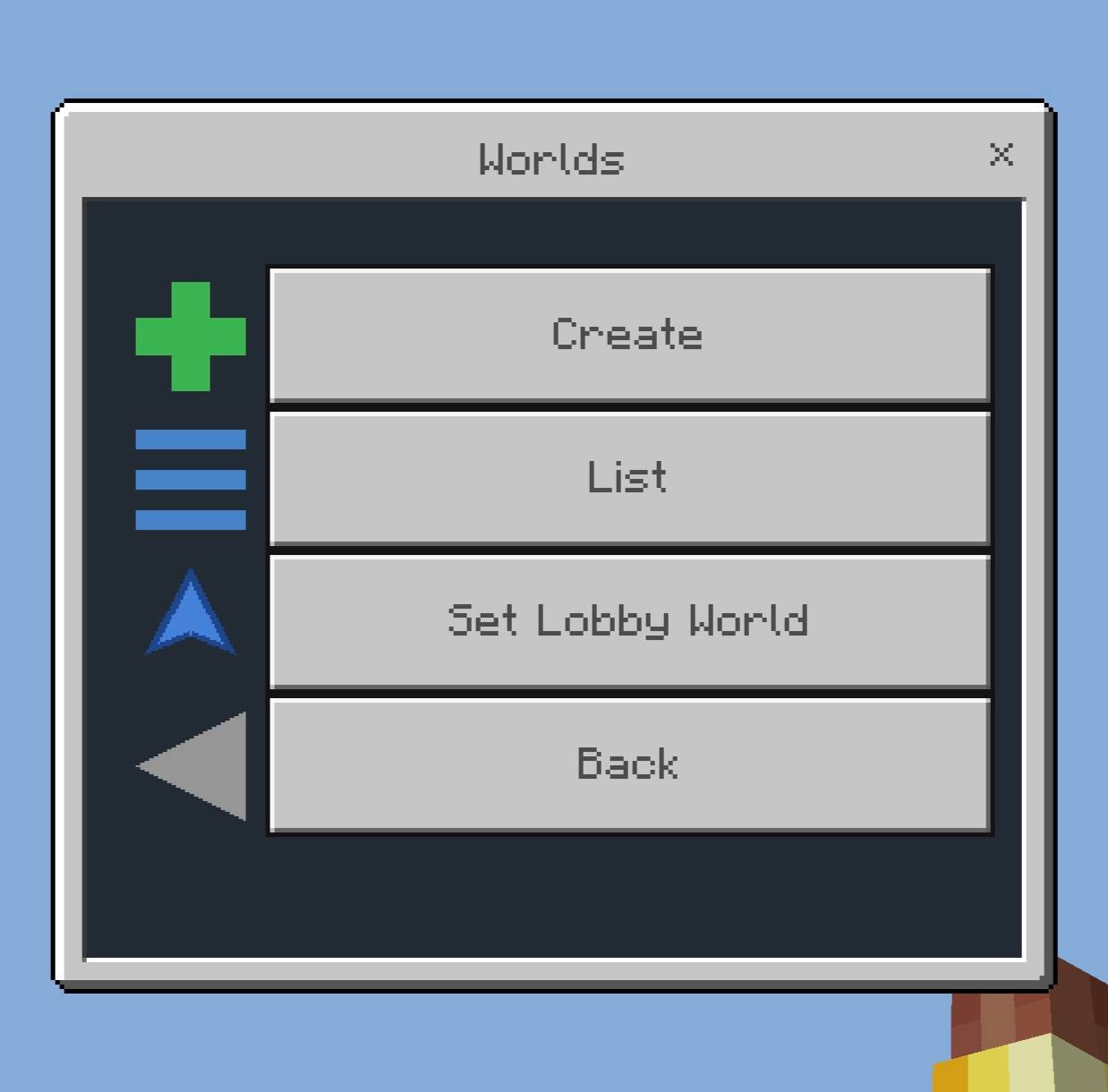
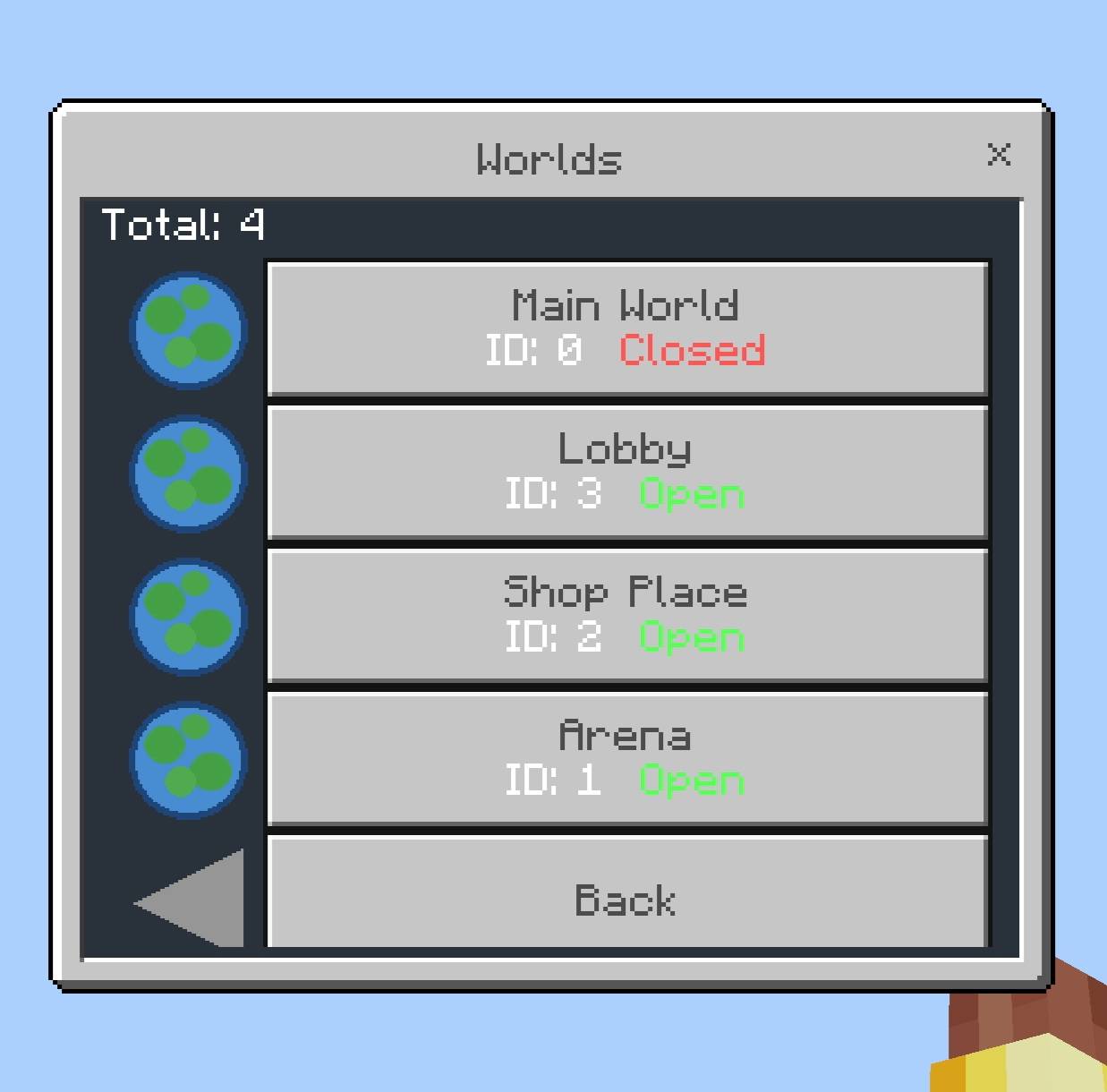

Multi World
- Multi World is a behavior pack that allows you to create and manage an unlimited number of independent "sub-worlds" inside a single Minecraft world. Each sub-world only loads when players are inside it, bringing zero performance cost when empty.
Installation
- Import the .mcaddon file.
- Activate both the Multi World BP and Multi World RP in your world settings.
- Enable the Beta APIs experiment.
Management Menu
- The /mw command can ONLY be executed by operators. From this menu, you can:
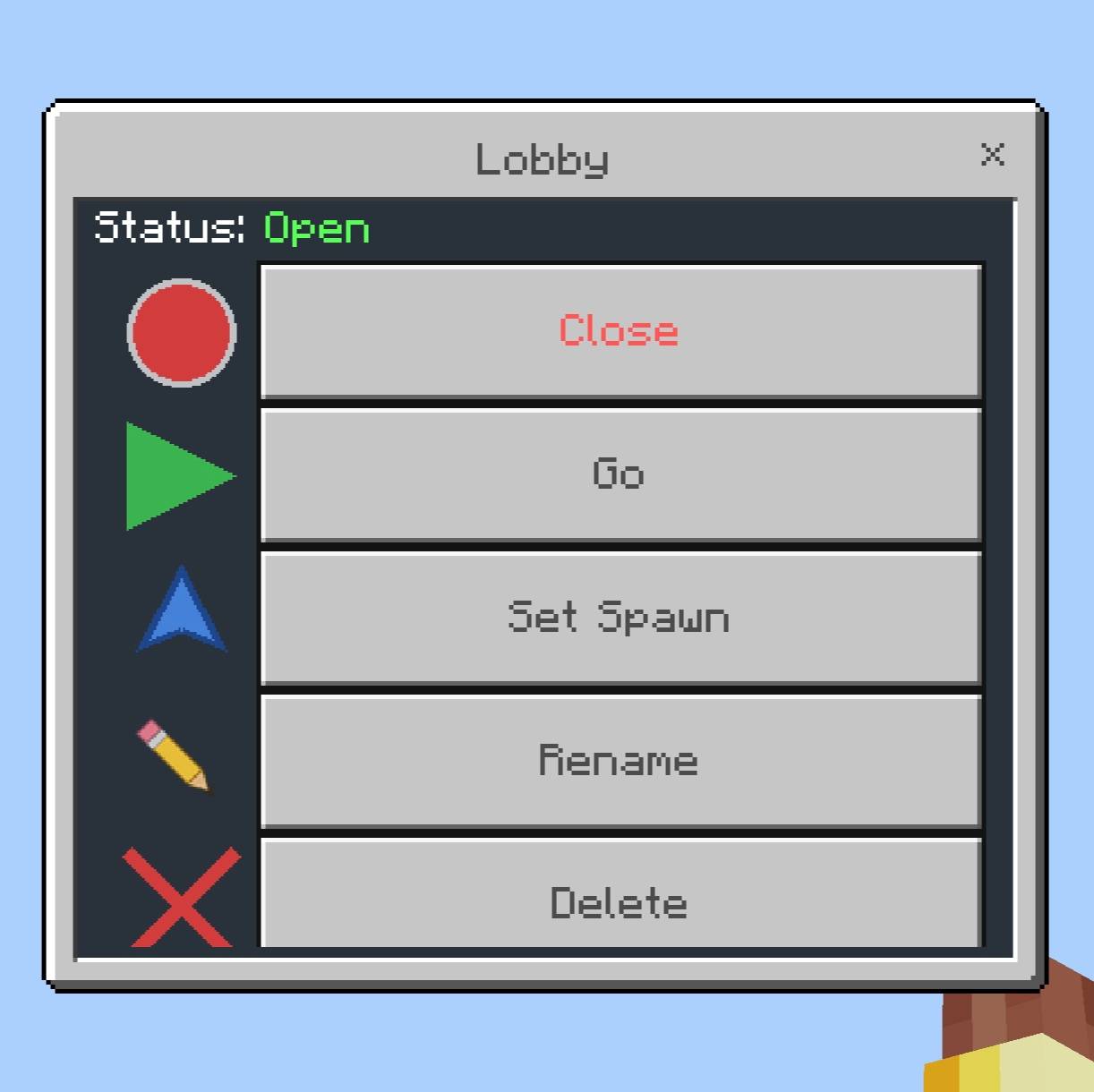
- Create new worlds, list existing ones, toggle them open/closed, rename them, or delete them.
- Set a world's spawn point by using "Set Spawn" while inside that specific world.
- Choose a world's Gamemode (Survival, Creative, Adventure, or Spectator) — you pick it right when you create the world, and can change it anytime from the world's menu. Players are automatically switched to that gamemode when they enter.
- Mark a world as the "Lobby" — players will automatically teleport there when they first join or when they die.
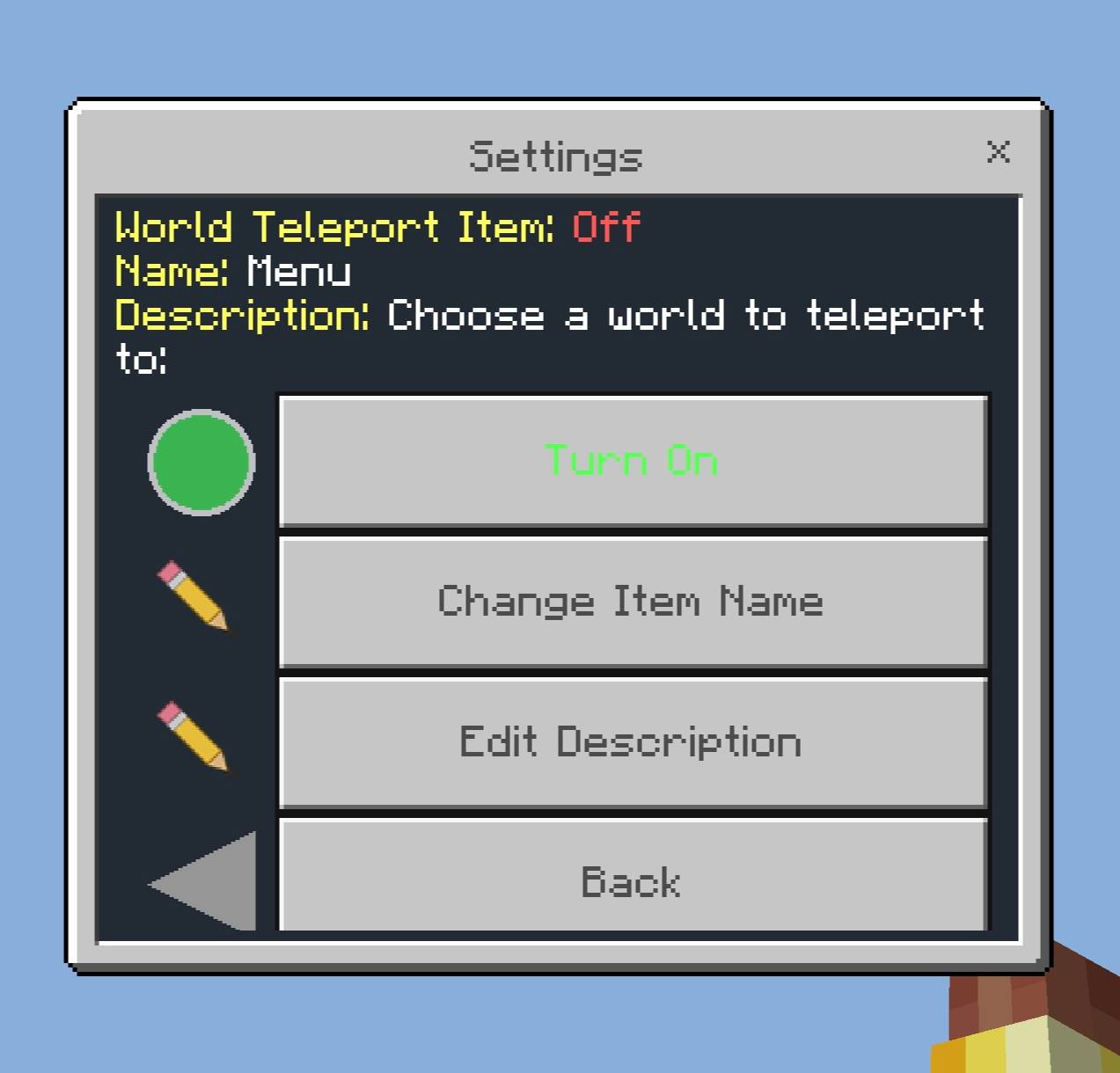
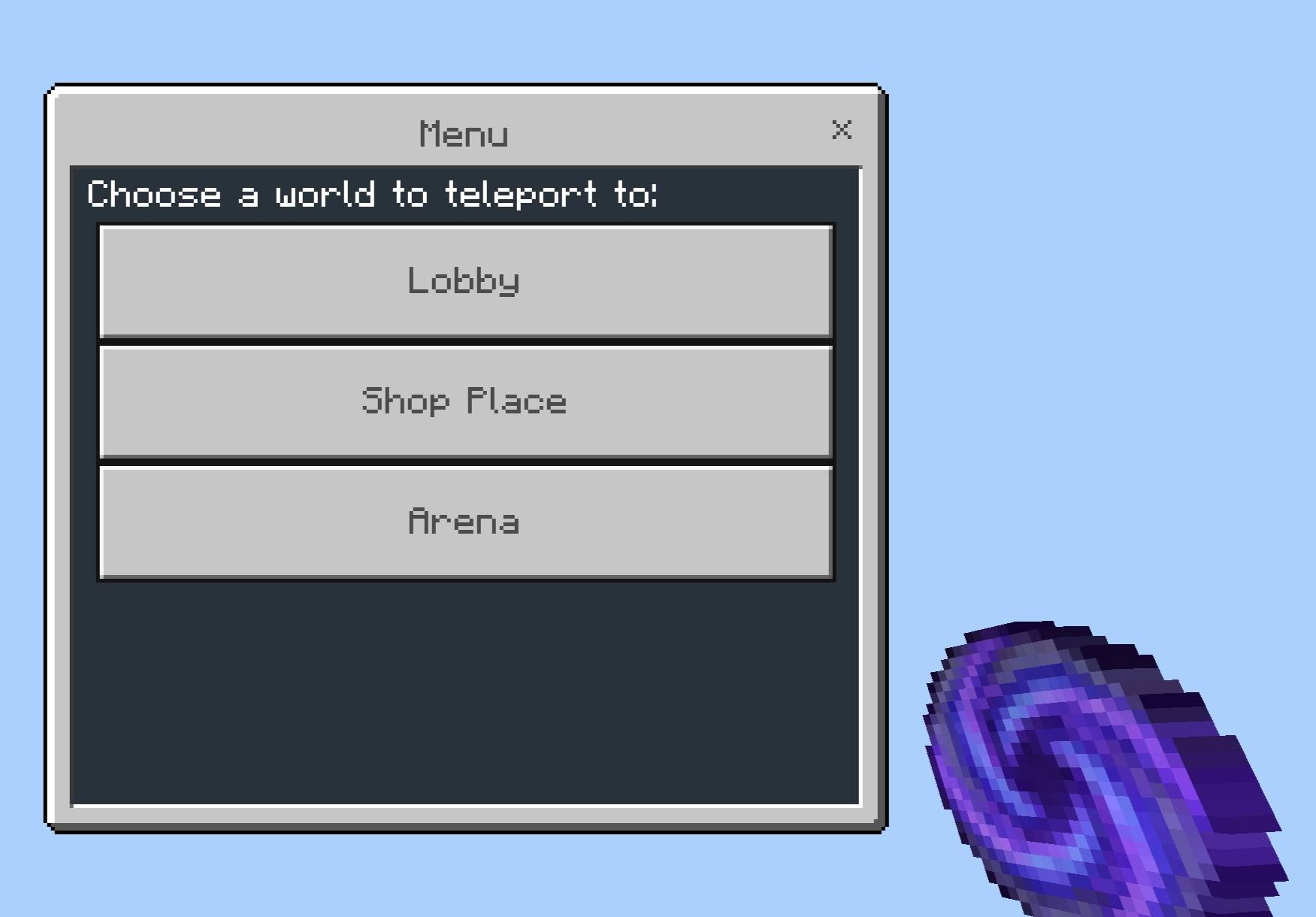
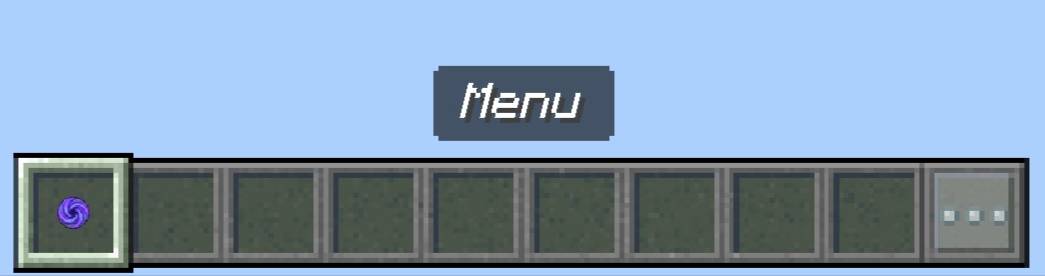
- Toggle a public teleportation item (default name "Menu"), and customize its name and lore/description. When enabled, this item is automatically given to every player; it is kept on death and immediately vanishes if dropped.
Automation via Command Blocks
- The /mw tp <id> <player> [x] [y] [z] command can be used by both operators and command blocks. Each world has a fixed numerical ID (1, 2, 3...). By knowing this ID, you can set up systems—such as when an NPC is clicked or a trigger is activated—that automatically teleport the player to a specific world (and to specific coordinates if desired). If no coordinates are specified, players will be teleported to the world's saved spawn point.
Quick facts
- Edition: Minecraft Bedrock
- File type: .mcpack or .mcaddon
- Minecraft versions listed: 26.50, 26.30
- How to install: Download the .mcpack or .mcaddon file. → Open it — Minecraft imports it. → In your world: Behavior Packs → Available → Activate, then the same under Resource Packs.
- Where to get it: Opens on CurseForge — not every file is mirrored on our own servers.
Install steps are the general flow for this file type — How to install Minecraft Bedrock addons & mods walks through it step by step.
Multi World is a free Minecraft Bedrock addon. Compatible with Minecraft 26.50, 26.30. Downloaded 417 times (via CurseForge). Download it and open it directly in the game.