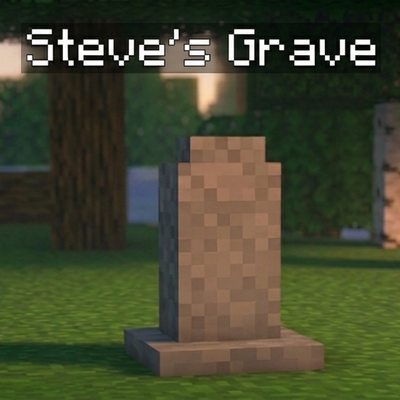
The Death Grave Addon brings an advanced post-death item recovery system to Minecraft Bedrock Edition. When you die, all your items (inventory + armor) are safely stored inside a custom Grave that spawns exactly where you perished. Upon respawning, a magical Death Compass is automatically added to your inventory to guide you straight back to your grave.
Features
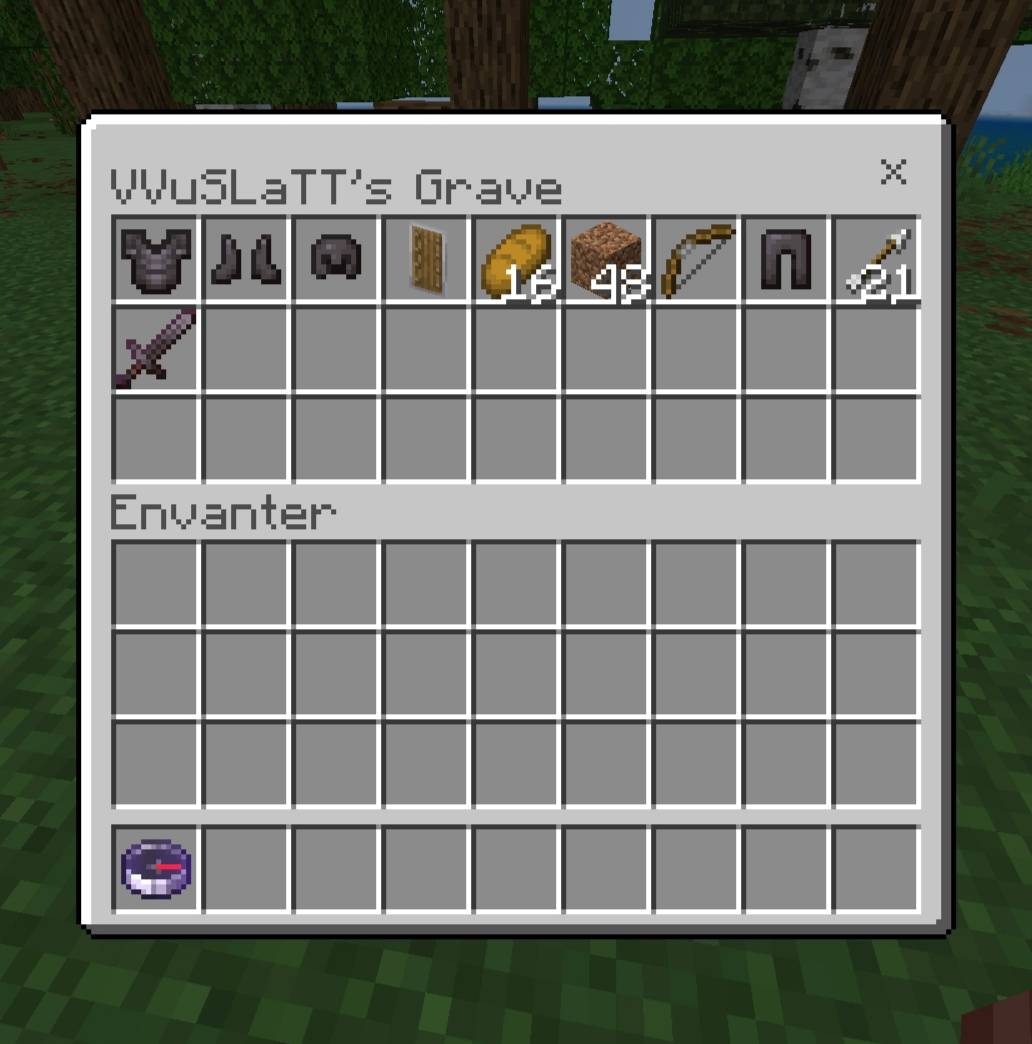
Automatic Post-Death Grave: A custom 3D gravestone entity spawns at your exact death coordinates, holding your entire inventory and equipped armor.
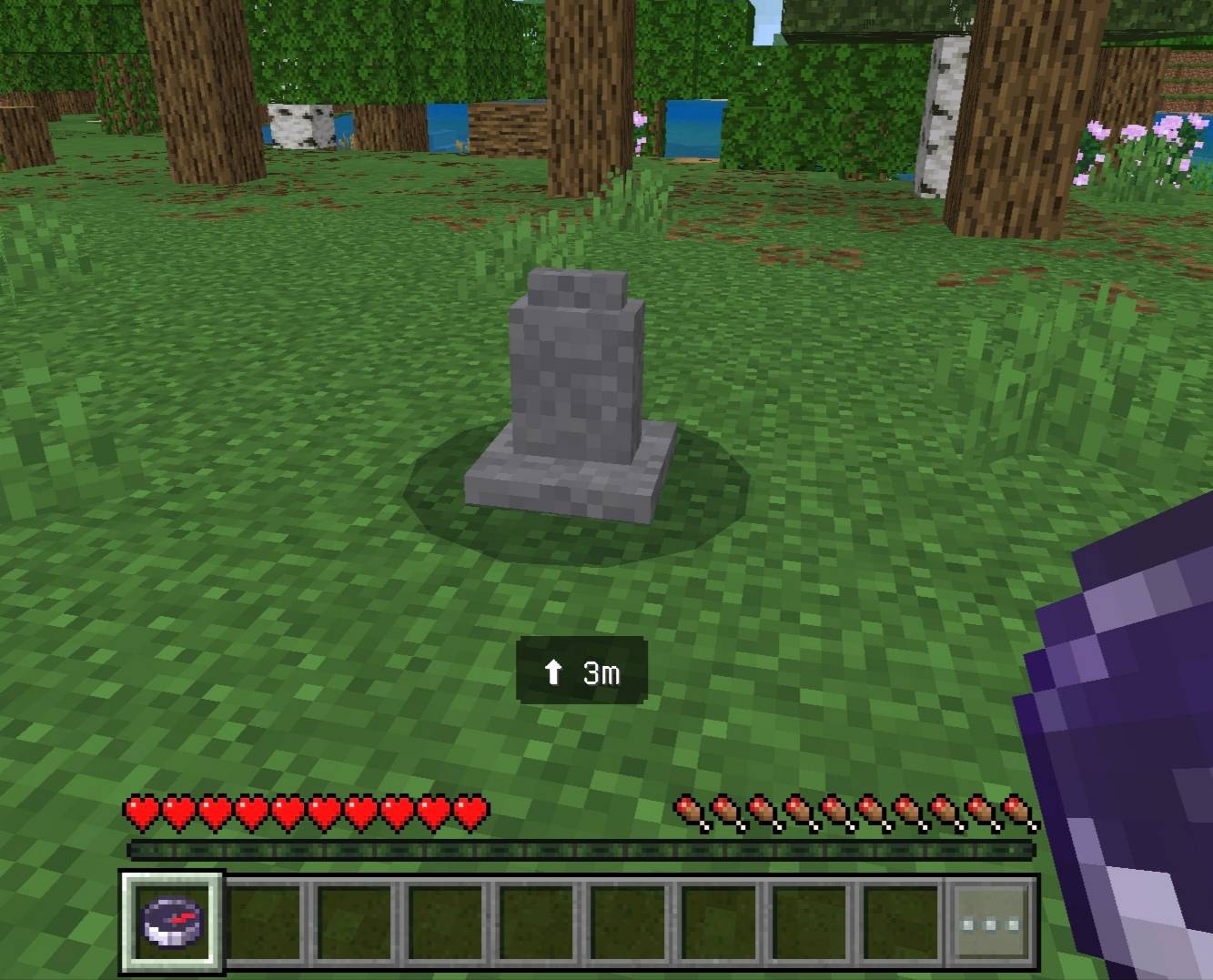
Death Compass: Handed to you the moment you respawn. The compass comes permanently locked onto your grave.
Live Direction Tracking: Holding the compass displays an on-screen arrow pointing toward your grave, along with the distance remaining. If you stand directly above or below it, the arrow switches to an Up/Down indicator to help you pinpoint those last few blocks.
Magical Glow: The Death Compass features a distinct, enchanted shimmer so you won't confuse it with a regular compass.
Multiple Grave Support: Died multiple times back-to-back? A separate grave and corresponding compass are created for each death. Breaking a grave only deletes its matching compass; your other death compasses will safely remain in your inventory.
Void-Proof Placement: Perished in mid-air or fell into the End void? Instead of floating in thin air (or taking void damage), the grave automatically relocates to the nearest solid ground.
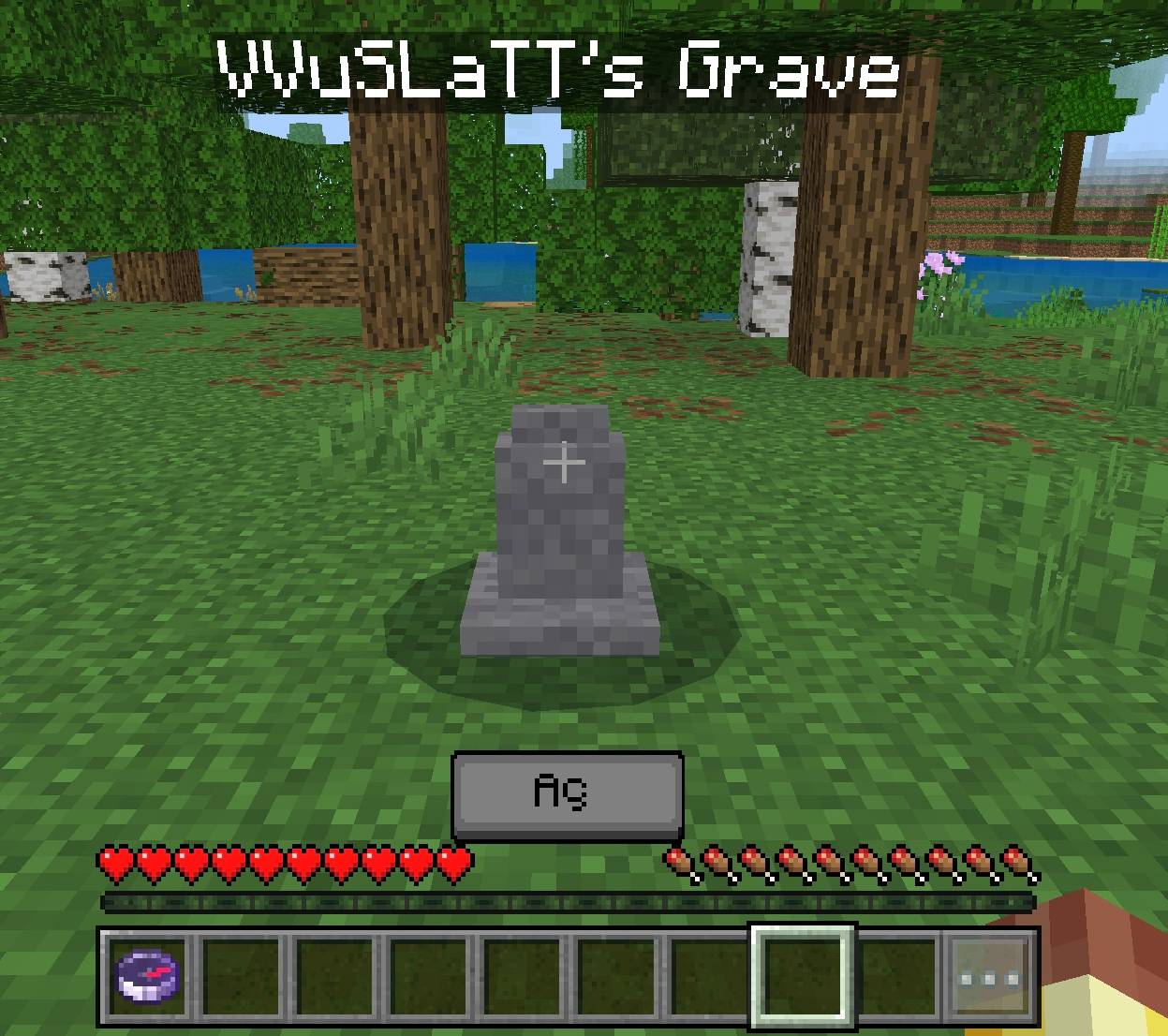
Fragile Structure: The grave has only 1 heart (2 HP). It won't disappear from a single accidental click, but it breaks easily when targeted.
Named Chest: The owner's name is displayed directly above the grave.
How to Use
Enable the Beta APIs option under Experiments when creating or editing your world.
Apply both the Behavior Pack and Resource Pack to your world.
Play normally. When you die, a grave holding your items will appear at your death location.
Check your inventory upon respawning for the Death Compass — hold it in your hand to see the direction and distance to your grave.
Break the grave to retrieve your items (a few hits will do) — the loot will drop onto the ground, and its matching compass will automatically be removed from your inventory.
Notes
If some of your items aren't visible in the grave's 27 slots, simply break it; the overflowing items will drop right next to the grave on the ground so that absolutely nothing is lost.
Credits
Created By VVuSLaTT
- Edition: Minecraft Bedrock
- File type: .mcpack or .mcaddon
- Minecraft version listed: 26.30
- How to install: Download the .mcpack or .mcaddon file. → Open it — Minecraft imports it. → In your world: Behavior Packs → Available → Activate, then the same under Resource Packs.
- Where to get it: Opens on CurseForge — not every file is mirrored on our own servers.
Install steps are the general flow for this file type — How to install Minecraft Bedrock addons & mods walks through it step by step.
Death Grave is a free Minecraft Bedrock addon. Compatible with Minecraft 26.30. Downloaded 217 times (via CurseForge). Download it and open it directly in the game.