
Fall Effects
Java mod listed for Minecraft 1.21–26.x. Downloads from the MC Java Mods app on Android.
I don't know my version or loader
Fall Effects
Adds block particles when landing from a great height.
When landing from a fall higher than 10 blocks, particles will appear around you.
The amount, distance and height of the particles scale based on your fall distance.
The block particles change depending on what block you fell on.
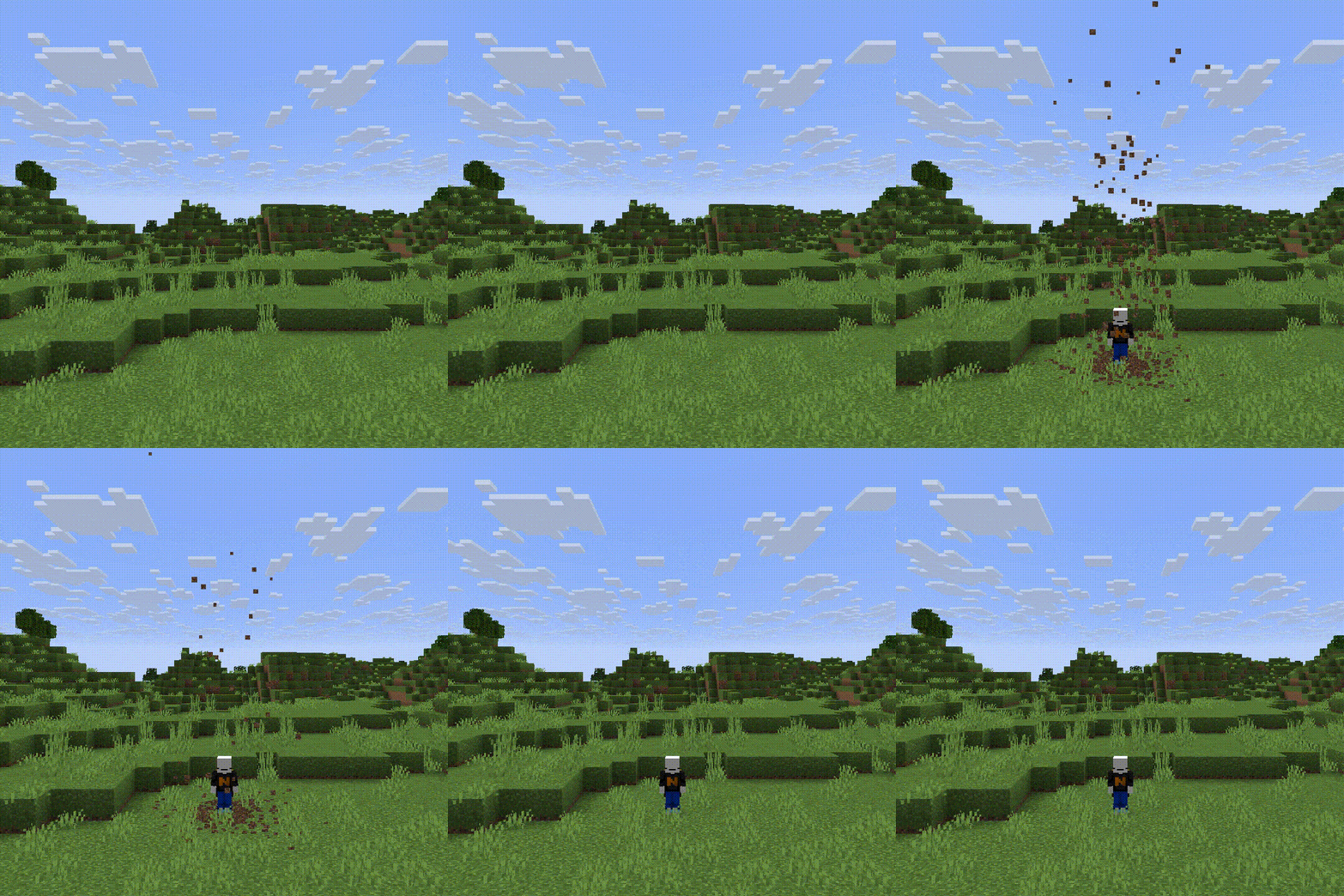 (50 block fall)
This datapack does not support every block, because I had to add them manually to a list, which is very time consuming. It was also made in 1.21.11, it will still work in the newer versions, but the newer blocks wont have particles.
InstallationServer Installation (Datapack)
Go in the main server file
Open world -> datapacks
Upload the datapack in the datapacks folder
World Installation (Datapack)
Press Win + R and enter %appdata%
Open .minecraft -> saves -> -> datapacks
Upload the datapack in the datapacks folder
(Note that if you are using a launcher like Modrinth App or Prism Launcher, you'll need to go on your instance on the launcher and click on Open Folder.)
Server Installation (Mod)
Go in the main server file
Open mods
Upload the mod in the mods folder
- Edition: Minecraft Java
- File type: .jar
- Minecraft versions listed: 1.21, 1.21.1, 1.21.2
- How to install: Install the matching mod loader (Forge, Fabric or NeoForge) for your Minecraft version. → Download the .jar. → Put it in the .minecraft/mods folder and launch that loader profile.
- Where to get it: Opens on Modrinth — not every file is mirrored on our own servers.
Install steps are the general flow for this file type — How to install Minecraft Java mods & modpacks walks through it step by step.
- Ships as fall-effects-1.0.jar — drop this file into the mods folder
- Download size: 48 KB
- Download link checked 25 Oct 2026 — working
These come from our own check of the pack file, not from the source page.