
Coordboard
A lightweight Create Aeronautics addon that lets Navigation Tables read coordinates directly from Create Clipboards.
⬇ Download on Modrinth
Coordboard
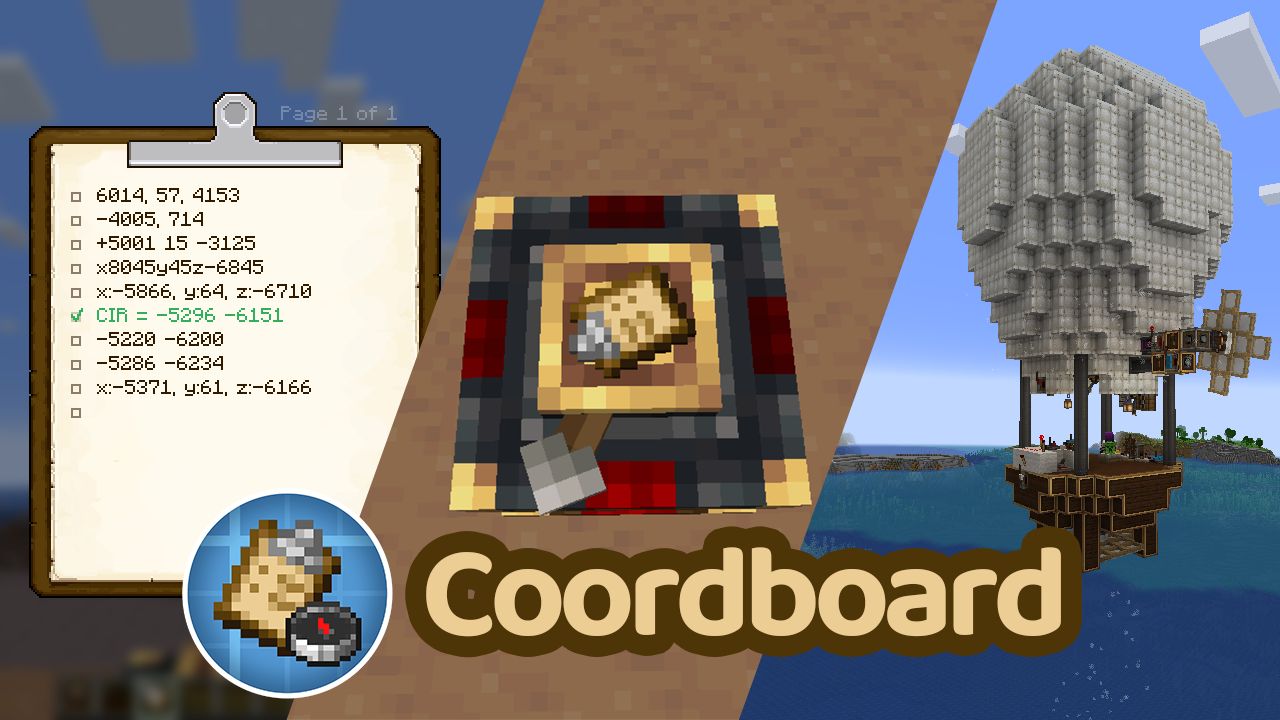 Coordboard is a small server-side addon for Create Aeronautics that allows a Navigation Table to use a Create Clipboard as a navigation target.
Instead of crafting or carrying dedicated navigation targets, simply write your destination coordinates on a Clipboard, check the desired entry, and insert it into the Navigation Table.
Features
- Use a Clipboard directly in the Navigation Table.
- Read navigation coordinates from a checked Clipboard entry.
- Supports multiple coordinate formats.
- Reads the top-most checked entry on the last opened Clipboard page.
- Fully server-side; clients do not need to install the mod.
Usage
- Write one or more coordinates on a Clipboard.
- Make sure each coordinate entry is written on a single line.
- Check the coordinate you want to navigate to.
- Make sure it is on the last page you opened.
- Insert the Clipboard into a Navigation Table.
The Navigation Table will use the selected coordinate as its navigation target.
Supported Coordinate Formats
Labeled coordinates
X: 120, Z: -450
My Sweet Home: x=120 z=-450
Two-coordinate format (X Z)
120 -450
120, -450
Three-coordinate format (X Y Z)
120 64 -450
120, 64, -450
The Y value is ignored.
Notes
- Coordinates must be written on a single line.
- Only integer coordinates are supported.
- The Y coordinate is ignored.
- If multiple entries are checked, the top-most checked entry on the last opened Clipboard page is used.
- Only checked entries are considered.
Dependencies
- Create 6.0.10+
- Create Aeronautics 1.2.1+
- Minecraft 1.21.1
- NeoForge
Screenshots
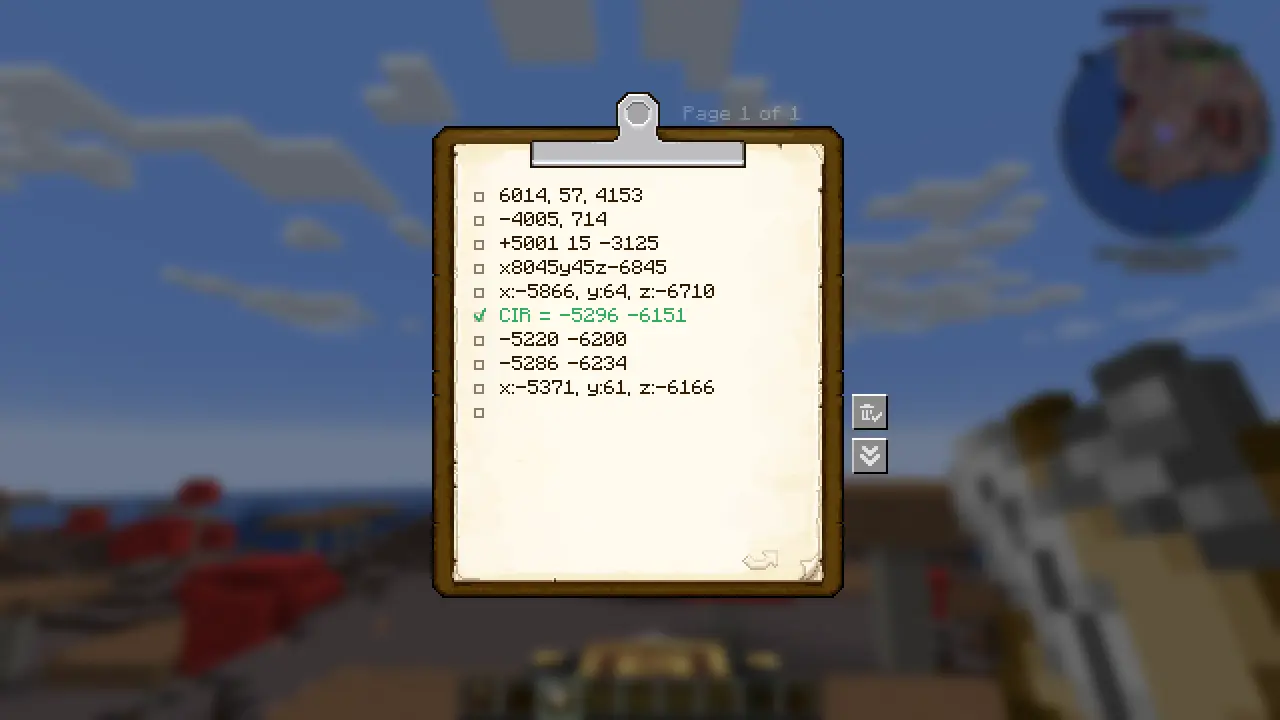
- Clipboard containing coordinate entries.
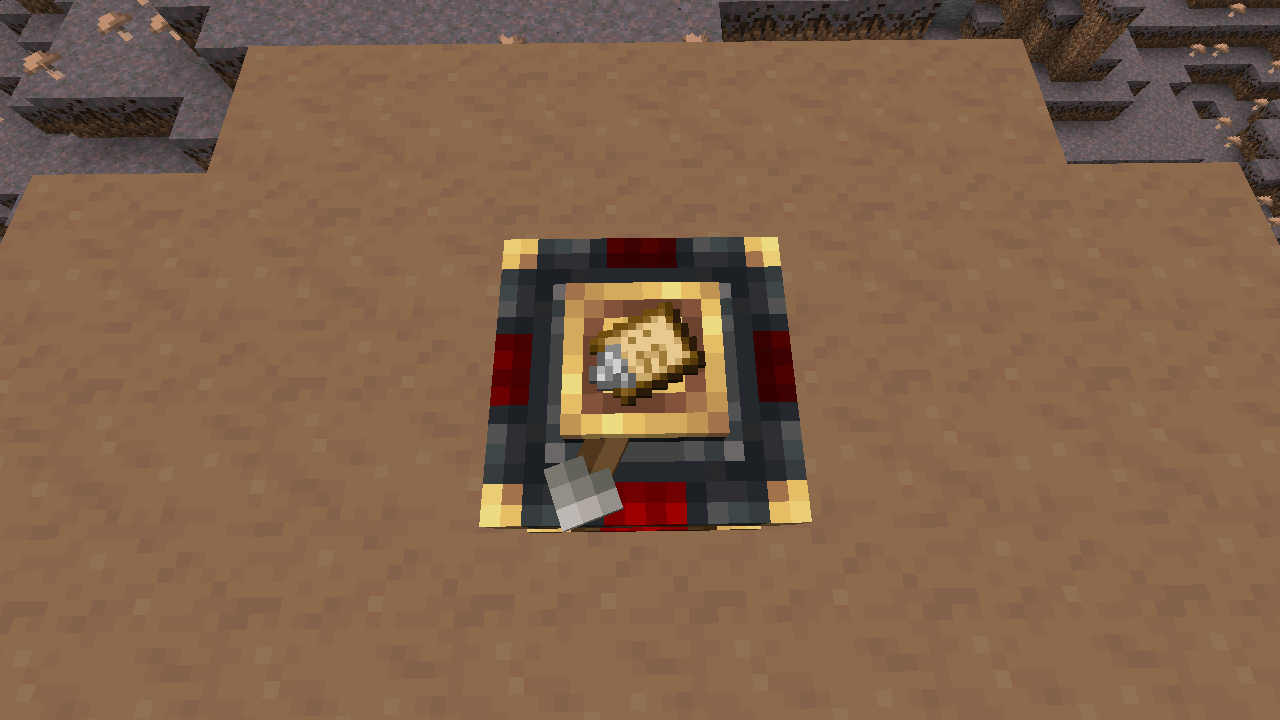
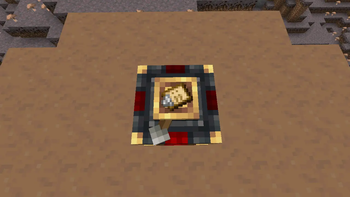
- Navigation Table successfully recognizing a Clipboard as a navigation target.
License
This project is licensed under the MIT License.
Source Code
- Edition: Minecraft Java
- File type: .jar
- Minecraft version listed: 1.21.1
- How to install: Install the matching mod loader (Forge, Fabric or NeoForge) for your Minecraft version. → Download the .jar. → Put it in the .minecraft/mods folder and launch that loader profile.
- Where to get it: Opens on Modrinth — not every file is mirrored on our own servers.
Install steps are the general flow for this file type — How to install Minecraft Java mods & modpacks walks through it step by step.
- Ships as coordboard-1.0.0.jar — drop this file into the mods folder
- Download size: 159 KB
- Download link checked 14 Sept 2026 — working
These come from our own check of the pack file, not from the source page.