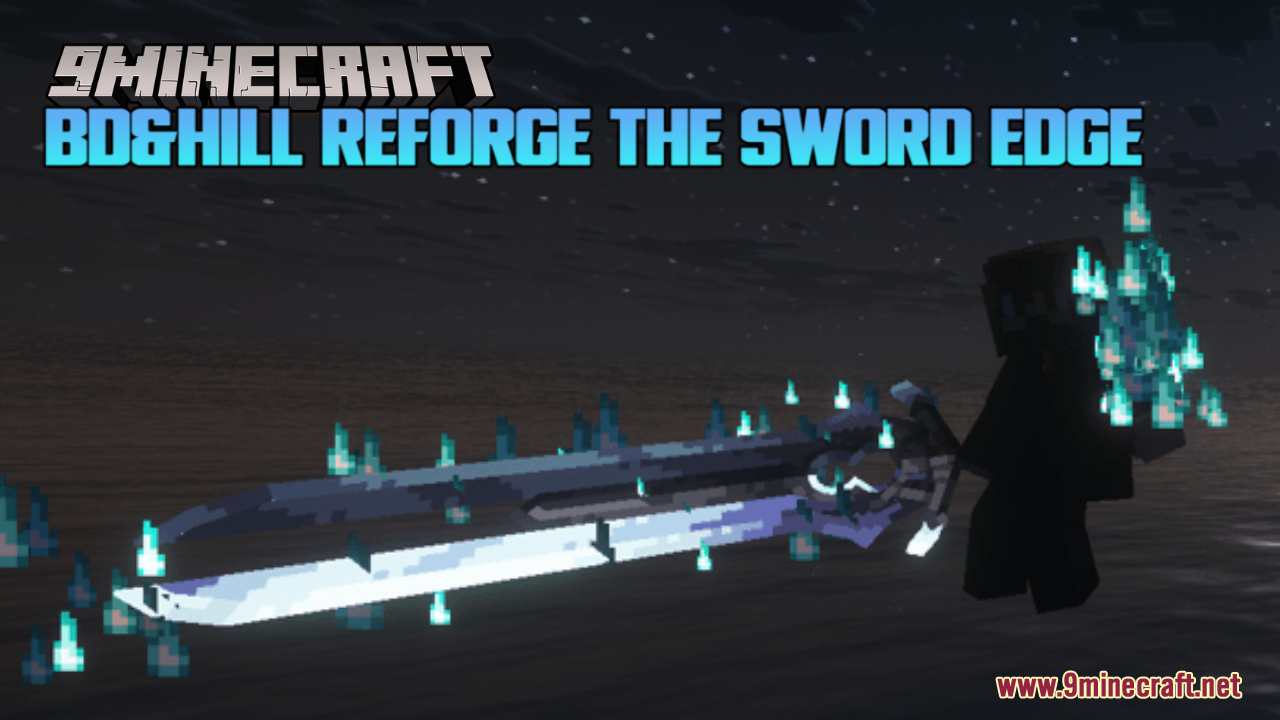
BD&Hill Reforge the Sword Edge Resource Pack (1.20.1) – Epic Fantasy Combat and 3D Swords
Java resource pack listed for Minecraft 1.20. File opened and checked on 18 Oct 2026; downloads from the MC Java Mods app on Android.
BD&Hill Reforge the Sword Edge Resource Pack adds new 3D models and special effects for vanilla weapons, Epic Fight, Weapons of Miracles, and Epic Fight…
⬇ Download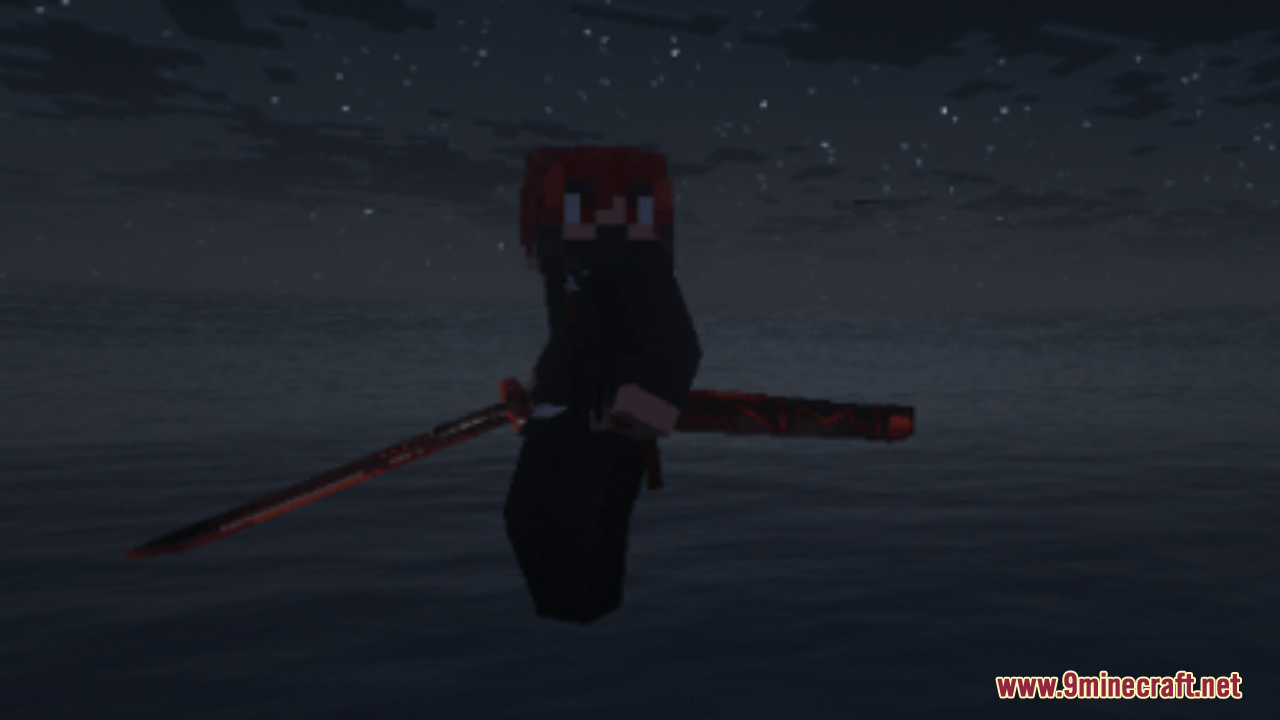
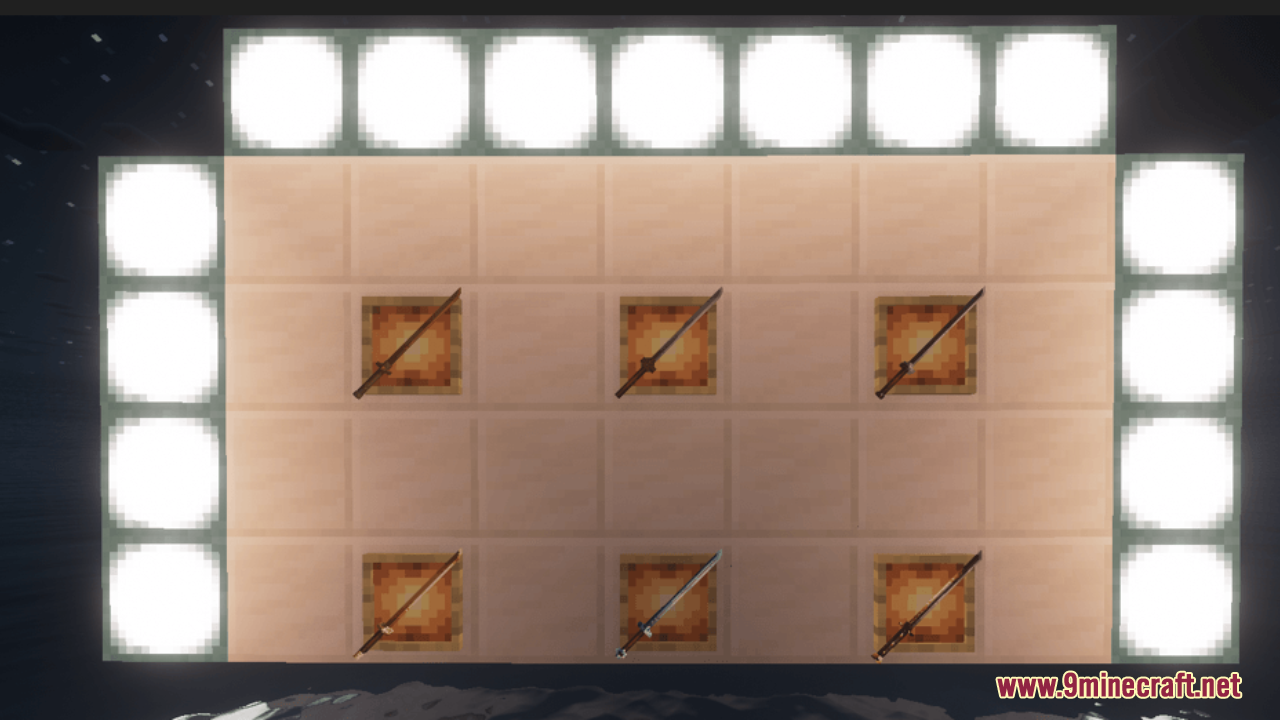
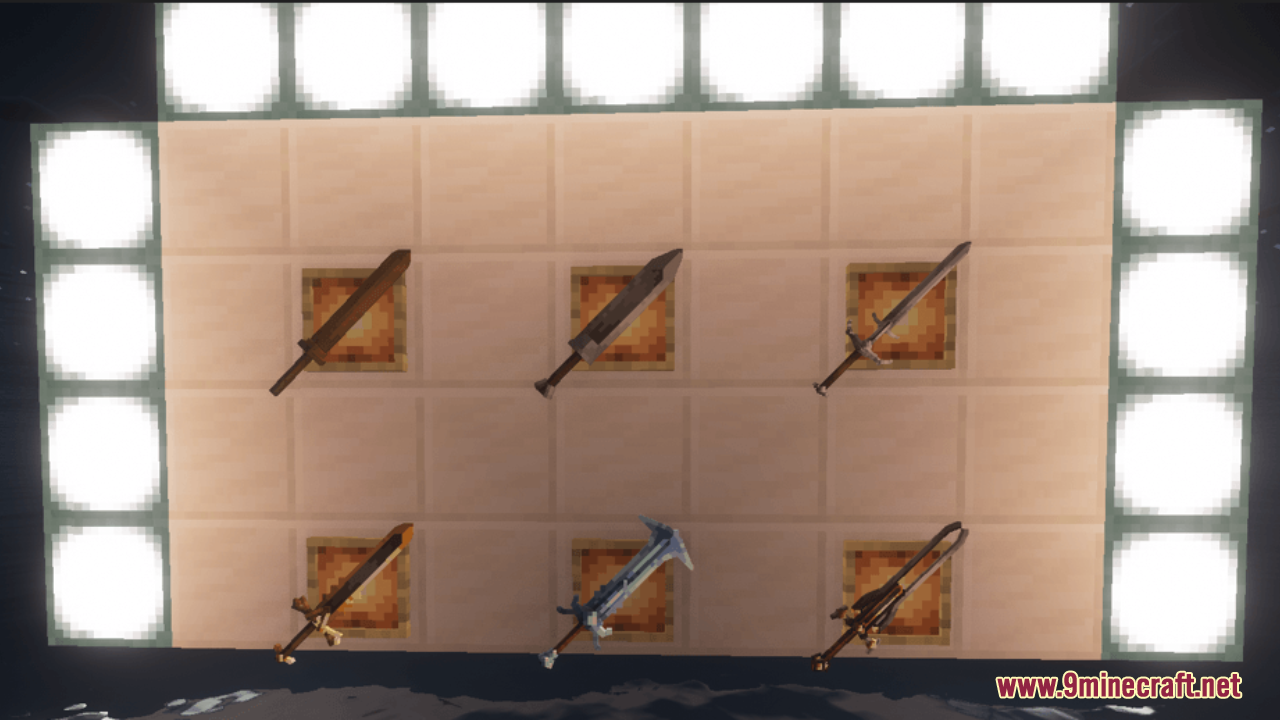
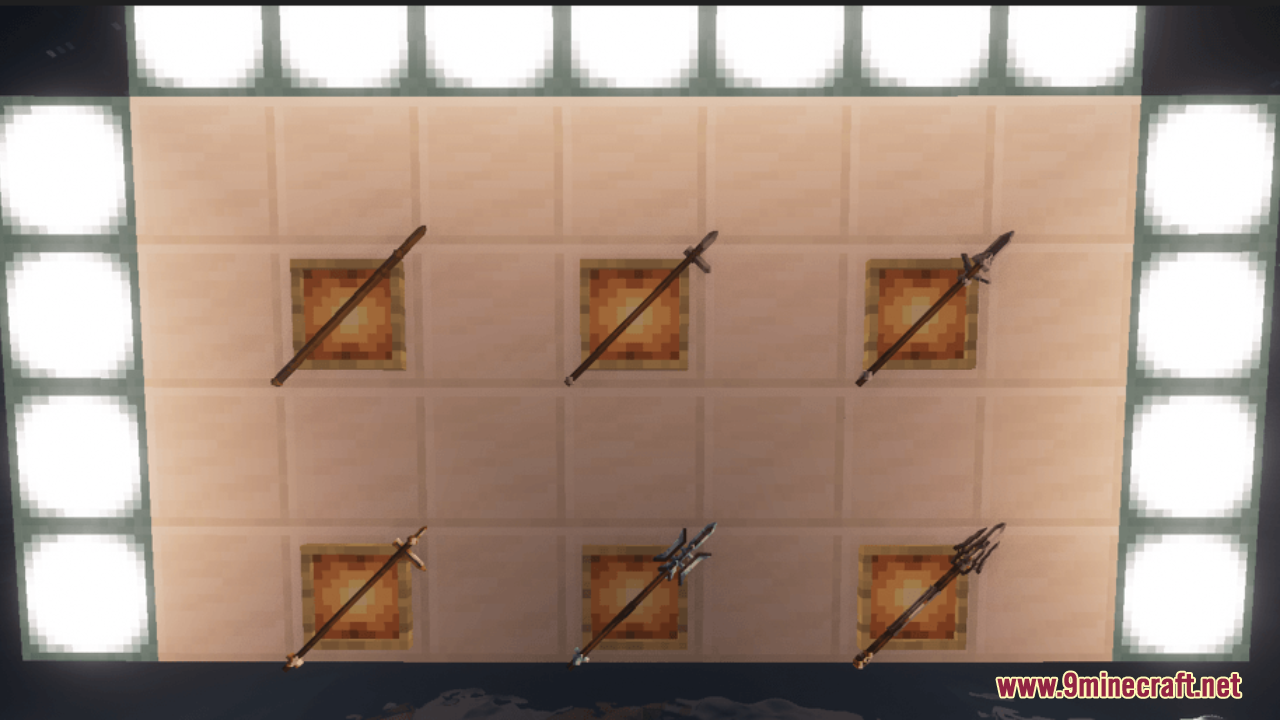
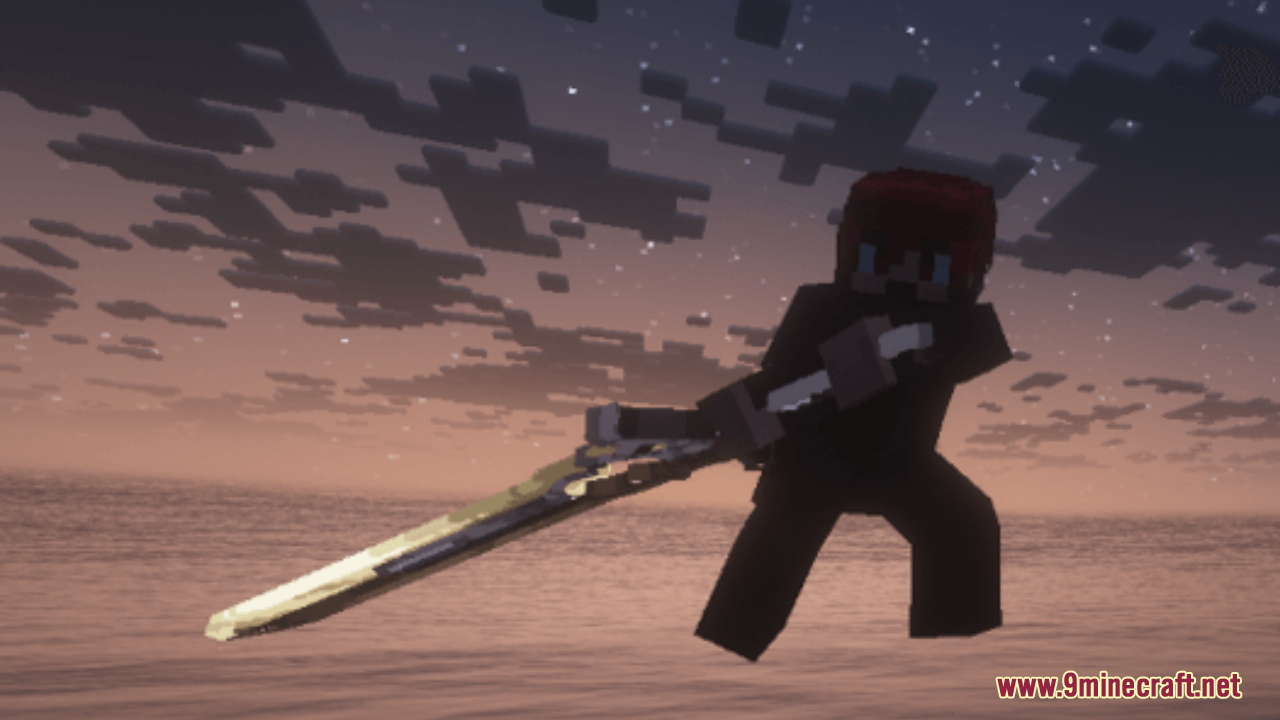
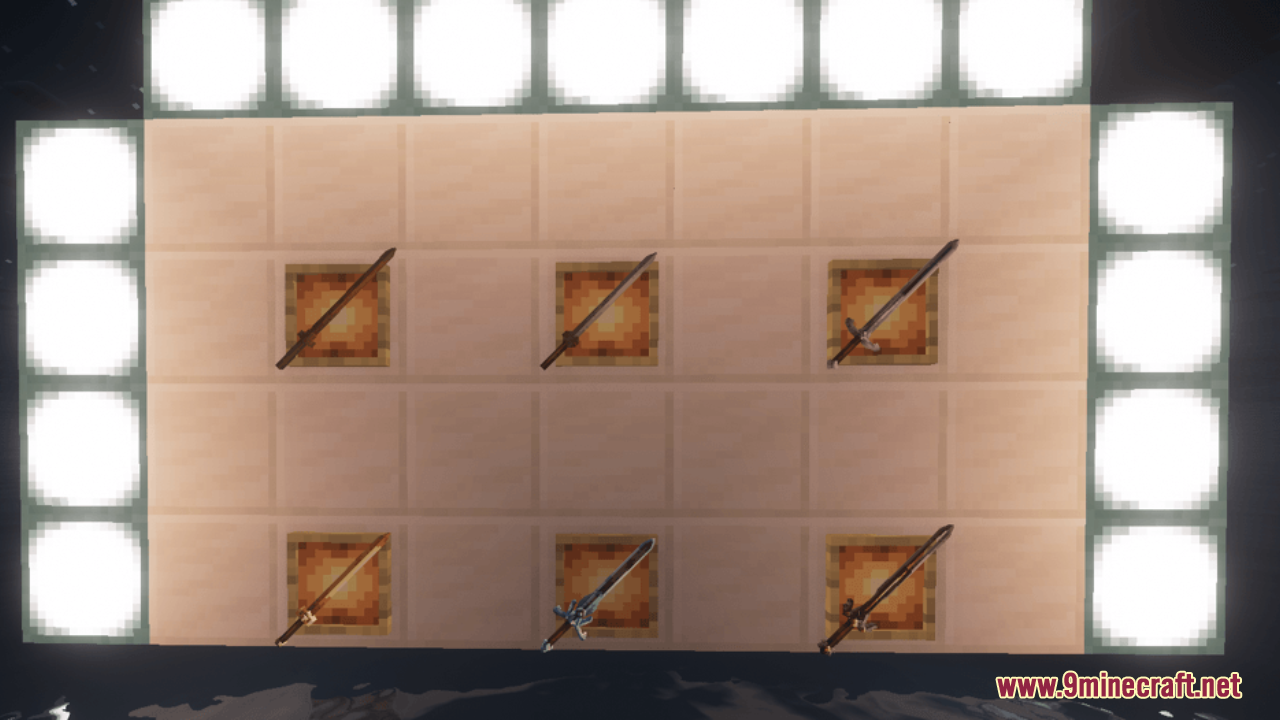
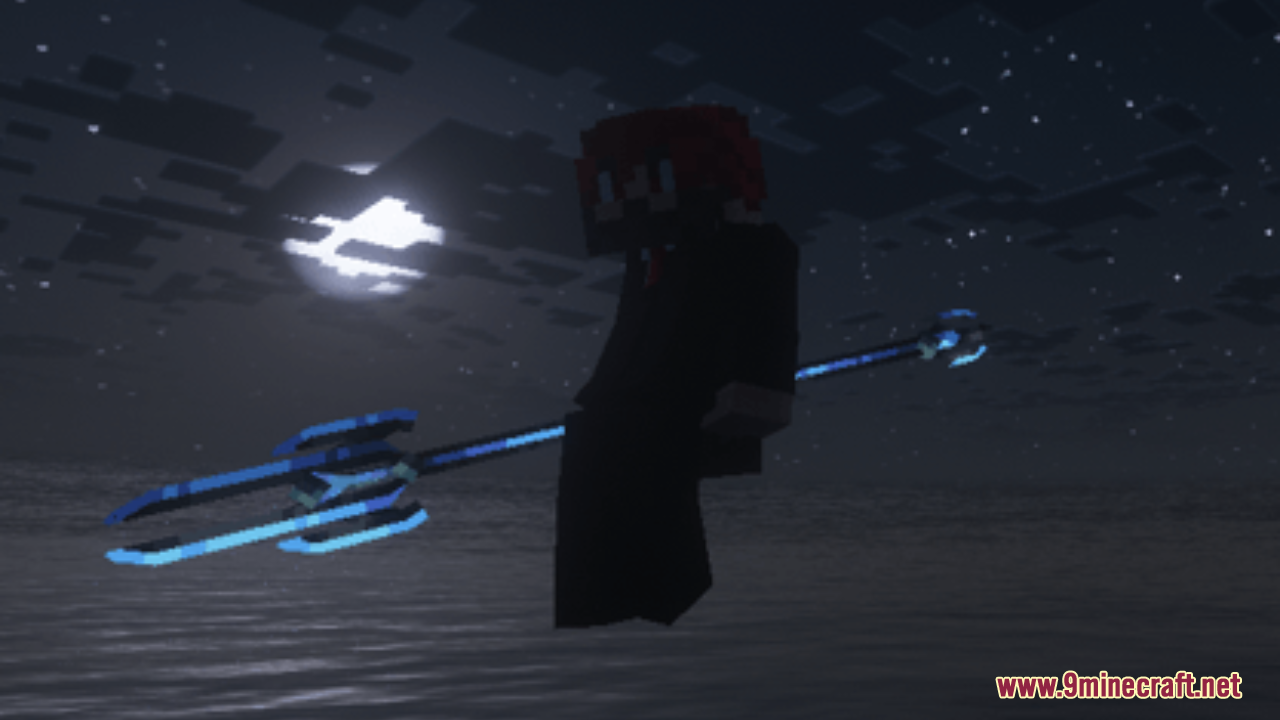
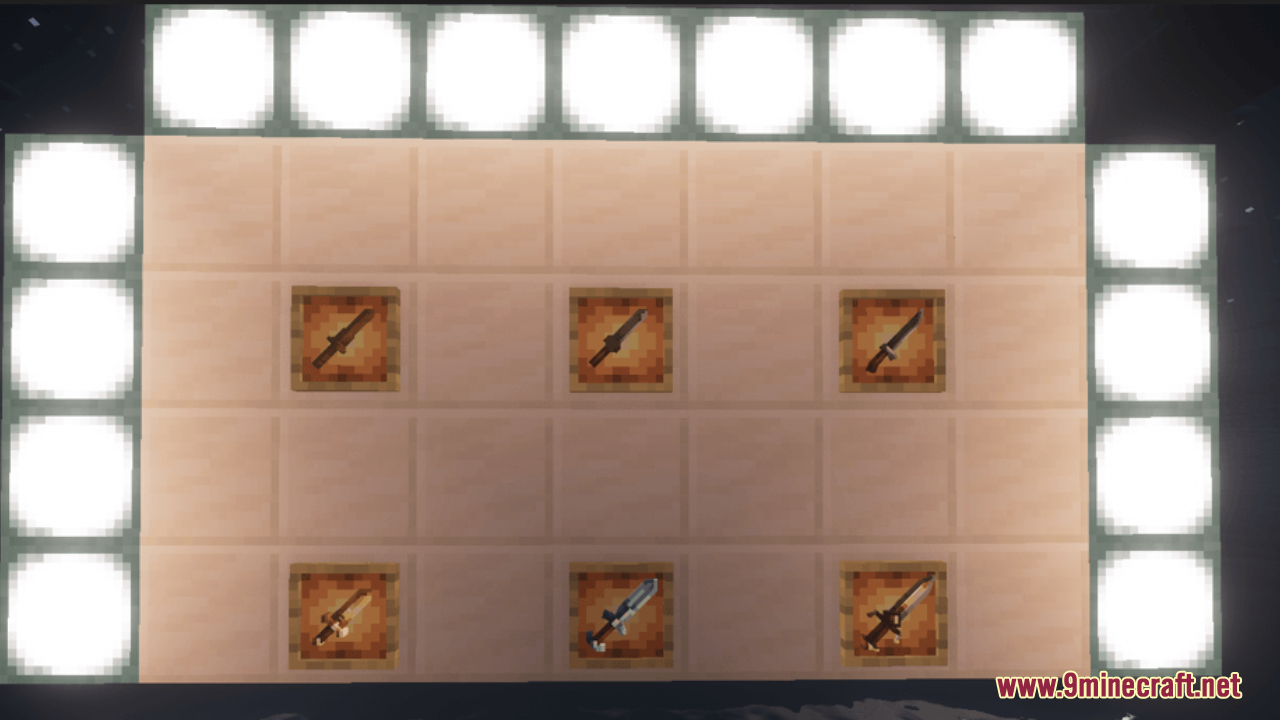
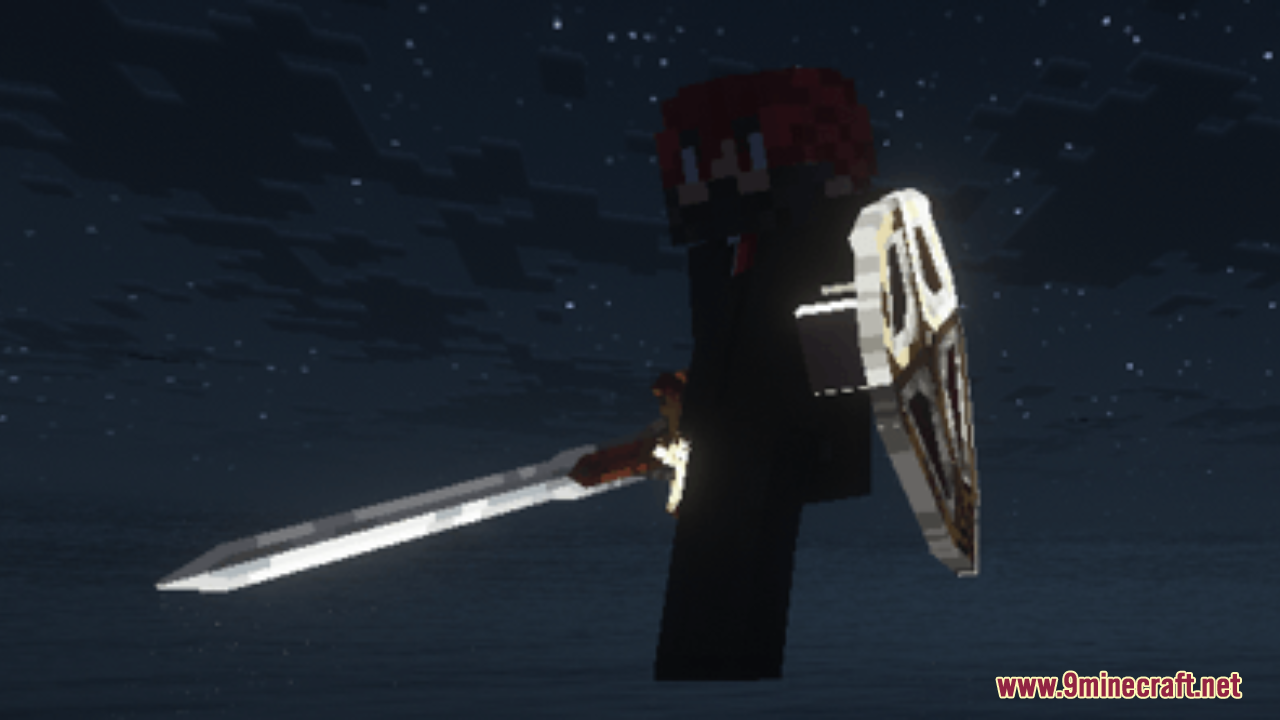
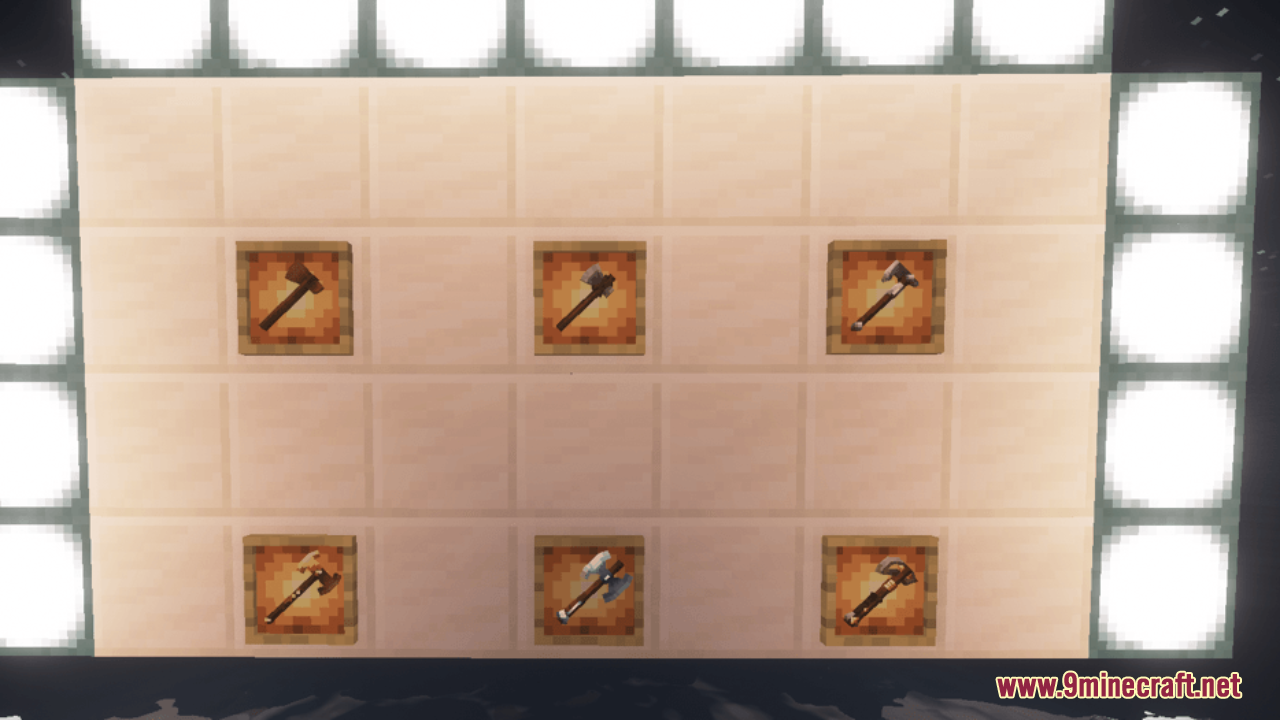
BD&Hill Reforge the Sword Edge Resource Pack adds new 3D models and special effects for vanilla weapons, Epic Fight, Weapons of Miracles, and Epic Fight: Resurrection. This pack changes how your swords and axes look in the game by replacing flat textures with thick, detailed shapes. It gives your weapons a brand new appearance with matching light trails when you swing them. You get cool special effects that make combat look much better.
Features:
- New 3D Models: Replaces flat weapon textures with detailed 3D models.
- Weapon Trails: Adds matching light trails that follow your blade when you attack.
- Gives cool visual effects to many different types of combat gear.
- Changes the look of standard wooden, stone, iron, gold, diamond, and netherite swords and axes.
Epic Fight Weapons:
- Updates daggers, greatswords, longswords, spears, and tachis for all material types.
- Adds a custom model for the Uchigatana and its sheath.
Weapons of Miracles (WOM):
- Changes the appearance of unique weapons like Agony, Antitheus, and Ender Blaster.
- Updates the models for Gesetz, Herrscher, Moonless, and Ruine.
- Adds new looks for Satsujin with its sheath, Solar, Solar Obscuridad, and Tormented Mind.
Epic Fight: Resurrection:
- Updates strengthened iron, diamond, and netherite versions of tachis, swords, longswords, and greatswords.
- Changes the models for strengthened iron and diamond spears.
Screenshots:
BD&Hill Reforge the Sword Edge Resource Pack Download Links
- Edition: Minecraft Java
- File type: .zip (resource pack)
- Minecraft version listed: 1.20.1
- How to install: Download the .zip resource pack — do not unzip it. → Put it in .minecraft/resourcepacks. → Enable it in Options → Resource Packs.
- Where to get it: In MC Java Mods, or directly above on this page.
Install steps are the general flow for this file type — How to install Minecraft Java resource packs walks through it step by step.
- Downloads as 3514.mcpack
- Download size: 1.1 MB
- Download link checked 27 Jul 2026 — working
- Mirrored on our own servers — the download does not depend on the original host
These come from our own check of the pack file, not from the source page.