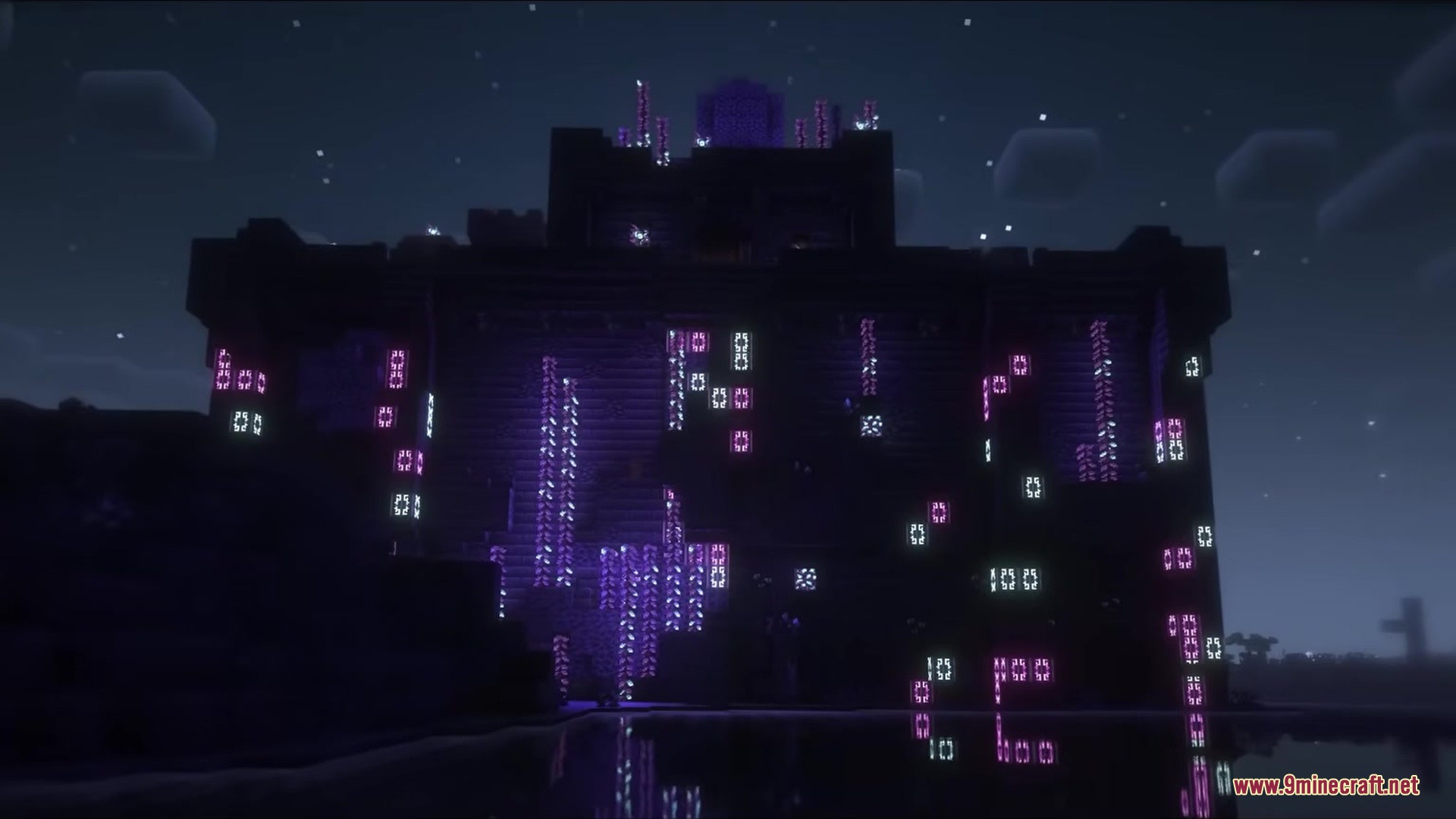
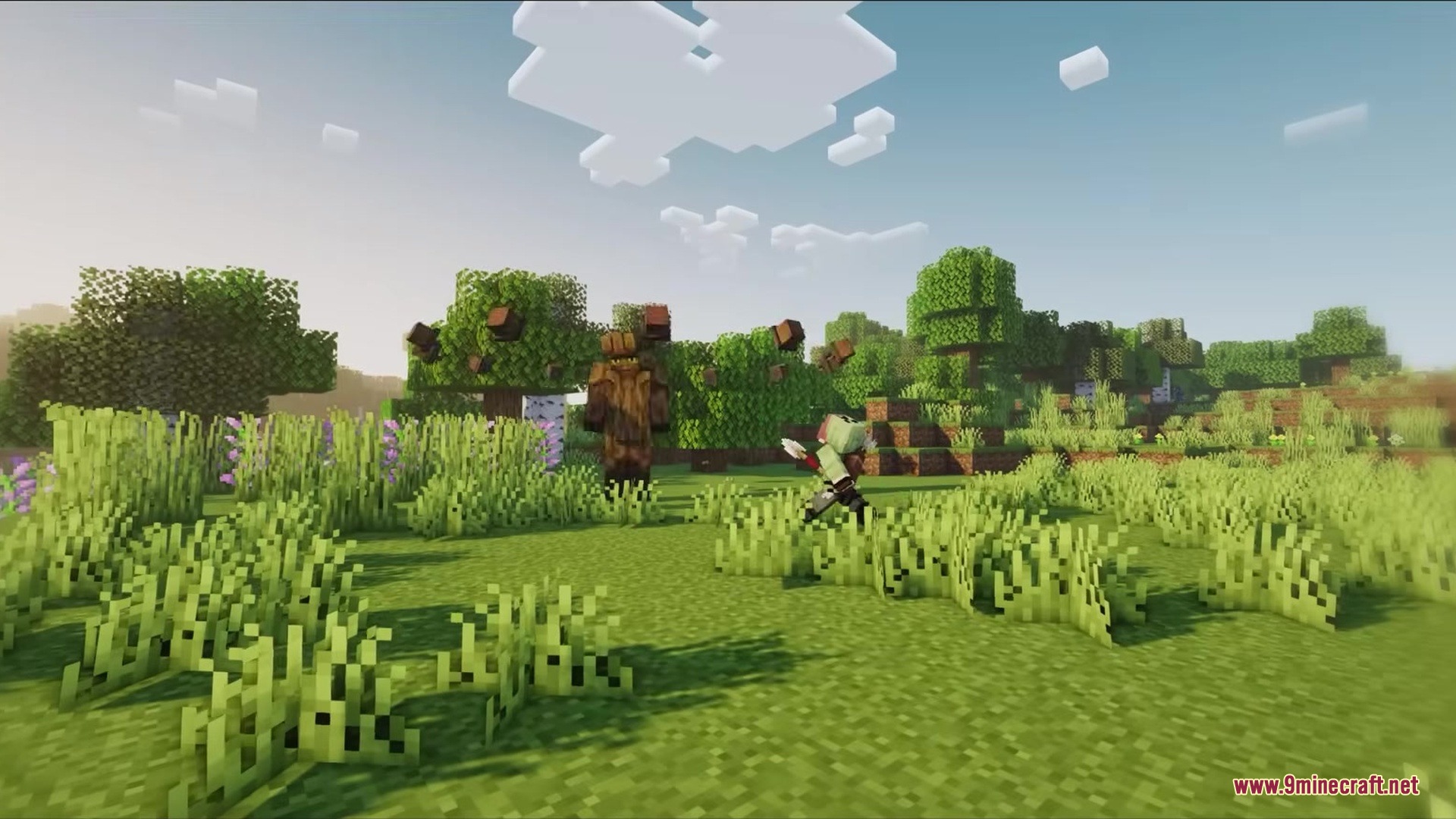
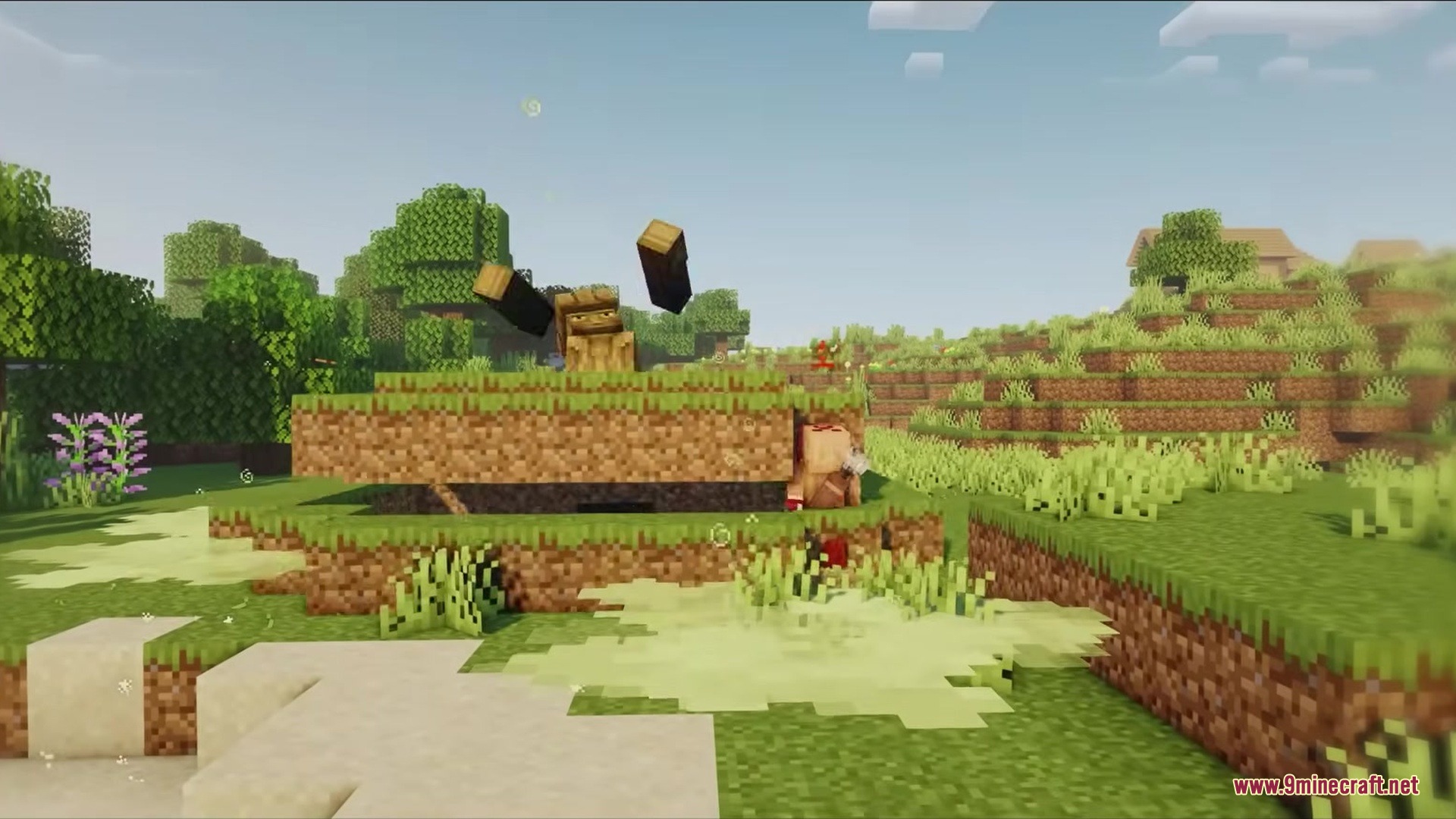
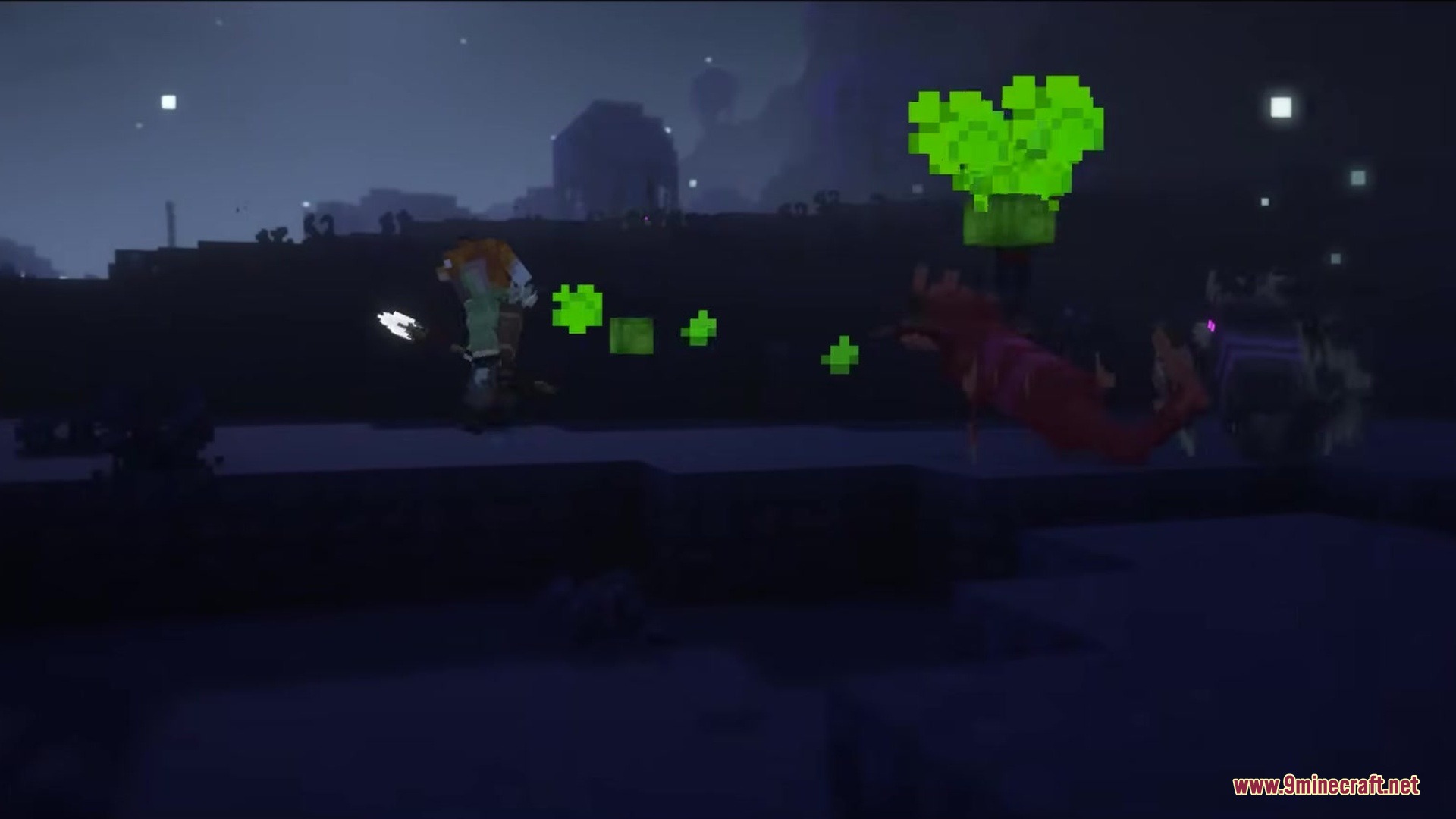
Tetrismc Mod adds a fully working falling-block minigame right into your Minecraft menus. It gives you something fun to do while you wait on the main title screen or pause your game.
Features:
- Menu Minigame: Puts a playable game button on your main title screen and the in-game pause menu.
- Texture Matching: Changes its look to match whatever texture pack you currently have turned on.
- Uses random Minecraft block textures for the falling pieces instead of solid colors.
- Adds a white flash effect to the screen when you do a quick drop.
- Plays a block-breaking animation when you successfully clear a line.
- Keeps track of your score so you can try to beat your highest record.
How to Use:
- Load up Minecraft and look for the new button on the main title screen.
- Click the button to start a game before you even join a world.
- Press the Escape key while playing in your world to open the pause menu.
- Click the new button on the pause menu to play while your character rests.
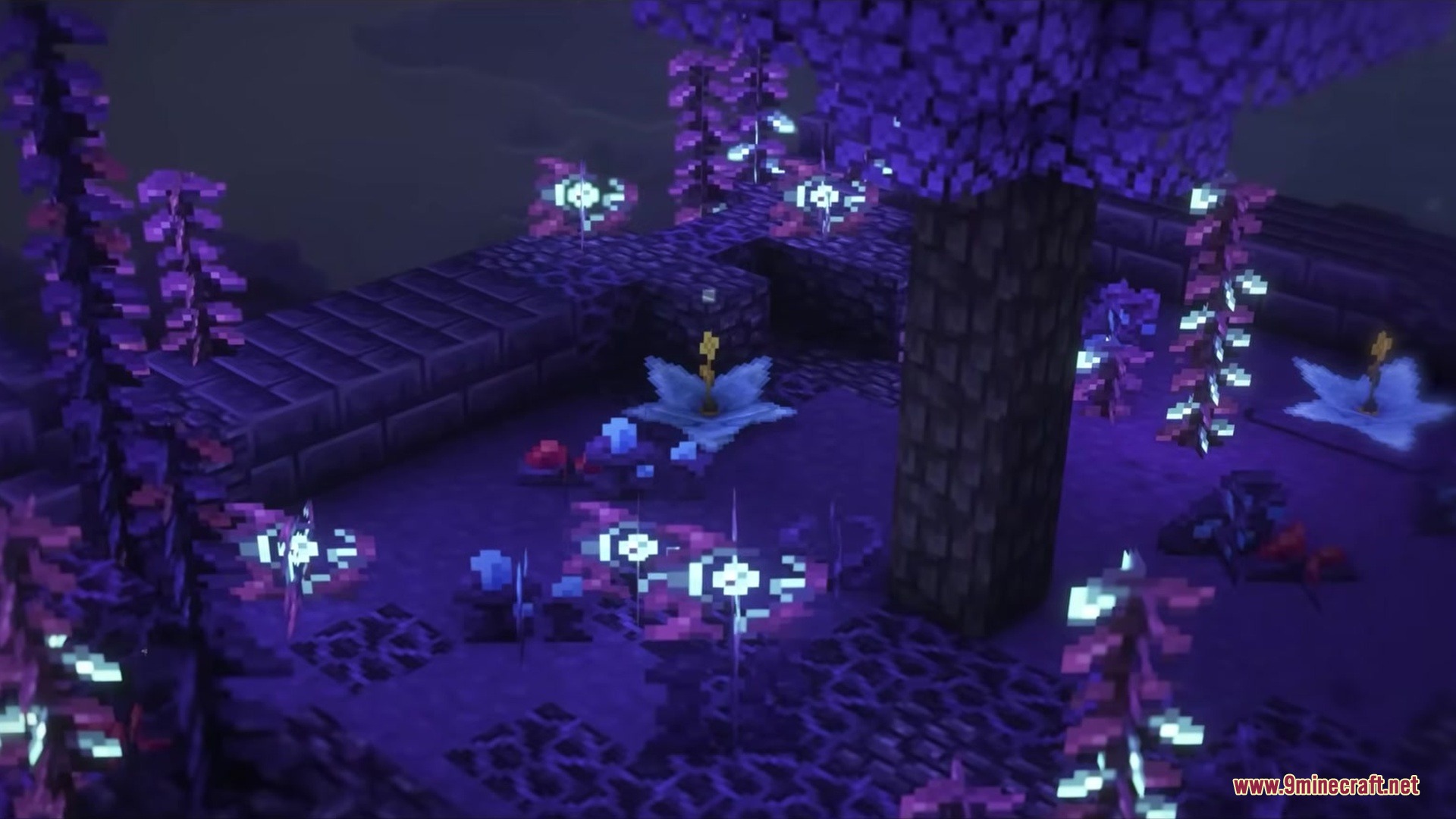
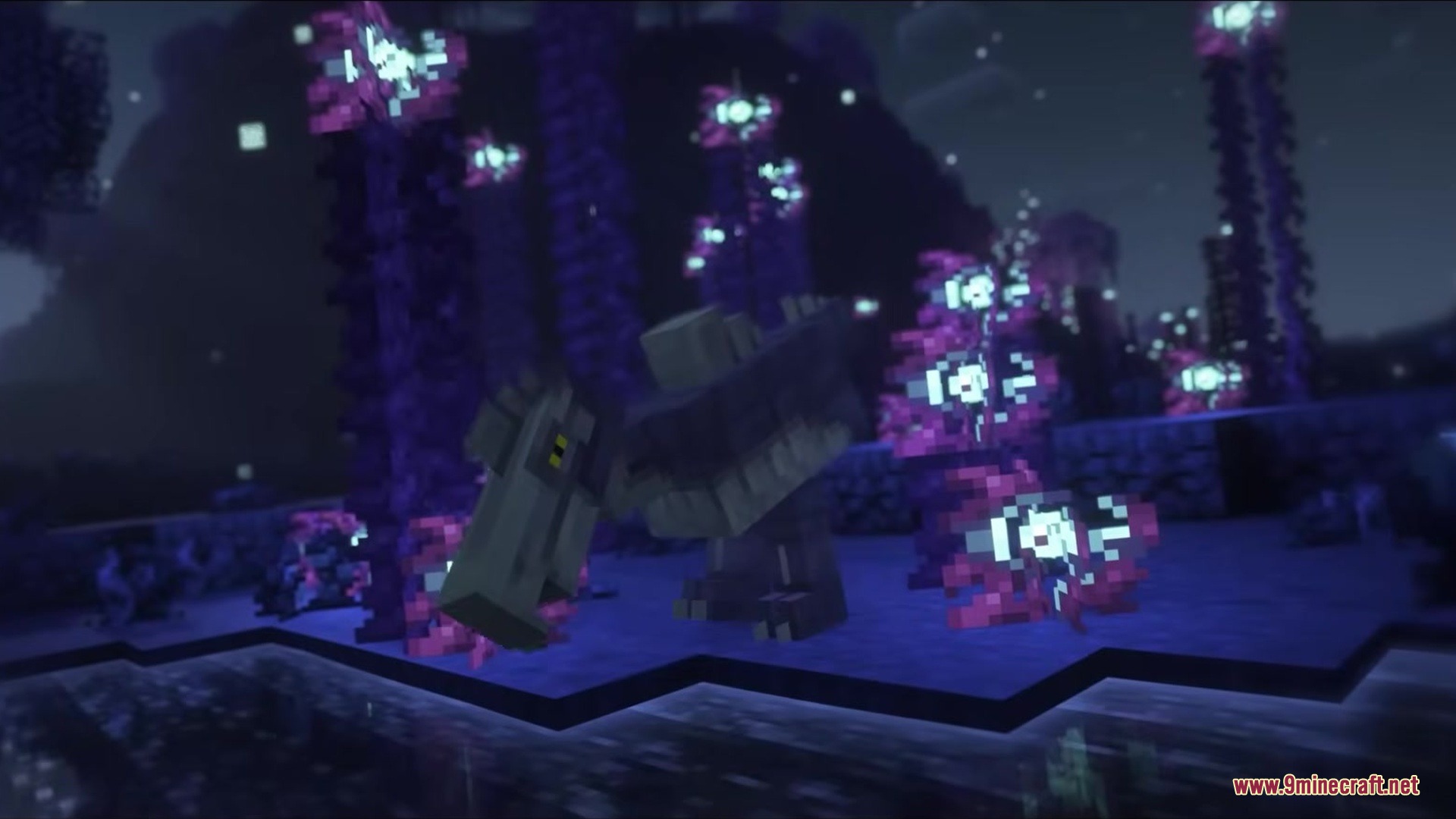
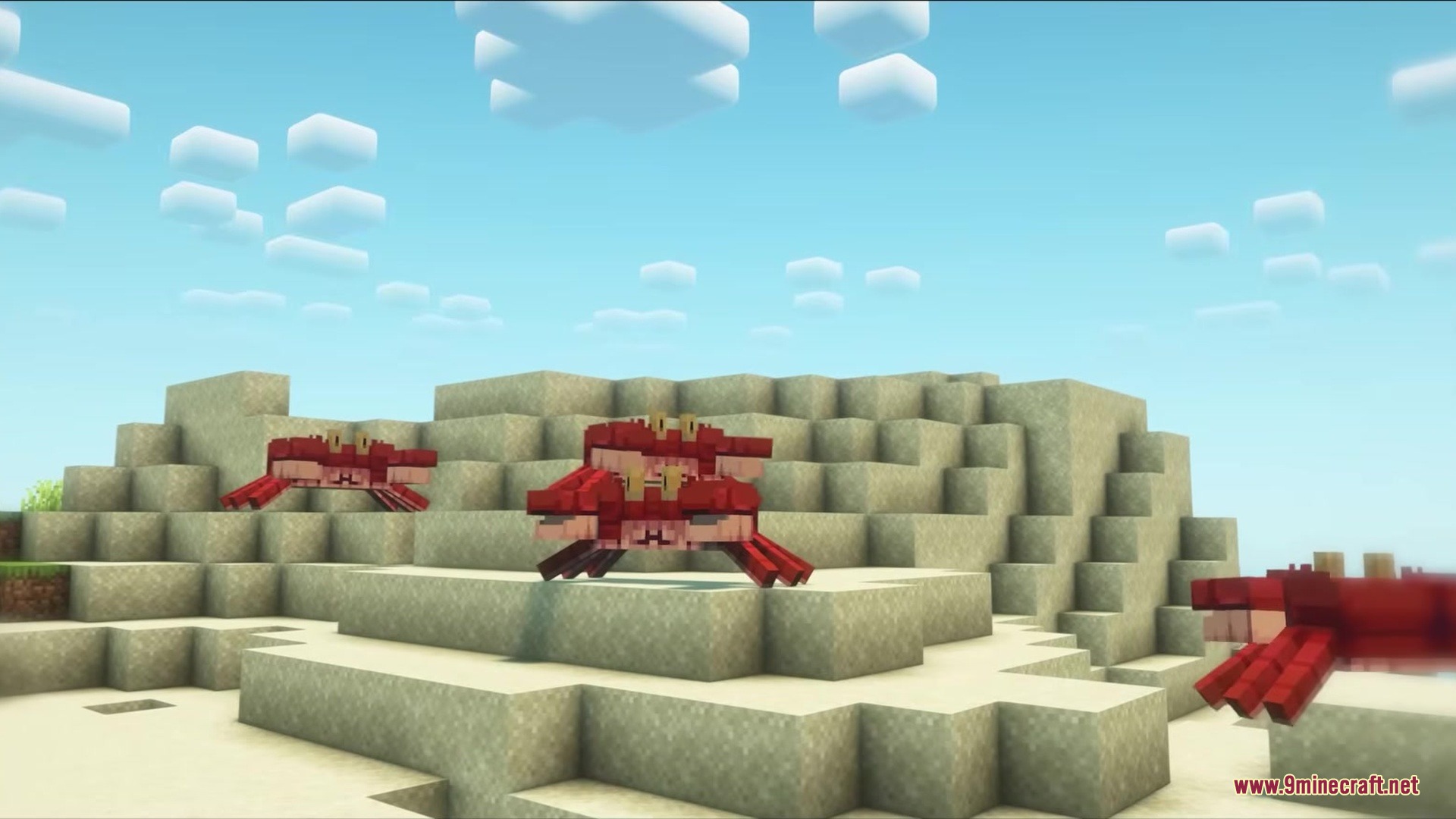
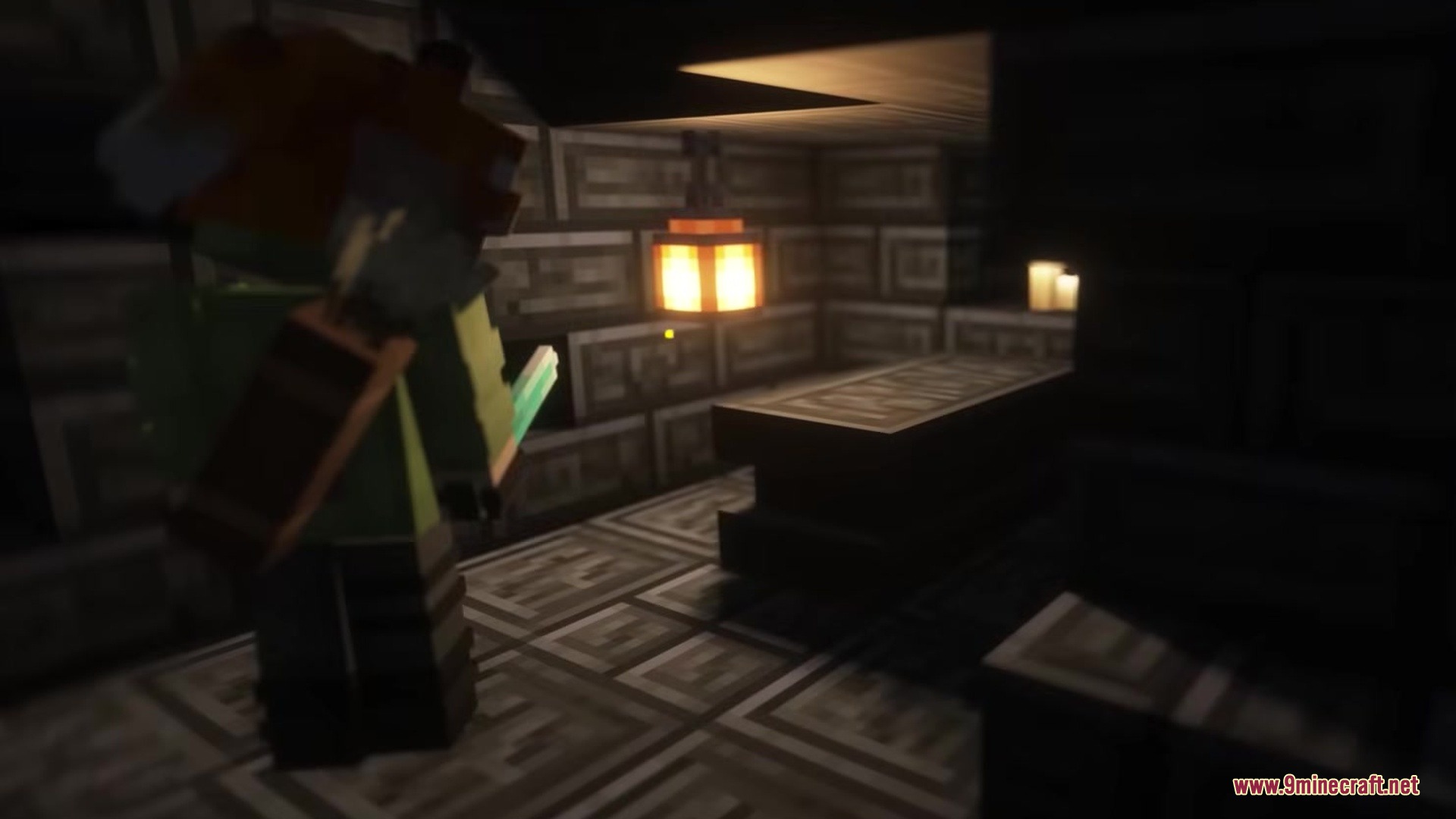
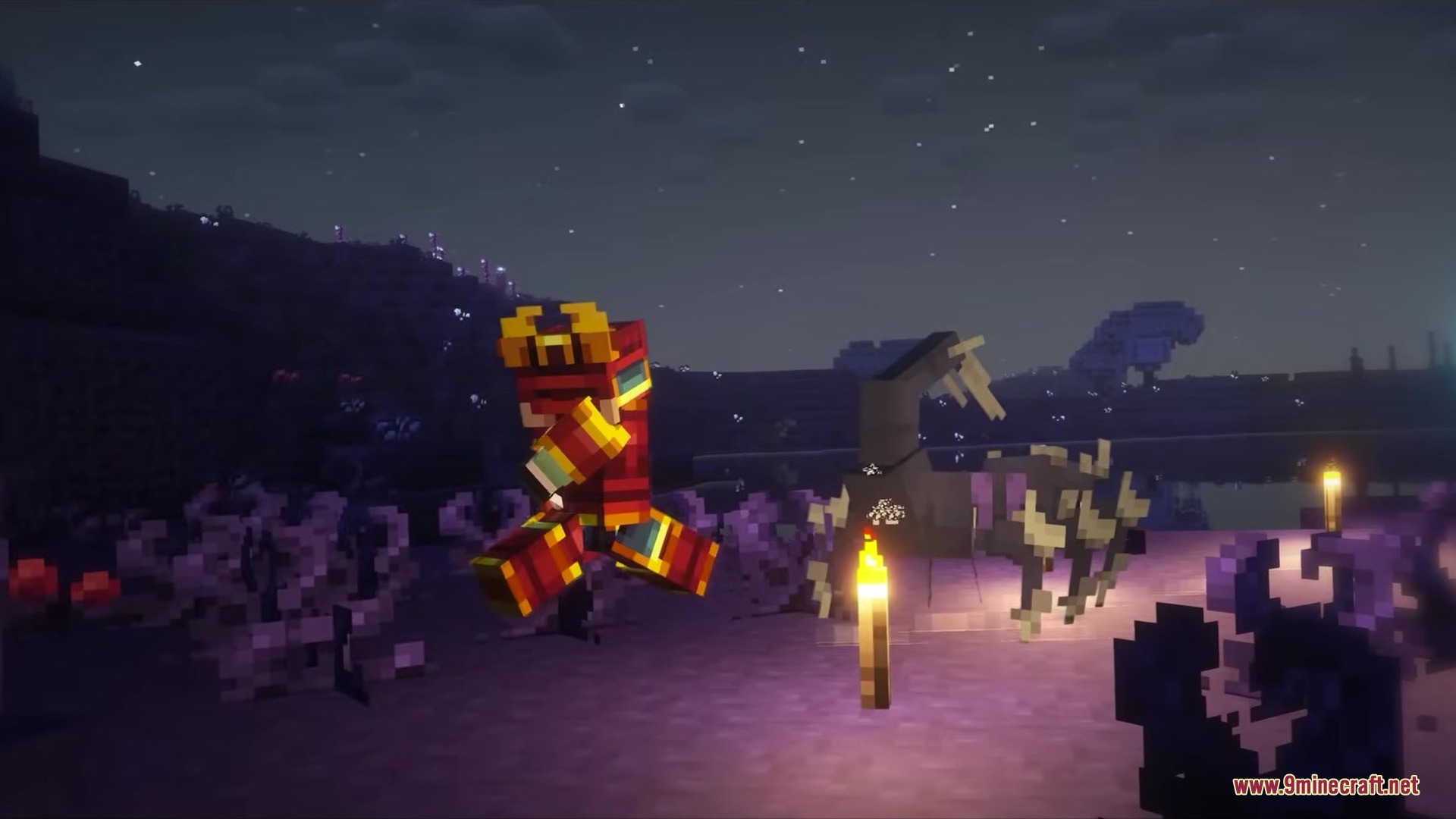
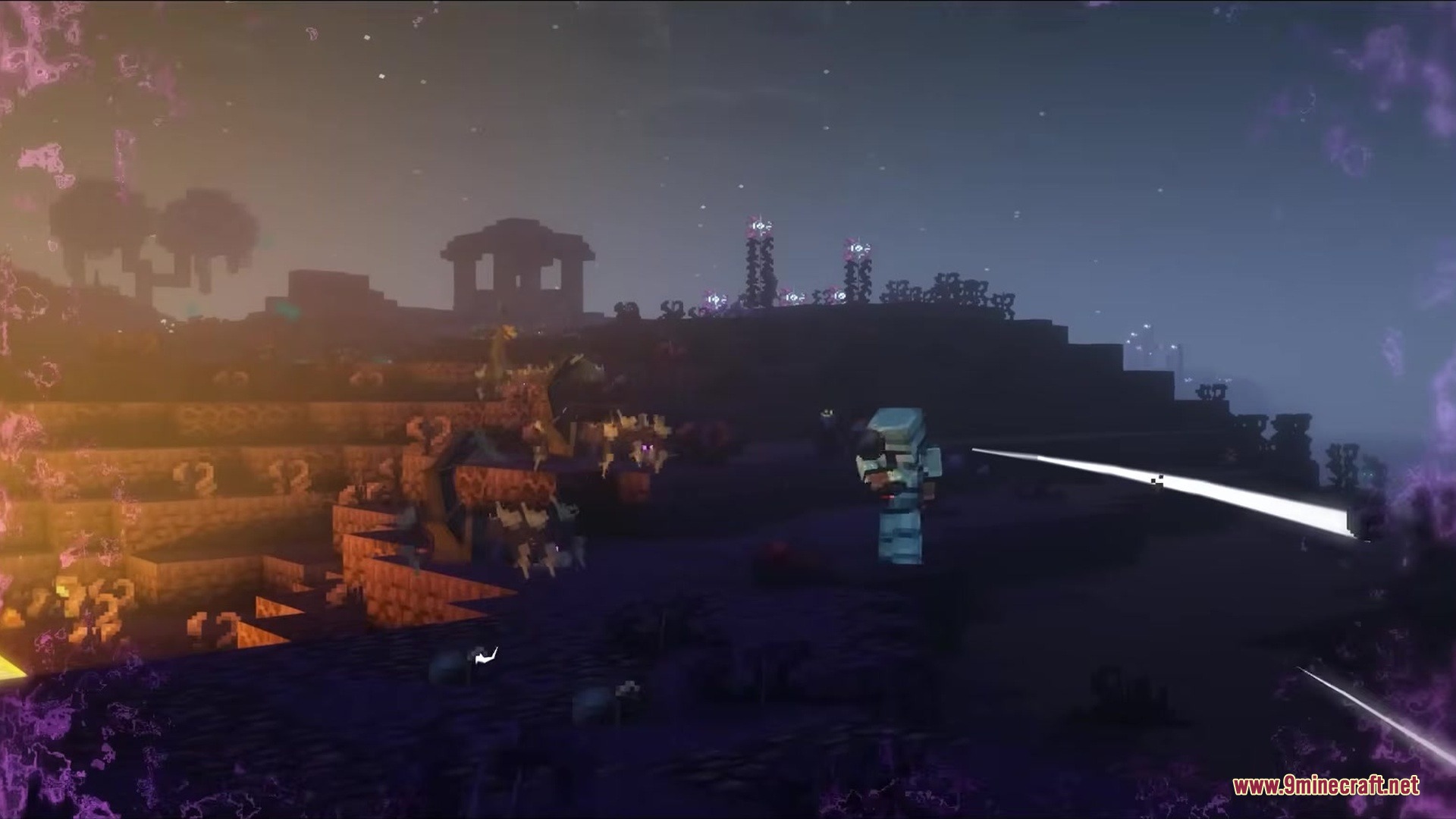
Screenshots:
Tetrismc Mod Download Links
Quick facts
- Edition: Minecraft Java
- File type: .jar
- Minecraft version listed: 1.21.1
- How to install: Install the matching mod loader (Forge, Fabric or NeoForge) for your Minecraft version. → Download the .jar. → Put it in the .minecraft/mods folder and launch that loader profile.
- Where to get it: In MC Java Mods, or directly above on this page.
Install steps are the general flow for this file type — How to install Minecraft Java mods & modpacks walks through it step by step.
Verified by MCModsHub
- Downloads as 352744.mcaddon
- Download size: 479 KB
- Download link checked 26 Sept 2026 — working
- Mirrored on our own servers — the download does not depend on the original host
These come from our own check of the pack file, not from the source page.