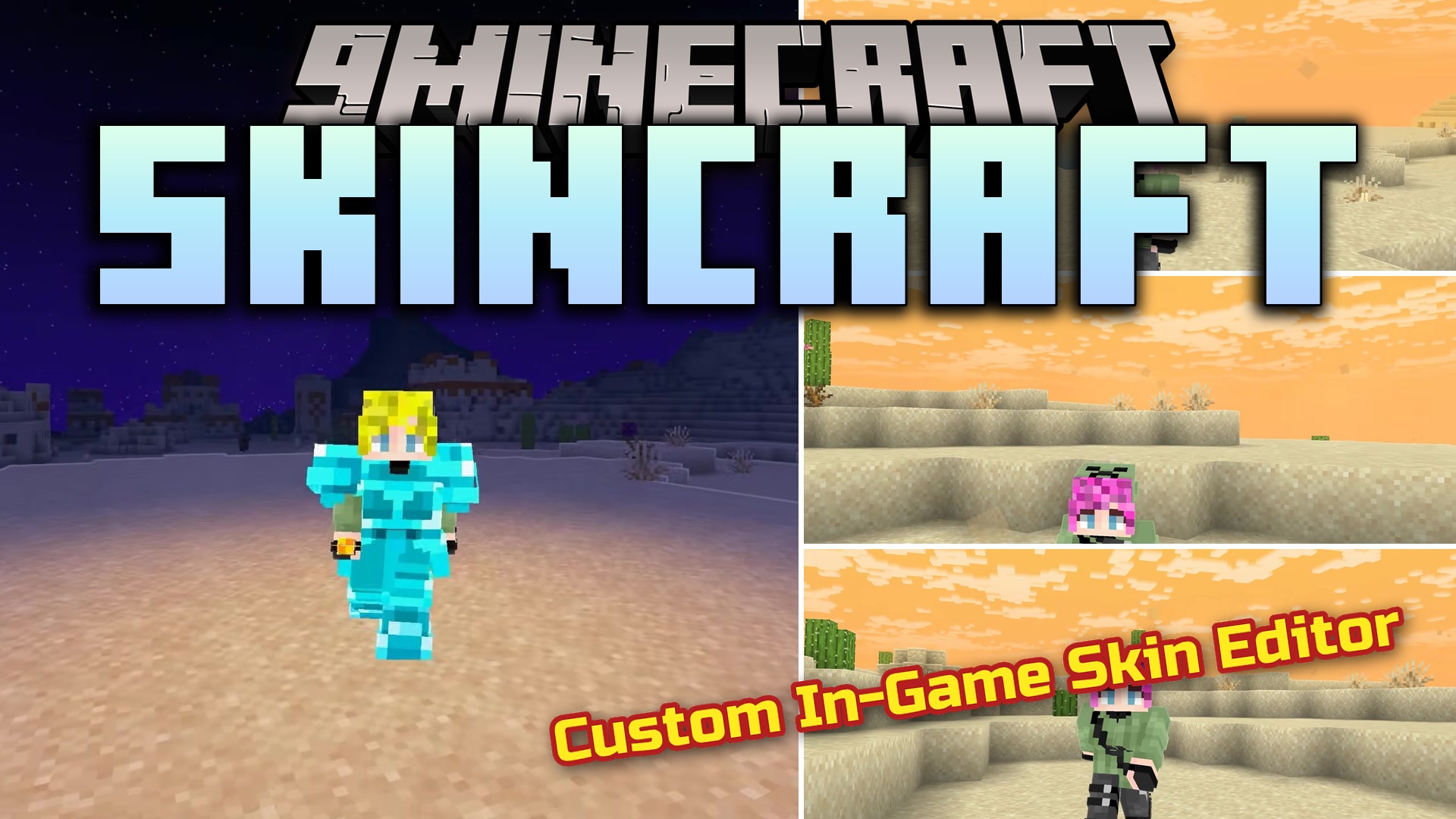
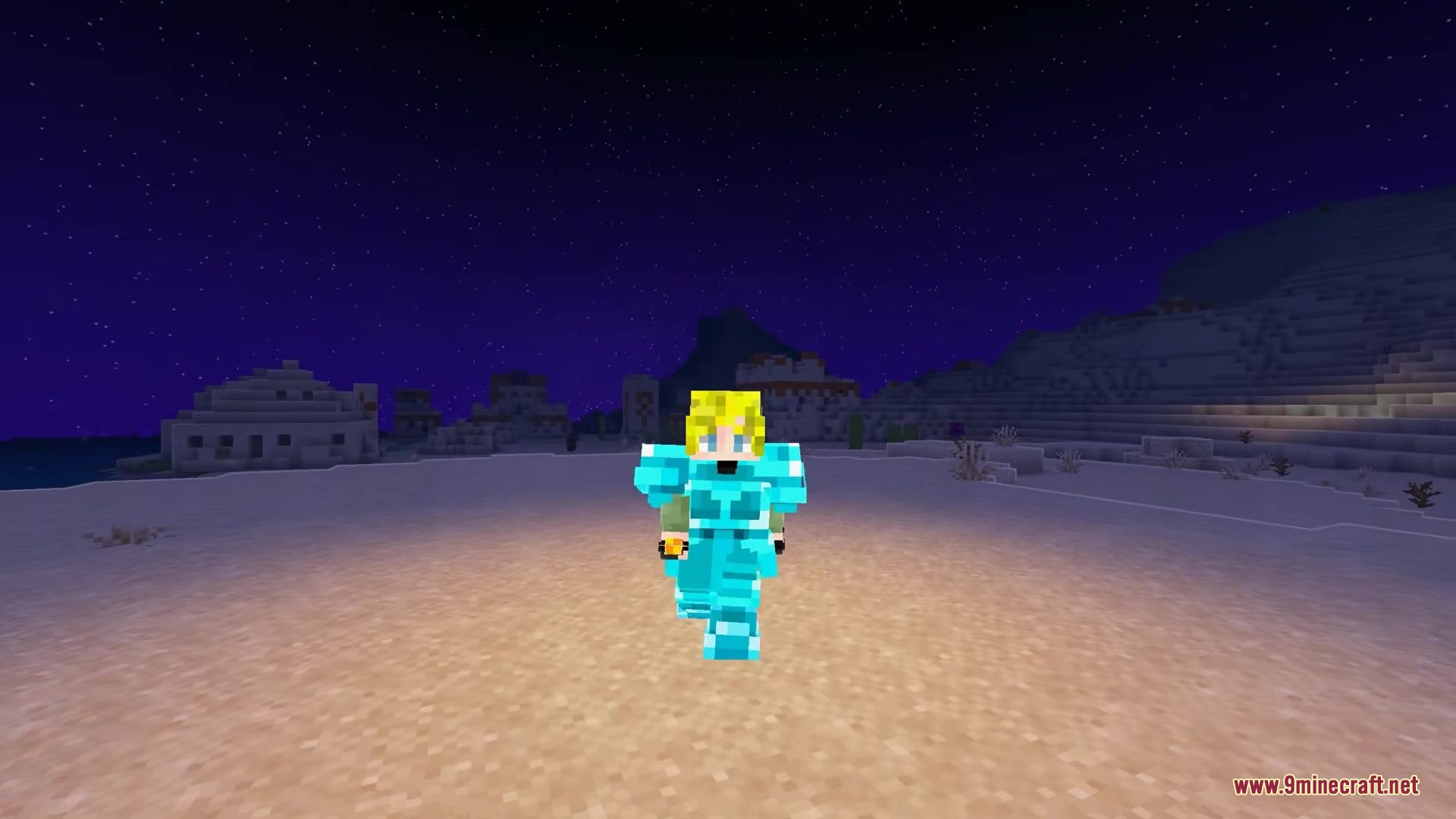
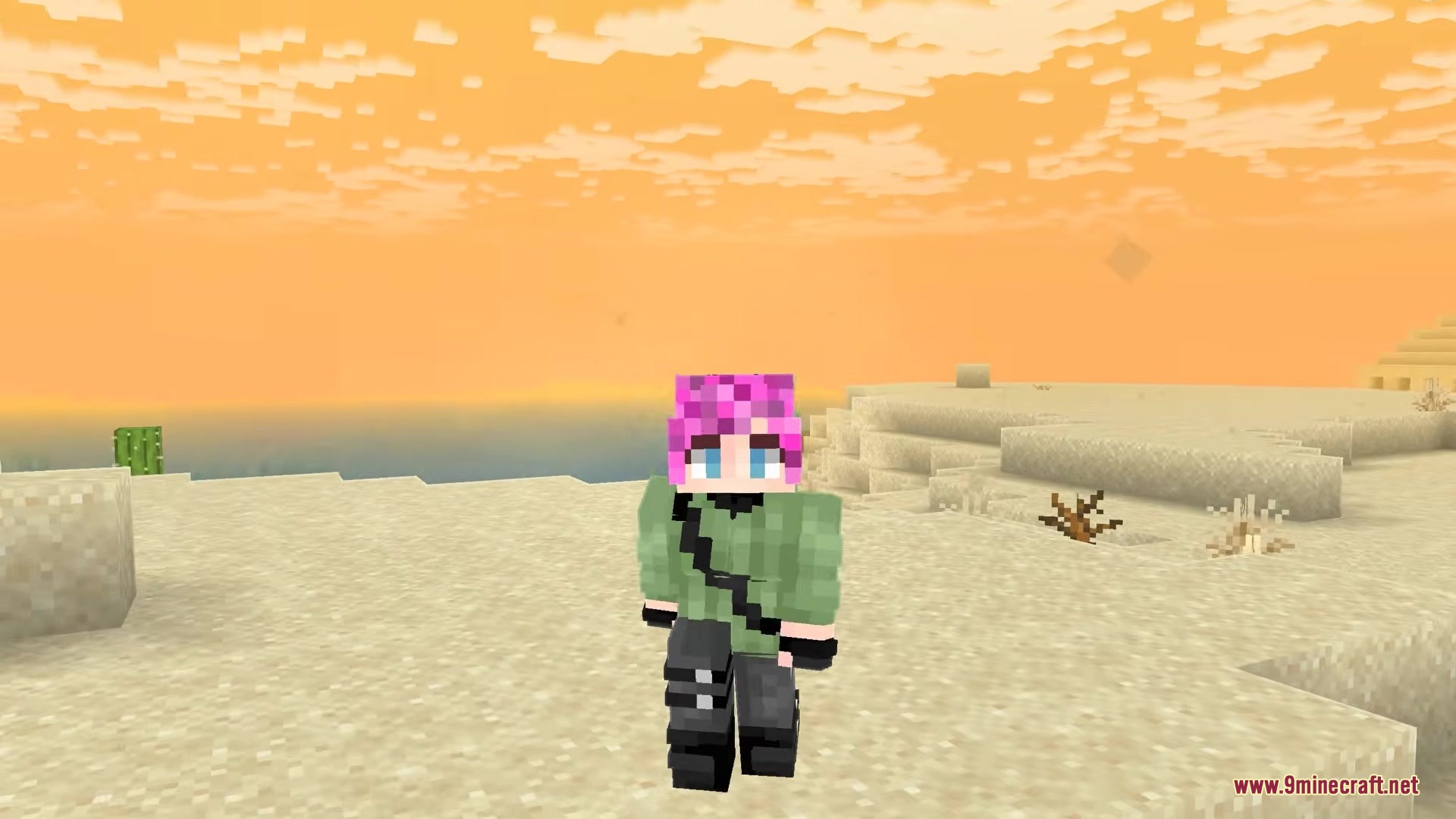
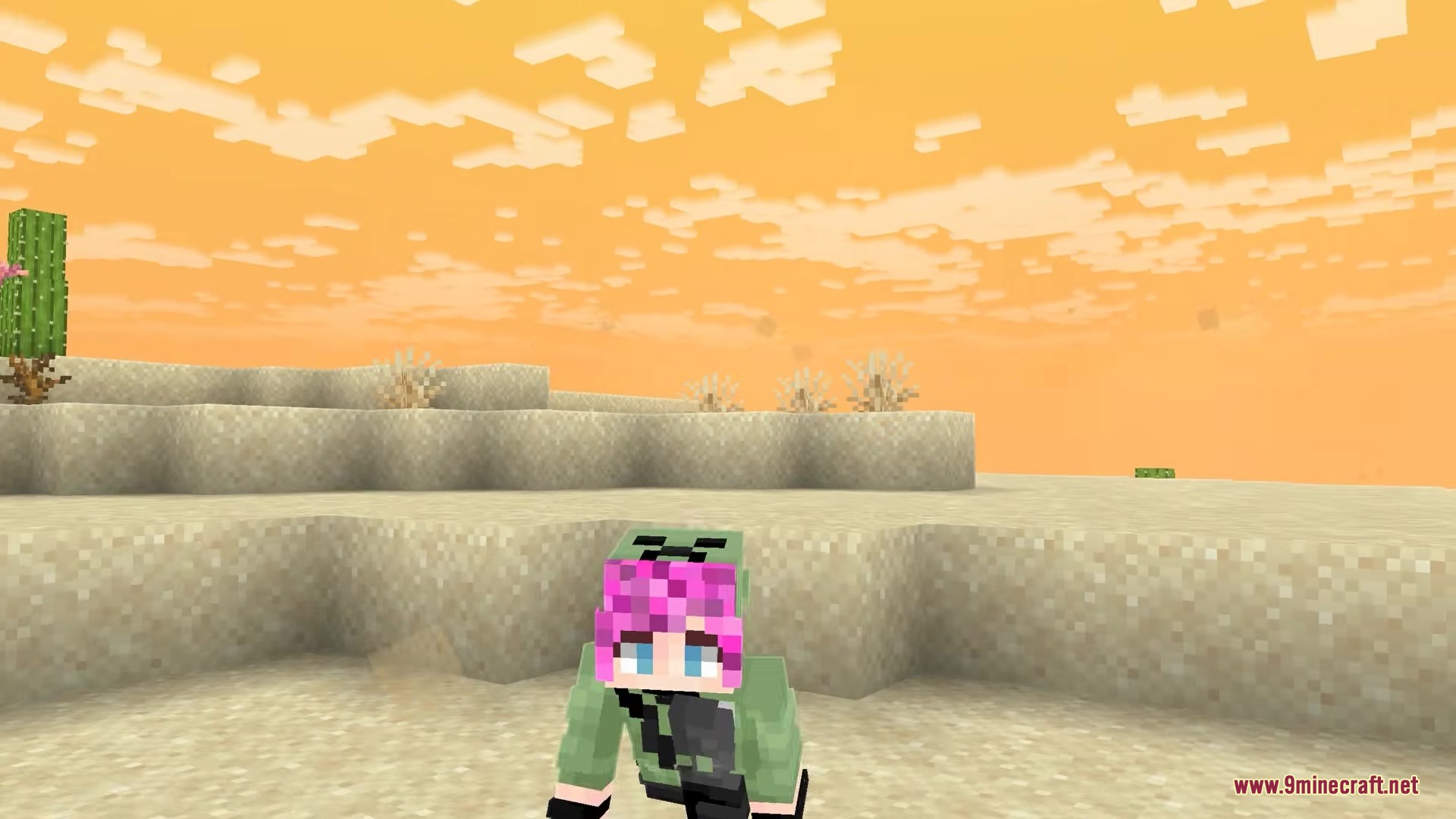
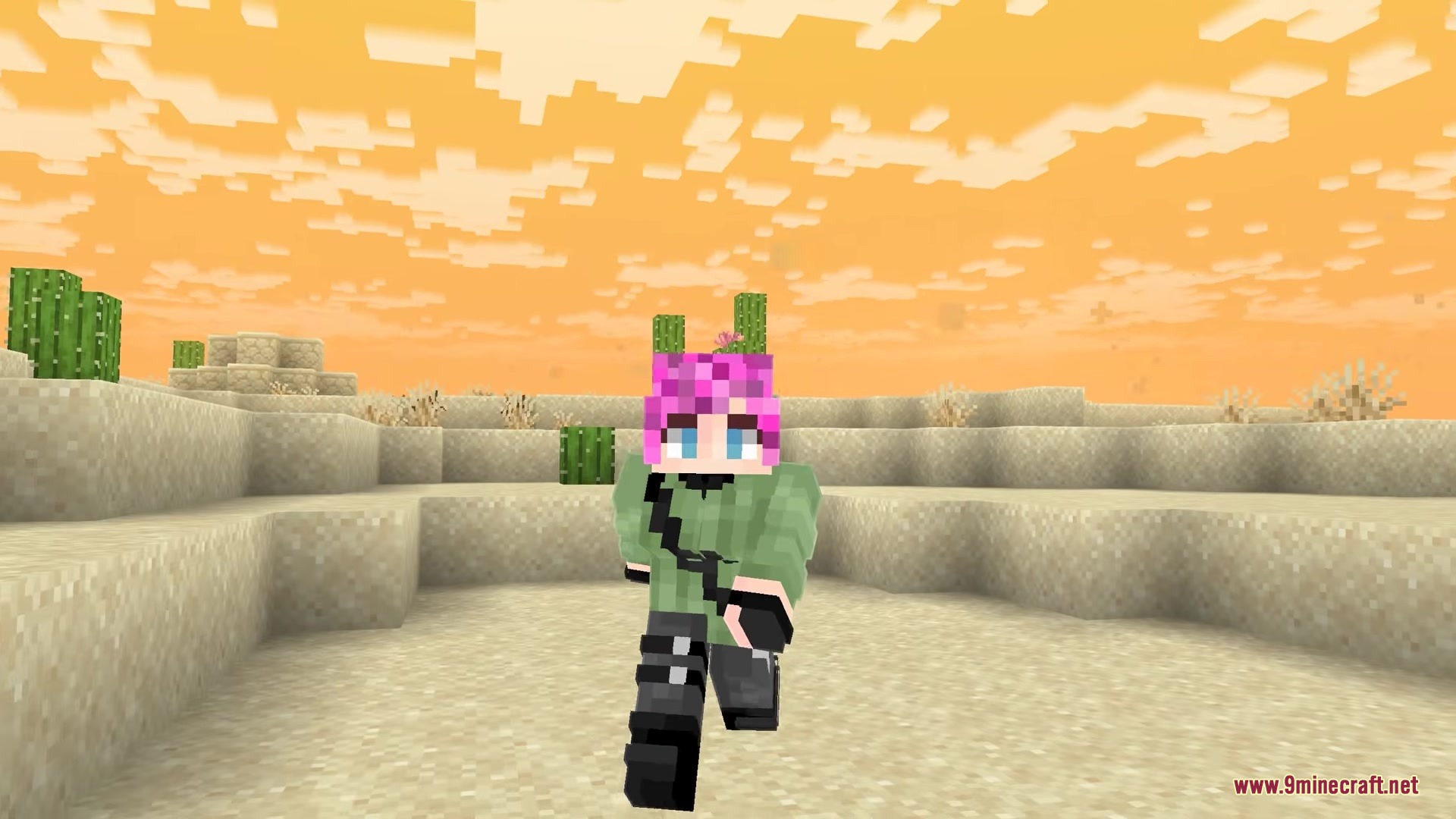
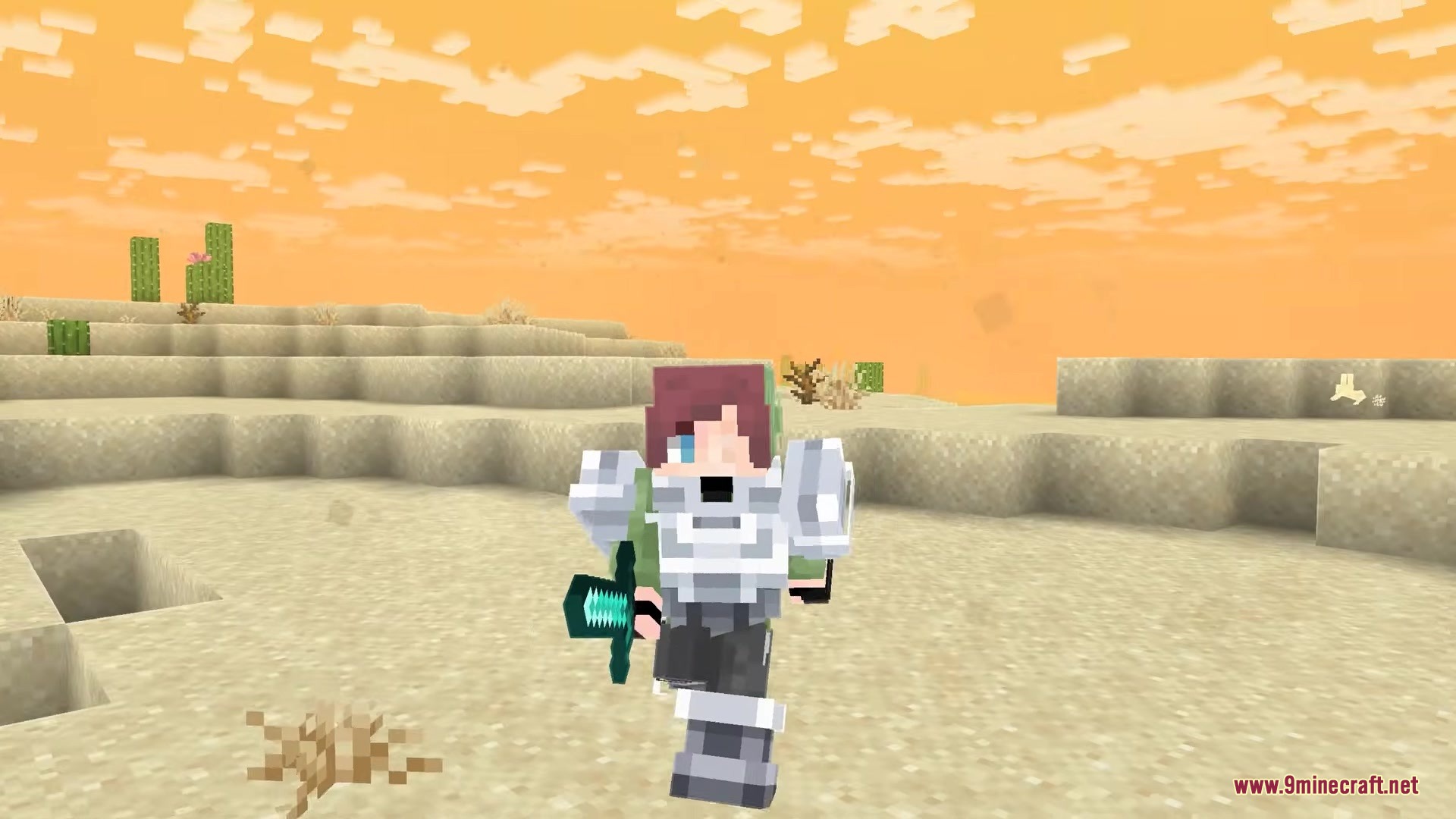
Skincraft Mod packs in a complete skin editing studio right inside your game. This mod lets you draw, change, and put on new outfits without ever closing Minecraft or opening a web browser. You can paint colors onto a 3D model of your character to see exactly how it looks before saving. It also includes a library of outfits made by other players that you can wear instantly. If you want to add a cool cape to your back, this tool gives you several fun options to choose from.
Features:
- In-Game Editor: Lets you paint your character pixel by pixel using a flat grid or a live 3D model.
- Community Library: Browse through tons of character outfits made by other players and wear them with one click.
- Custom Capes: Equips you with special back items like a creeper face or golden heart to finish your look.
- Includes helpful art tools like an eyedropper to grab colors and an undo button for mistakes.
- Saves your new outfit straight to your character so you do not have to move files around.
- Allows you to upload your own creations for other players to find and download.
- Keeps a local folder of all your saved outfits that you can open right from the menu.
Skincraft Mod – Video Showcase
How to Use:
- Press K on your keyboard while playing to open the main menu.
- Click and drag with your right mouse button to spin the 3D model around.
- Pick an outfit to wear or start painting a blank canvas to make your own.
- Click the save button to put the new outfit on your character instantly.
Screenshots:
Skincraft Mod Download Links
- Edition: Minecraft Java
- File type: .jar
- Minecraft version listed: 1.21.11
- How to install: Install the matching mod loader (Forge, Fabric or NeoForge) for your Minecraft version. → Download the .jar. → Put it in the .minecraft/mods folder and launch that loader profile.
- Where to get it: In MC Java Mods, or directly above on this page.
Install steps are the general flow for this file type — How to install Minecraft Java mods & modpacks walks through it step by step.
Skincraft Mod (26.2, 1.21.11) – Design Custom Character Skins Without Leaving is a free Minecraft Java mod. Compatible with Minecraft 1.21.11. Download it and open it directly in the game.