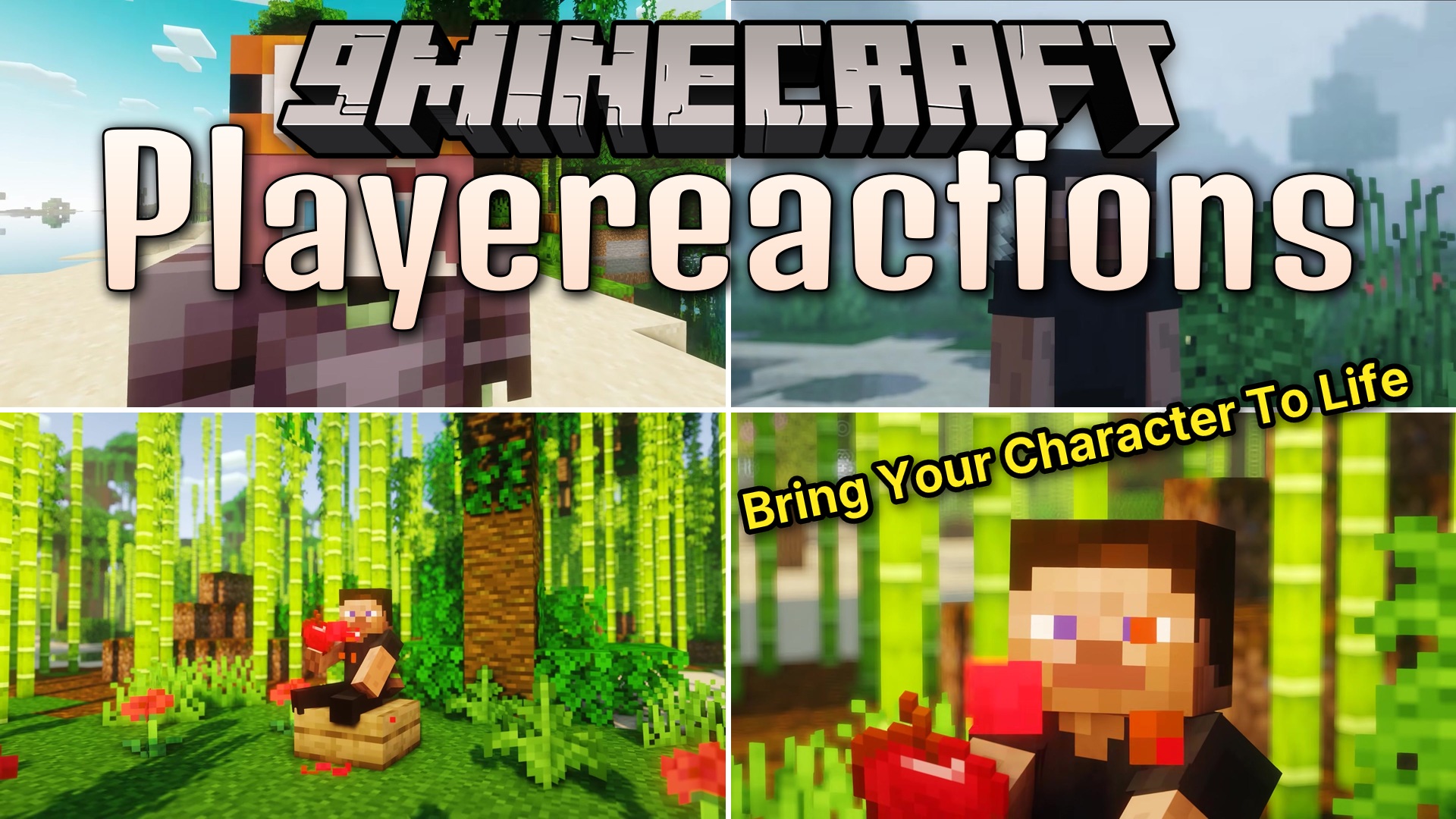
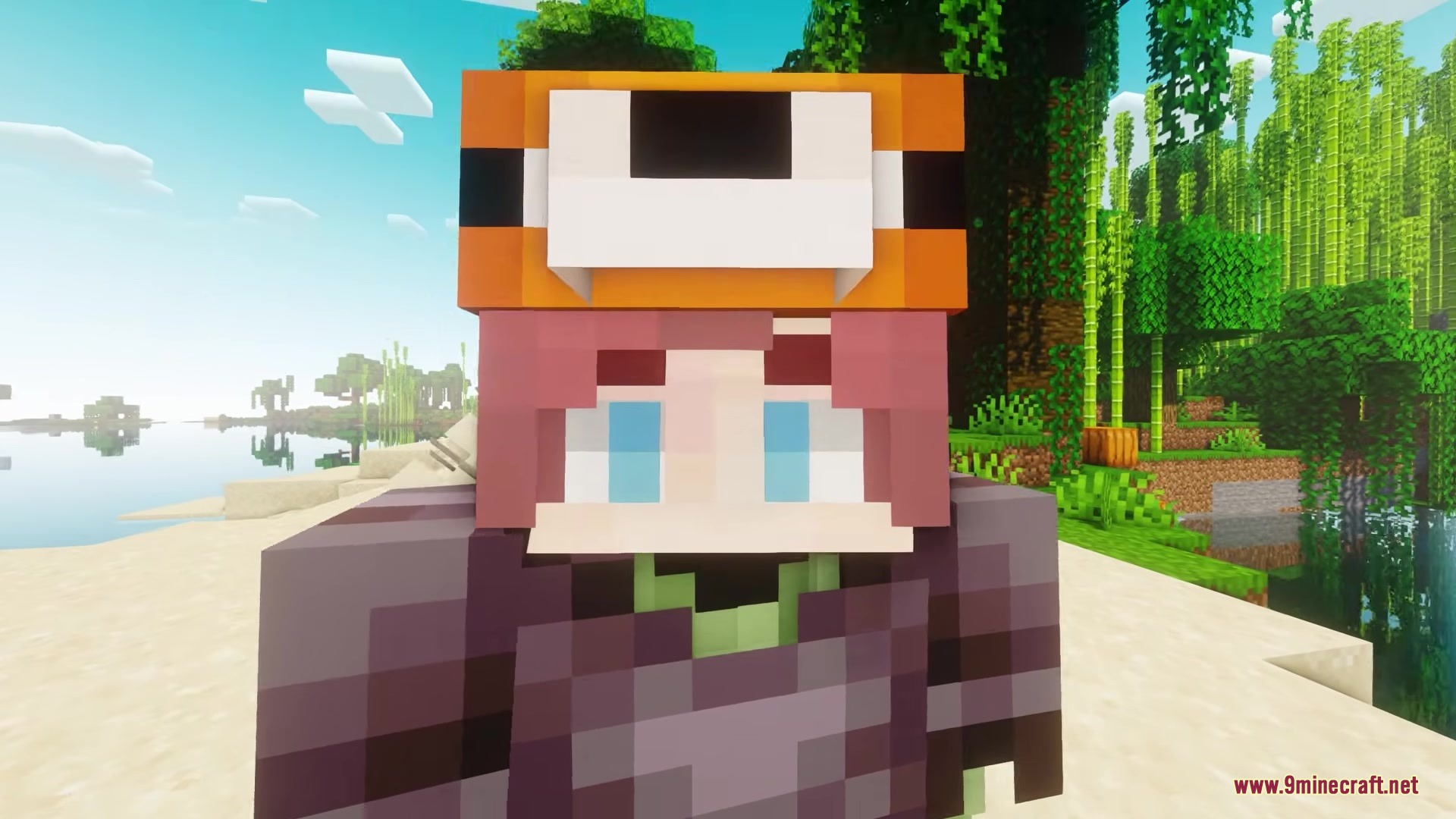
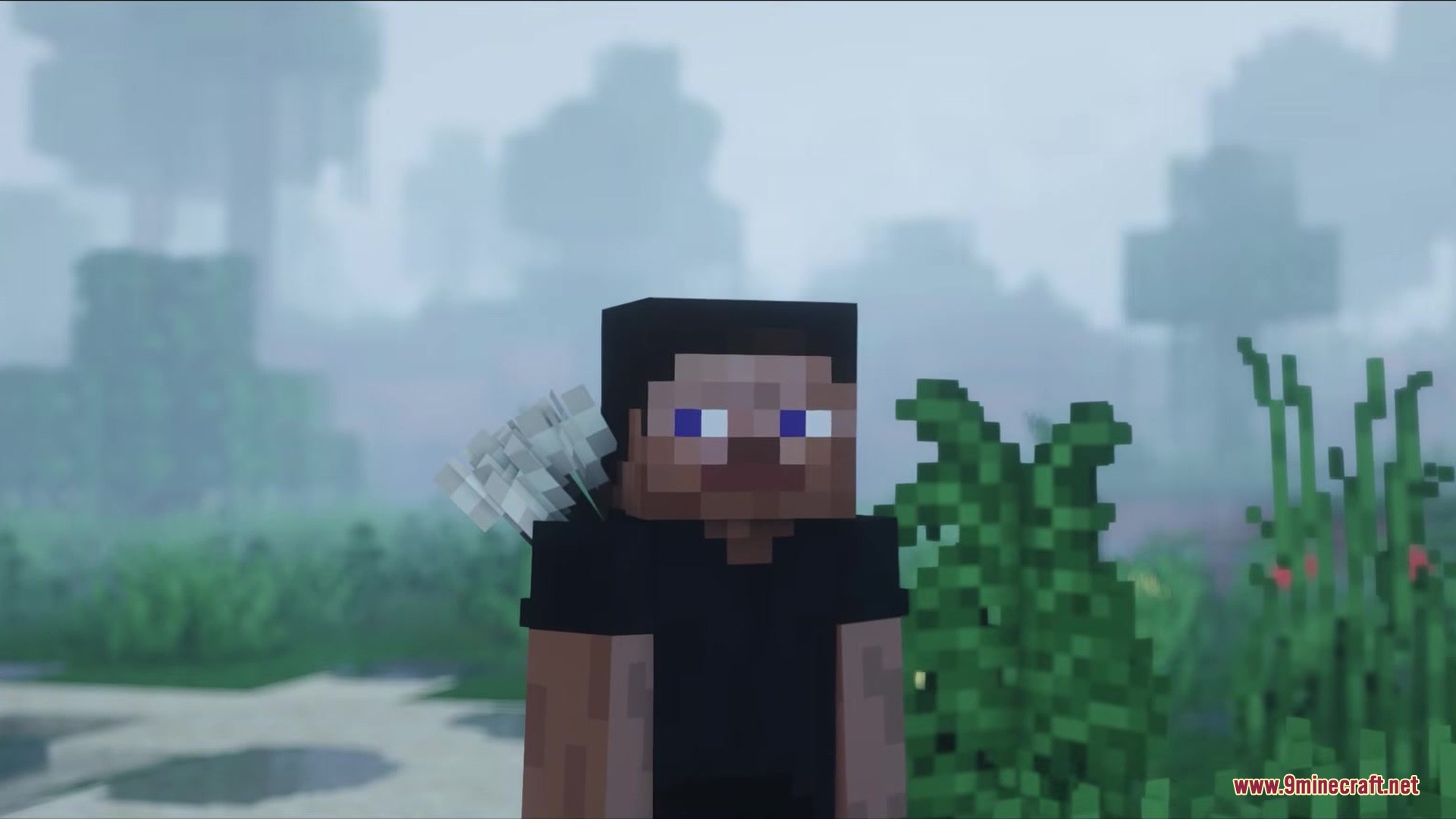
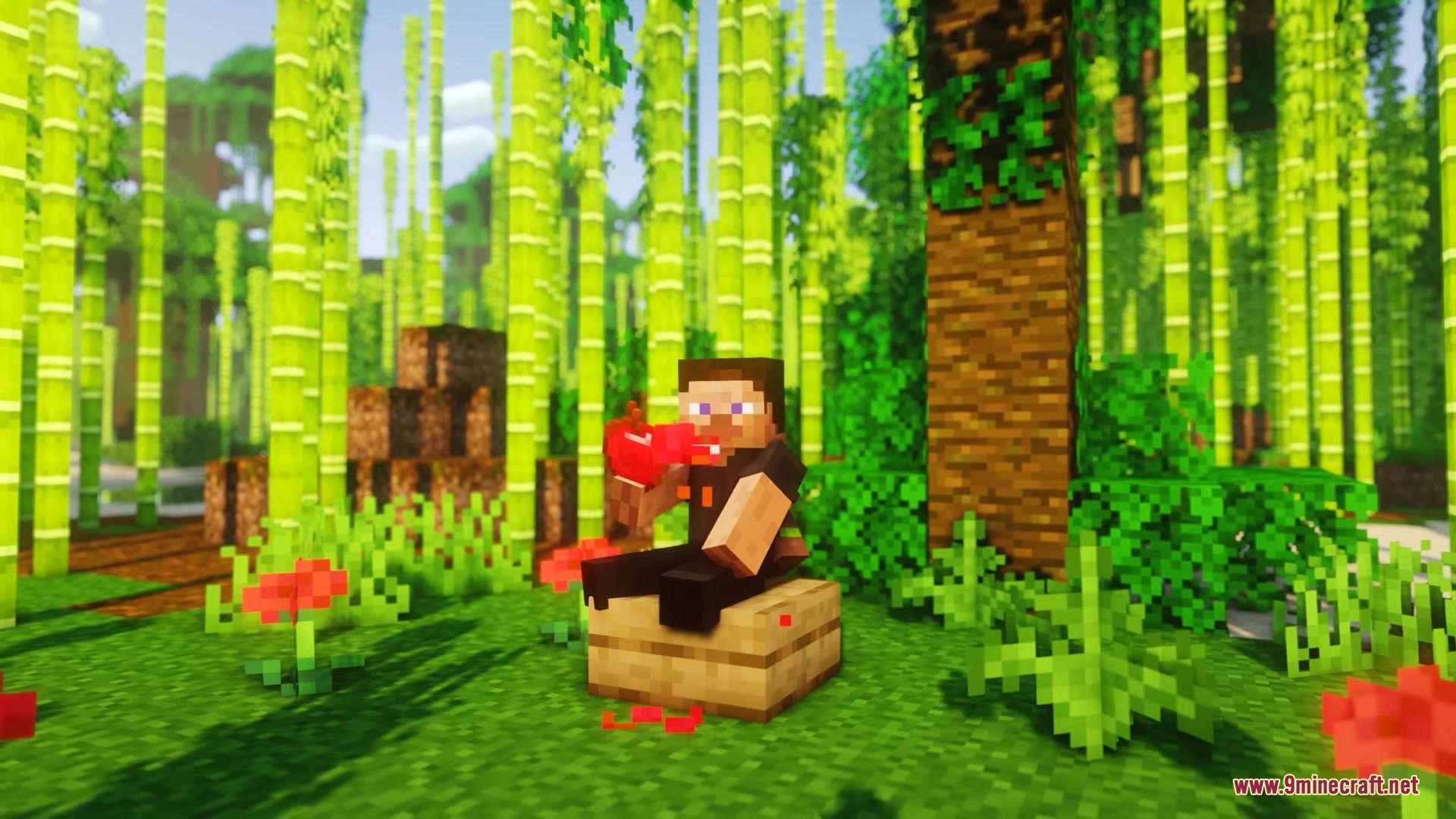
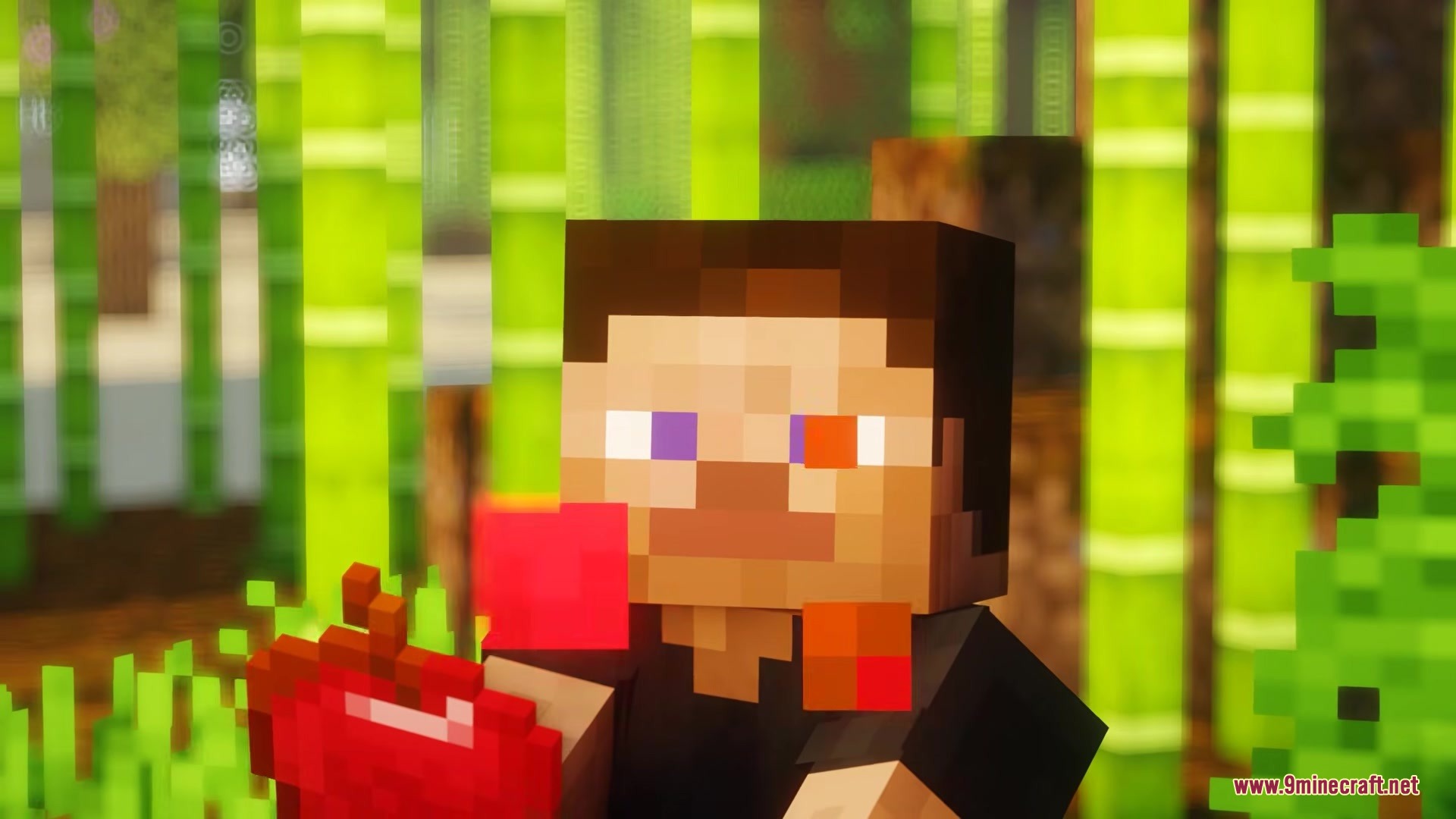
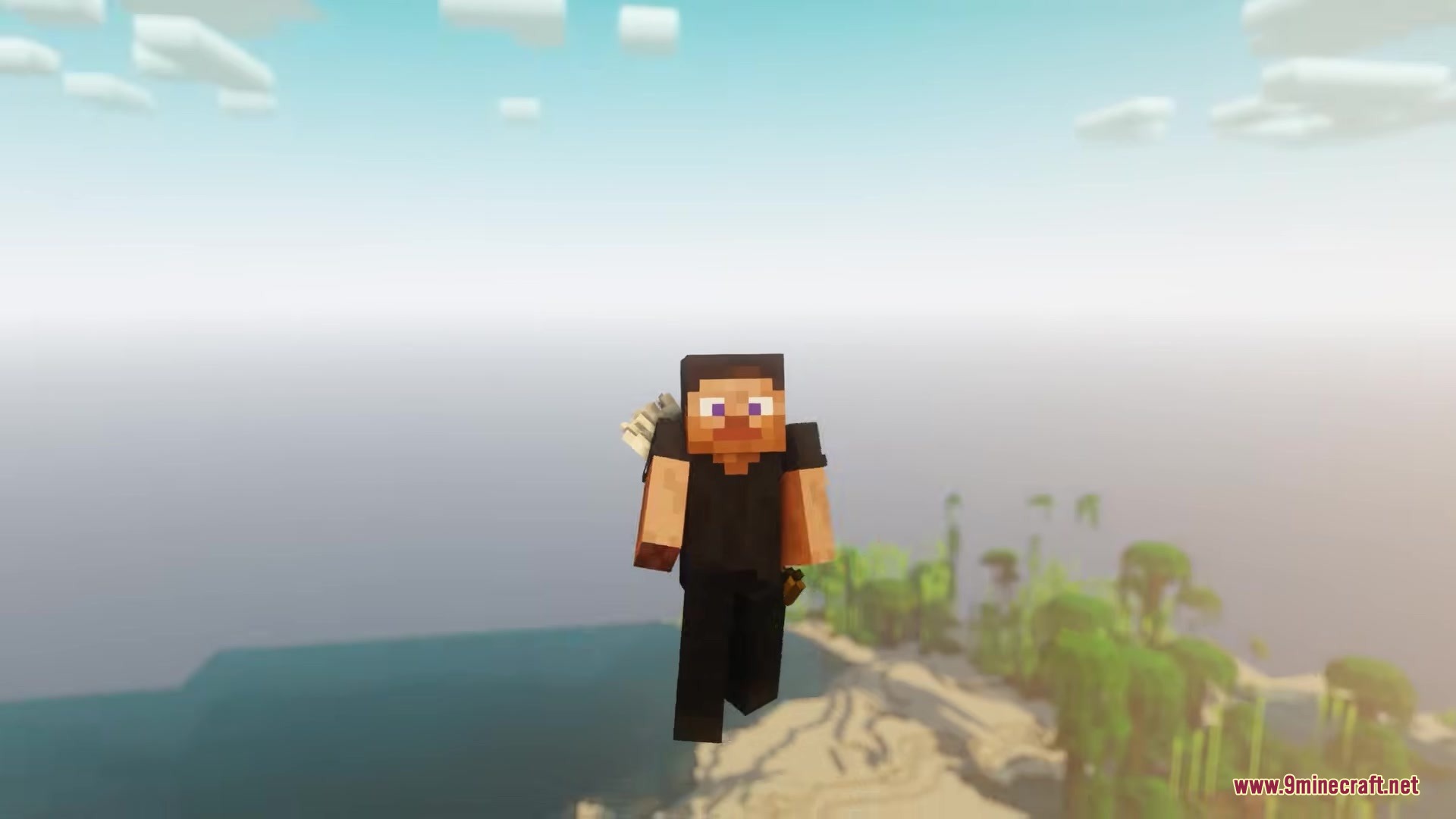
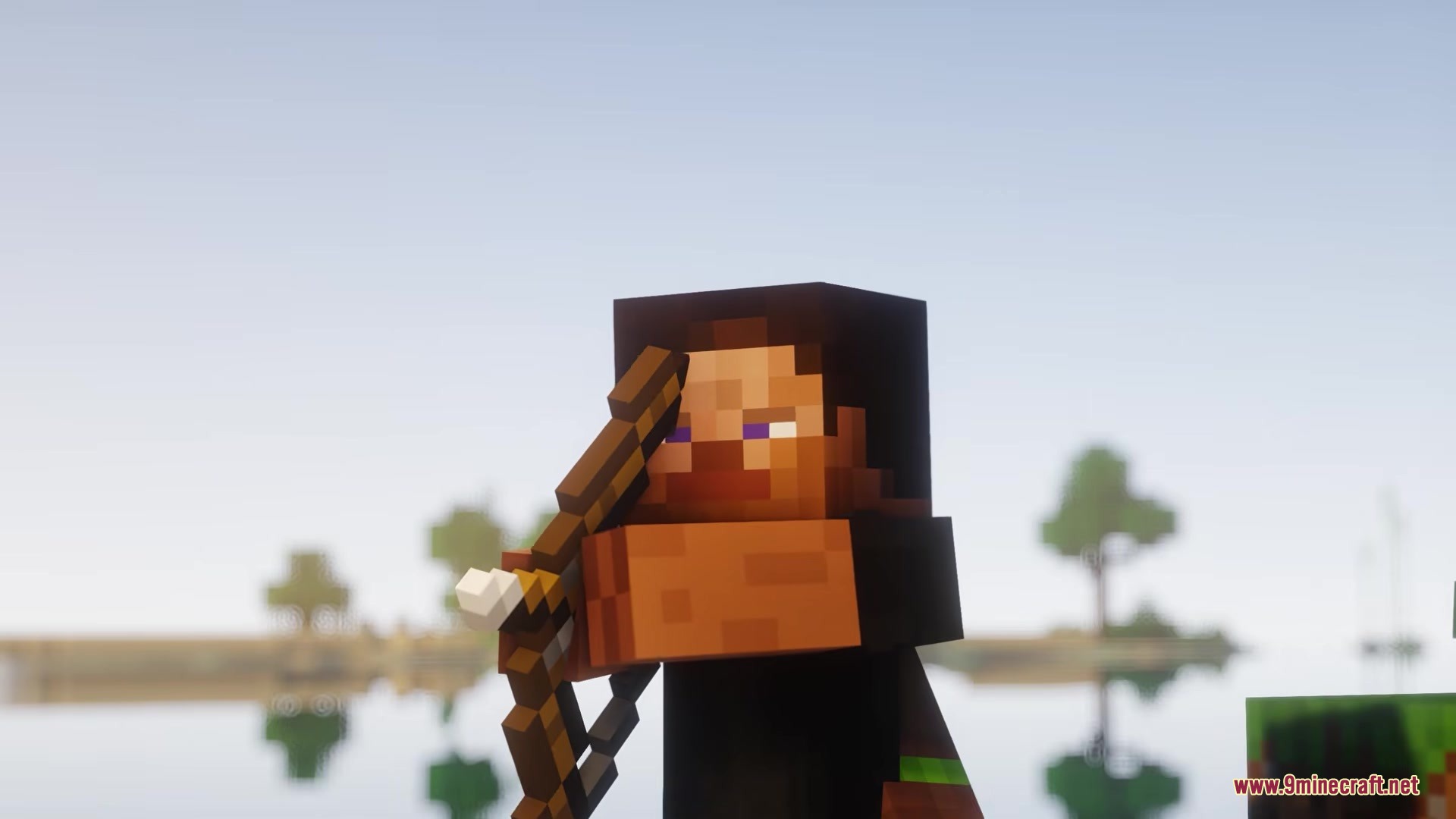
Playereactions Mod adds moving faces and expressions to your blocky character. The mod changes how your player looks during normal activities. It gives your character moving eyelids and reactions that fit the normal game style. You can see your character react to the world around them without needing complex skin changes.
Features:
- Makes your character blink naturally with moving eyelids over time.
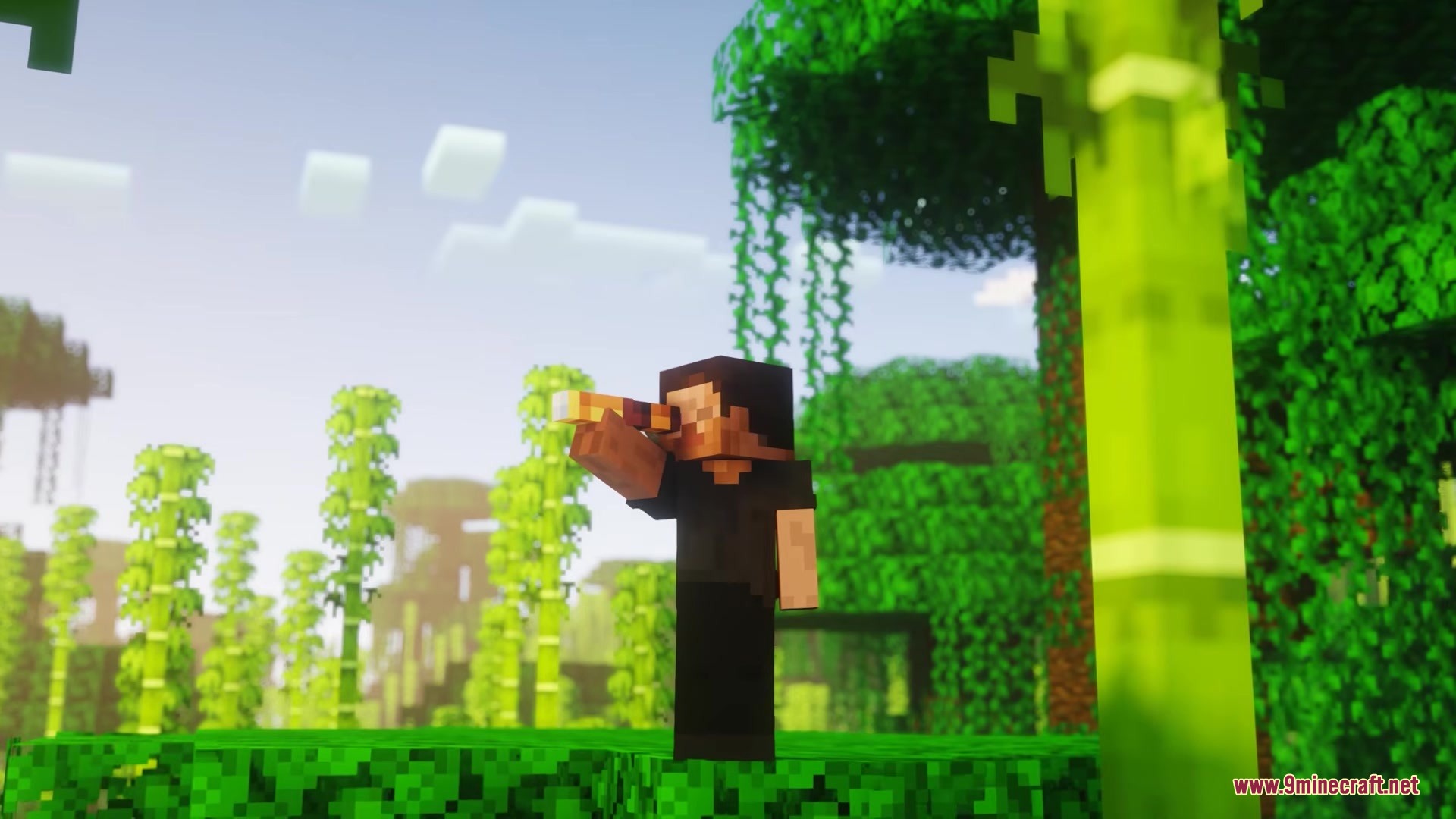
- Forces your character to close one eye when looking through a spyglass.
- Changes your facial expression when you eat food or fall from high places.
- Keeps the simple blocky style of the game while adding these face movements.
Configuration:
- Lets you change the size of your character’s eyes in the settings menu.
Screenshots:
Playereactions Mod Download Links
Quick facts
- Edition: Minecraft Java
- File type: .jar
- Minecraft version listed: 1.21.1
- How to install: Install the matching mod loader (Forge, Fabric or NeoForge) for your Minecraft version. → Download the .jar. → Put it in the .minecraft/mods folder and launch that loader profile.
- Where to get it: In MC Java Mods, or directly above on this page.
Install steps are the general flow for this file type — How to install Minecraft Java mods & modpacks walks through it step by step.
Verified by MCModsHub
- Downloads as 352754.mcaddon
- Download size: 147 KB
- Download link checked 25 Sept 2026 — working
- Mirrored on our own servers — the download does not depend on the original host
These come from our own check of the pack file, not from the source page.