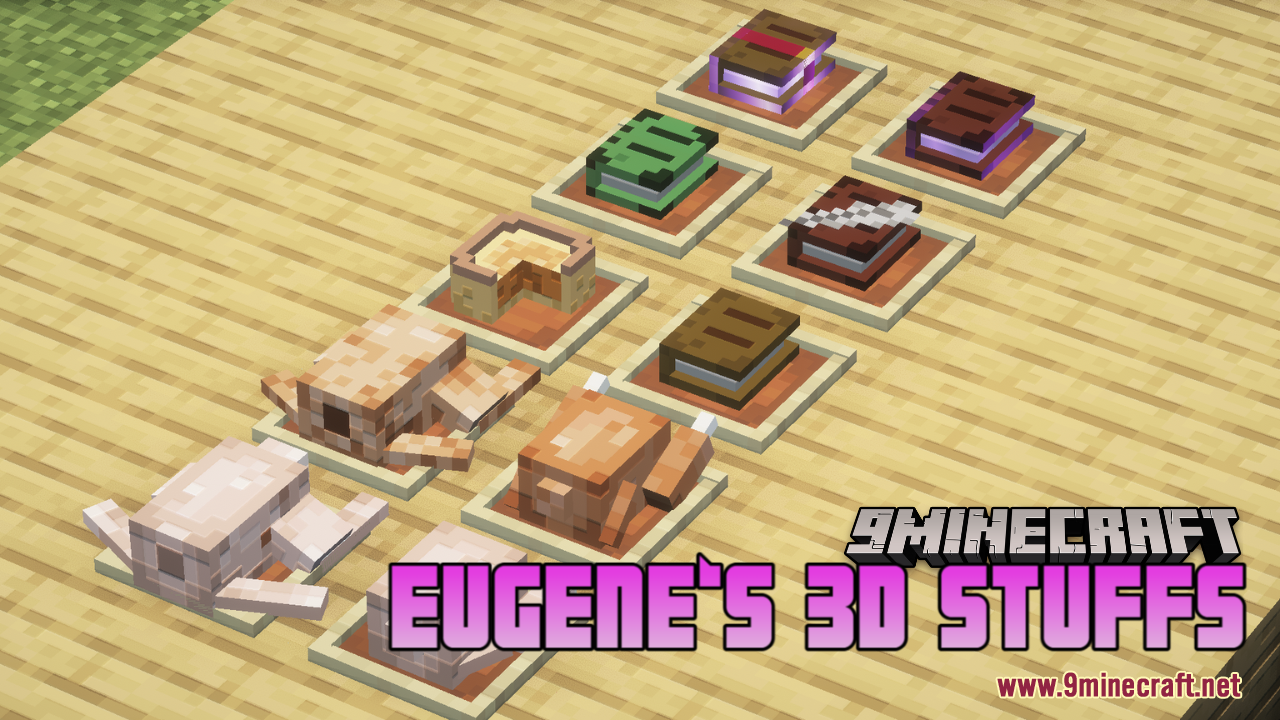
Eugene‘s 3D Stuffs Resource Pack (1.21.11, 1.20.1) – Texture Pack
Eugene‘s 3D Stuffs Resource Pack enhances Minecraft's visual experience by transforming items into true 3D models while maintaining the charm of the…
⬇ Download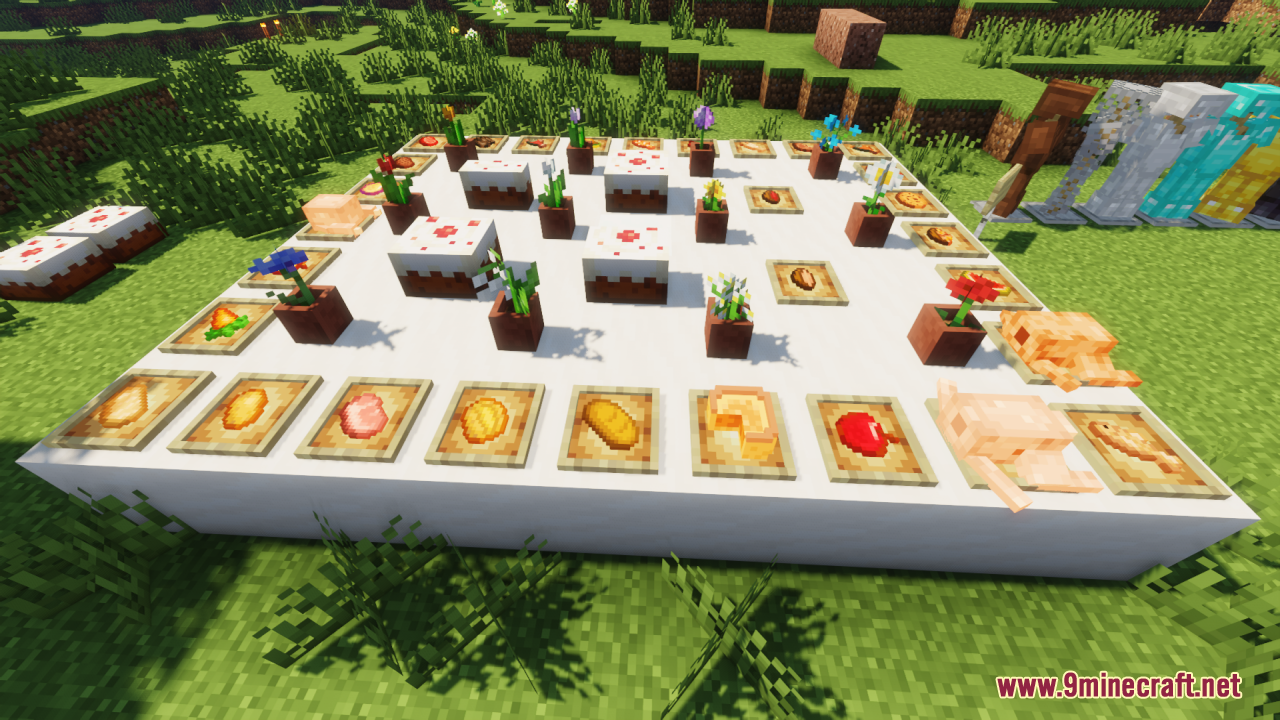
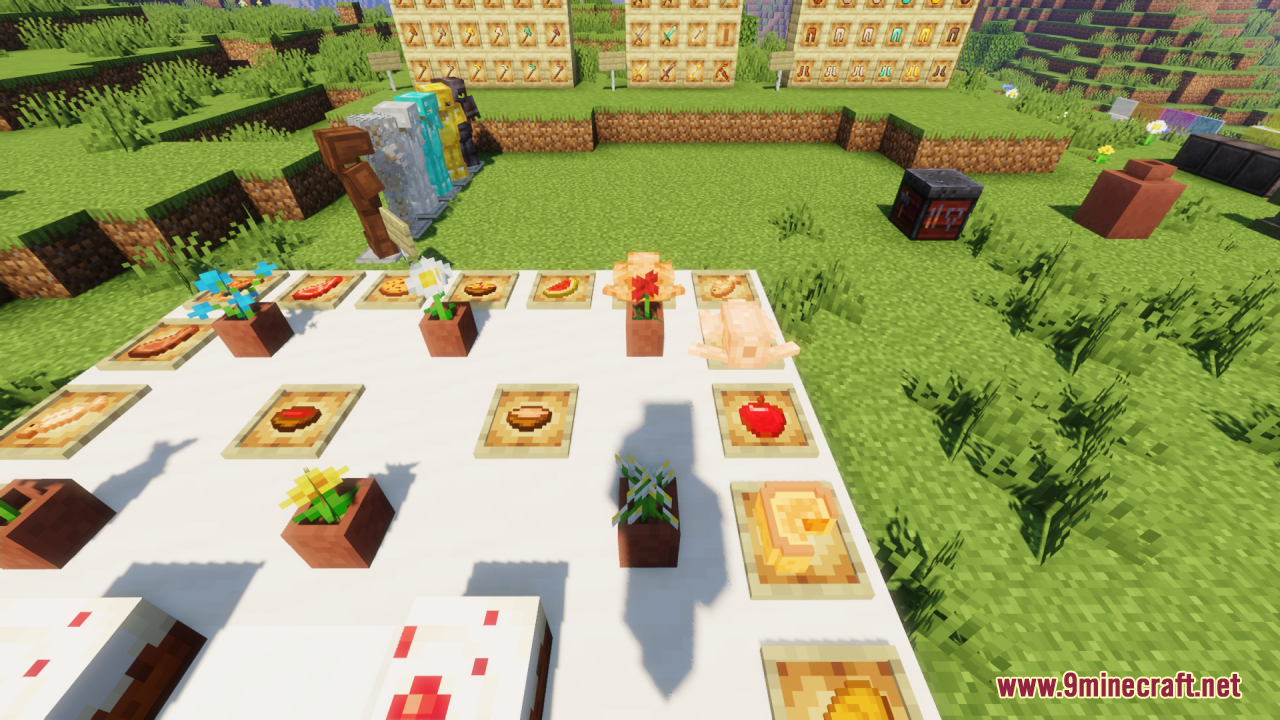
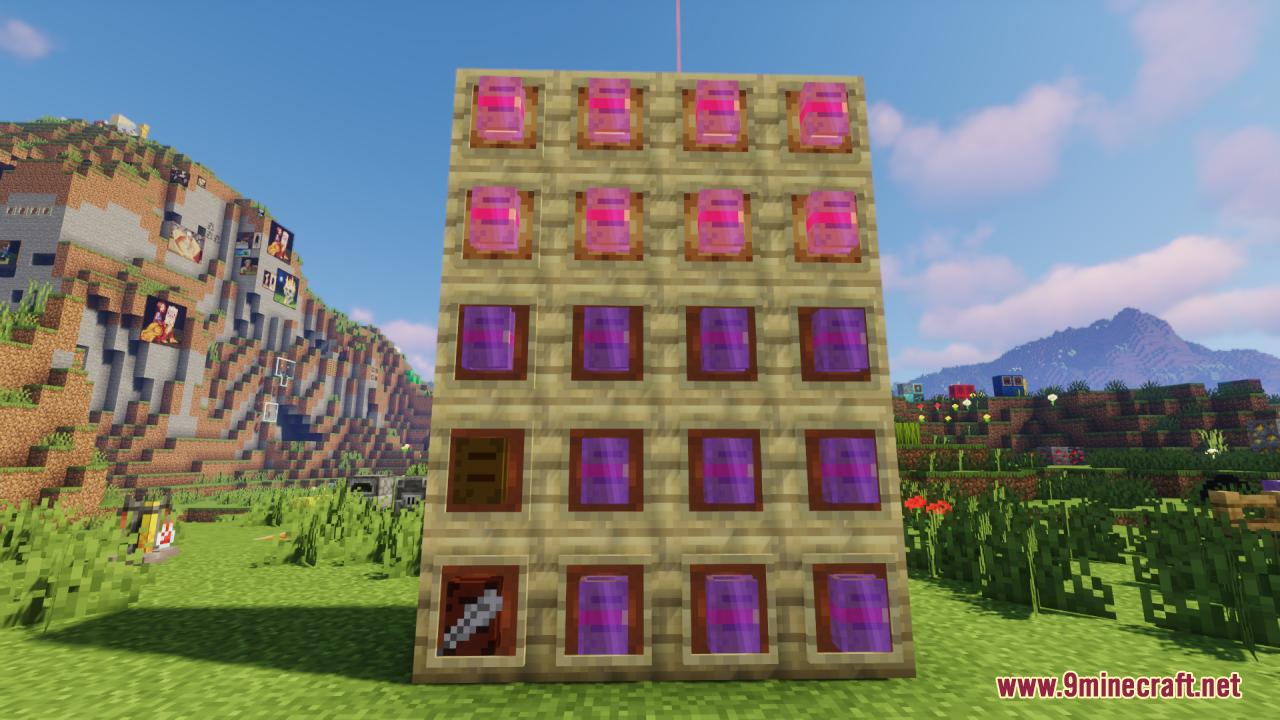
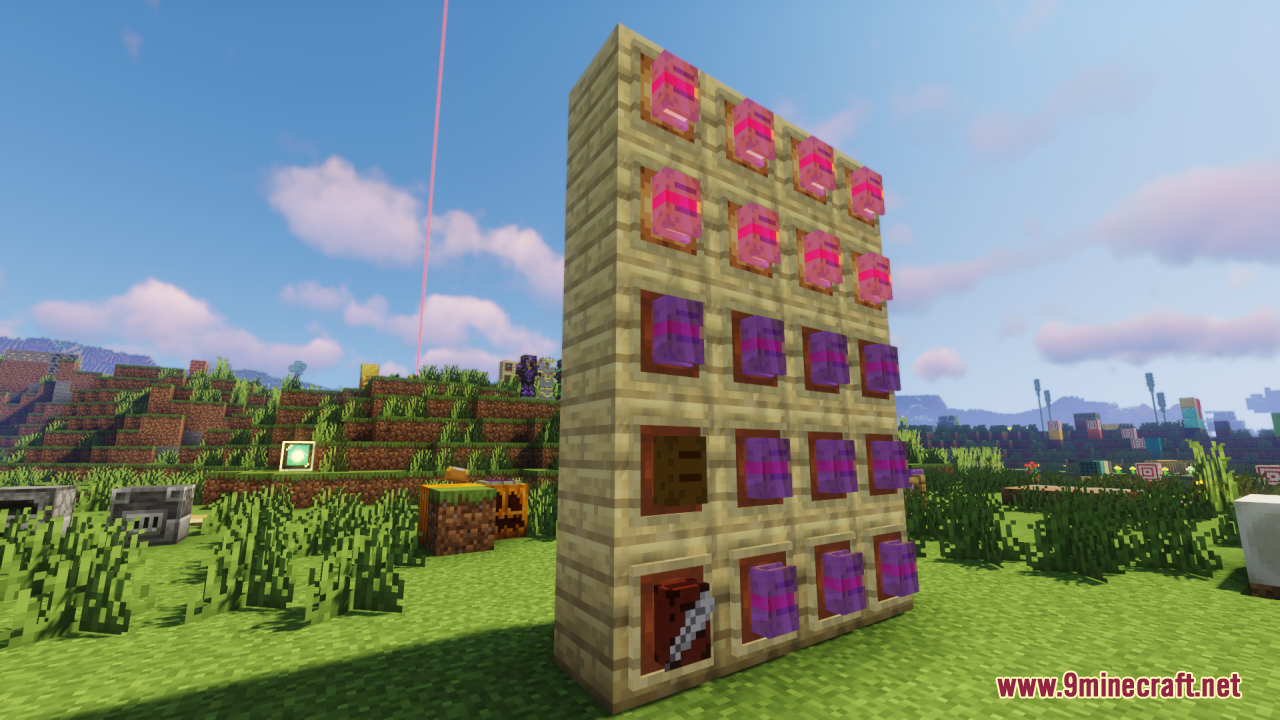
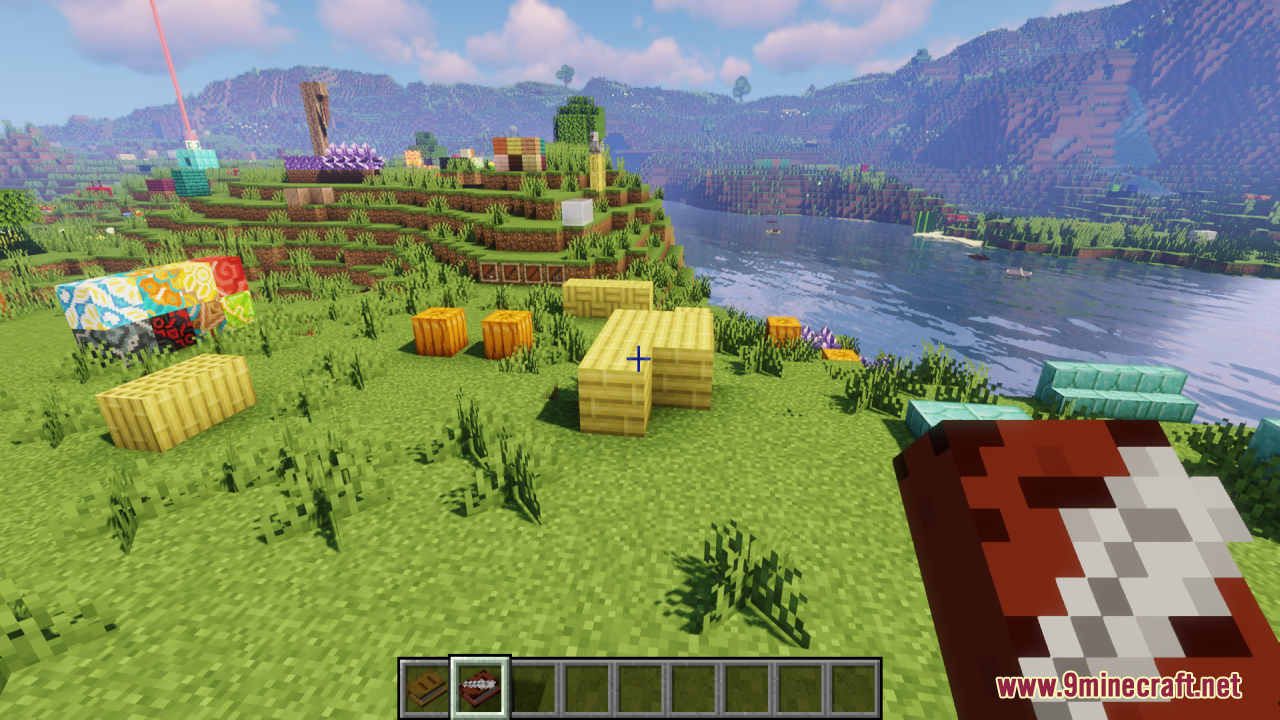
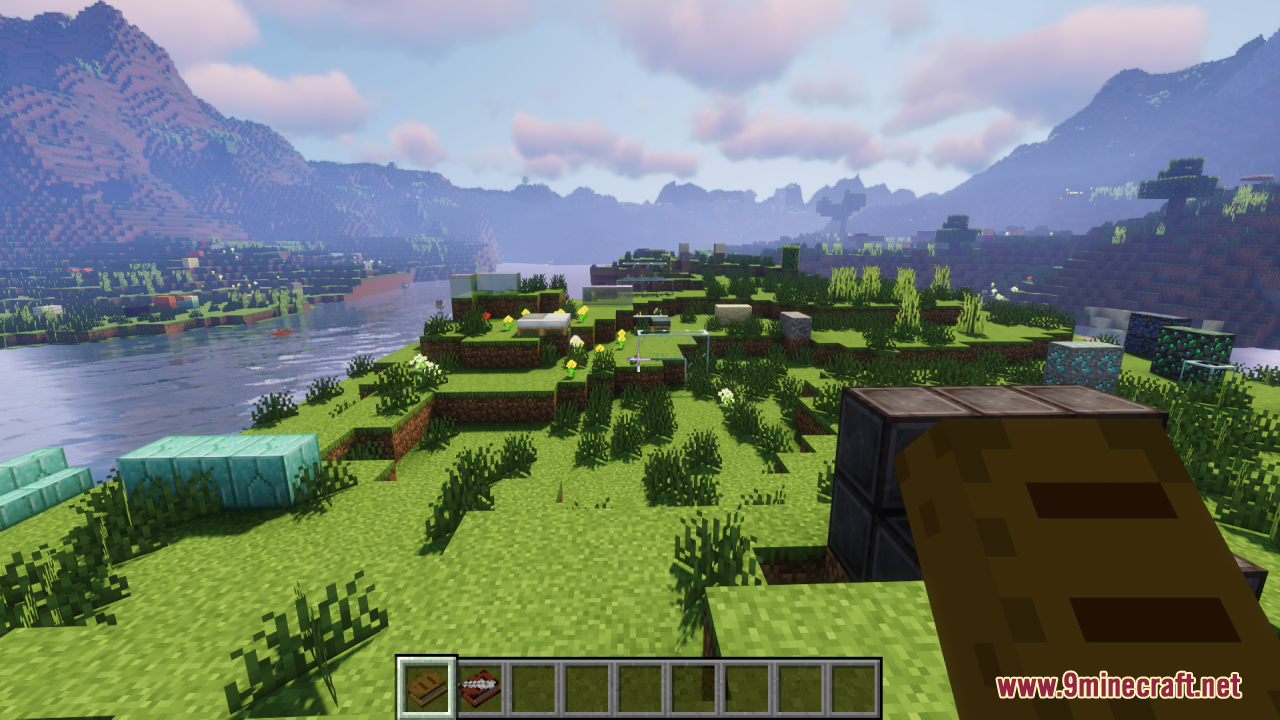
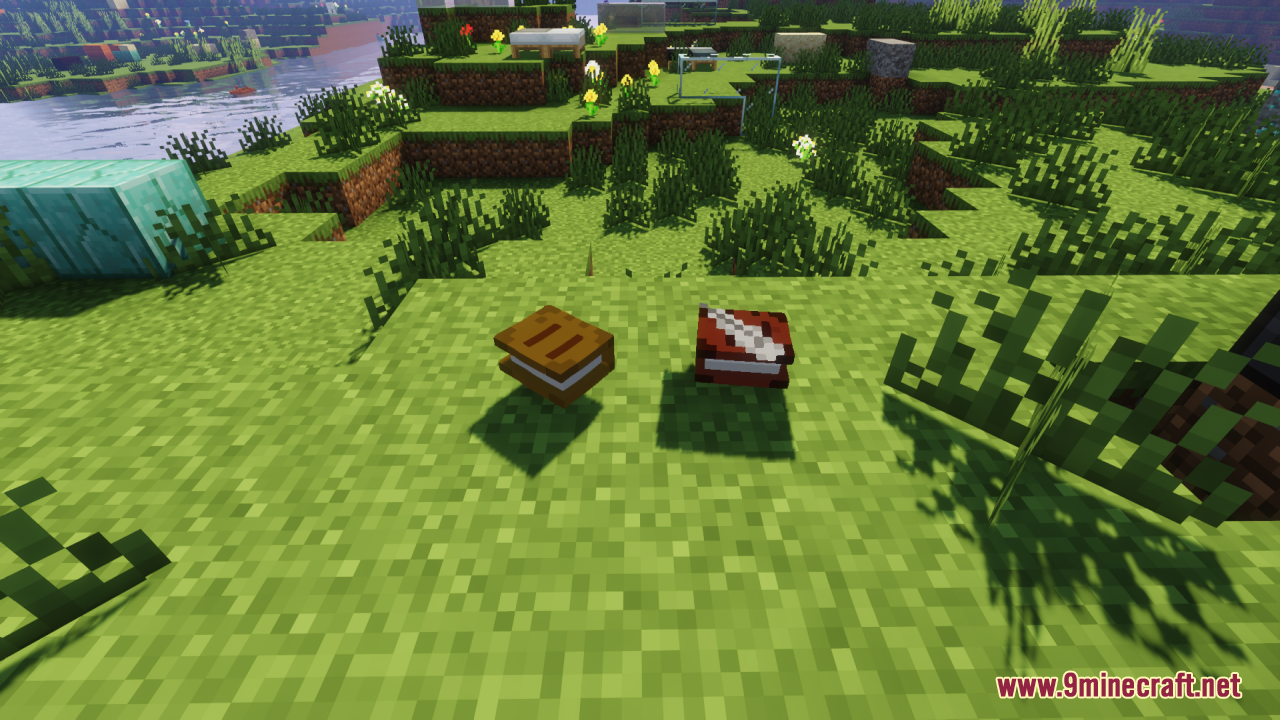
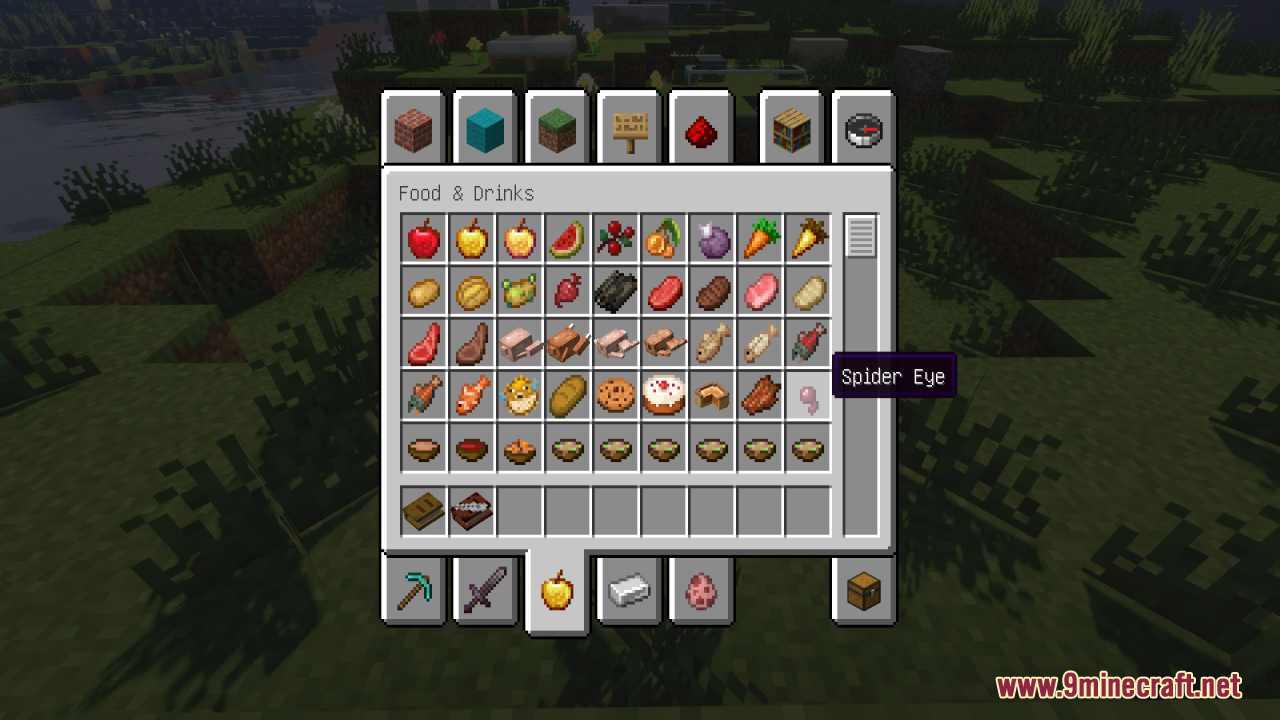
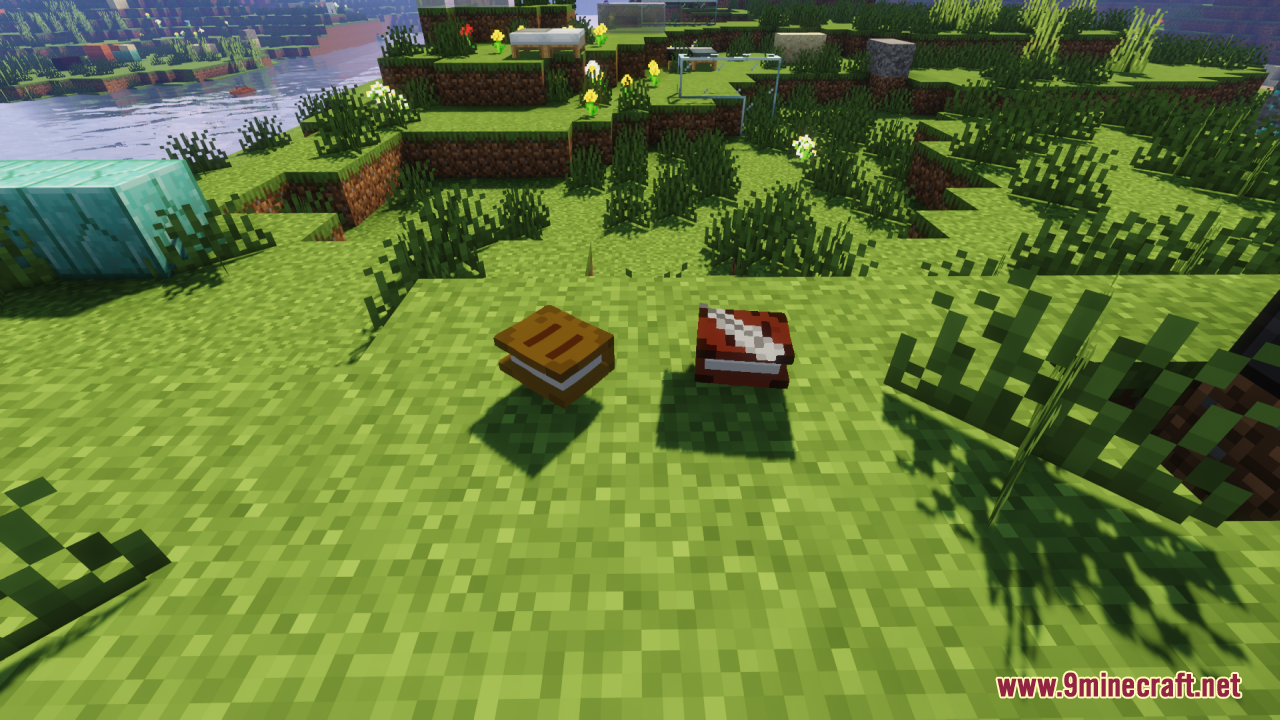
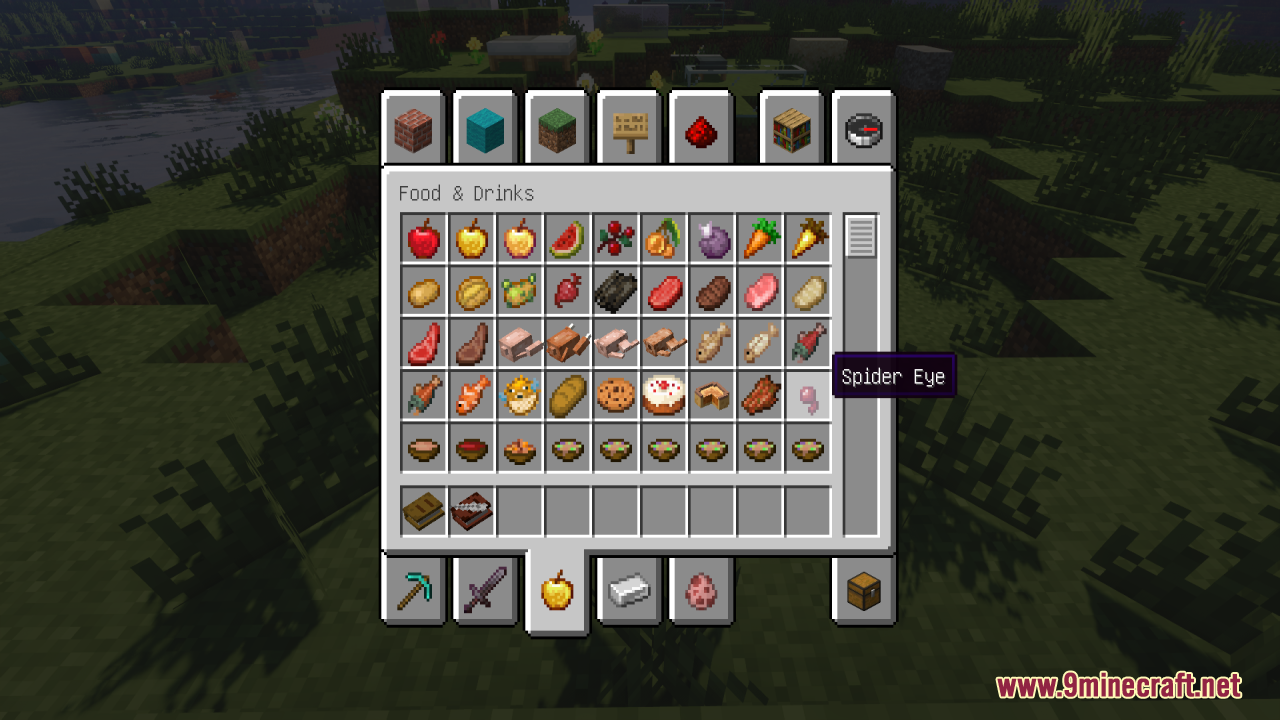
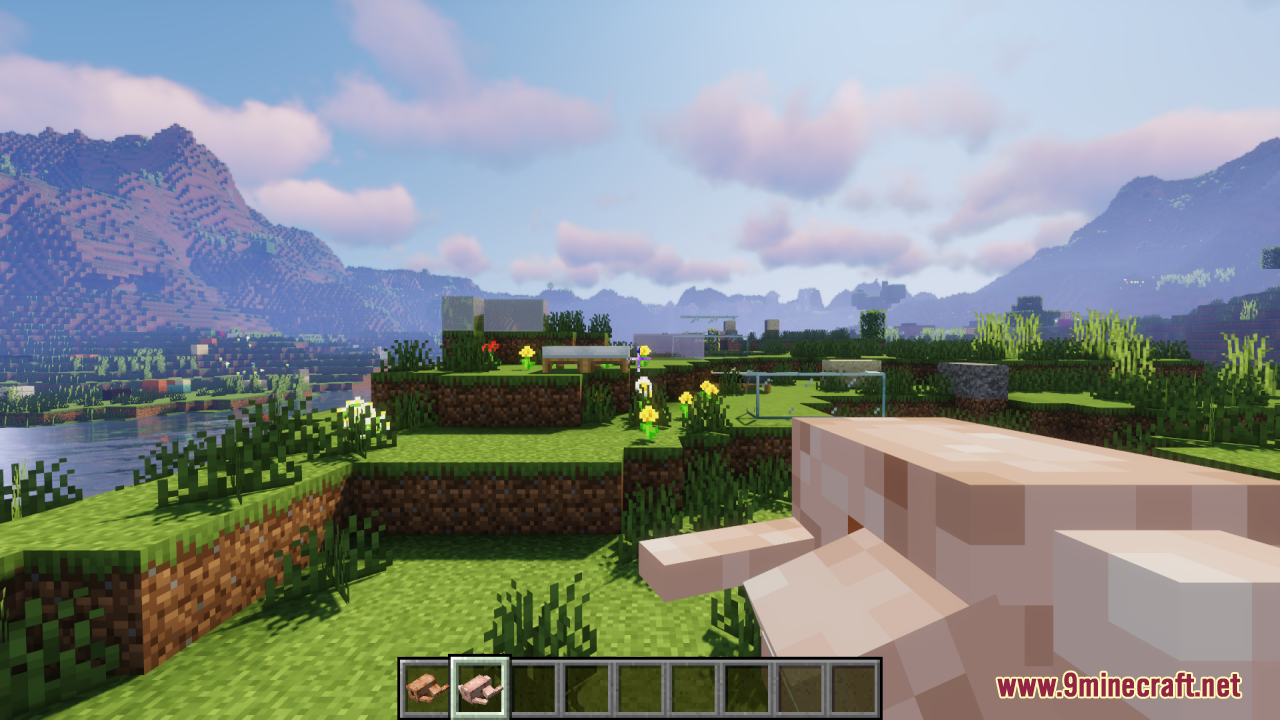
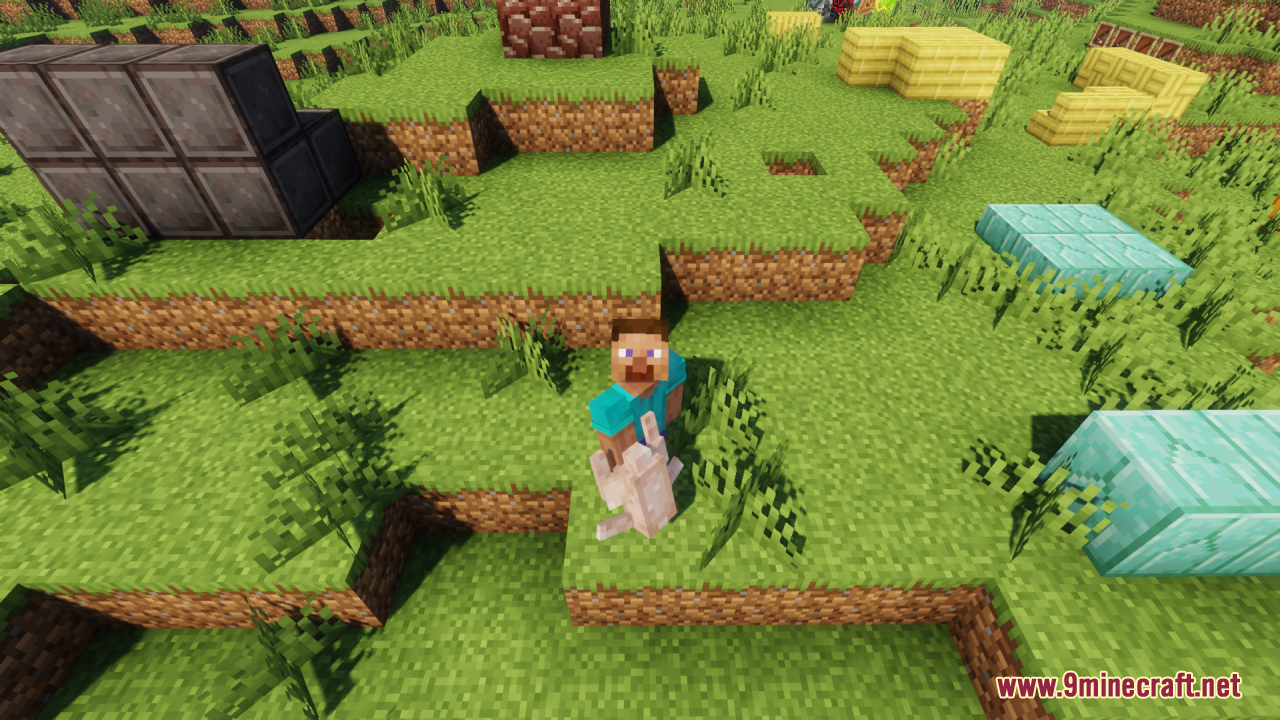
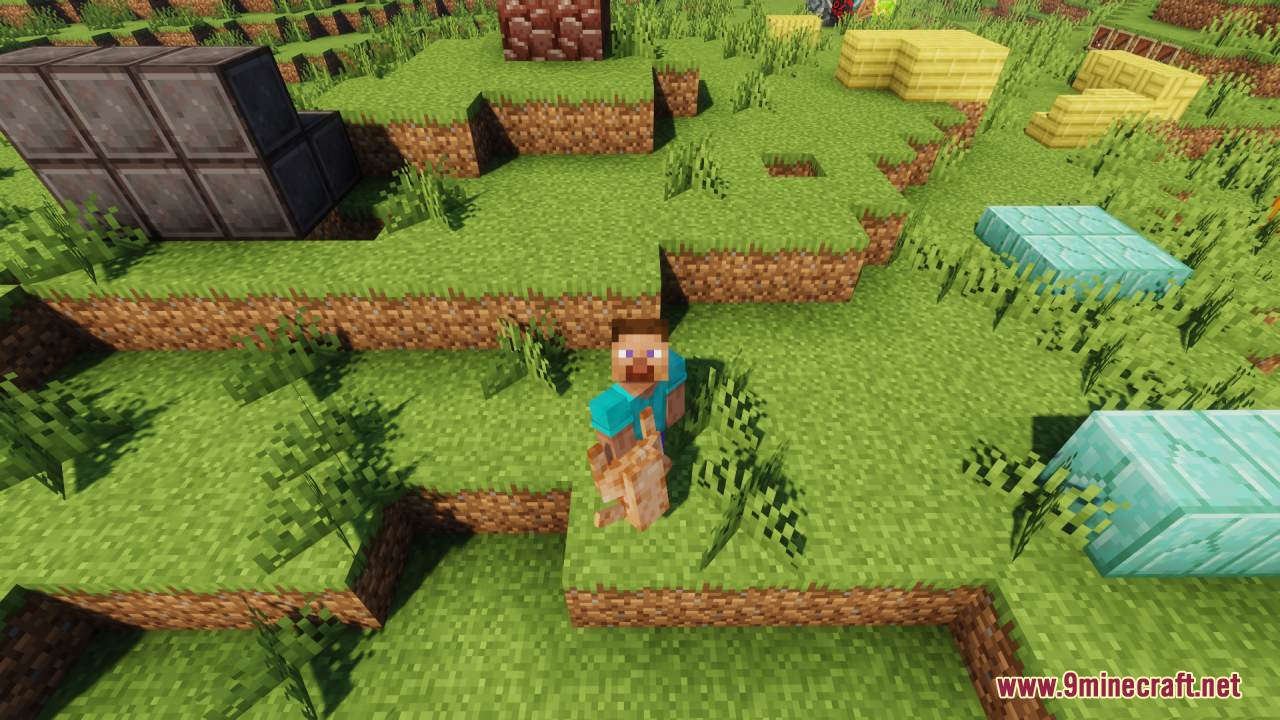
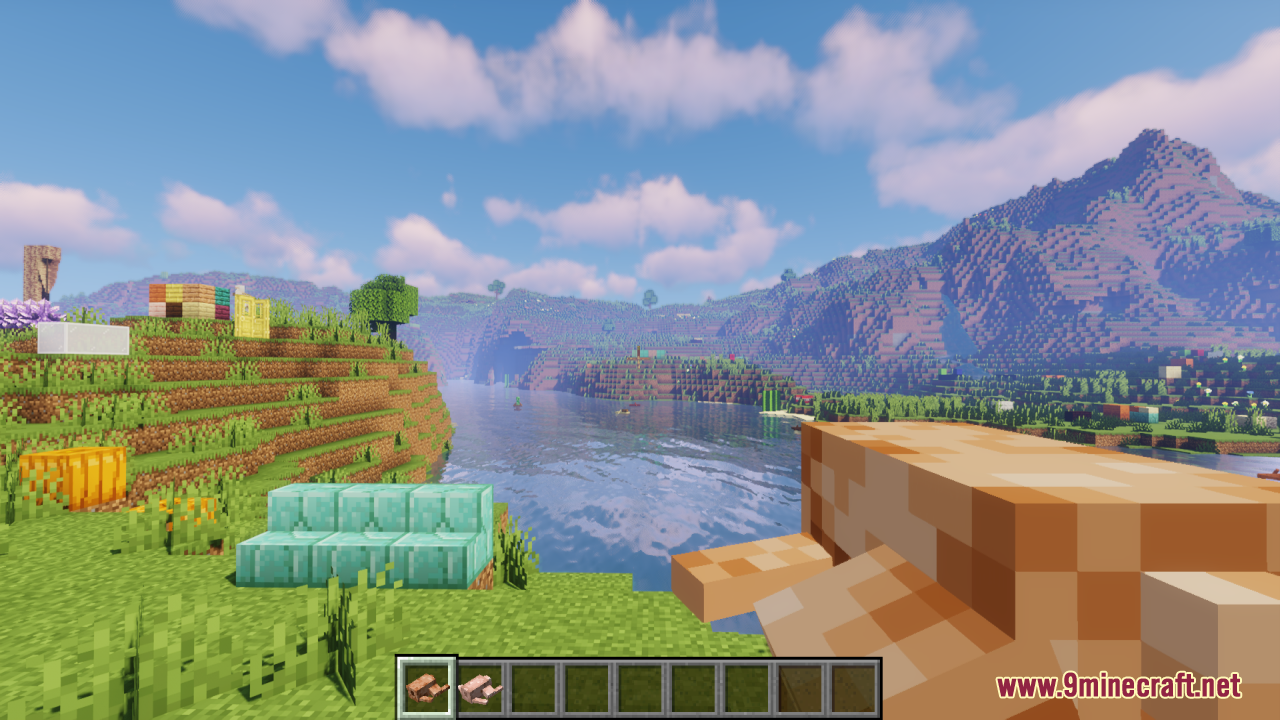
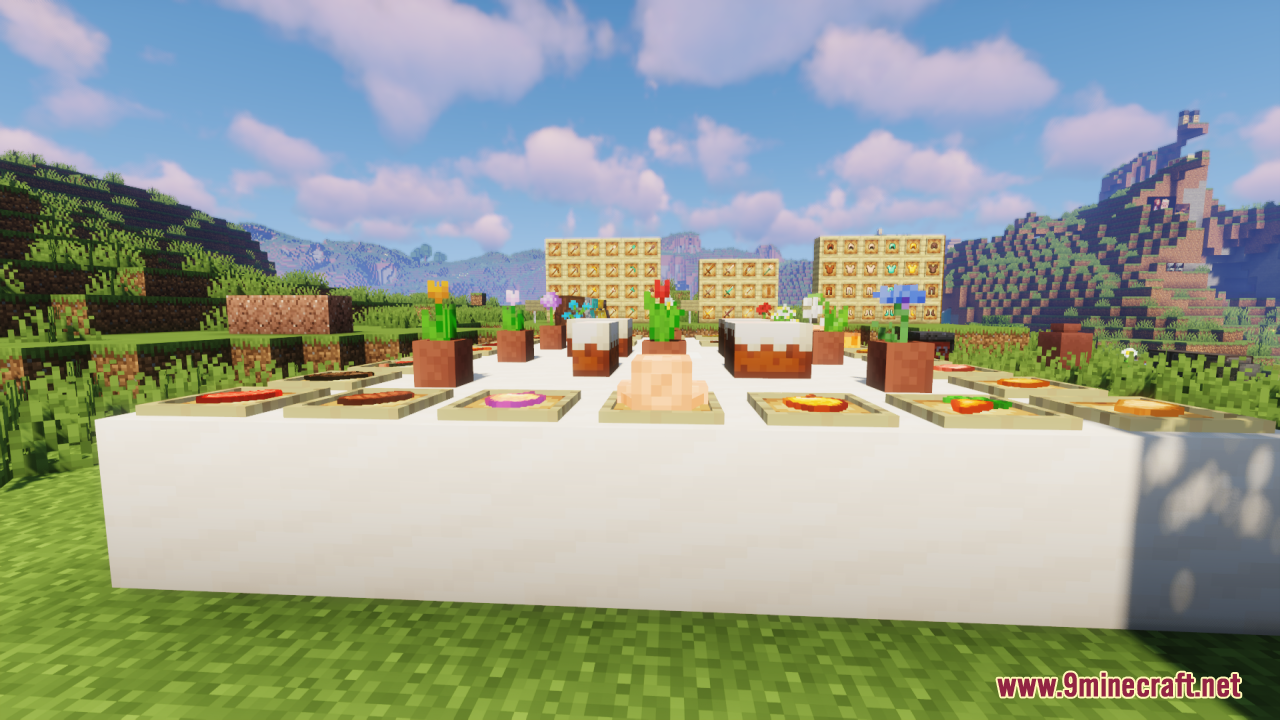
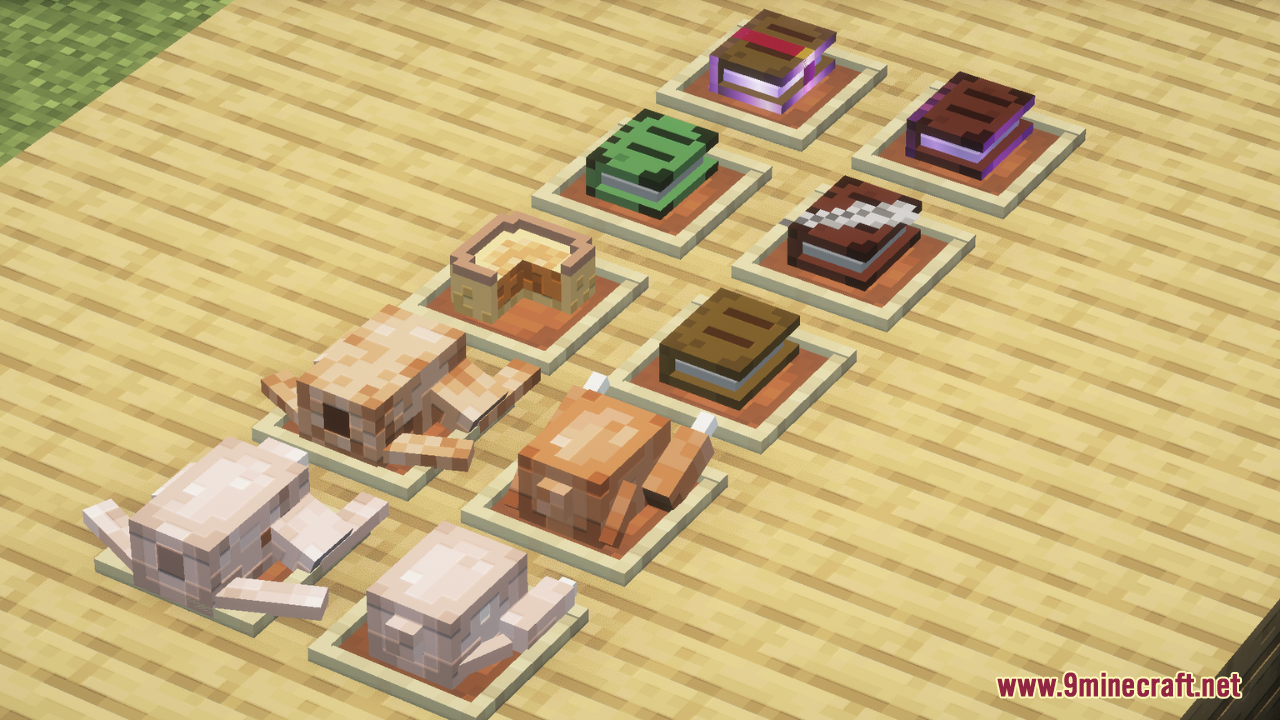
Eugene‘s 3D Stuffs Resource Pack enhances Minecraft’s visual experience by transforming items into true 3D models while maintaining the charm of the original 2D textures. The voxel size remains consistent with the default pixel grid, ensuring a seamless and authentic look without pixel-mixing issues. This pack brings a fresh level of depth and realism to in-game items, making them stand out without compromising Minecraft’s signature blocky aesthetic. Whether you’re wielding tools, holding food, or interacting with decorative items, everything will have a refined and immersive 3D appearance.
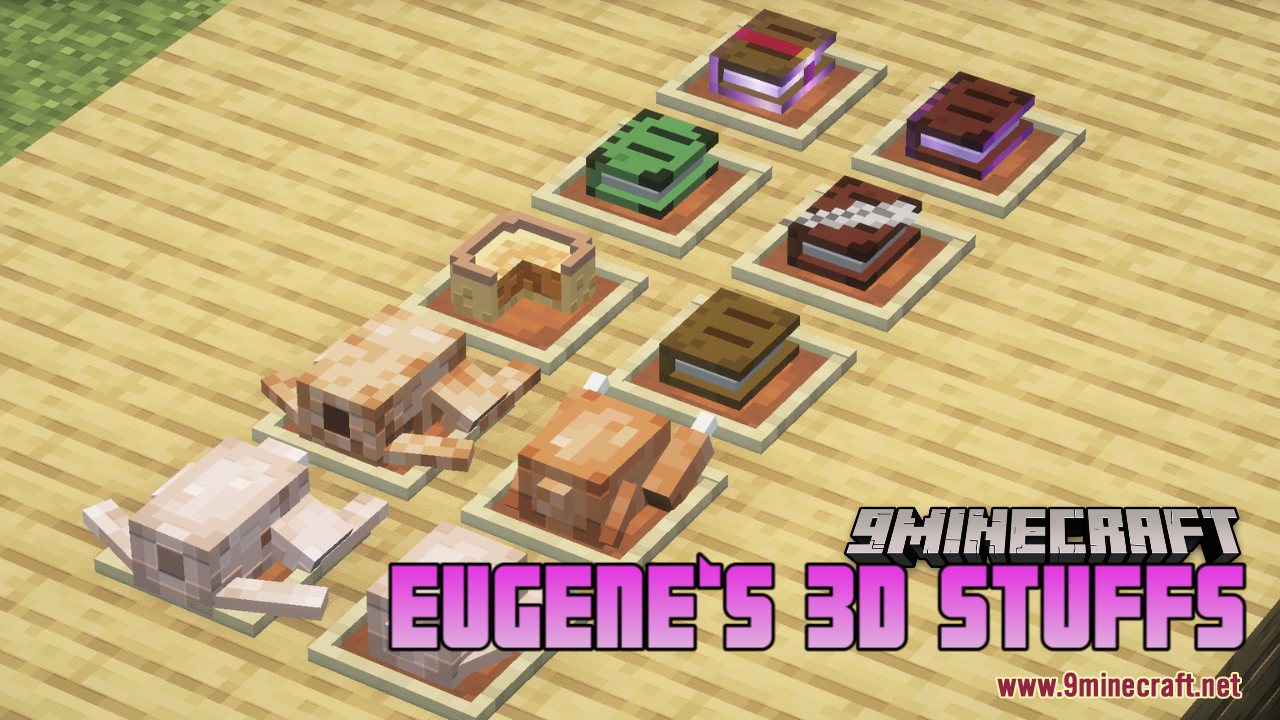
Screenshots:
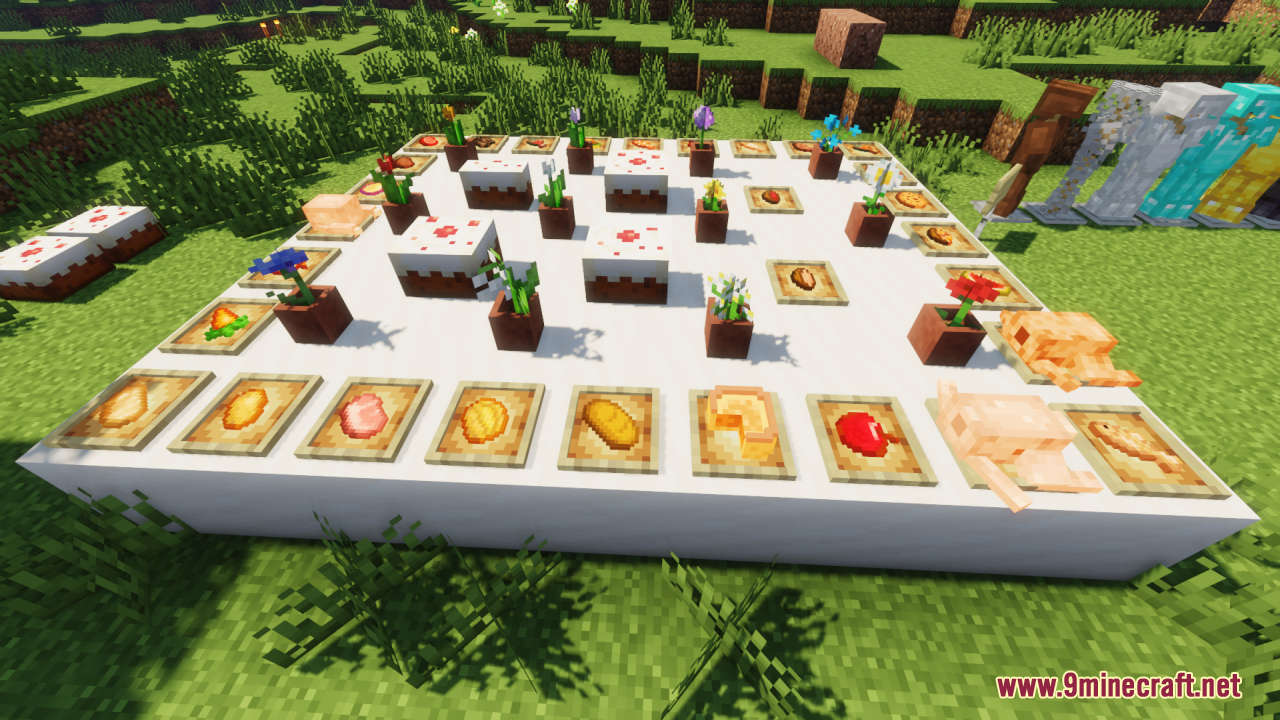
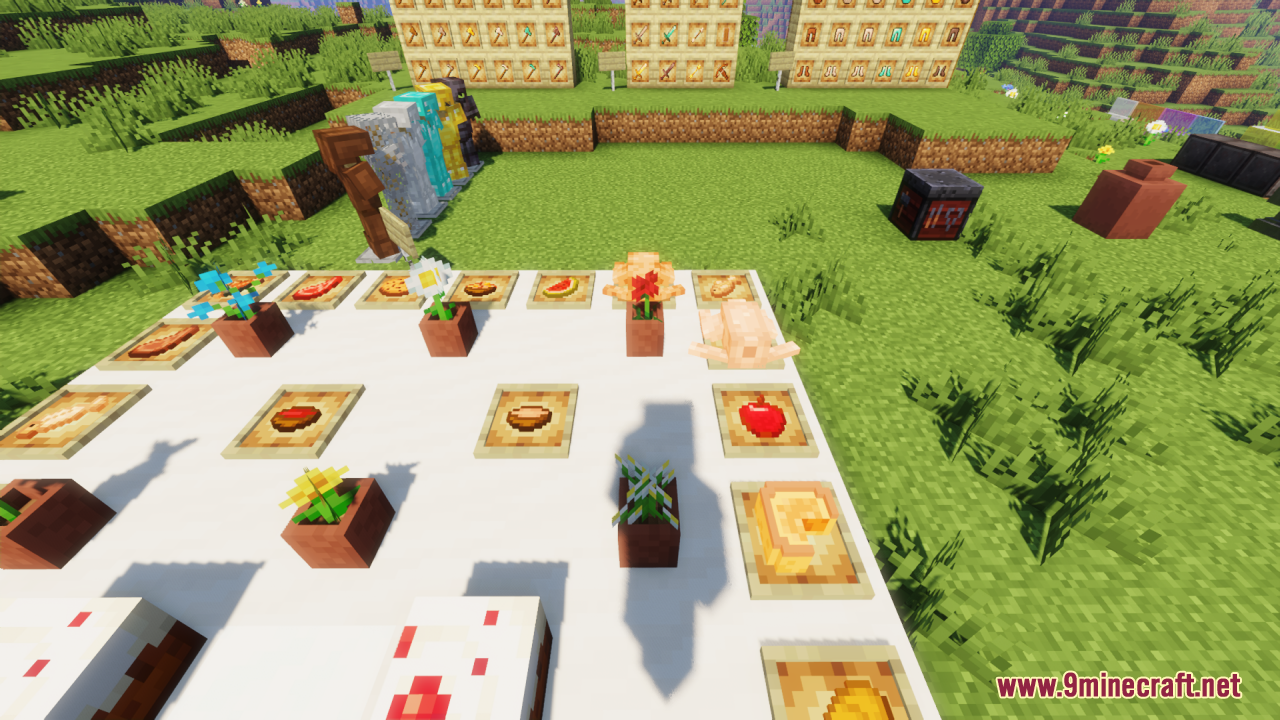
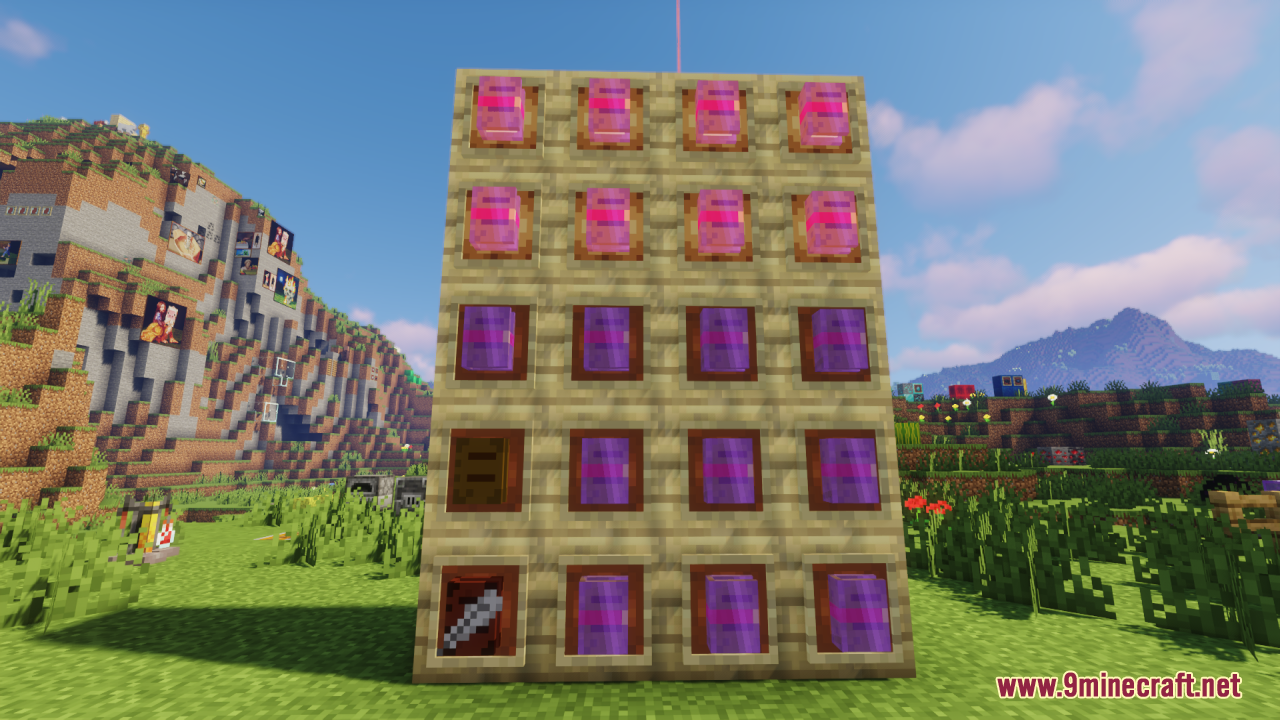
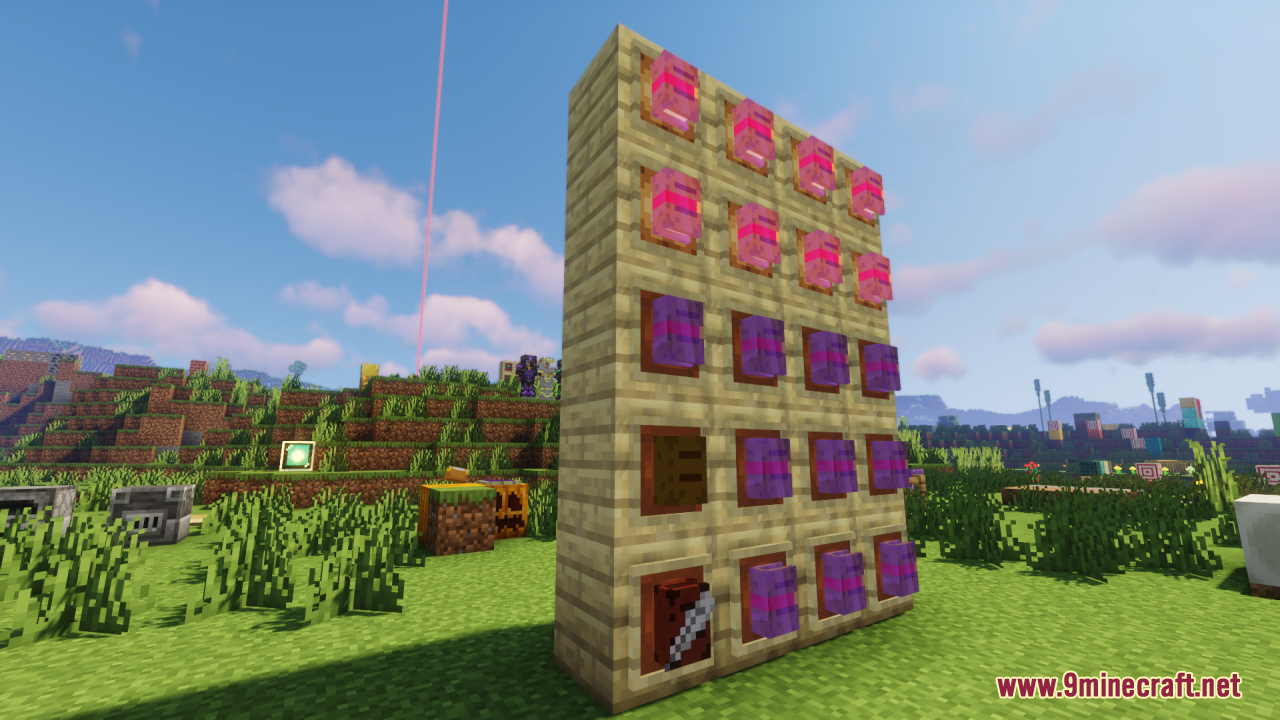
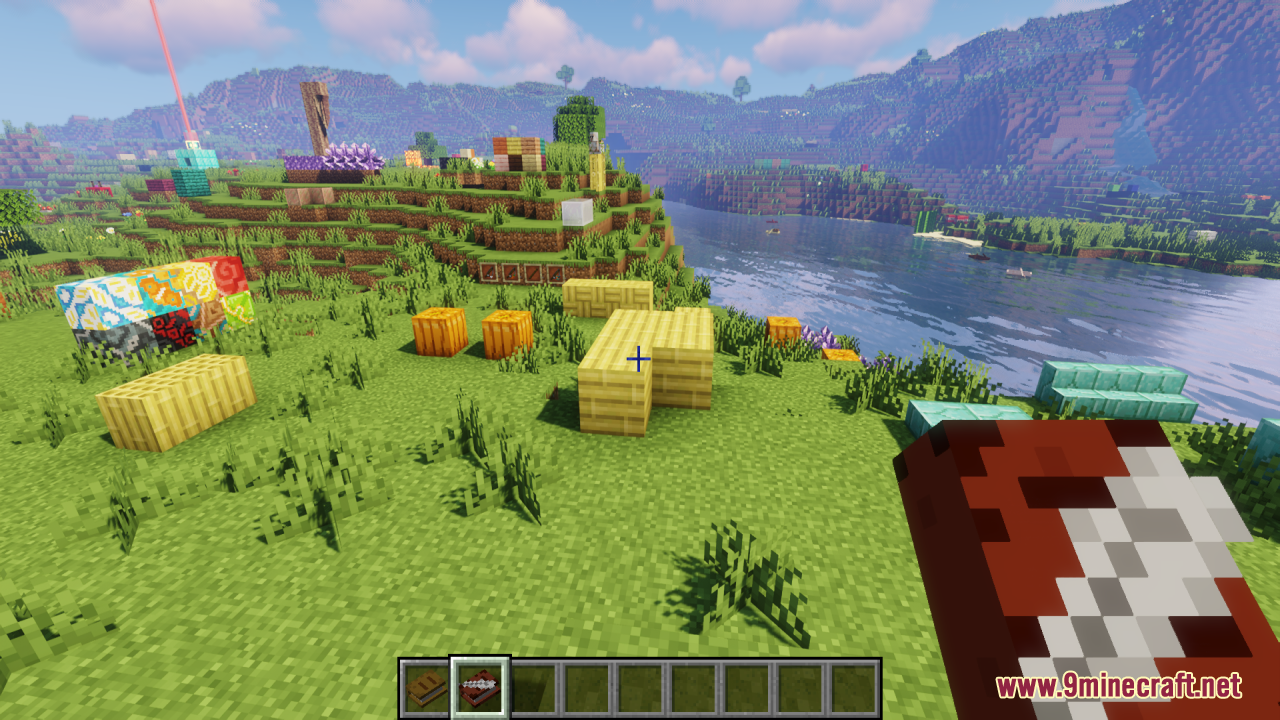
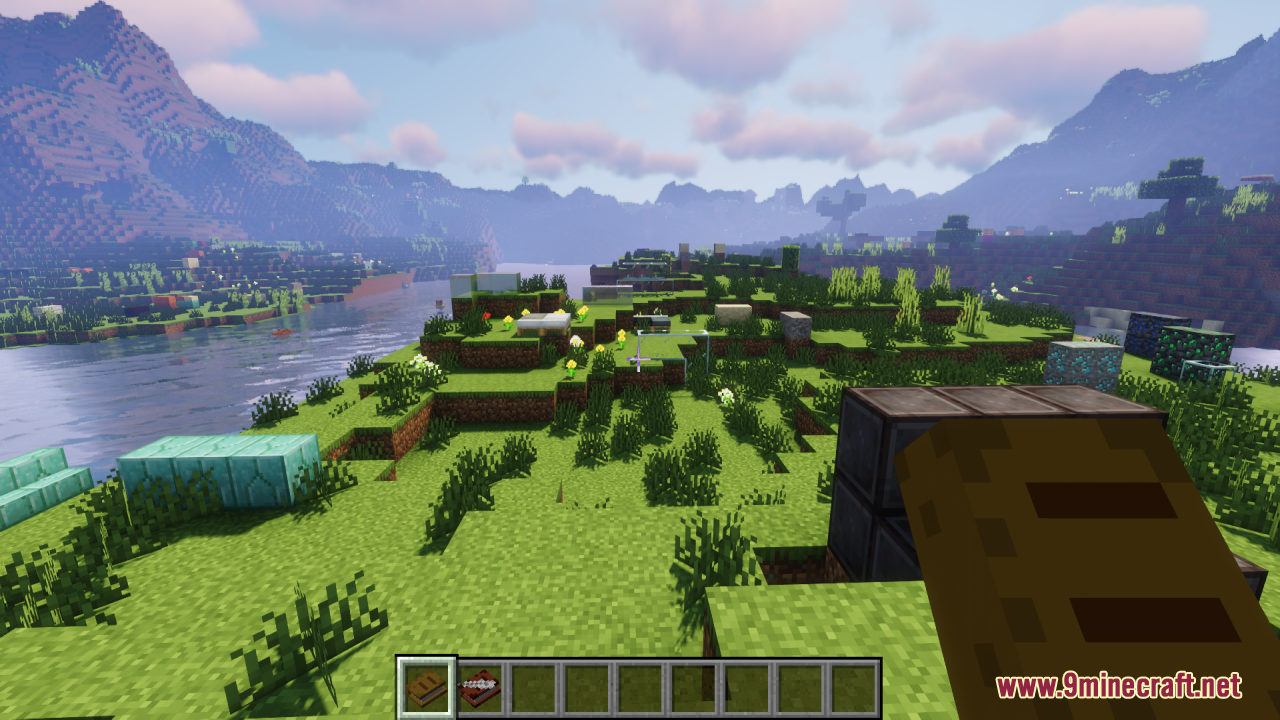
Eugene‘s 3D Stuffs Resource Pack Download Links
- Edition: Minecraft Java
- File type: .zip (resource pack)
- Minecraft versions listed: 1.21.11, 1.20.1
- How to install: Download the .zip resource pack — do not unzip it. → Put it in .minecraft/resourcepacks. → Enable it in Options → Resource Packs.
- Where to get it: In MC Java Mods, or directly above on this page.
Install steps are the general flow for this file type — How to install Minecraft Java resource packs walks through it step by step.
- Downloads as 3545.mcpack
- Download size: 735 KB
- Download link checked 27 Jul 2026 — working
- Mirrored on our own servers — the download does not depend on the original host
These come from our own check of the pack file, not from the source page.