ResourcepacksJava
Redstone Auxiliary Resource Pack (1.21.11, 1.20.1) – Texture Pack
Java resource pack listed for Minecraft 1.20–1.21. Downloads from the MC Java Mods app on Android.
⬇ Download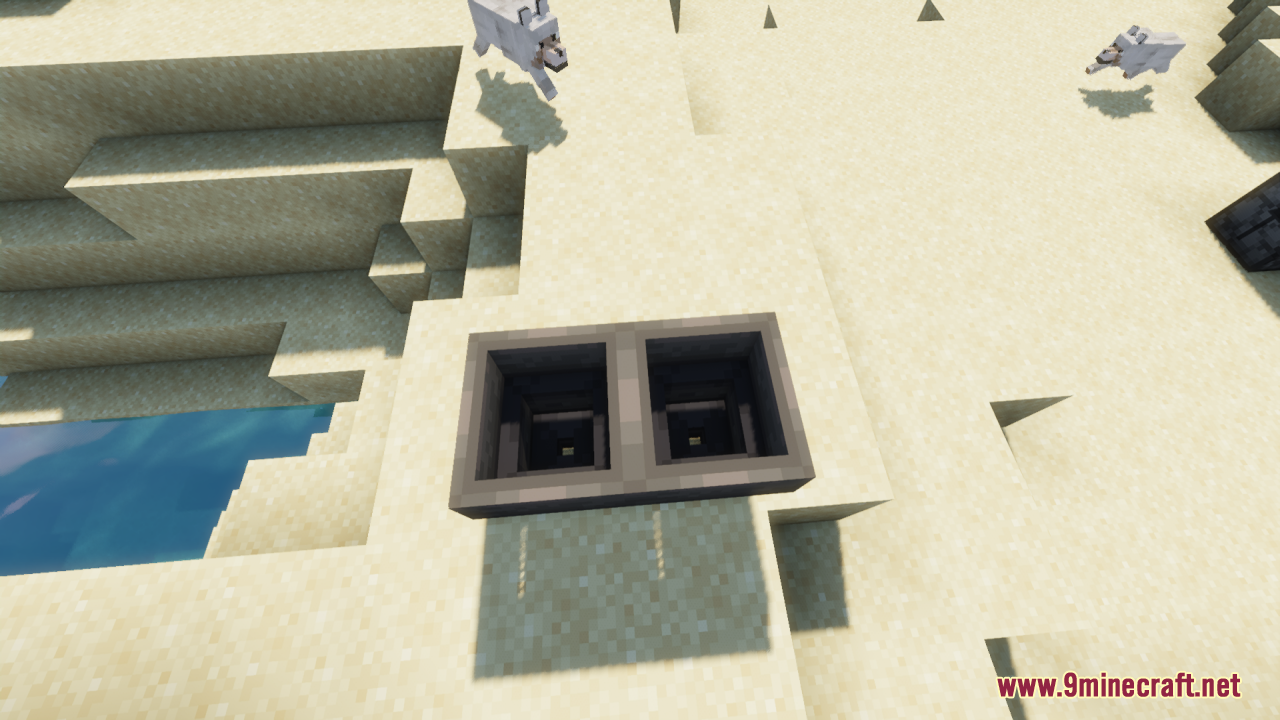
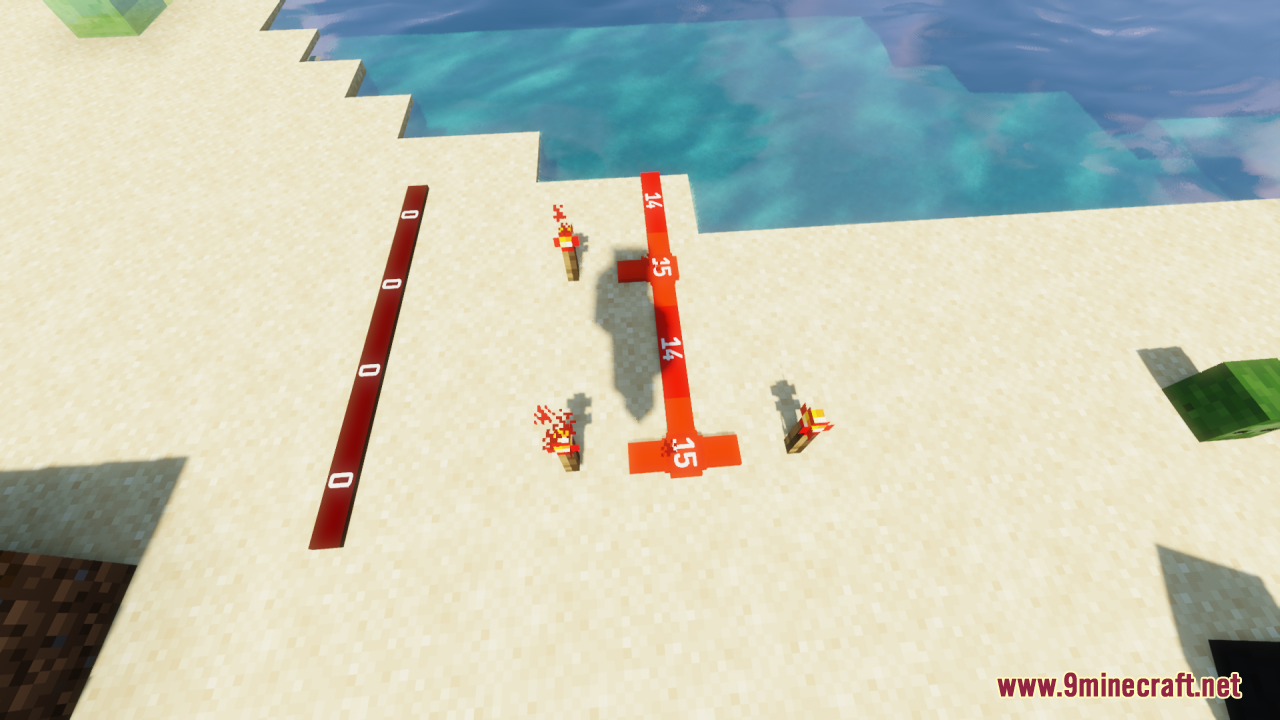
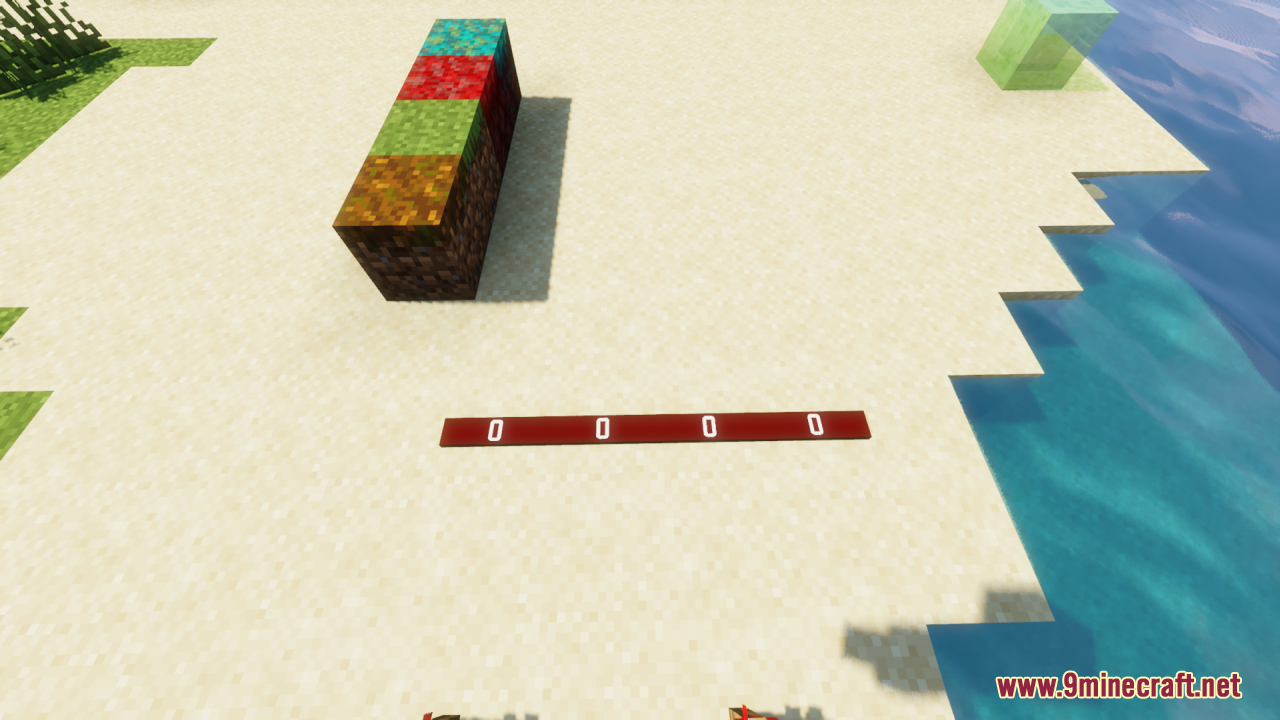
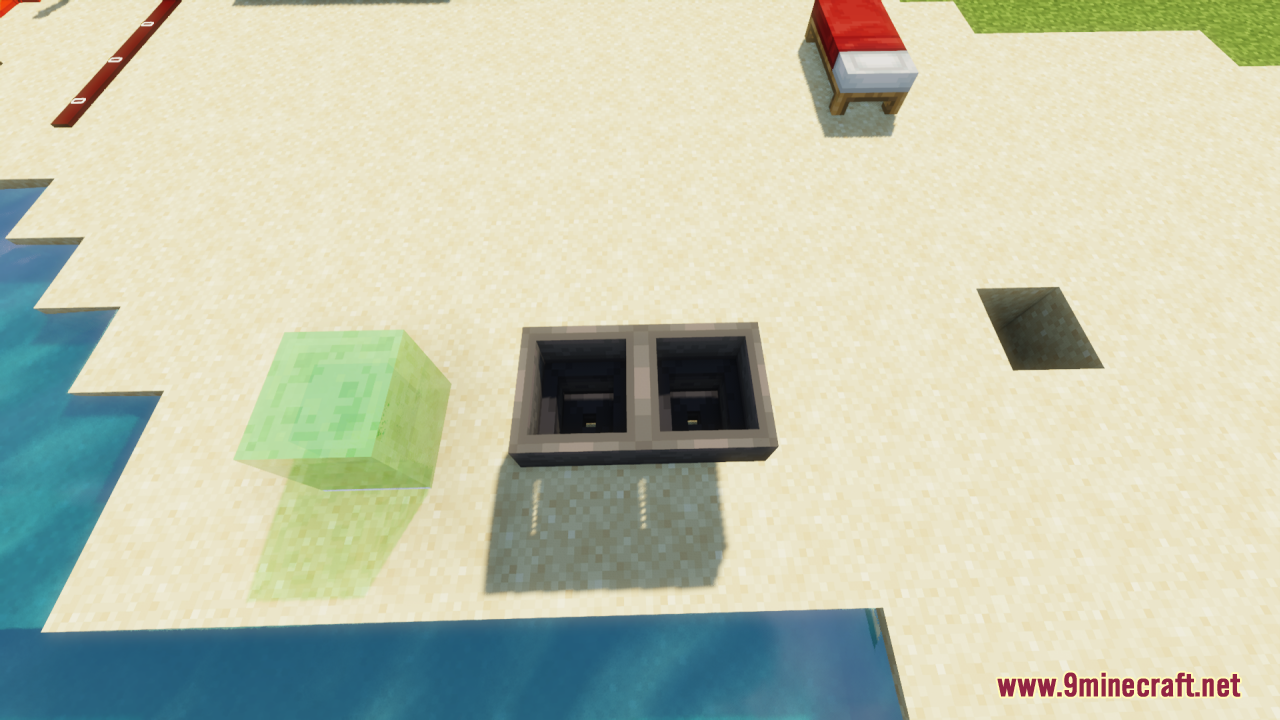
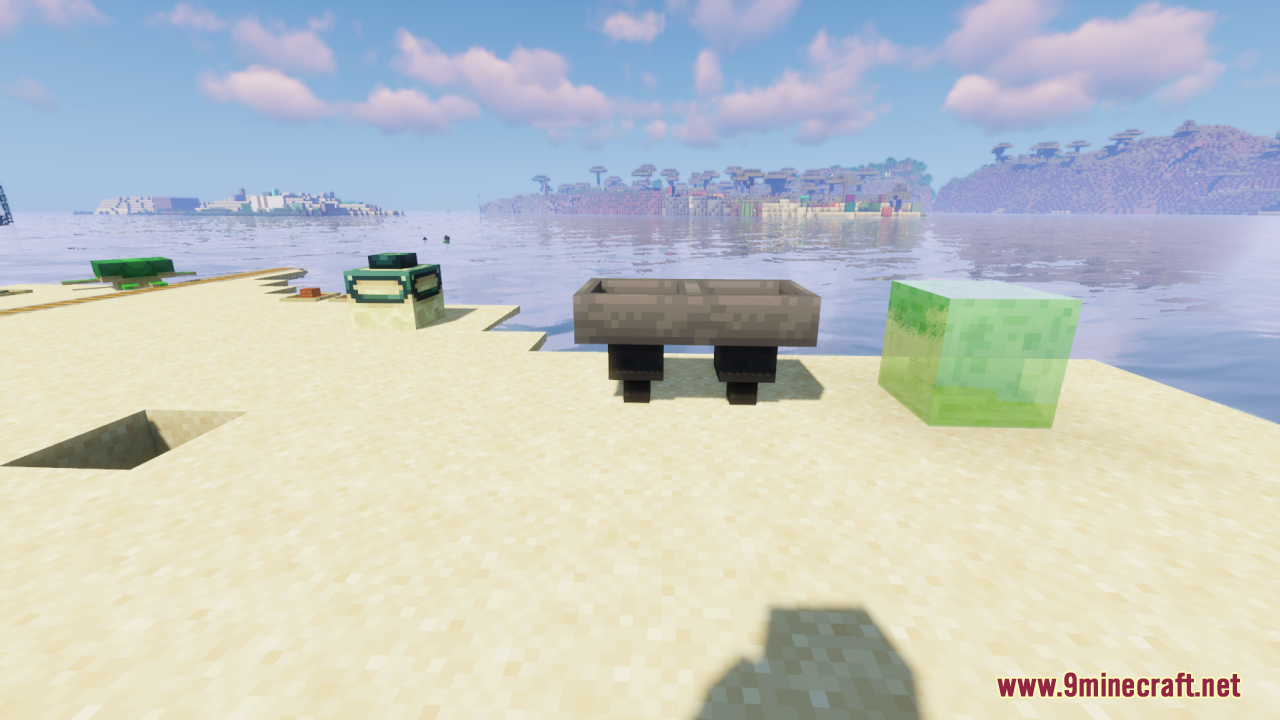
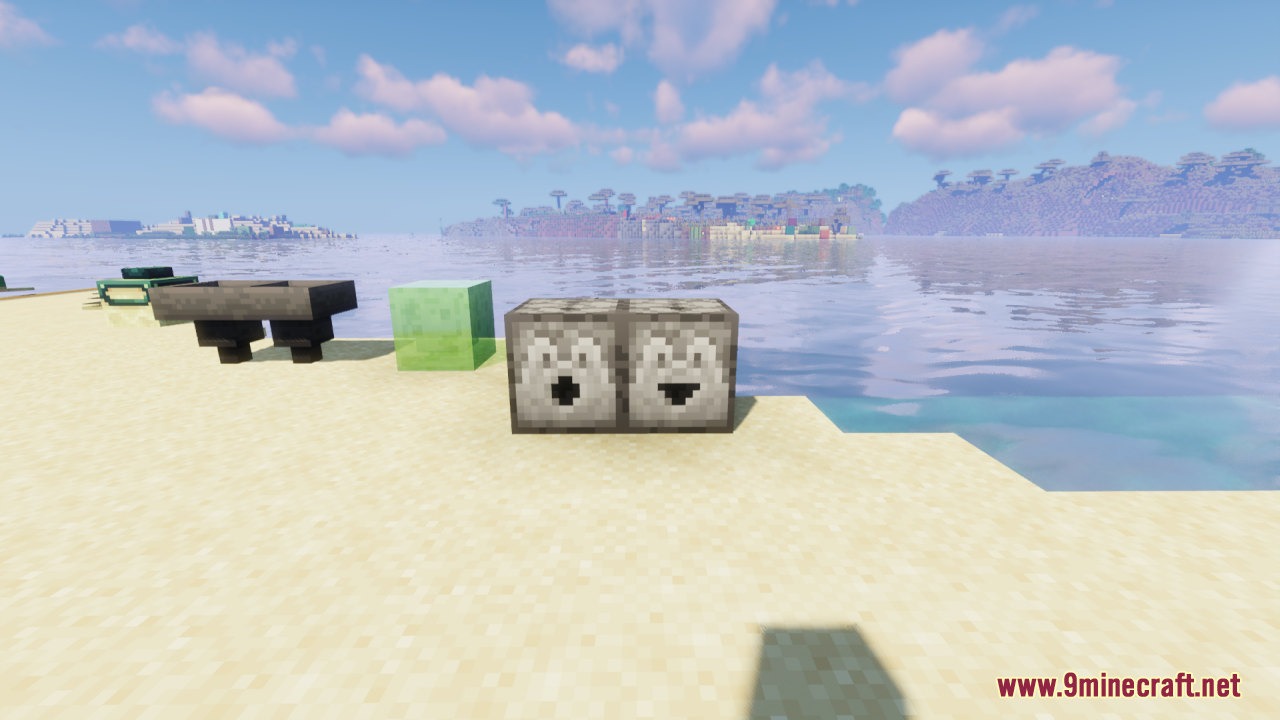
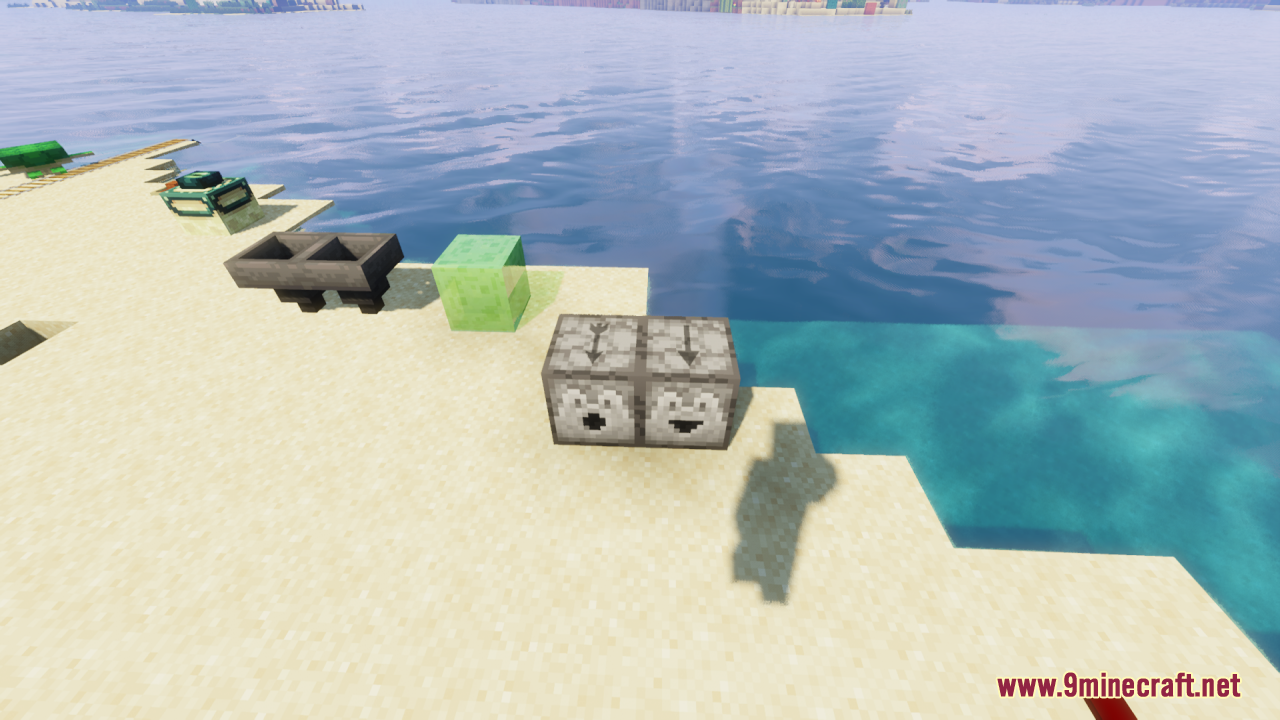
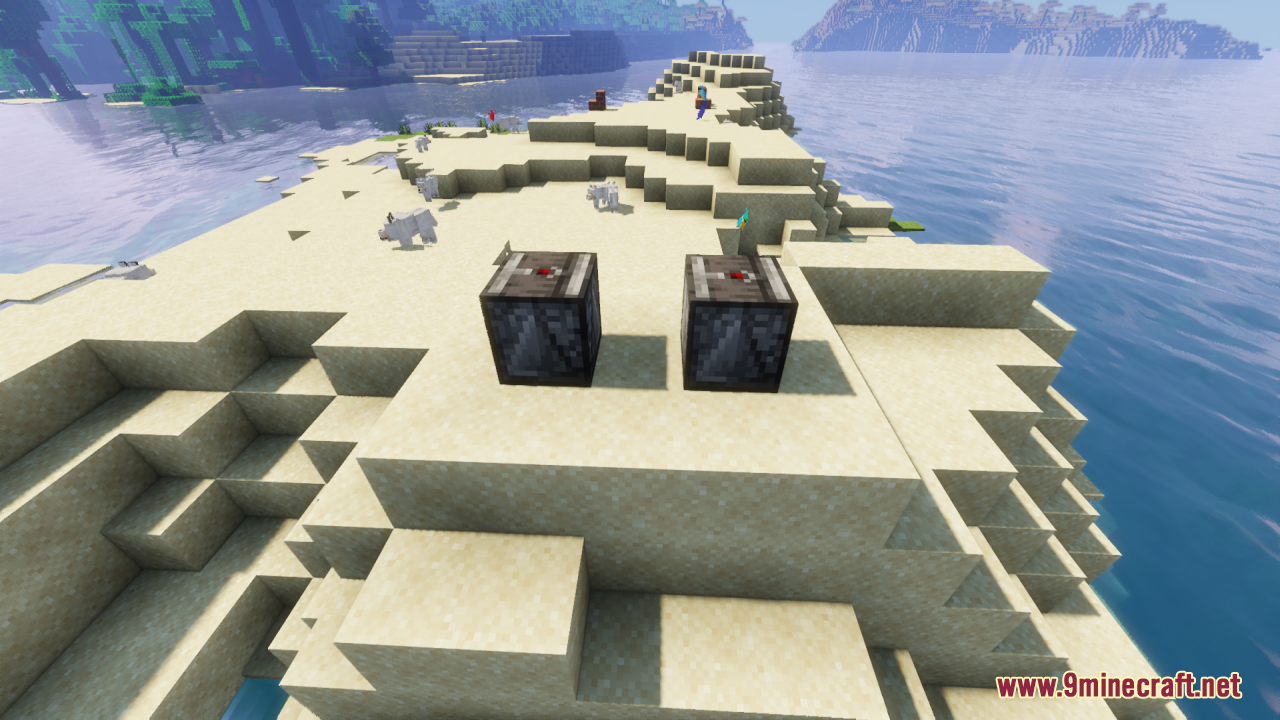
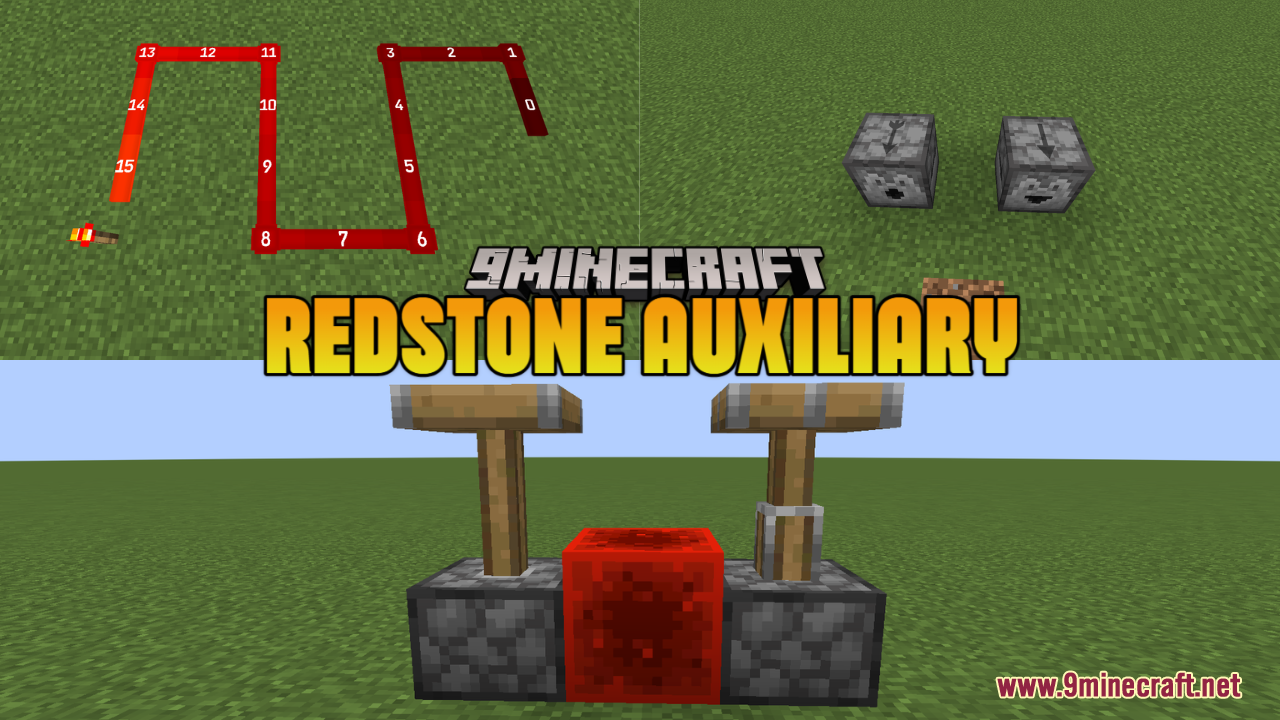
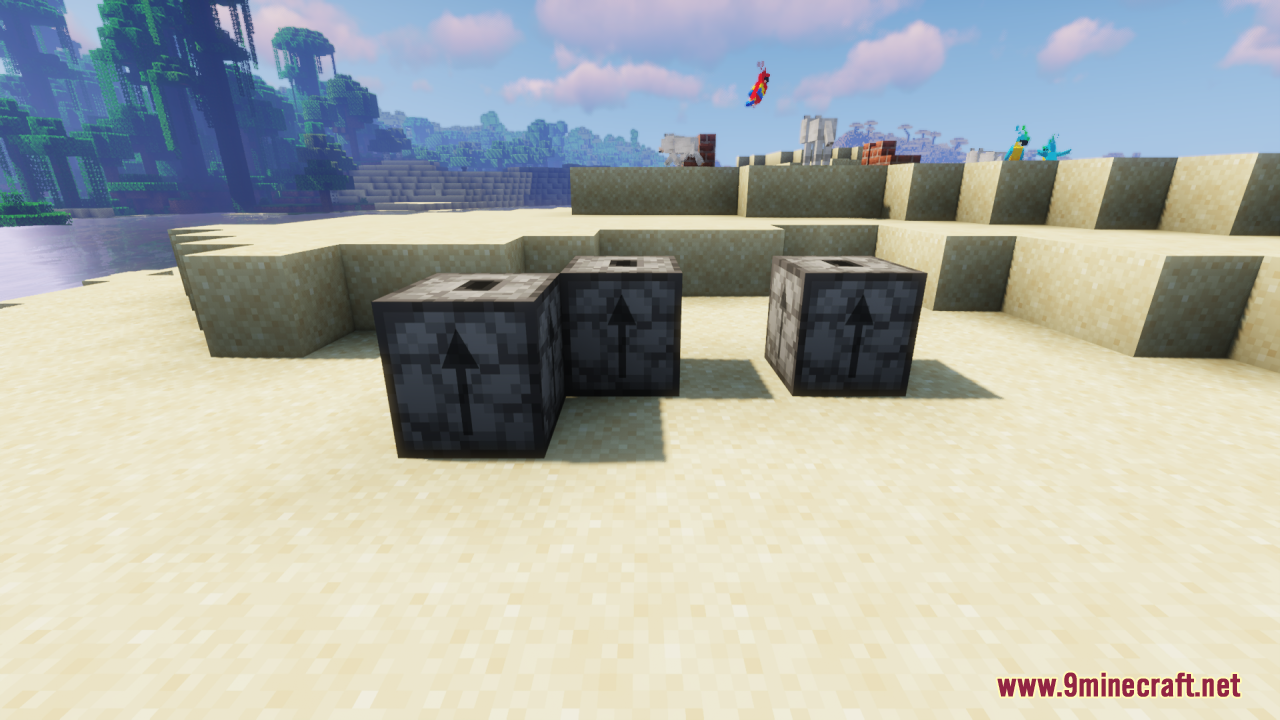
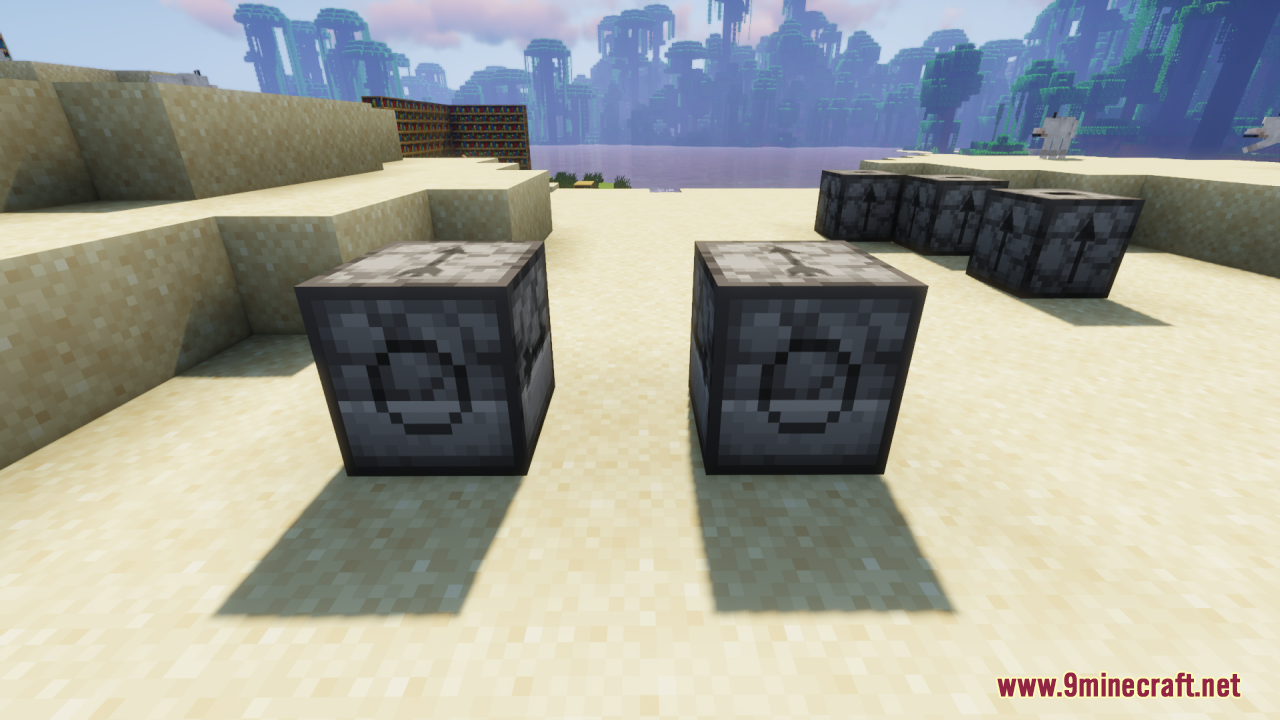
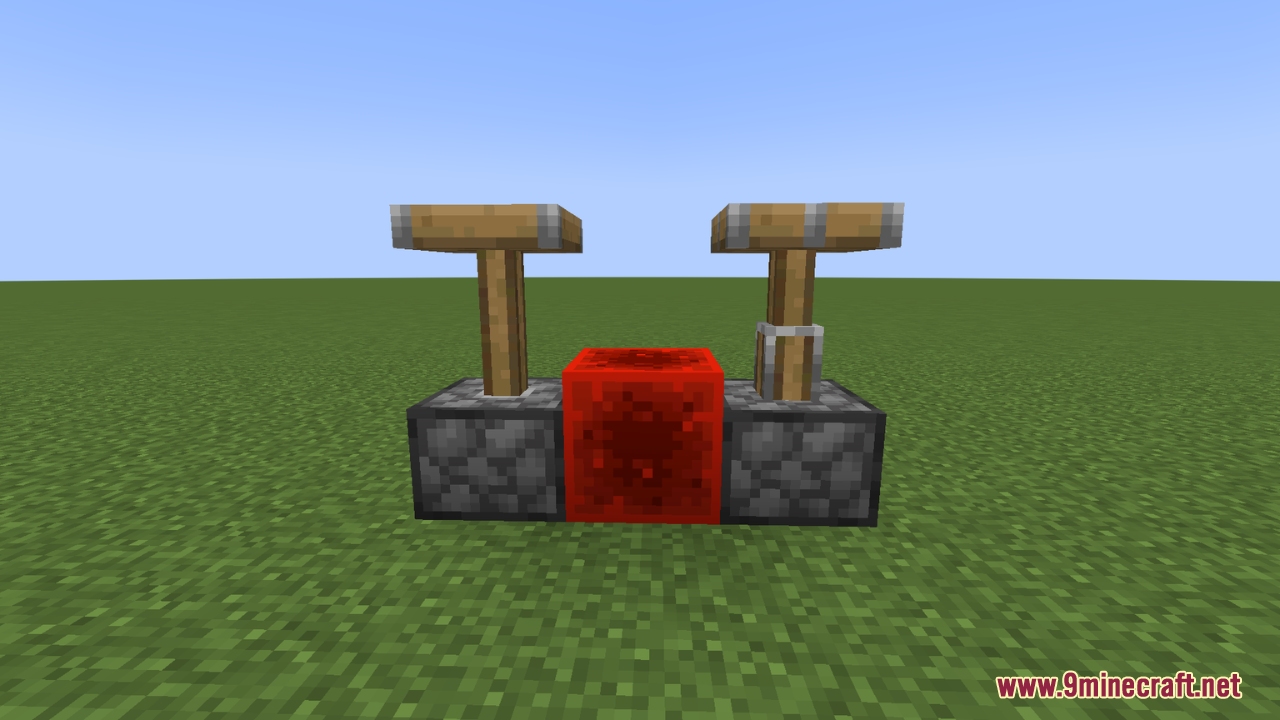
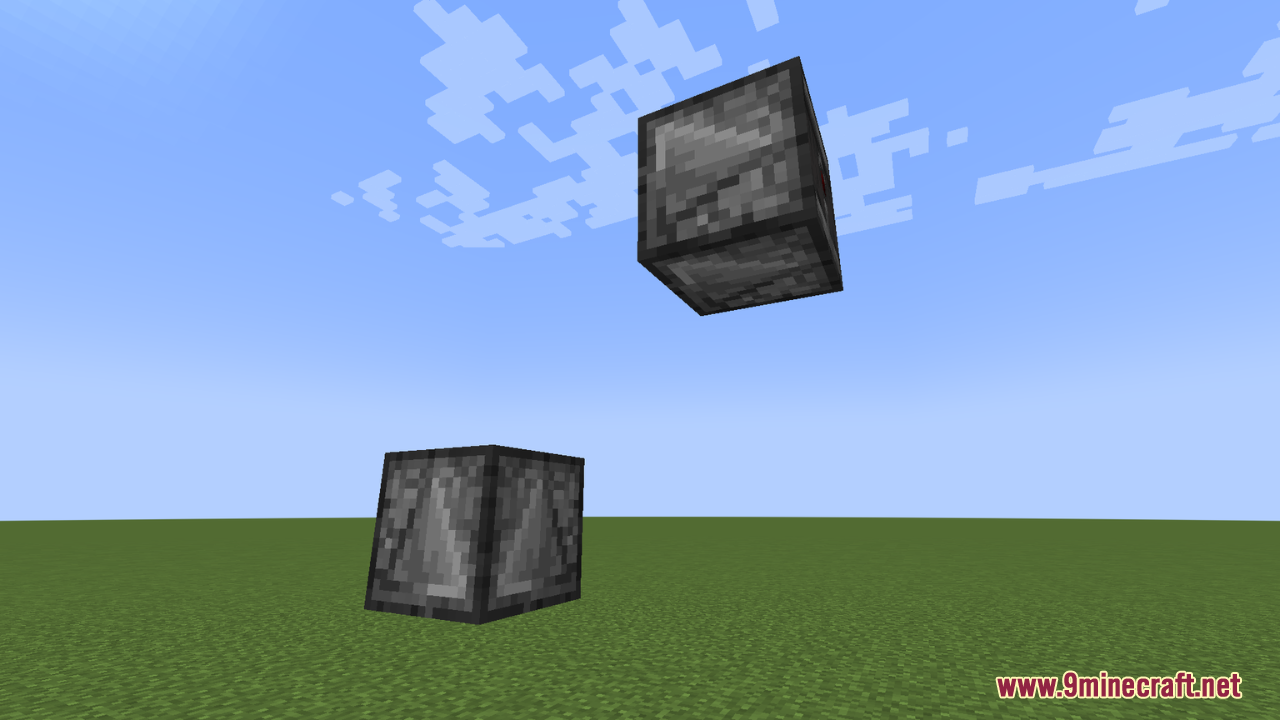
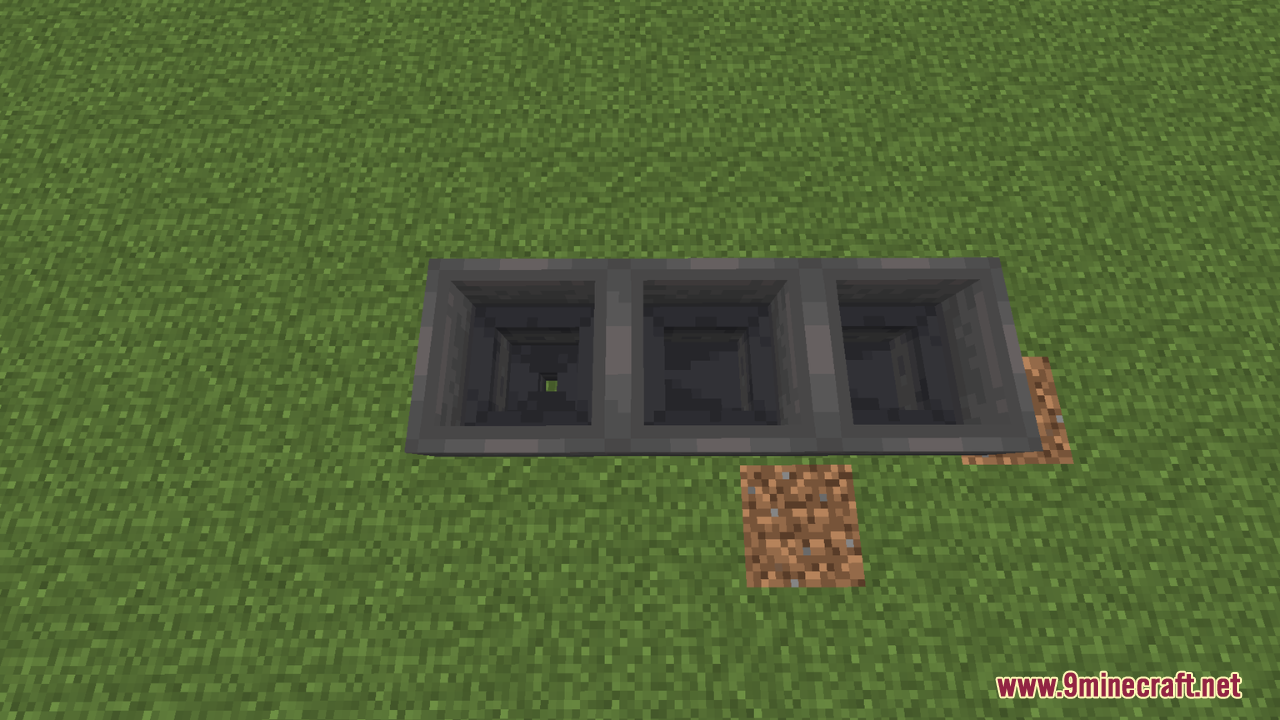
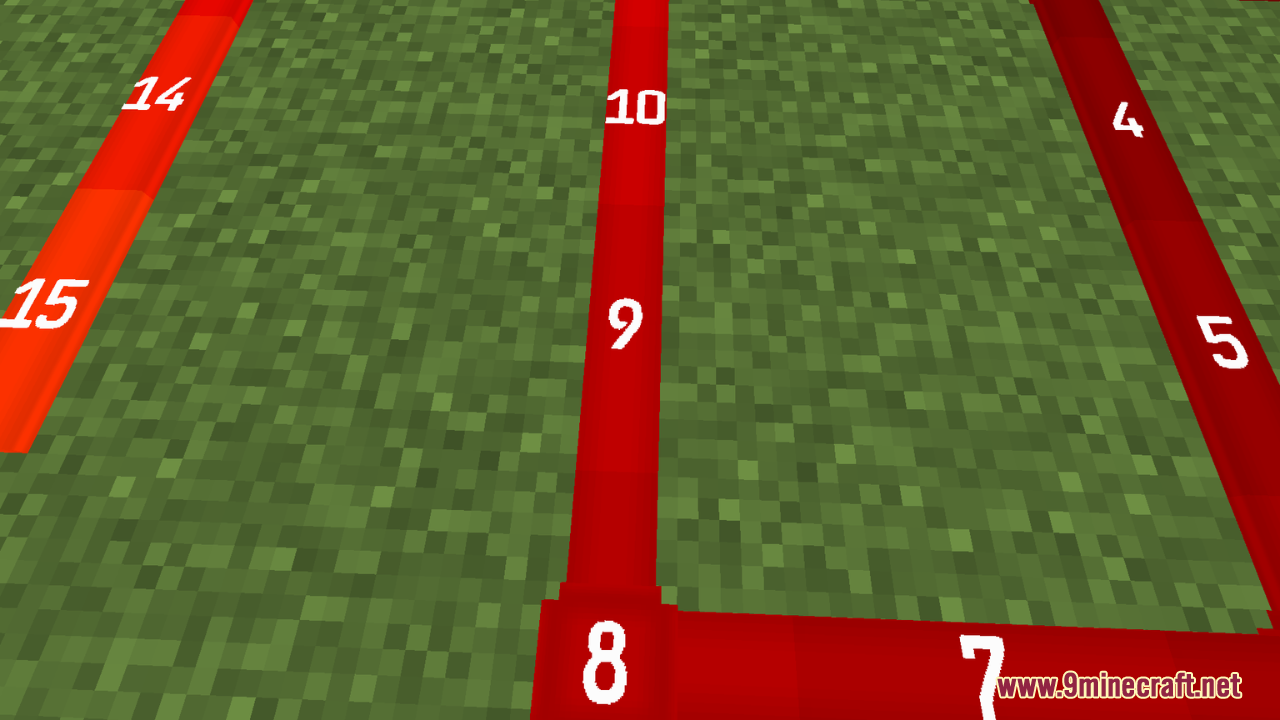
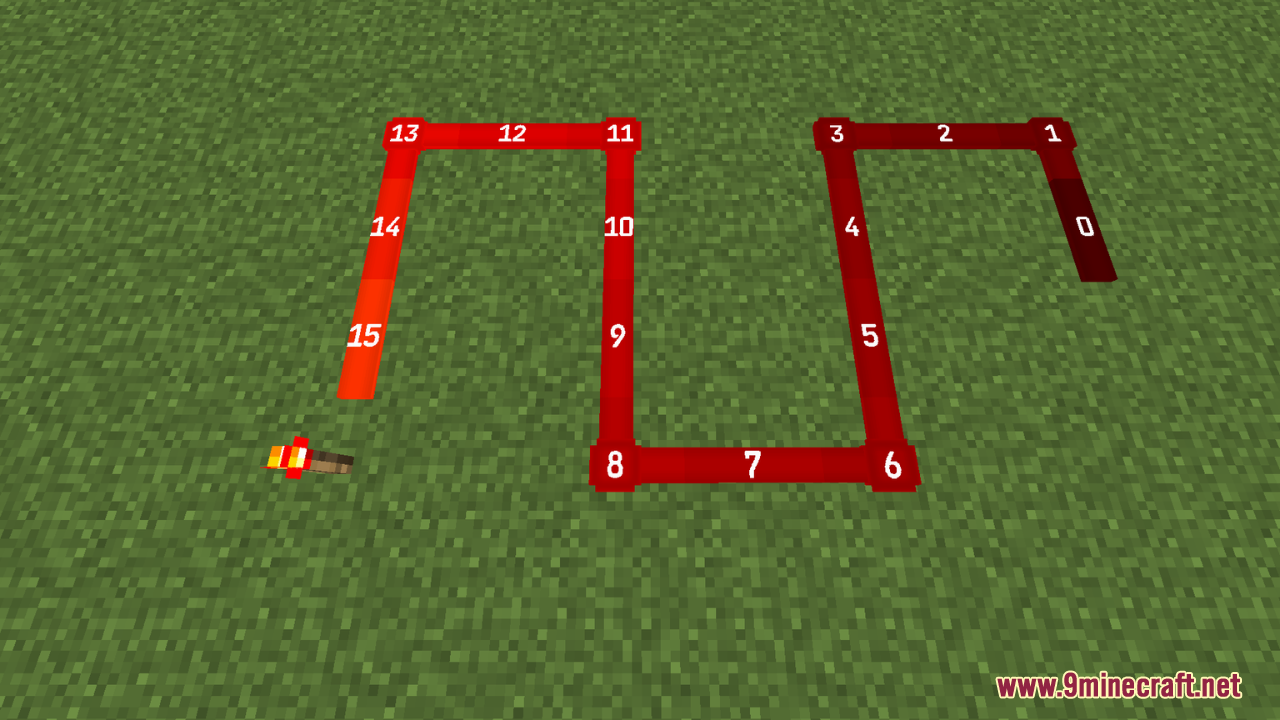
Redstone Auxiliary Resource Pack is designed to assist in displaying redstone information while keeping Minecraft’s original aesthetic intact. This change is perfect for players who enjoy working with redstone circuits and mechanisms but need a clearer way to visualize how everything connects. From that, this pack enhances the redstone experience without altering the core vanilla style, making it a must-have for redstone enthusiasts.
Screenshots:
Redstone Auxiliary Resource Pack Download Links
Quick facts
- Edition: Minecraft Java
- File type: .zip (resource pack)
- Minecraft versions listed: 1.21.11, 1.20.1
- How to install: Download the .zip resource pack — do not unzip it. → Put it in .minecraft/resourcepacks. → Enable it in Options → Resource Packs.
- Where to get it: In MC Java Mods, or directly above on this page.
Install steps are the general flow for this file type — How to install Minecraft Java resource packs walks through it step by step.
File checked by MCModsHub
- Downloads as 3556.mcpack
- Download size: 121 KB
- Download link checked 25 Jul 2026 — working
- Mirrored on our own servers — the download does not depend on the original host
These come from our own check of the pack file, not from the source page.