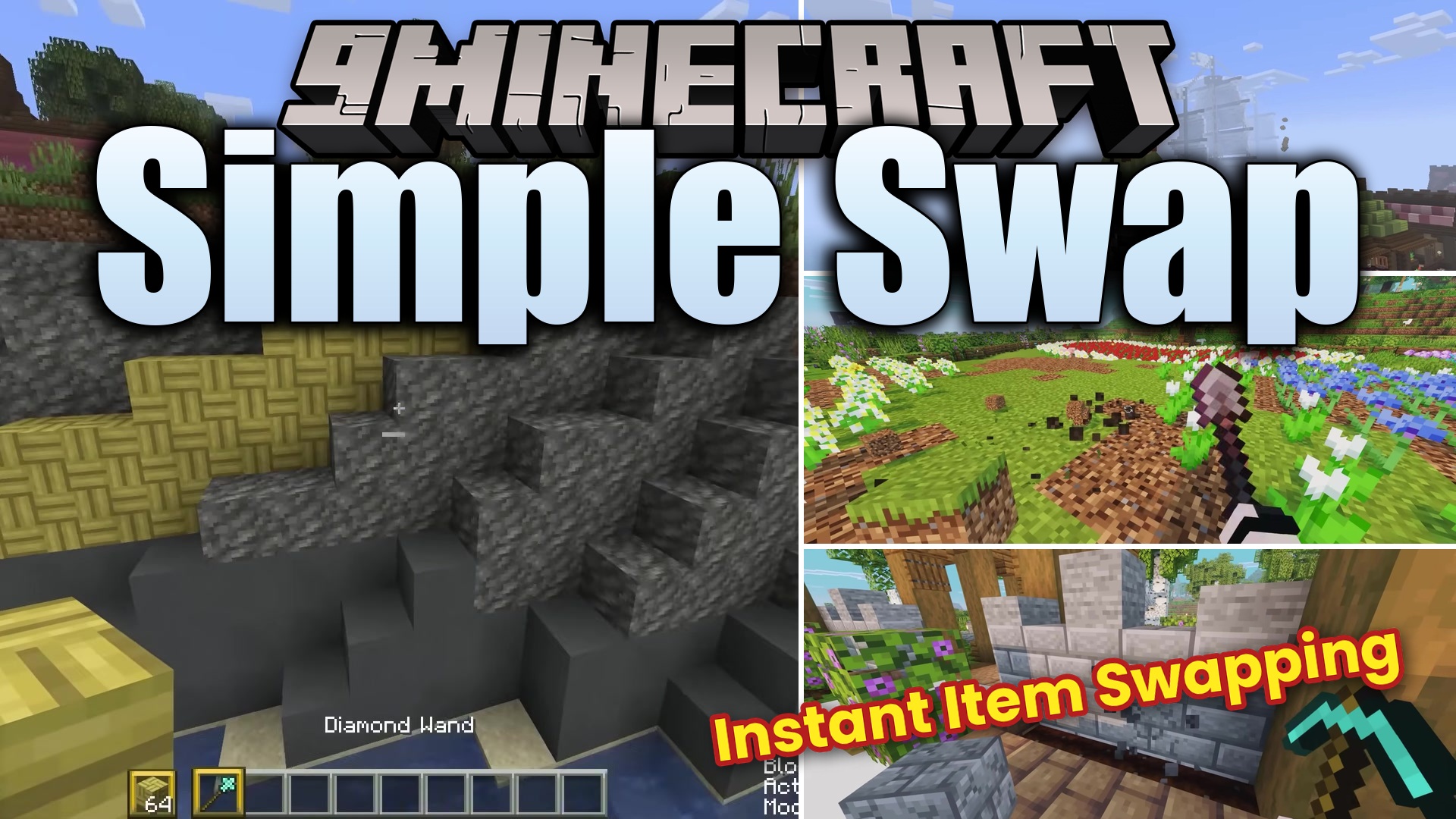
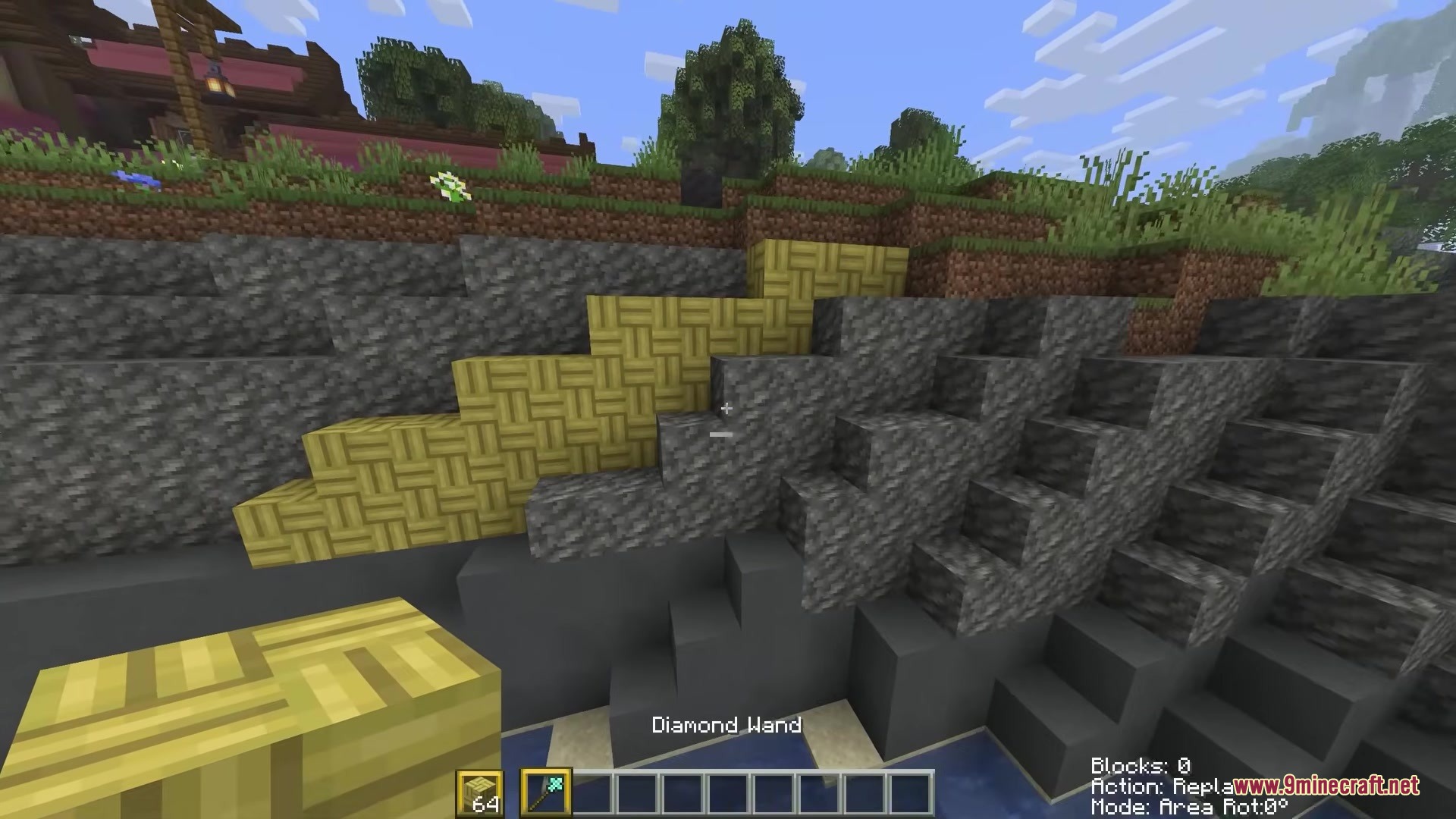
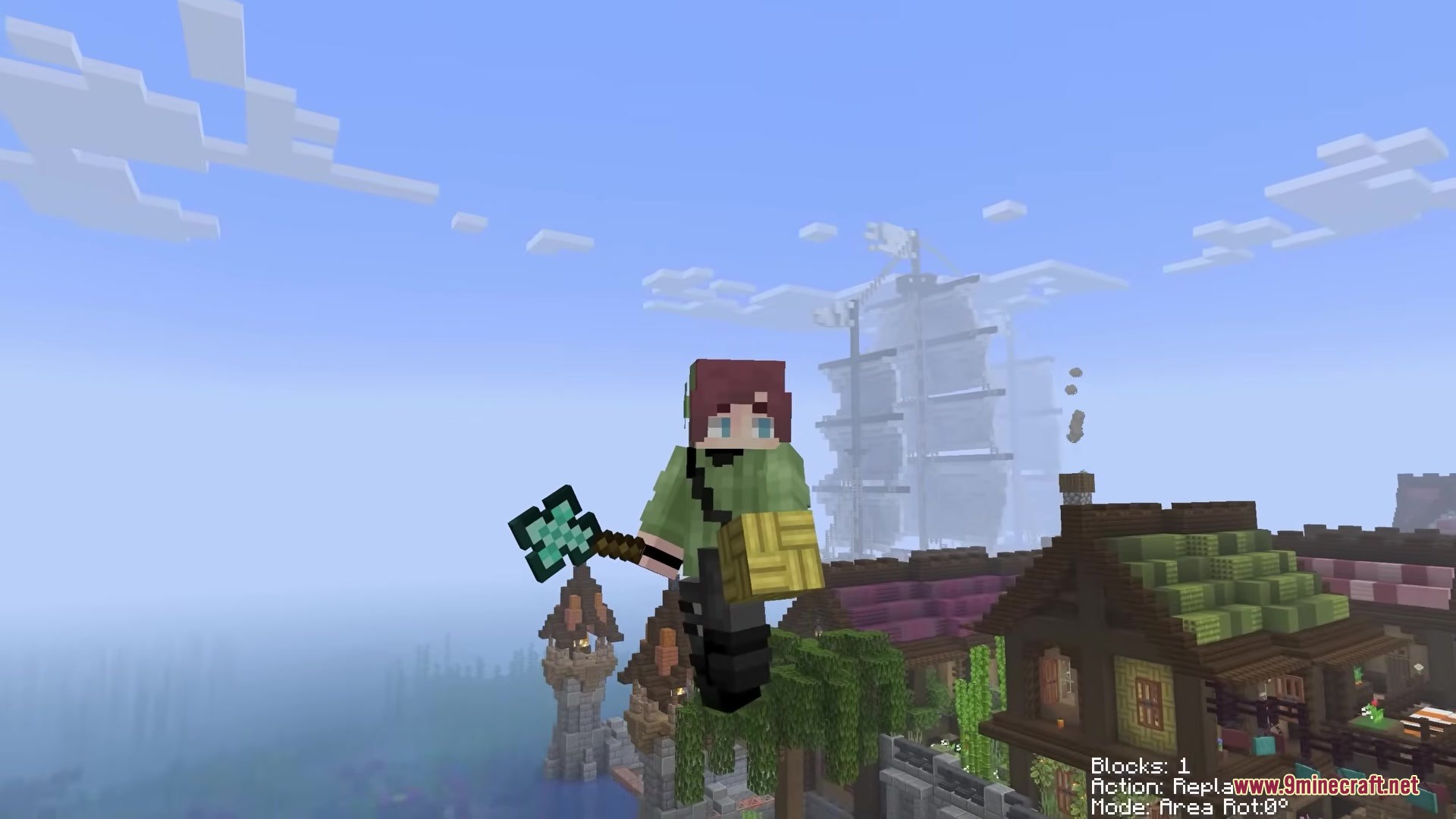
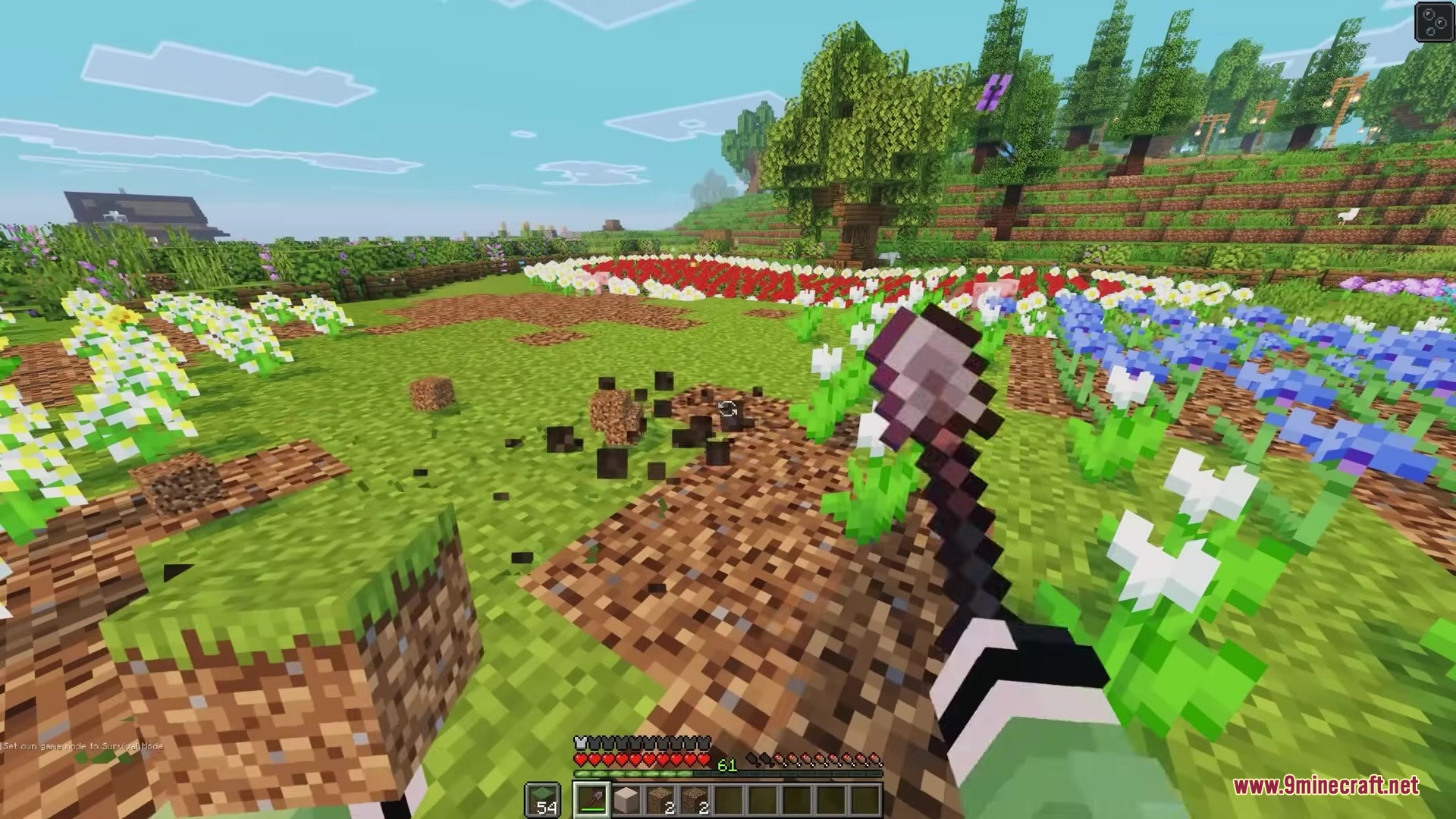
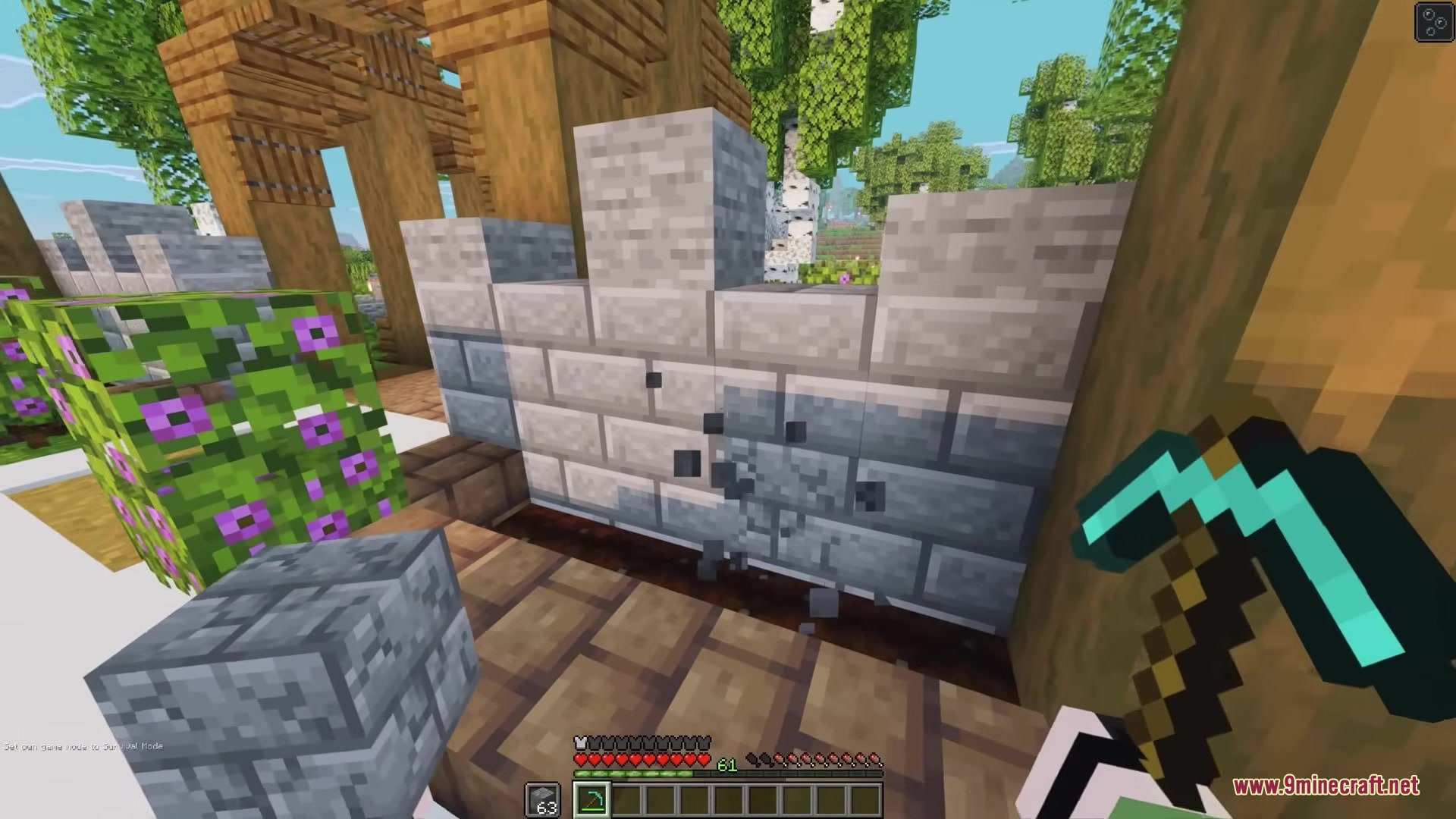
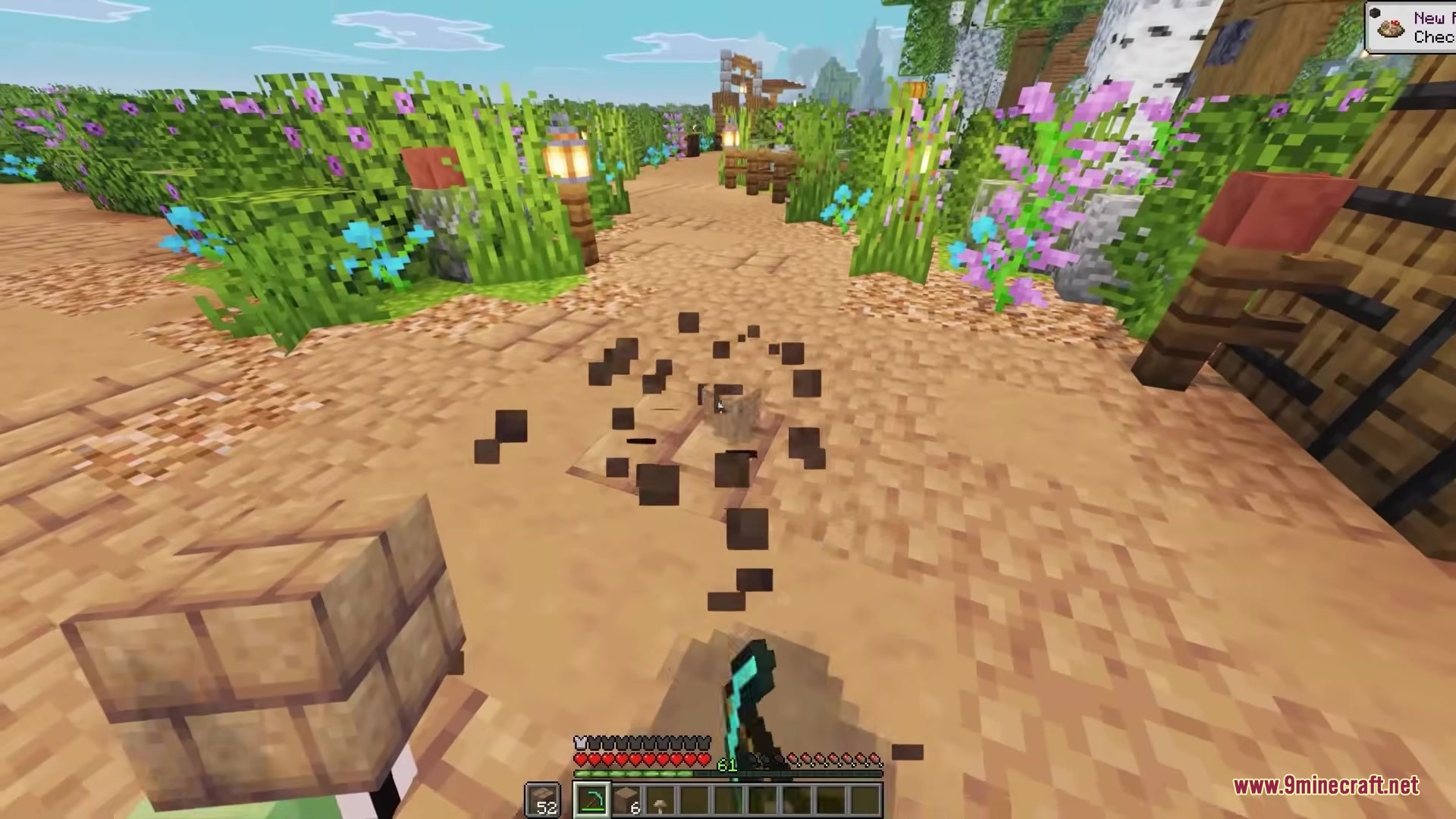
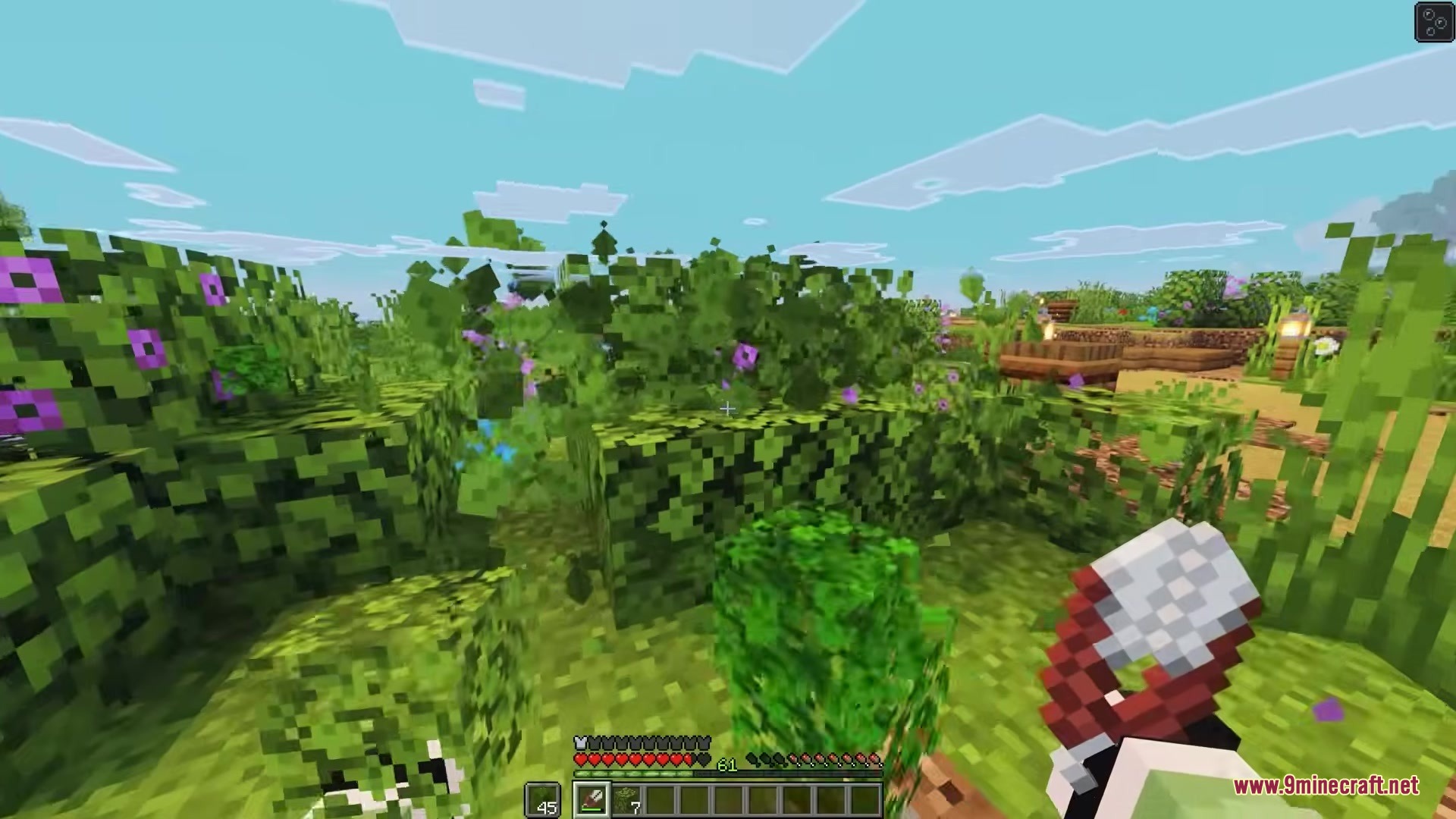
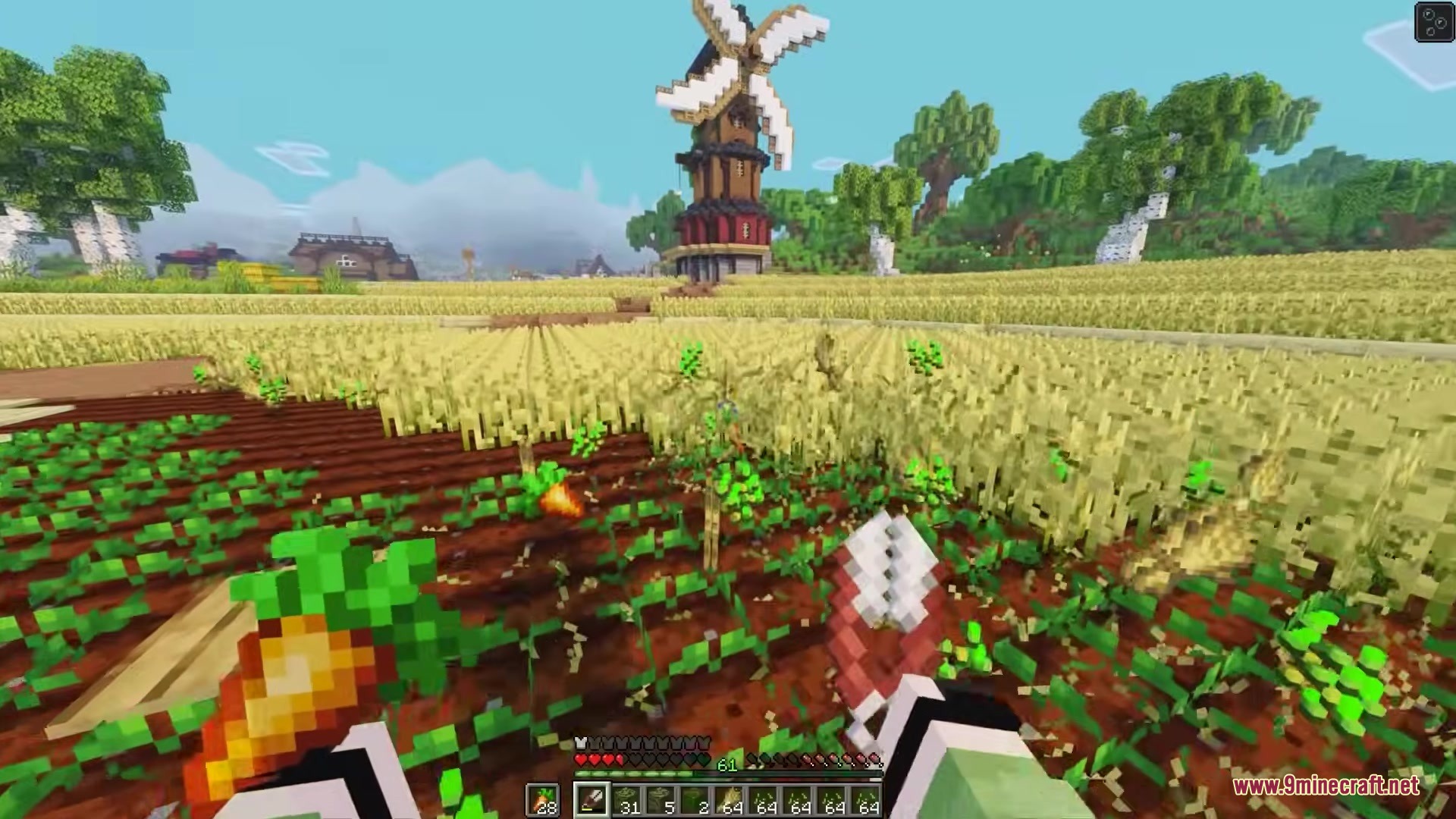
Simple Swap Mod lets you change blocks in your world quickly. When you break a block, this mod puts a new one in its place right away. You do not need to break a block, switch your item, and place the new one manually. It saves time when you want to fix mistakes or change the walls of your house.
Features:
- Fast Swapping: Puts the block from your hand into the empty space right after you break a block.
- Works with the item you hold in your main hand or your offhand.
- Helps you build faster because you skip the extra clicks.
- Server Warning: Some server owners might think this is cheating, so ask before you use it online.
How to Use:
- Hold down the Simple Swap key (the default key is Left Alt).
- Break a block in the world.
- The block you hold in your hand places itself exactly where the old block was.
Screenshots:
Simple Swap Mod Download Links
Quick facts
- Edition: Minecraft Java
- File type: .jar
- Minecraft version listed: 1.20.1
- How to install: Install the matching mod loader (Forge, Fabric or NeoForge) for your Minecraft version. → Download the .jar. → Put it in the .minecraft/mods folder and launch that loader profile.
- Where to get it: In MC Java Mods, or directly above on this page.
Install steps are the general flow for this file type — How to install Minecraft Java mods & modpacks walks through it step by step.
Verified by MCModsHub
- Downloads as 355736.mcaddon
- Download size: 8 KB
- Download link checked 24 Sept 2026 — working
- Mirrored on our own servers — the download does not depend on the original host
These come from our own check of the pack file, not from the source page.