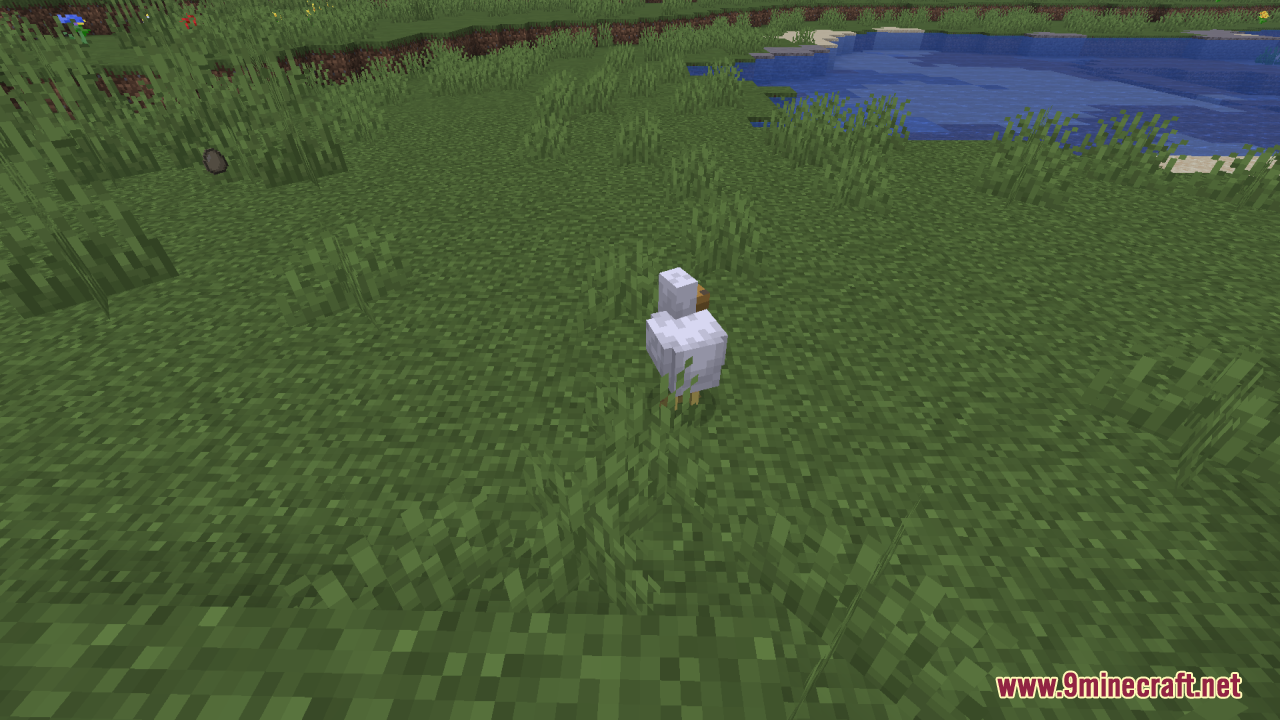
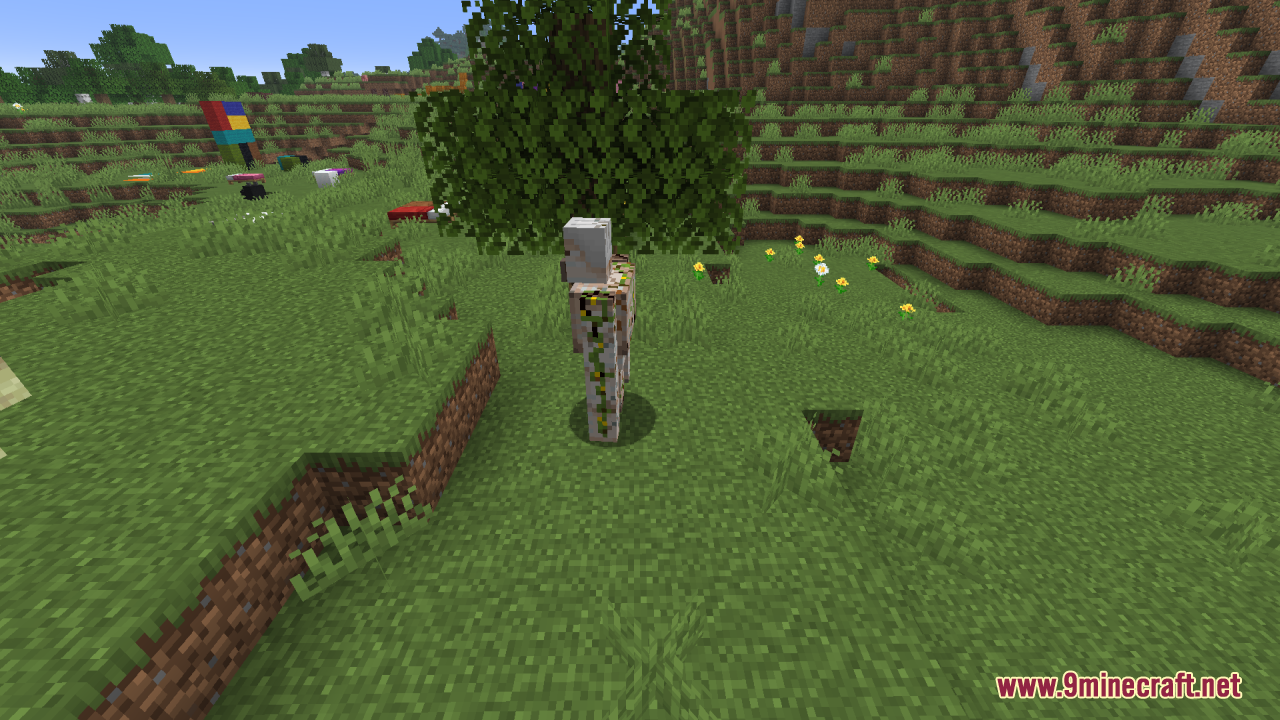
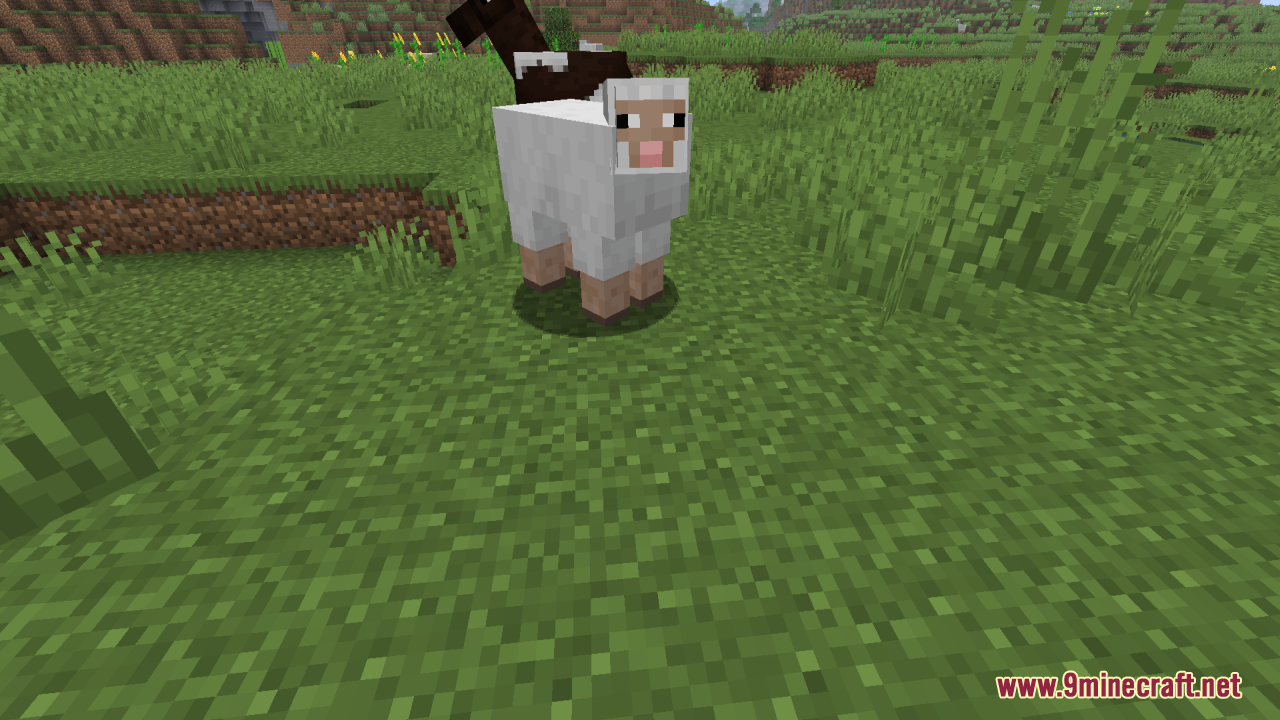
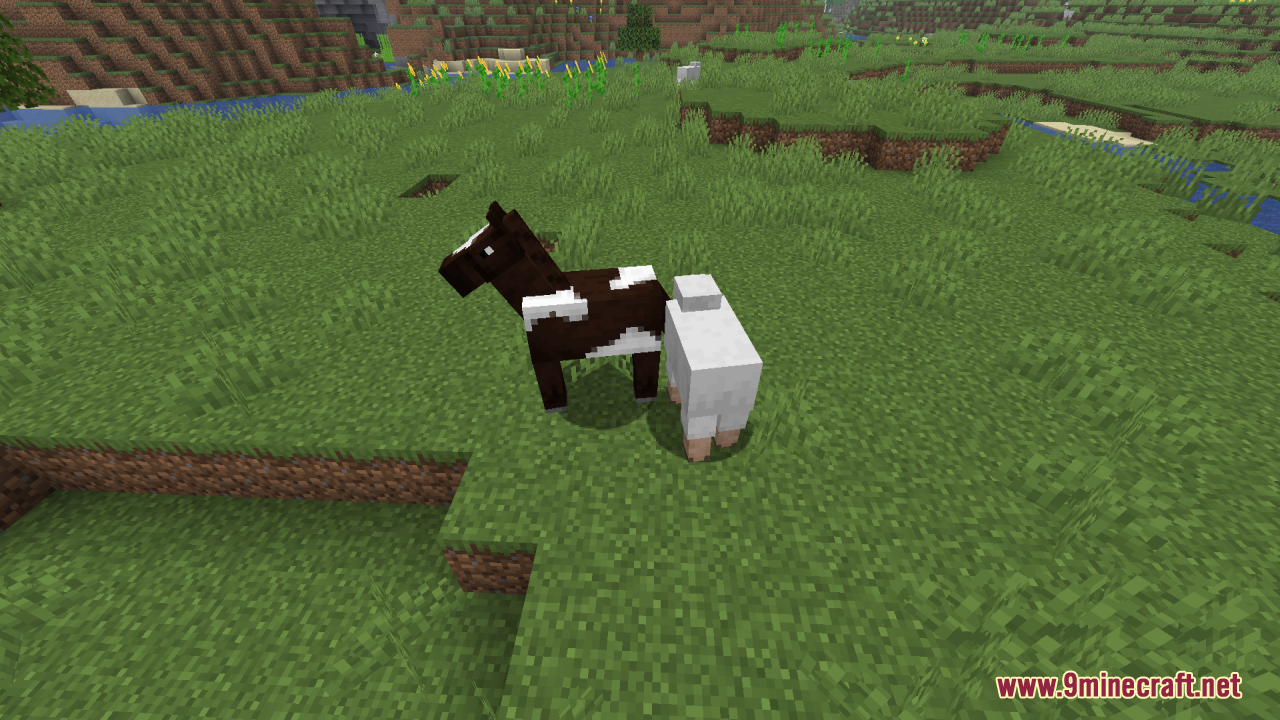
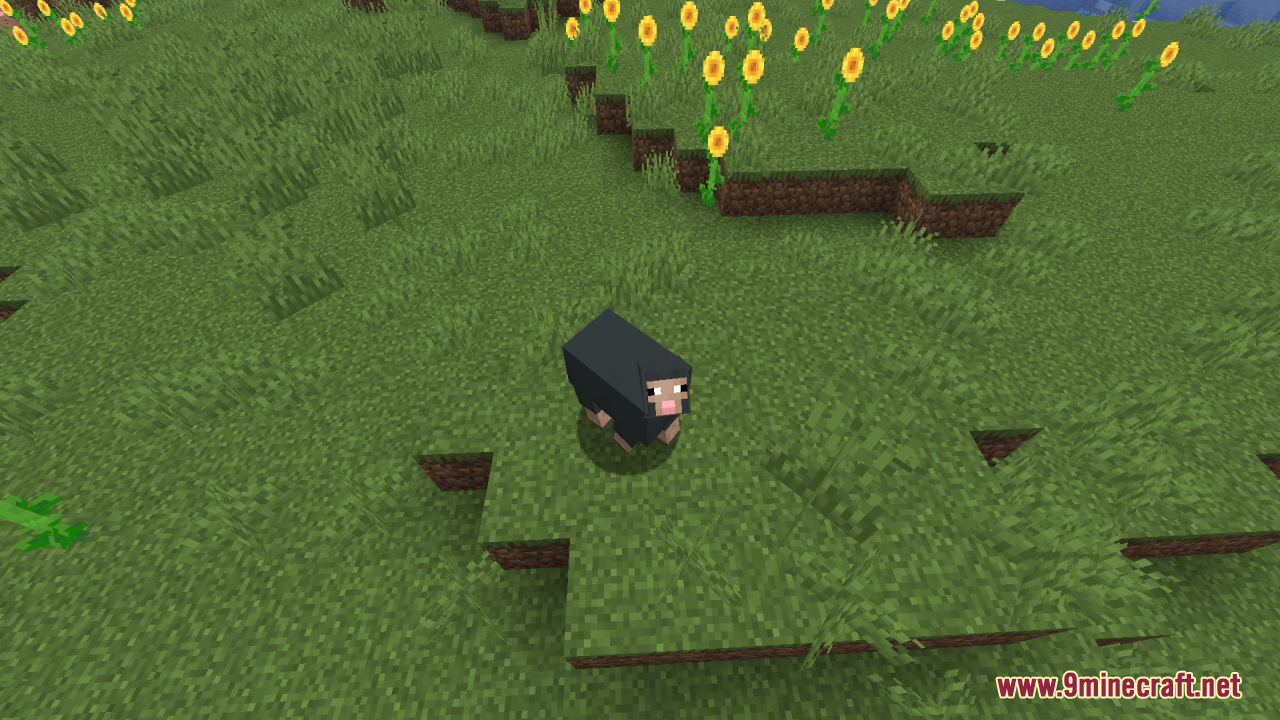
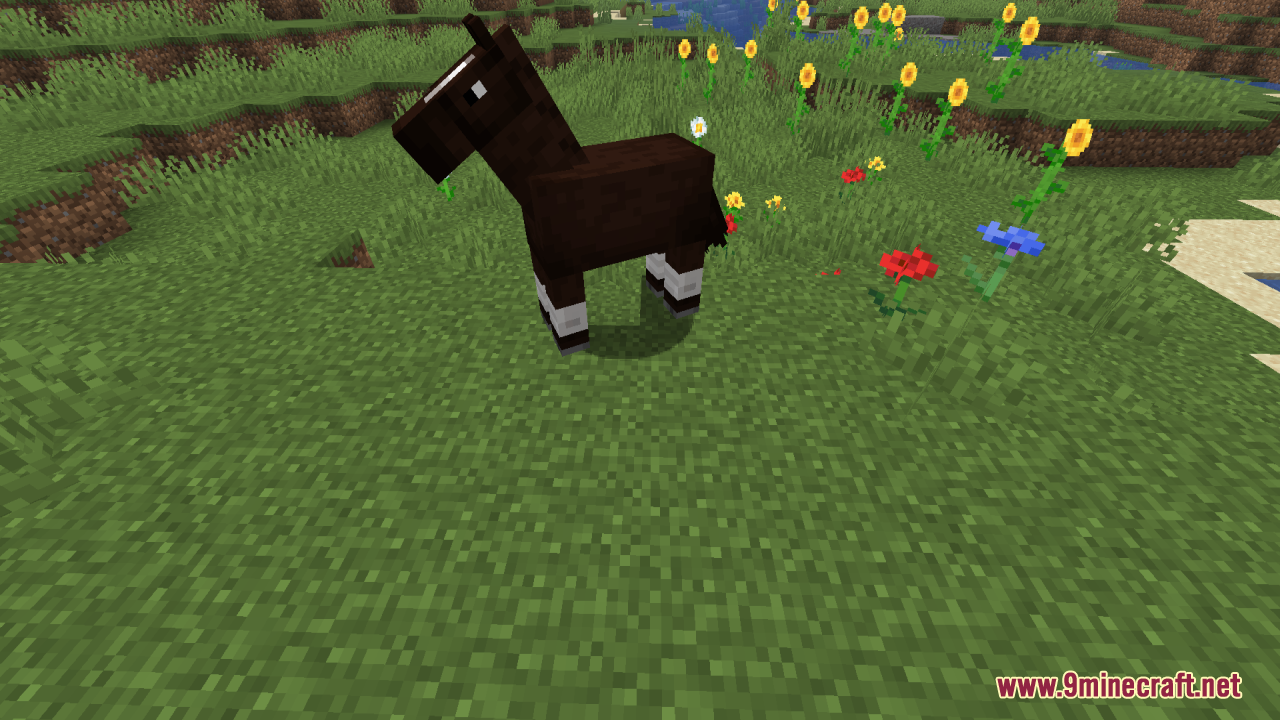
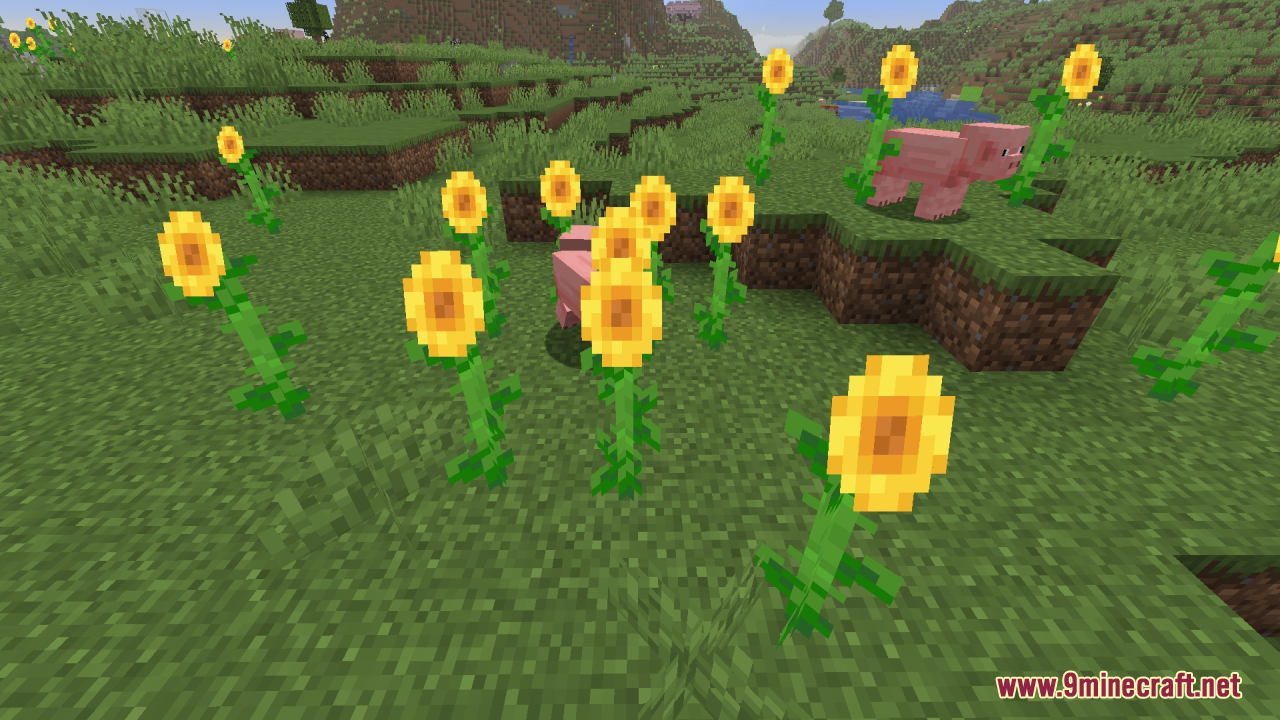
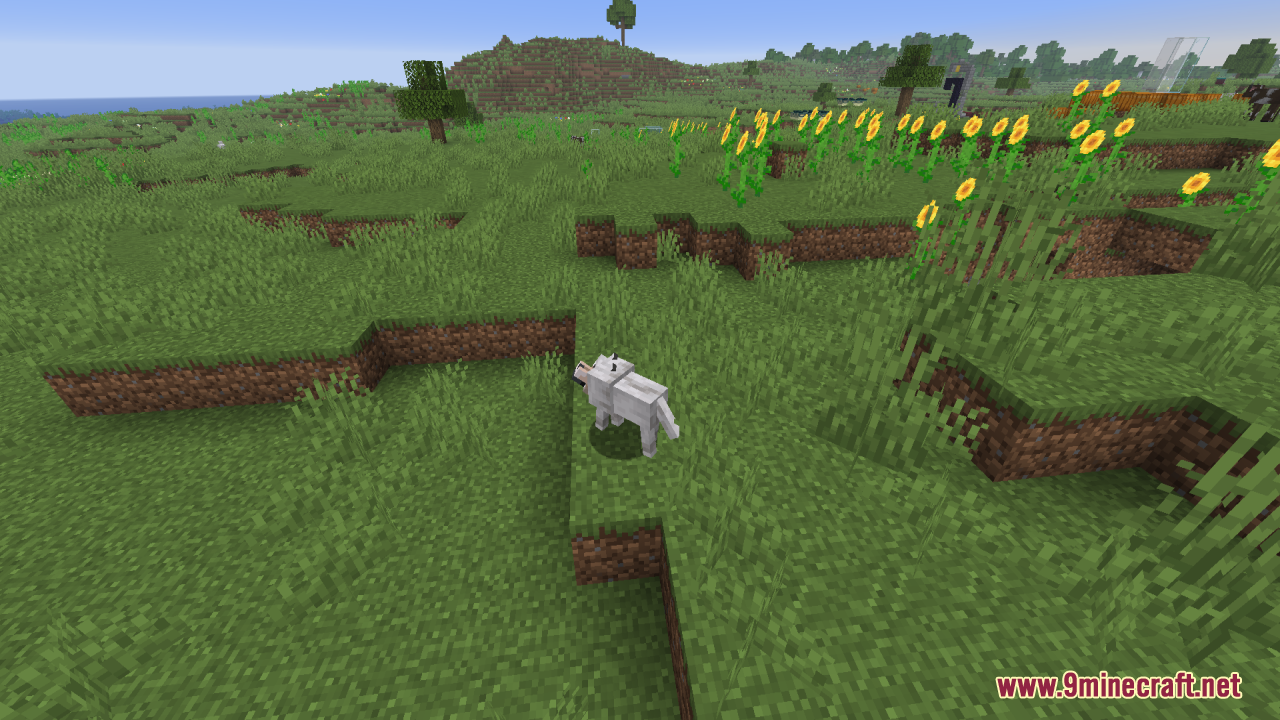
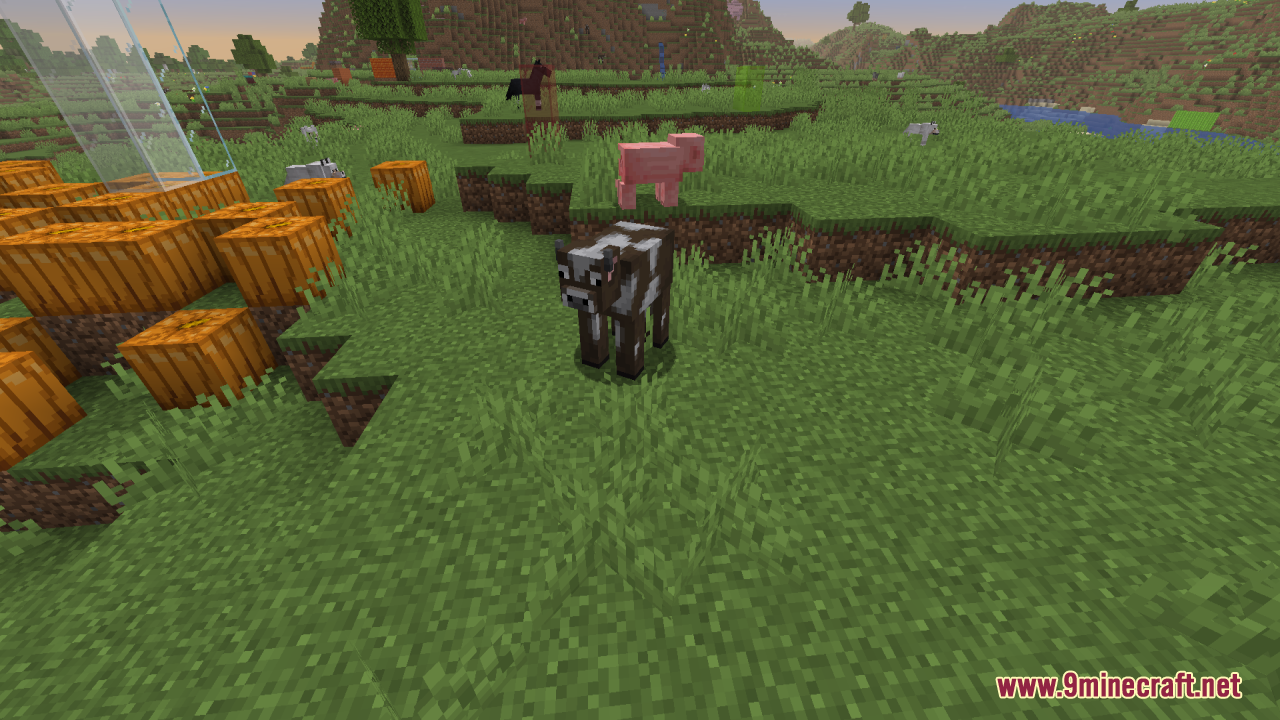
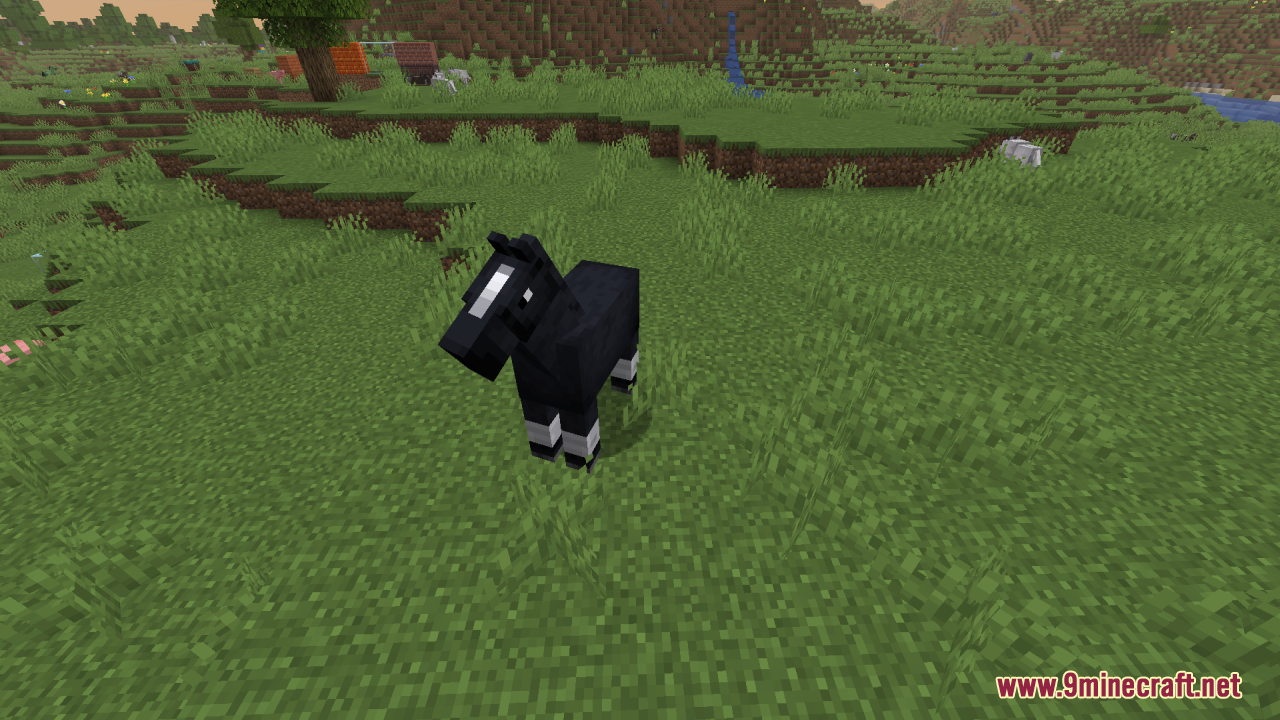
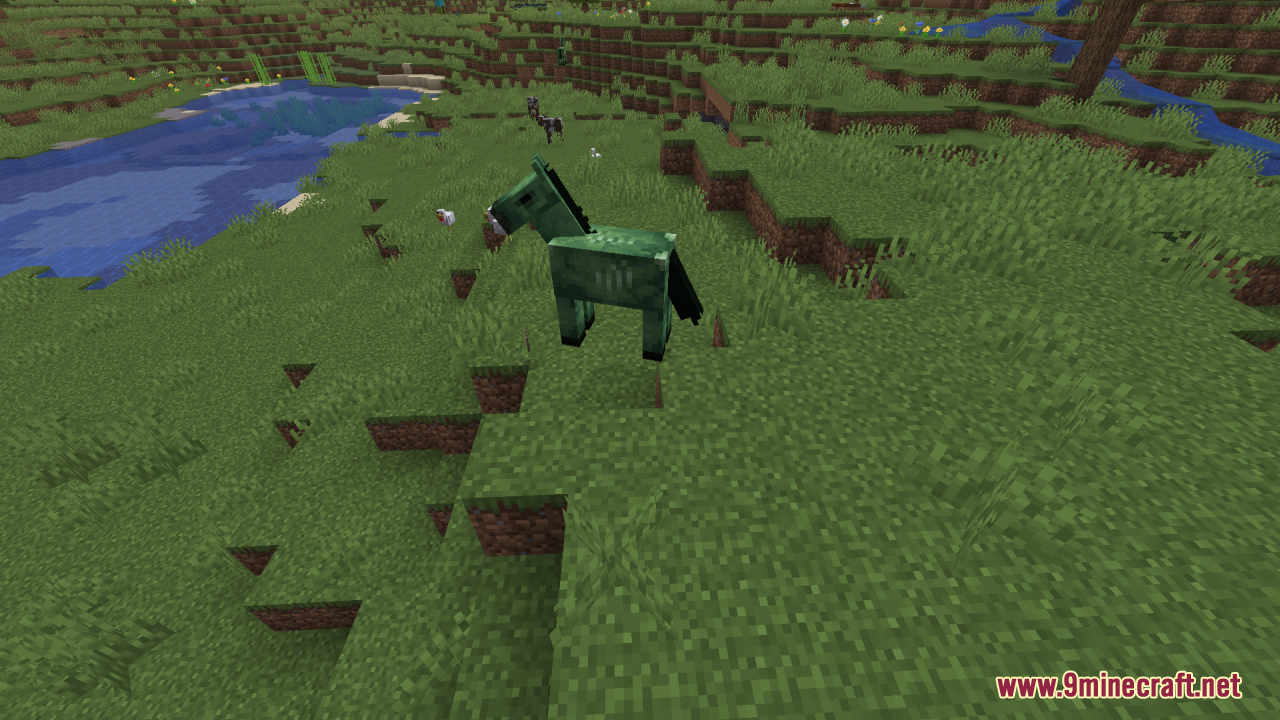
Reduce the Vignette Effect Resource Pack cleans up your screen by changing the dark shadows around the edges. It makes the black corners much lighter so you can see more of the world clearly. This pack is perfect for players who dislike the heavy shadows that appear on the borders of the screen during regular gameplay.
Features:
- Clearer View: Makes the dark shadows around the edges of your screen much lighter.
- Removes the heavy black borders that normally show up while you play.
- Gives your screen a cleaner look without changing any blocks or items.
- Helps you see the corners of your screen better by keeping them bright.
Screenshots:
Reduce the Vignette Effect Resource Pack Download Links
Quick facts
- Edition: Minecraft Java
- File type: .zip (resource pack)
- Minecraft version listed: 1.20.1
- How to install: Download the .zip resource pack — do not unzip it. → Put it in .minecraft/resourcepacks. → Enable it in Options → Resource Packs.
- Where to get it: In MC Java Mods, or directly above on this page.
Install steps are the general flow for this file type — How to install Minecraft Java resource packs walks through it step by step.
Verified by MCModsHub
- Downloads as 355755.mcpack
- Download size: 12 KB
- Download link checked 27 Jul 2026 — working
- Mirrored on our own servers — the download does not depend on the original host
These come from our own check of the pack file, not from the source page.