
PlayerStatus
A premium player status and title system for Paper/Purpur servers. Let your players purchase, collect, and equip custom statuses that appear in TAB, chat…
⬇ Download on Modrinth
PlayerStatus
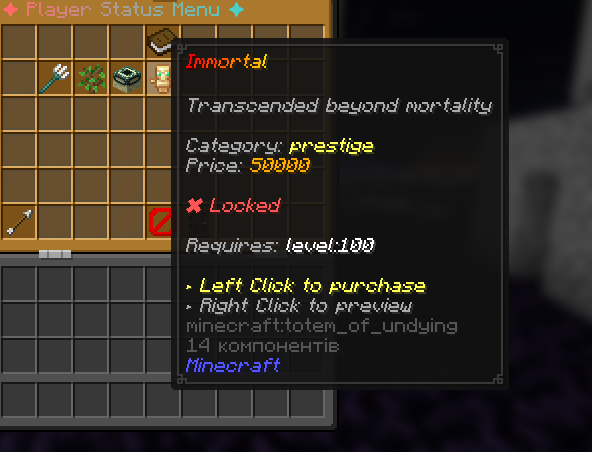
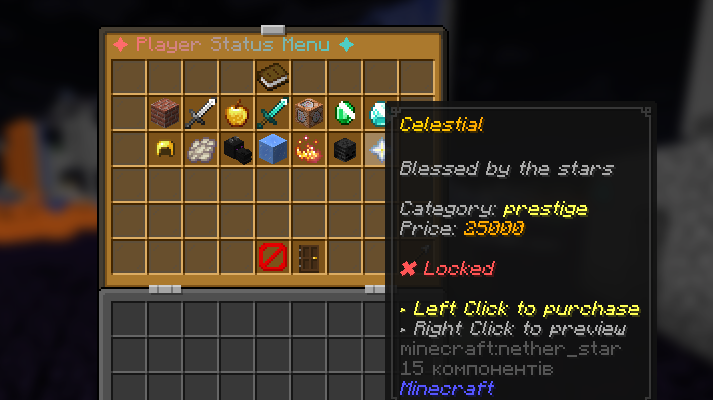
PlayerStatus is a status and title system for Minecraft servers. Players can browse, purchase, and equip custom statuses through an in-game GUI. Equipped statuses show up in TAB, chat, nametags, and anywhere else through PlaceholderAPI.
The plugin is fully configurable. Every status, message, icon, price, and GUI element can be changed through YAML files without touching the code.
What it does
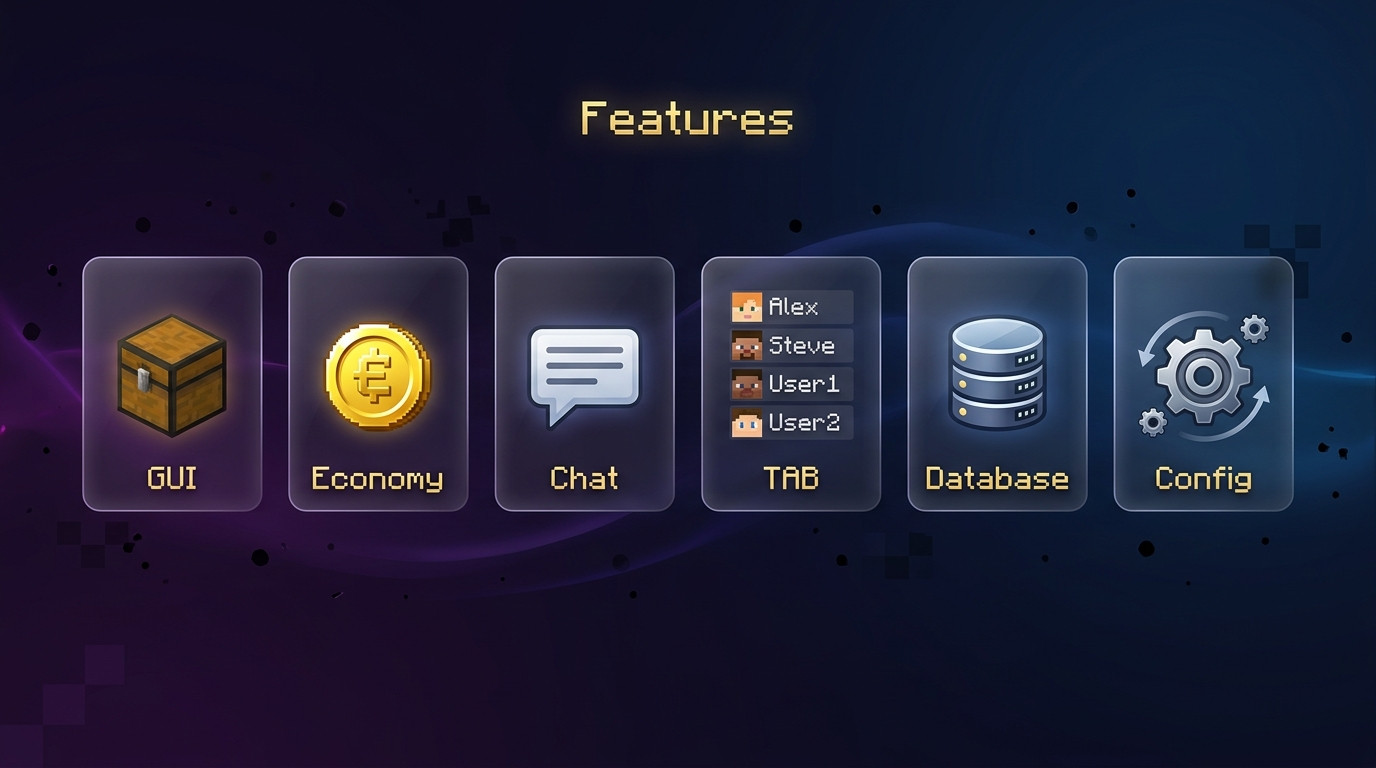
- Multi-page inventory GUI for browsing and equipping statuses
- Economy integration through Vault — players buy statuses with in-game currency
- Full PlaceholderAPI support with multiple placeholder types
- TAB plugin integration for displaying statuses in the player list
- LuckPerms support for permission-based status restrictions
- MiniMessage formatting with gradients, colors, and decorations
- SQLite and MySQL database support with HikariCP connection pooling
- Everything is configurable through three simple YAML files
- Async database operations and caching for performance
Commands
| Command | Permission | Description |
|---|---|---|
| /status | playerstatus.use | Opens the status selection GUI |
| /status list | playerstatus.use | Lists all available statuses in chat |
| /status reload | playerstatus.reload | Reloads all configuration files |
| /status give <player> <status> | playerstatus.give | Grants a status to a player |
| /status remove <player> <status> | playerstatus.remove | Revokes a status from a player |
| /status reset <player> | playerstatus.admin | Resets all statuses for a player |
Aliases: /ps, /playerstatus
Placeholders
Requires PlaceholderAPI.
| Placeholder | Description |
|---|---|
| %playerstatus_current% | Equipped status with color codes |
| %playerstatus_current_minimessage% | Equipped status in MiniMessage format |
| %playerstatus_raw% | Equipped status as plain text |
| %playerstatus_id% | ID of the equipped status |
| %playerstatus_count% | Number of statuses the player owns |
| %playerstatus_total% | Total number of statuses on the server |
| %playerstatus_has_<id>% | Whether the player owns a specific status |
TAB Integration
To display statuses in TAB, add the placeholder to your TAB config:
tabsuffix:
  enabled: true
  default-value: " %playerstatus_current%"
You can also use it as a prefix or in tablist-name-formatting depending on your setup.
Economy
Works out of the box with any Vault-compatible economy plugin. Each status has a configurable price in statuses.yml. Set the price to 0 to make a status free, or lock it behind a permission instead.
Configuration
The plugin creates three files in the plugin folder:
config.yml — General settings: database type, GUI layout, sound effects, integration toggles, cache settings.
statuses.yml — All status definitions. Each status has a unique ID and supports display name, description, material icon, price, permission, category, GUI slot/page, custom model data, and level requirements.
Example status:
statuses:
  warrior:
    display: '<red>Warrior'
    description: 'Fierce fighter of battles'
    icon: IRON_SWORD
    price: 1000
    permission: ''
    category: combat
    slot: 11
    page: 1
    custom-model-data: 0
    requirements: []
Gradients are also supported:
  inferno:
    display: '<gradient:#FF4500:#FF8C00>Inferno</gradient>'
messages.yml — All plugin messages. Supports MiniMessage formatting.
Permissions
| Permission | Default | Description |
|---|---|---|
| playerstatus.use | Everyone | Use the /status command and GUI |
| playerstatus.admin | OP | Full admin access |
| playerstatus.reload | OP | Reload configuration |
| playerstatus.give | OP | Give statuses to players |
| playerstatus.remove | OP | Remove statuses from players |
Dependencies
All optional. The plugin runs standalone, but gains features with each integration.
| Plugin | Purpose |
|---|---|
| Vault | Economy support |
| PlaceholderAPI | Placeholder support |
| TAB | TAB list integration |
| LuckPerms | Permission-based restrictions |

Compatibility
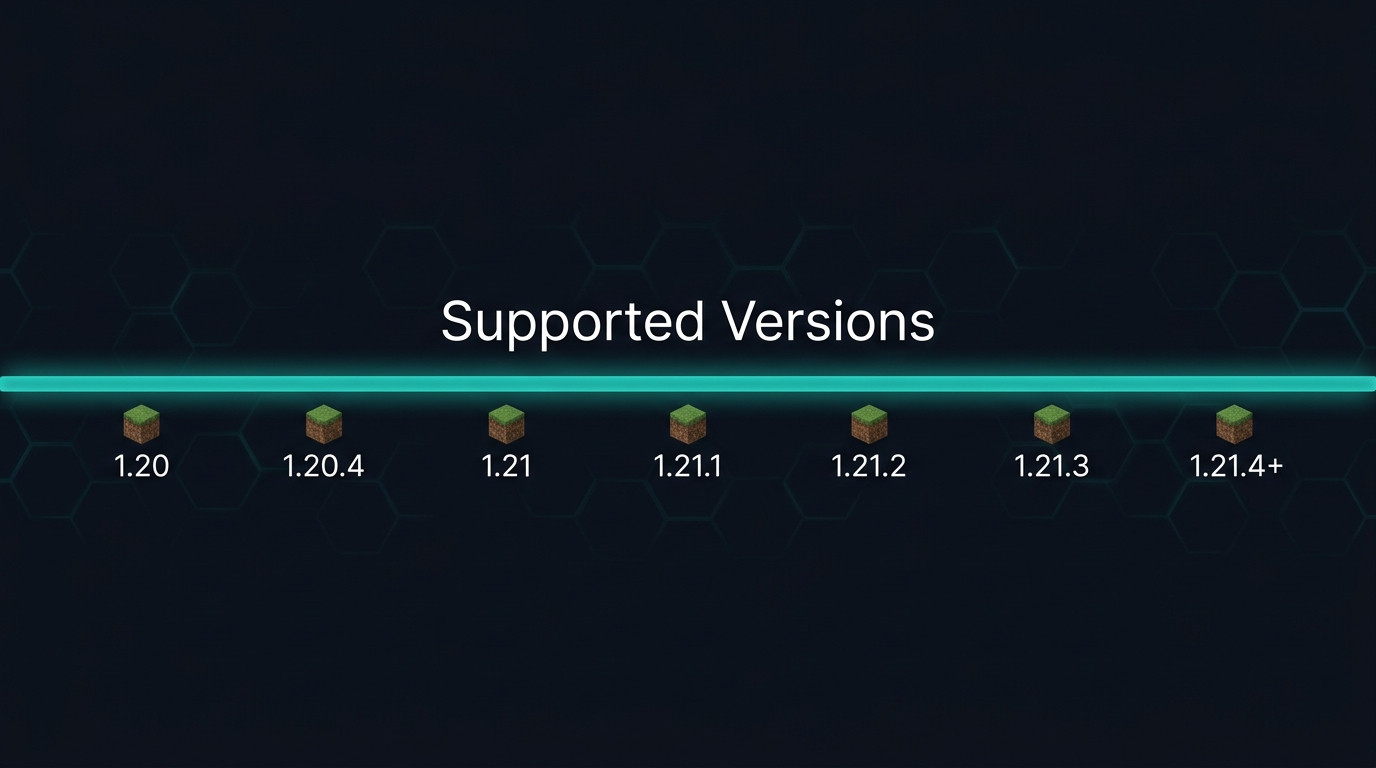
- Minecraft 1.20.x through 26.1.2+
- Paper, Purpur, Pufferfish
- Java 25+
- Edition: Minecraft Java
- File type: .jar
- Minecraft versions listed: 1.21.1, 1.21.2, 1.21.3
- How to install: Install the matching mod loader (Forge, Fabric or NeoForge) for your Minecraft version. → Download the .jar. → Put it in the .minecraft/mods folder and launch that loader profile.
- Where to get it: Opens on Modrinth — not every file is mirrored on our own servers.
Install steps are the general flow for this file type — How to install Minecraft Java mods & modpacks walks through it step by step.
- Ships as PlayerStatus-2.0.jar — drop this file into the mods folder
- Download size: 291 KB
- Download link checked 15 Sept 2026 — working
These come from our own check of the pack file, not from the source page.