Letters and Numbers Banners
Add 50 custom banners to Minecraft Bedrock, including A–Z letters, 0–9 numbers, and unique symbols. Perfect for custom signs, cities, roleplay, SMPs…
⬇ Download on CurseForge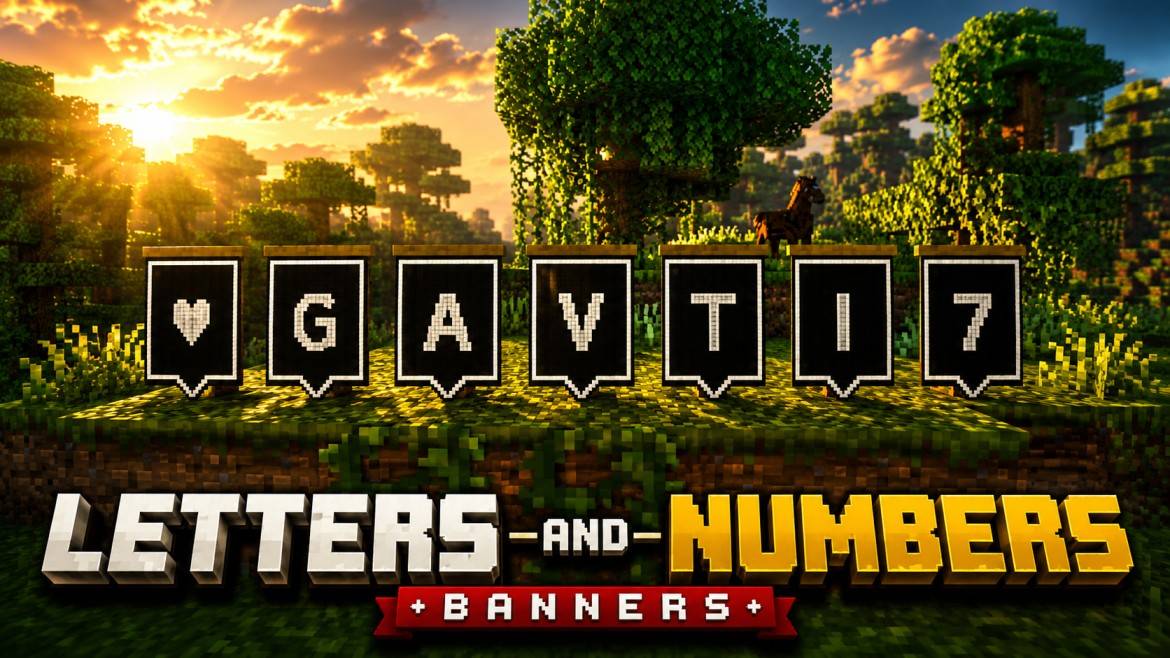
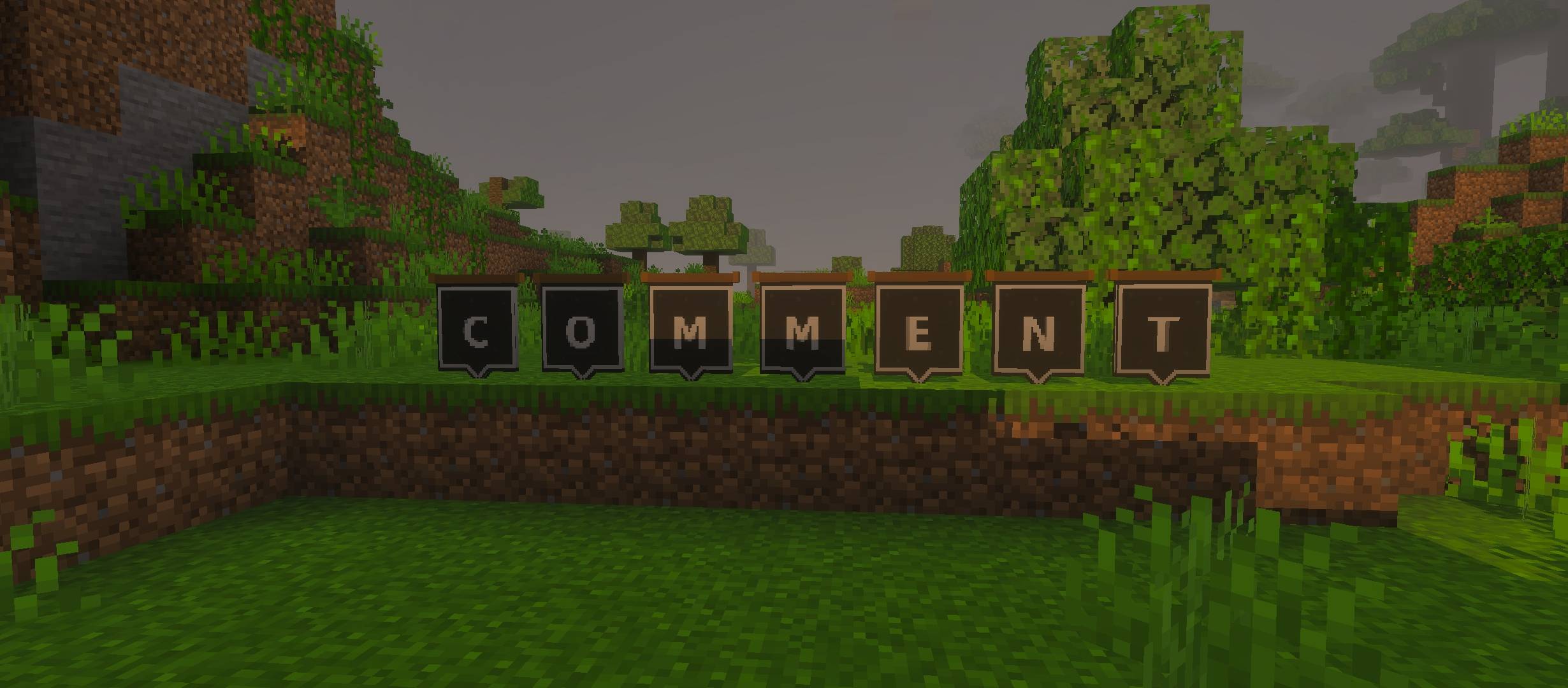
LETTERS AND NUMBERS BANNERS
50 Custom Letter, Number and Symbol Banners for Minecraft Bedrock
Letters and Numbers Banners adds a complete collection of custom placeable banners to Minecraft Bedrock. Use them to create professional names, labels, directions, signs, shop boards, room numbers and decorative displays in your worlds.
Pack Contents
- 26 Letter Banners: A to Z
- 10 Number Banners: 0 to 9
- 14 Symbol Banners: useful decorative and directional symbols
- 50 Custom Banners in Total
Main Features
Custom Alphabet System
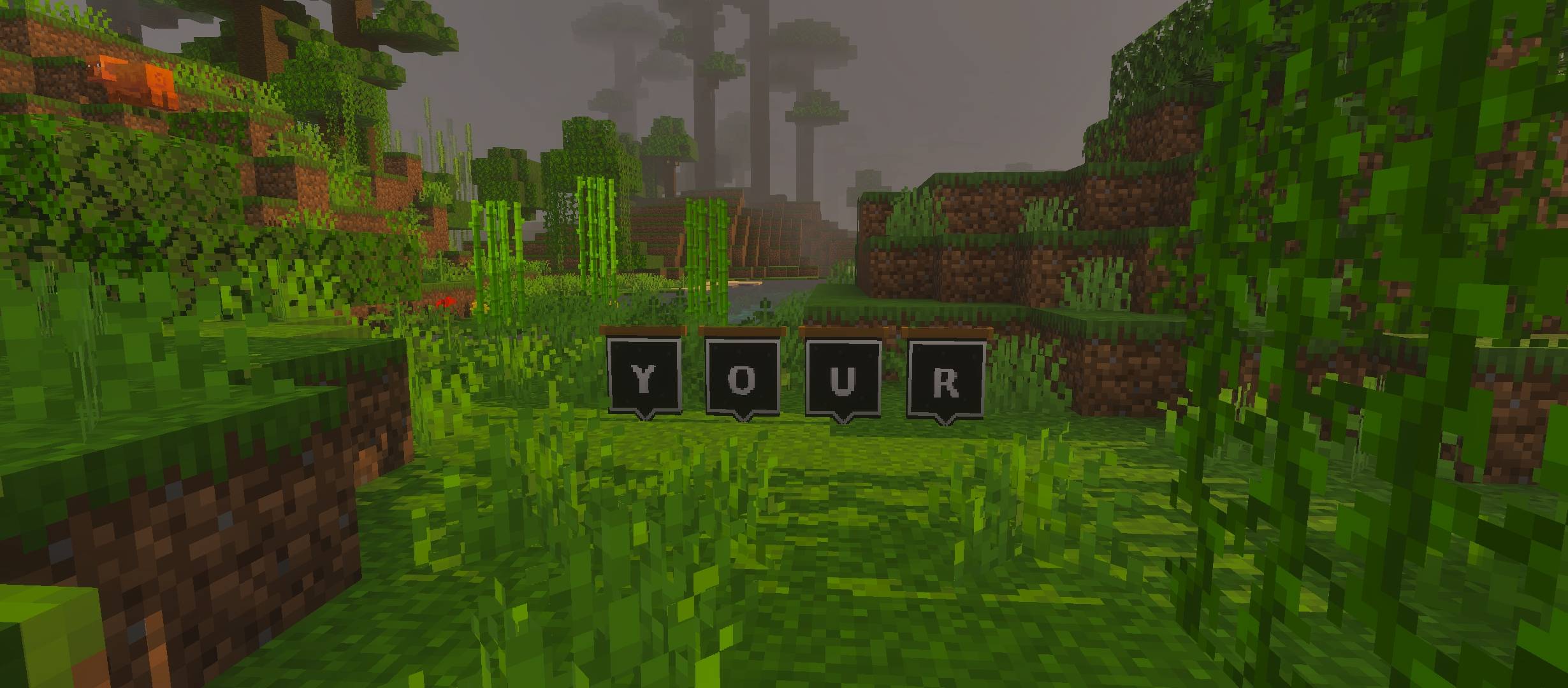
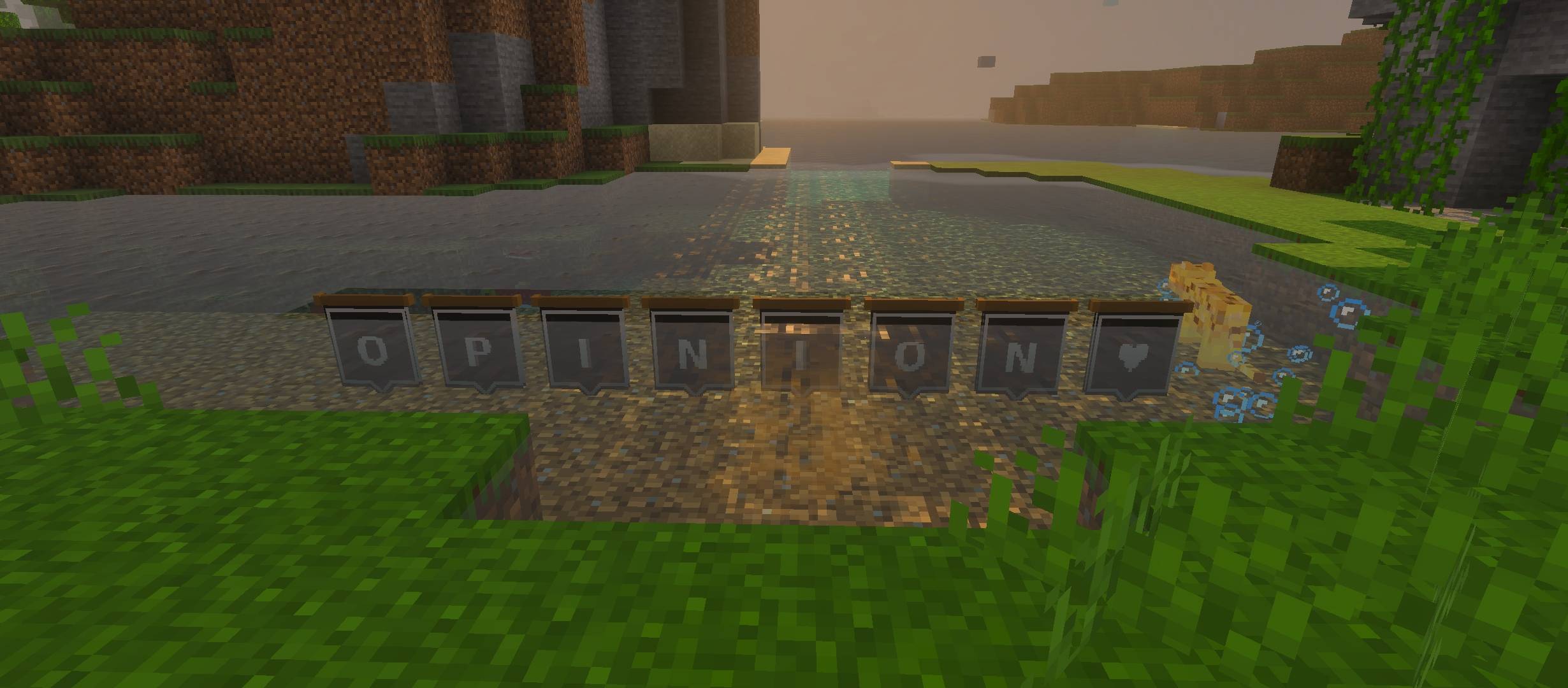
Create any custom word or name by placing individual letter banners next to each other. Build signs for hospitals, schools, shops, houses, bases, cities, roads and custom locations.
Number Banners
Use numbers for room labels, building numbers, checkpoints, sectors, floors, team numbers, shop prices, map sections and adventure objectives.
Symbol Collection
The symbol banners can be used for directions, danger areas, important locations, decorative builds and visual communication without using long text.
Placeable and Directional
Every banner can be placed directly in the world and will face according to the direction in which it is placed, making it easier to position signs correctly.
Perfect For
This addon is especially useful for:
- City maps
- Roleplay worlds
- Adventure maps
- SMP servers
- Schools and hospitals
- Shops and markets
- Room and floor numbering
- Military bases and checkpoints
- Custom signs and labels
- Creative builds
How to Use
- Download and import the addon into Minecraft Bedrock.
- Activate both the Behavior Pack and Resource Pack in your world.
- Open the Creative Inventory.
- Search for “Banner”, “Letter”, “Number” or the required symbol.
- Select the banners and place them in the required order.
- Rotate or place them from the desired direction to create clean signs.
Important
Both packs must be activated for the addon to work correctly. The banners are designed primarily for Creative building, map creation and decorative use.
Design Style
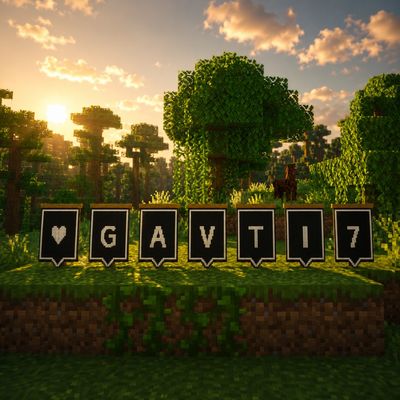
Every banner uses a consistent black background, light border and clear pixel-style character. The simple design helps the letters remain readable from a distance while keeping a clean Minecraft-inspired appearance.
Compatibility
- Minecraft Bedrock Edition
- Mobile and Windows compatible
- Singleplayer compatible
- Multiplayer and SMP friendly
- Designed for Creative Inventory access
Image Disclaimer
Promotional images, logos and thumbnails used for this project may be AI-enhanced for improved lighting, presentation and visual quality. The actual in-game addon appearance may differ slightly from promotional media.
Copyright and Asset Usage
© Gavti Studio. All rights reserved.
You are allowed to use the assets, textures, banners, screenshots and other project-related materials from this addon in your maps, videos, thumbnails, servers, builds, social media posts and other creative projects.
Credit to @GAVTI is mandatory wherever these assets are used.
The credit must be visible and clearly written as:
Assets by @GAVTI
Redistribution of the complete addon under a different creator name, removal of credits, false ownership claims or reselling the addon without permission is not allowed.
Created by Gavti Studio
- Edition: Minecraft Bedrock
- File type: .mcpack or .mcaddon
- Minecraft versions listed: 26.20, 26.13, 26.30
- How to install: Download the .mcpack or .mcaddon file. → Open it — Minecraft imports it. → In your world: Behavior Packs → Available → Activate, then the same under Resource Packs.
- Where to get it: Opens on CurseForge — not every file is mirrored on our own servers.
Install steps are the general flow for this file type — How to install Minecraft Bedrock addons & mods walks through it step by step.
- Pack type: .mcaddon — behaviour and resource pack in one file
- Download size: 49 KB
- Download link checked 15 Sept 2026 — working
These come from our own check of the pack file, not from the source page.