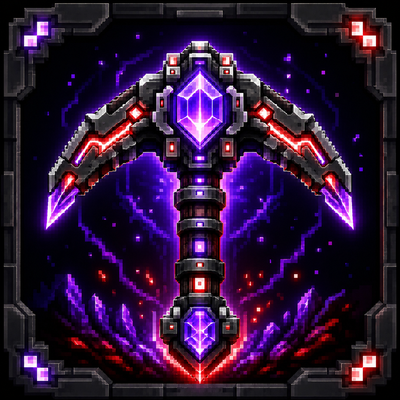
Digger Tool
A configurable tool that digs or fills boxes, circular tunnels, or vertical shafts as you walk — with presets, sounds, and quick toggle.
⬇ Download on CurseForge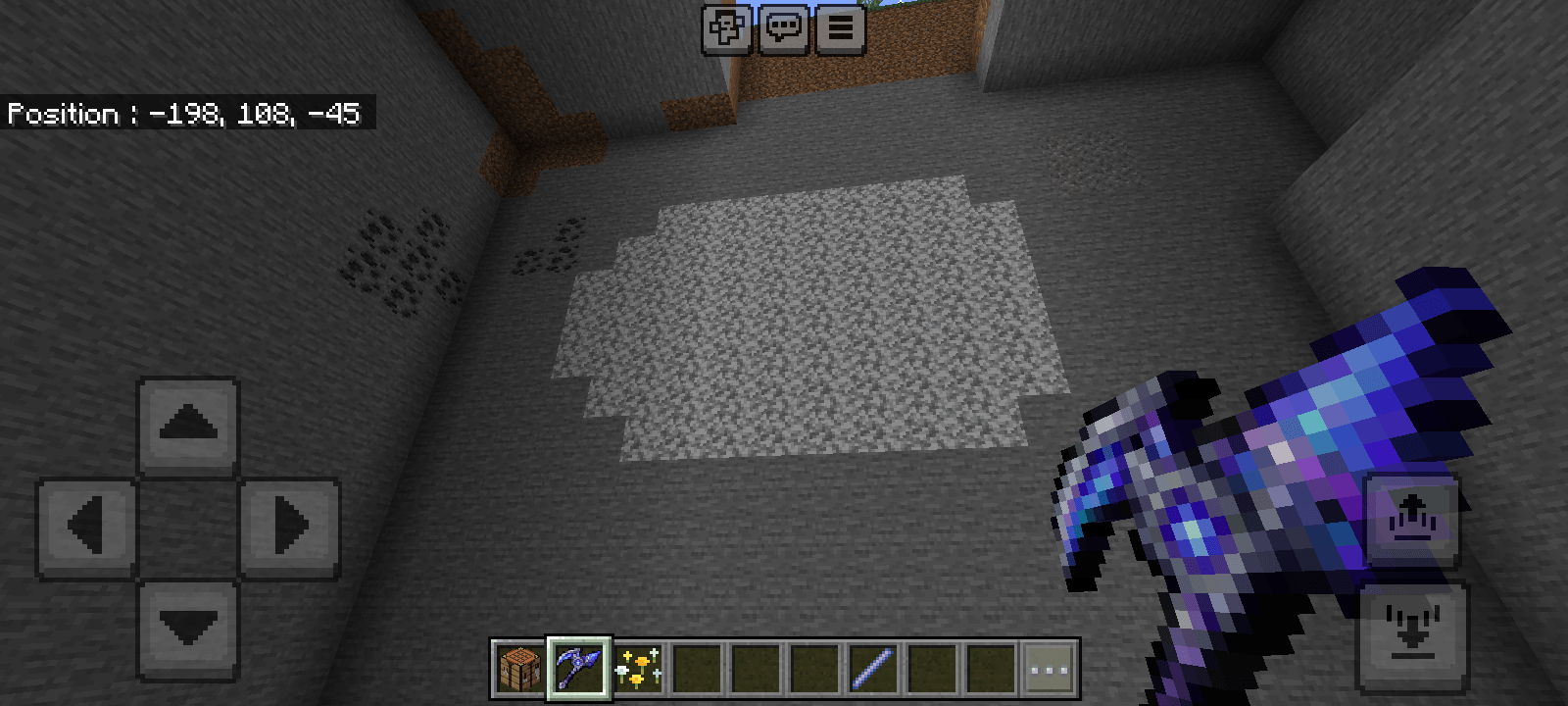
# ⚒ YOS Digger Tool
A single configurable tool that **digs** or **fills** terrain automatically as you walk or fly — no commands, no OP needed. Perfect for quick landscaping, tunneling, and clearing large areas in Survival or Creative.
## ✨ Features
- **Two modes**
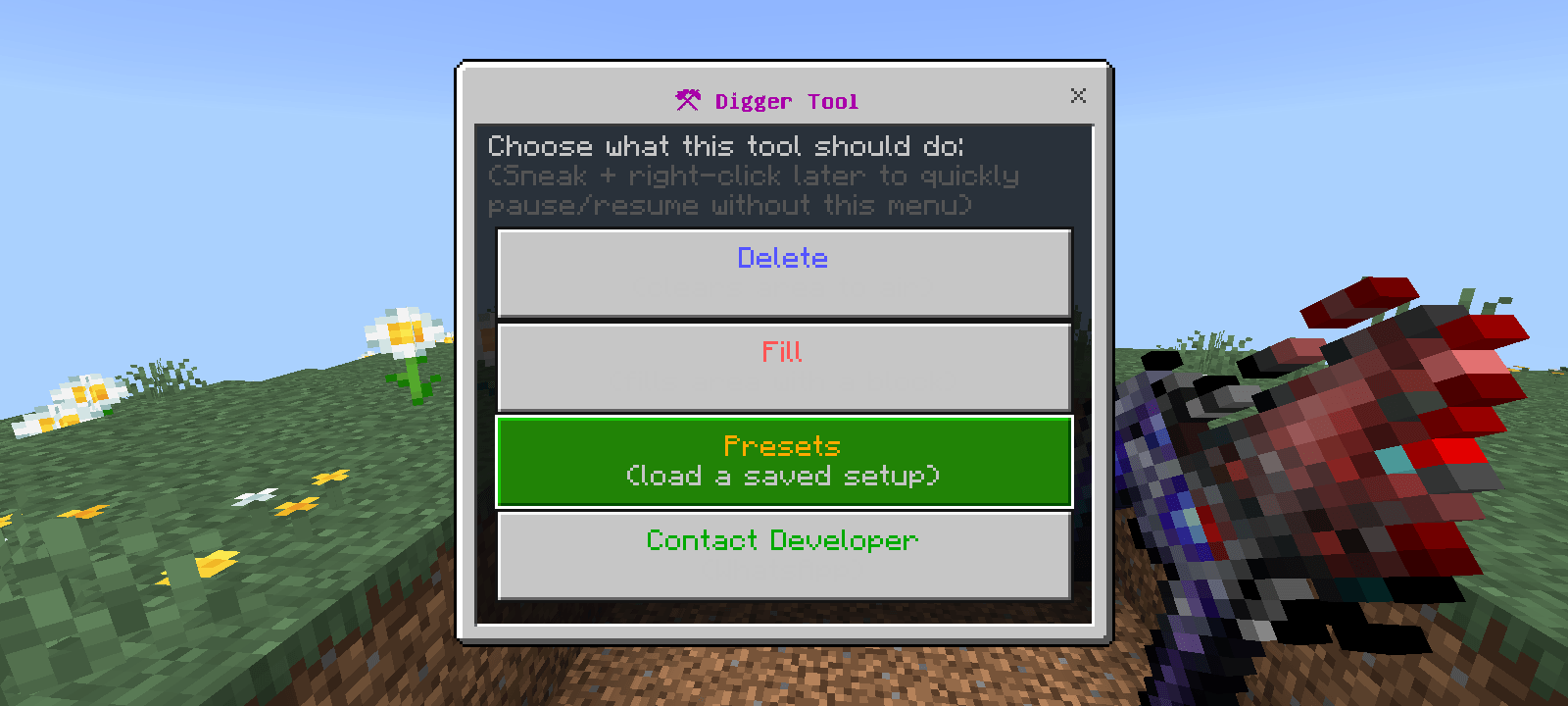
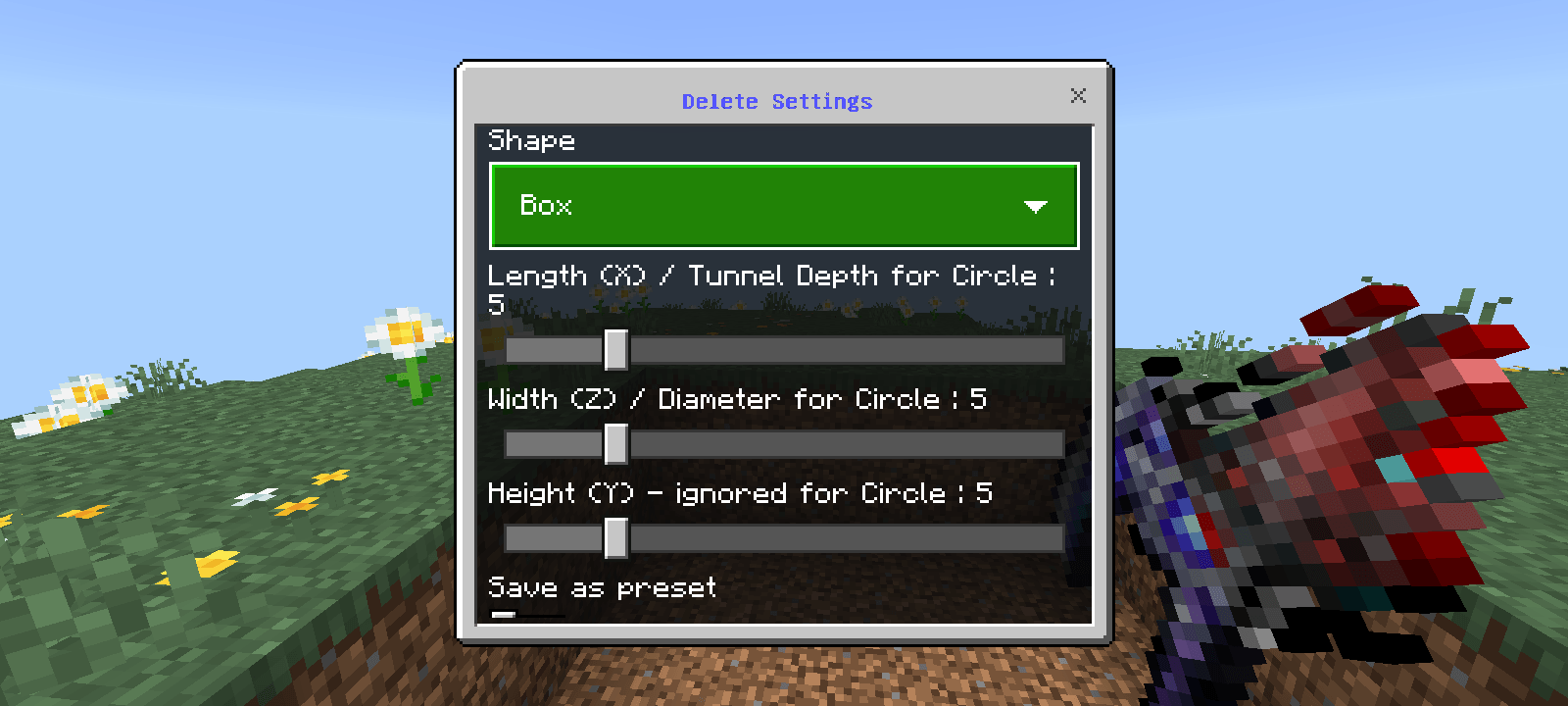
- **Delete** — clears the selected area to air as you move
- **Fill** — fills the selected area with any block you type (e.g. `stone`, `glass`, `minecraft:quartz_block`)
- **Three shapes**
- **Box** — a rectangular area placed right in front of you
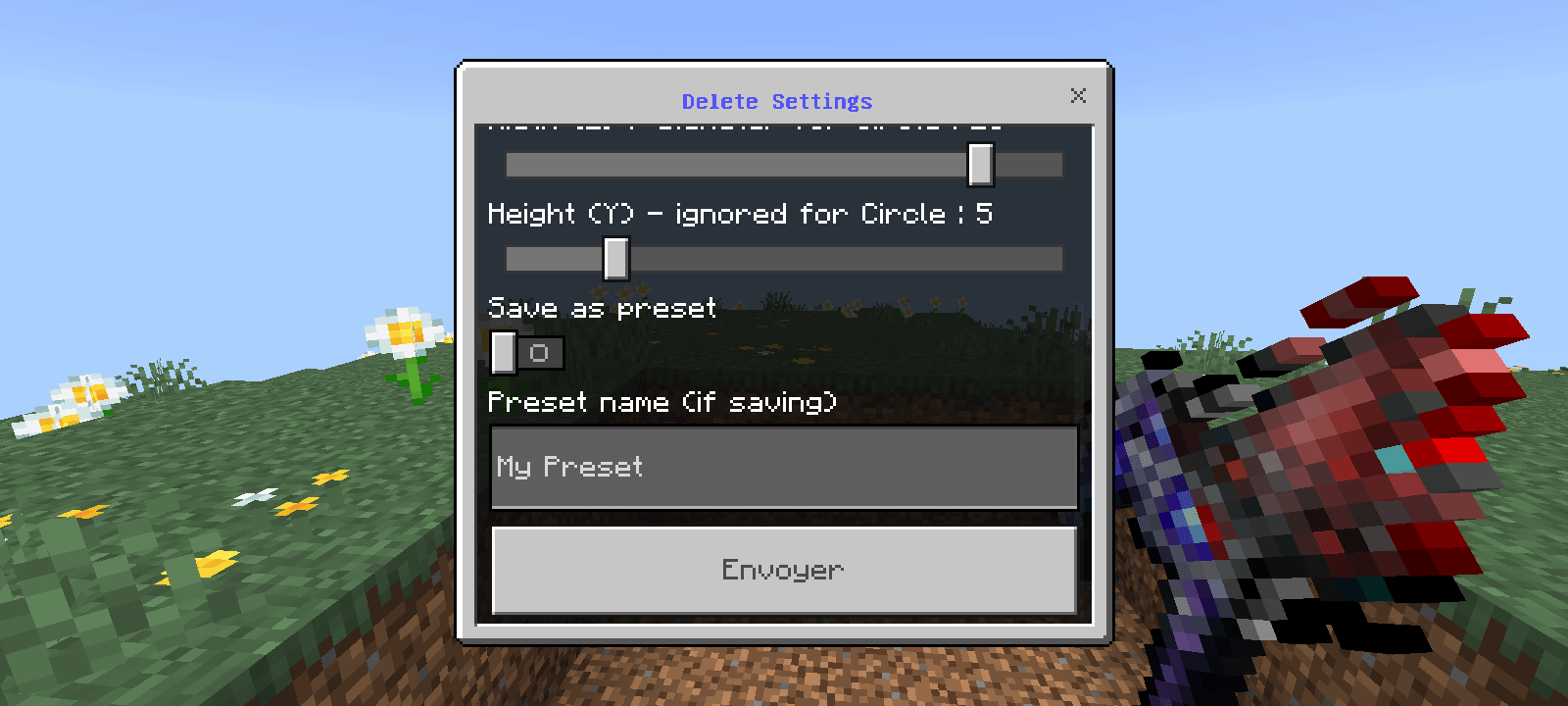
- **Circle** — a round tunnel with adjustable depth and diameter
- **Vertical Shaft** — automatically activates when you fly straight up or down in Creative, letting you dig/fill vertical columns
- **Smart placement** — the area is always generated in front of you (or above/below you while flying), never centered on your body, so you don't dig yourself into a hole.
- **Live preview** — before activating, see a glowing particle outline of the exact area, with a confirm/cancel dialog.
- **Presets** — save your favorite configurations (shape, size, mode, block) with a custom name, and reload them instantly anytime. Presets persist across game sessions.
- **Quick toggle** — sneak + right-click to instantly pause/resume digging without opening any menu.
- **Sound feedback** — distinct sounds for activating, pausing, and each dig/fill tick.
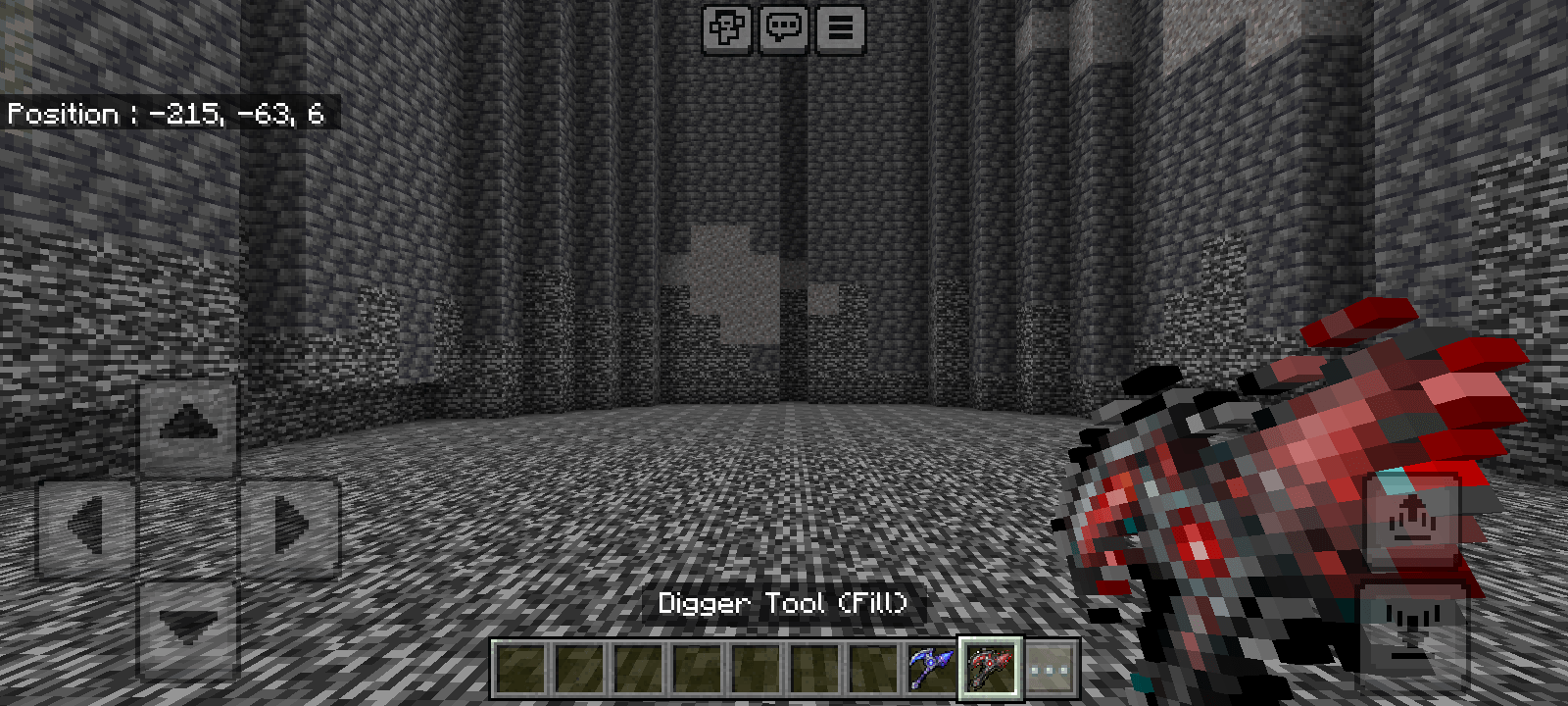
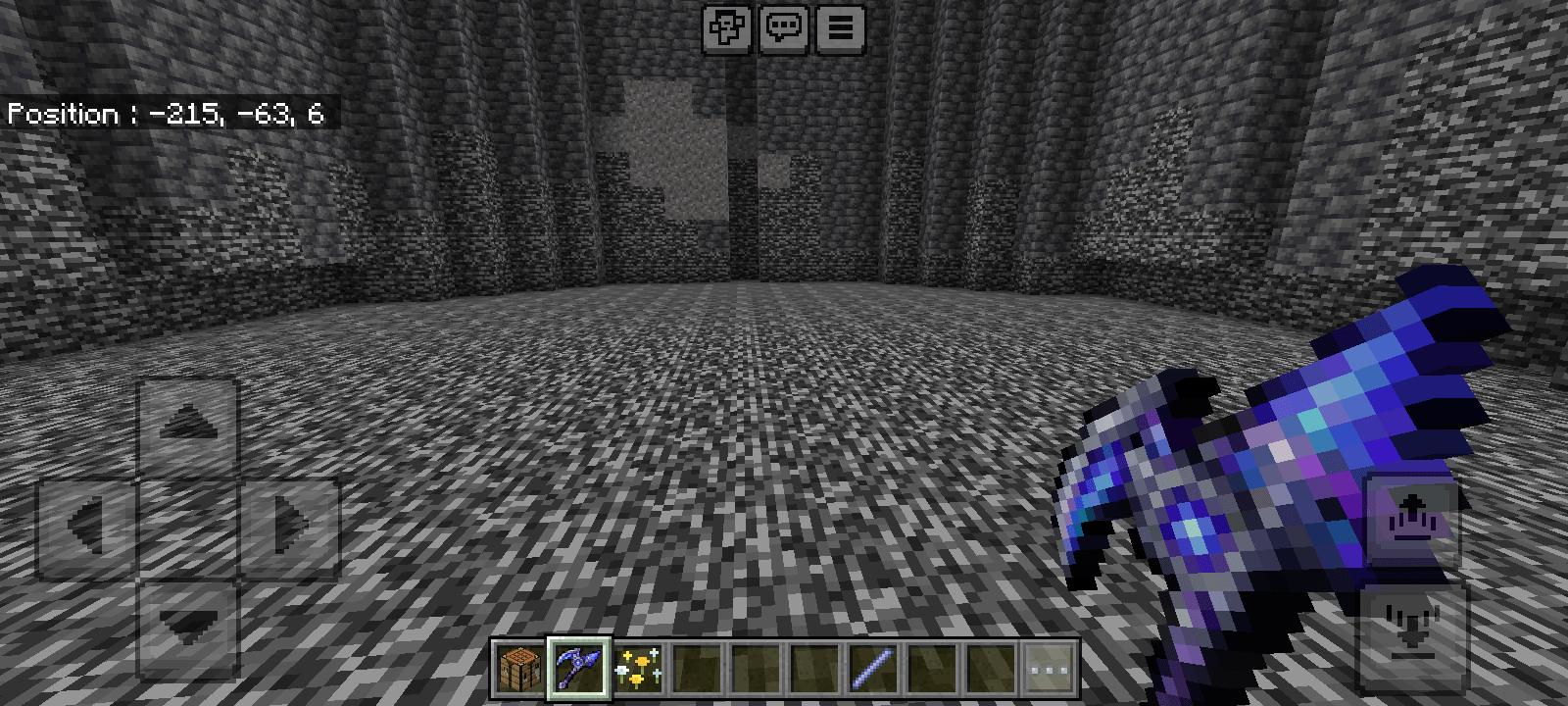
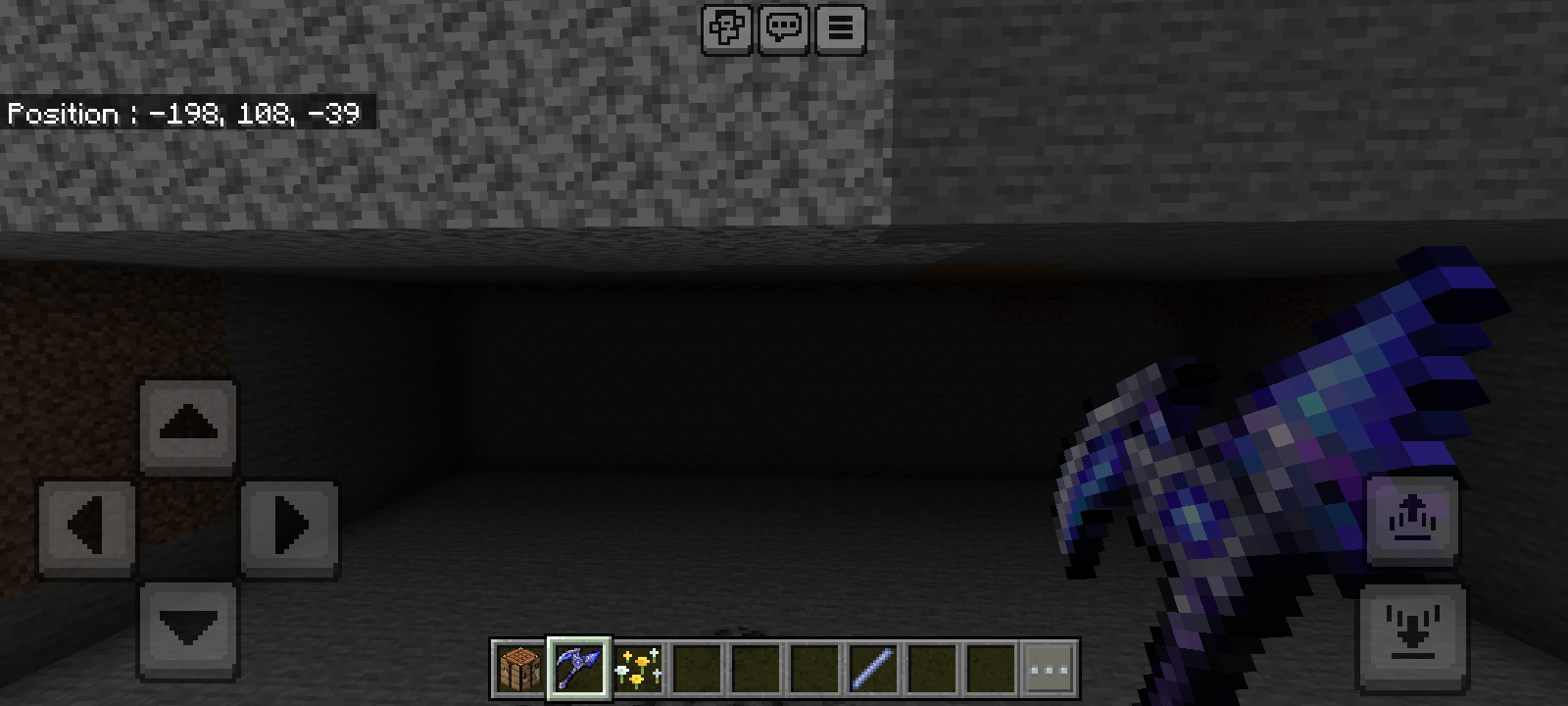
- **Dynamic appearance** — the tool visually changes depending on its current mode:
- Half-blue / half-red before configuring
- Full blue when set to Delete
- Full red when set to Fill
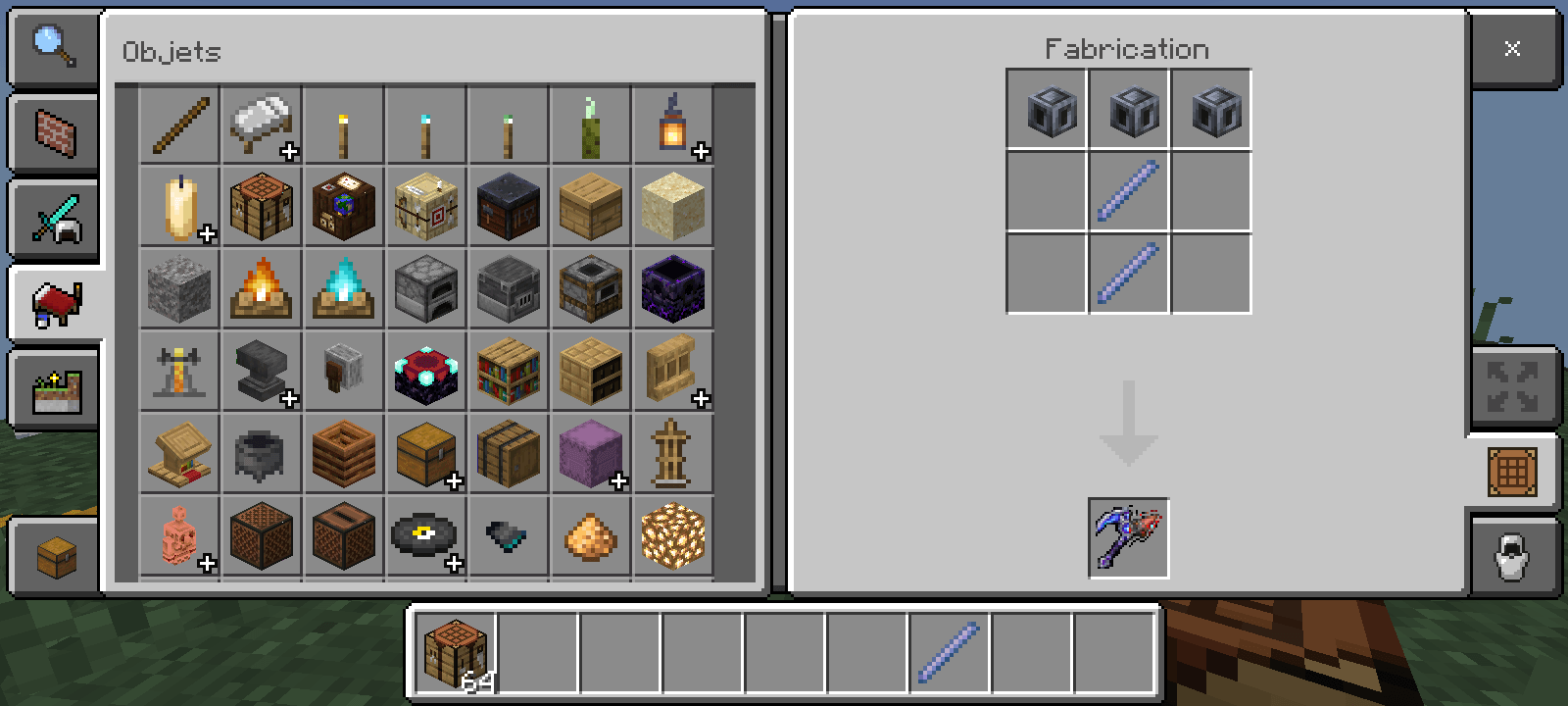
## 🛠️ How to Get It
- **H** = Heavy Core (`minecraft:heavy_core`)
- **B** = Breeze Rod (`minecraft:breeze_rod`)
100% vanilla ingredients — no other add-ons required.
#How to use it :# 📖 How to Use
1. Right-click the tool to open the menu.
2. Choose **Delete** or **Fill**.
3. Adjust shape and size sliders (and block type if filling).
4. Confirm to see the glowing preview, then press OK.
5. Walk or fly through the area — it digs/fills automatically.
6. Sneak + right-click anytime to pause/resume instantly.
## 💬 Support & Feedback
Found a bug or have a suggestion? Message the developer on WhatsApp:
**Contact **
## ⚠️ Notes
- Requires the **Beta APIs / Holiday Creator Features** experiment (needed for any scripting add-on) to be enabled when creating your world.
- Works in both Survival and Creative.
Craft it using:
- Edition: Minecraft Bedrock
- File type: .mcpack or .mcaddon
- Minecraft versions listed: 26.20, 26.13, 26.30
- How to install: Download the .mcpack or .mcaddon file. → Open it — Minecraft imports it. → In your world: Behavior Packs → Available → Activate, then the same under Resource Packs.
- Where to get it: Opens on CurseForge — not every file is mirrored on our own servers.
Install steps are the general flow for this file type — How to install Minecraft Bedrock addons & mods walks through it step by step.
- Pack type: .mcaddon — behaviour and resource pack in one file
- Manifest requires Minecraft 1.20.10 or newer
- Complete pack — everything it depends on is inside the file
- Download size: 4.0 MB
- Download link checked 15 Sept 2026 — working
These come from our own check of the pack file, not from the source page.