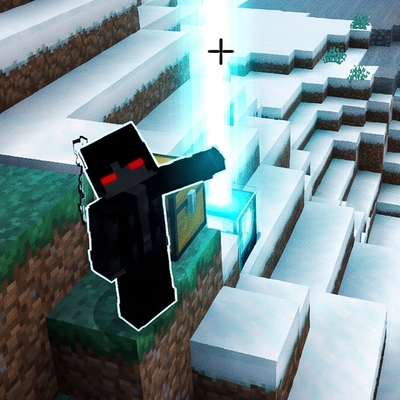
Death Beacon & Inventory Log V1
Bedrock add-on listed for Minecraft 1.21–26.x (behavior pack only). File opened and checked on 28 Sep 2026; installs from the MC Bedrock Mods app on Android.
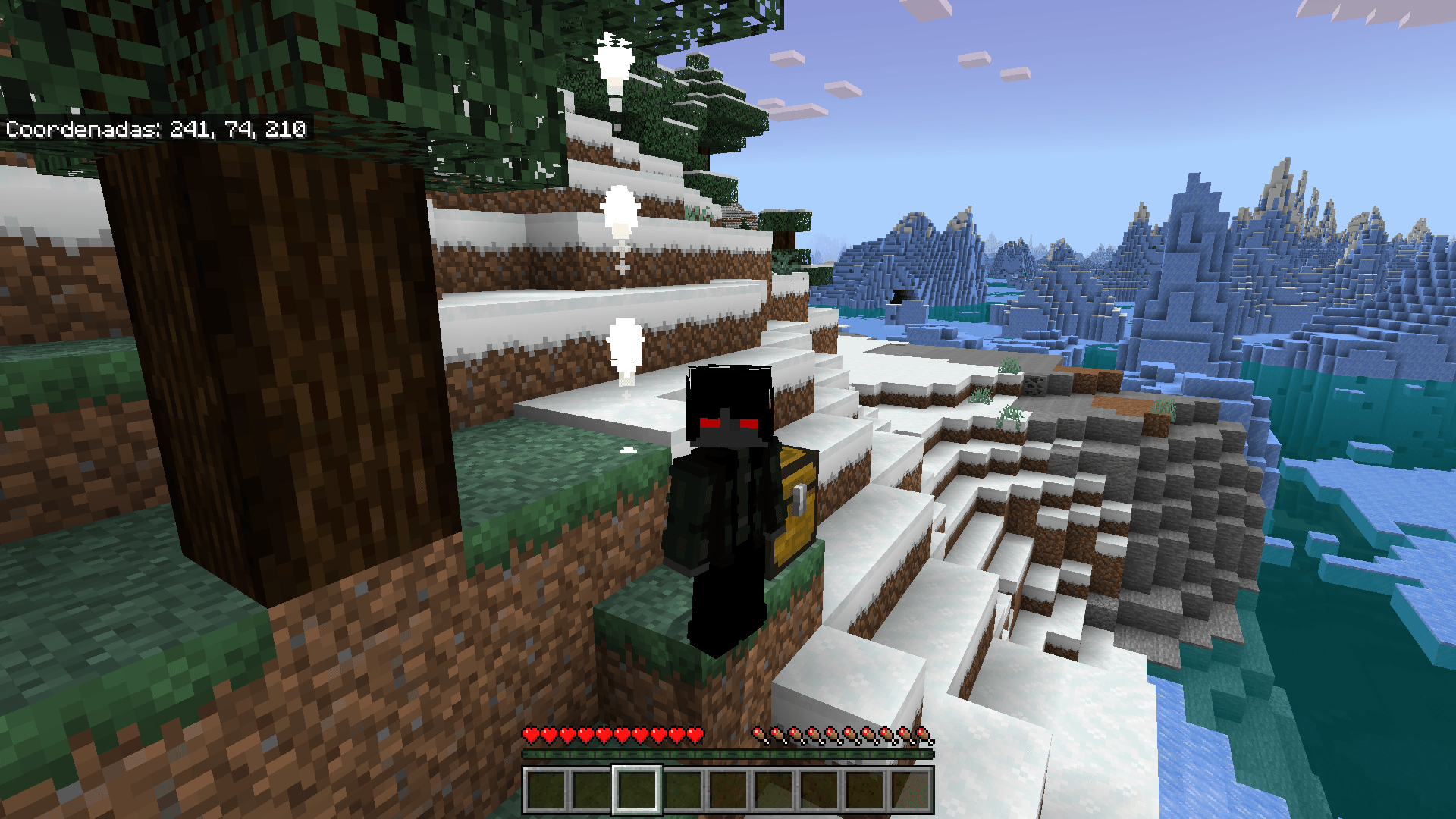
Never lose your loot again with this addon that marks your death location with a bright beacon of light and secures your items in a temporary chest that…
⬇ Download on CurseForge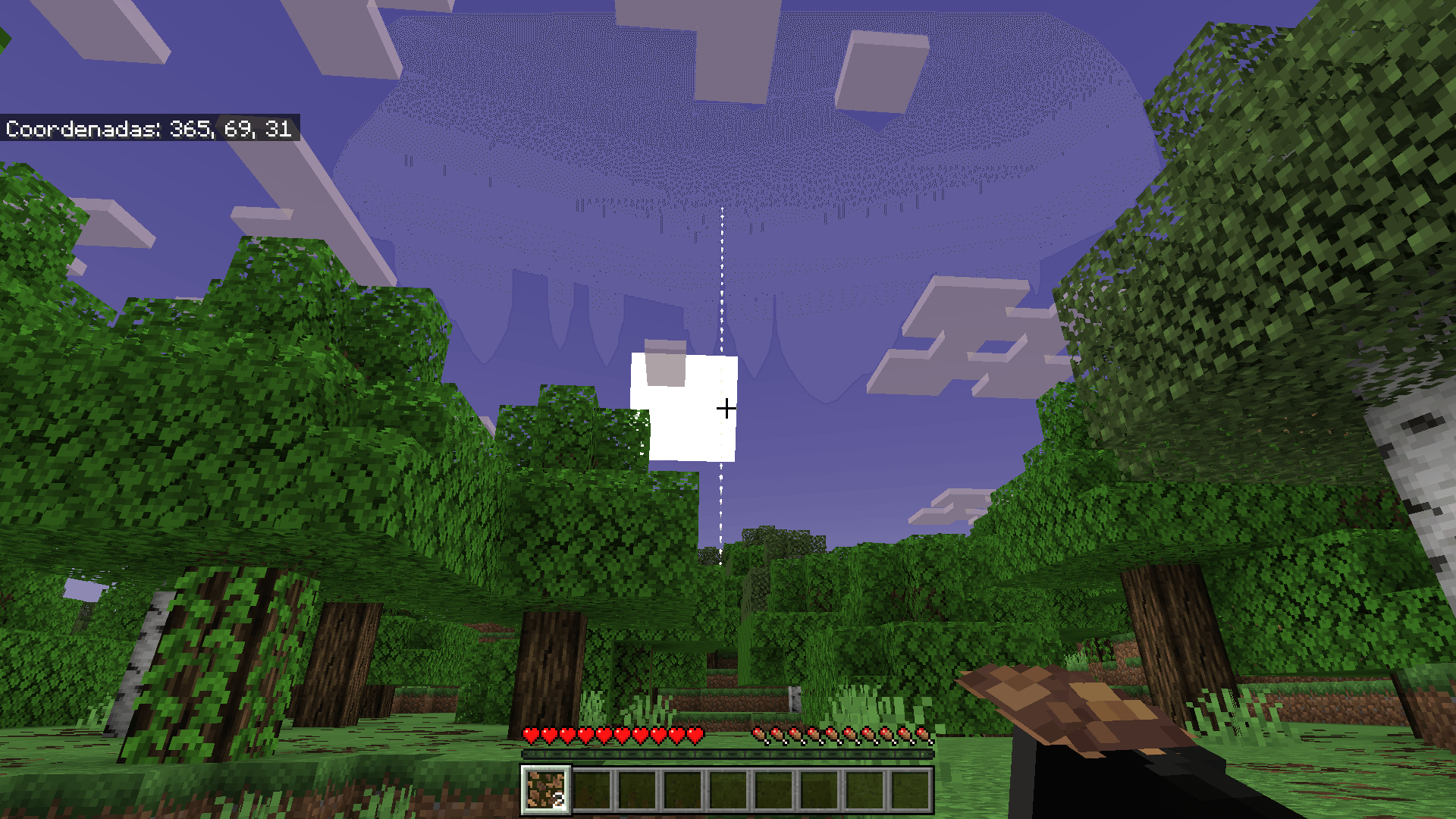
💀 [Death Beacon & Inventory Log]
- Never lose your items when you die again! Tired of losing your precious diamonds in lava? Bored of wandering around trying to remember where you died? This addon is the ultimate solution to your worst Minecraft nightmares! With [Death Beacon & Inventory Log], death no longer means losing your progress. Now, your inventory will be safe and waiting for you exactly where you left it.
🌟 Main Features
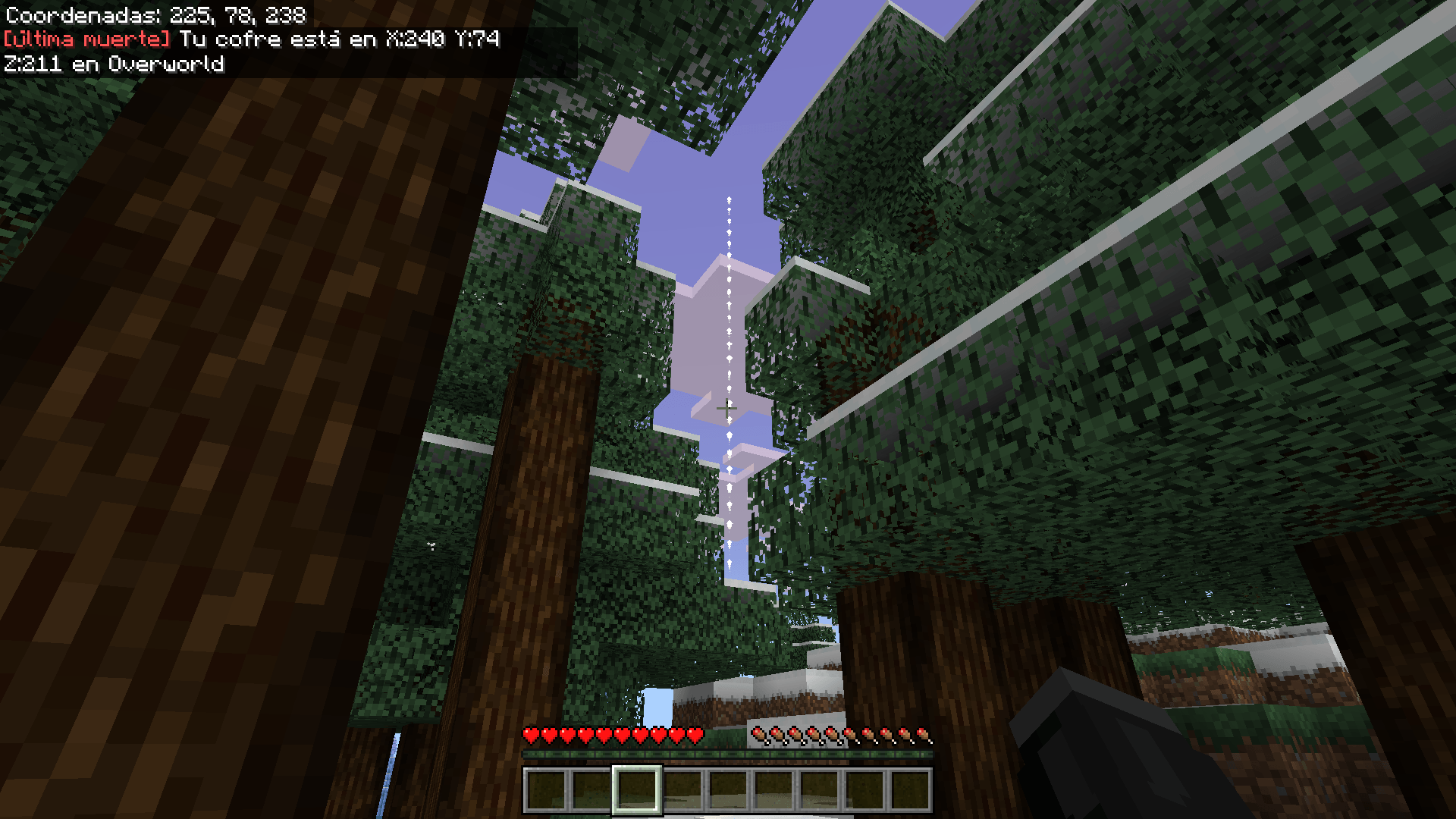
📍 Death Beacon: The moment you die, a bright beam of light will rise into the sky from the crash site. You'll be able to see it from a distance to guide you back without getting lost!
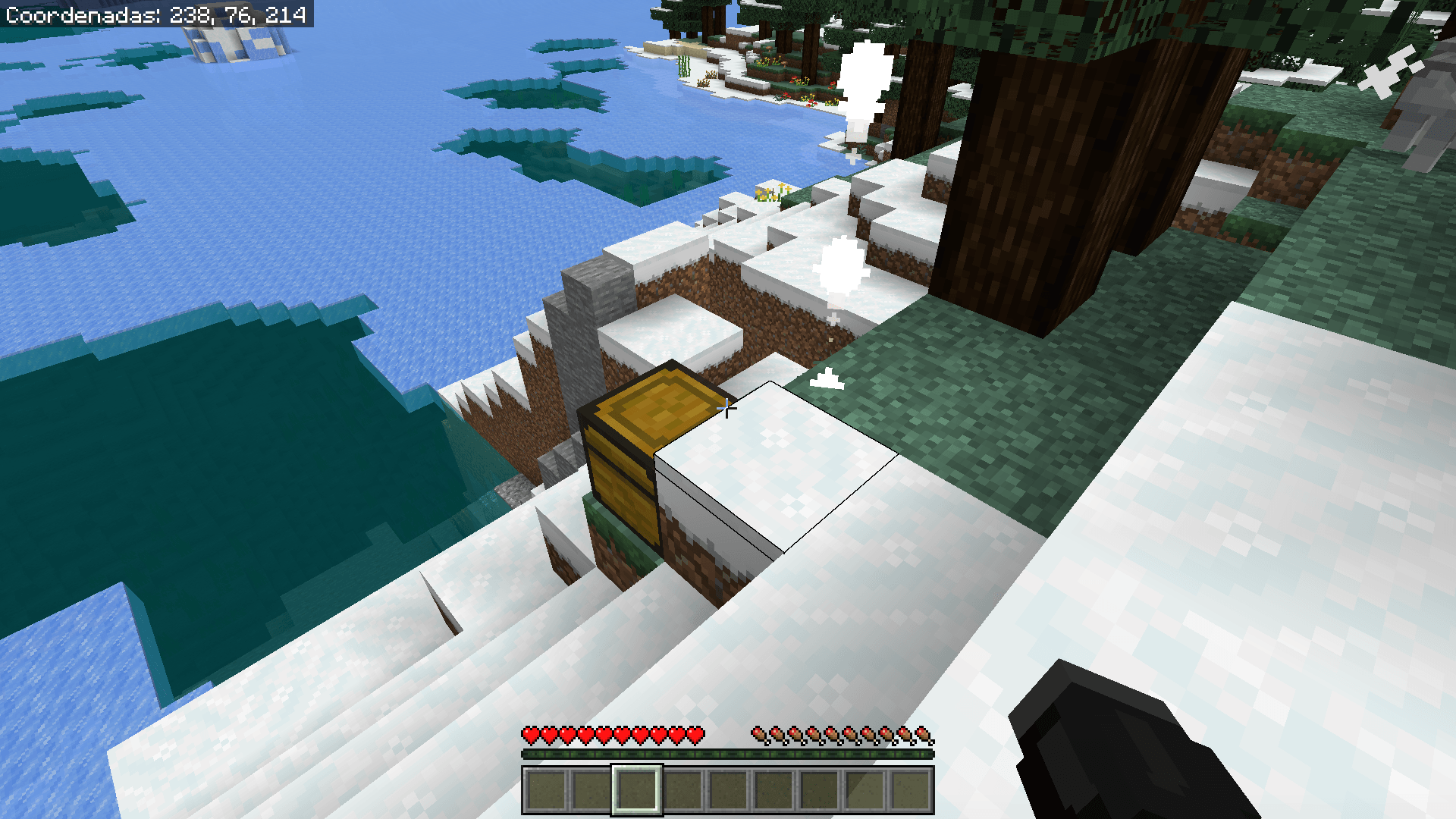
📦 Safe Grave Chest: All your inventory (tools, armor, and resources) will be automatically saved inside a chest at the exact spot where you died. Forget about your items despawning because you take too long to return.
🧹 Smart Auto-Cleanup: Once you return and fully loot the chest, it will magically disappear. This keeps your world clean and free of empty chests scattered everywhere.
🛠️ How does it work? It's incredibly simple and requires no complicated commands:
Explore without fear: Play your game normally.
The tragic moment: If you have a "minor accident," don't panic.
Follow the light: When you respawn, look for the beam of light on the horizon and head towards it.
Retrieve and continue: Open the chest, retrieve your belongings, and as soon as you take the last item, the chest will vanish to avoid leaving any clutter on the map. And that's it, back to mining!
📌 Compatibility and Installation Notes
⚠️ Important: Make sure you enable the Experimental Game Mod features (Beta APIs / Upcoming Creator Features) in your world settings for the addon to function correctly. Compatible with Multiplayer mode (each player will have their own chest upon death!). Does not interfere with other world generation addons.
- Edition: Minecraft Bedrock
- File type: .mcpack or .mcaddon
- Minecraft versions listed: 1.21.101, 1.21.94, 1.21.100
- How to install: Download the .mcpack or .mcaddon file. → Open it — Minecraft imports it. → In your world: Behavior Packs → Available → Activate, then the same under Resource Packs.
- Where to get it: Opens on CurseForge — not every file is mirrored on our own servers.
Install steps are the general flow for this file type — How to install Minecraft Bedrock addons & mods walks through it step by step.
- Pack type: .mcpack — a single pack
- Manifest requires Minecraft 1.26.30 or newer
- Complete pack — everything it depends on is inside the file
- Download size: 6 KB
- Download link checked 5 Oct 2026 — working
These come from our own check of the pack file, not from the source page.