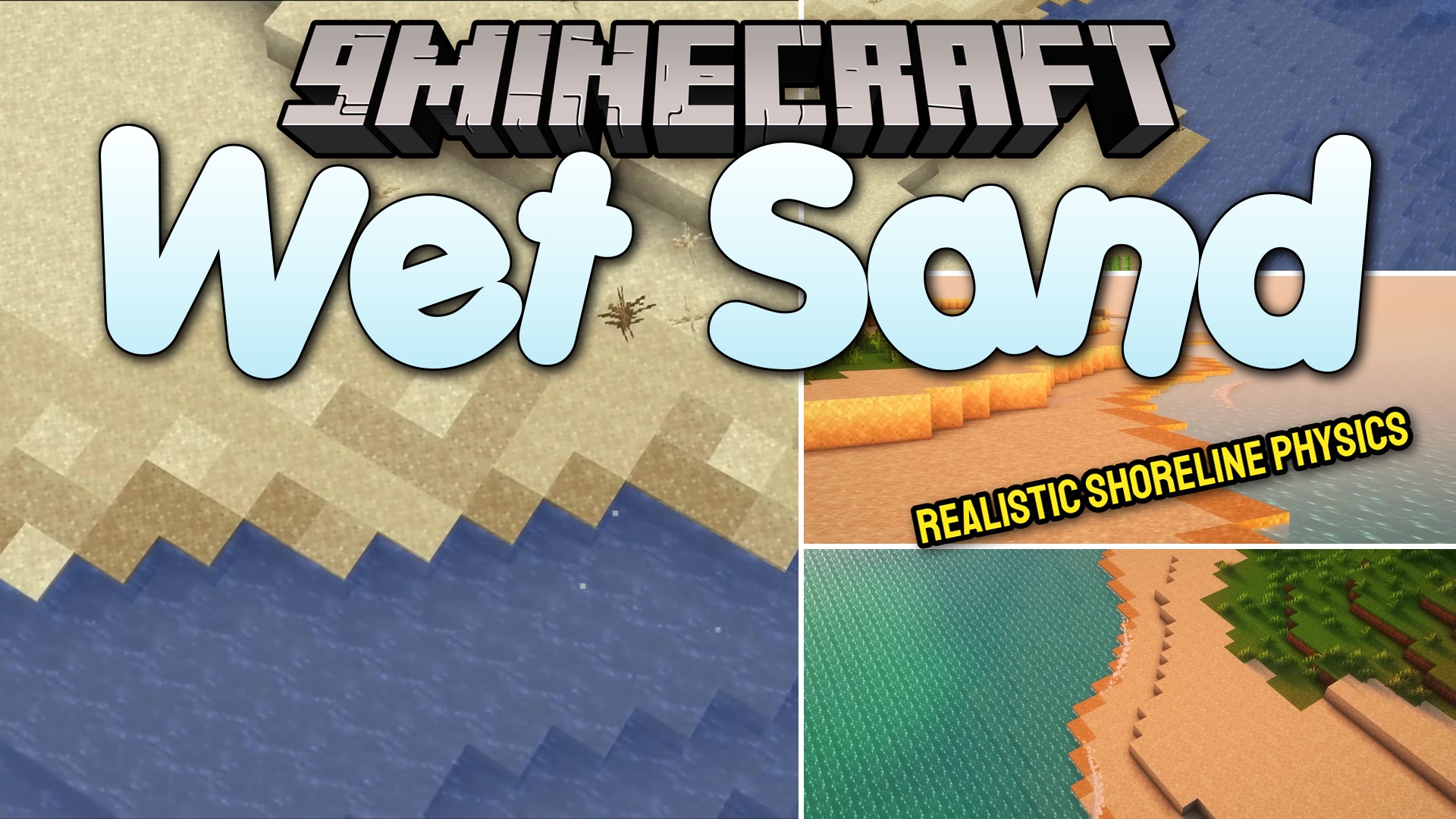
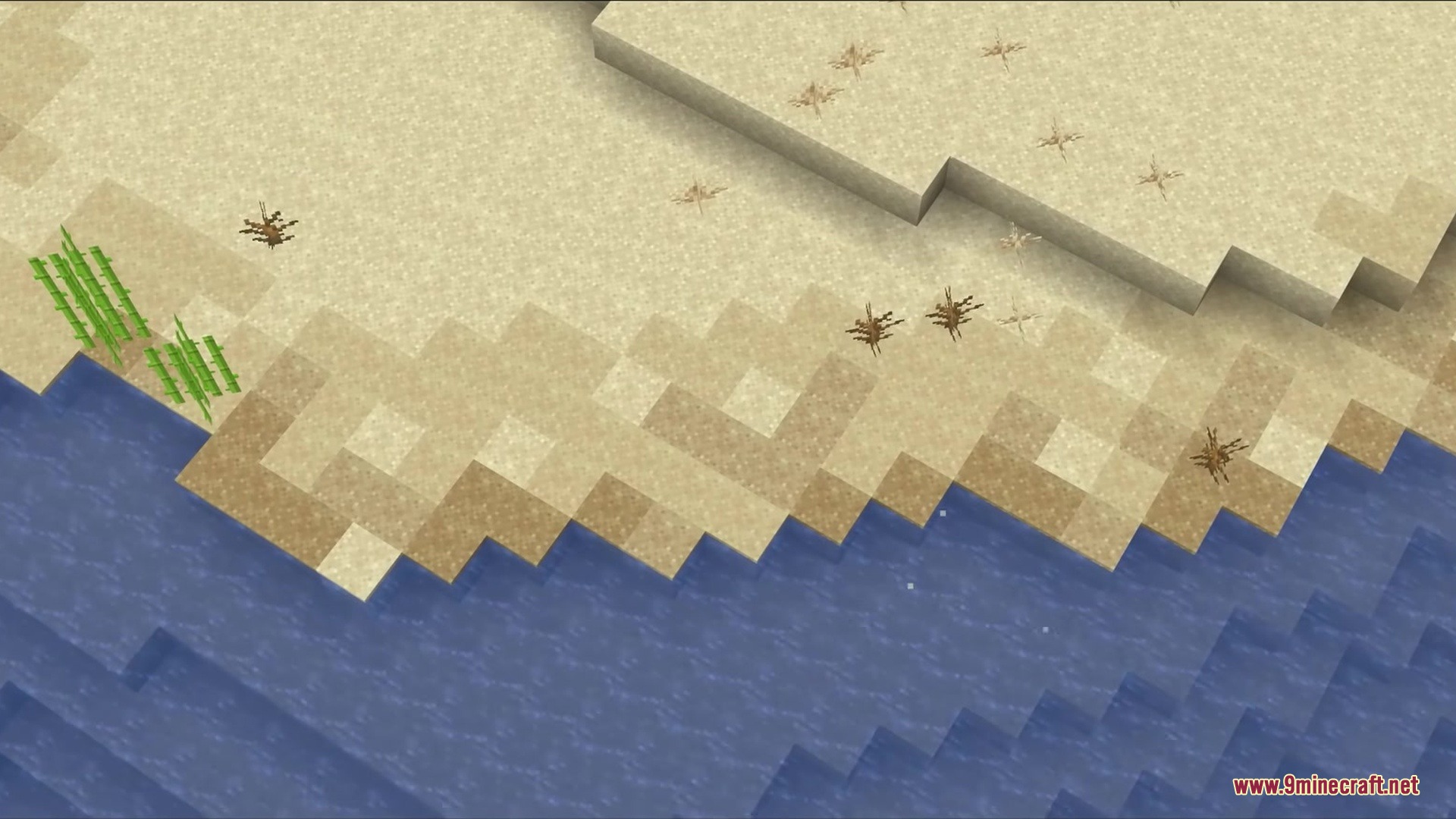
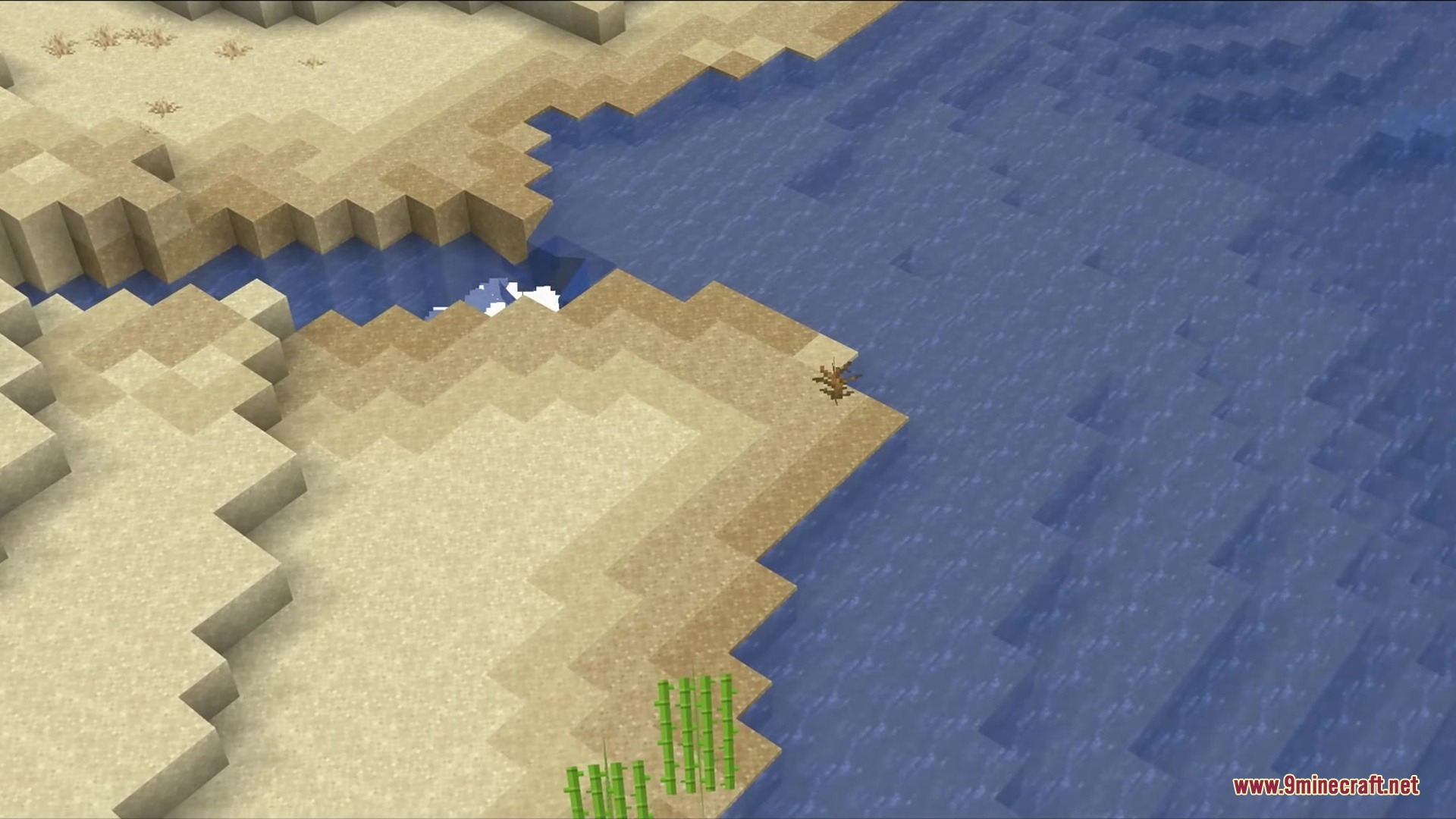
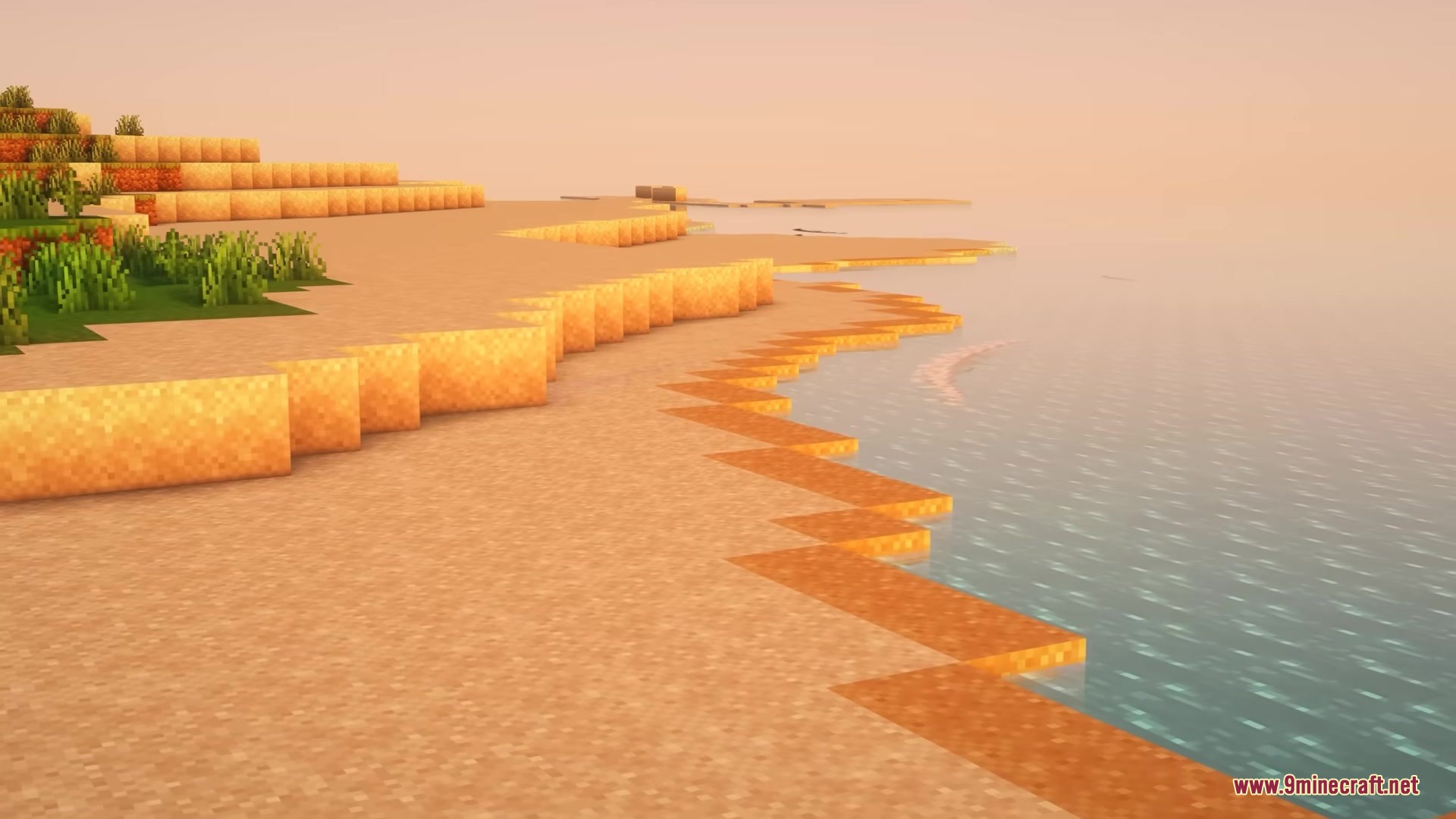
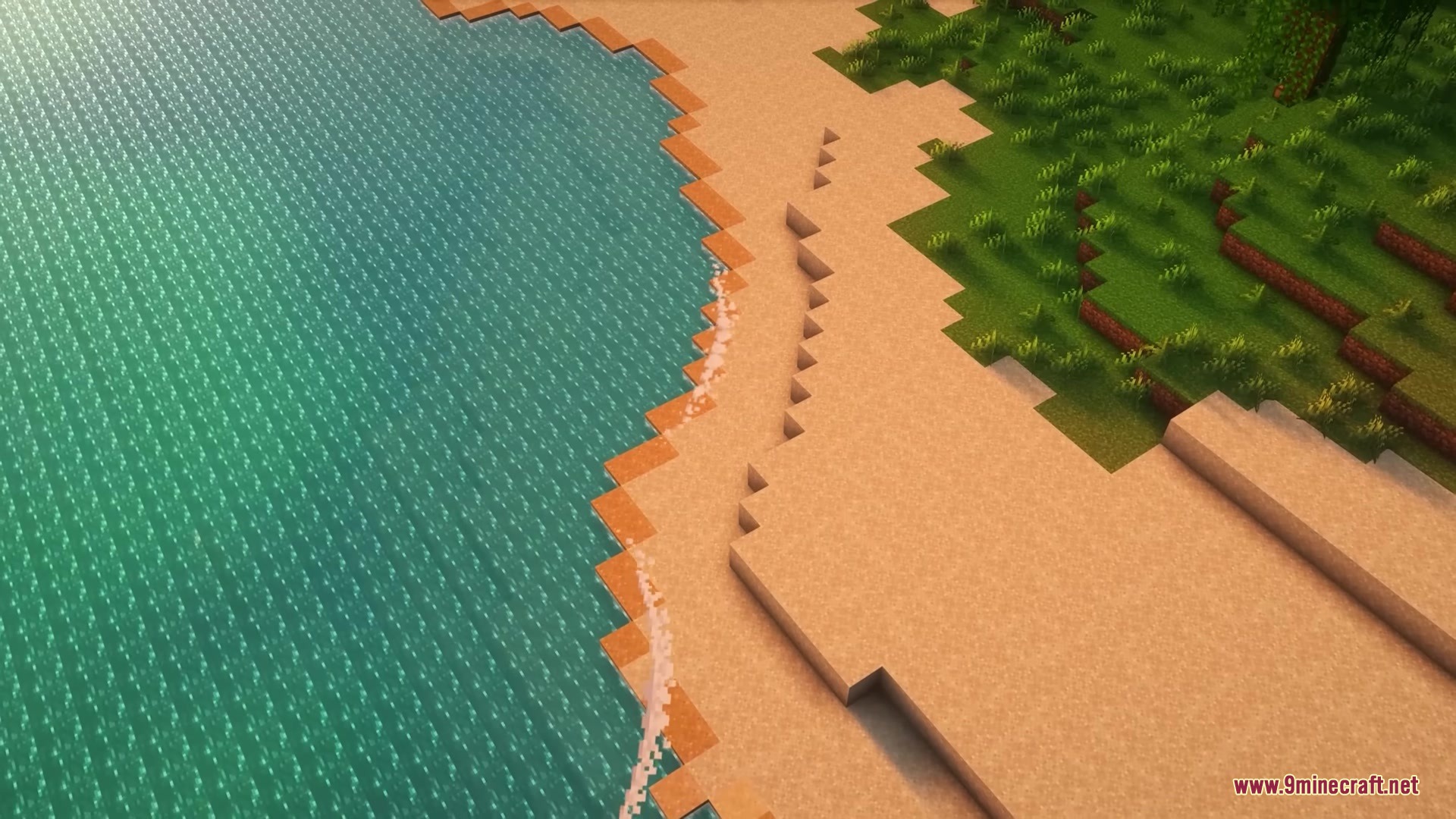
Wet Sand Mod changes how beaches look and work in the game. When normal blocks sit next to water, they get damp over time. This creates a nice fading color effect along the shoreline. The wet blocks also act differently than dry ones. They stop falling down like normal gravity blocks. You can even plant crops on them without needing a water block right next door.
Features:
- Realistic Shorelines: Sand and red sand get wet when placed next to water, reaching up to three blocks away.
- Creates a visual color gradient on beaches with different levels of wetness.
- Wet blocks defy gravity and stay in the air instead of falling down.
- Sugar cane grows directly on the damp blocks without needing a water source nearby.
- Helps you automate concrete crafting by turning powder into solid blocks.
How to Use:
- Place dry sand blocks next to a water source.
- Wait for the blocks to soak up the water and change color.
- Plant sugar cane on the wet blocks, even if they do not touch the water directly.
- Right-click the wet blocks with an empty glass bottle to dry them out one level at a time.
Screenshots:
Wet Sand Mod Download Links
Quick facts
- Edition: Minecraft Java
- File type: .jar
- Minecraft version listed: 1.20.1
- How to install: Install the matching mod loader (Forge, Fabric or NeoForge) for your Minecraft version. → Download the .jar. → Put it in the .minecraft/mods folder and launch that loader profile.
- Where to get it: In MC Java Mods, or directly above on this page.
Install steps are the general flow for this file type — How to install Minecraft Java mods & modpacks walks through it step by step.
Verified by MCModsHub
- Downloads as 358820.mcaddon
- Download size: 90 KB
- Download link checked 25 Sept 2026 — working
- Mirrored on our own servers — the download does not depend on the original host
These come from our own check of the pack file, not from the source page.