ModsJava
Bascinet Mediaeval Mod (1.20.1) – Become a Knight with Authentic Steel Armor
Java mod listed for Minecraft 1.20. Downloads from the MC Java Mods app on Android.
⬇ Download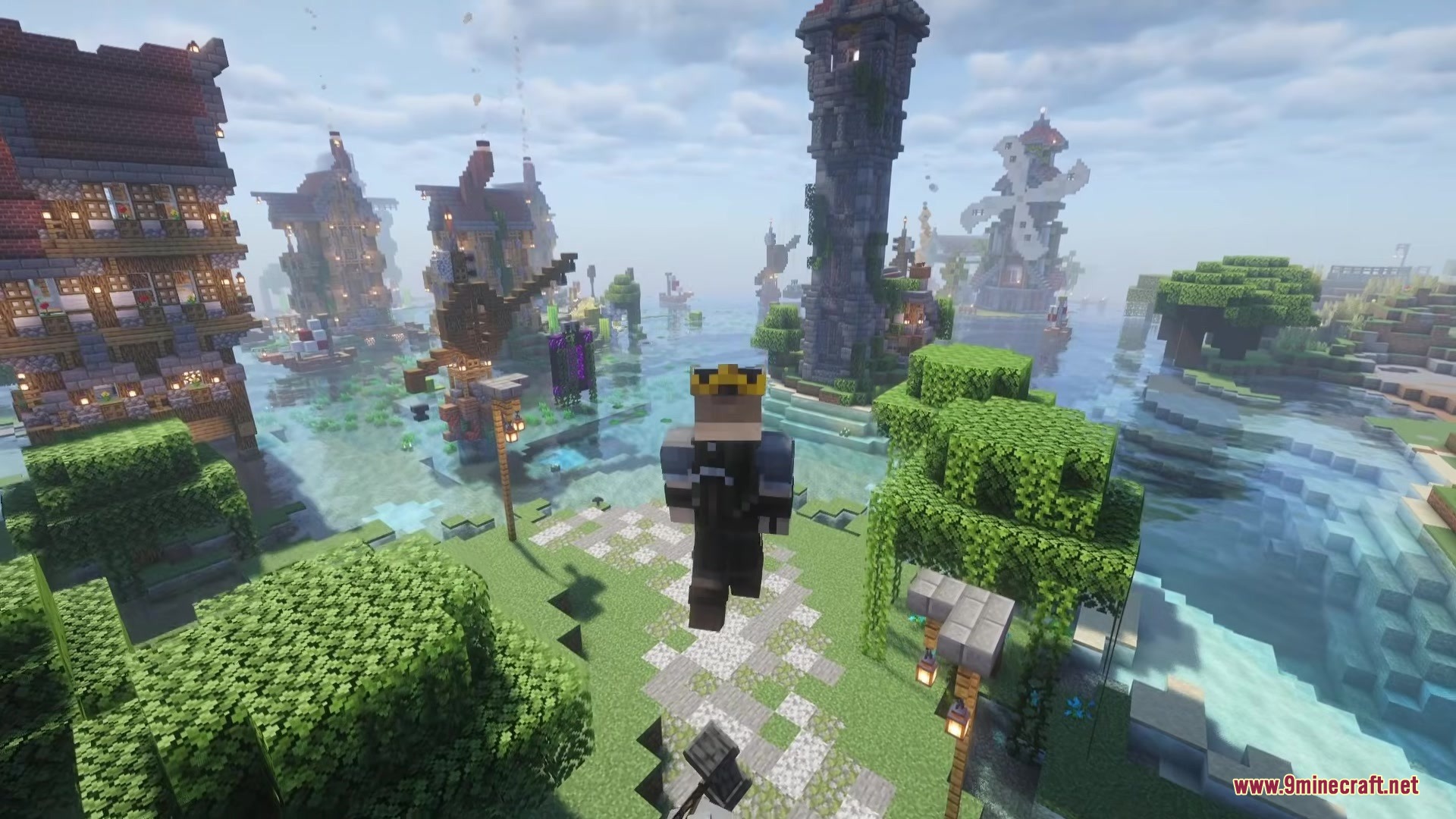
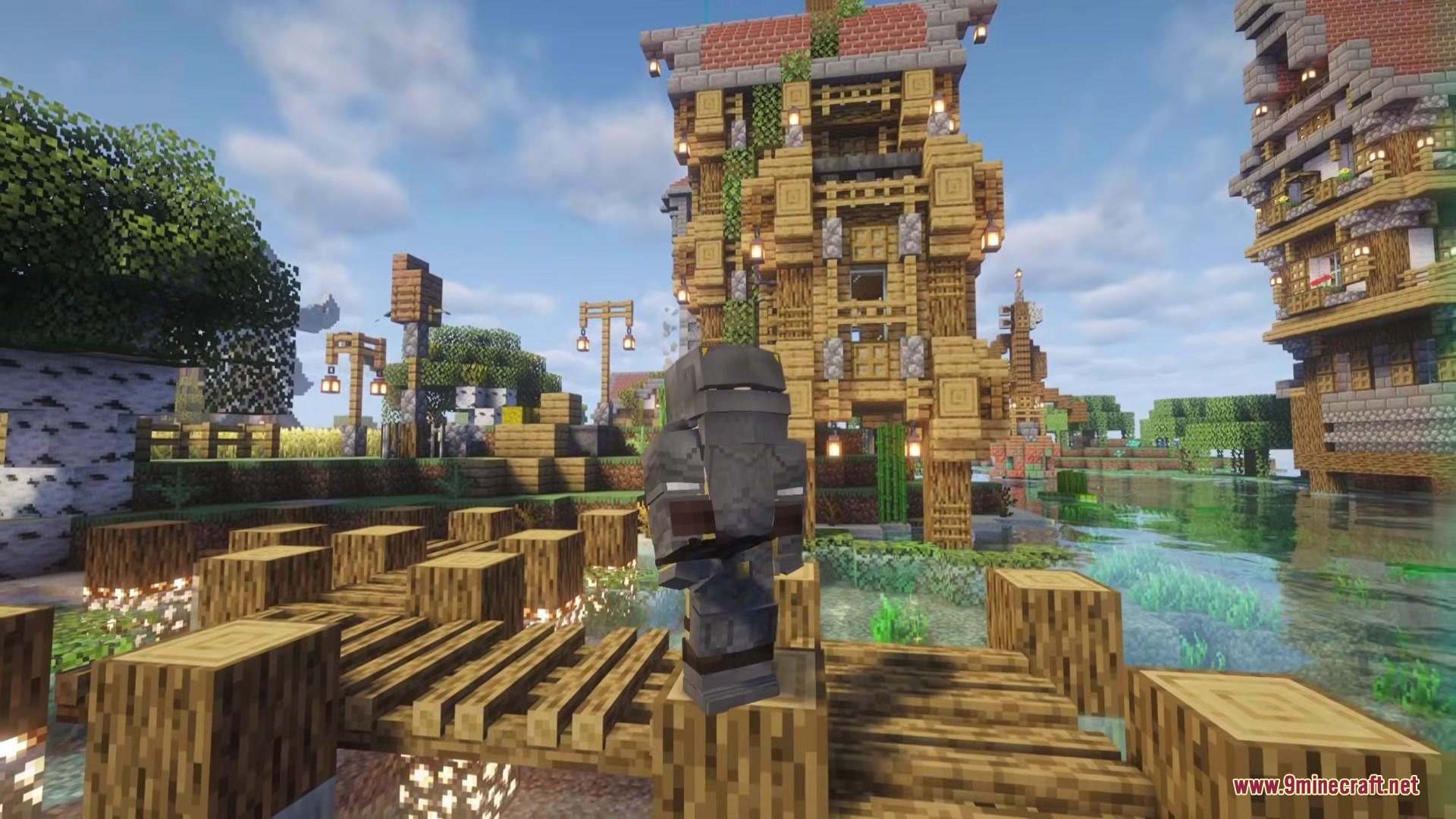
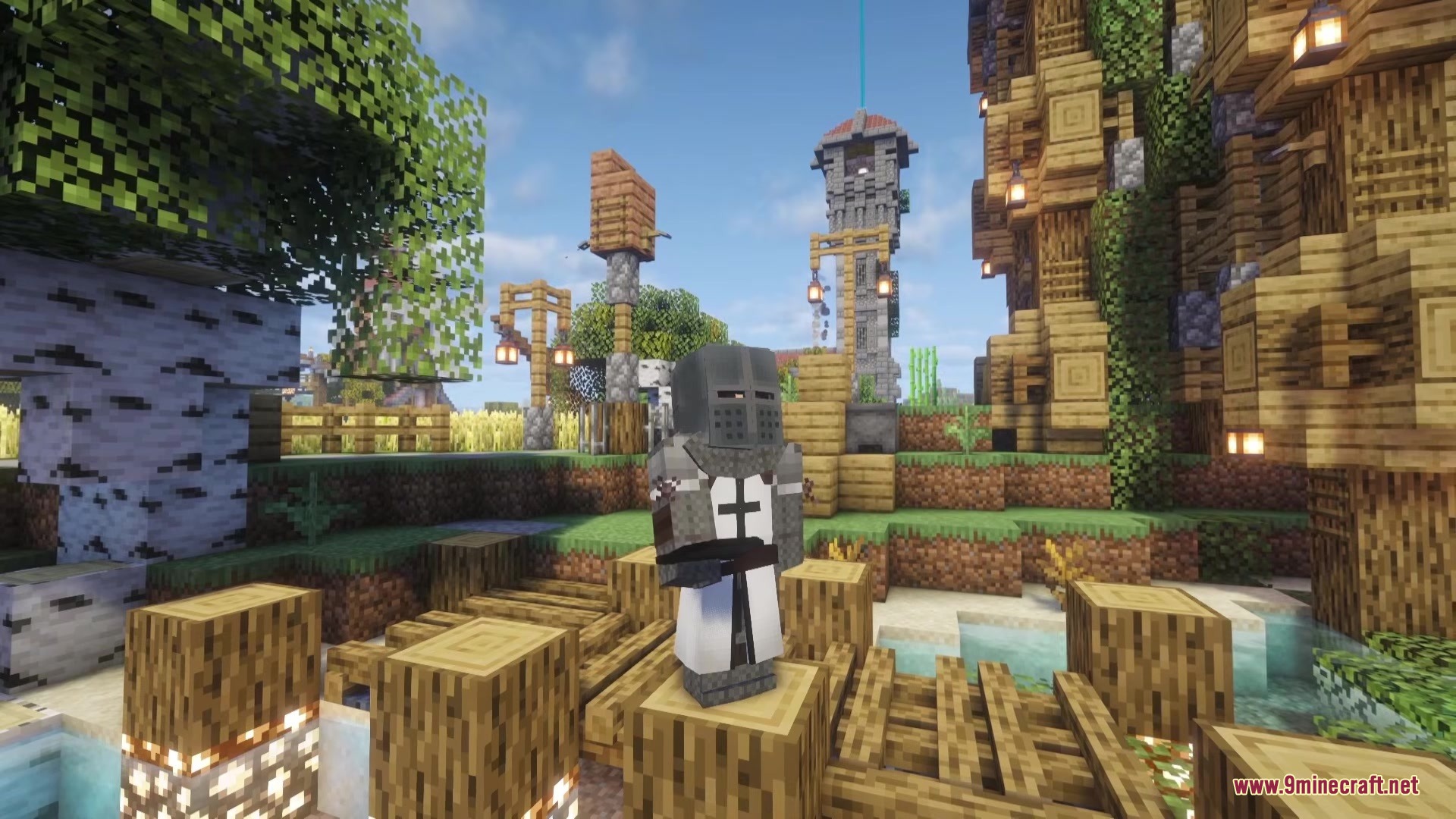
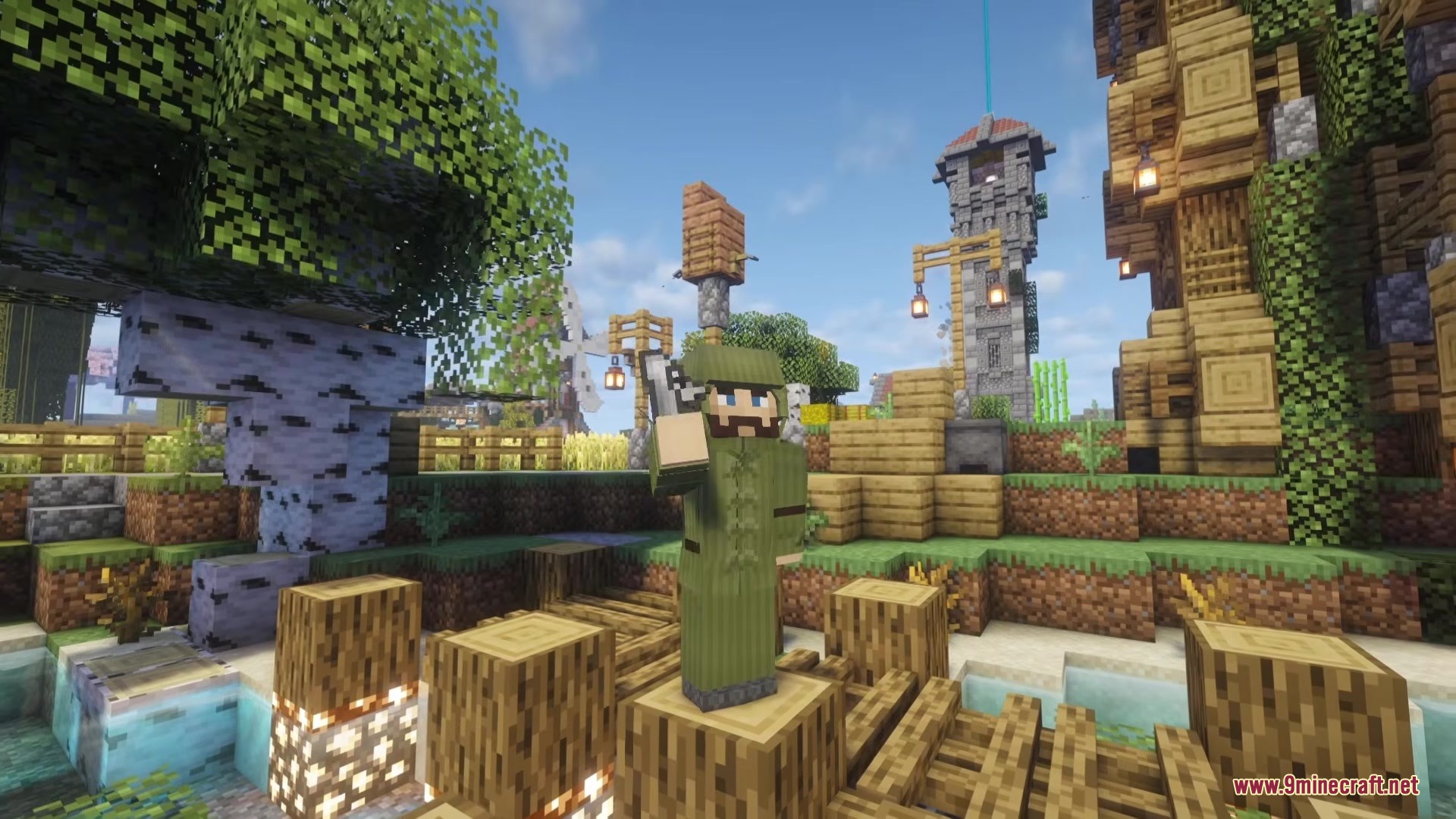
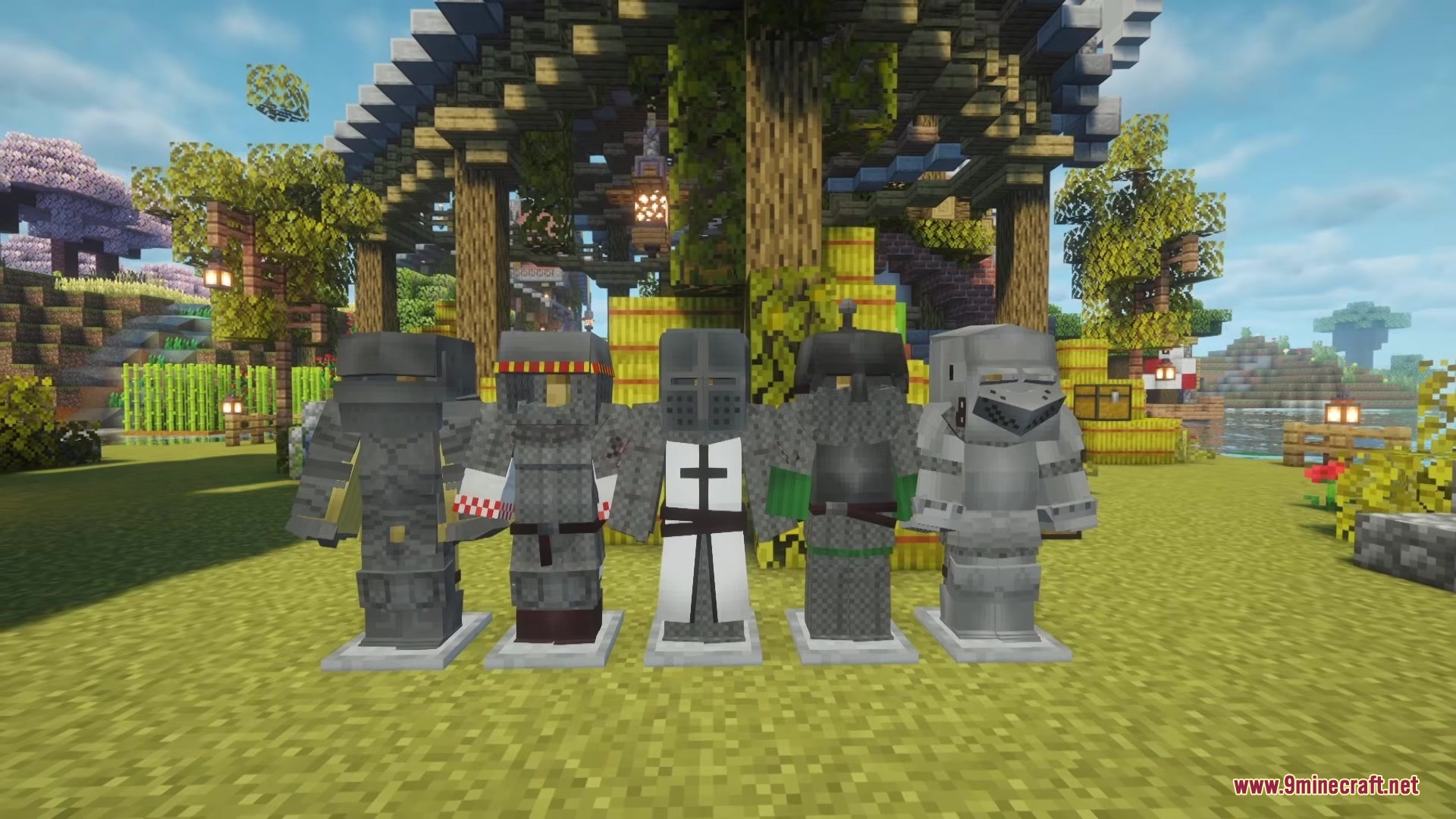
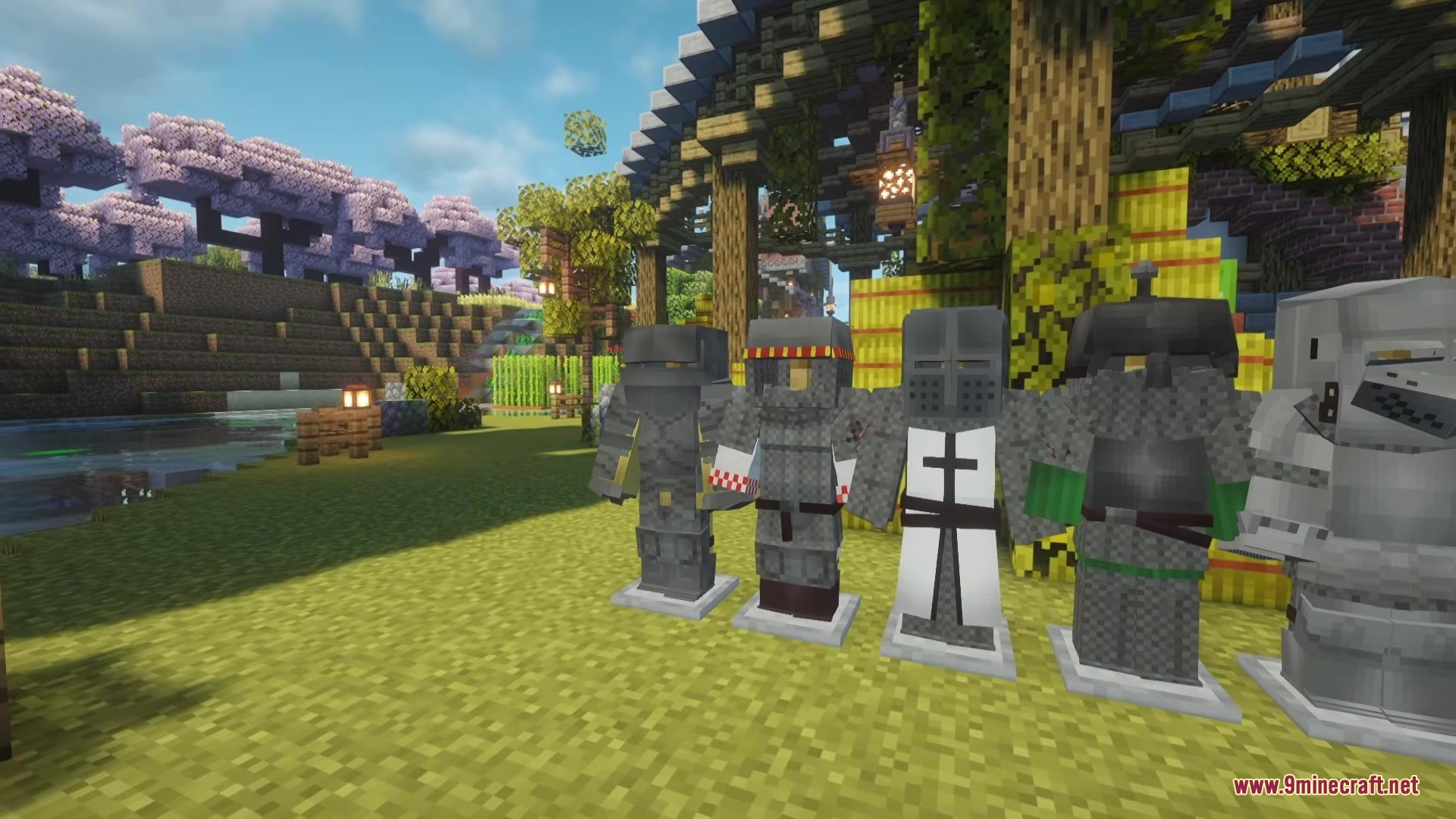
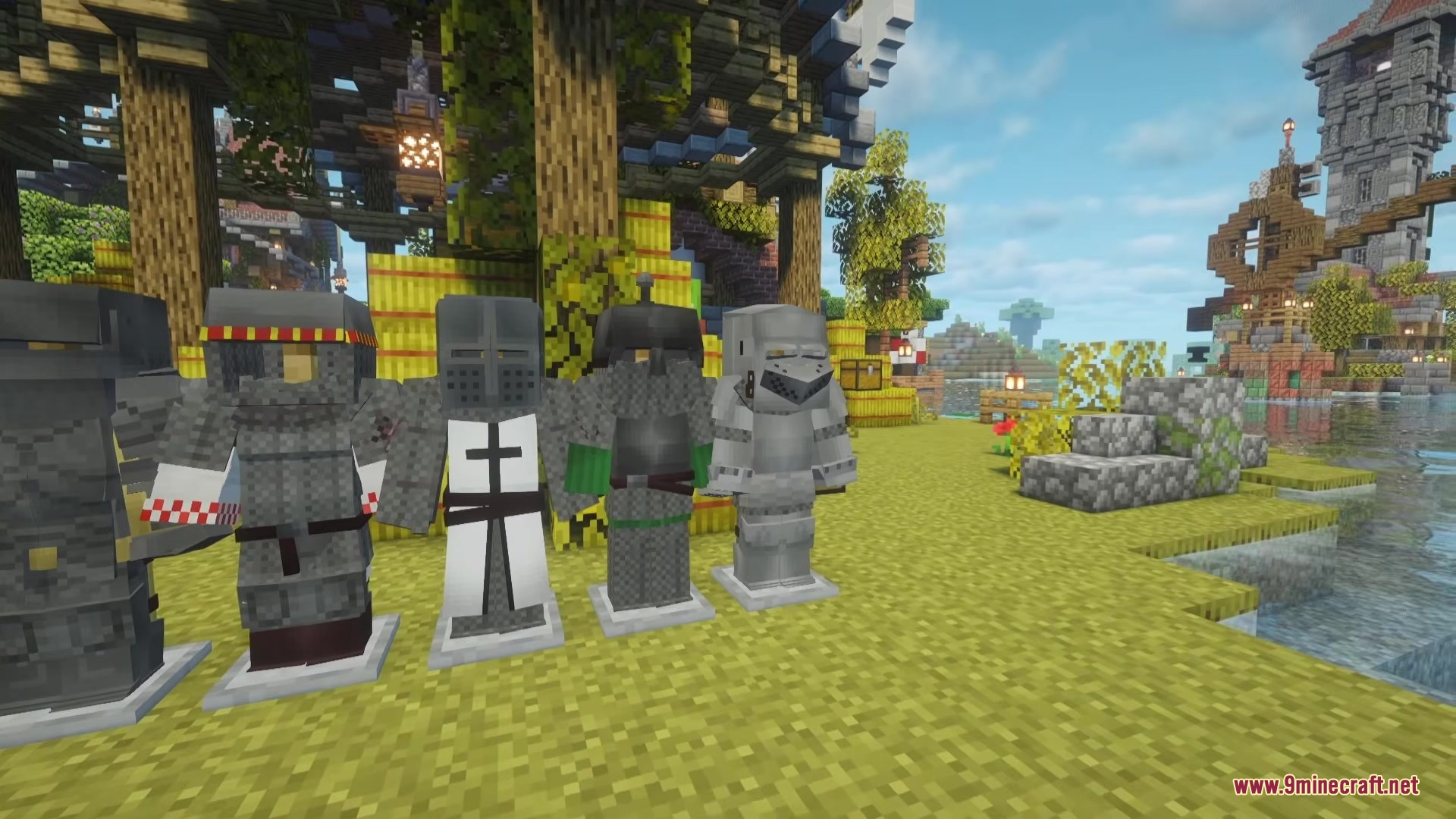
Bascinet Mediaeval Mod brings detailed armor and weapons straight from the Middle Ages into your world. It gives you new ways to protect yourself in battle with historic gear. You can craft multiple sets of armor to look like a real knight. The mod also introduces a new steel material that works perfectly alongside other mods you might play with.
Features:
- Middle Ages Gear: Adds highly detailed armor sets based on real historical designs.
- Includes six complete sets of armor for you to craft and wear.
- Introduces steel as a brand new crafting material.
- Smelts steel in a way that avoids conflicts with other mods that also use steel.
- Gives you new crafting recipes to build your medieval armory.
How to Use:
- Build a blast furnace in your world.
- Place a standard iron ingot inside the blast furnace.
- Melt the iron ingot to create the new steel material.
- Use the steel to craft the new medieval armor sets.
Screenshots:
Bascinet Mediaeval Mod Download Links
Quick facts
- Edition: Minecraft Java
- File type: .jar
- Minecraft version listed: 1.20.1
- How to install: Install the matching mod loader (Forge, Fabric or NeoForge) for your Minecraft version. → Download the .jar. → Put it in the .minecraft/mods folder and launch that loader profile.
- Where to get it: In MC Java Mods, or directly above on this page.
Install steps are the general flow for this file type — How to install Minecraft Java mods & modpacks walks through it step by step.
File checked by MCModsHub
- Downloads as 358834.mcaddon
- Download size: 311 KB
- Download link checked 25 Sept 2026 — working
- Mirrored on our own servers — the download does not depend on the original host
These come from our own check of the pack file, not from the source page.