
Coal Chunk Loader
Java mod listed for Minecraft 26.x. Downloads from the MC Java Mods app on Android.
A lightweight Fabric mod that turns an Observer + Chest into a coal-powered chunk loader. Keep any chunk loaded for as long as you keep feeding it coal…
I don't know my version or loader
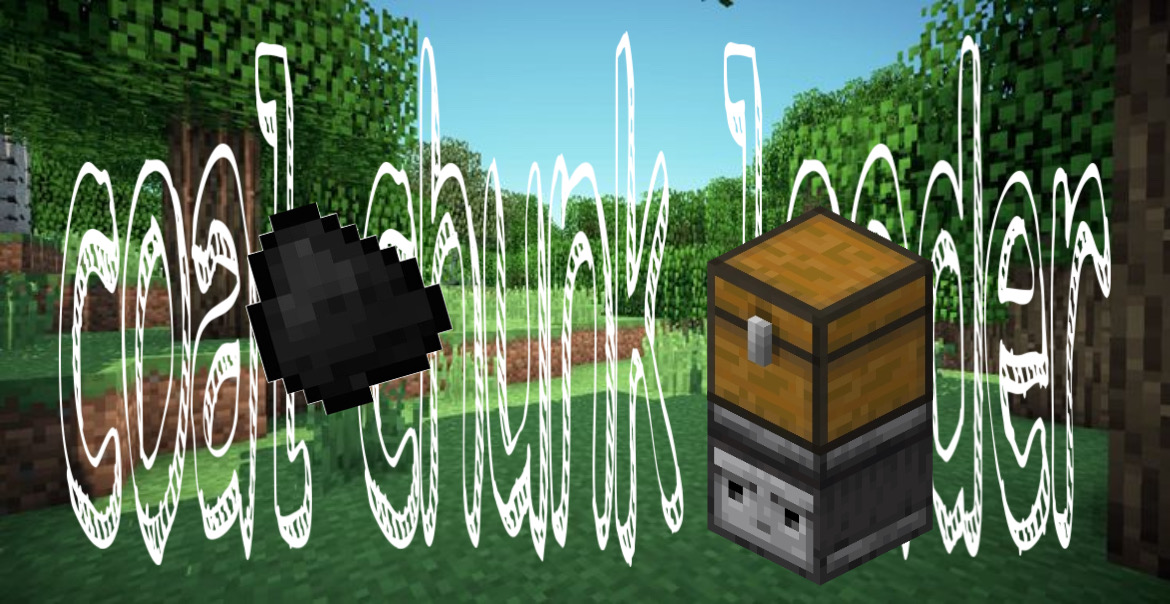
A simple, honest fuel-powered chunk loader for Fabric. No new blocks, no new items — just an Observer, a Trapped Chest, and any fuel you'd use in a furnace.
🔥 How It Works
- Place an Observer block.
- Place a Trapped Chest directly on top of it.
- Put any furnace fuel in the chest (coal, charcoal, coal block, lava bucket, wood, etc.).
As long as there's fuel in the chest, the chunk containing the Observer stays force-loaded — even with no players nearby.
Each fuel item burns for its standard furnace smelting time:
| Fuel | Duration |
|---|---|
| 1 Coal / Charcoal | 80 seconds |
| 1 Block of Coal | ~13 minutes 20 seconds |
| 1 Lava Bucket | ~16 minutes 40 seconds |
| 1 Stick | 5 seconds |
| 1 Oak Plank | 15 seconds |
| 1 Blaze Rod | 2 minutes 40 seconds |
| 1 Dried Kelp Block | 4 minutes |
Once the fuel runs out, the chunk is automatically removed from force-load. No commands needed.
✨ Features
- 🪵 Zero new content — uses only vanilla Observer, Trapped Chest, and furnace fuels.
- 🔢 Multiple loaders per chunk — if a chunk has several Observer+Trapped Chest pairs, it stays loaded as long as at least one is still active. Breaking one won't unload the chunk if others are still running.
- 🔥 Furnace fuel system — any item that burns in a furnace works here. Fuel durations match vanilla furnace smelting times exactly.
📦 Installation
- Install Fabric Loader for your Minecraft version.
- Install Fabric API.
- Drop the mod's
.jarinto yourmodsfolder. - Launch the server or client.
🛠️ Building From Source
git clone https://github.com/def-encode/ccl
cd ccl
./gradlew build
The built .jar will be in build/libs/.
- Edition: Minecraft Java
- File type: .jar
- Minecraft versions listed: 26.1, 26.1.1, 26.1.2
- How to install: Install the matching mod loader (Forge, Fabric or NeoForge) for your Minecraft version. → Download the .jar. → Put it in the .minecraft/mods folder and launch that loader profile.
- Where to get it: Opens on Modrinth — not every file is mirrored on our own servers.
Install steps are the general flow for this file type — How to install Minecraft Java mods & modpacks walks through it step by step.
- Ships as coalchunkloader-1.1.0.jar — drop this file into the mods folder
- Download size: 1.6 MB
- Download link checked 6 Oct 2026 — working
These come from our own check of the pack file, not from the source page.