
Sync Reborn
Java mod listed for Minecraft 26.x. Downloads from the MC Java Mods app on Android.
⬇ Download on Modrinth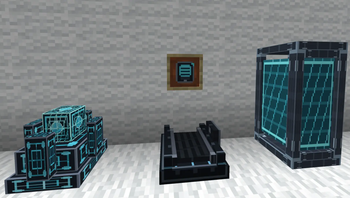
Sync Reborn is a sci-fi cloning mod.
Create alternate bodies called Shells,
store them inside futuristic cloning pods, and sync into them whenever you need a backup body. Each shell can preserve player data such as inventory, experience, health, and gamemode, making every shell feel like its own separate body.
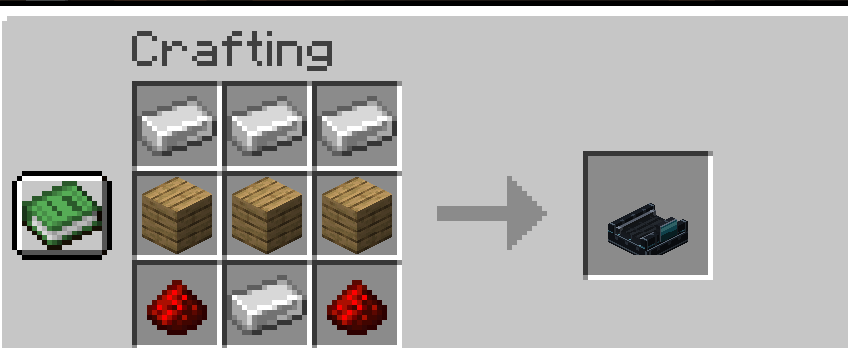
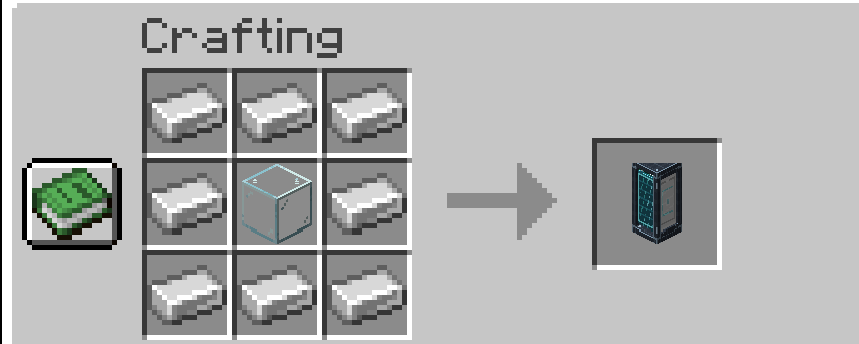
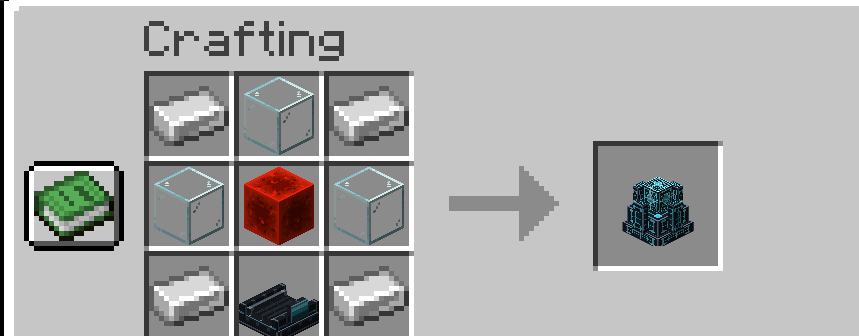
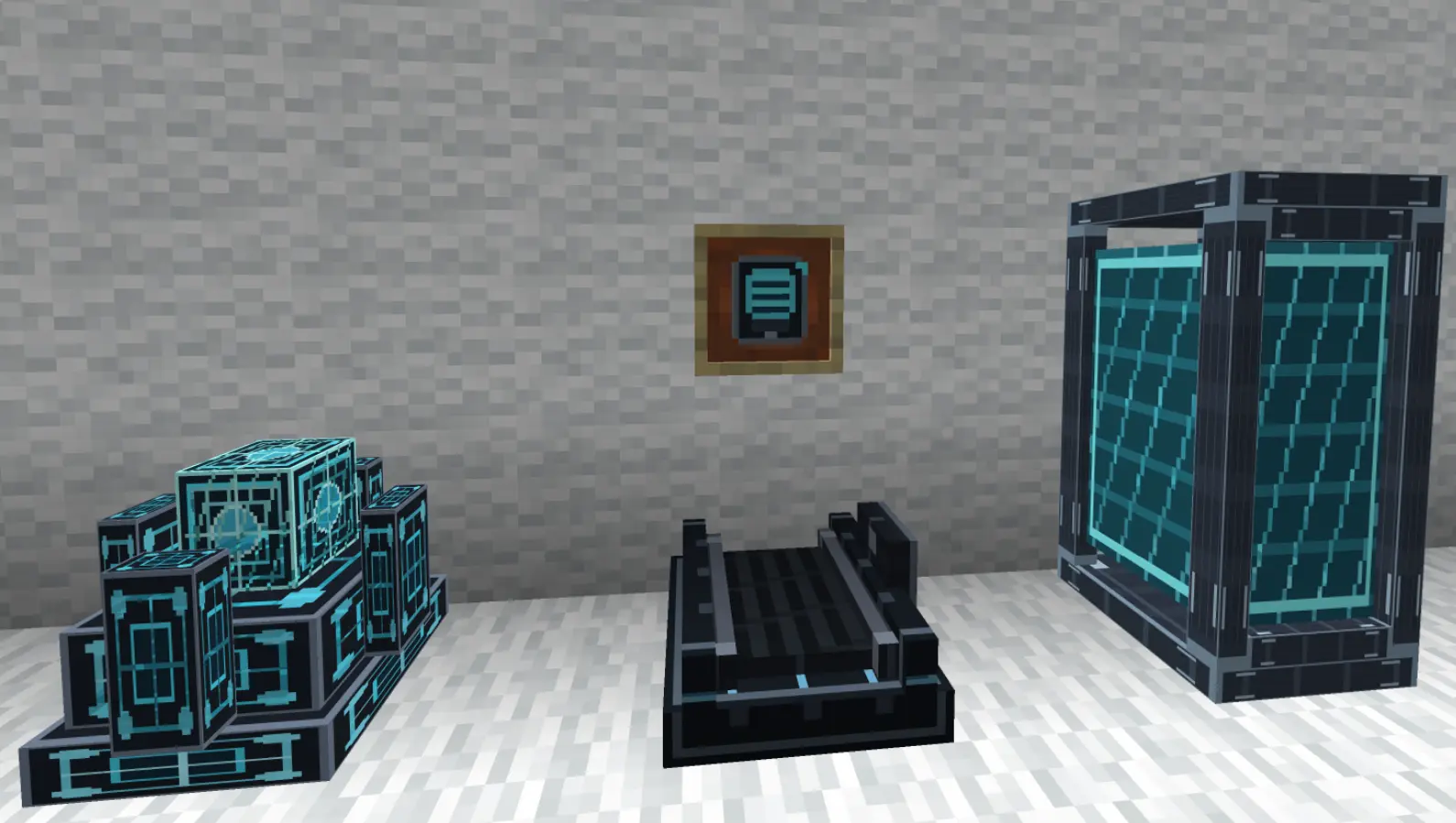 To get started, build a cloning setup using Treadmills, a Shell Constructor, Shell Storage Pods, and the Shell Tablet. Treadmills provide the power your machines need, while the Shell Constructor creates biometric shells that can be placed into storage. Once stored, shells can be selected using the Shell Tablet.
If you die, Sync Reborn can transfer you into one of your available stored shells, giving you a second chance as long as your system is prepared.
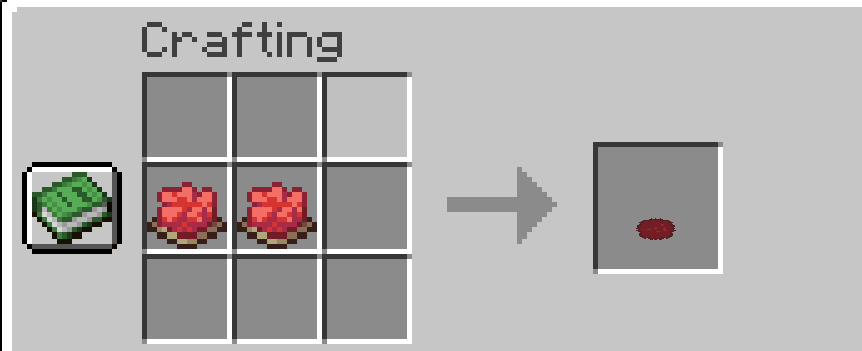
Features Sci-fi cloning system inspired by Sync by iChun Create biometric player shells Store shells inside futuristic Shell Storage Pods Use the Shell Tablet to view and select stored shells Shells can save inventory, XP, health, and gamemode Death fallback system into stored shells Treadmill-powered machines Mobs can be used to power treadmills Shell color tinting and visual shell previews Custom blocks, items, sounds, particles, and crafting recipes
- Short Tutorial: How to Use Sync Reborn
- Build the basic setup
- Place these blocks near each other:
- Treadmill → Shell Constructor → Shell Storage
- The Treadmill provides power. Put a mob or player on it so the machines can work.
- Create a Biometric Shell
- Right-click the Shell Constructor with:
- empty hand = normal shell
- dye = colored shell
- The Constructor starts a sci-fi animation.
- When it is finished, right-click the Constructor again and take the Biometric Shell from the slot.
- Store the Shell
- Place a Shell Storage pod.
- Right-click the Storage and put the Biometric Shell into its slot.
- The shell is now installed and can be used.
- Use the Shell Tablet
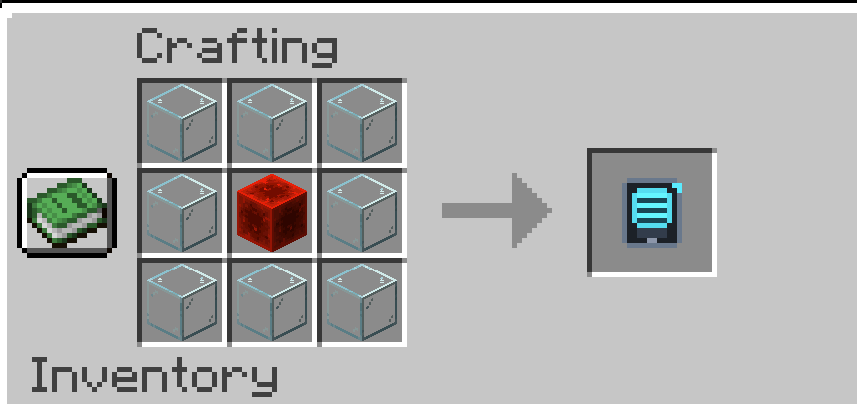
- Craft or get the Shell Tablet.
- Right-click with the tablet to open the shell list.
- Choose a stored shell and sync into it.
- Death fallback
- When you die, the mod can transfer you into one of your stored shells instead of normal respawning.
- So the simple loop is:
- Power with Treadmill
- → Create Shell in Constructor
- → Put Shell into Storage
- → Select Shell with Tablet
- → Use it as backup body
- Edition: Minecraft Java
- File type: .jar
- Minecraft version listed: 26.1.2
- How to install: Install the matching mod loader (Forge, Fabric or NeoForge) for your Minecraft version. → Download the .jar. → Put it in the .minecraft/mods folder and launch that loader profile.
- Where to get it: Opens on Modrinth — not every file is mirrored on our own servers.
Install steps are the general flow for this file type — How to install Minecraft Java mods & modpacks walks through it step by step.
- Ships as sync-reborn-1.0.0.jar — drop this file into the mods folder
- Download size: 247 KB
- Download link checked 6 Oct 2026 — working
These come from our own check of the pack file, not from the source page.