
Lock Worlds
Lock Worlds adds a simple lock to your Minecraft worlds, preventing accidental deletion with a clean vanilla-style touch.
I don't know my version or loader
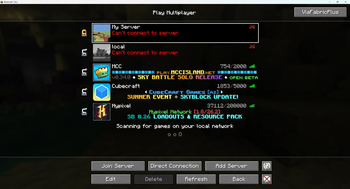
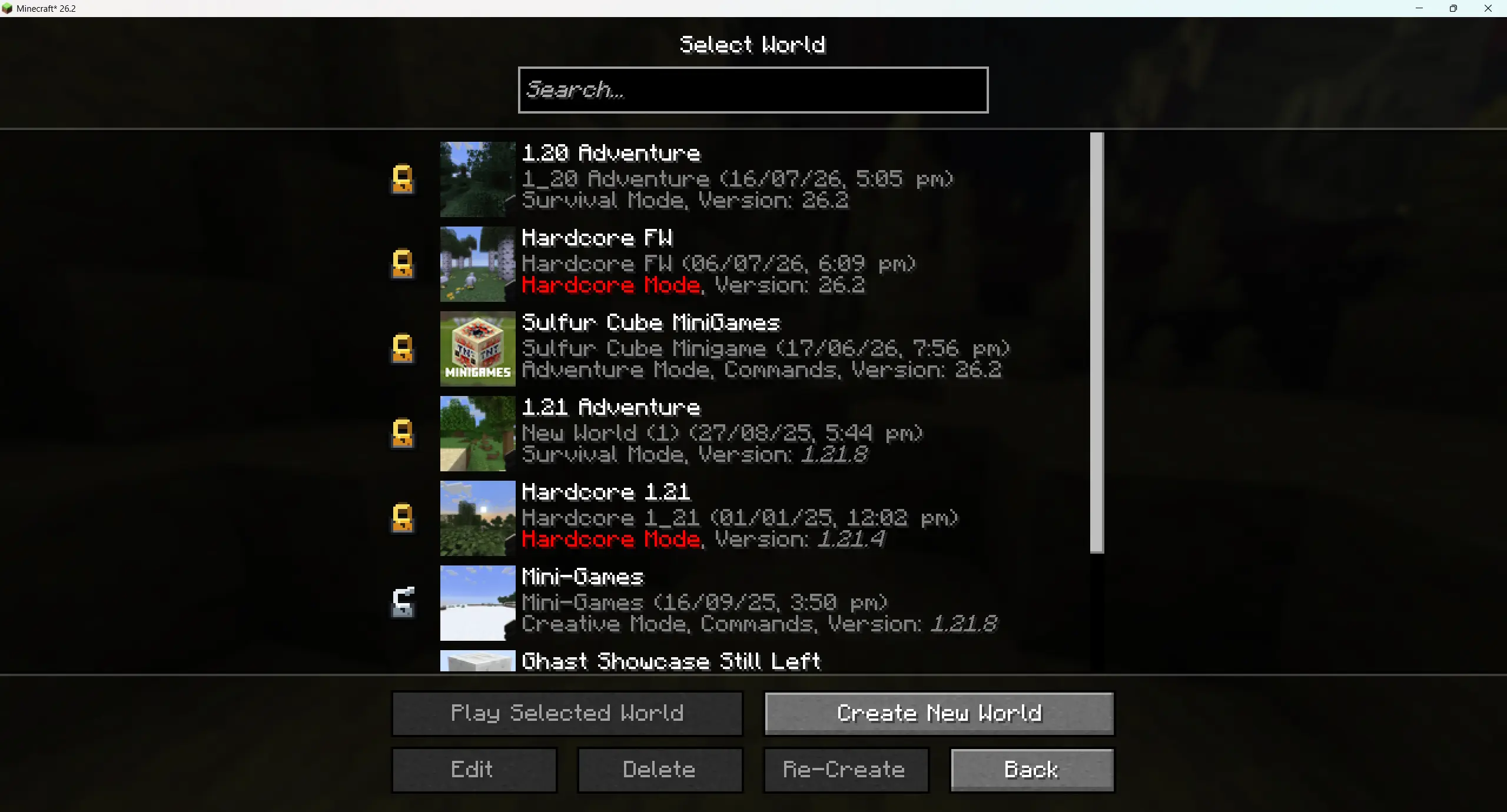
Keep your favorite worlds safe with Lock Worlds, a lightweight Minecraft mod designed to protect important saves from accidental deletion. With a small lock icon added to the world list, you can instantly mark any world as locked and make sure it stays there. No more worrying about misclicks, rushed cleanup, or losing a world you meant to keep.
The mod blends naturally into the vanilla world selection screen, keeping the experience familiar while adding an extra layer of safety. Locked worlds are easy to identify at a glance, and the protection feels smooth, simple, and unobtrusive.
Perfect for survival worlds, long-term projects, adventure maps, and anything you never want to lose by mistake. Lock Worlds keeps your progress secure, so your worlds stay safe even when your clicks are not.
- Edition: Minecraft Java
- File type: .jar
- Minecraft versions listed: 26.1, 26.1.1, 26.1.2
- How to install: Install the matching mod loader (Forge, Fabric or NeoForge) for your Minecraft version. → Download the .jar. → Put it in the .minecraft/mods folder and launch that loader profile.
- Where to get it: Opens on Modrinth — not every file is mirrored on our own servers.
Install steps are the general flow for this file type — How to install Minecraft Java mods & modpacks walks through it step by step.
- Ships as lockworlds forge-1.0.0-26.1-26.2.jar — drop this file into the mods folder
- Download size: 96 KB
- Download link checked 26 Aug 2026 — working
These come from our own check of the pack file, not from the source page.