
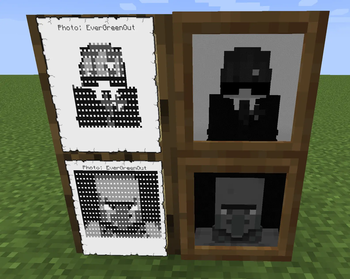

Lake's CC Additions gives ComputerCraft a way to read physical items as data,
and to turn data back into physical items.
THE SCANNER
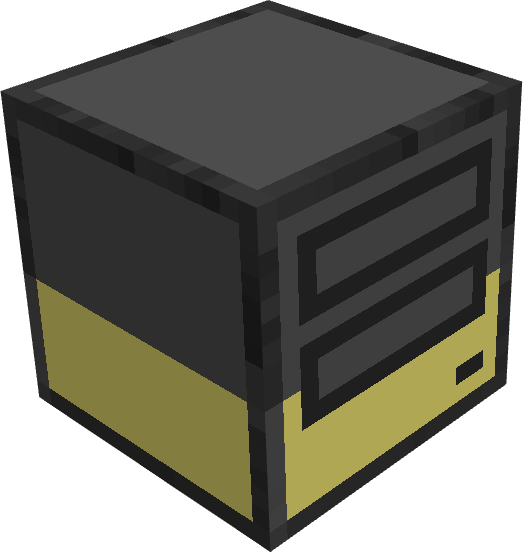
A peripheral block with a single slot. Put something in it and a computer can
read it:
- Printouts - full text and per-character colors, ready for term.blit
- Books - book & quill and signed books, pages as plain text
- Filled maps - the 128x128 image, metadata, and named banner markers
- Shulker boxes - contents listed without opening them
- Exposure photographs - pixels, film type, photographer (Exposure 1.9+)
- Any item at all - complete NBT as Lua tables, plus a SHA-256 fingerprint
for verifying that two documents are identical
It works in the other direction too: createPrintout() builds printed pages
directly from Lua, including per-character colors - which the CC printer can't
do, and which makes greyscale photo prints possible (dithered, up to four ink
tones, or spread across a grid of pages as a poster).
The scanner also fires events. Computers are told when the slot changes, and
sneak-clicking with an empty hand sends the player's name and UUID - enough to
build door locks, clock-in stations, or ID checks with a few lines of Lua.
Hoppers can feed from above and take from below.
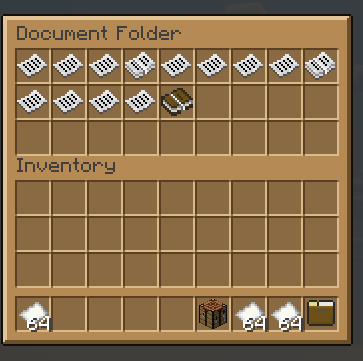
THE DOCUMENT FOLDER

A portable container that holds only printouts and paper - 27 slots, 16 per
slot.
THE POCKET MULTITOOL

Pocket computers have one upgrade slot. This upgrade is an ender modem and a
speaker at the same time - unlimited-range rednet and audio in one pocket
computer, found by peripheral.find under either name.
THE PEN

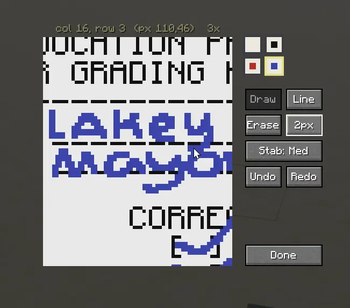
The Pen is a handy tool which lets you mark up pages. This adds another layer of interaction with printed documents. The pixel size snaps to printed document's grid, and the pen comes in three colors: Blue, Red, and Black.
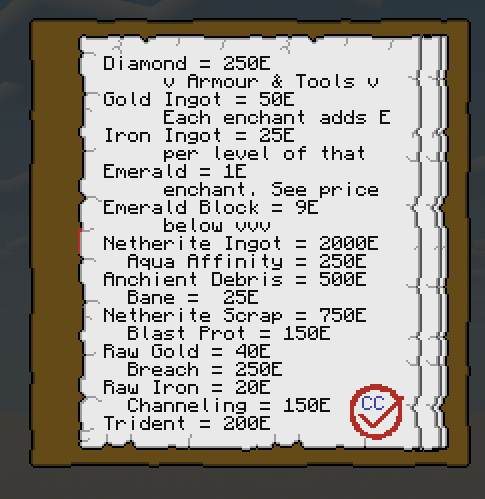
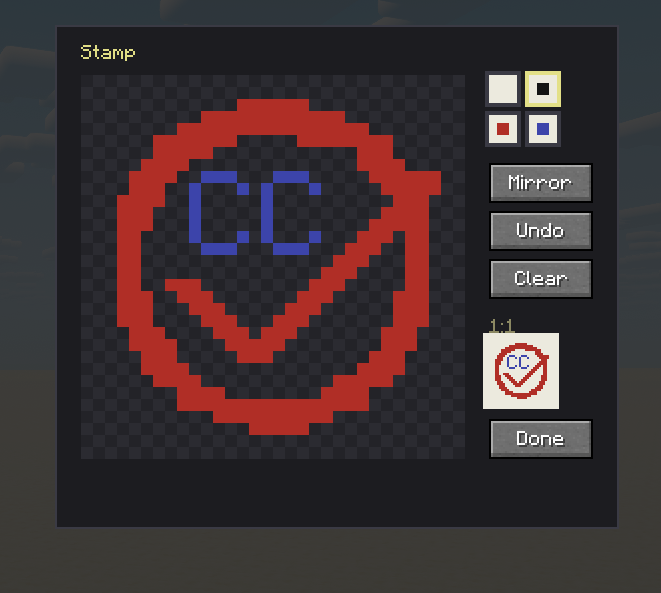
THE STAMP

The Stamp is similar to the Pen, however the stamp allows you to place pre-configured emblems, seals, logos, or whatever else you want. Useful for signing official documents.
REQUIREMENTS
Minecraft 1.20.1, Forge, CC:Tweaked 1.119.0+. Exposure 1.9+ is optional and
only needed for photograph scanning.
Full documentation: [lakehouse.gg](https://lakehouse.gg/additions)
- Edition: Minecraft Java
- File type: .jar
- Minecraft versions listed: 1.20.1, 1.20.2, 1.20.3
- How to install: Install the matching mod loader (Forge, Fabric or NeoForge) for your Minecraft version. → Download the .jar. → Put it in the .minecraft/mods folder and launch that loader profile.
- Where to get it: Opens on Modrinth — not every file is mirrored on our own servers.
Install steps are the general flow for this file type — How to install Minecraft Java mods & modpacks walks through it step by step.
- Ships as lakeccaddition-1.7.0.jar — drop this file into the mods folder
- Download size: 142 KB
- Download link checked 26 Aug 2026 — working
These come from our own check of the pack file, not from the source page.