
HotterBar
Java mod listed for Minecraft 26.x. Downloads from the MC Java Mods app on Android.
⬇ Download on Modrinth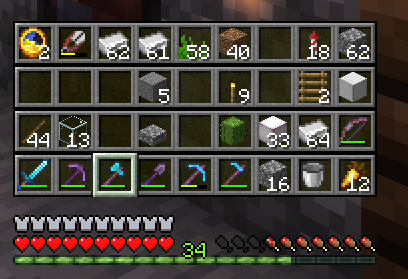
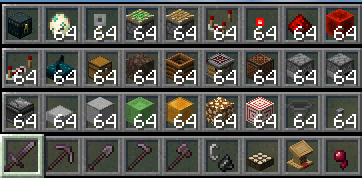

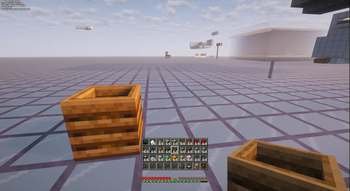
Tired of opening your inventory every five seconds? Sick of shuffling tools, blocks, and supplies around your hotbar like it's a game of musical chairs? There's a better way. Meet HotterBar.
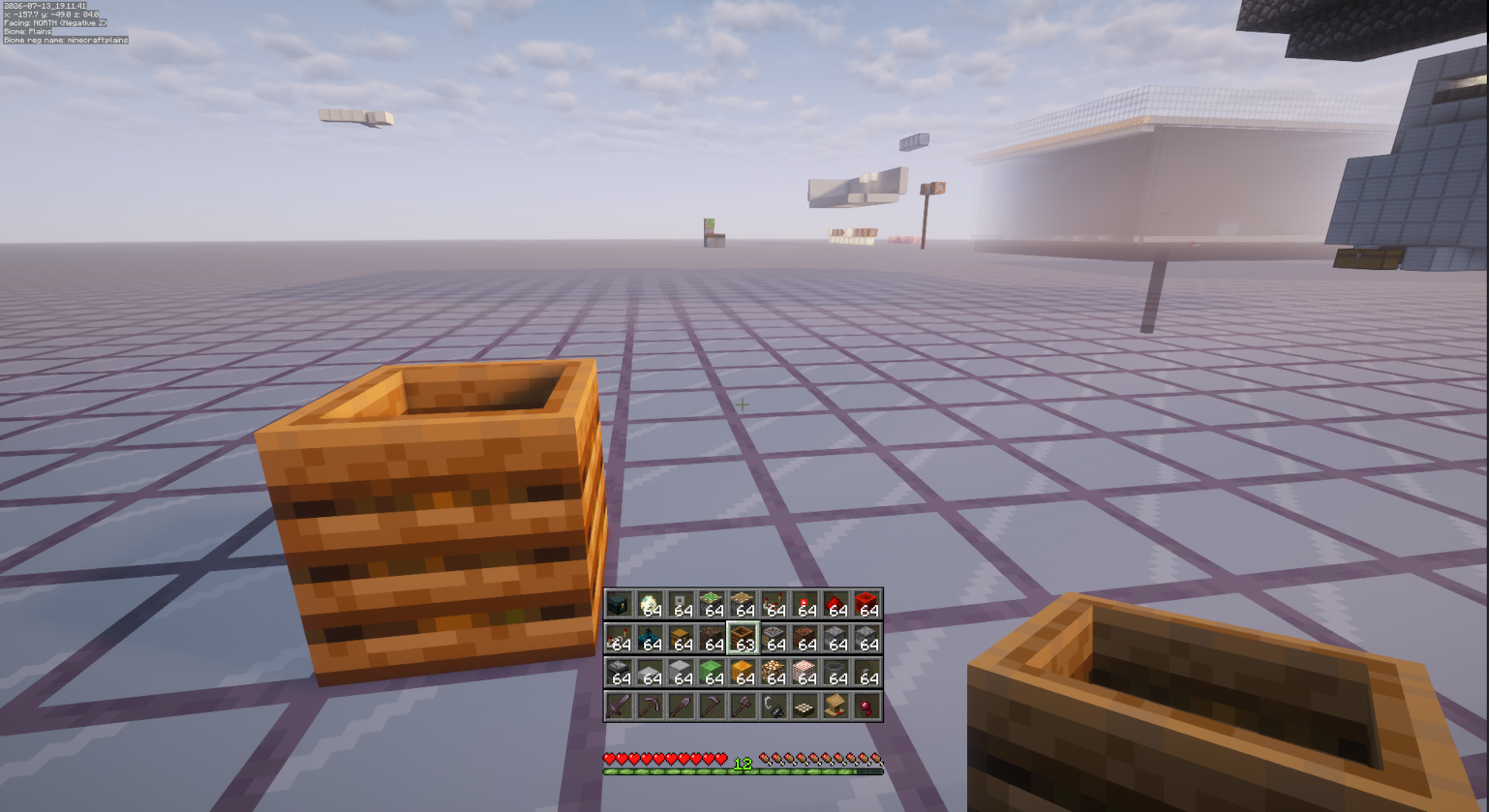
Your full inventory. Right on the HUD. All 36 slots. No more pausing. No more menu spam. No more breaking your flow.
Scroll through it like one giant hotbar. Jump to exactly what you need in an instant. Keep building. Keep mining. Keep exploring.
It's fully client-side — works on any normal server. Your inventory stays exactly the same. It just becomes… way more accessible.
The default toggle is 'B' — fully customisable in your keybind settings, of course.
HotterBar. Work smarter. Build faster. Never stop.
- Edition: Minecraft Java
- File type: .jar
- Minecraft version listed: 26.2
- How to install: Install the matching mod loader (Forge, Fabric or NeoForge) for your Minecraft version. → Download the .jar. → Put it in the .minecraft/mods folder and launch that loader profile.
- Where to get it: Opens on Modrinth — not every file is mirrored on our own servers.
Install steps are the general flow for this file type — How to install Minecraft Java mods & modpacks walks through it step by step.
- Ships as hotterbar-fabric-26.2-0.1.0.jar — drop this file into the mods folder
- Download size: 264 KB
- Download link checked 6 Oct 2026 — working
These come from our own check of the pack file, not from the source page.