
Create Aeronautics - Explore and Build
Aeronautics with some addons and cool optimization!. Free Minecraft Java modpack for 1.21.1.
⬇ Download on Modrinth

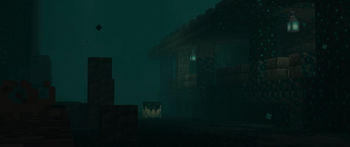
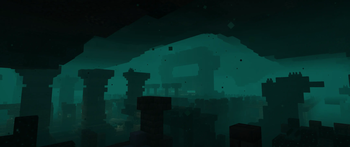
Create Aeronautics - Explore and Build
Release update incoming!

General
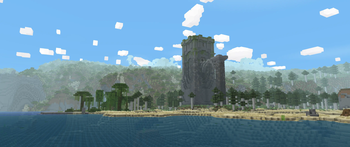
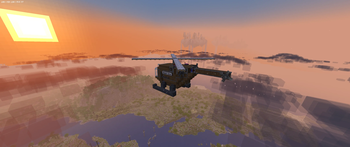
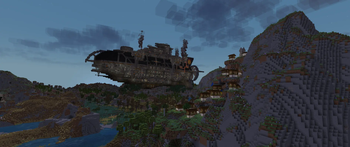
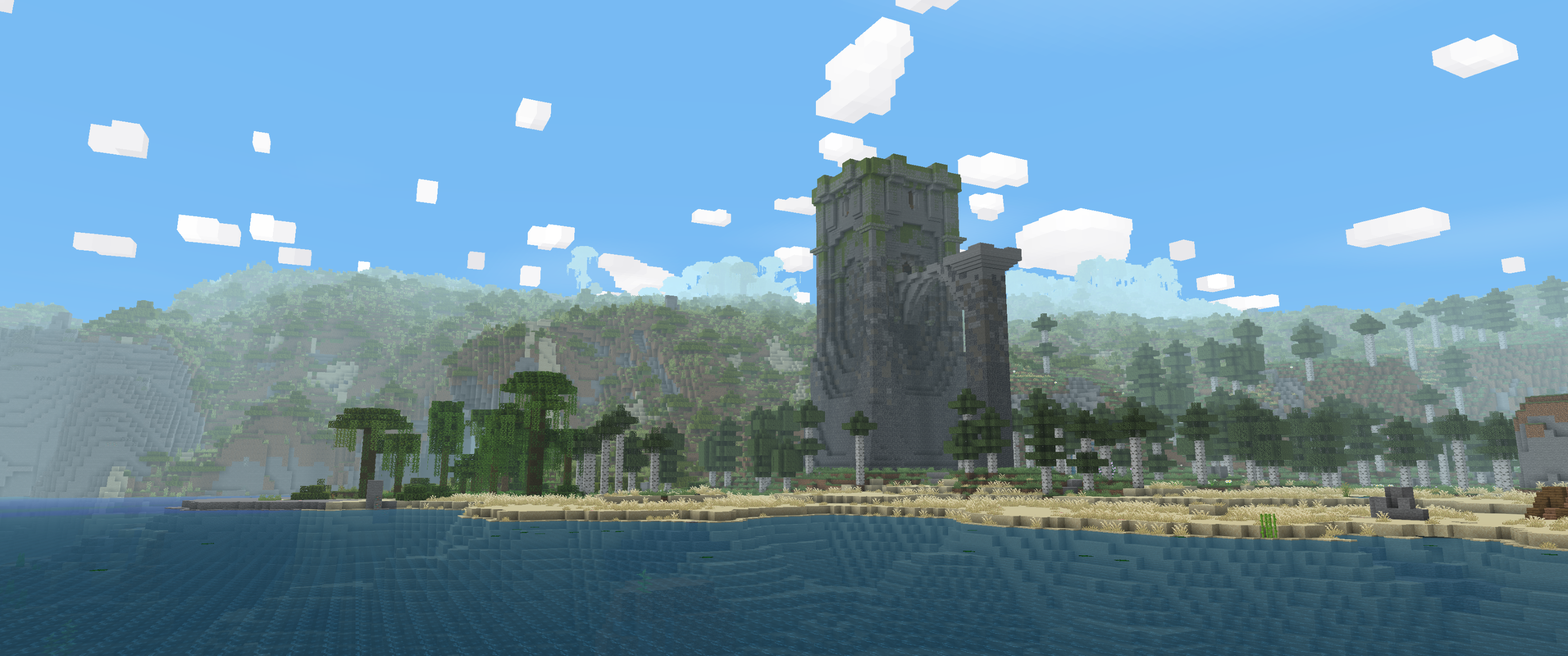
This Vanilla+ Modpack Aims at adding cool features to your regular Aeronautics + Create Worlds. With this modpack you won't need any shaders cause it is already beautiful. This modpack also will be great for your server!
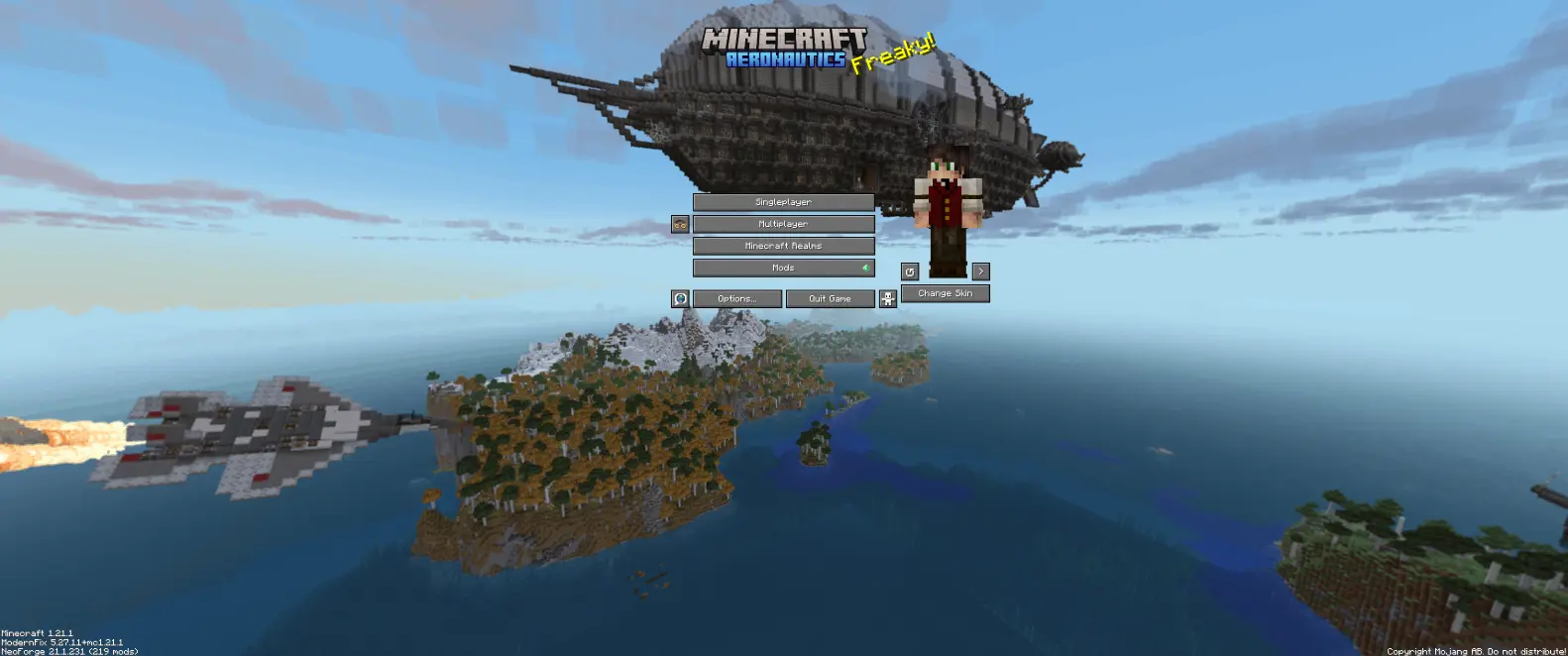
📦 Modlist
⚙️ Create + Addons- Create
- CBC Advanced Technology
- CBC Military Supplement
- Create Big Cannons
- Create Radars
- Create Bits 'n' Bobs
- Create Crafts & Additions
- Create Deco
- Create Diesel Generators
- Create Hypertube
- Create Slice & Dice
- Create Stuff & Additions
- Create: Bells & Whistles
- Create: Blocks & Bogies
- Create: Central Kitchen
- Create: Connected
- Create: Copycats+
- Create: Dragons Plus
- Create: Dreams n' Desires
- Create: Enchantment Industry
- Create: Interiors
- Design n' Decor
- Create: Power Loader
- Create: Prismatic Shine
- Create: Steam 'n' Rails
- Gears n' Kinetics
- Level drugster
- Create: Escalated
- Create: Power Grid
- Create: Compact Transmittion
- Create Aeronautics
- Climbable Ropes for Create Aeronautics
- Copycats+ aeronautics weight
- Create Propulsion: Simulated
- Create Tracks+
- Sticky Wheels
- Create: Aeroworks
- Create: Linear Motion Simulated
- Create Aeronautics: Toolgun
- Big Tires
- Create: Aero Cables
- Create: Crafts&Additions Aero compat
- AsyncParticles
- Concurrent Chunk Management Engine
- EntityCulling
- Ferrite Core
- Lithium
- ModernFix
- Sodium 0.8.12
- Sodium Extra
- Reese's Sodium Options
- Immediately Fast
- Iris
- Chunky
- Not Enough Recipe Book
- Fastquit
- AmbientSounds
- Cool Rain Reforged
- Better Clouds
- ItemPhysicLite
- LambDynamicLights
- Particle Interactions
- Particle Rain
- Subtle Effects
- Presence Footsteps
- Puddles & Floods
- Sound Physics Remastered
- Punchy
- AlcoCraft+
- Burnt Basic
- Chestpack Backpacks
- Comforts
- Farmer's Delight
- Freecam
- Grappling Hook Mod
- Musket Mod
- ParCool!
- Vista
- Corpse
- Tree Physics
- Beltborone Lanterns
- Immersive Paintings
- AppleSkin
- Pixelshot
- Keybinds
- Jade Sable Compat
- InvMove
- Better Third Person
- Mouse Tweaks
- Ok Zoomer
- Forgematica
- NBT Autocomplete
- QuickSkin
- Simple Voice Chat
- WorldEdit
- Yeetus Experimentus
- Jade
- Just Enough Items
- Xaero's Minimap
- Xaero's World Map
- Aeronama
🍴 Resource Packs
- Os' Colorful Grasses
- (Bee's) Fancy Crops
- Refined Buckets
- Muskets 3D Wild West for Ewewkek's
- Simple Grass Flowers
- Motschen's Better Leaves
Important
Modpack are still in Beta state, note that newer versions can be incompatable whith older version's worlds. <--(I hope this won't be a thing anymore) Also perfomance can be degradated sometimes. Please write an issue report if you have any problems with modpack it will help.
If you want to use Axiom with this modpackInstall Sinytra Connector; (Forgified Fabric API is already in modpack)
Install Axiom version 5.3.0. Do not use 5.4.x+ as they conflict with Sable and Aeronautics. Download 5.3.0 or earlier from https://modrinth.com/mod/axiom/version/jTdCyf2H
Known issues:
- Redstone receiver links may lock after moving. Break and replace them
- Moved blocks may leave ghost collisions or lack collisions. Right-click or place nearby to fix
Install Sinytra Connector; (Forgified Fabric API is already in modpack)
Follow the video guide:
*You don't need to delete newer Java versions (if you have them) like he mentions in video, you just need to change java compiler version to java 21. Use this command in terminal:
$env:JAVA_HOME="**!Your Path to Java 21 Folder!**"; $env:Path="$env:JAVA_HOME\bin;" + $env:Path;
and then you can use this command:
java -version
to verify if you actually changed anything.
- Downloads as Create Aeronautics - Explore and Build-v.2.5.0.mrpack
- Download size: 5.6 MB
- Download link checked 26 Aug 2026 — working
These come from our own check of the pack file, not from the source page.