
Nexus Core
A territory protection system for Minecraft Bedrock. Place a Nexus core to claim your zone and stop unauthorized players from breaking or placing blocks inside it — no server plugins required.
⚠️ Requirements (important, read before installing)
This addon uses Script API, so your world must have the "Beta APIs" experimental toggle enabled. This has to be turned on when the world is created — it cannot be added to an existing world afterward. If you already have a world without it, create a new one with the toggle on and import your progress, or start fresh.
How it works
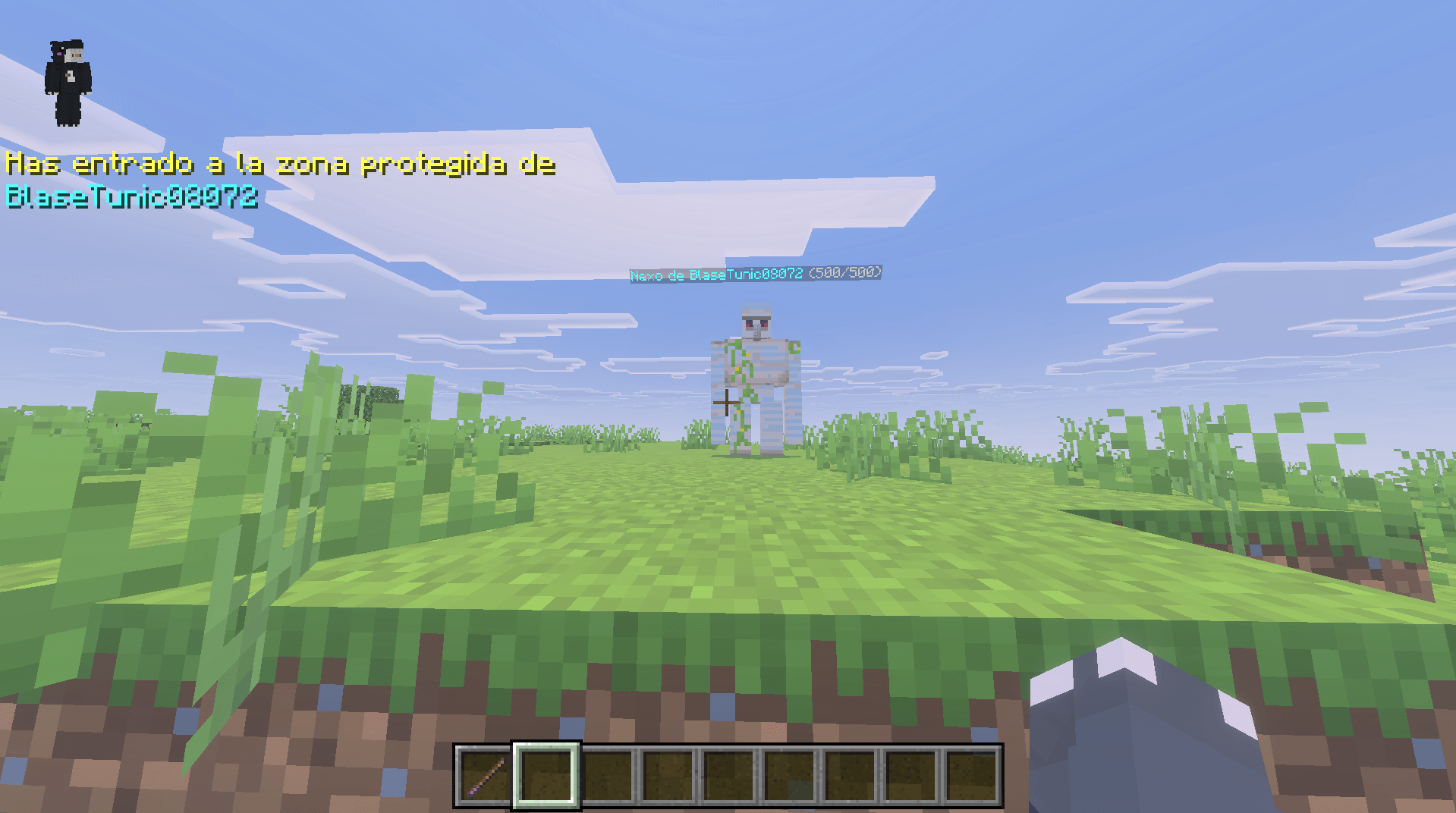
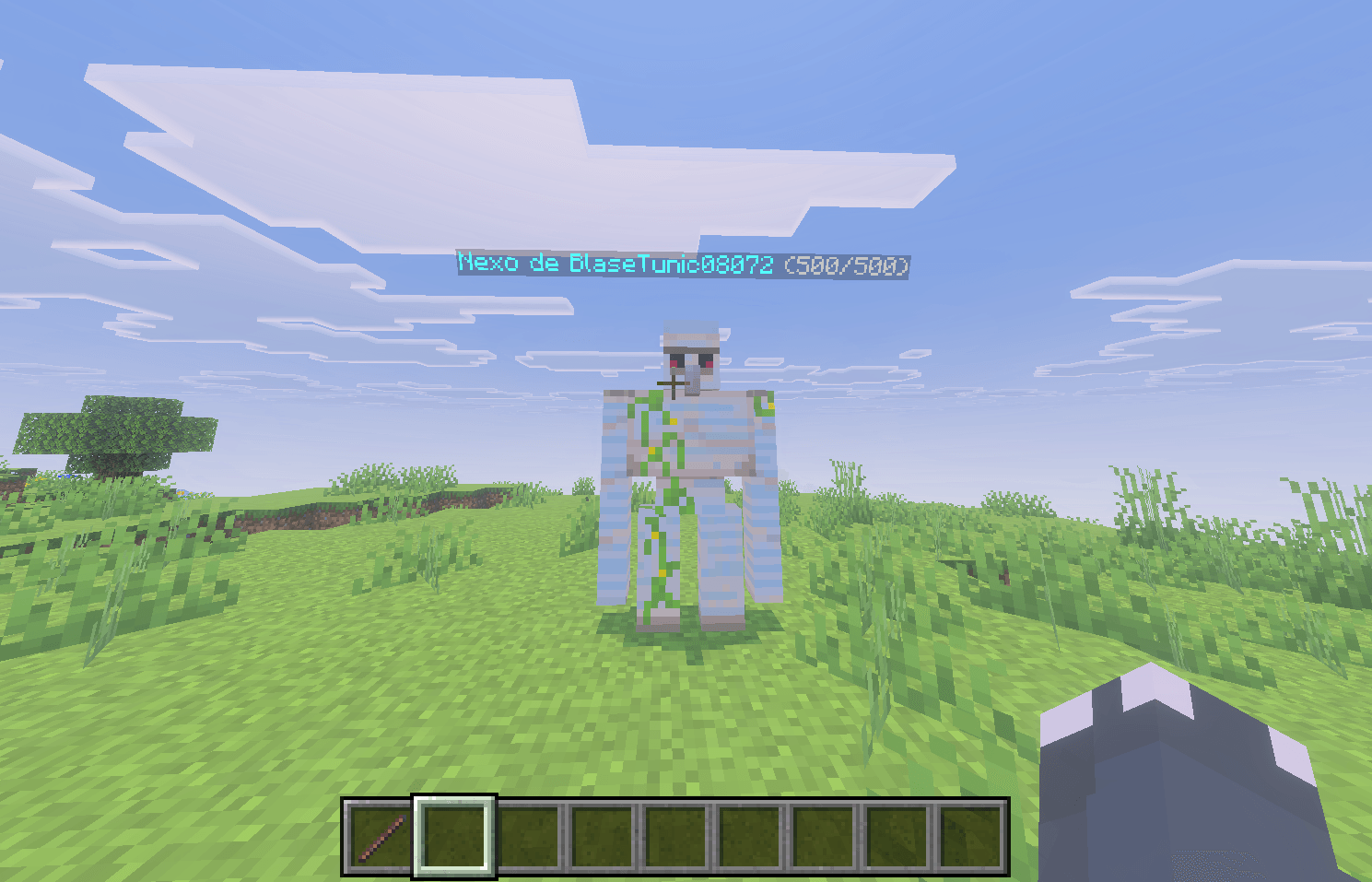
Place the Nexus Core item on the ground to claim the surrounding area. This protects a 30x30 block square zone (15 blocks in every direction from the core, full height, no vertical limit). From that moment on, any unauthorized player who tries to break or place a block inside the protected zone will have their action automatically reverted, along with a warning message.
Member Management
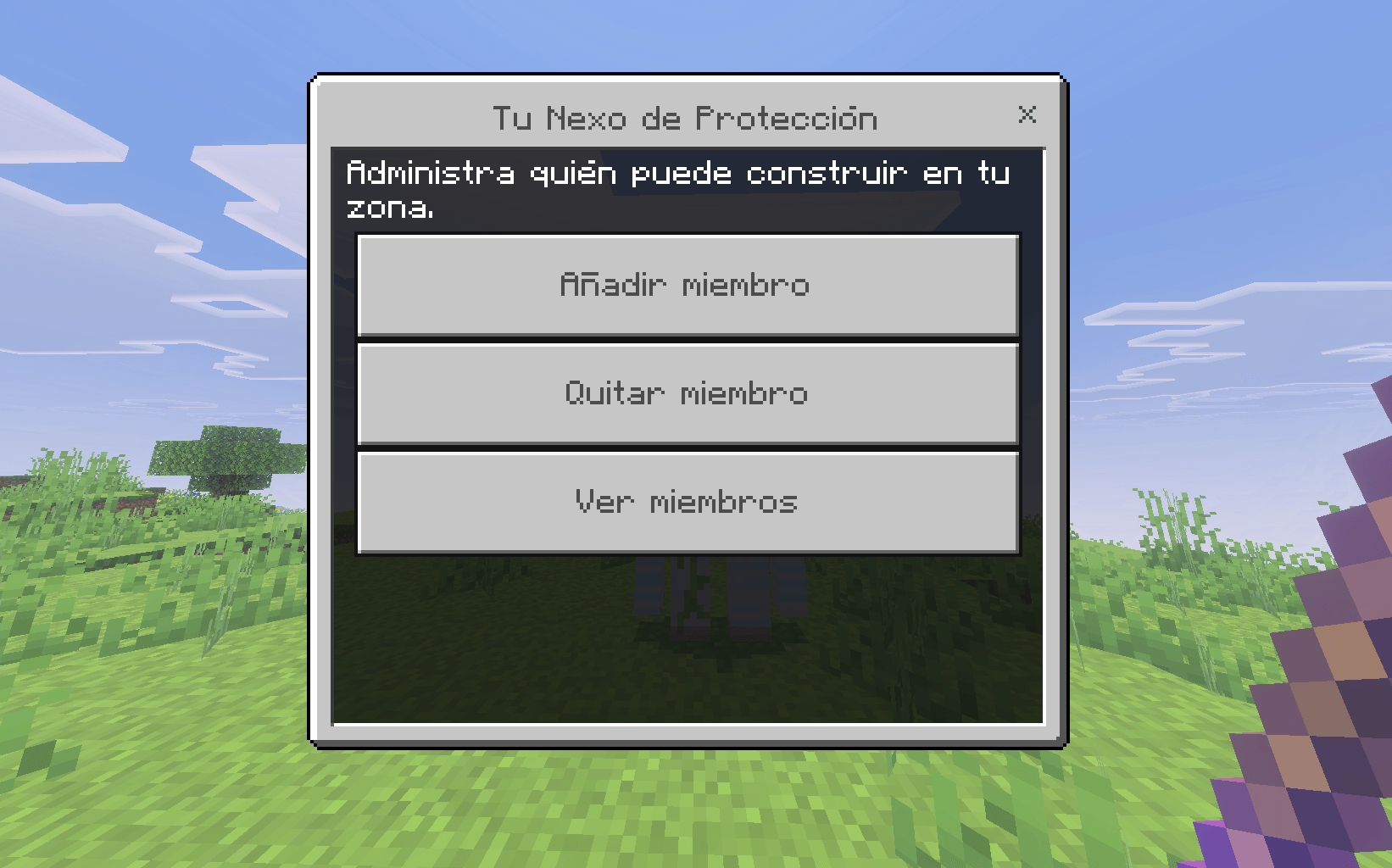
Use the Nexus Panel item to open a menu where you can add or remove trusted players. Perfect for sharing your base with your team without risking griefers destroying it.
Perfect for
- Survival multiplayer servers
- Protecting bases from griefers
- "Extremo"-style series where chests get raided but you still want a safe zone
Credits
Created from scratch, 100% original — no dependencies on other addons.
- Edition: Minecraft Bedrock
- File type: .mcpack or .mcaddon
- Minecraft versions listed: 1.21.30, 1.21.50, 1.21.20
- How to install: Download the .mcpack or .mcaddon file. → Open it — Minecraft imports it. → In your world: Behavior Packs → Available → Activate, then the same under Resource Packs.
- Where to get it: Opens on CurseForge — not every file is mirrored on our own servers.
Install steps are the general flow for this file type — How to install Minecraft Bedrock addons & mods walks through it step by step.
Nexus Core is a free Minecraft Bedrock addon. Compatible with Minecraft 1.21.30, 1.21.50, 1.21.20, 1.21.90 and newer. Downloaded 60 times (via CurseForge). Download it and open it directly in the game.