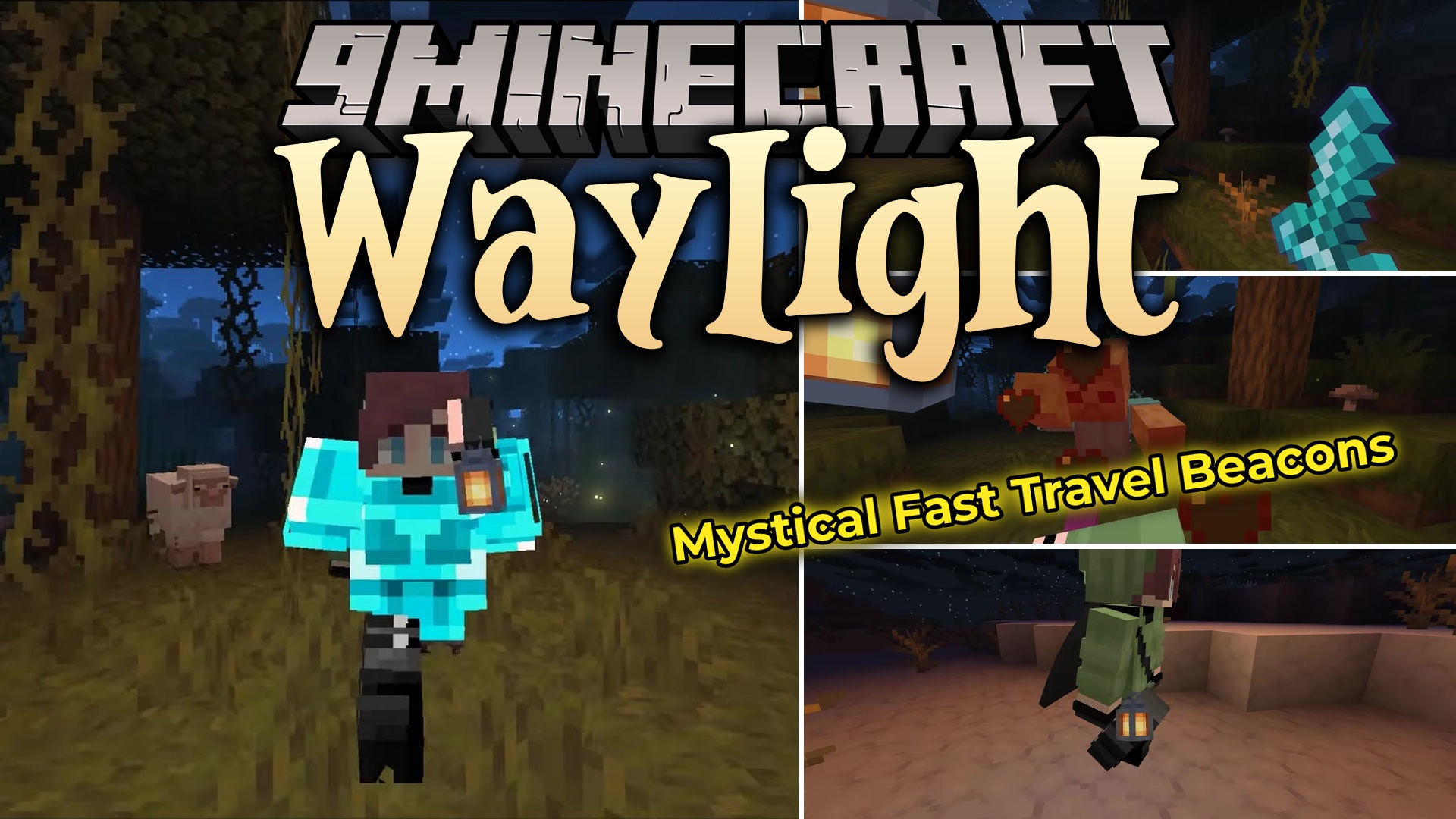
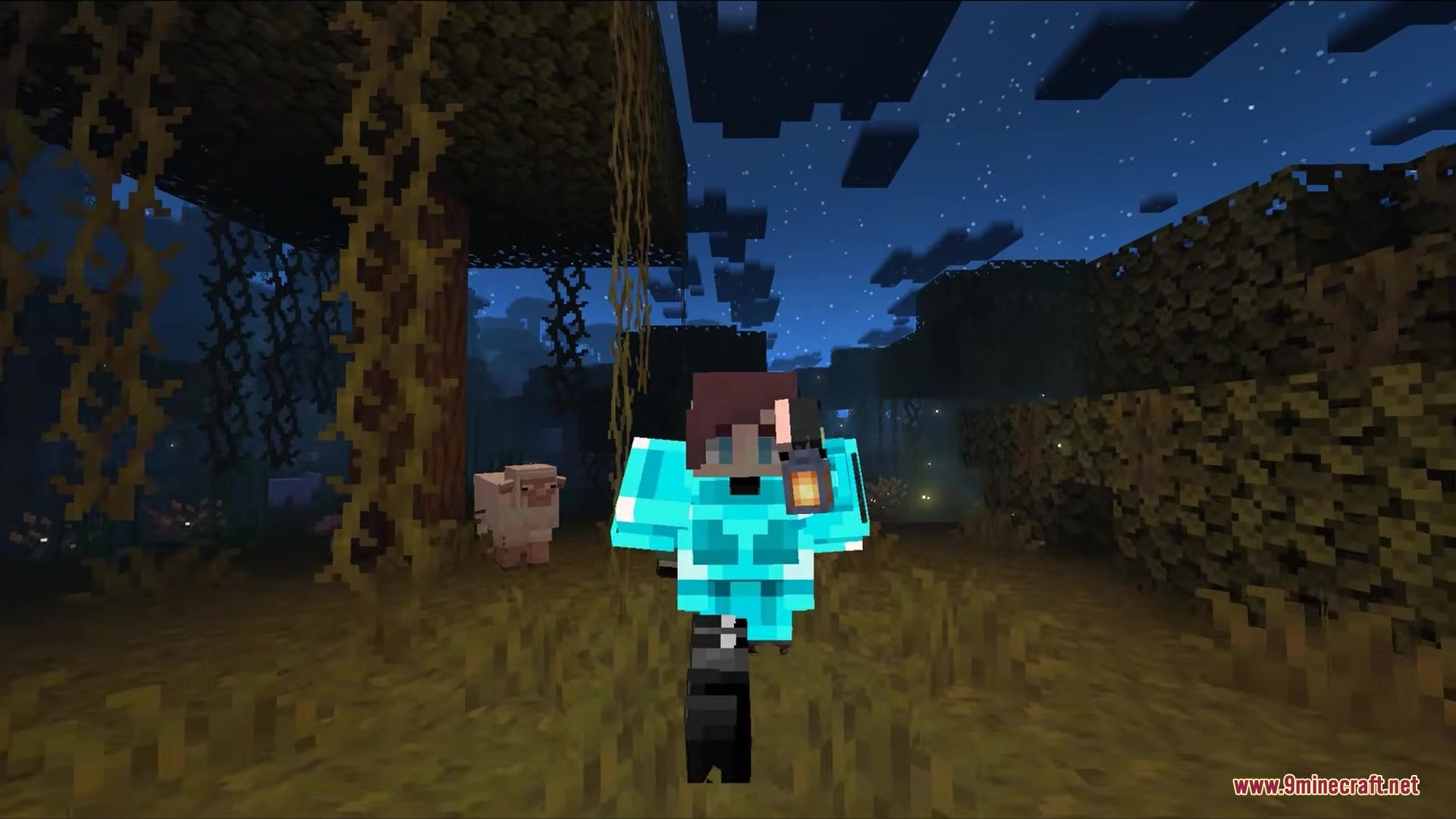
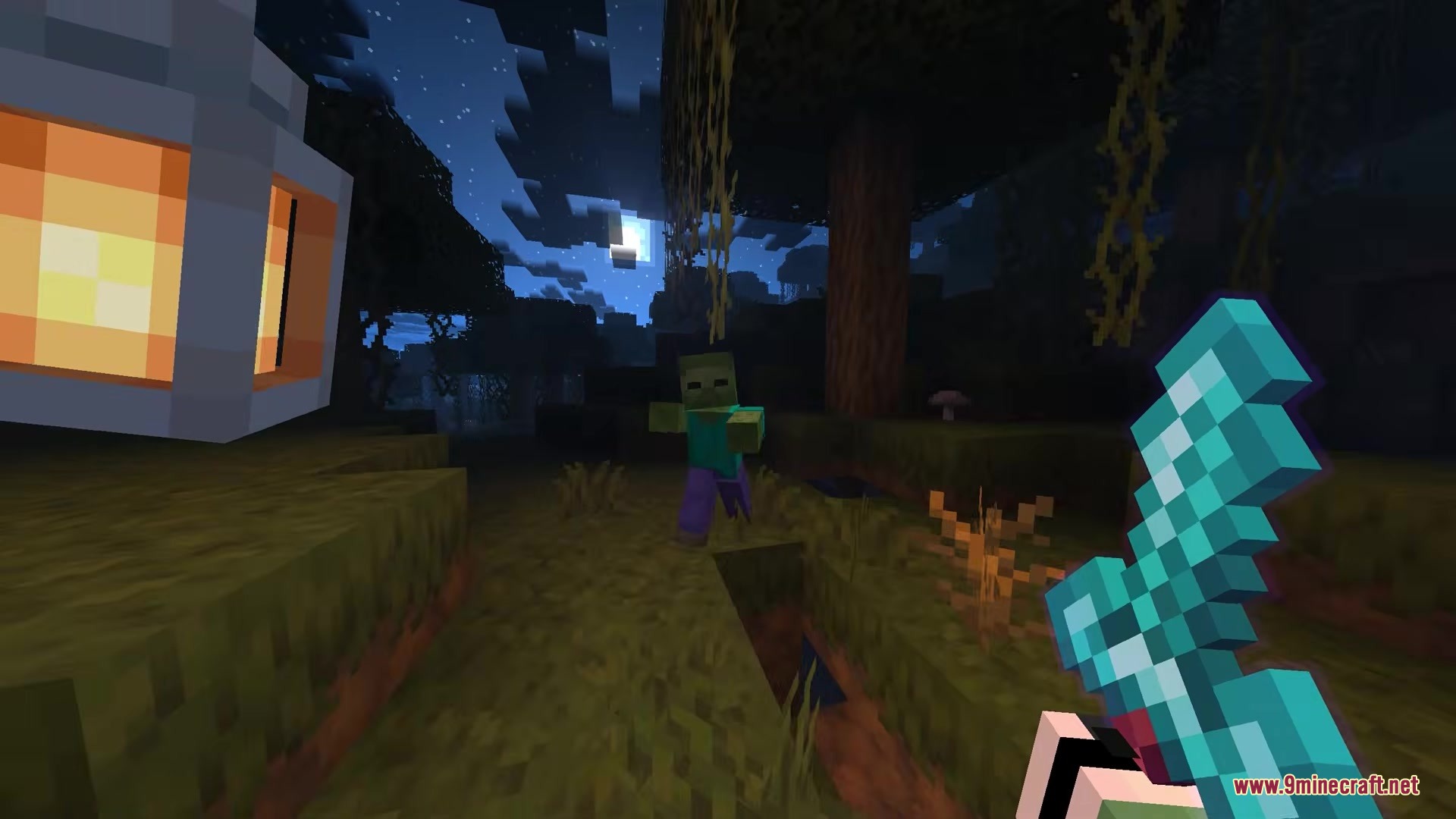
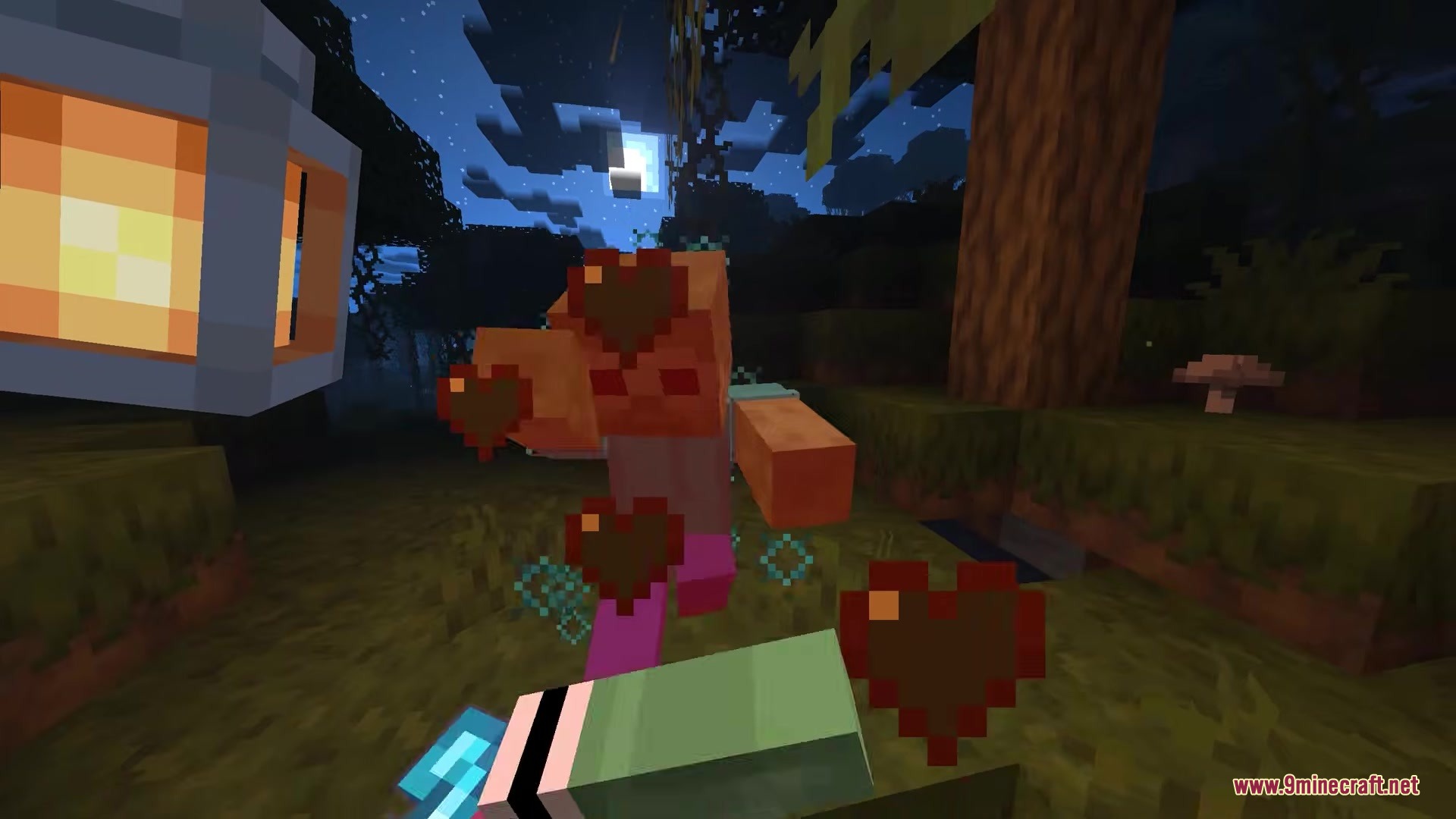
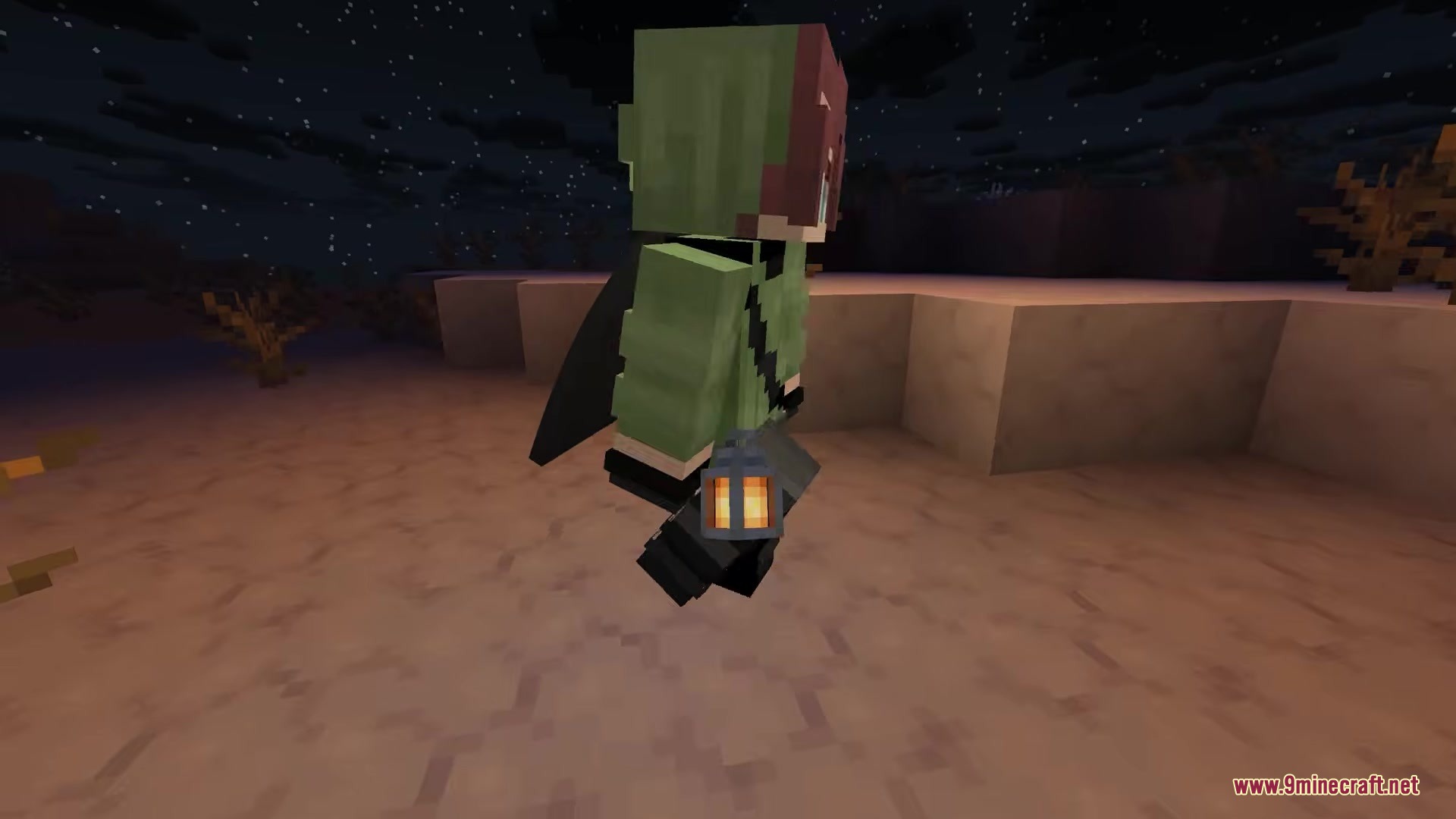
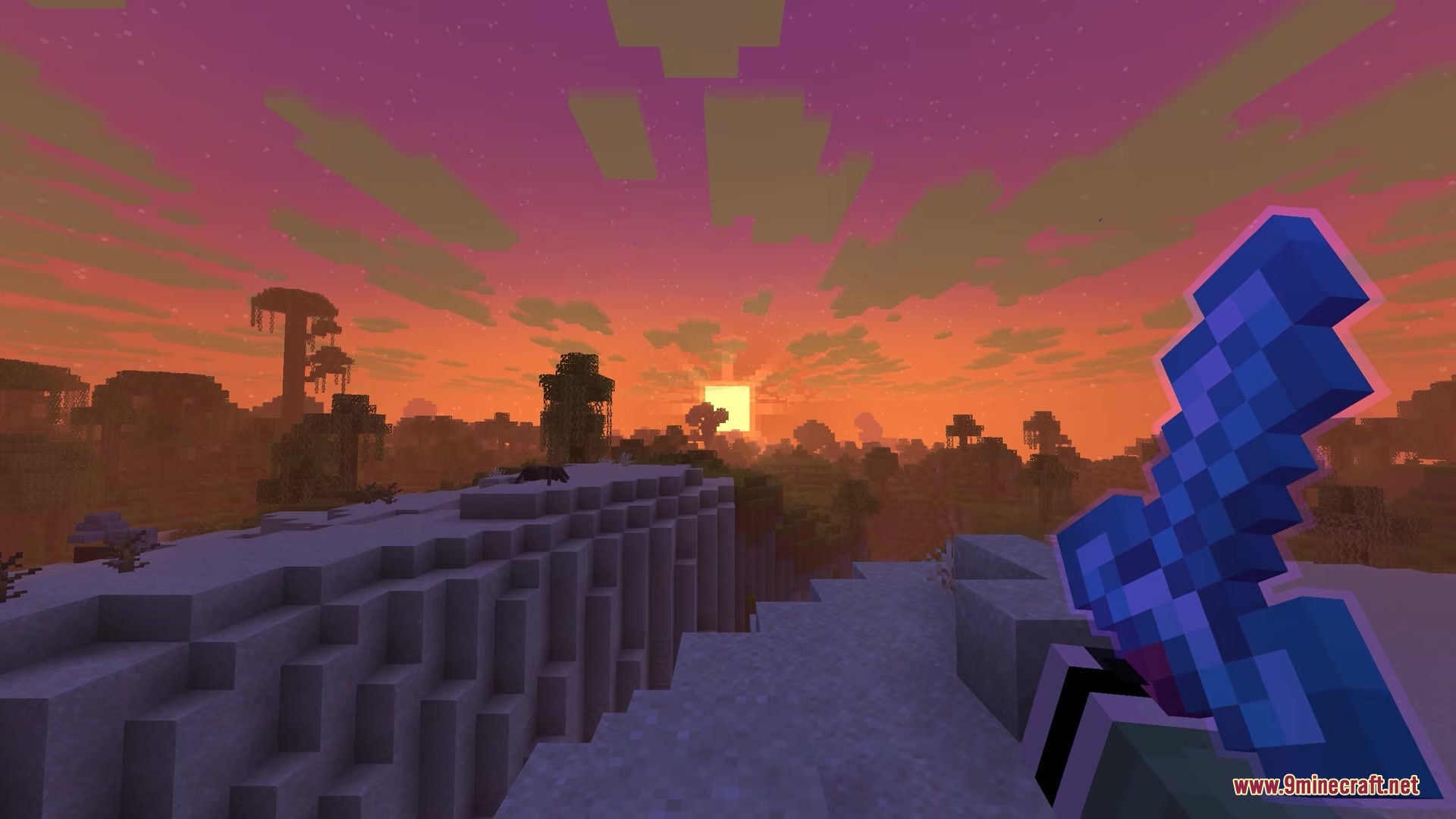
Waylight Mod gives you a glowing lantern that hangs on your side while you walk. It acts as a moving light source, so you do not need to hold a torch or keep a real lantern item in your inventory. The light follows you everywhere you go, making it much easier to explore deep caves and dark forests at night. You can even choose exactly where the lantern sits on your body.
Features:
- Hands-Free Lighting: Adds a light source that follows you without taking up any space in your backpack.
- Lets you hang the lantern on your right hip, left hip, or hold it in your left hand.
- Adds swinging physics so the lantern moves naturally while you walk and run around the world.
- Turns the light on automatically when you walk into dark areas and turns it off when you step into the sunlight.
- Turns off the light automatically when you jump into water and start swimming.
- Lets you pick between a regular orange lantern or a blue soul lantern in the settings menu.
Configuration:
Lantern Type: Switch between the standard lantern or the soul lantern.Lantern Position: Move the lantern to your right hip, left hip, or left hand.First-Person Light: Turn the light on or off when looking through your own eyes.Auto-light Threshold: Set exactly how dark it needs to be before the lantern turns on by itself.config/waylight.json: The file folder where all your custom lantern settings are saved.
How to Use:
- Press the G key on your keyboard to quickly turn the lantern on or off.
- Walk around to see the light follow you and watch the lantern swing on your hip.
- Open the mod menu to change where the lantern sits or to adjust how much it swings when you move.
- Walk into a dark cave to test the auto-light feature if you turned it on in the settings.
Screenshots:
Waylight Mod Download Links
Quick facts
- Edition: Minecraft Java
- File type: .jar
- Minecraft version listed: 1.21.11
- How to install: Install the matching mod loader (Forge, Fabric or NeoForge) for your Minecraft version. → Download the .jar. → Put it in the .minecraft/mods folder and launch that loader profile.
- Where to get it: In MC Java Mods, or directly above on this page.
Install steps are the general flow for this file type — How to install Minecraft Java mods & modpacks walks through it step by step.
Verified by MCModsHub
- Downloads as 361888.mcaddon
- Download size: 1.1 MB
- Download link checked 26 Sept 2026 — working
- Mirrored on our own servers — the download does not depend on the original host
These come from our own check of the pack file, not from the source page.