
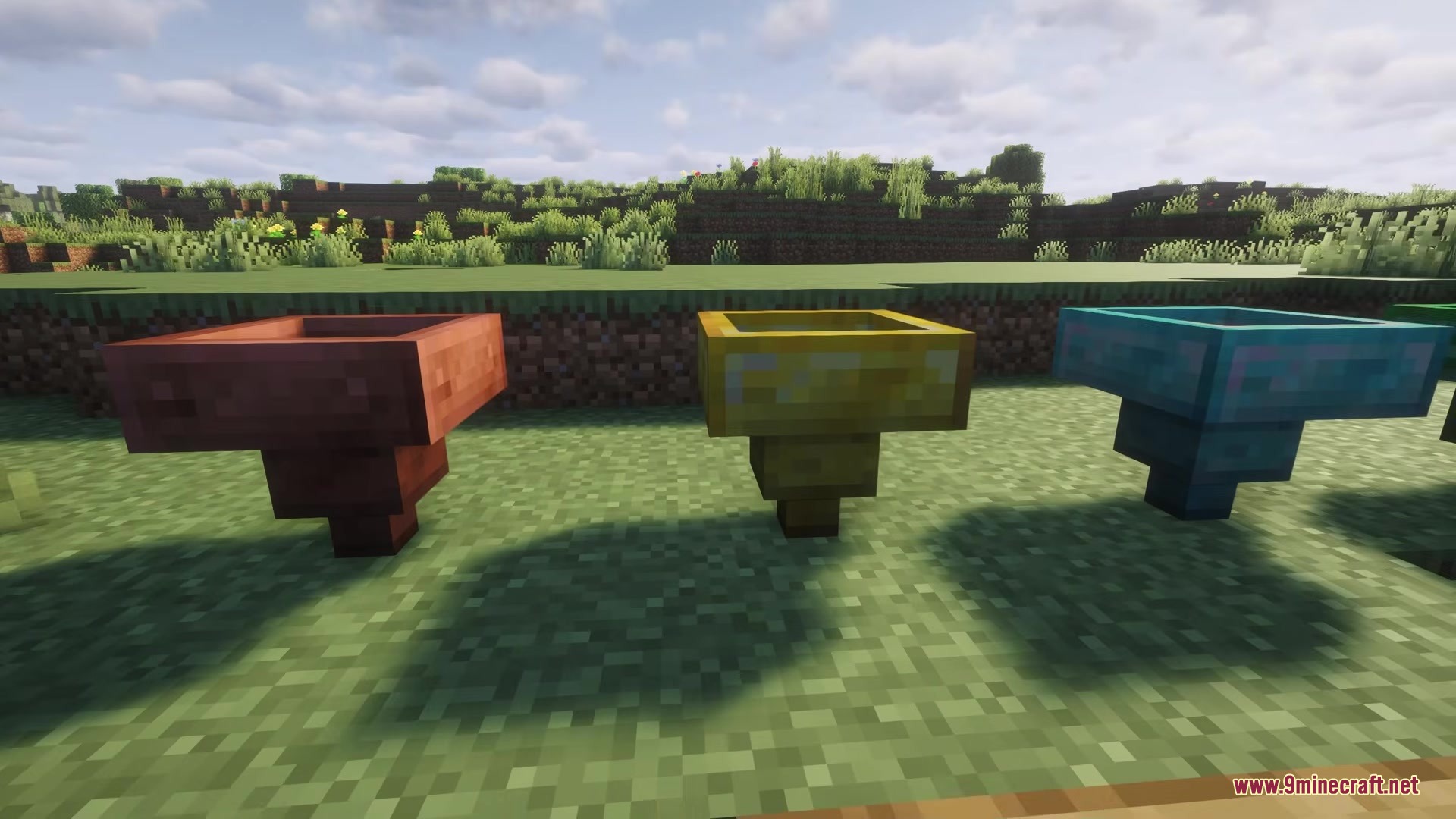
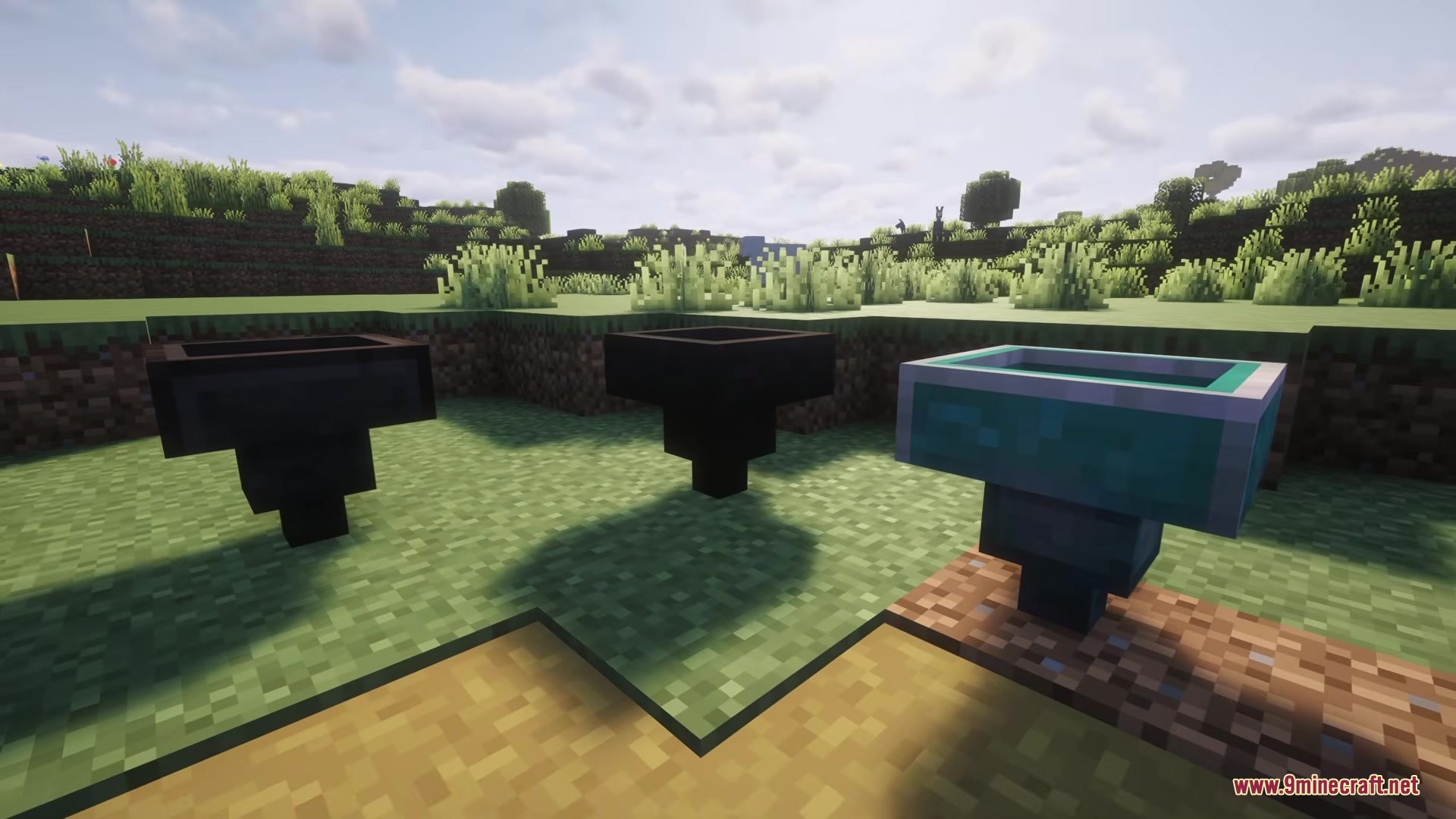
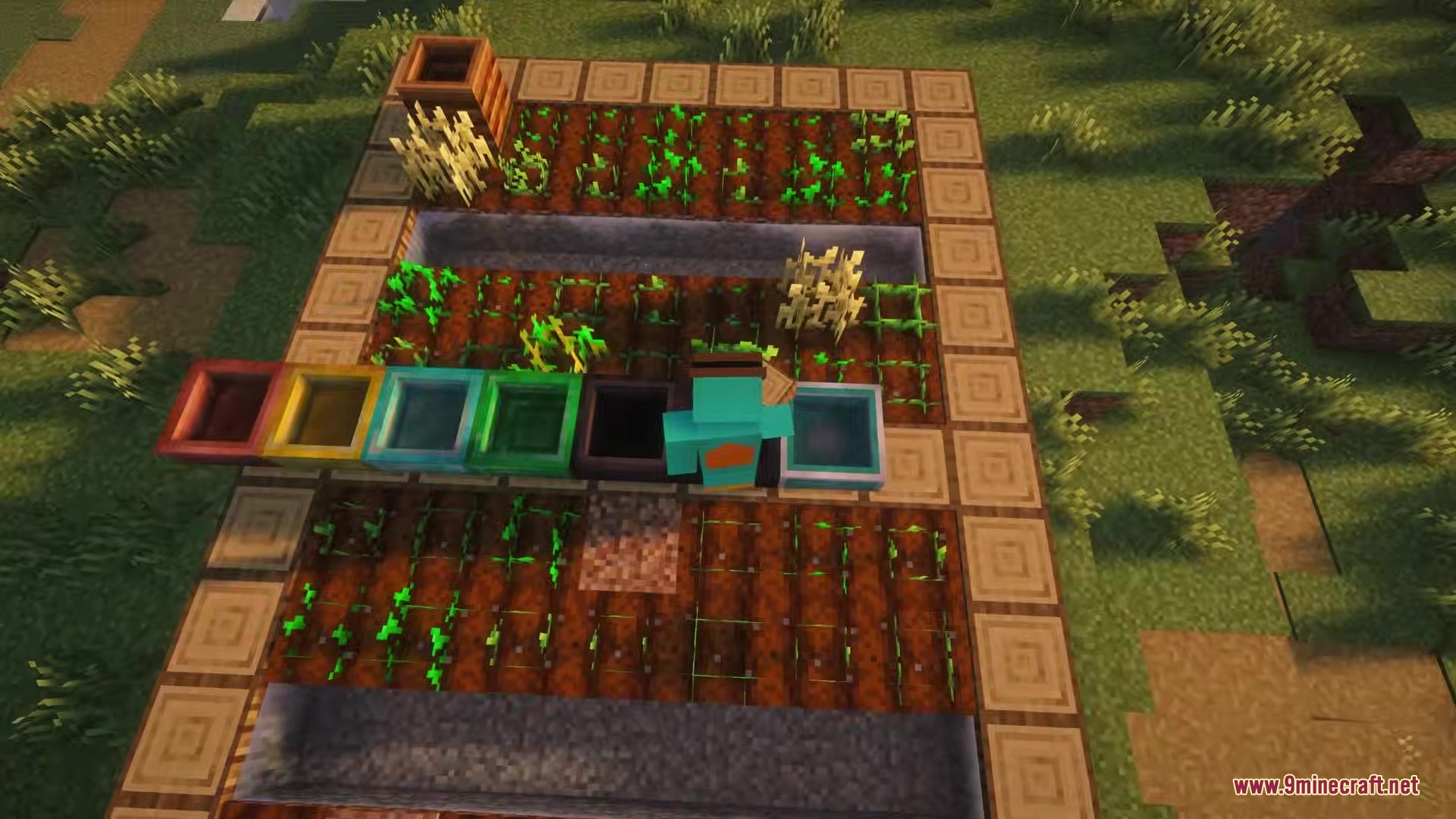
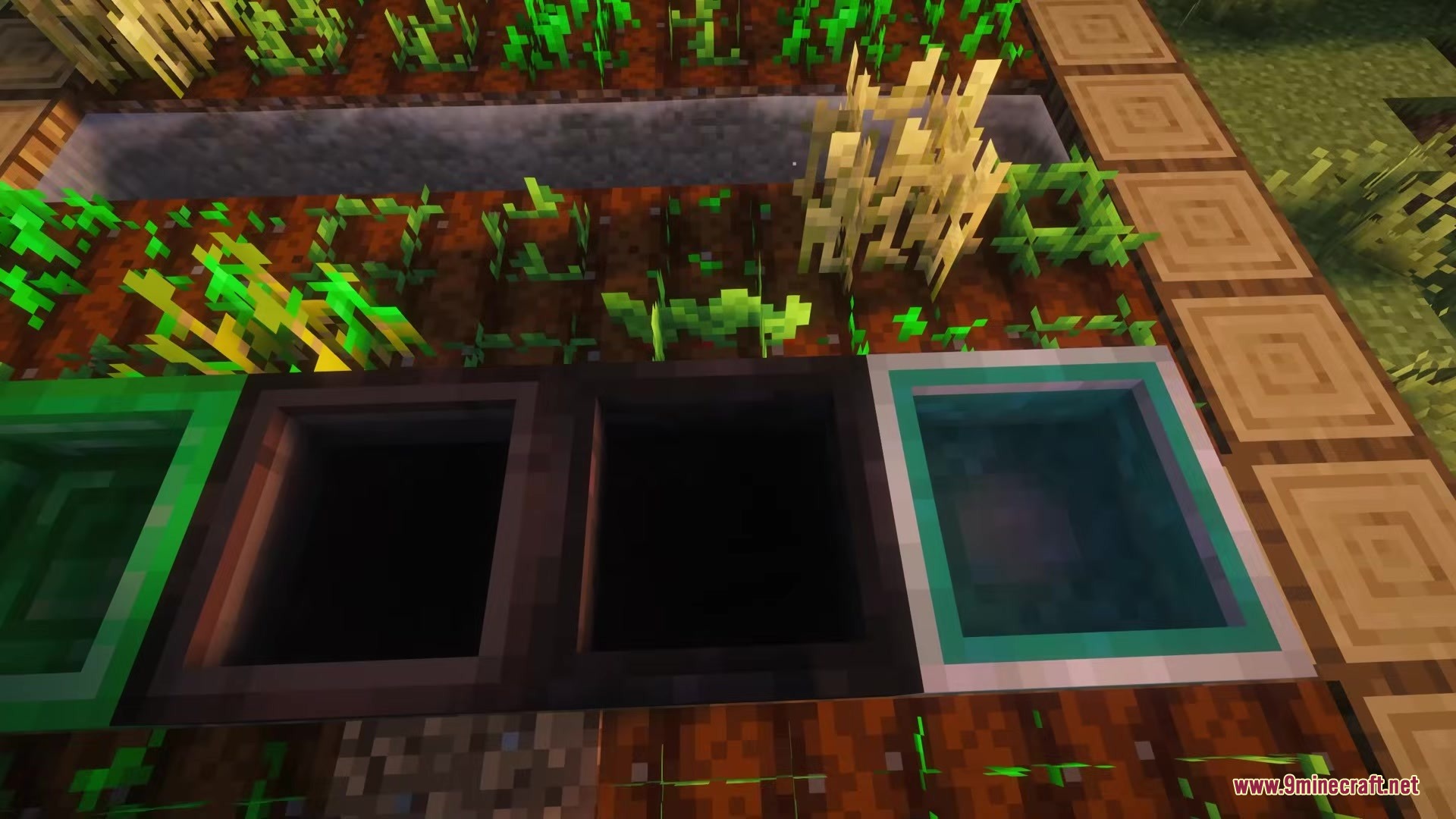
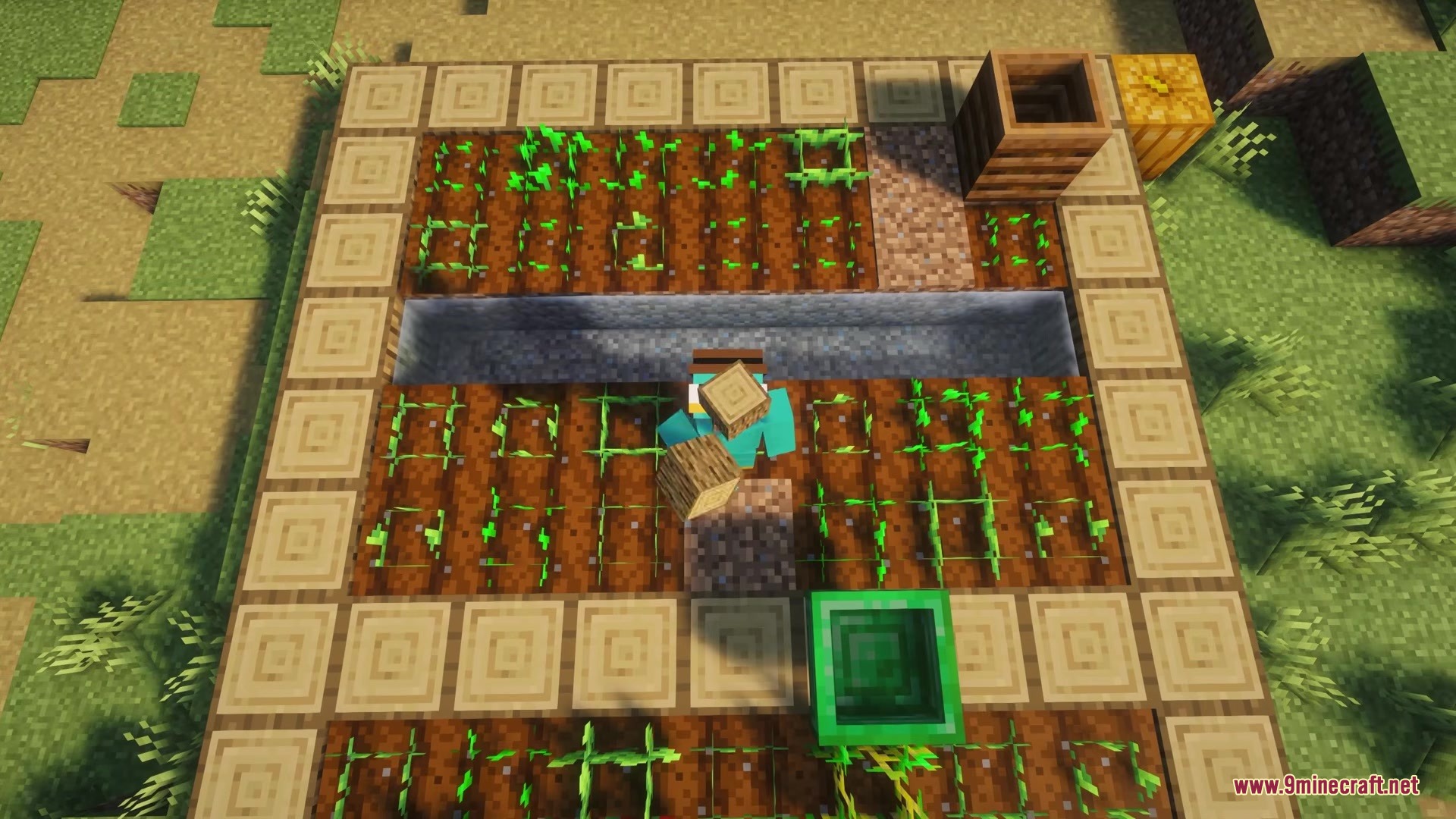
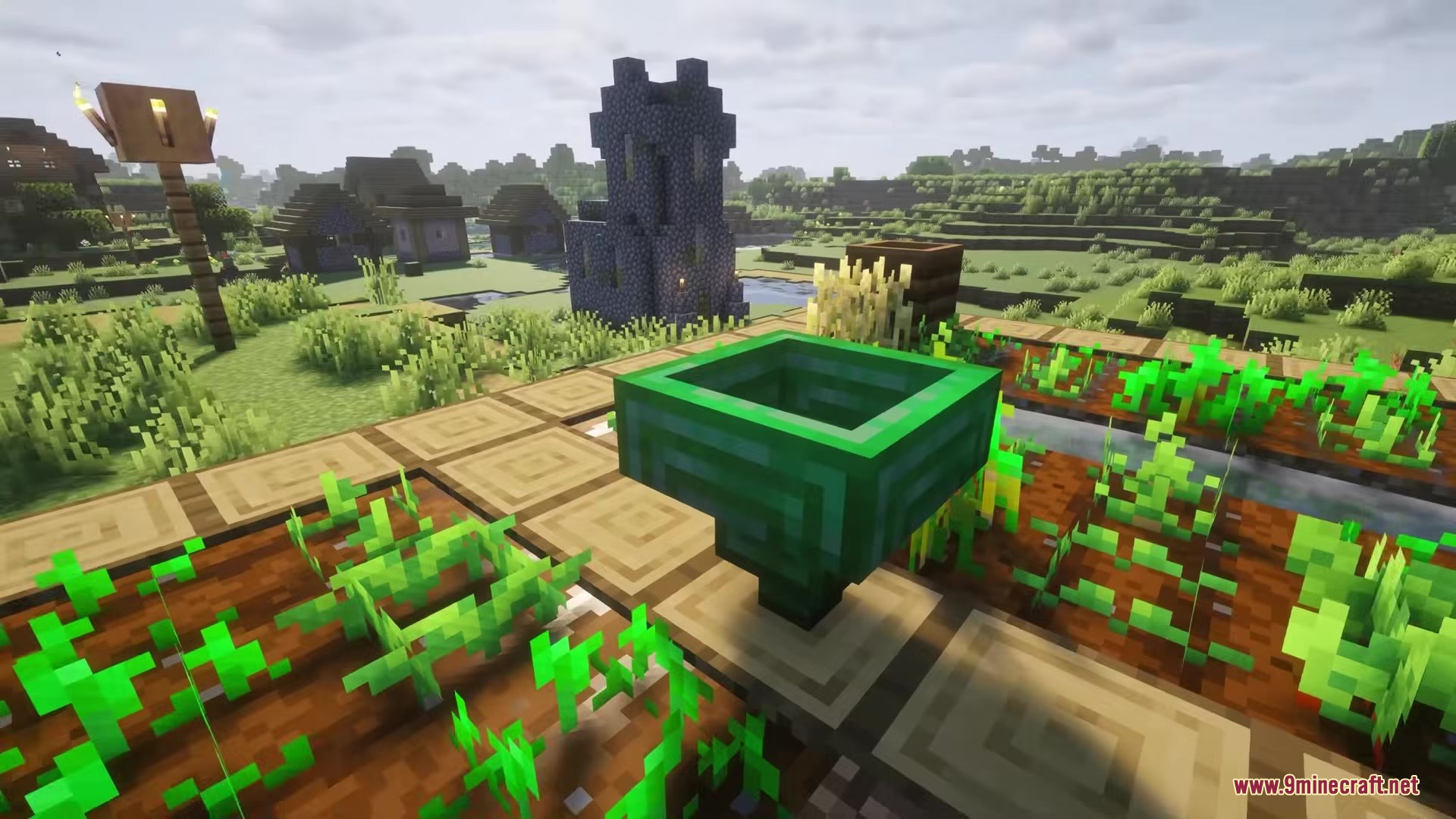
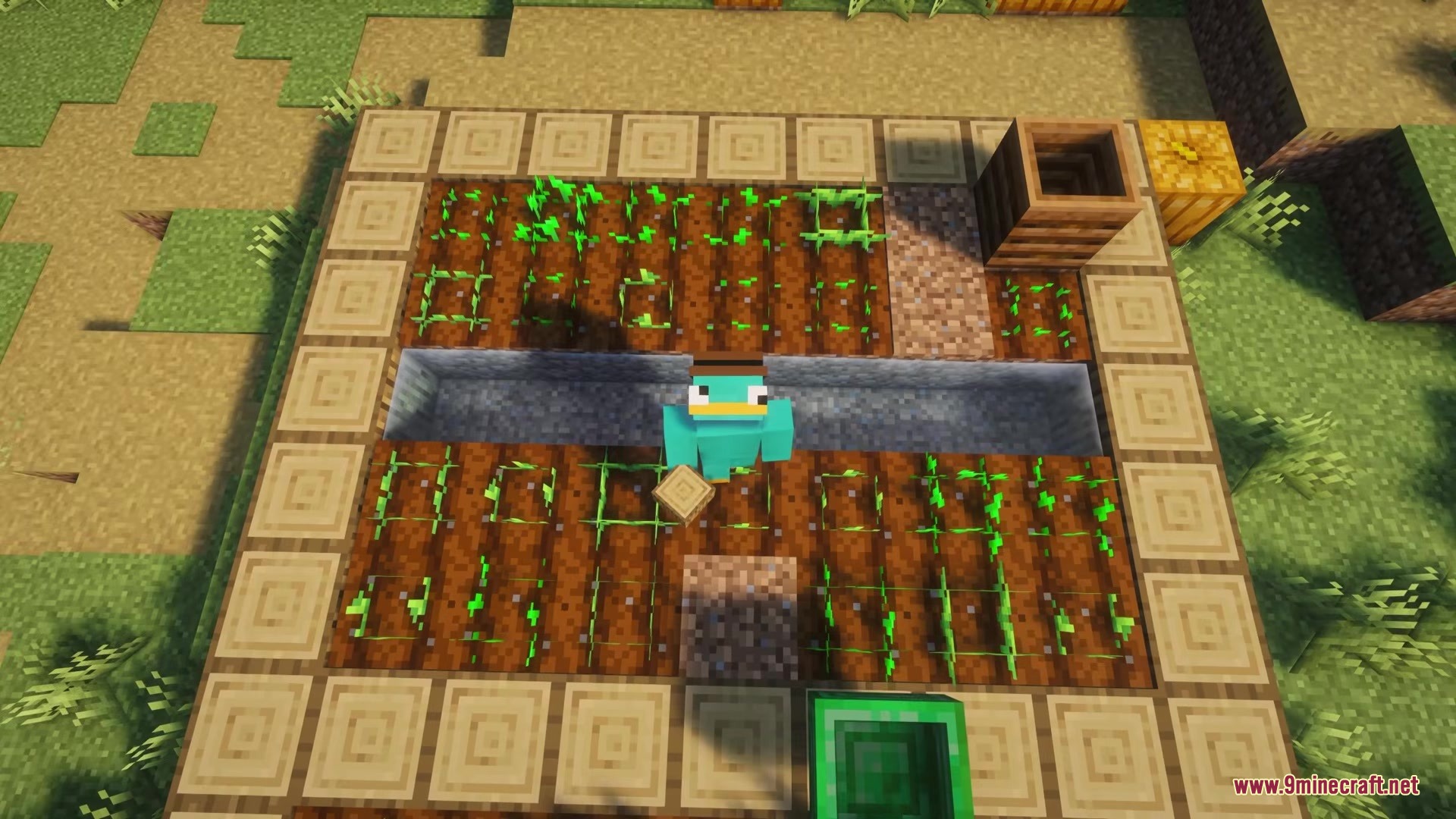
Hopper Plus Mod adds new types of hoppers to help you move items around your world. It gives you upgraded versions of the normal hopper that can do special tricks, like picking up blocks from far away or throwing trash into the void. You can even set up a teleporting system to send your loot across your base without building long lines of pipes.
Features:
- Teleporting Items: The Warp Hopper sends your blocks instantly to other connected hoppers anywhere in the world.
- Filter Your Loot: The Copper Hopper only picks up the exact items you choose, leaving unwanted blocks on the ground.
- Moves items twice as fast when you use the Golden Hopper for quick sorting.
- Picks up dropped items from two or three blocks away with the Diamond and Emerald tiers.
- Survives fire and lava while working at top speed when you craft the Netherite version.
- Destroys any junk blocks that fall into the Void Hopper so your chests stay clean.
- Lets you connect one Warp Hopper to many different spots at the same time to build a big delivery network.
- Saves all your hopper connections safely even if you restart your game.
Special Tools:
- The Warp Linker lets you connect two Warp Hoppers by just clicking on them.
- The Hopper Configurator opens a menu to set up your item filters easily.
How to Use:
- To filter items, right-click a Copper Hopper with the Hopper Configurator tool.
- Place one of each item you want to keep into the five slots, then close the menu.
- To teleport items, hold the Warp Linker and right-click your first Warp Hopper to make it the sender.
- Right-click a second Warp Hopper to make it the receiver.
- Hold Shift and right-click a Warp Hopper to delete its connection.
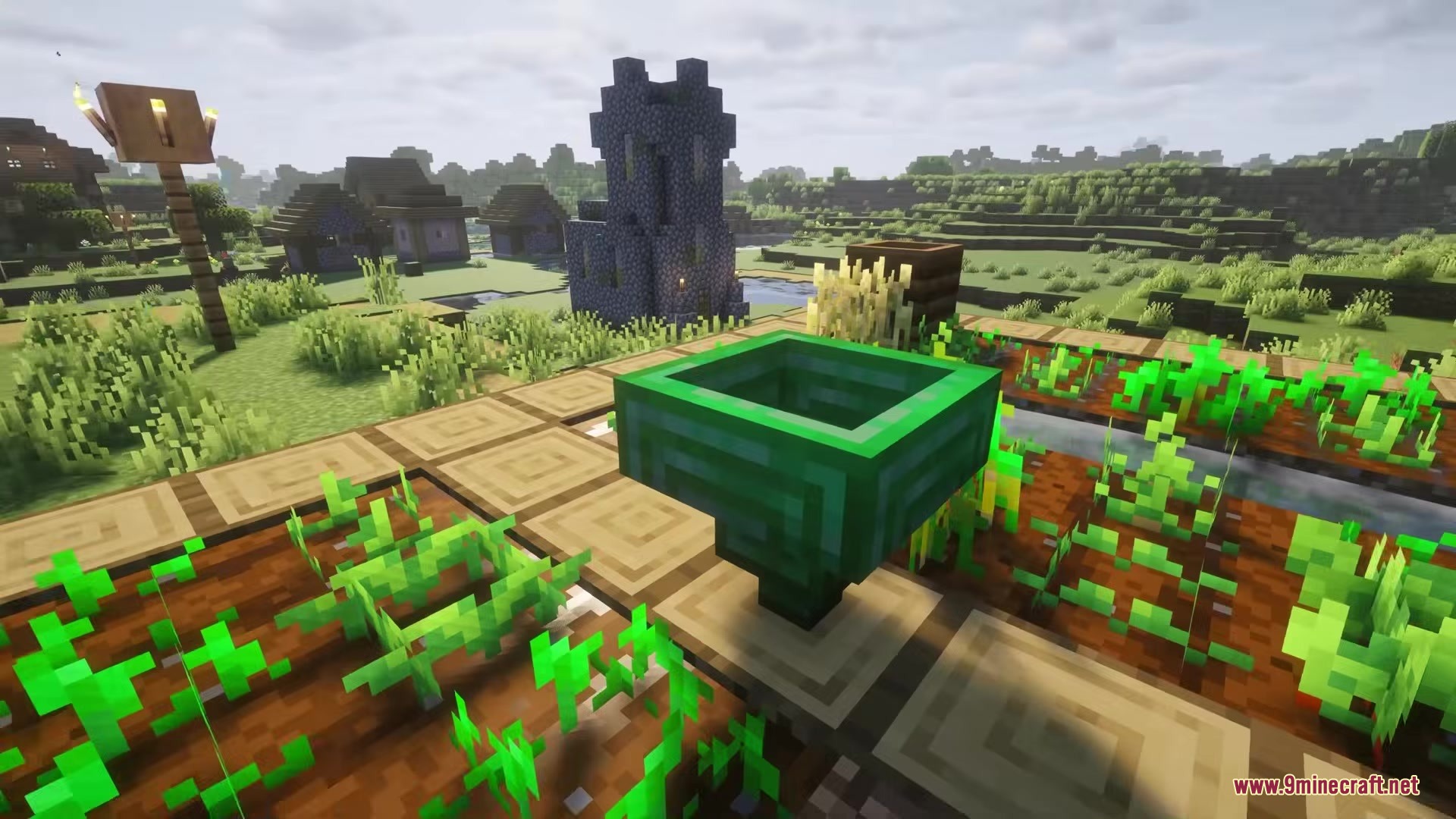
Screenshots:
Hopper Plus Mod Download Links
Quick facts
- Edition: Minecraft Java
- File type: .jar
- Minecraft version listed: 1.21.1
- How to install: Install the matching mod loader (Forge, Fabric or NeoForge) for your Minecraft version. → Download the .jar. → Put it in the .minecraft/mods folder and launch that loader profile.
- Where to get it: In MC Java Mods, or directly above on this page.
Install steps are the general flow for this file type — How to install Minecraft Java mods & modpacks walks through it step by step.
Verified by MCModsHub
- Downloads as 361906.mcaddon
- Download size: 120 KB
- Download link checked 24 Sept 2026 — working
- Mirrored on our own servers — the download does not depend on the original host
These come from our own check of the pack file, not from the source page.