
Material Counter
Java data pack listed for Minecraft 26.x. Downloads from the MC Java Mods app on Android.
⬇ Download on Modrinth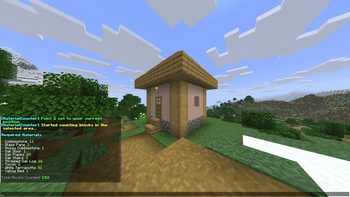
Material Counter
Material Counter is a datapack that lets you quickly calculate which materials and how many of each are required to recreate a selected structure in Minecraft.
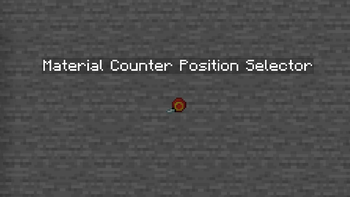
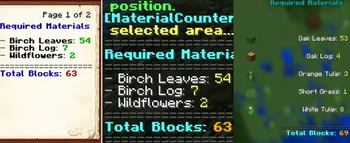
Simply select an area using the dedicated Material Counter Position Selector, and the datapack will automatically analyze every block and generate a complete list of the required materials.
Features
- Counts every block within the selected area.
- Displays a complete list of the required materials.
- Shows the exact quantity of every block needed.
- Dedicated Position Selector tool.
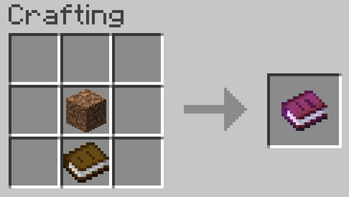
- Automatic in-game User Guide.
- Chat Mode and Book Mode for displaying results.
- Toggleable position outline particles.
- Crafting recipes for both the Position Selector and the User Guide.
Usage
1. Obtain the Position Selector
You can get the tool in two ways.
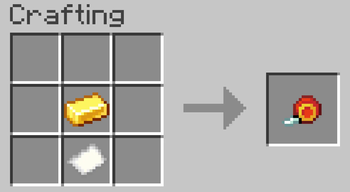
a) Craft it using the following recipe:
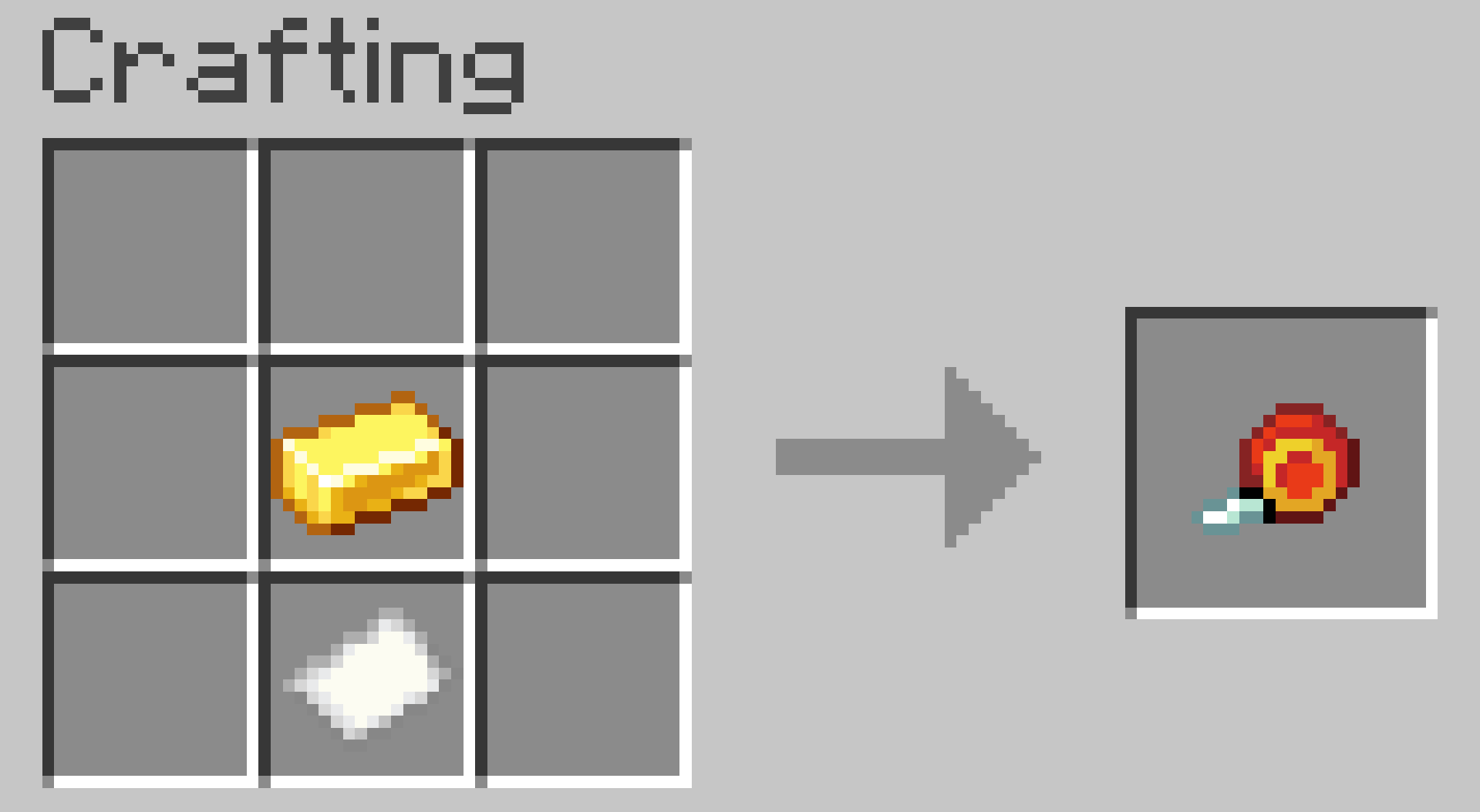
b) Obtain it instantly by running:
/trigger give
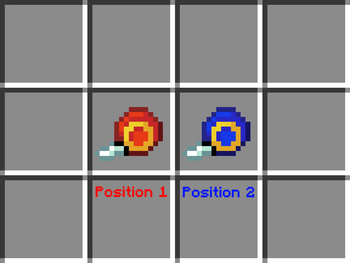
2. Select Position 1
Go to one corner of your build and right-click an empty block face.
The Position Selector will change its appearance, indicating that the next step is selecting Position 2.
3. Select Position 2
Go to the opposite corner of the build and right-click again.
4. Wait for the calculation
The datapack will analyze every block inside the selected area.
Large selections may take longer depending on the size of the build and your computer's performance.
5. View the results
By default, the material list appears in chat.
If you prefer, you can switch to Book Mode, which generates a book containing the complete material list.
Settings
The datapack includes two optional settings.
/trigger list
Switches between:
- Chat Mode (default)
- Book Mode
- Dialog Mode
/trigger position_outlines
Enables or disables the particles that mark Position 1 and Position 2.
Enabled by default.
User Guide
The first time you join a world with the datapack installed, you'll automatically receive an in-game User Guide explaining every feature.
If you lose it, you can craft another copy using its crafting recipe.
Compatibility
No additional mods or libraries are required.
Place the datapack in your world's datapacks folder.
To enable the custom textures for the Position Selector, place the same ZIP file in the
resourcepacksfolder as well.
Warning
Selecting extremely large areas may cause Minecraft to freeze or crash.
Your world should remain safe, as Minecraft Java Edition can restore backups if a crash occurs during datapack execution.
Credits
Creator: MrKazanek
Special thanks: Bluezers
Thank you to everyone who supported this project! ❤️
- Edition: Minecraft Java
- File type: .jar
- Minecraft version listed: 26.2
- How to install: Install the matching mod loader (Forge, Fabric or NeoForge) for your Minecraft version. → Download the .jar. → Put it in the .minecraft/mods folder and launch that loader profile.
- Where to get it: Opens on Modrinth — not every file is mirrored on our own servers.
Install steps are the general flow for this file type — see the MC Java Mods guides for the full walkthrough.
- Downloads as MaterialCounter.zip
- Download size: 381 KB
- Download link checked 7 Oct 2026 — working
These come from our own check of the pack file, not from the source page.