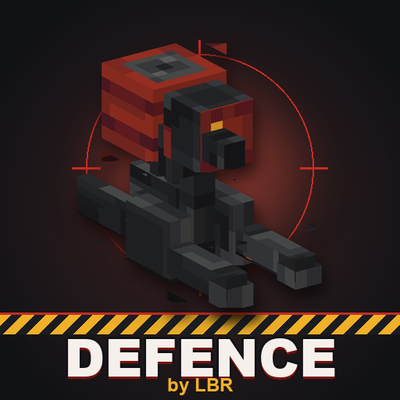
Defence
Bedrock add-on listed for Minecraft 1.21–26.x (behavior + resource pack). File opened and checked on 20 Sep 2026; installs from the MC Bedrock Mods app on Android.
Defense adds fully autonomous defense turrets to Minecraft Bedrock. Build powerful base defenses and protect yourself from hostile mobs and other players.
⬇ Download on CurseForge
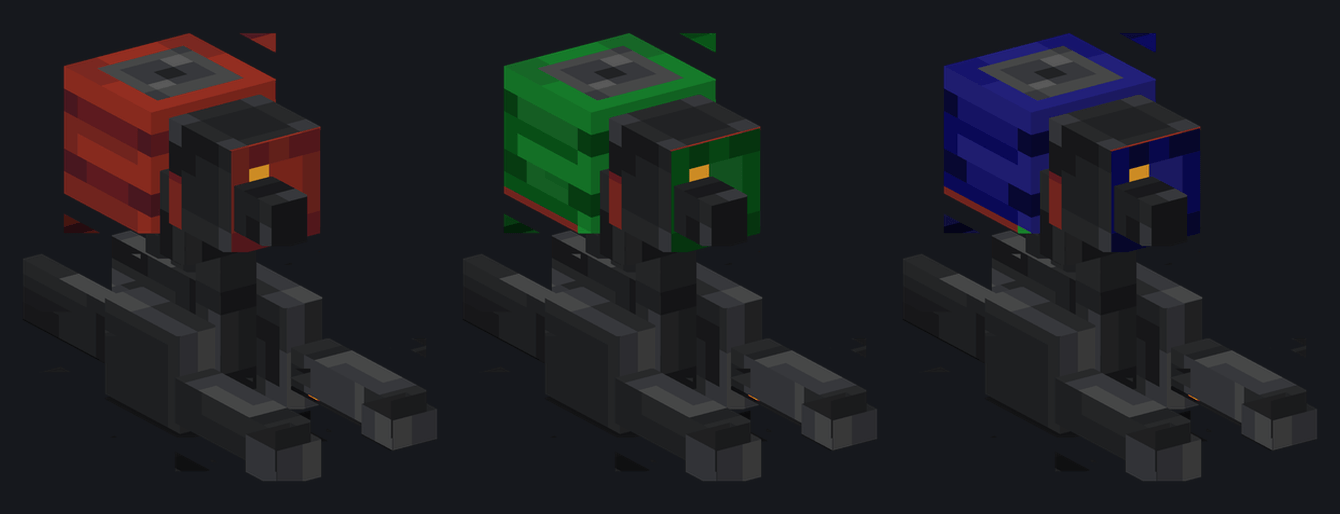
DEFENCE — Base & Territory Defense System
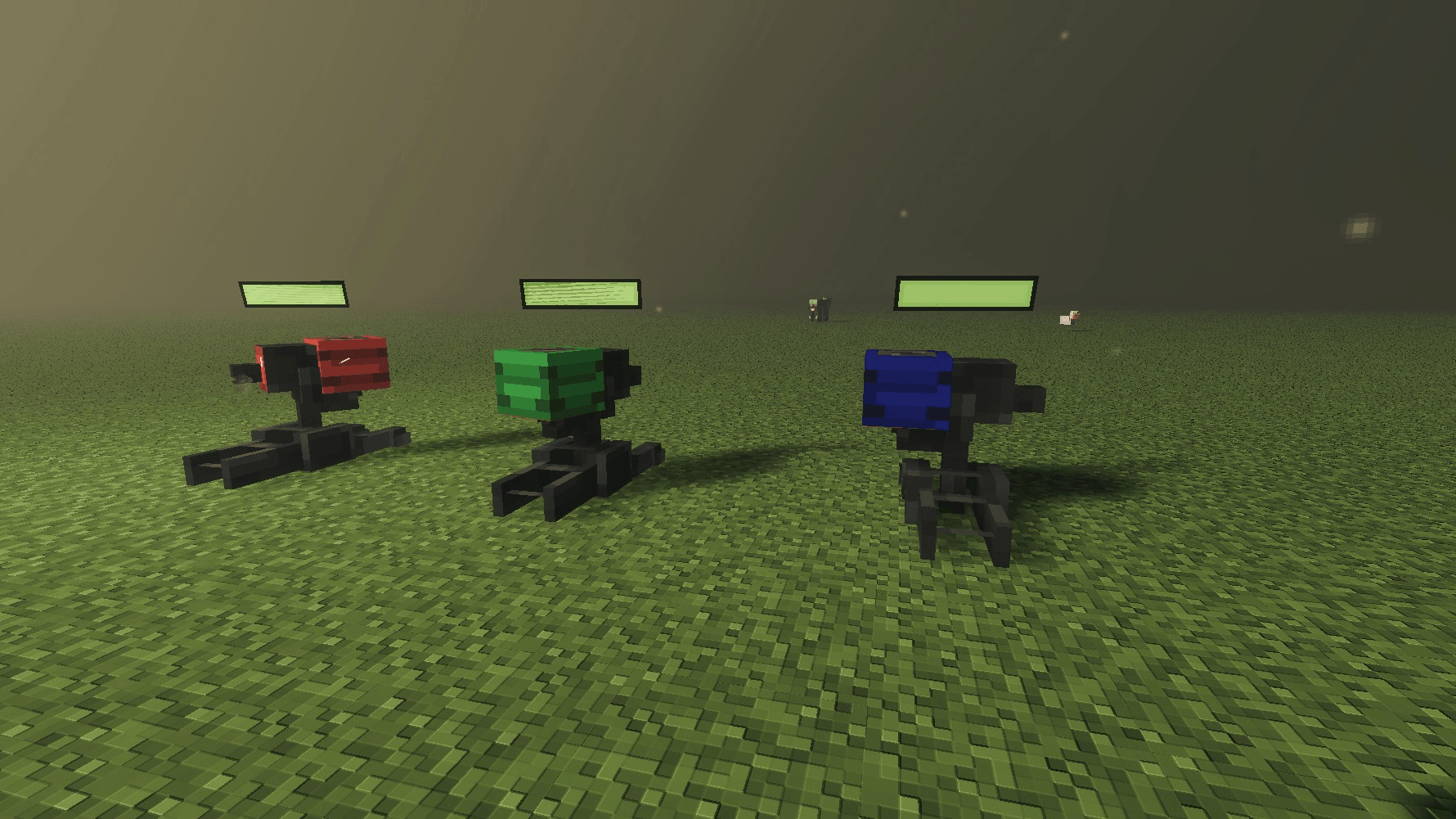
Defence adds a growing set of automated defense tools to Minecraft Bedrock, starting with a single autonomous sentry turret. Place it at your base entrance, a mine shaft, or around your farm, and it holds the perimeter without any player input. No ammo to refill, no menus, no maintenance.
This is version 1. Defence is under active development, with a major update already in progress that will expand it into a full territory defense system.
What it does (v1)
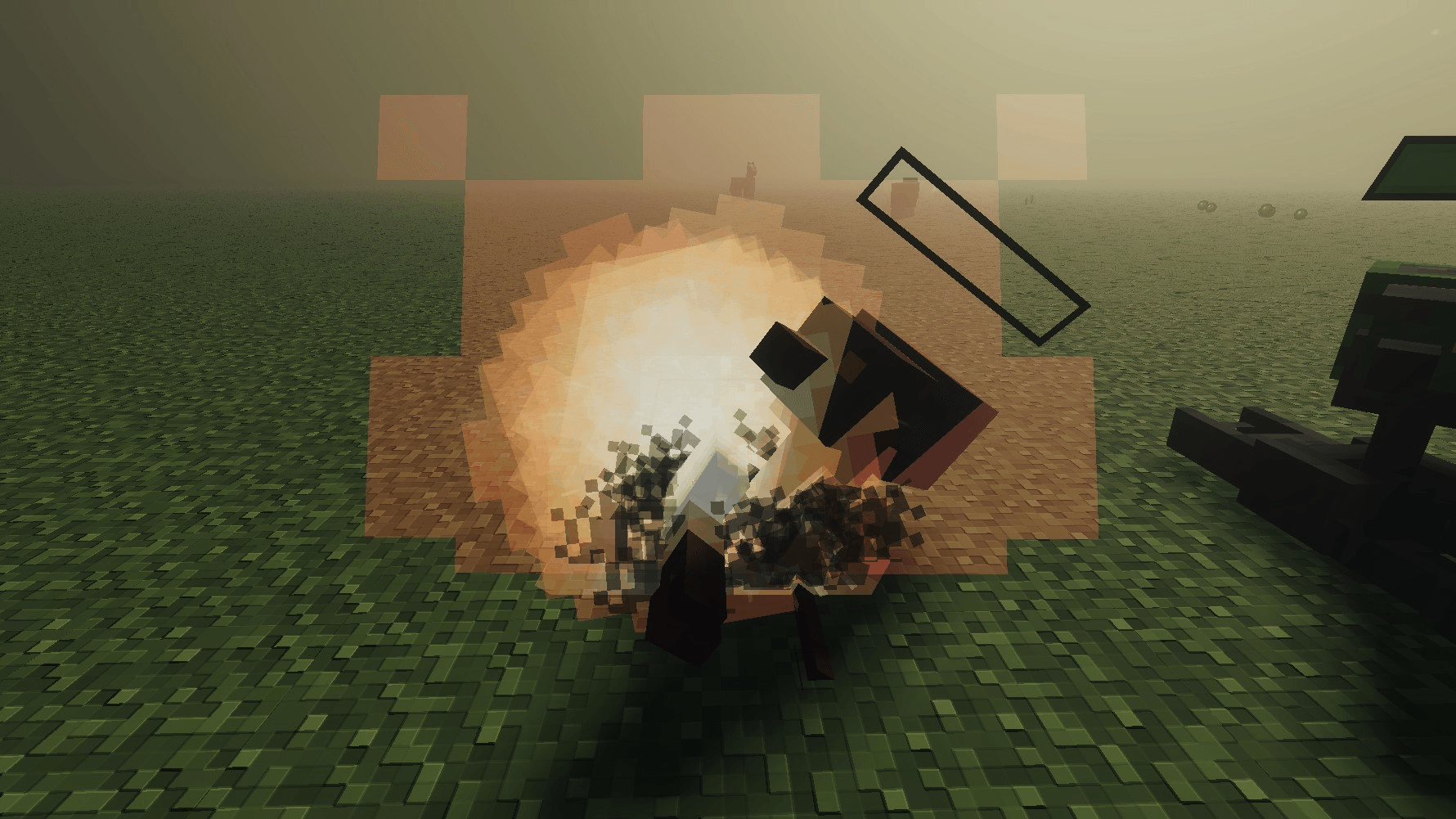
Autonomous targeting. The turret scans a 28-block radius and opens fire the moment a hostile mob enters its line of sight. It targets the monster family, so it handles vanilla hostile mobs without any setup.
Zero maintenance. No fuel, no ammo, no redstone wiring required. Place it and it works.
Simple placement. Works as a standalone defensive structure anywhere on your base, no special terrain or block requirements.
Coming in the next update
Defence is expanding into a complete defensive system. The next major update will introduce:
- Aerial strike system — call in airstrikes using 5 new missile types, each with different effects and use cases
- Anti-missile defense — a dedicated system that detects and intercepts incoming missile threats before they hit your base
- New turret variants — stronger, upgraded sentry turrets with improved range and damage output
The goal is to turn base defense into a real strategic layer of survival and multiplayer worlds, not just a single automated unit.
Feedback
Bug reports and suggestions are welcome and directly shape what gets prioritized in future updates.
- Edition: Minecraft Bedrock
- File type: .mcpack or .mcaddon
- Minecraft version listed: 26.30
- How to install: Download the .mcpack or .mcaddon file. → Open it — Minecraft imports it. → In your world: Behavior Packs → Available → Activate, then the same under Resource Packs.
- Where to get it: Opens on CurseForge — not every file is mirrored on our own servers.
Install steps are the general flow for this file type — How to install Minecraft Bedrock addons & mods walks through it step by step.
- Pack type: .mcaddon — behaviour and resource pack in one file
- Manifest requires Minecraft 1.21.0 or newer
- Complete pack — everything it depends on is inside the file
- Download size: 178 KB
- Download link checked 7 Oct 2026 — working
These come from our own check of the pack file, not from the source page.