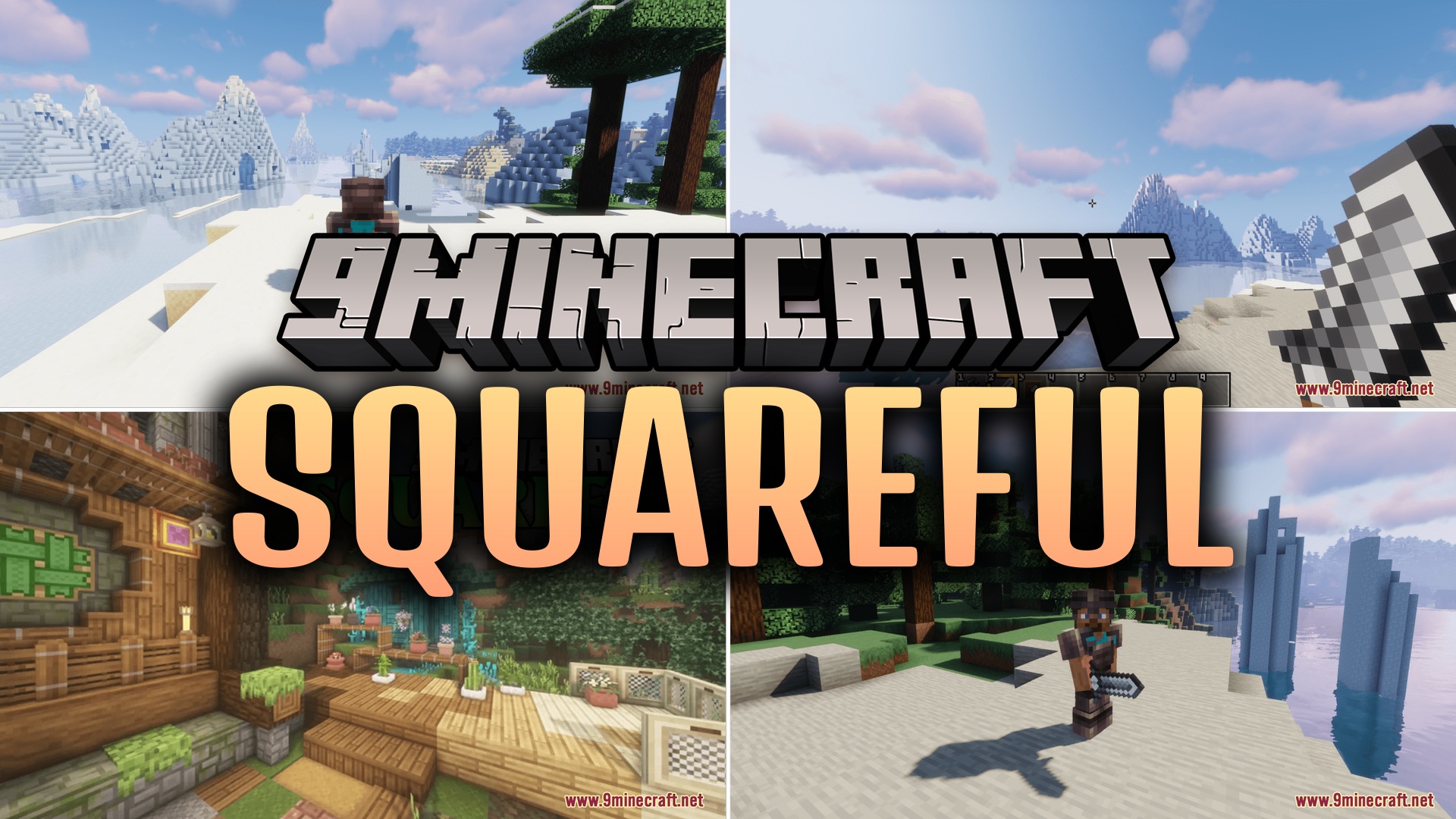
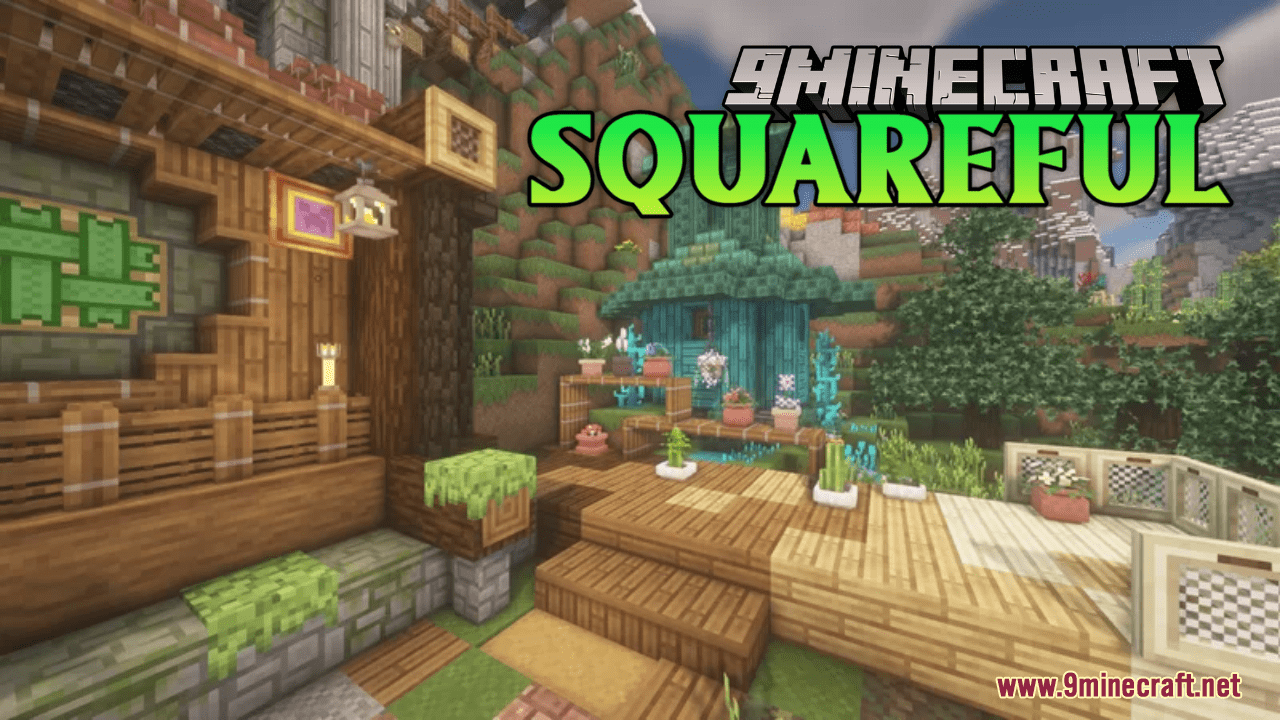
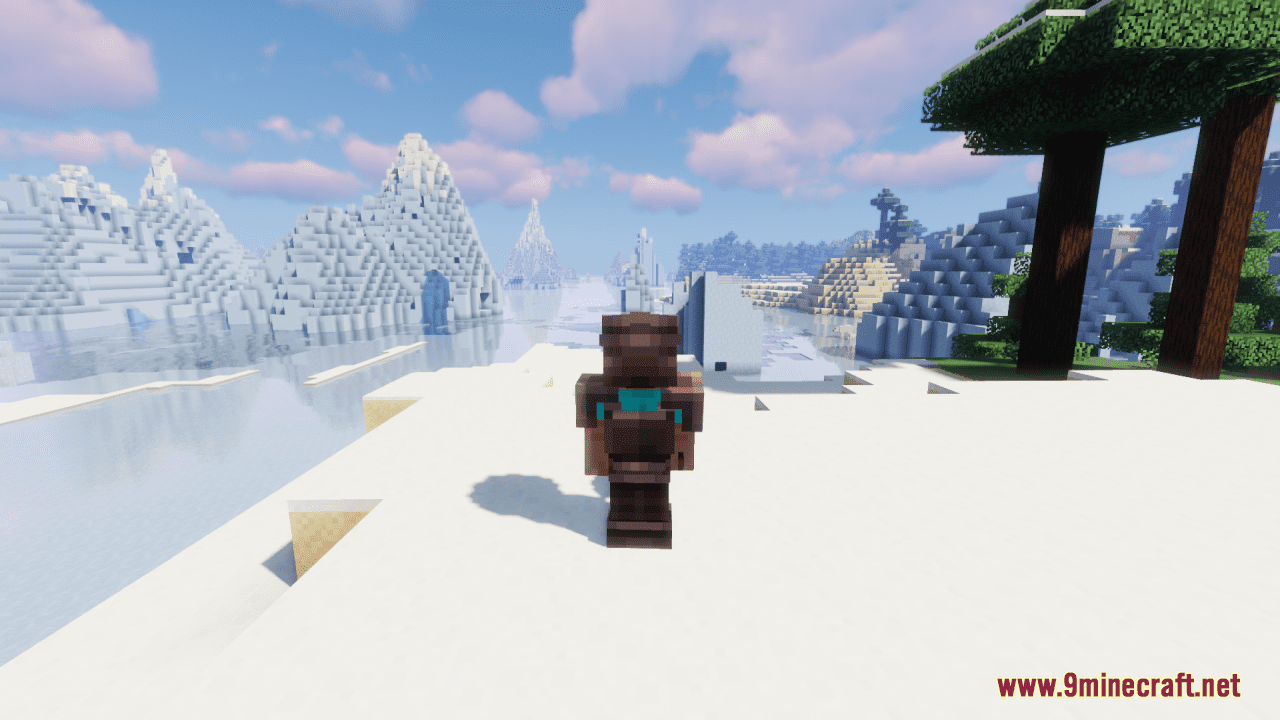
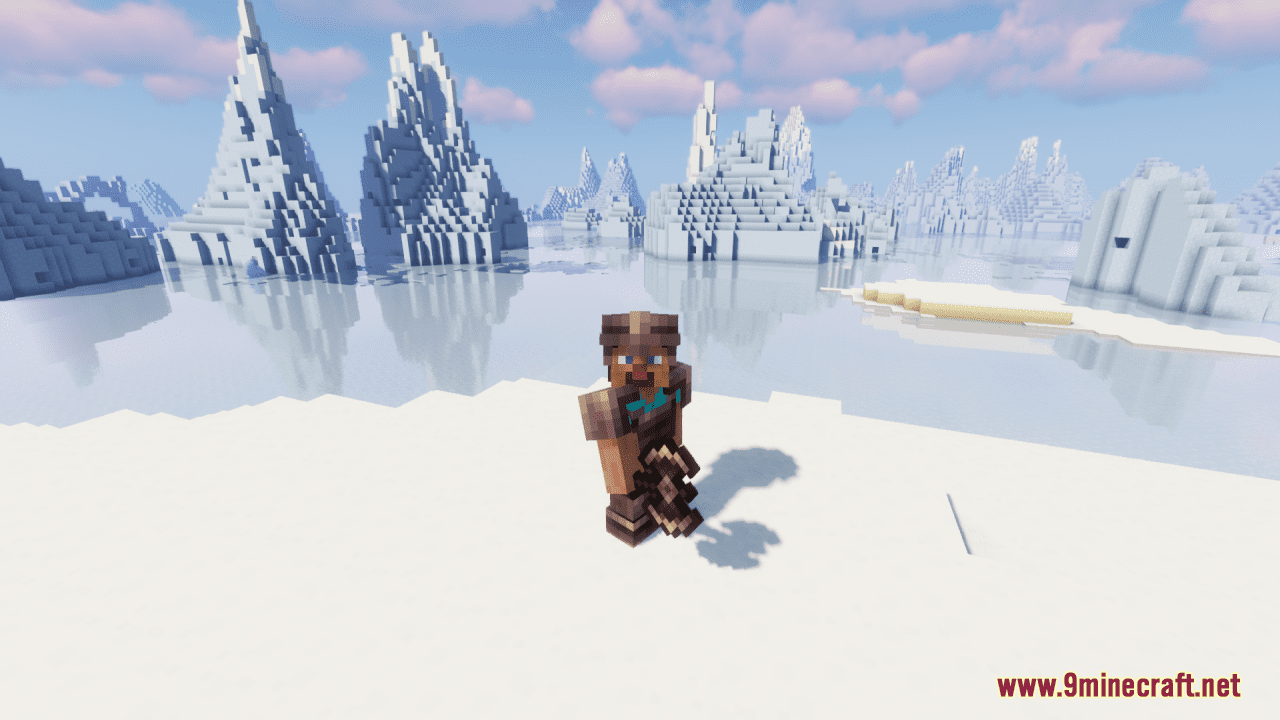
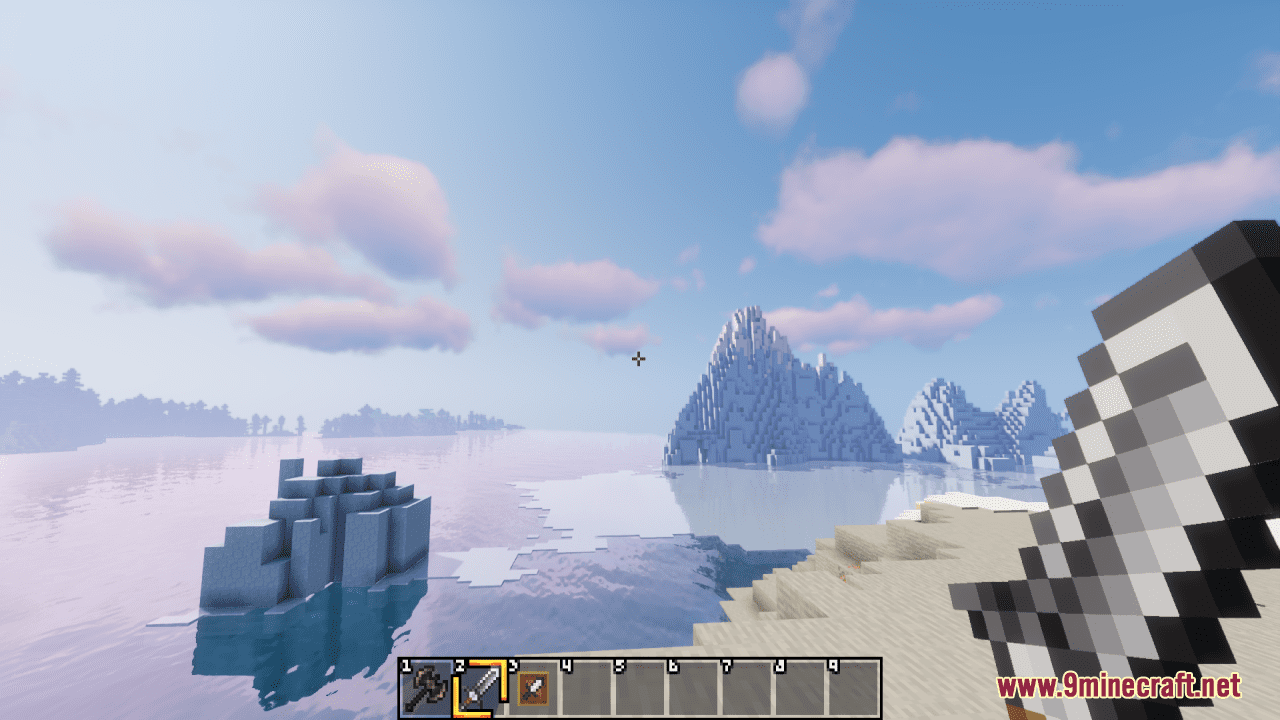
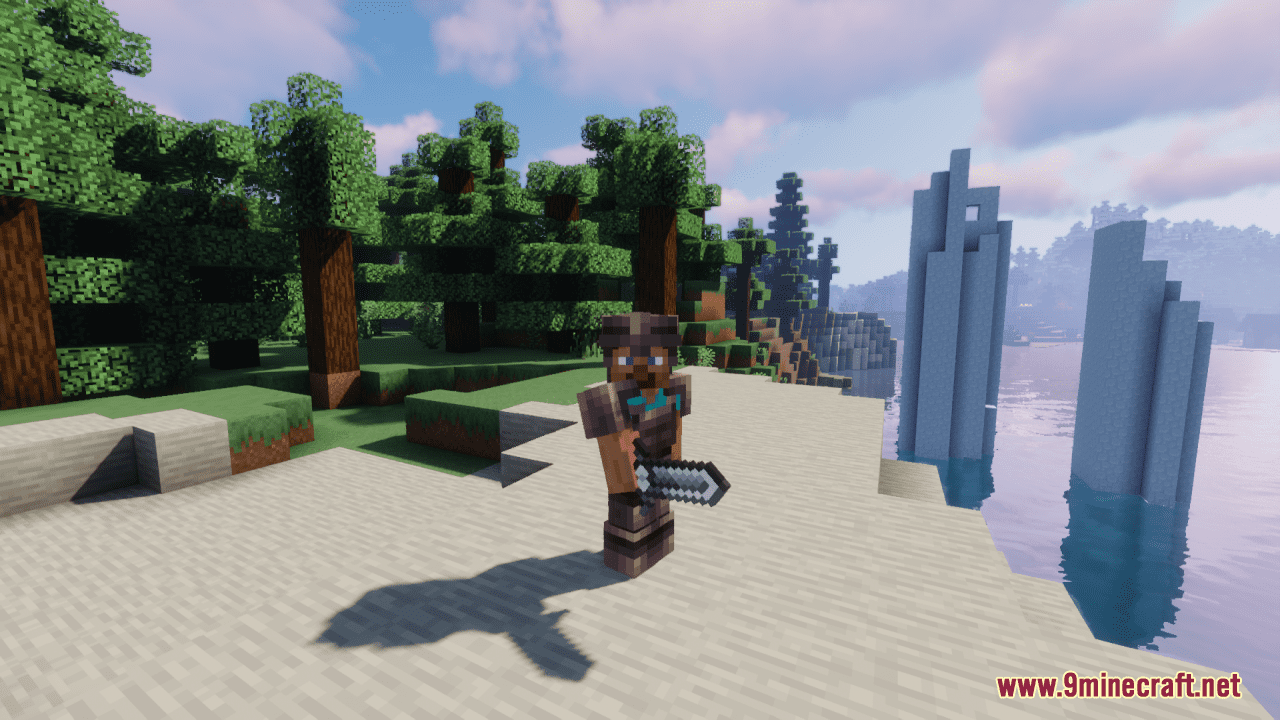
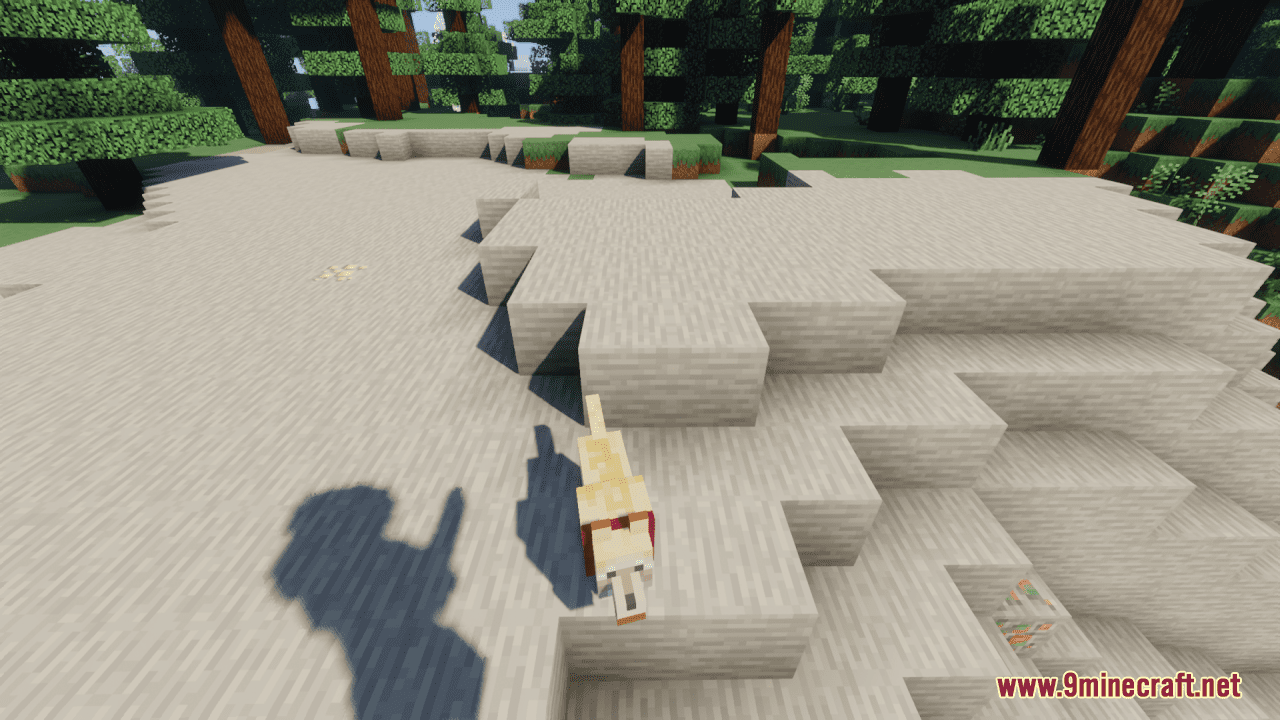
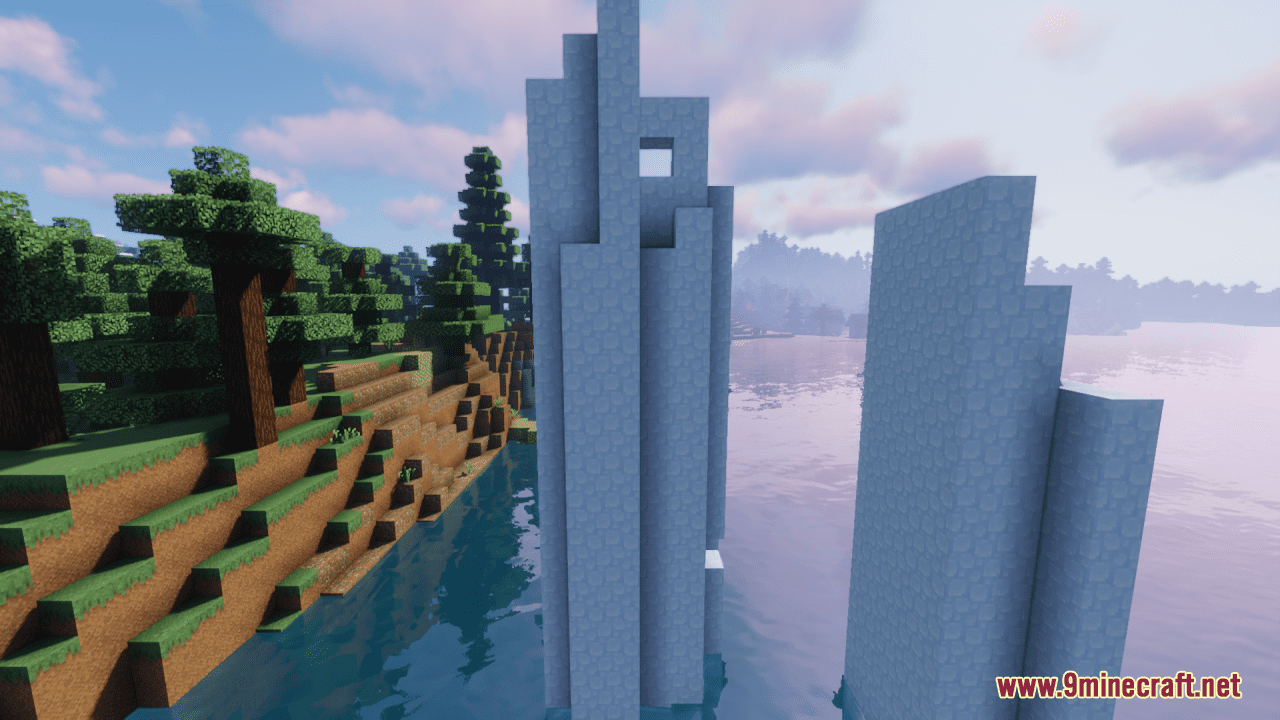
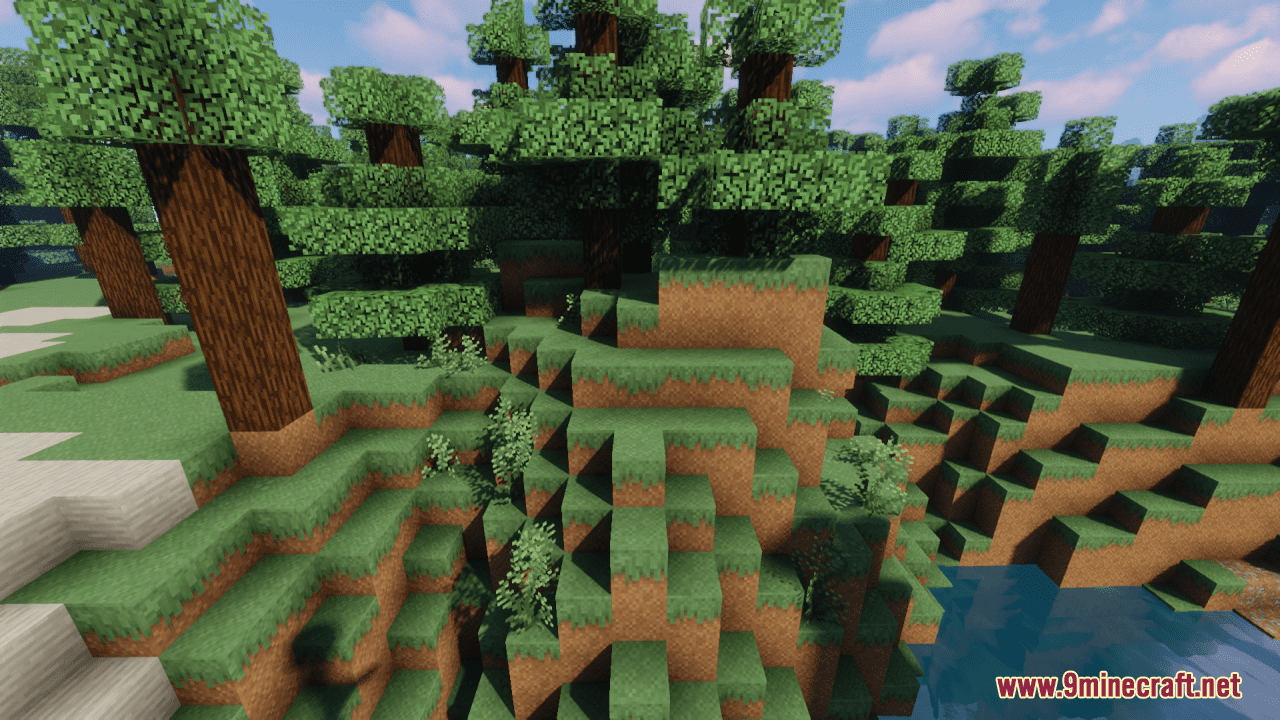
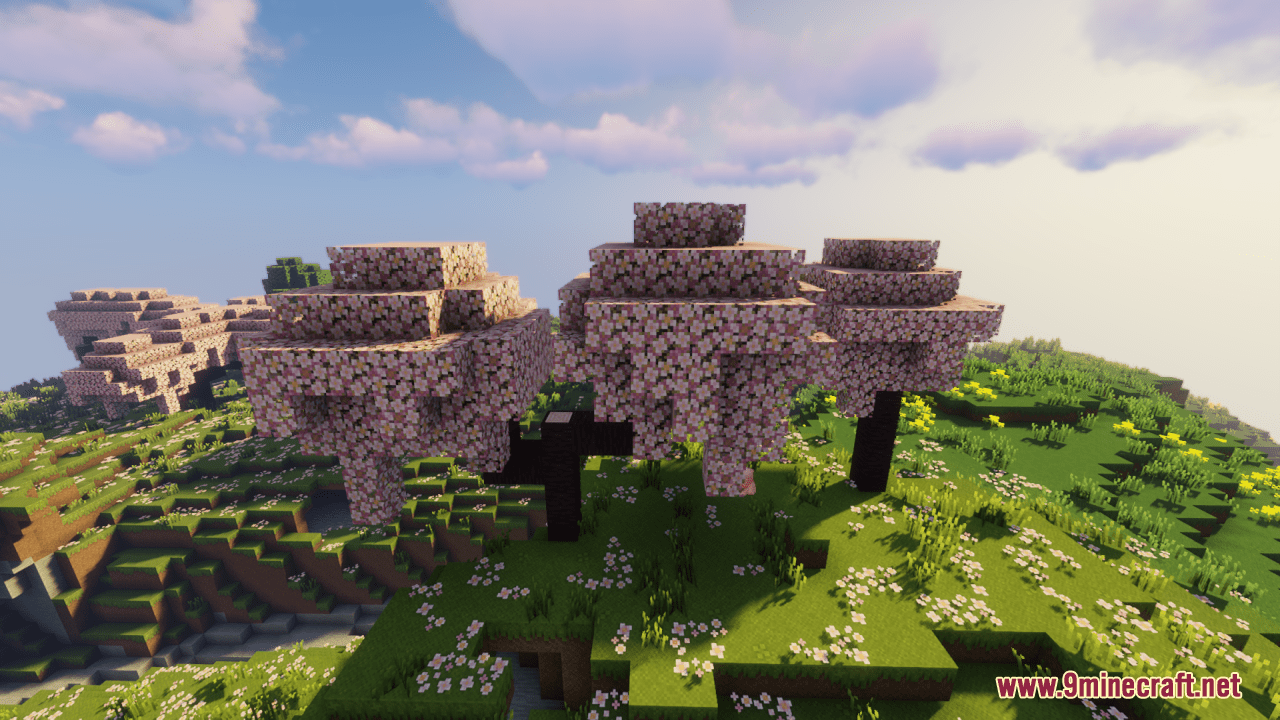
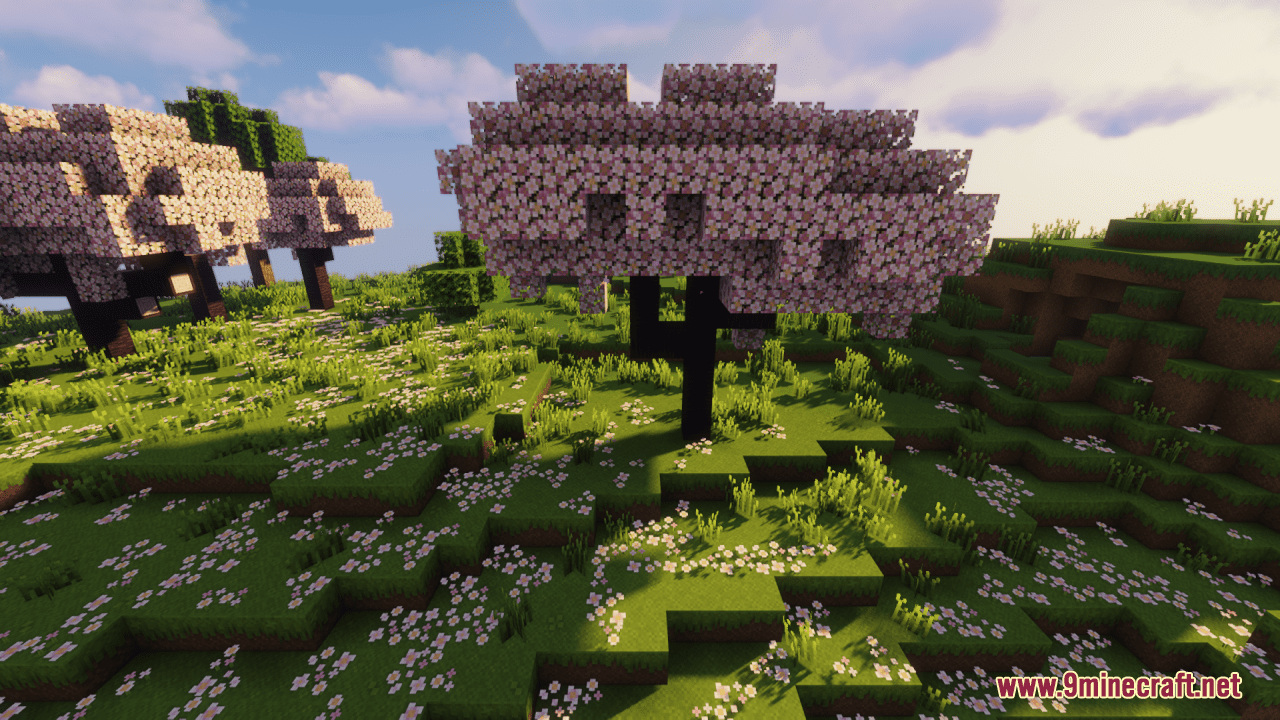
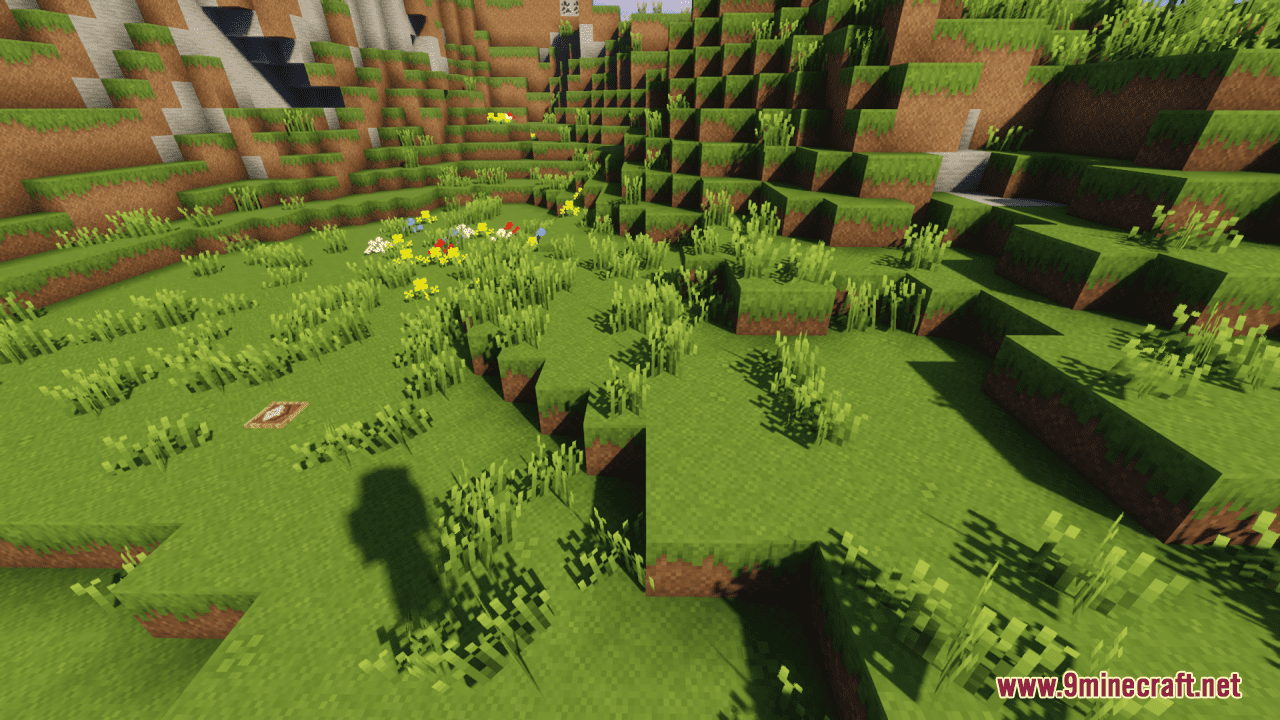
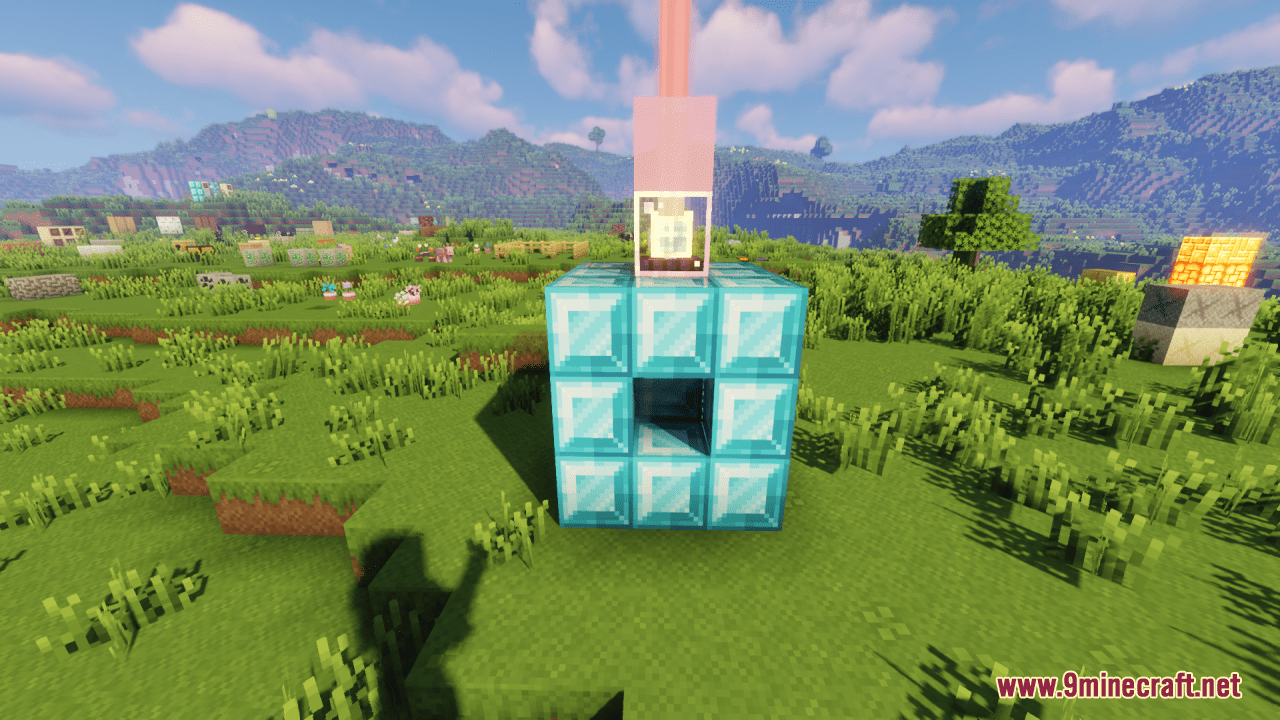
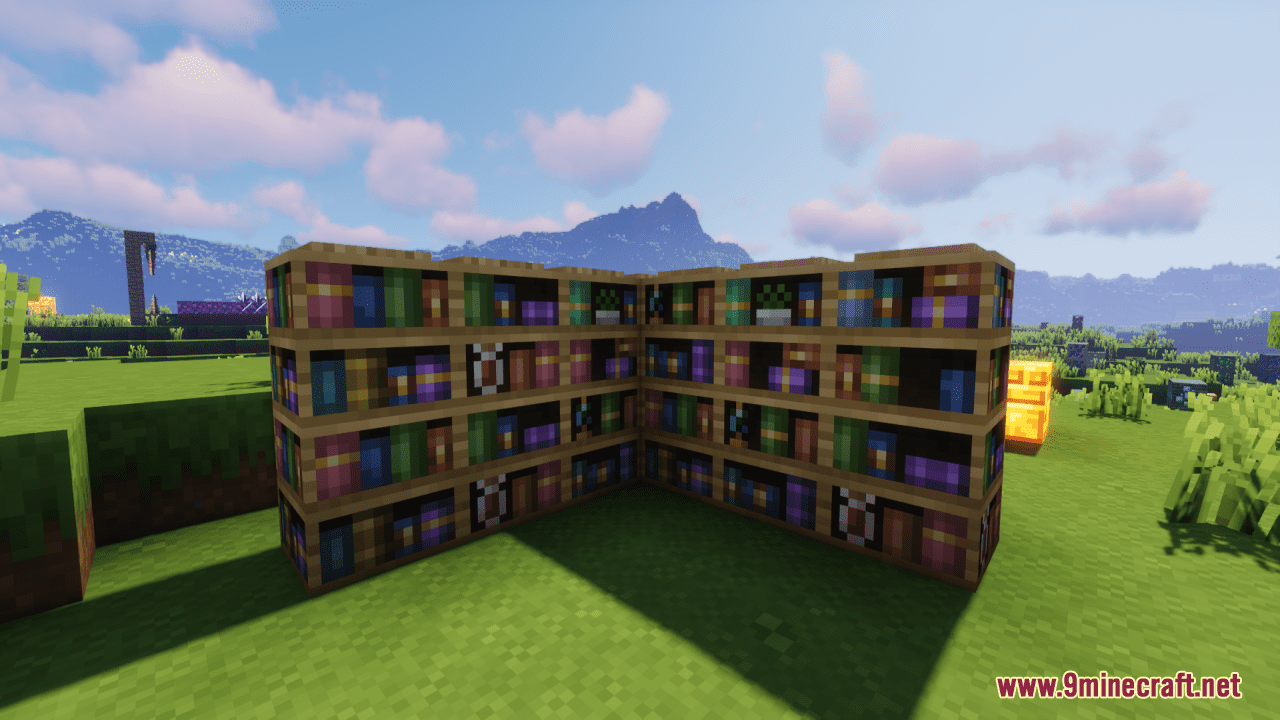
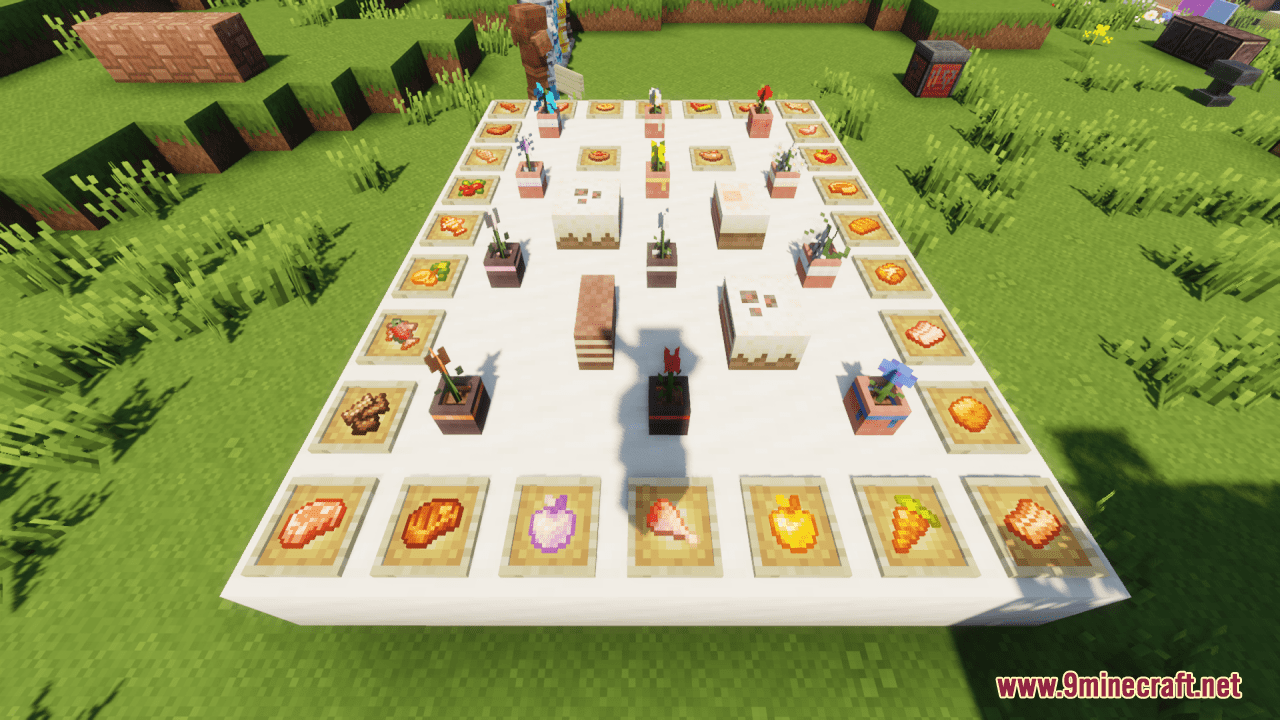
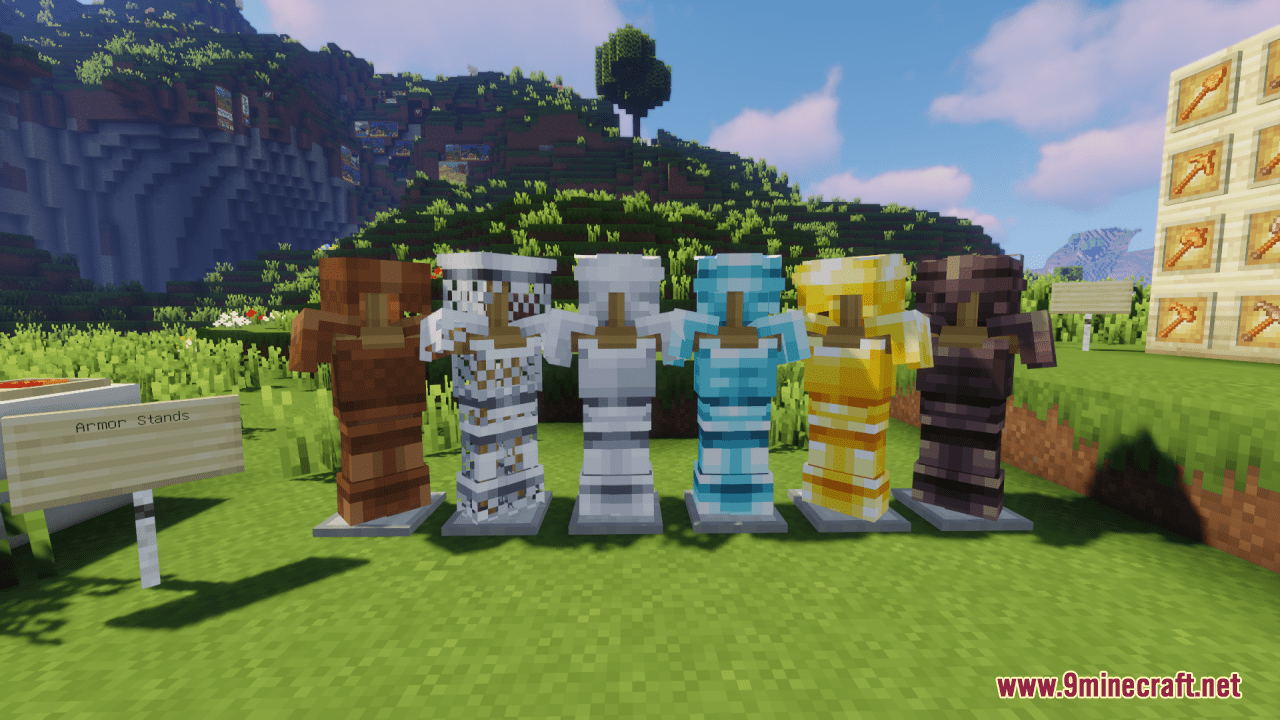
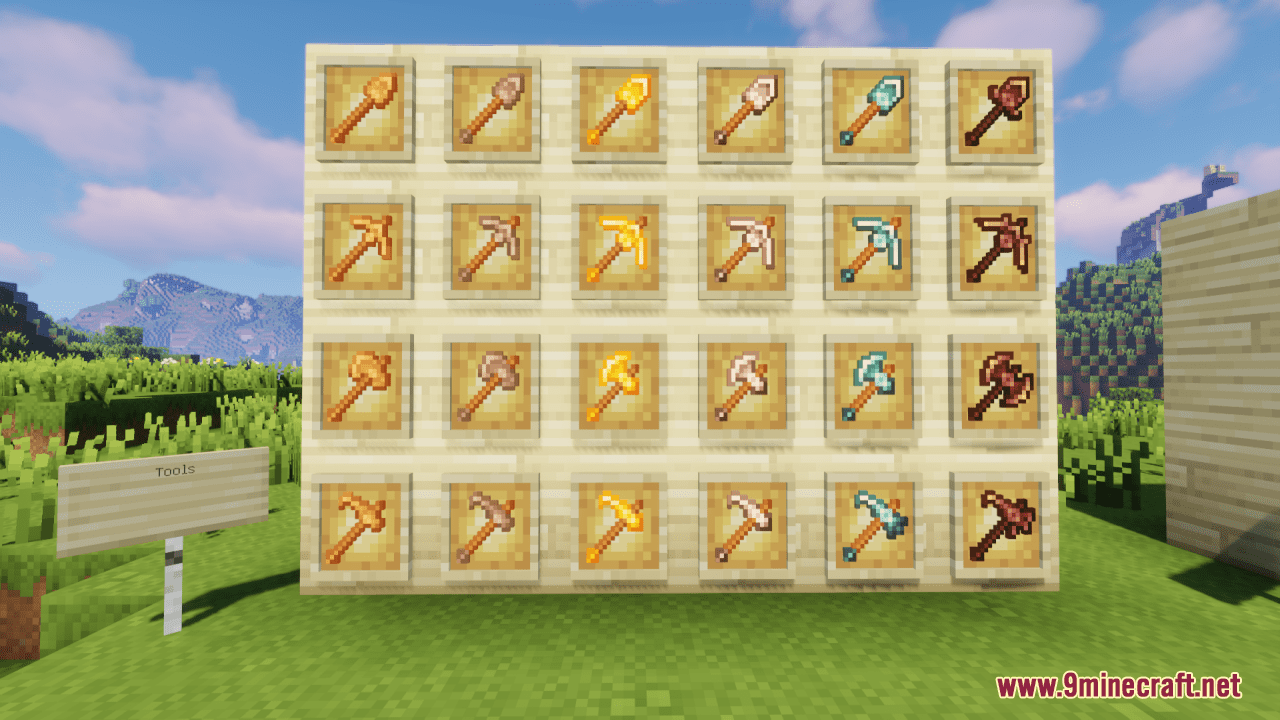
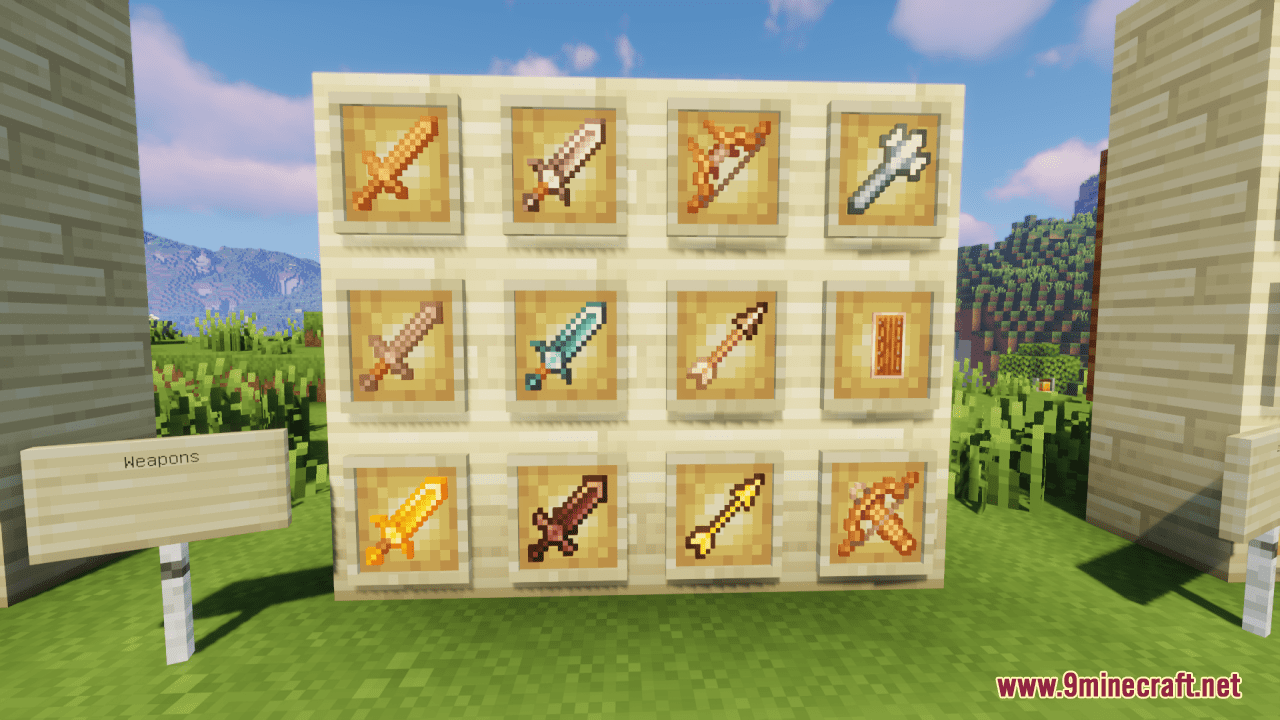
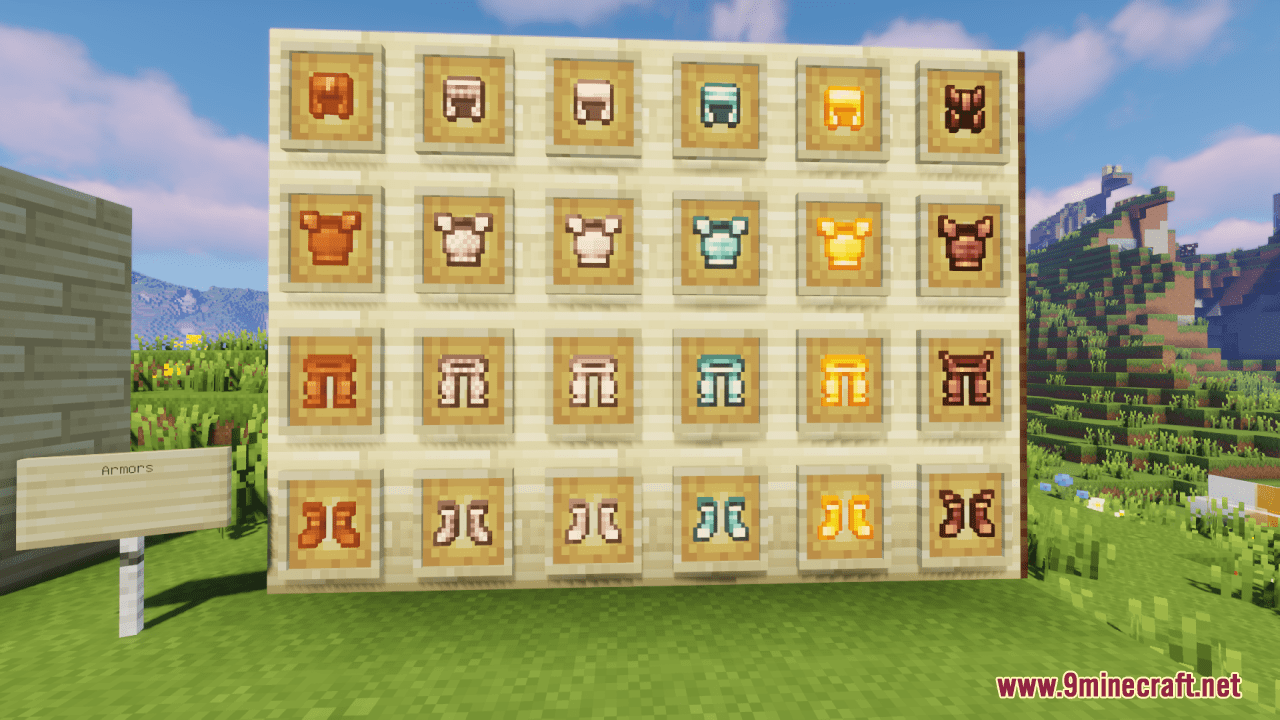
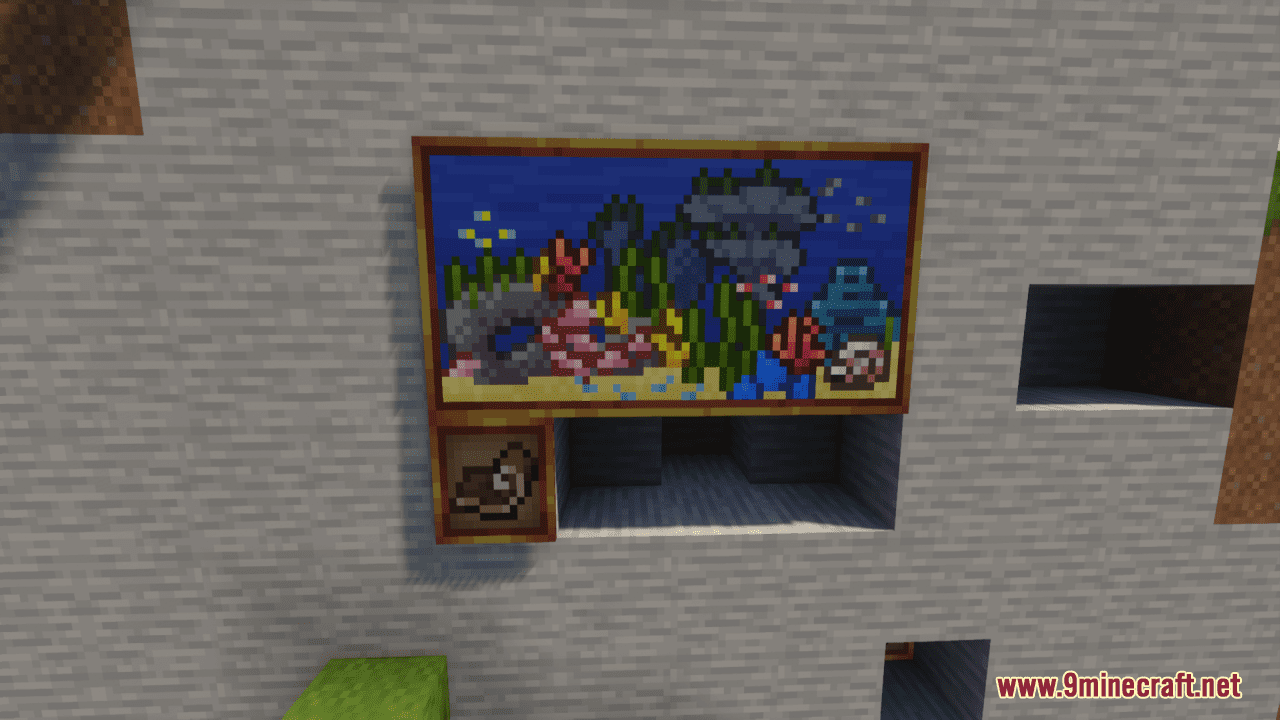
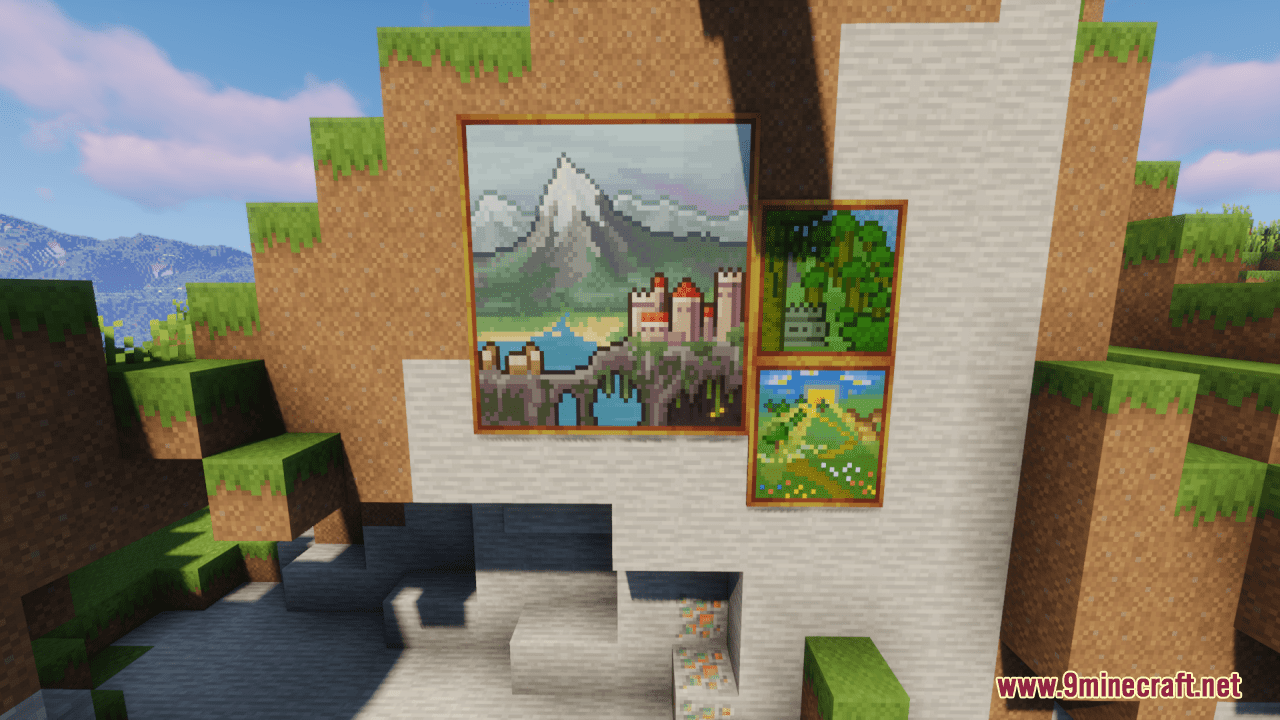
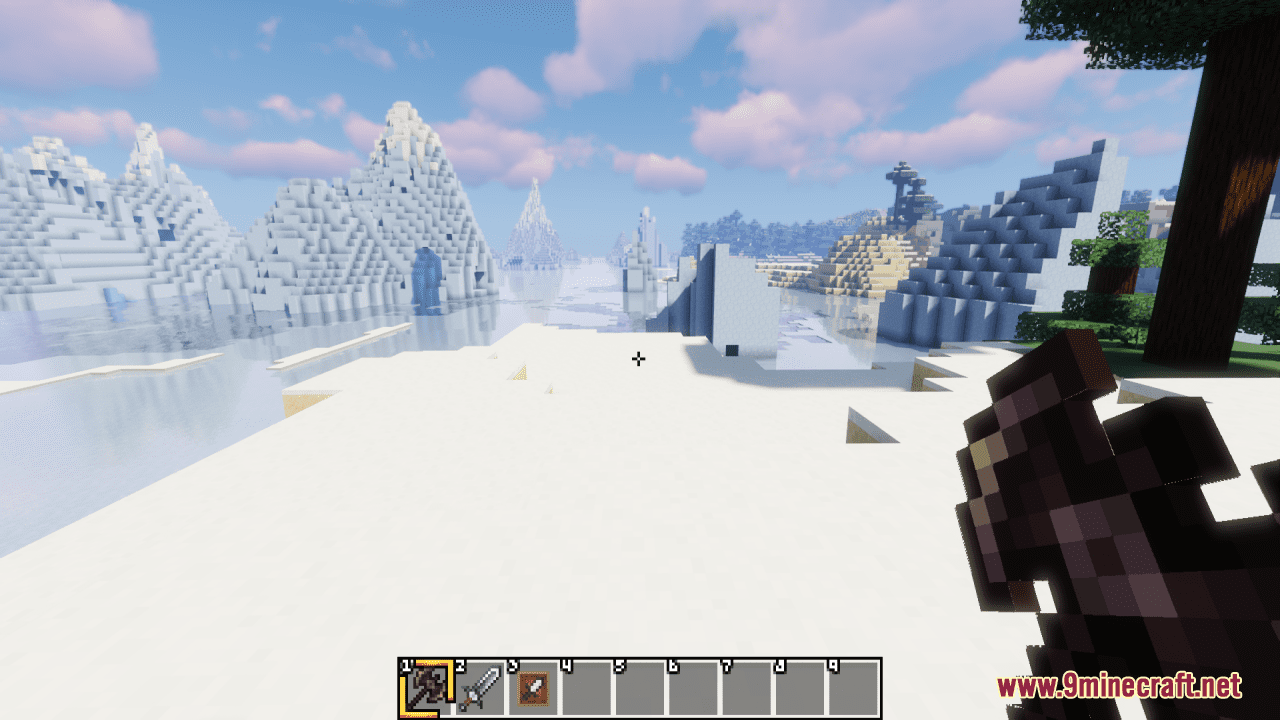
Squareful Resource Pack replaces the default textures with square-shaped ones, removing the ambiguity caused by the large number of arc pixels in the vanilla version. This gives the game a more geometric and structured look, with cleaner lines and sharper edges on blocks, items, and other elements. By adopting square-shaped textures throughout the game, the resource pack creates a more consistent and cohesive visual style. This helps to streamline the appearance of Minecraft and makes it easier for players to identify different blocks and items at a glance. In general, this slight and simple pack brings a modern and geometric aesthetic to Minecraft with its square-shaped textures and GUI elements. By removing ambiguity and adopting a consistent design approach, the pack enhances clarity, readability, and immersion in the game, providing players with a visually engaging and satisfying experience.
Screenshots:
Squareful Resource Pack Download Links
- Edition: Minecraft Java
- File type: .zip (resource pack)
- Minecraft version listed: 1.20.1
- How to install: Download the .zip resource pack — do not unzip it. → Put it in .minecraft/resourcepacks. → Enable it in Options → Resource Packs.
- Where to get it: In MC Java Mods, or directly above on this page.
Install steps are the general flow for this file type — How to install Minecraft Java resource packs walks through it step by step.
Squareful Resource Pack (26.2, 1.20.1) – Texture Pack is a free Minecraft Java resourcepack. Compatible with Minecraft 1.20.1. Download it and open it directly in the game.