
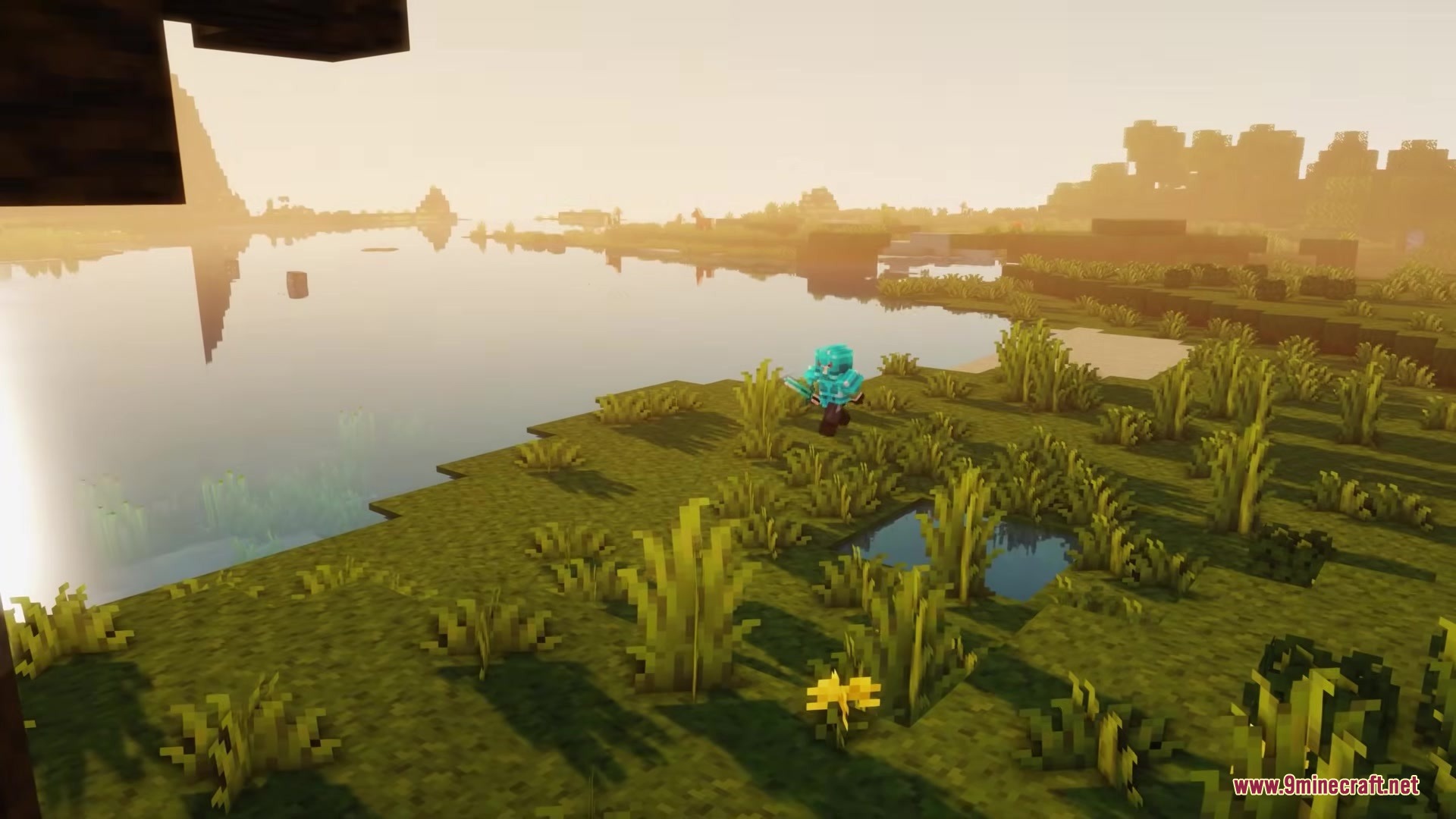
Scroll Walk Mod gives you complete control over your movement speed using just your mouse wheel. It lets you slow down your walking pace for careful building or roleplay moments without needing to sneak.
Features:
- Adds a simple way to change your walking speed by holding a key and scrolling your mouse wheel.
- Includes a speedometer HUD that shows your current speed directly on the screen.
- Lets you set custom speed limits in the settings menu, from very slow to normal speed.
- Gives you control over how smooth the speed changes feel with an acceleration setting.
- Allows you to adjust the scroll step to make speed changes faster or smaller with each click of the wheel.
Scroll Walk Mod – Video Showcase
How to Use:
- Hold down the Alt key on your keyboard.
- Scroll your mouse wheel down to walk slower.
- Scroll your mouse wheel up to return to your normal walking speed.
- Turn off the FOV Effects slider in Minecraft's Accessibility Settings to stop the screen from zooming when you change speed.
Screenshots:
Scroll Walk Mod Download Links
Quick facts
- Edition: Minecraft Java
- File type: .jar
- Minecraft version listed: 1.21.11
- How to install: Install the matching mod loader (Forge, Fabric or NeoForge) for your Minecraft version. → Download the .jar. → Put it in the .minecraft/mods folder and launch that loader profile.
- Where to get it: In MC Java Mods, or directly above on this page.
Install steps are the general flow for this file type — How to install Minecraft Java mods & modpacks walks through it step by step.
Scroll Walk Mod (26.1.2, 1.21.11) – Walk at Your Own Pace for Cinematic is a free Minecraft Java mod. Compatible with Minecraft 1.21.11. Download it and open it directly in the game.