ResourcepacksJava
Crosshair CUBE Resource Pack (1.20.1) – Clean Square Crosshairs for Blocky
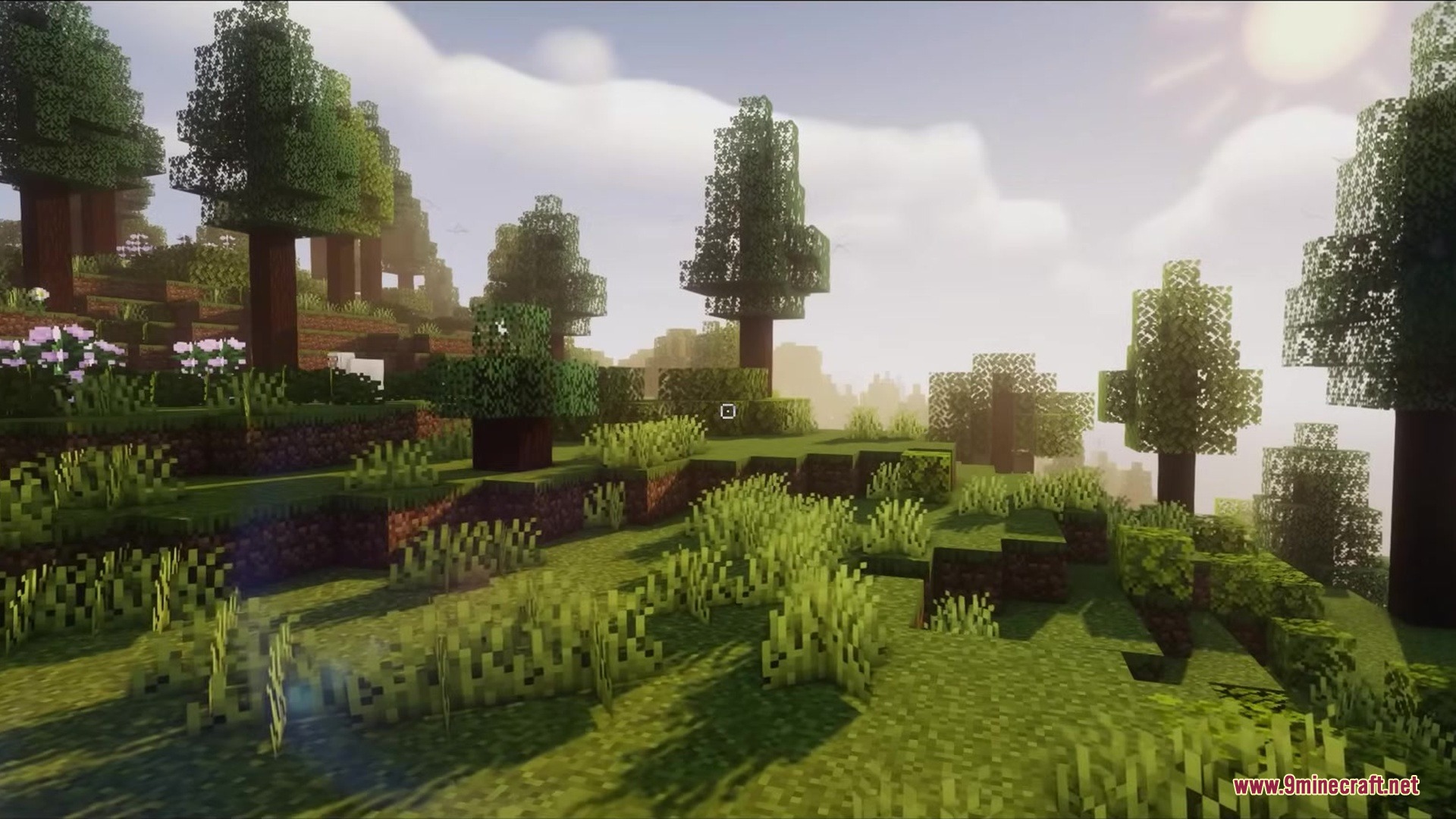
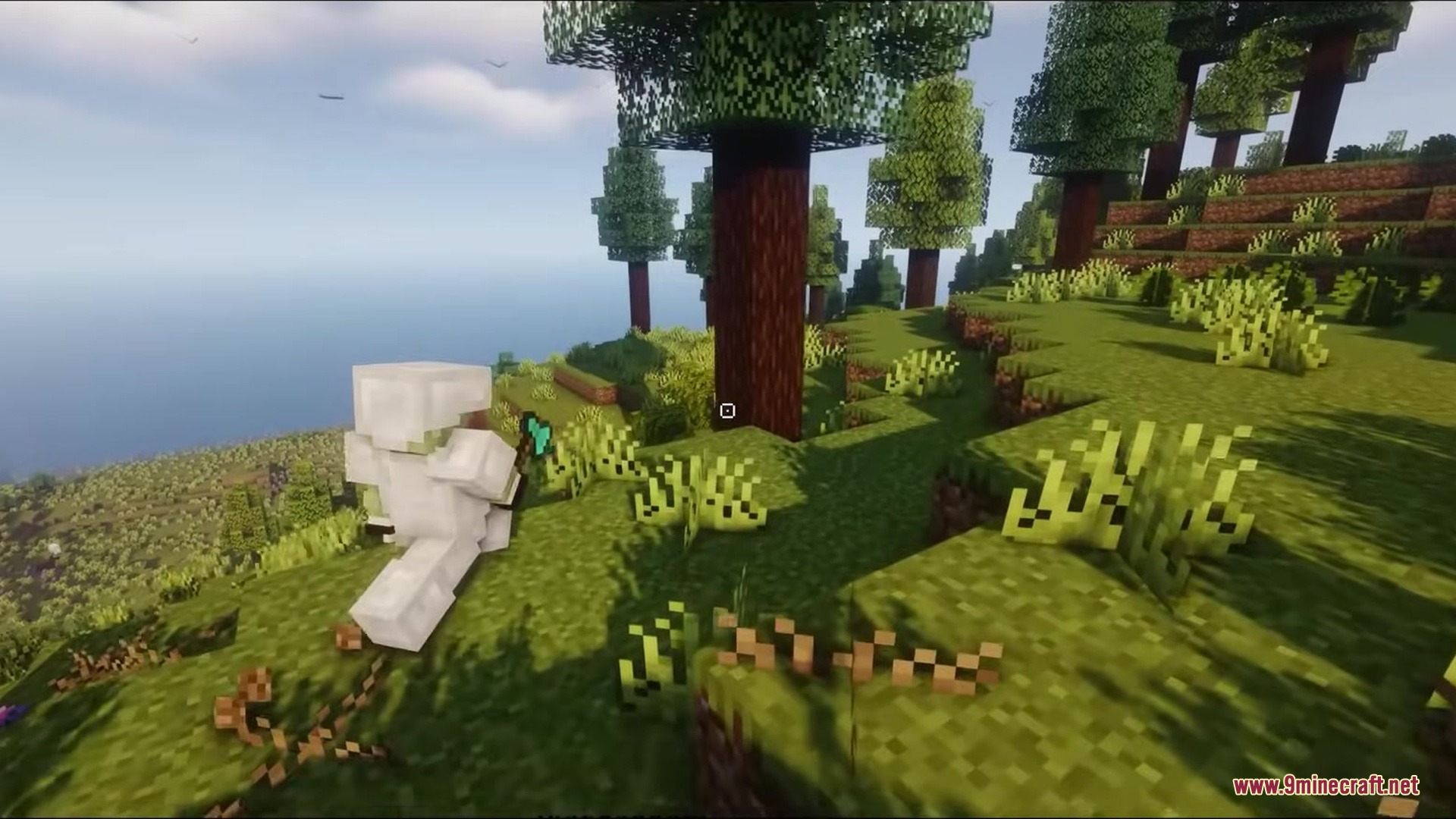
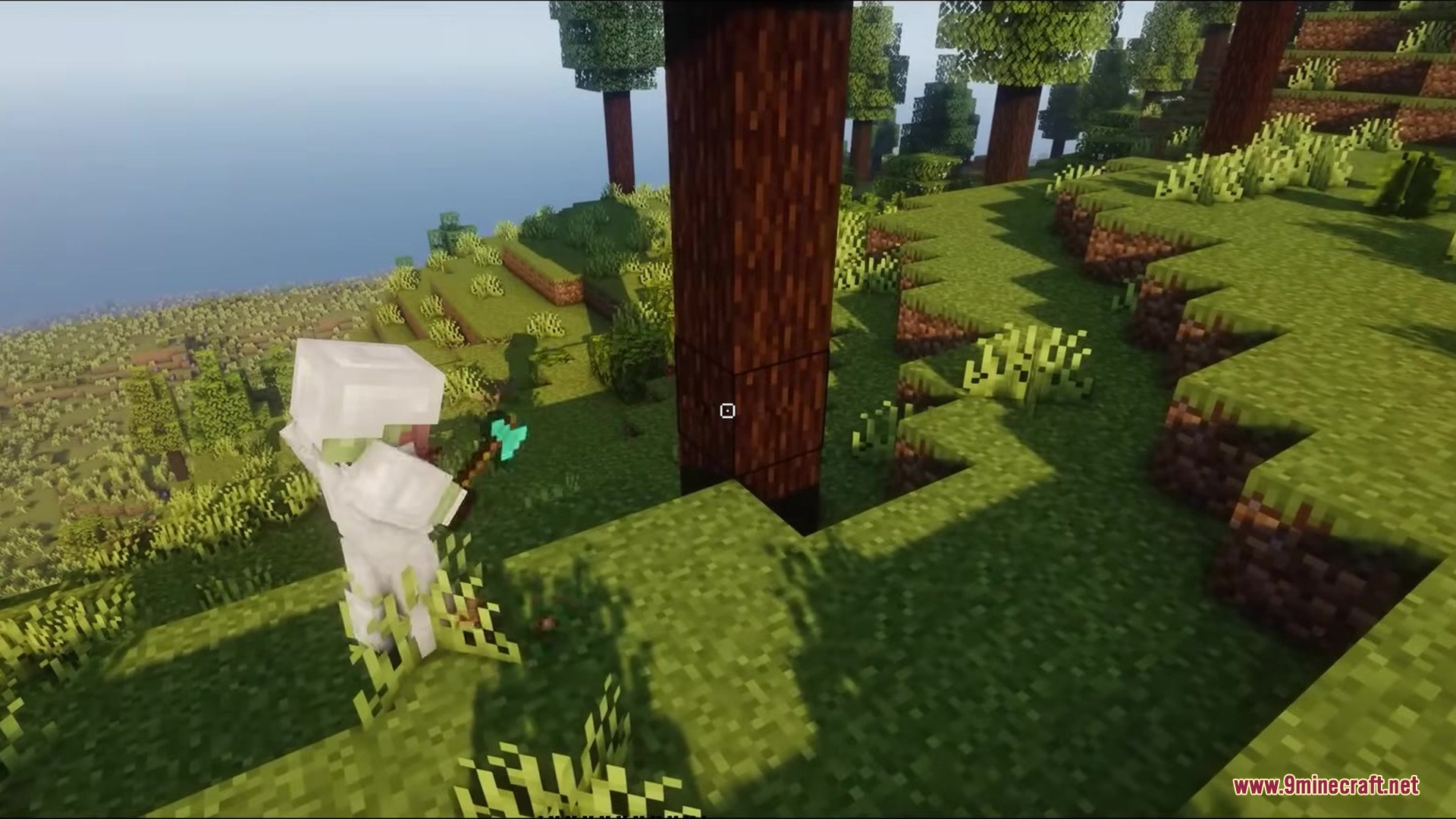
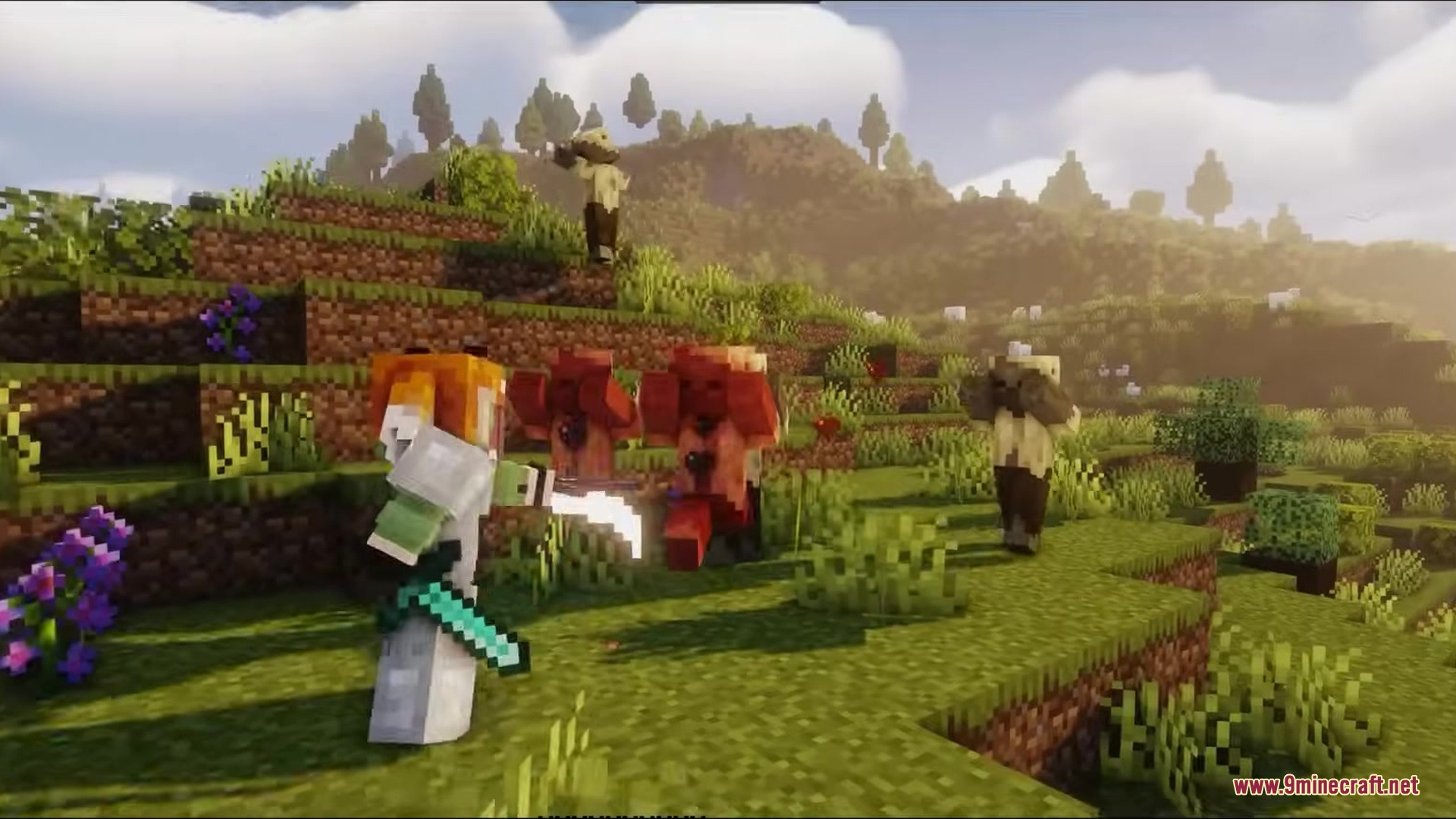
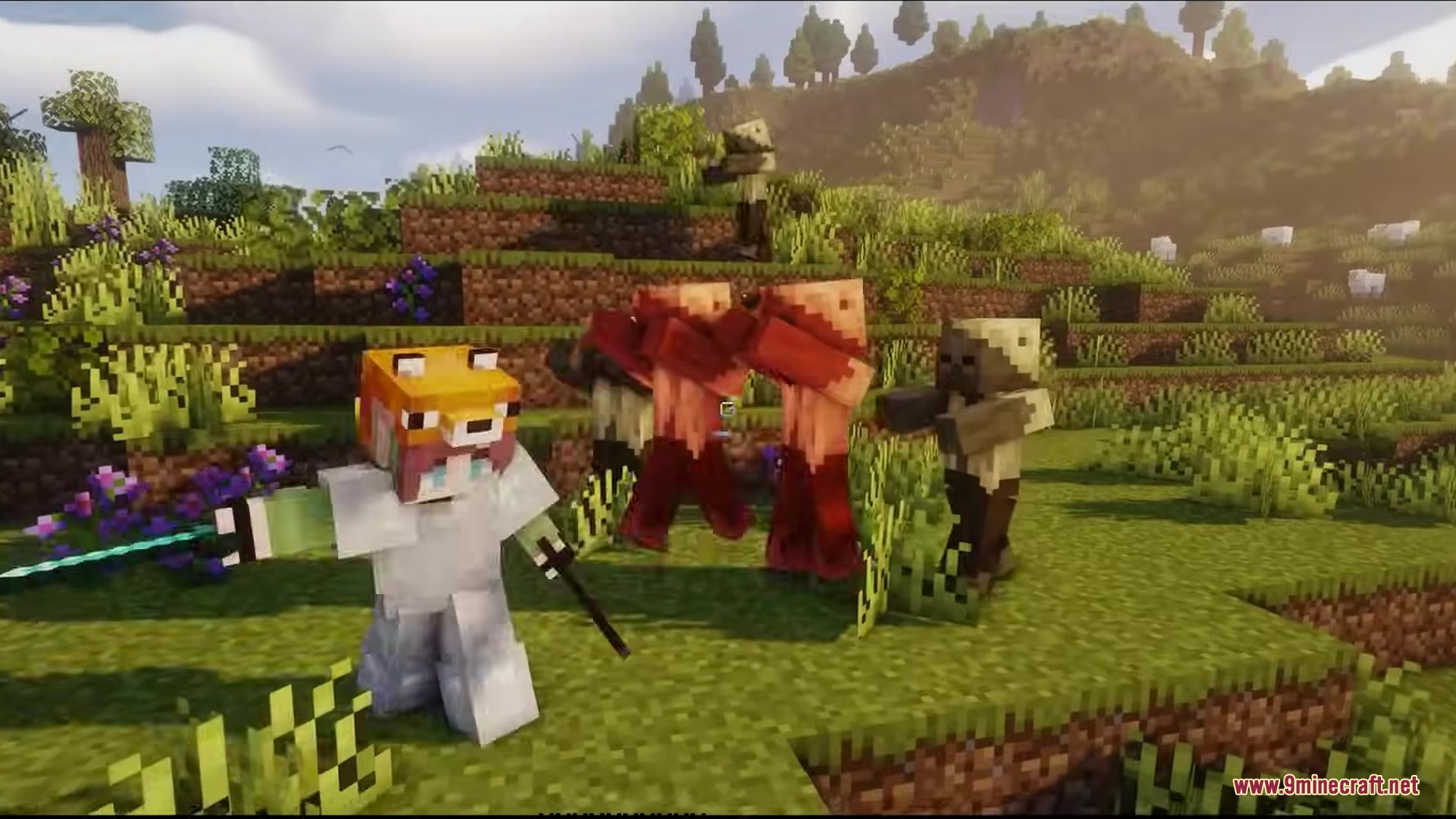
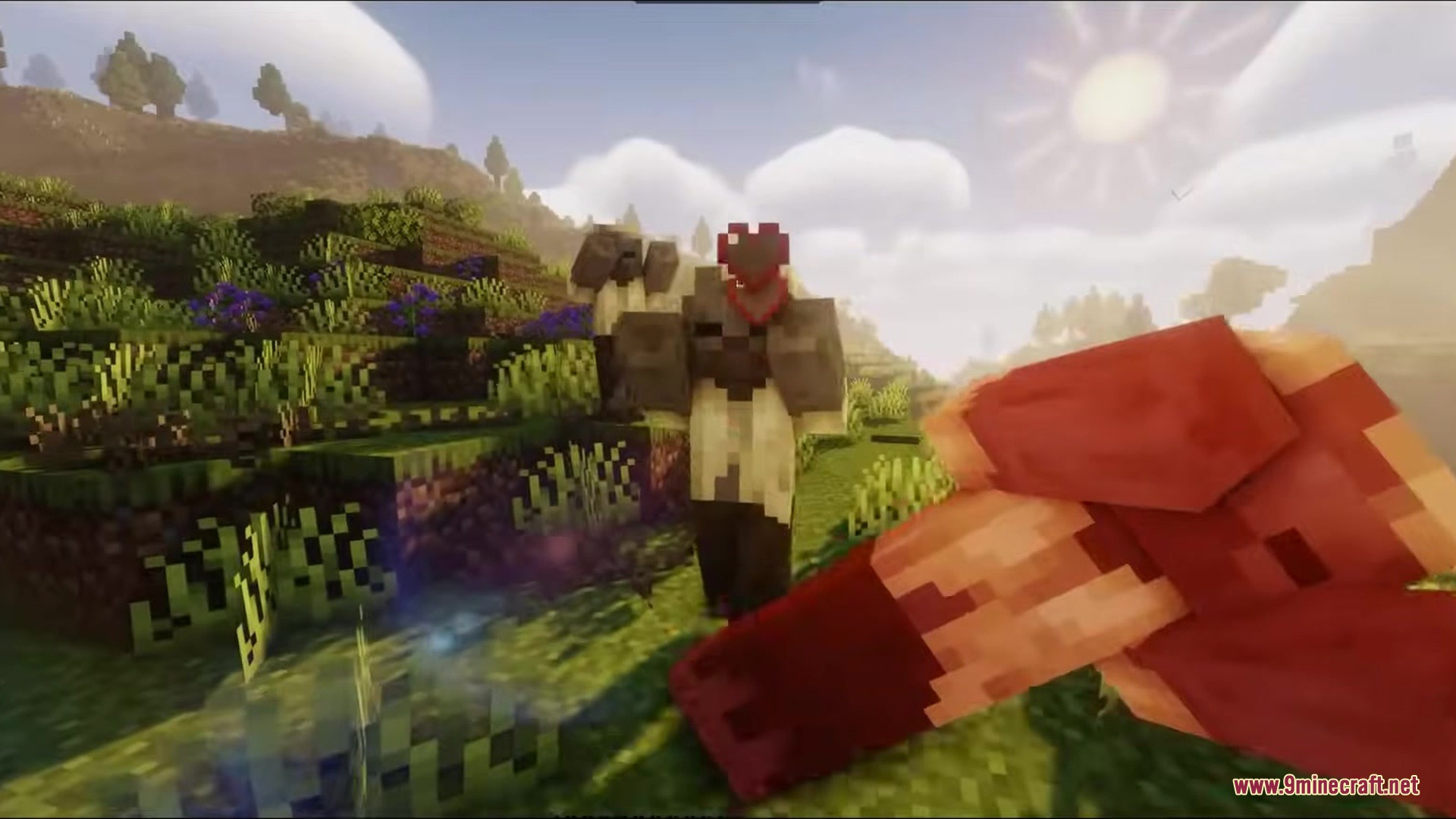
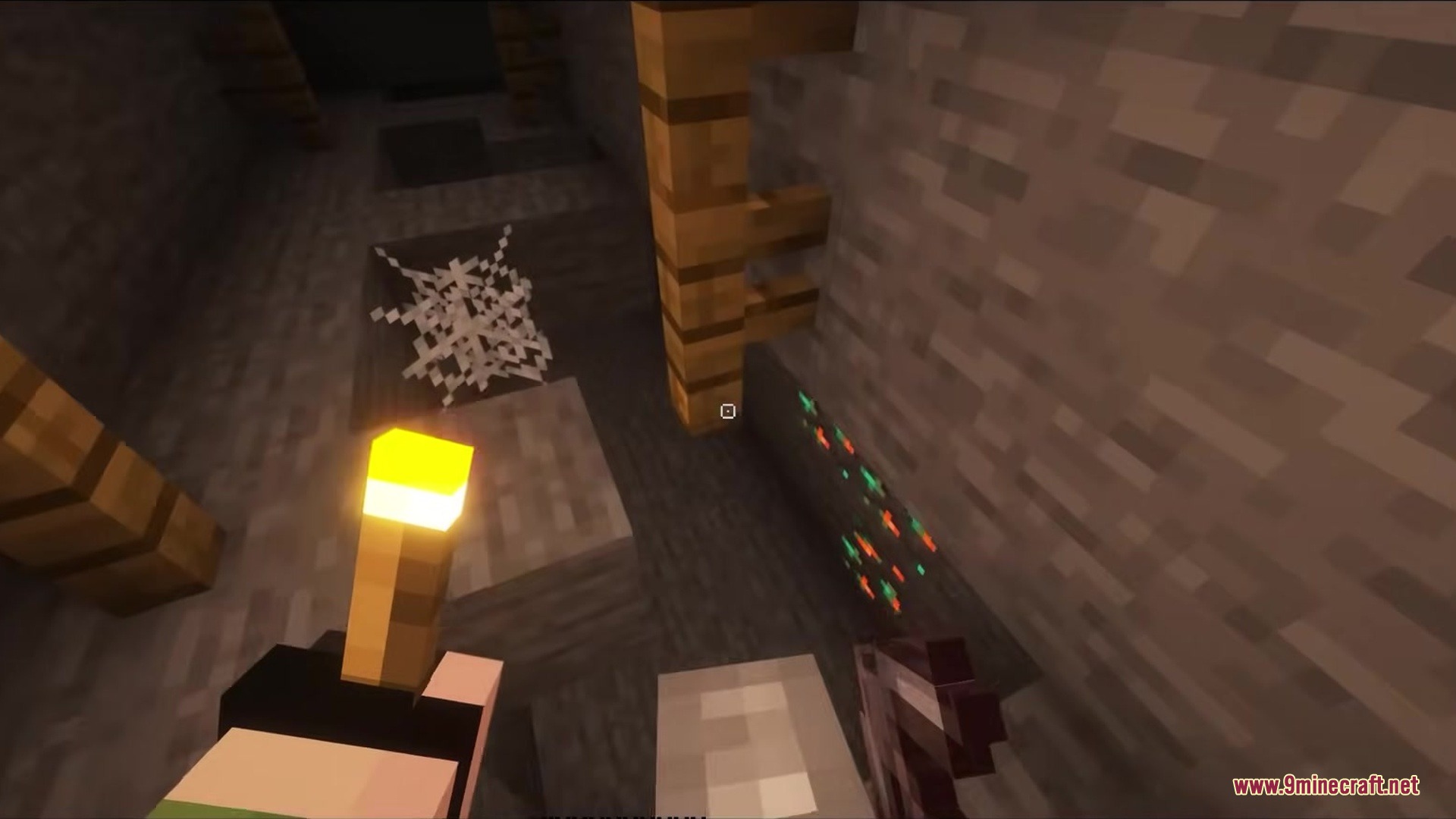
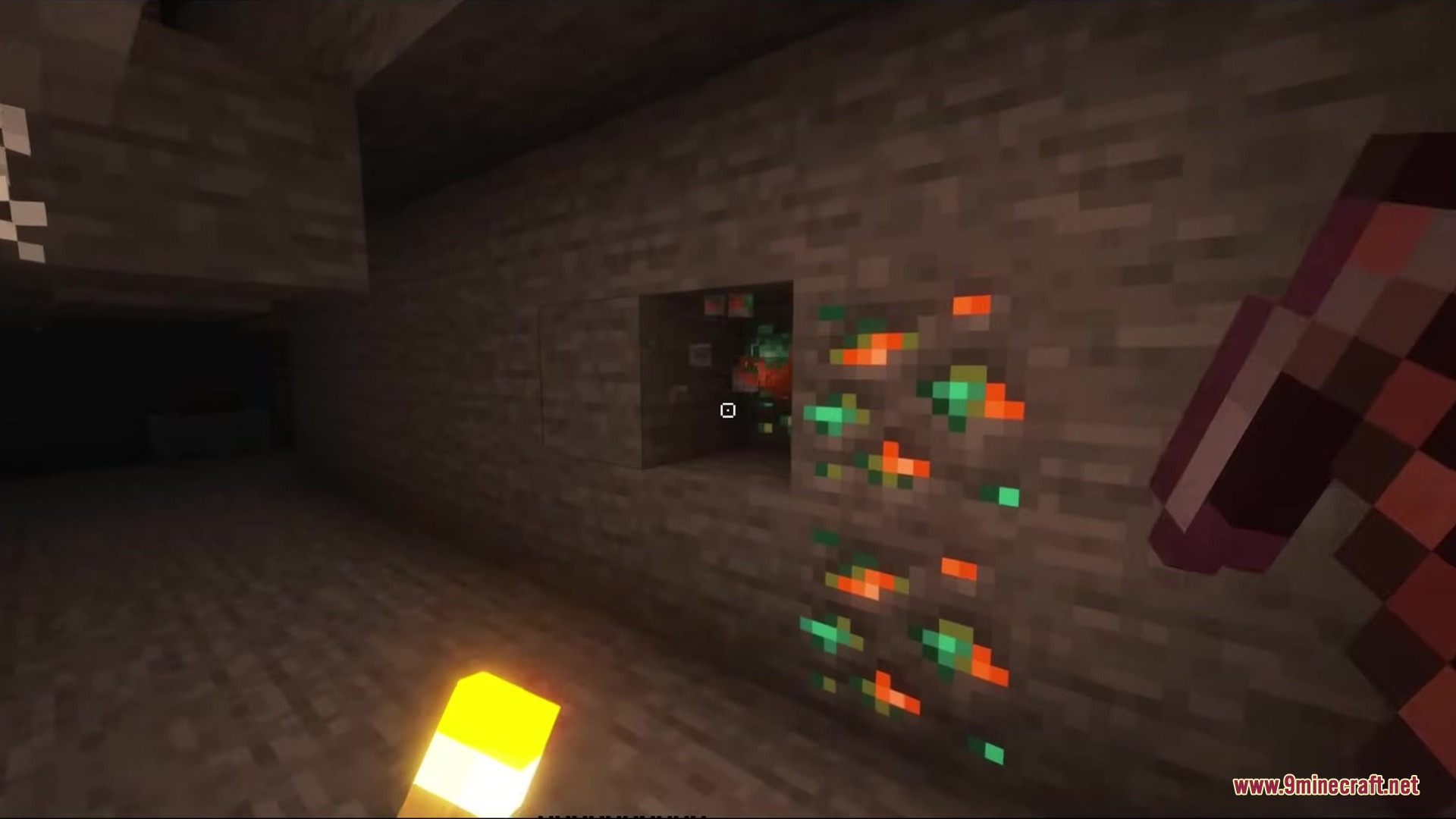
Crosshair CUBE Resource Pack replaces vanilla crosshairs with a clean, square shape. This pack changes the small plus sign in the middle of your screen into a blocky design. It gives your aiming tool a fresh look that fits the blocky world of Minecraft. The new shape sits right in the center of your view and helps you point at blocks or mobs.
Features:
- Square Shape: Replaces the old cross pattern with a new hollow box design.
- Keeps the center of your screen clear so you can see exactly what you point at.
- Matches the overall blocky art style of the game better than the old plus sign.
- Works right away without needing any extra game settings changed.
Screenshots:
Crosshair CUBE Resource Pack Download Links
Quick facts
- Edition: Minecraft Java
- File type: .zip (resource pack)
- Minecraft version listed: 1.20.1
- How to install: Download the .zip resource pack — do not unzip it. → Put it in .minecraft/resourcepacks. → Enable it in Options → Resource Packs.
- Where to get it: In MC Java Mods, or directly above on this page.
Install steps are the general flow for this file type — How to install Minecraft Java resource packs walks through it step by step.
Verified by MCModsHub
- Downloads as 365097.mcpack
- Download size: 4 KB
- Download link checked 27 Jul 2026 — working
- Mirrored on our own servers — the download does not depend on the original host
These come from our own check of the pack file, not from the source page.