ResourcepacksJava
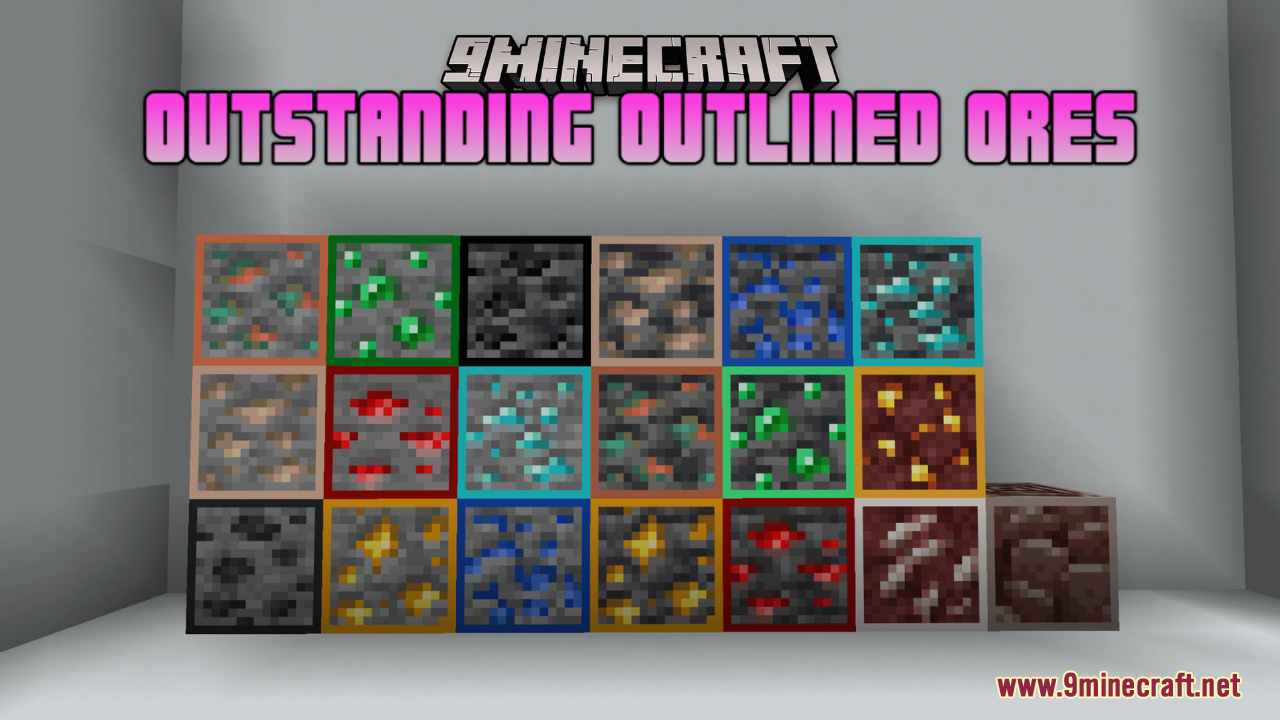
Outstanding Outlined Ores Resource Pack (26.2, 1.20.1)
Java resource pack listed for Minecraft 1.20. Downloads from the MC Java Mods app on Android.
⬇ Download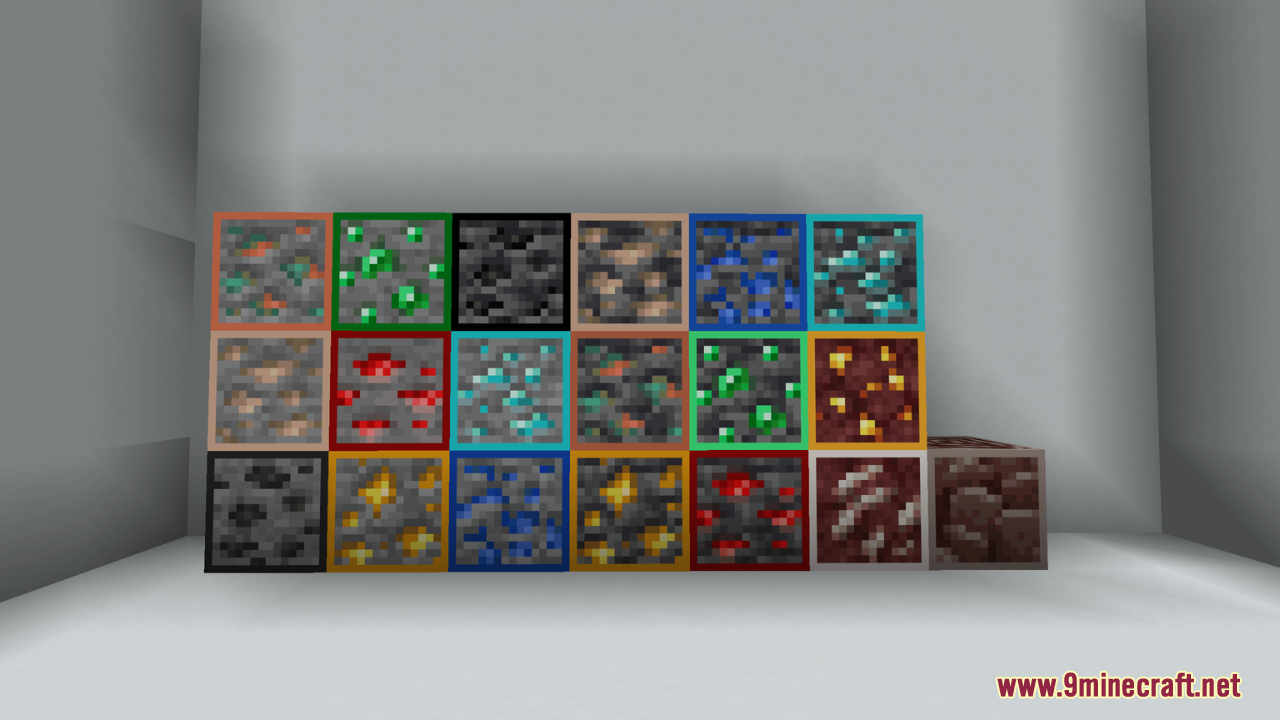
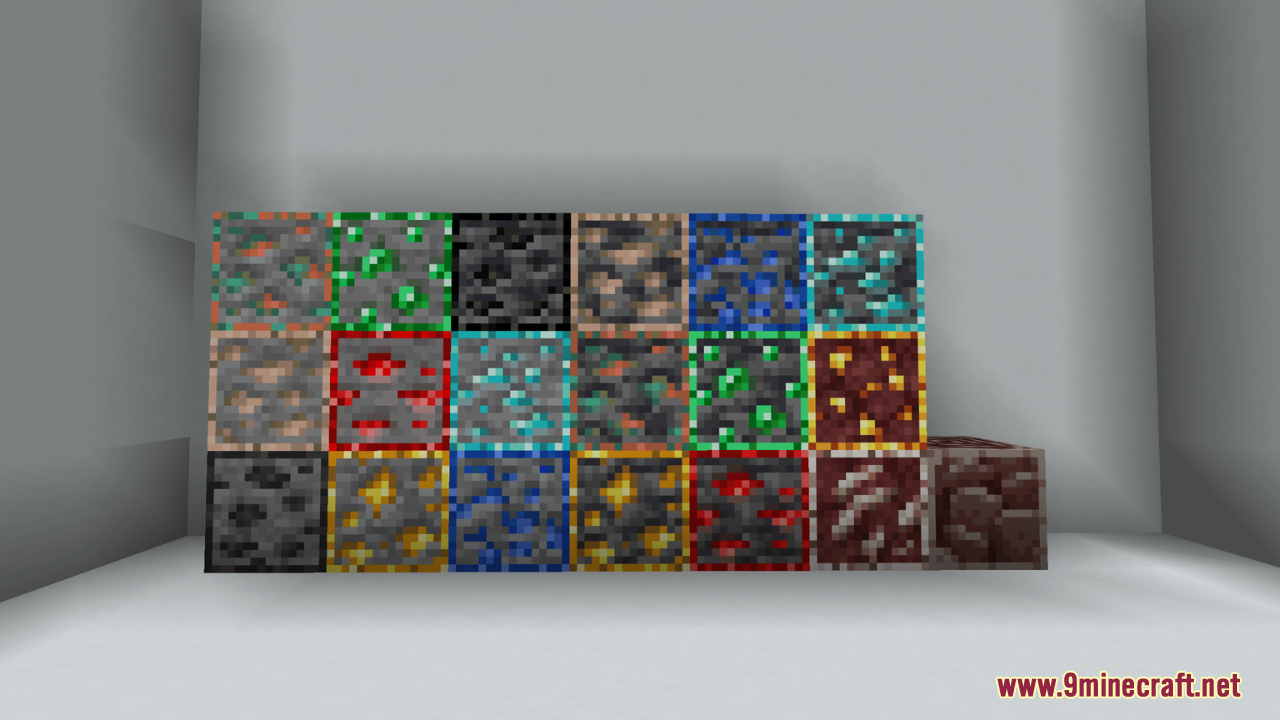
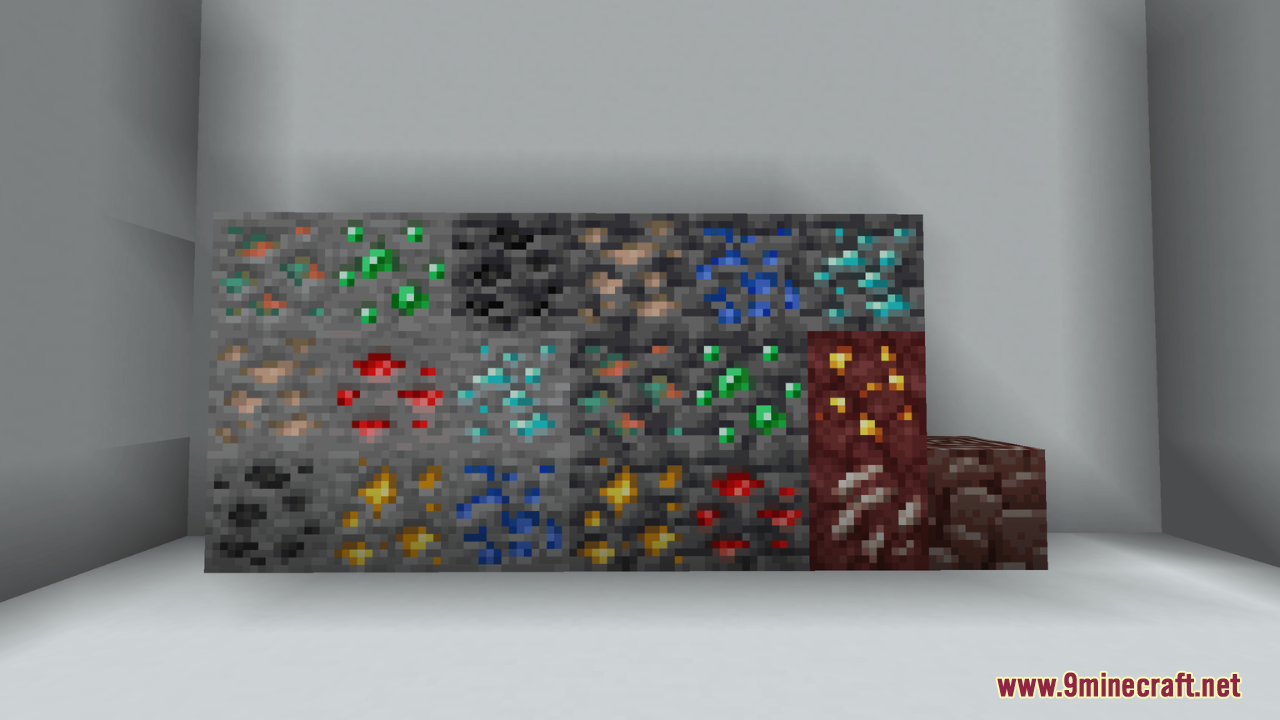
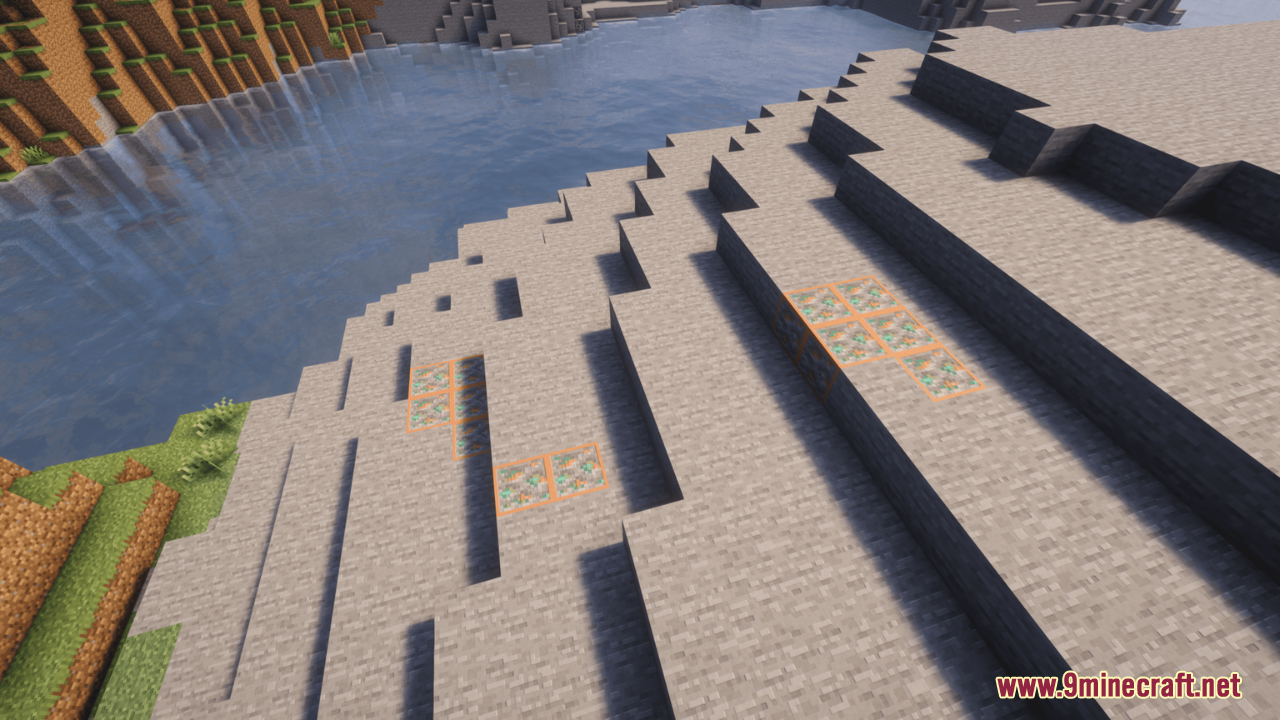
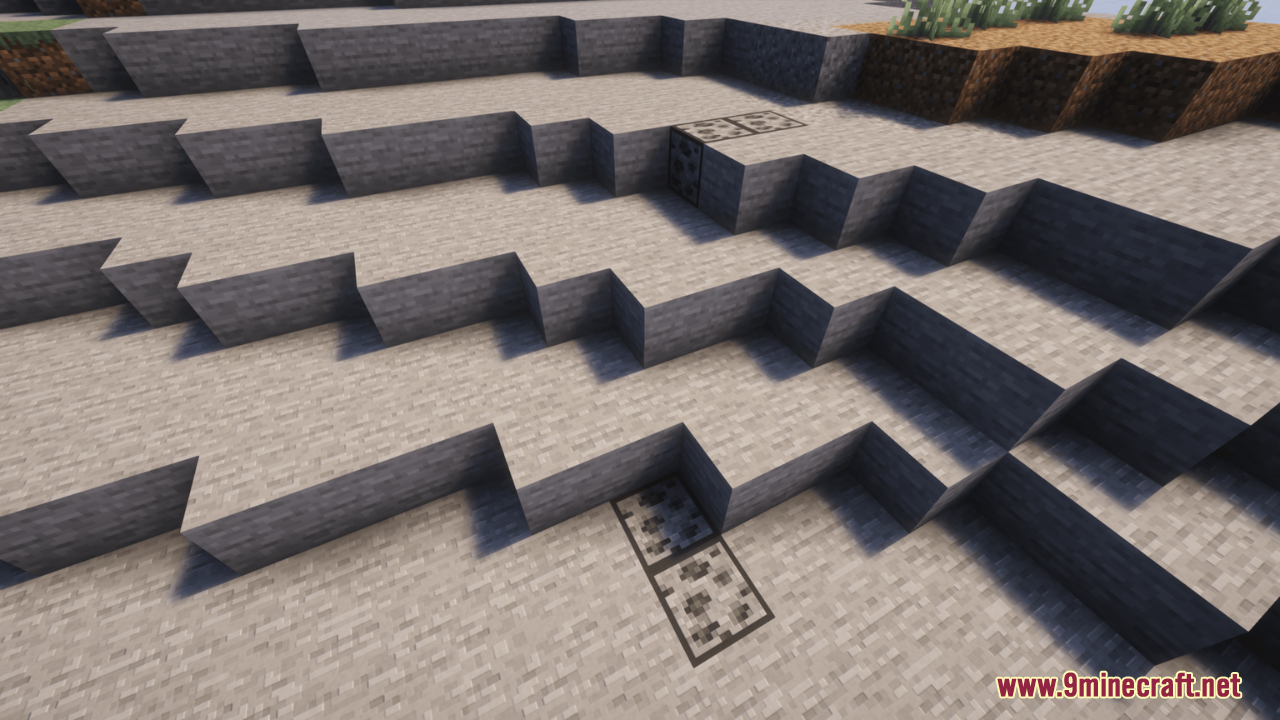
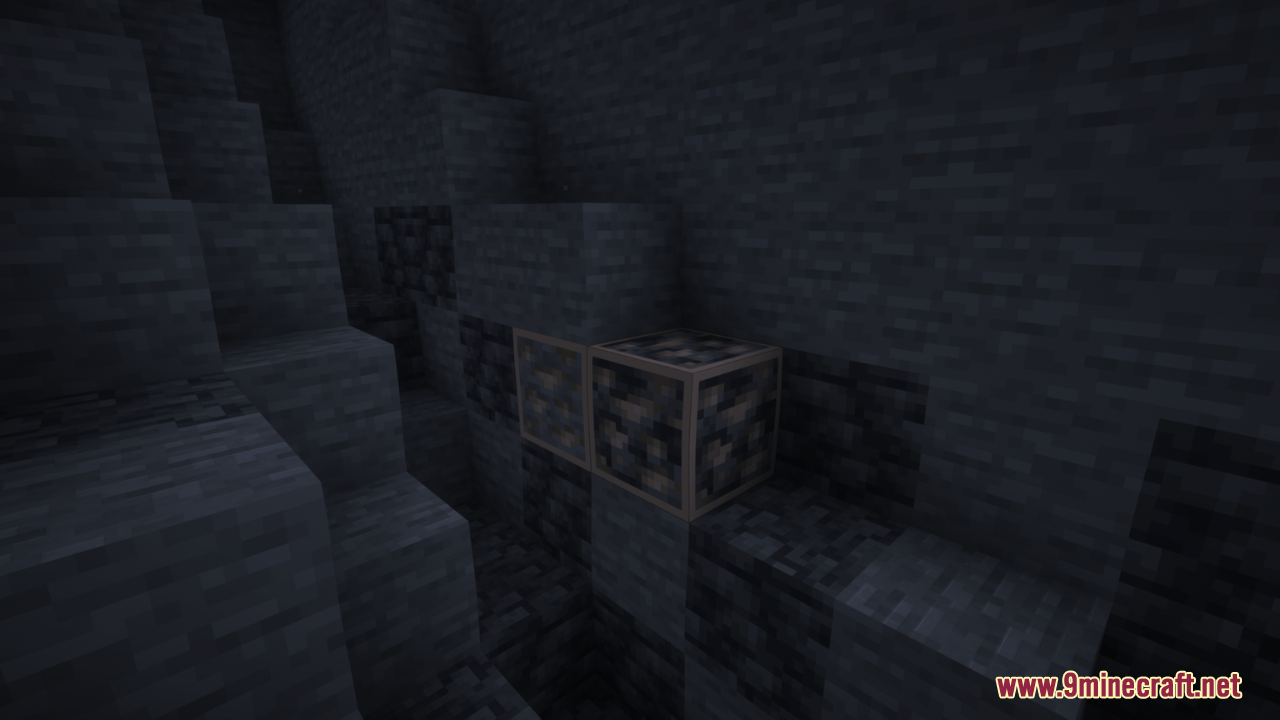
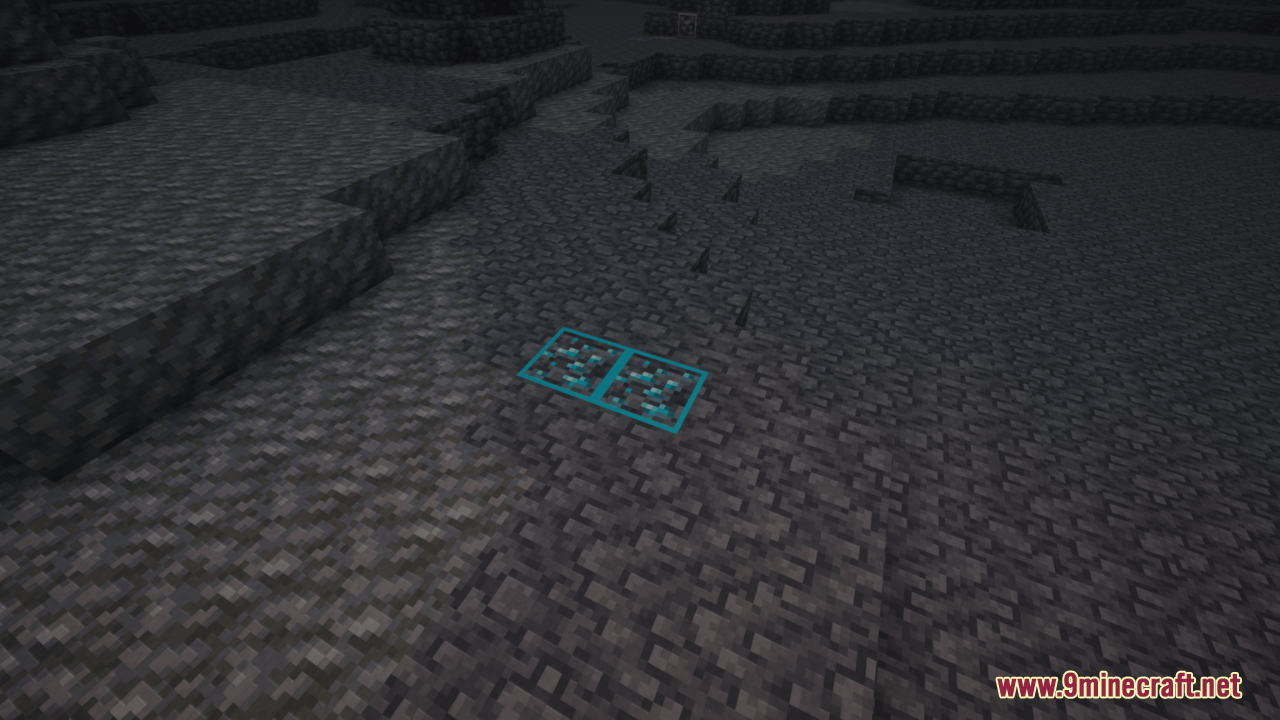
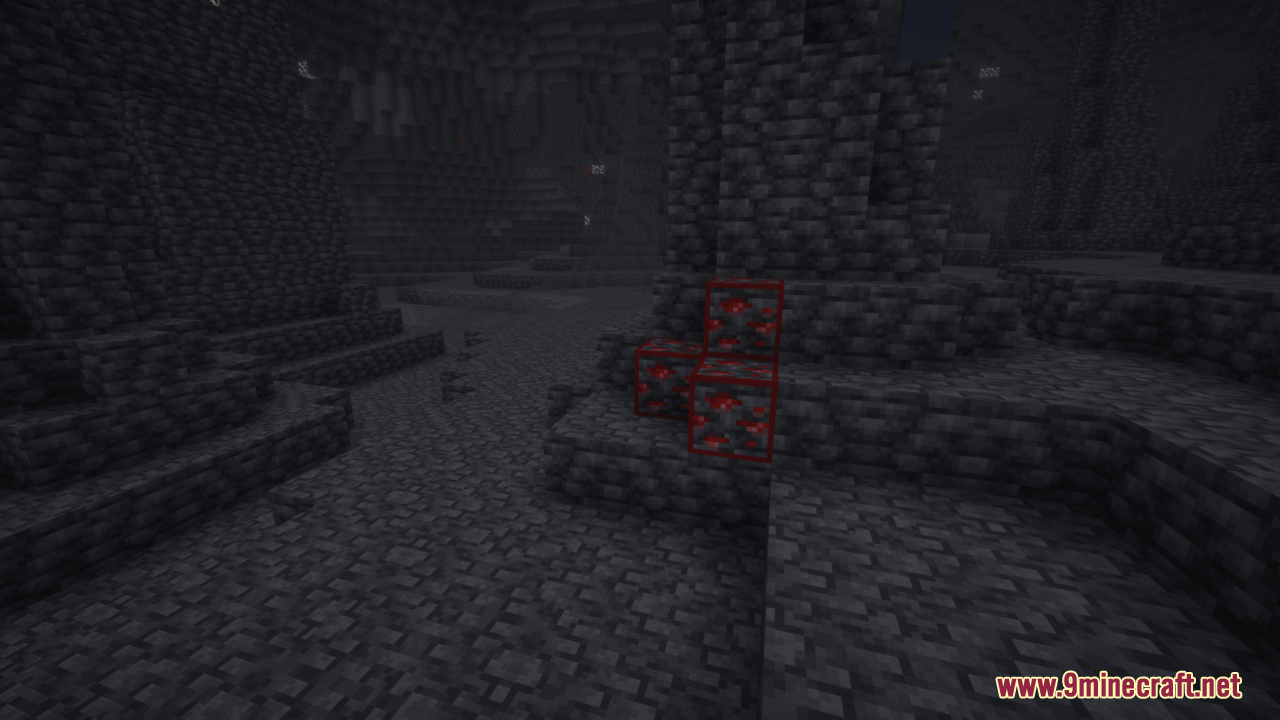
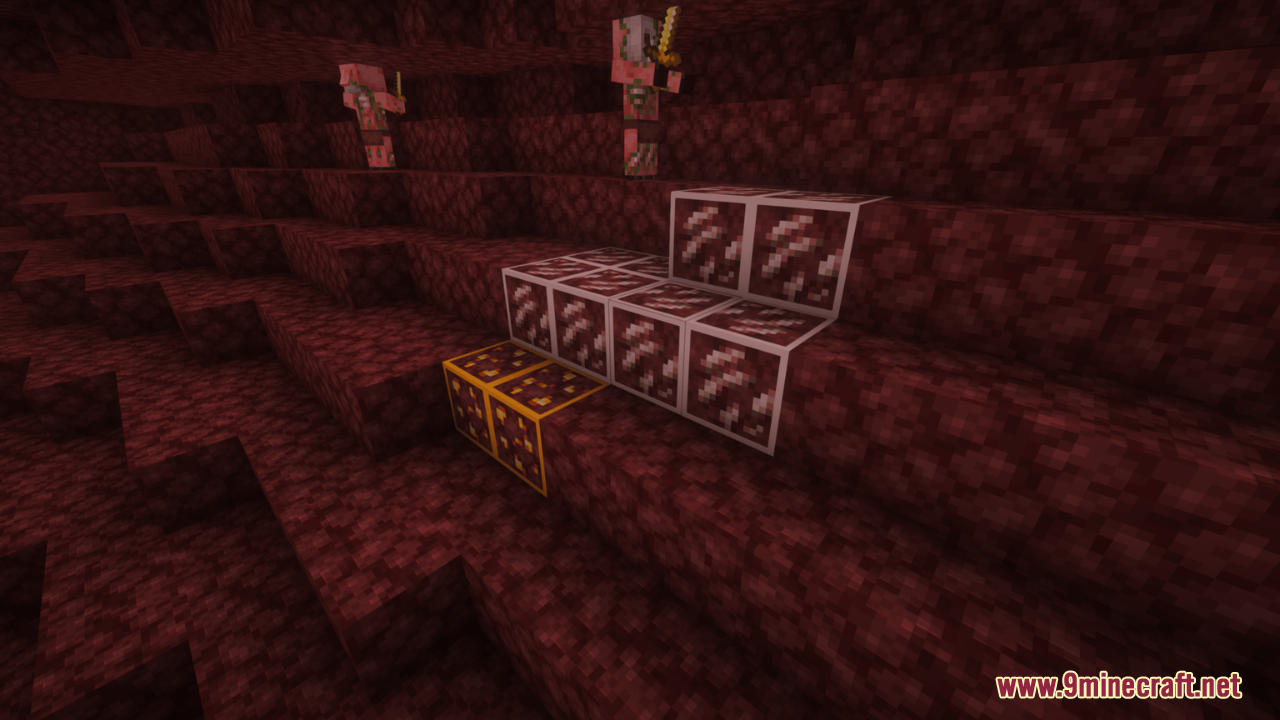
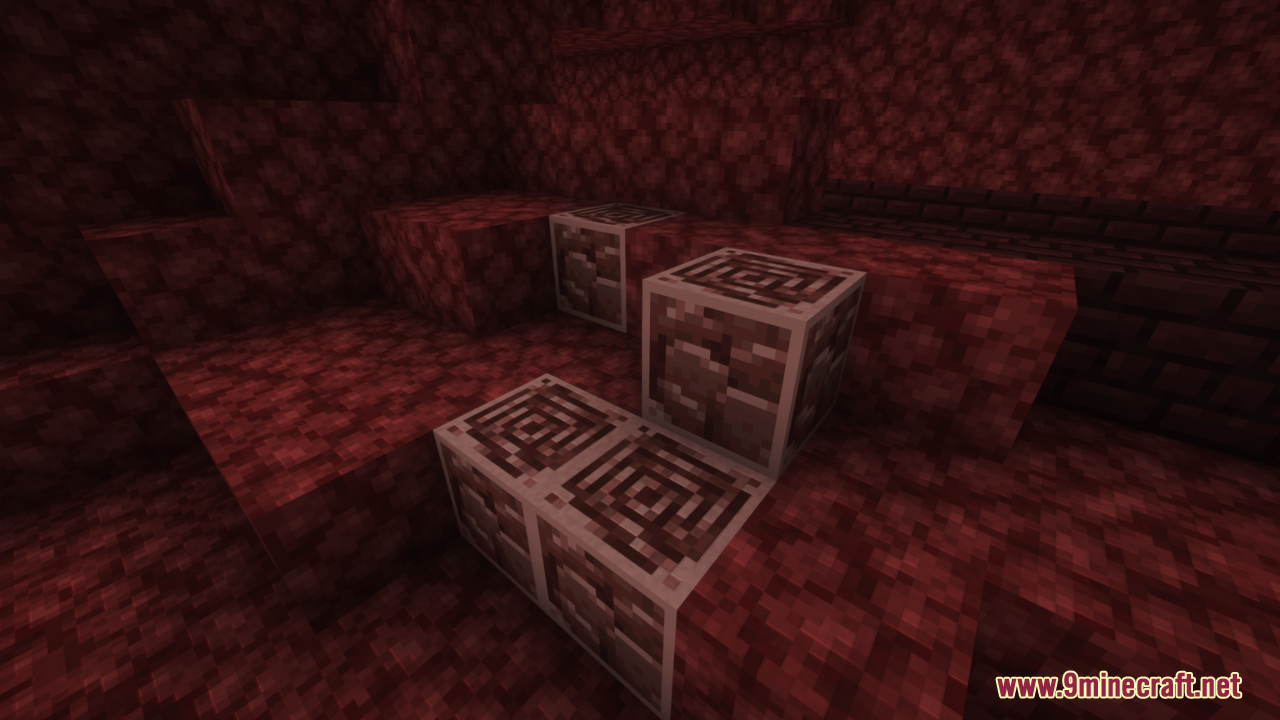
Outstanding Outlined Ores Resource Pack paints a clear border around every ore block in the game. This pack helps you spot valuable materials much faster while exploring dark caves. It stops you from confusing ores with regular stone blocks. The textures stay true to the original game but add a bright line around the edges. You can also use this pack with shaders to make the ores glow in the dark.
Features:
- Adds a bright border around all ore blocks in the game.
- Makes spotting diamonds, iron, and coal much easier in dark caves.
- Stops you from walking past ores that look like normal stone.
- Keeps the original look of the game while adding the helpful outlines.
- Glows in the dark when you play the game with shaders.
- Changes only the ore textures without adding any extra clutter.
- Works on newer game releases without breaking other block textures.
Screenshots:
Outstanding Outlined Ores Resource Pack Download Links
Quick facts
- Edition: Minecraft Java
- File type: .zip (resource pack)
- Minecraft version listed: 1.20.1
- How to install: Download the .zip resource pack — do not unzip it. → Put it in .minecraft/resourcepacks. → Enable it in Options → Resource Packs.
- Where to get it: In MC Java Mods, or directly above on this page.
Install steps are the general flow for this file type — How to install Minecraft Java resource packs walks through it step by step.
File checked by MCModsHub
- Downloads as 3651.mcpack
- Download size: 188 KB
- Download link checked 27 Jul 2026 — working
- Mirrored on our own servers — the download does not depend on the original host
These come from our own check of the pack file, not from the source page.