
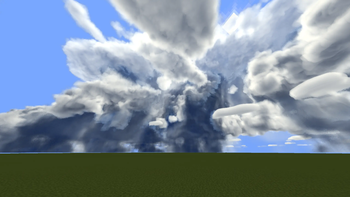
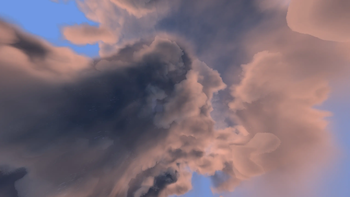
This resource pack reverts the forced blur that is added by PMWeatherCM1.
Where can I get PMWeatherCM1? Right here: https://modrinth.com/mod/pmweathercm1
This is a very basic resource pack that is clearly small, but does change alot with visuals.
What if I want the blur back?
Remove/Disable the resource pack. You can remove it by going to your resource pack folder and deleting it. To disable it, you can just simply remove it from your resource pack list inside of minecraft.
Quick facts
- Edition: Minecraft Java
- File type: .zip (resource pack)
- Minecraft version listed: 1.21.1
- How to install: Download the .zip resource pack — do not unzip it. → Put it in .minecraft/resourcepacks. → Enable it in Options → Resource Packs.
- Where to get it: Opens on Modrinth — not every file is mirrored on our own servers.
Install steps are the general flow for this file type — How to install Minecraft Java resource packs walks through it step by step.
Verified by MCModsHub
- Downloads as PMWCM1 Blur Revert.zip
- Download size: 155 KB
- Download link checked 28 Aug 2026 — working
These come from our own check of the pack file, not from the source page.