
AllTheMasks - By StefanJ2
I don't know my version or loader
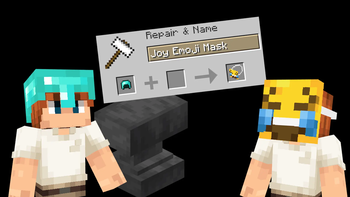
AllTheMasks is more fun with friends.
Get your own server with the discount code below.

AllTheMasks
AllTheMasks is a Resource Pack + Datapack that adds a huge collection of wearable masks, without any required mods.
- A complete list of all available masks can be found on the website.
- The datapack can be downloaded here.
- Can be used with Optifine/Cit mods instead of datapack.
Features
- 🎭 Over 100 unique masks
- 🌍 Fully vanilla
- 👥 Multiplayer compatible
- 🔄 Switch each mask between two wearable positions (Datapack exclusive)
Getting Masks
Masks are obtained by renaming any helmet in an anvil. Rename it to the name of any supported mask. A complete list of all available masks can be found on the website.
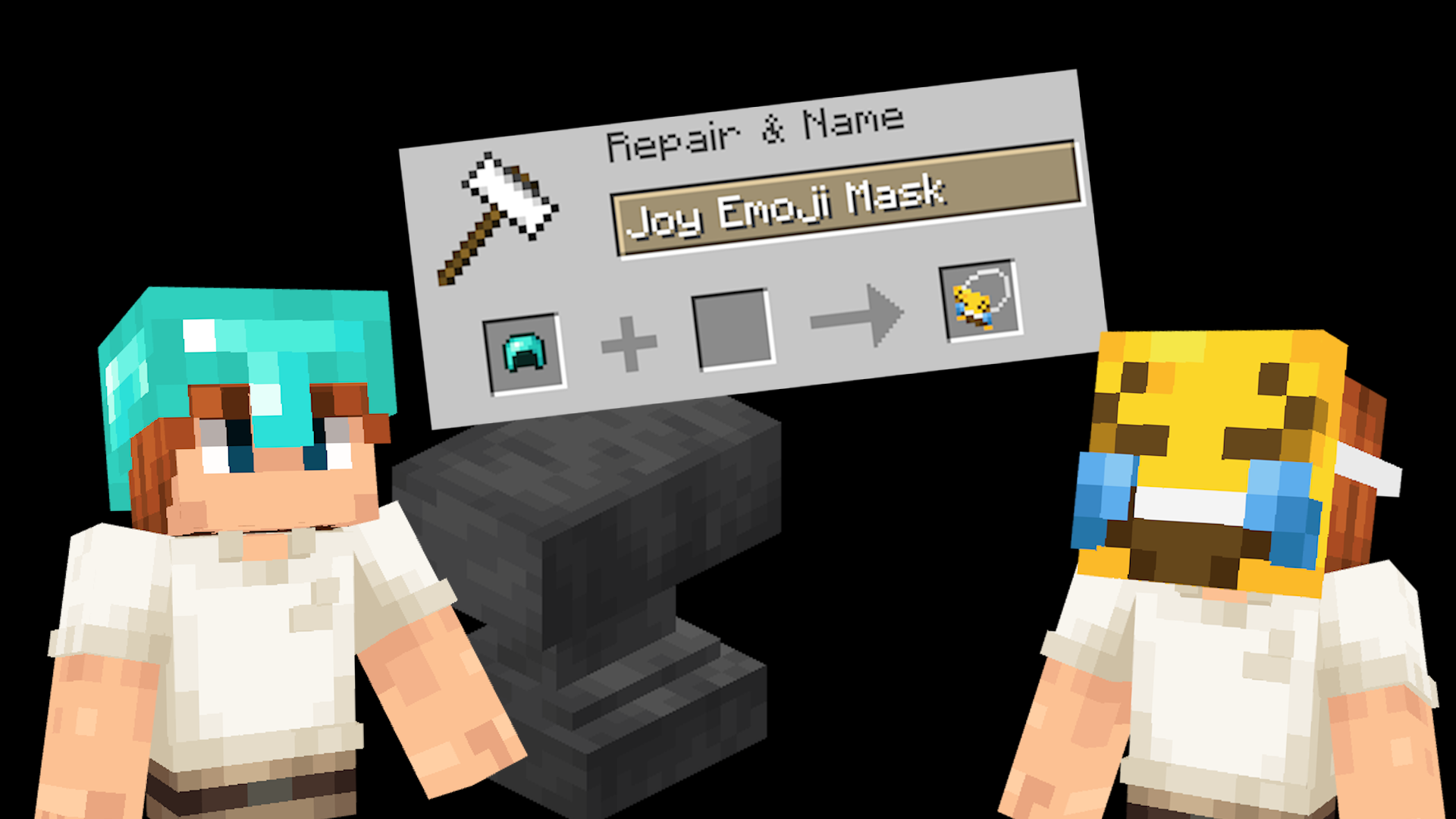
Switching mask position
Every mask can be worn in two different ways:
- In front of your face, like actually wearing it.
- On top of your head, like holding the mask up.
Simply press your Sneak + Sprint keys (Shift + Control by default) to switch between these two positions.
Installation
Both the Resource Pack and Datapack are required.
- Place the Resource Pack in your
resourcepacksfolder. - Place the Datapack in your world's
datapacksfolder. - Load the world and run
/reloadif necessary.
Multiplayer
For multiplayer, only the server needs the datapack installed, while every player must use the matching resource pack.
All Masks
A complete list of all available masks can be found on the website.

Non-vanilla
The resource pack also works without the datapack when using CIT mods such as OptiFine. However, the Sneak + Sprint switching feature is only available when using the datapack.
Help
Need help? Join the Discord server.
- Edition: Minecraft Java
- File type: .zip (resource pack)
- Minecraft versions listed: 1.18, 1.18.1, 1.18.2
- How to install: Download the .zip resource pack — do not unzip it. → Put it in .minecraft/resourcepacks. → Enable it in Options → Resource Packs.
- Where to get it: Opens on Modrinth — not every file is mirrored on our own servers.
Install steps are the general flow for this file type — How to install Minecraft Java resource packs walks through it step by step.
- Downloads as AllTheMasks v2.3 - Resource Pack.zip
- Download size: 1.7 MB
- Download link checked 18 Sept 2026 — working
These come from our own check of the pack file, not from the source page.