![[MTR] Class 702 Monorail (Evangelion)](https://cdn.modrinth.com/data/bP9QaaSW/5a0d882b4c894595c5f8756da4c2dd641b0d6b09_96.webp)
![[MTR] Class 702 Monorail (Evangelion) — screenshot 1](https://cdn.modrinth.com/data/bP9QaaSW/images/120d1068ed6bd1884b90ace39d31cc093dd70d53_350.webp)
![[MTR] Class 702 Monorail (Evangelion) — screenshot 2](https://cdn.modrinth.com/data/bP9QaaSW/images/43006684e081fe5a0648a5fe1f9ef6f09e80c6b2_350.webp)
![[MTR] Class 702 Monorail (Evangelion) — screenshot 3](https://cdn.modrinth.com/data/bP9QaaSW/images/9f66ab4d8f66dd3bcb6023f435066d3ab99bdd0d_350.webp)
![[MTR] Class 702 Monorail (Evangelion) — screenshot 4](https://cdn.modrinth.com/data/bP9QaaSW/images/c579237db9286a0b70073b8684f05fb82555678a_350.webp)
![[MTR] Class 702 Monorail (Evangelion) — screenshot 5](https://cdn.modrinth.com/data/bP9QaaSW/images/131f923891183acc4b726d784eee0e092384bd27_350.webp)
![[MTR] Class 702 Monorail (Evangelion) — screenshot 6](https://cdn.modrinth.com/data/bP9QaaSW/images/687aaec92f2949e0cb3b2e9dd8efb0bef1835e61_350.webp)
![[MTR] Class 702 Monorail (Evangelion) — screenshot 7](https://cdn.modrinth.com/data/bP9QaaSW/images/9528c14362caec904541c4a62a24a2a63b1c42d9_350.webp)
![[MTR] Class 702 Monorail (Evangelion) — screenshot 8](https://cdn.modrinth.com/data/bP9QaaSW/images/09c8f1b95b9a13a699965c77214297cbd1a06add_350.webp)
This fan-made project is not associated with or endorsed by Khara or the Evangelion brand.
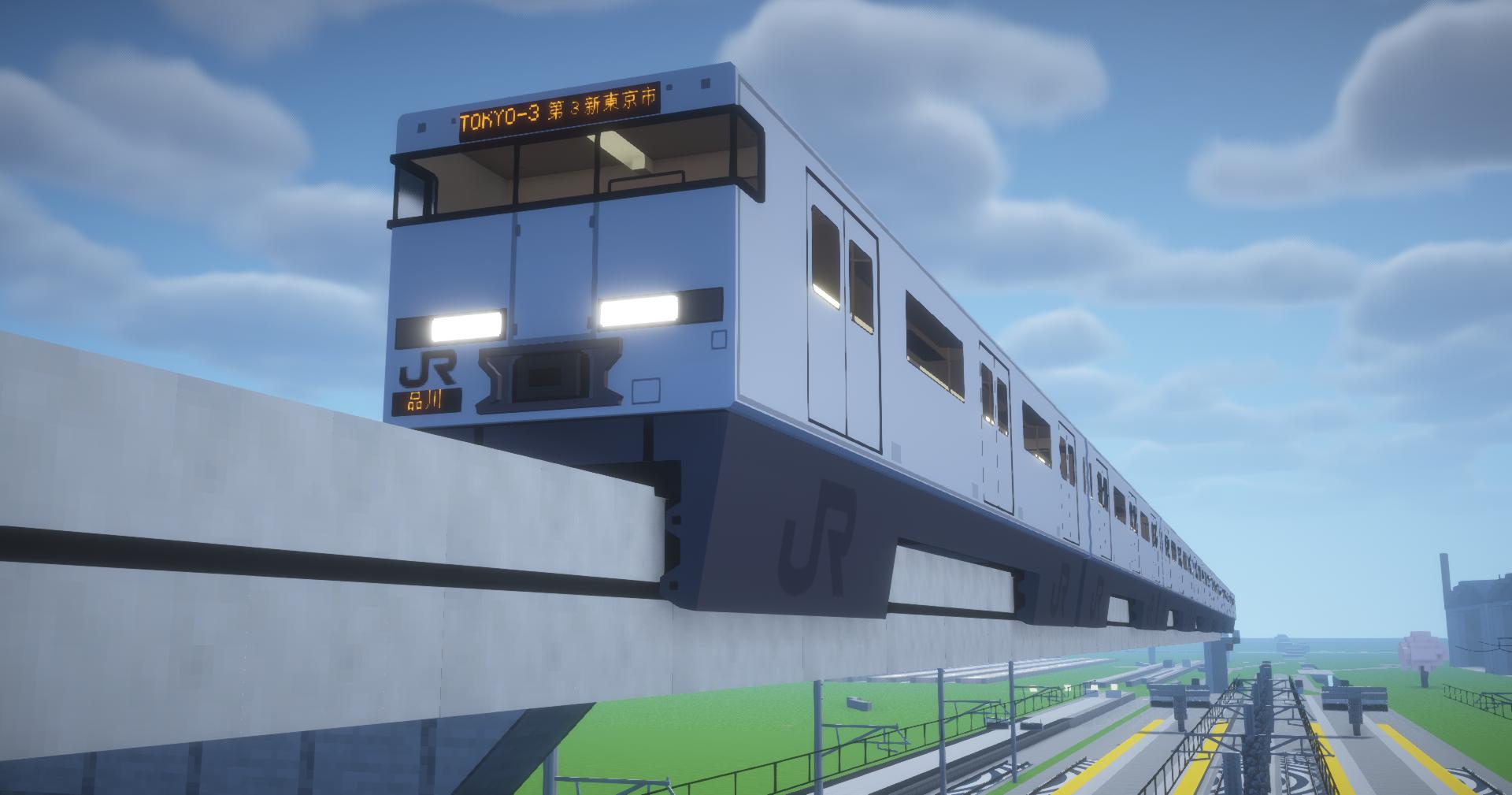
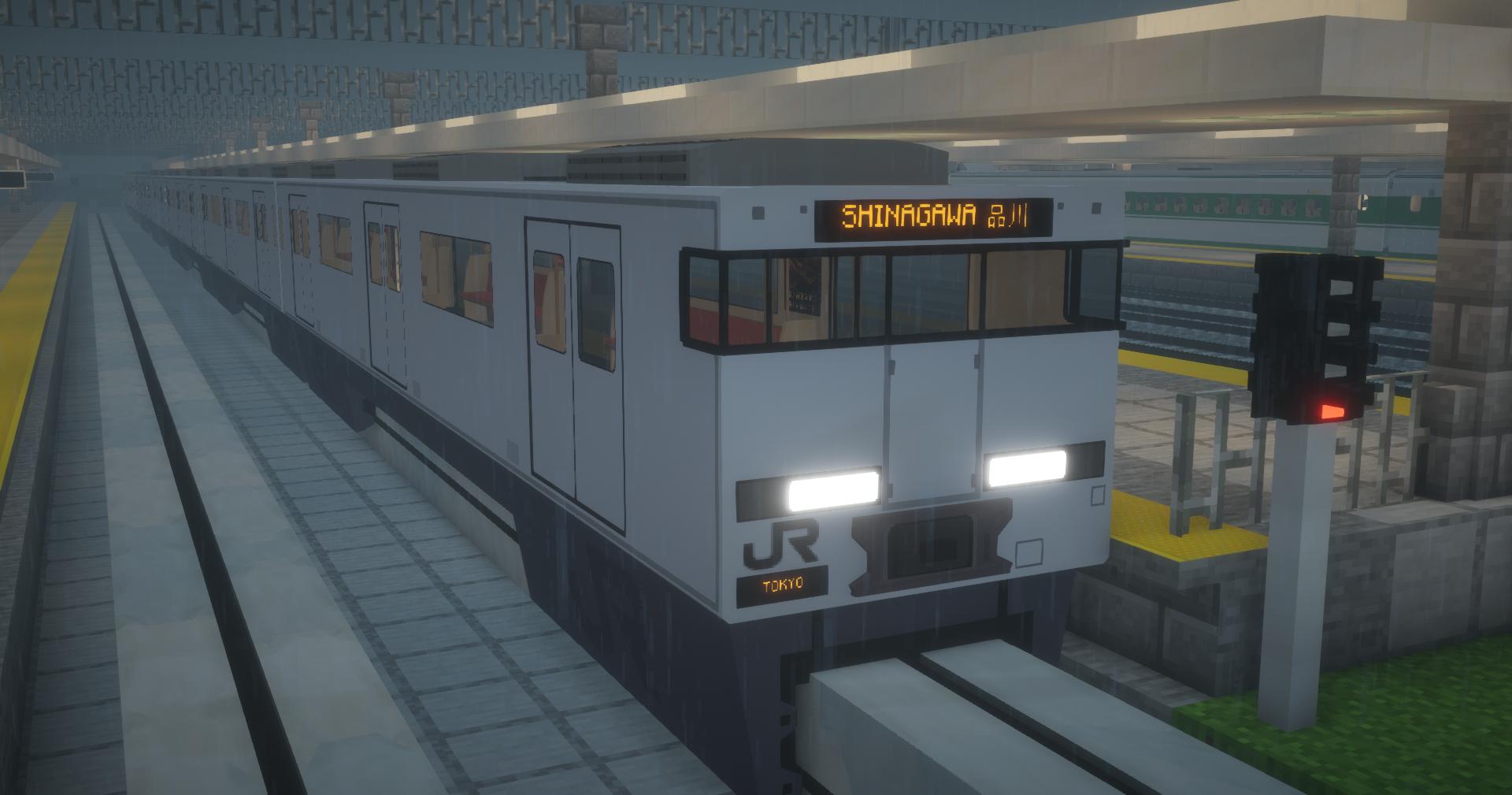
This addon for Minecraft Transit Railway adds the Class 702 Monorail along with its track to the game. This is a fictional vehicle from Neon Genesis Evangelion.
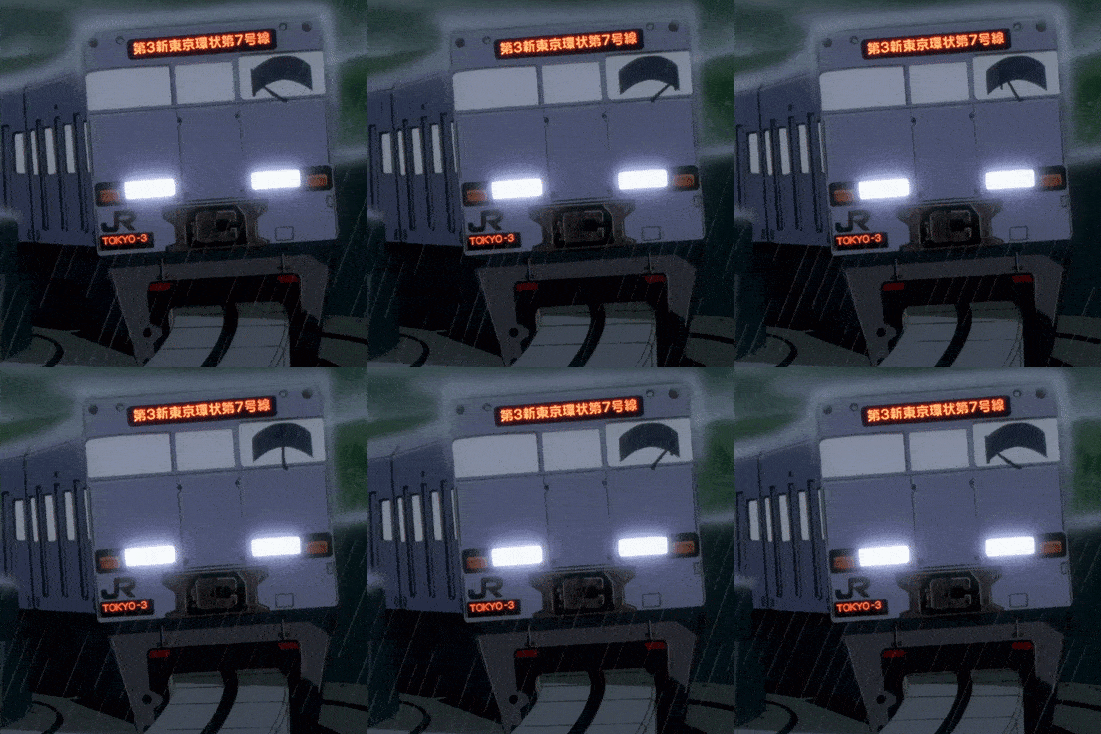
The pack contains both the monorail and track, so you don't need to download any other parts. To change the track into the monorail one, right-click it with a brush (from MTR) and type "702" to find the correct one. Pillars are also provided.
Quick facts
- Edition: Minecraft Java
- File type: .zip (resource pack)
- Minecraft versions listed: 1.16.5, 1.17.1, 1.18.2
- How to install: Download the .zip resource pack — do not unzip it. → Put it in .minecraft/resourcepacks. → Enable it in Options → Resource Packs.
- Where to get it: Opens on Modrinth — not every file is mirrored on our own servers.
Install steps are the general flow for this file type — How to install Minecraft Java resource packs walks through it step by step.
Verified by MCModsHub
- Downloads as DEWON-702-EVA-Monorail_2.0-MTR4.zip
- Download size: 5.0 MB
- Download link checked 28 Aug 2026 — working
These come from our own check of the pack file, not from the source page.