Crafty
Bedrock add-on listed for Minecraft 1.21–26.x (behavior + resource pack). File opened and checked on 19 Oct 2026; installs from the MC Bedrock Mods app on Android.
Crafty is your smart Minecraft companion that helps you survive, learn, and explore. Ask questions, get survival tips, use smart tools, save memories…
⬇ Download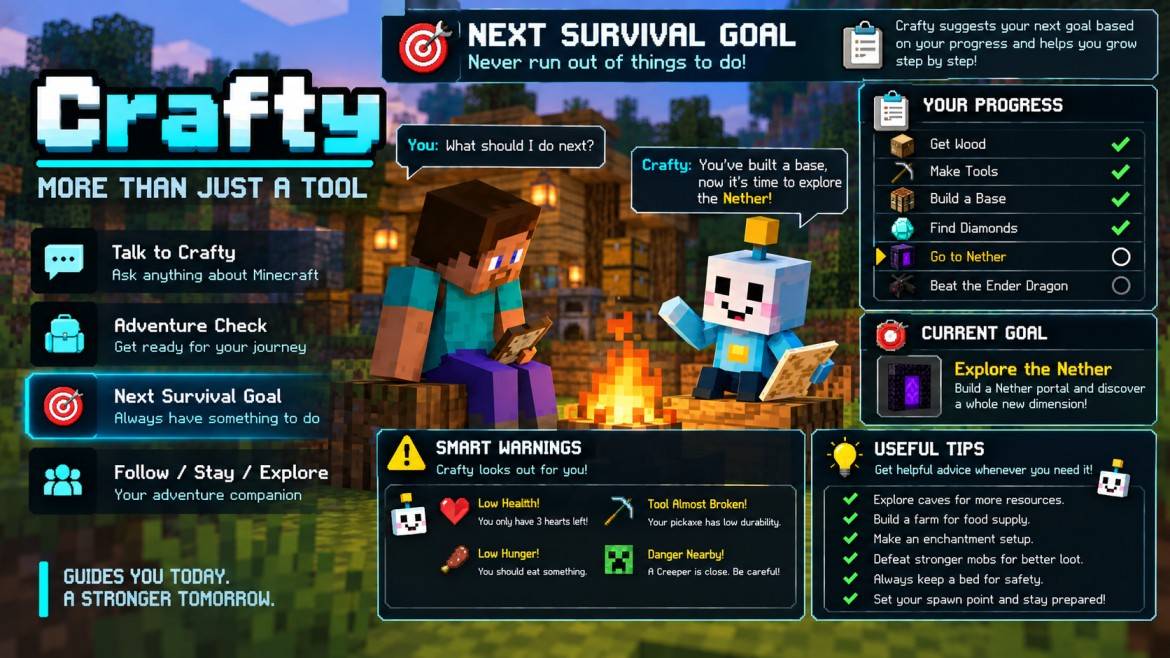
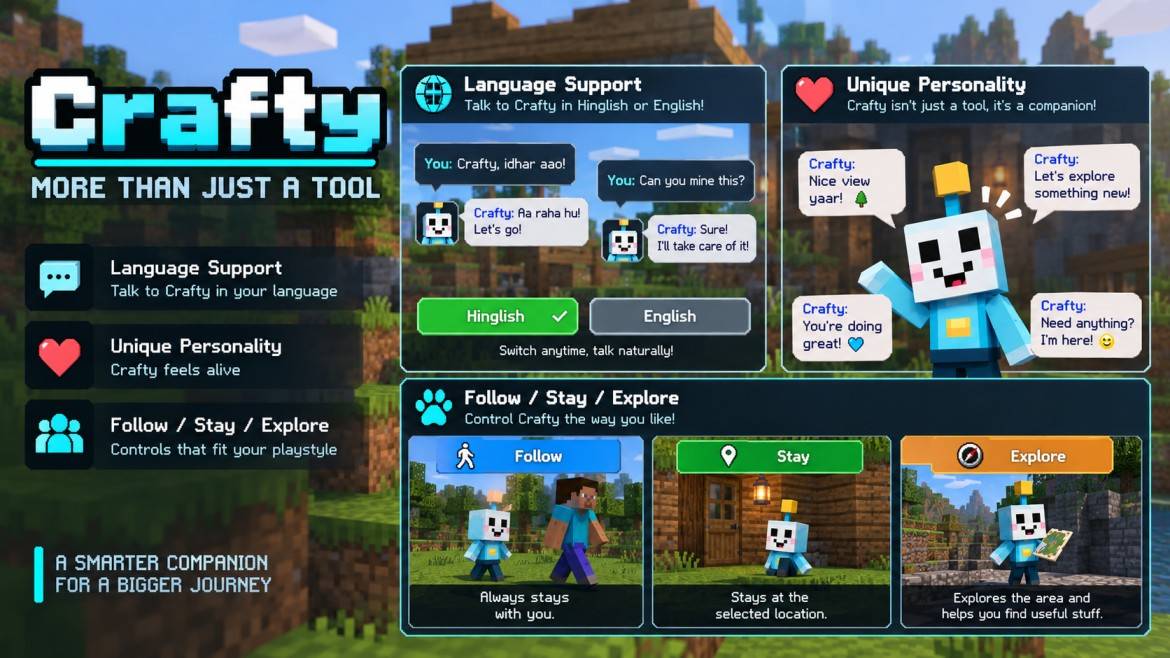
🤖 Crafty — Your Smart Minecraft Companion
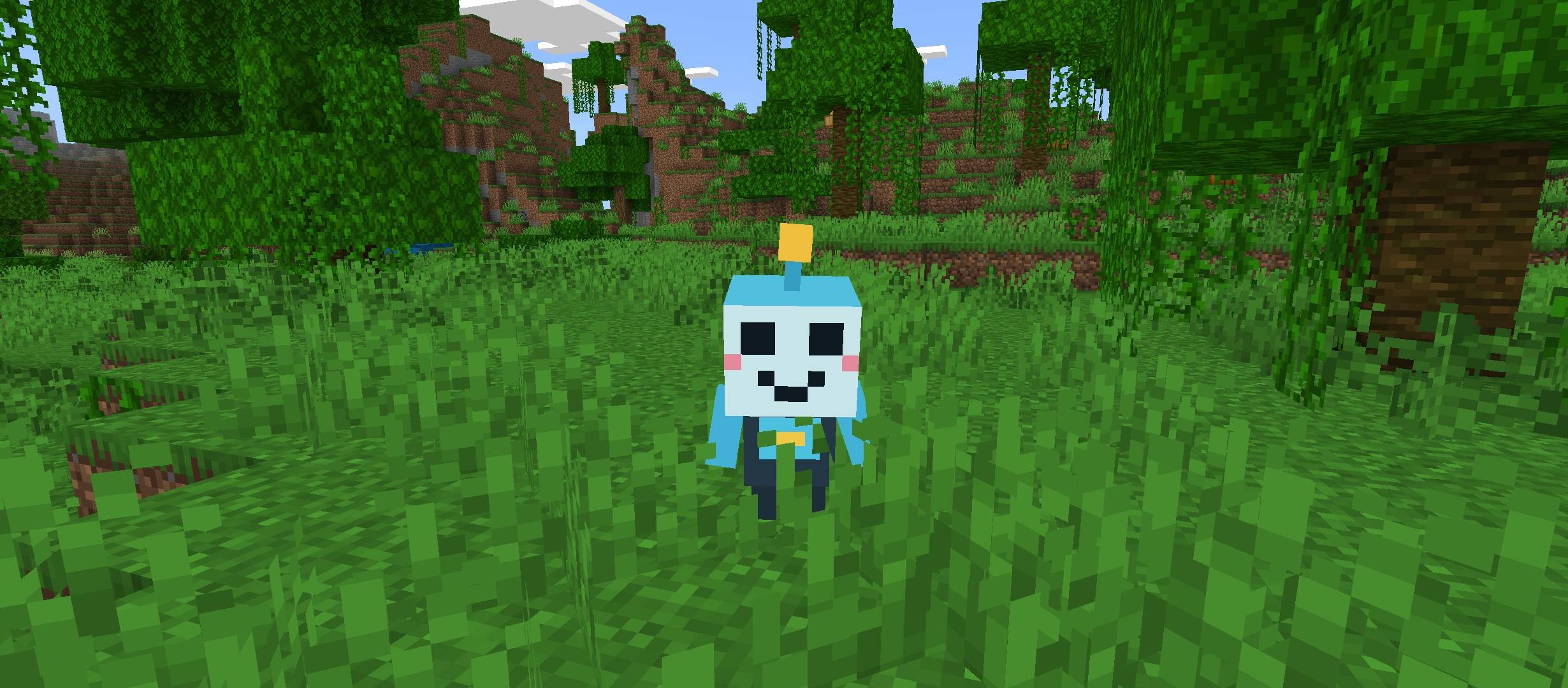
Meet Crafty, your personal Minecraft Bedrock companion designed to make survival smarter, easier, and more enjoyable. Crafty is not just a tool — it is a friendly assistant that helps you explore, learn, build, and survive.
✨ Features
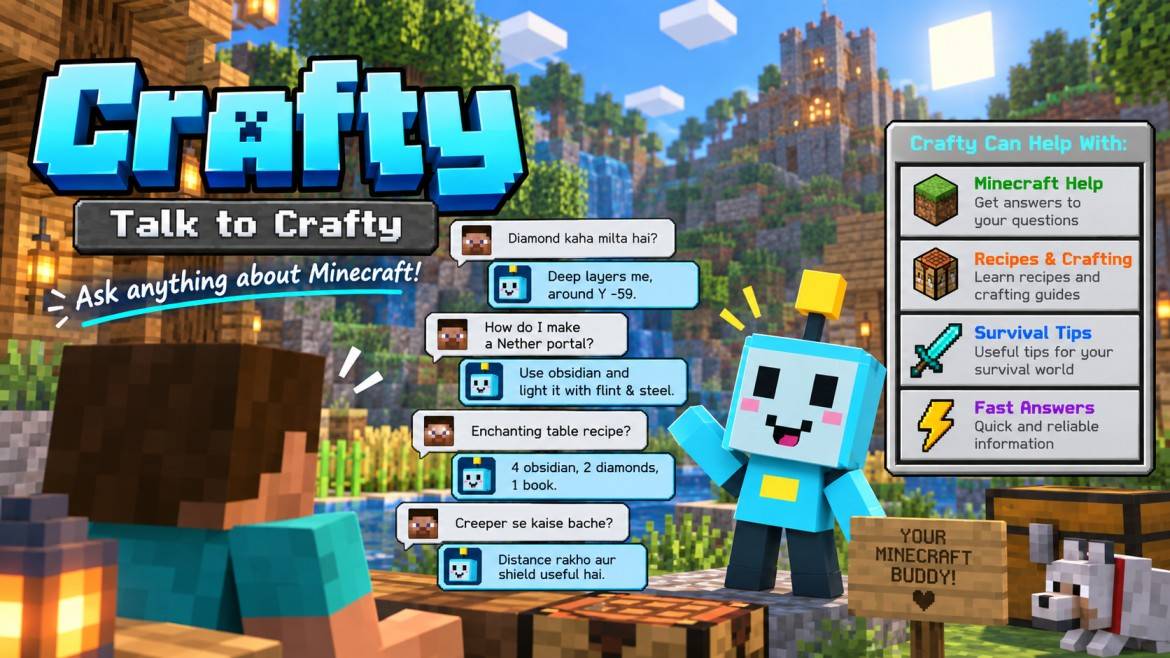
- 💬 Talk to Crafty
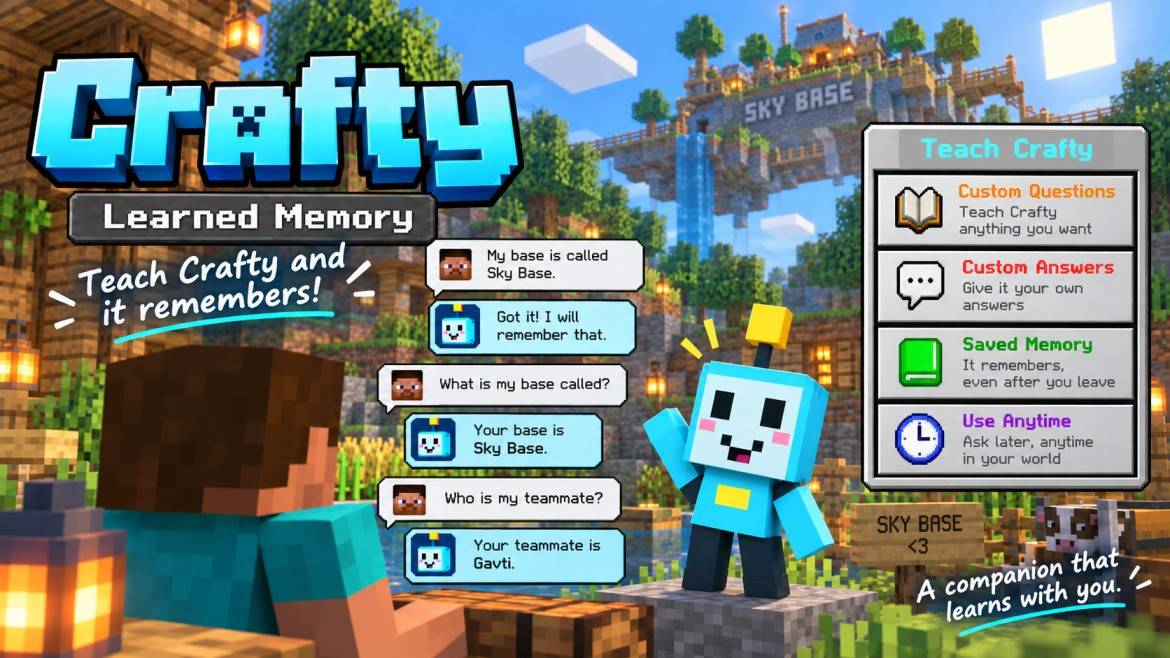
Ask Crafty anything about Minecraft! Get help with recipes, mechanics, survival tips, and useful information anytime. - 🧠 Learned Memory
Teach Crafty custom answers and important information. Crafty can remember what you teach and use it later. - 🛠️ Smart Tools
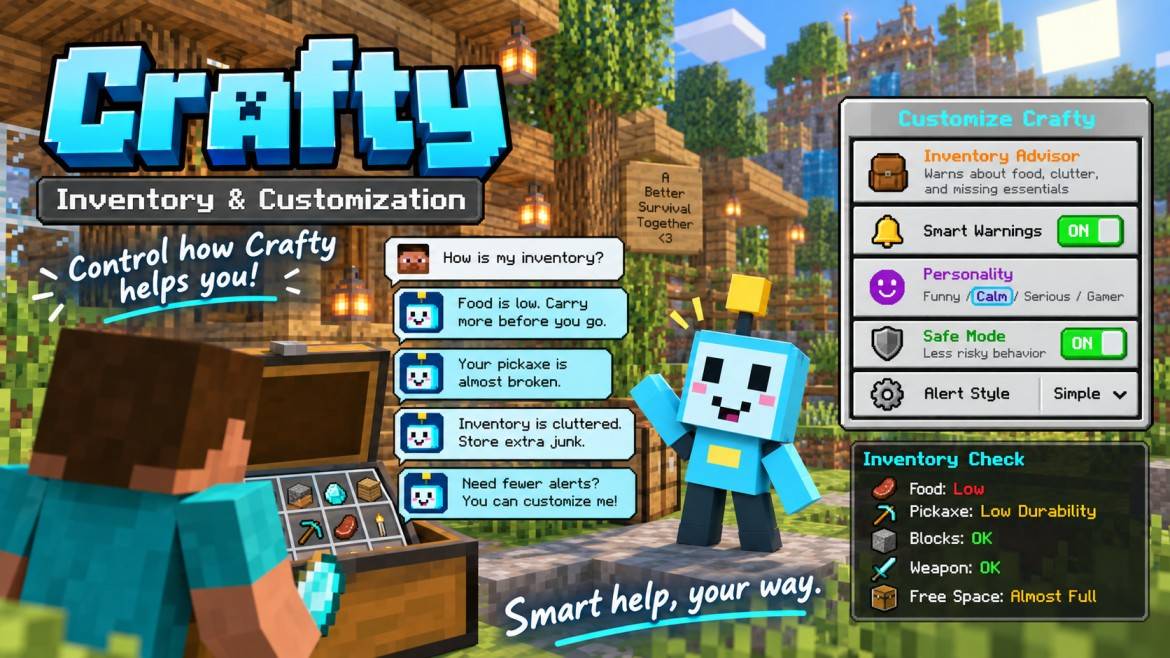
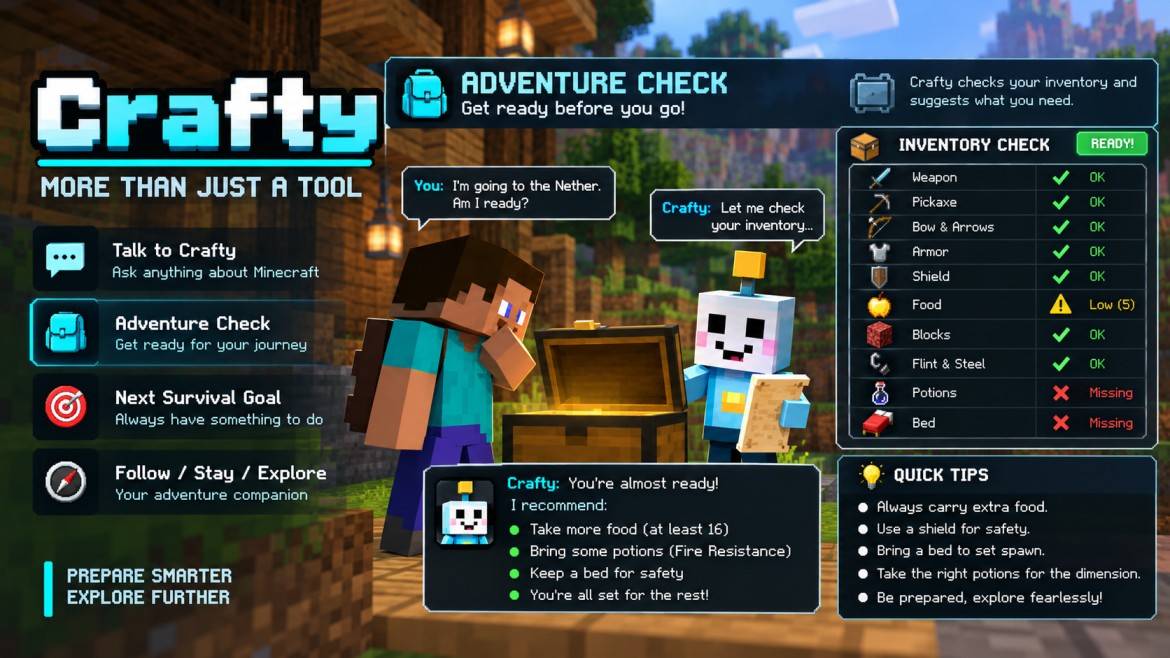
Use powerful survival helpers like Crafting Planner, Adventure Check, Nearby Scanner, Inventory Advisor, and Next Survival Goal. - 📍 Waypoint Memory
Save important locations like your home, base, mine, and other special places. - 💀 Last Death Location
Crafty remembers your last death location and helps you return to recover your items. - 🎯 Next Survival Goal
Crafty suggests your next objective based on your progress and helps guide your adventure. - ⚠️ Smart Warnings
Receive useful warnings for low health, low hunger, dangerous mobs, broken tools, and missing essentials. - 🌍 English + Hinglish Support
Chat naturally with Crafty in English or Hinglish. - 🎭 Personality System
Customize Crafty's behavior with different personalities and responses. - 🐾 Follow / Stay / Explore Modes
Control how Crafty behaves:
• Follow — Crafty stays with you everywhere
• Stay — Crafty waits at your chosen location
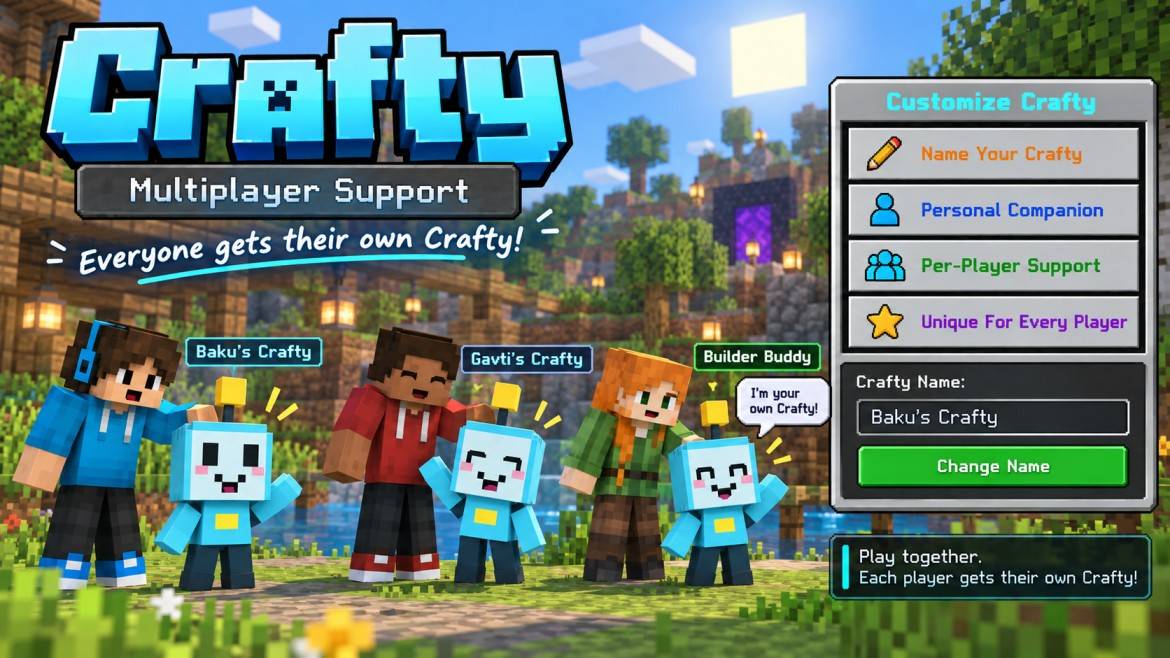
• Explore — Crafty helps during exploration - 👥 Multiplayer Support
Every player gets their own personal Crafty companion with individual customization. - ✏️ Customize Crafty
Change Crafty's name and make your companion unique.
🌟 More Than Just A Tool
Crafty brings knowledge, survival assistance, memory, and personality together to create a smarter Minecraft experience.
Whether you are a beginner or an experienced player, Crafty is always ready to guide you through your journey.
Explore more. Learn faster. Survive smarter — with Crafty by your side.
📌 Credits
Created by Gavti
Thank you for supporting this project!
- Edition: Minecraft Bedrock
- File type: .mcpack or .mcaddon
- Minecraft versions listed: 26.20, 26.30, 26.40
- How to install: Download the .mcpack or .mcaddon file. → Open it — Minecraft imports it. → In your world: Behavior Packs → Available → Activate, then the same under Resource Packs.
- Where to get it: In MCModsHub, or directly above on this page.
Install steps are the general flow for this file type — How to install Minecraft Bedrock addons & mods walks through it step by step.
- Pack type: .mcaddon — behaviour and resource pack in one file
- Manifest requires Minecraft 1.21.100 or newer
- Complete pack — everything it depends on is inside the file
- Download size: 73 KB
- Download link checked 8 Oct 2026 — working
These come from our own check of the pack file, not from the source page.