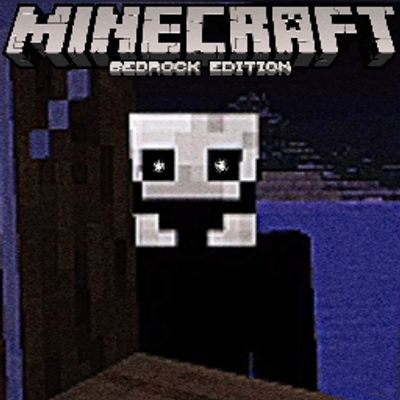
Fake Player MCBE {With advanced AI}
Bedrock add-on listed for Minecraft 26.x (behavior + resource pack). File opened and checked on 11 Oct 2026; installs from the MC Bedrock Mods app on Android.
⬇ Download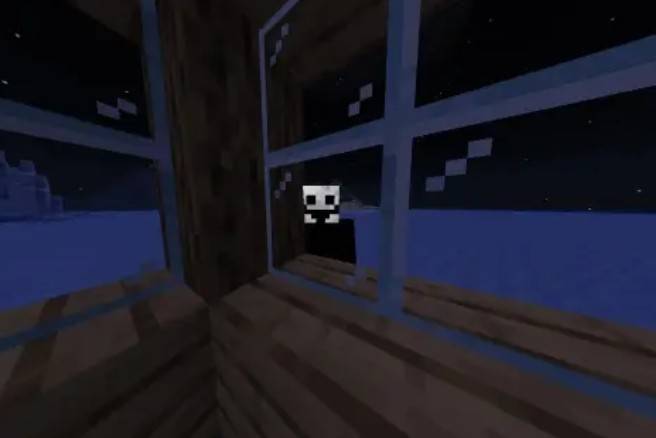
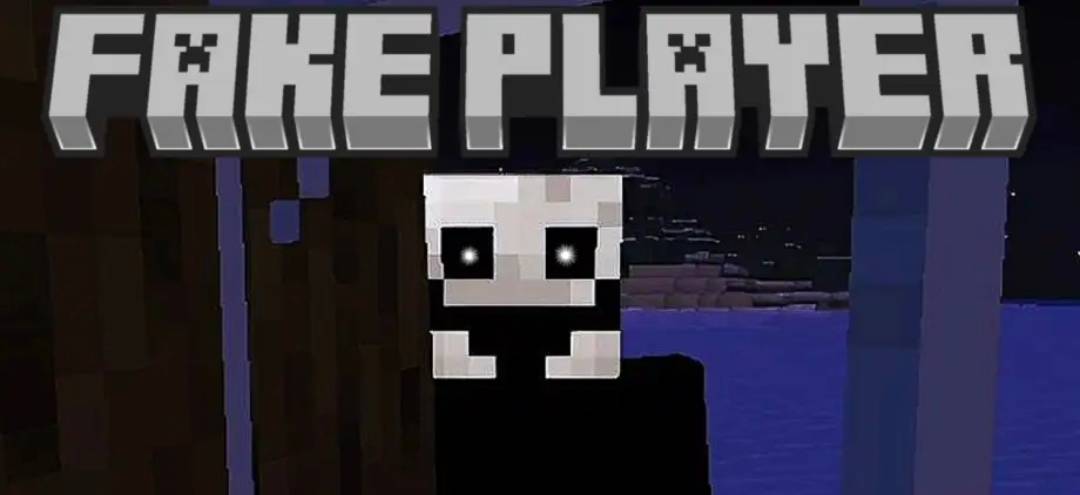

Fake Player
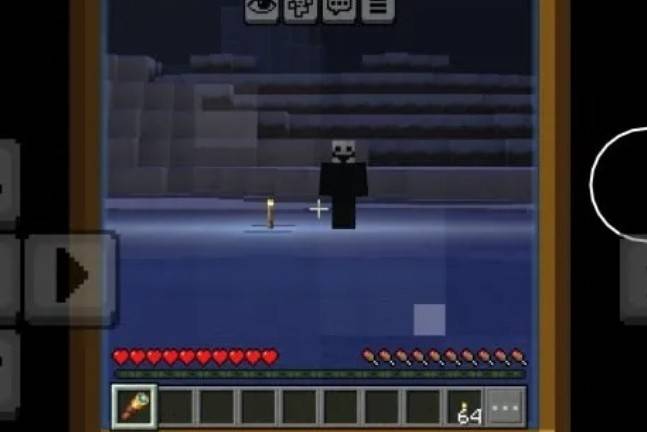
Fake Player adds a psychological horror experience to your Minecraft world. An unknown player may appear at any moment, watching you from a distance, showing up in unexpected places, and disappearing before you can get close.
You'll never know when it will appear... or if it was just your imagination.
Features
- Random appearances of a mysterious player.
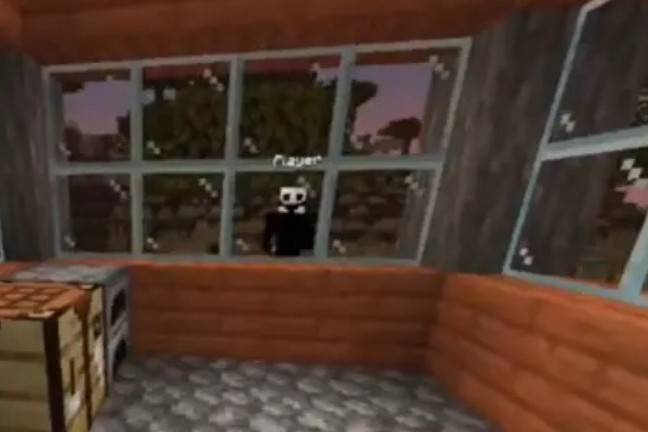
- Appears behind trees, near windows, doors, and other unexpected locations.
- Can appear inside dark caves and isolated places.
- Always tries to stay out of your direct line of sight.
- Strange and unsettling sounds during exploration.
- Sudden encounters designed to keep you constantly on edge.
- Multiple types of appearances to make every experience unique.
---
How It Works
As you play normally, the Fake Player may appear at random moments. It doesn't show up constantly, making every encounter feel unexpected.
You may find it:
- Watching you from a distance.
- Peeking through windows.
- Standing near doors.
- Hiding behind trees.
- Inside dark caves.
- Behind you when you least expect it.
Most of the time, when you try to approach... it simply disappears.
---
Compatibility
- ✅ Minecraft Bedrock Edition
- ✅ Singleplayer
- ✅ Multiplayer
- ✅ Survival
- ✅ Creative
---
Recommended Experience
For the best horror experience:
- Play with the volume turned up.
- Explore during the night.
- Avoid using high brightness settings.
- Wear headphones.
---
WATCH THE OFFICIAL VIDEO:
Disclaimer
This addon is designed to create suspense and psychological horror. It doesn't rely on excessive jumpscares, but instead builds a constant feeling that something is watching you.
Can you survive knowing you're never truly alone?
CREDITS:
https://www.curseforge.com/minecraft/mc-mods/the-fake-player
- Edition: Minecraft Bedrock
- File type: .mcpack or .mcaddon
- Minecraft versions listed: 26.0.02, 26.0, 26.3
- How to install: Download the .mcpack or .mcaddon file. → Open it — Minecraft imports it. → In your world: Behavior Packs → Available → Activate, then the same under Resource Packs.
- Where to get it: In MCModsHub, or directly above on this page.
Install steps are the general flow for this file type — How to install Minecraft Bedrock addons & mods walks through it step by step.
- Pack type: .mcaddon — behaviour and resource pack in one file
- Complete pack — everything it depends on is inside the file
- Download size: 140 KB
- Download link checked 8 Oct 2026 — working
These come from our own check of the pack file, not from the source page.