ModsJava
Recon Omega Military Armor Mod (1.20.1) – Survive the Apocalypse
Java mod listed for Minecraft 1.20. Downloads from the MC Java Mods app on Android.
⬇ Download
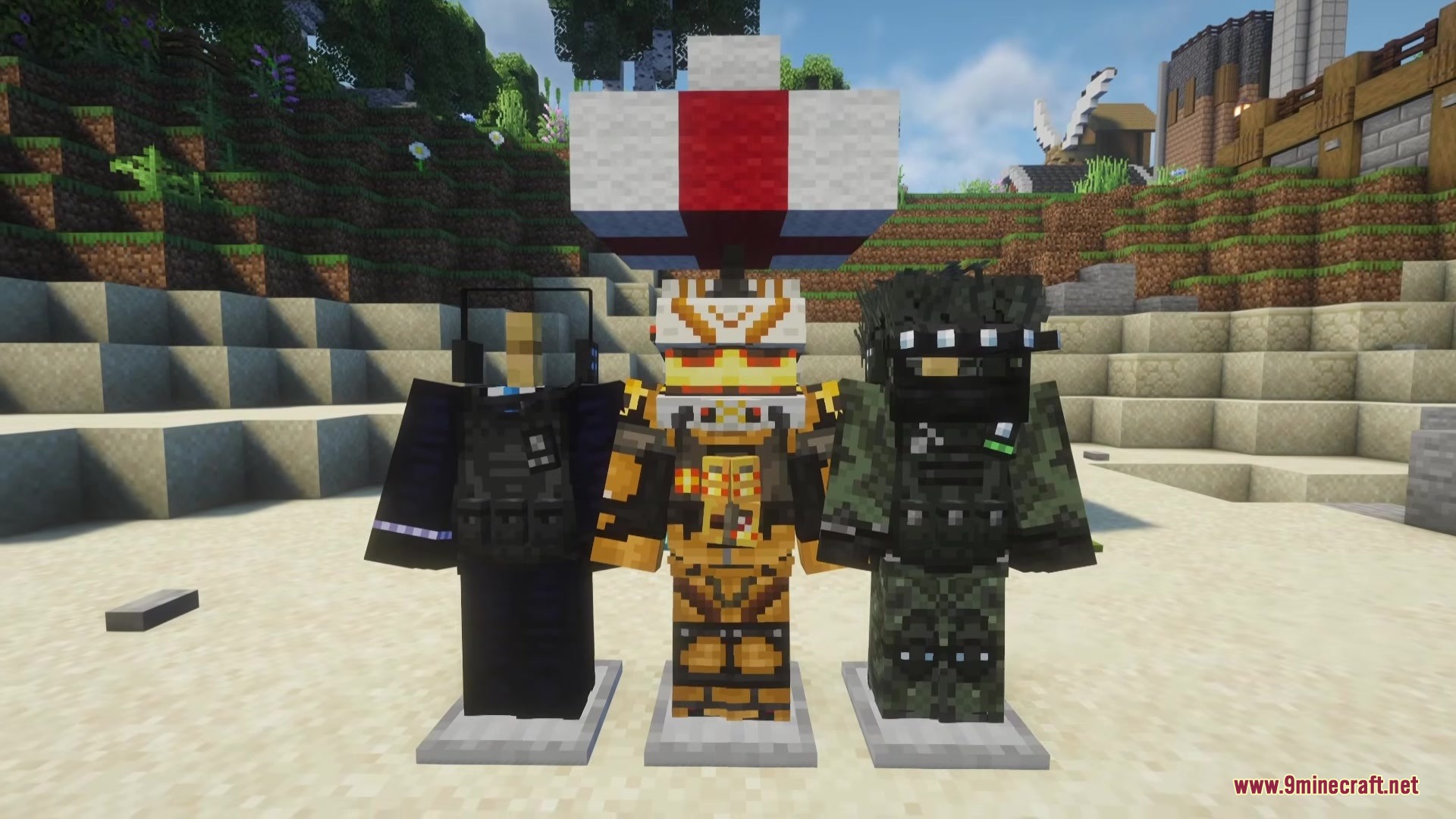

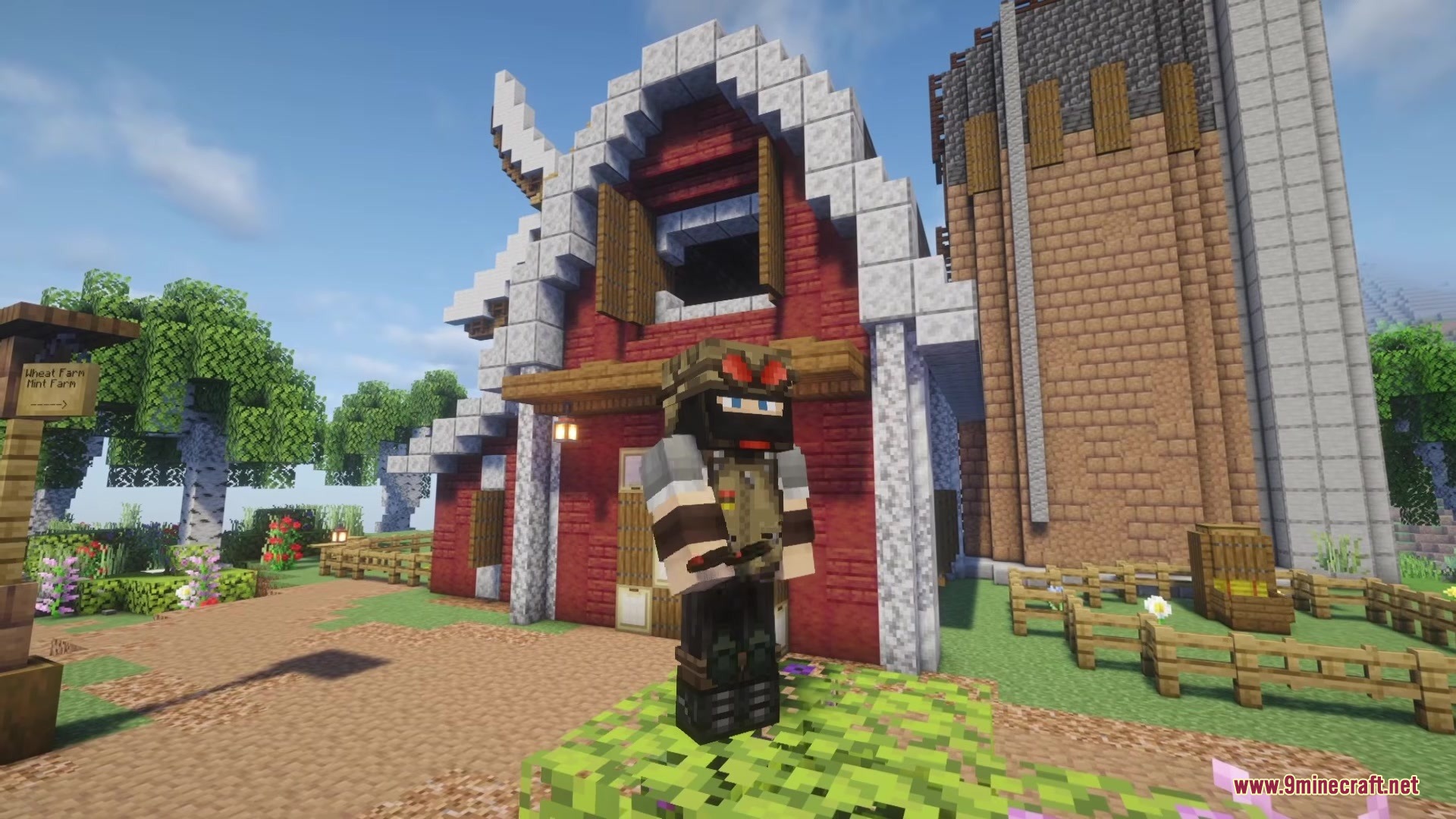
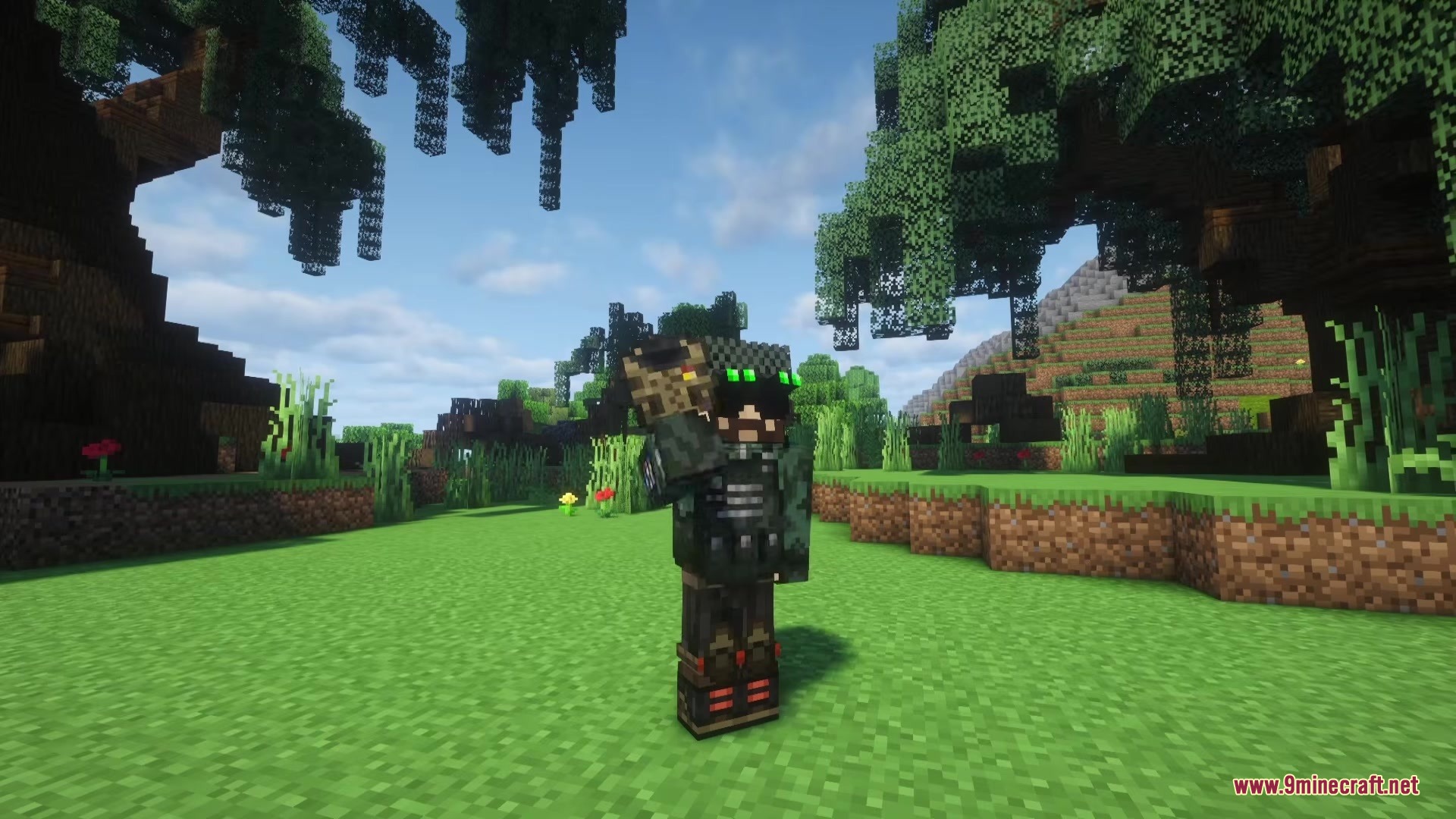
Recon Omega Military Armor Mod equips you with modern tactical gear for your next survival adventure. It adds multiple sets of military armor that look realistic and fit into zombie apocalypse or multiplayer worlds. You buy your new outfits using emeralds at a special crafting station. Every piece gives you the same protection as diamond armor, so you mix and match styles without losing defense.
Features:
- Armor Plates: Equip up to three plates in your vest to absorb low-damage hits from enemies.
- Night Vision: Toggle night vision goggles on specific helmets to see clearly in the dark.
- Armory Block: Buy all your tactical gear using emeralds through a simple menu screen.
- Protects you just like standard diamond armor but adds one extra point of toughness.
- Lets you mix different armor pieces together while keeping fair and balanced stats.
- Includes a game setting that allows zombies and skeletons to spawn wearing military gear.
Available Armor Sets:
- Combat Set
- Crimson Set
- Airforce Set
- Blackout Set
- Ghillie Set
- Arctic Set
- Shadow Ops Set
- Panzer Crew Set
- Viper Set
- Intel Set
- Secret Service Set
How to Use:
- Craft and place an Armory Block in your world.
- Open the block and use emeralds to buy your armor pieces.
- Put on a helmet with Night Vision Goggles and press V to turn them on or off.
- Add armor plates to your vest to block extra damage during fights.
Screenshots:
Recon Omega Military Armor Mod Download Links
Quick facts
- Edition: Minecraft Java
- File type: .jar
- Minecraft version listed: 1.20.1
- How to install: Install the matching mod loader (Forge, Fabric or NeoForge) for your Minecraft version. → Download the .jar. → Put it in the .minecraft/mods folder and launch that loader profile.
- Where to get it: In MC Java Mods, or directly above on this page.
Install steps are the general flow for this file type — How to install Minecraft Java mods & modpacks walks through it step by step.
File checked by MCModsHub
- Downloads as 368342.mcaddon
- Download size: 2.4 MB
- Download link checked 25 Sept 2026 — working
- Mirrored on our own servers — the download does not depend on the original host
These come from our own check of the pack file, not from the source page.