Home›Java›Resourcepacks›Oculies Low Fire Resource Pack (26.2, 1.20.1) – No More Fire All Over Your Screen
ResourcepacksJava
Oculies Low Fire Resource Pack (26.2, 1.20.1) – No More Fire All Over Your Screen
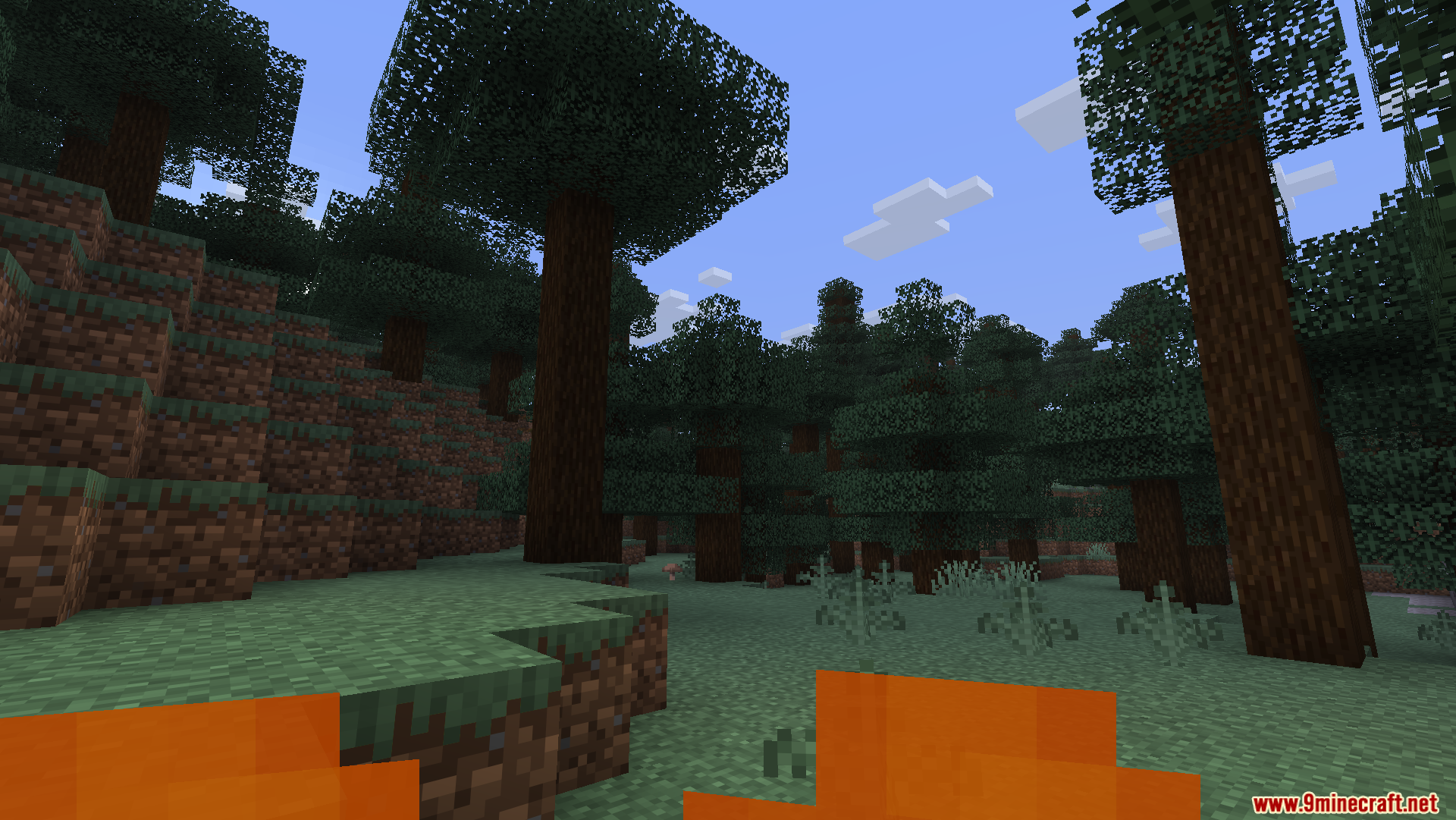
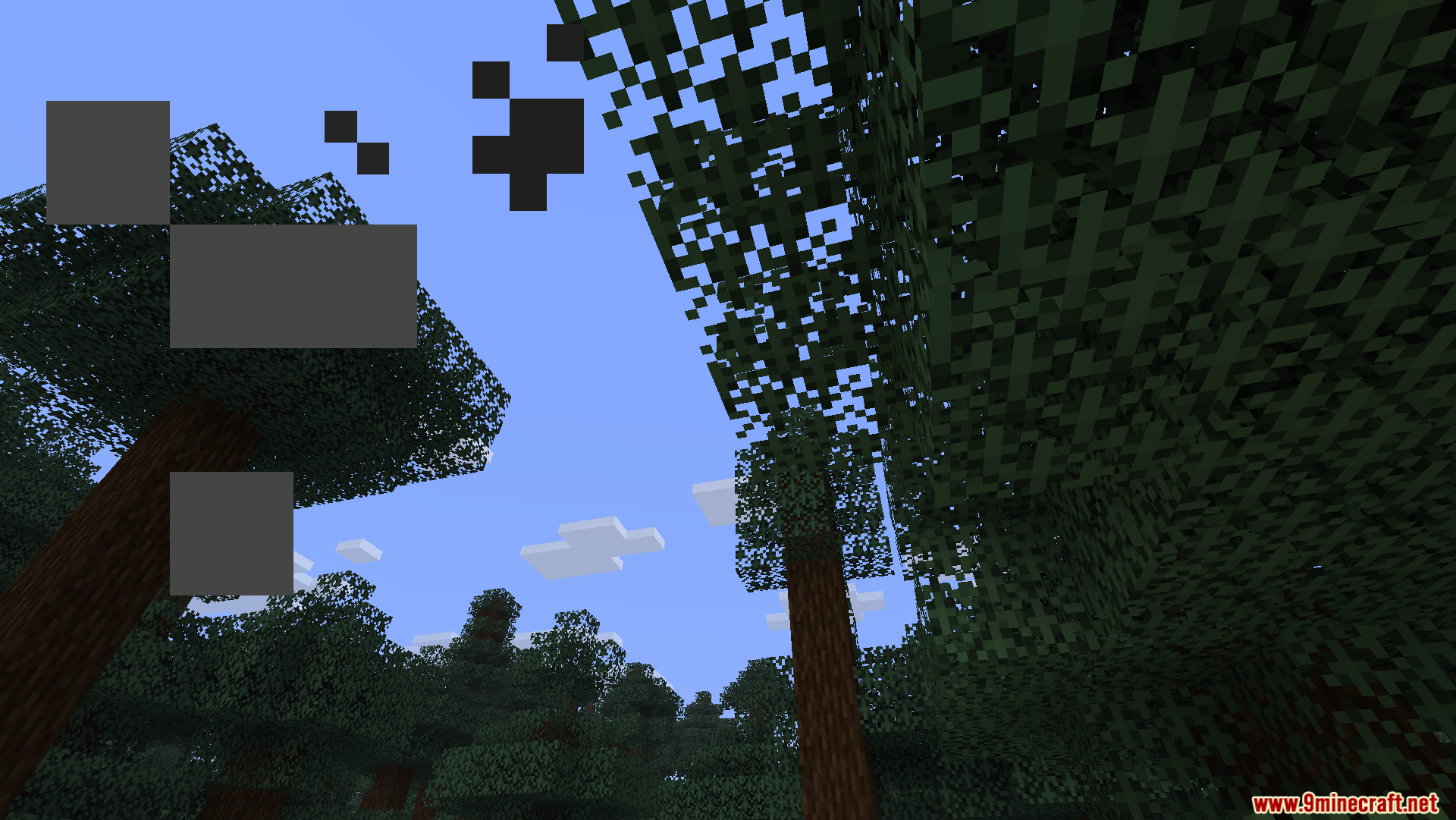
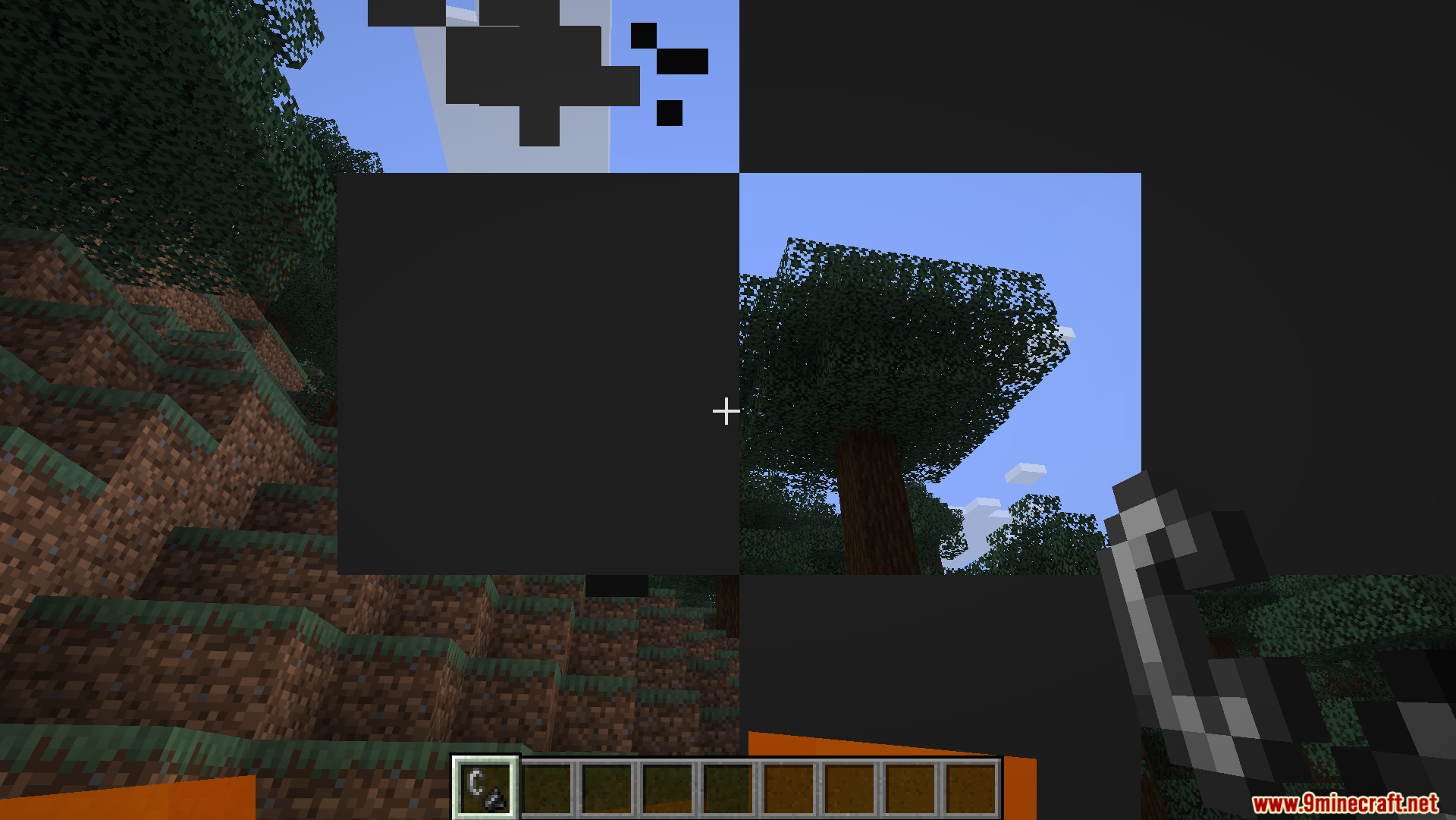
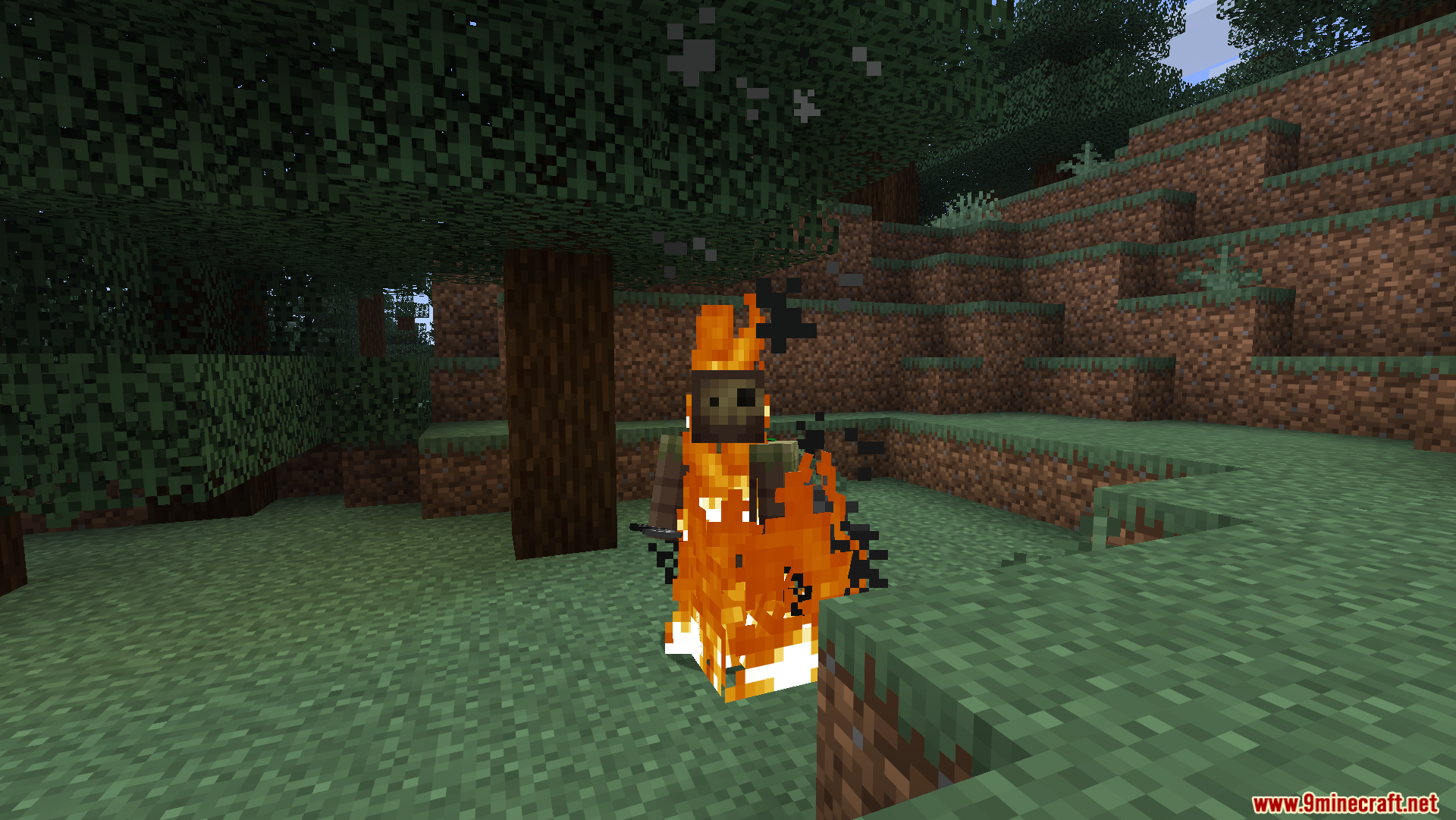
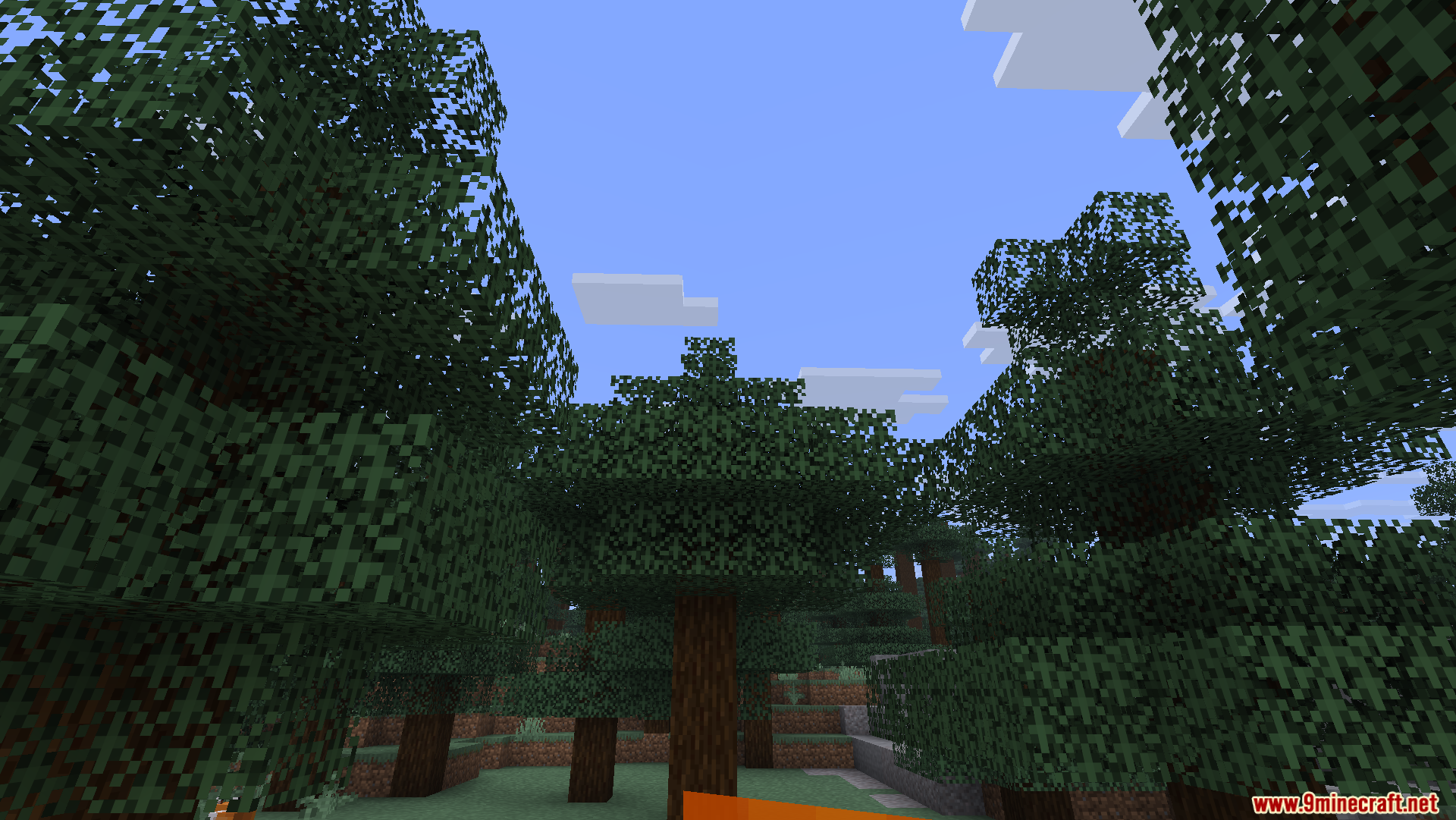
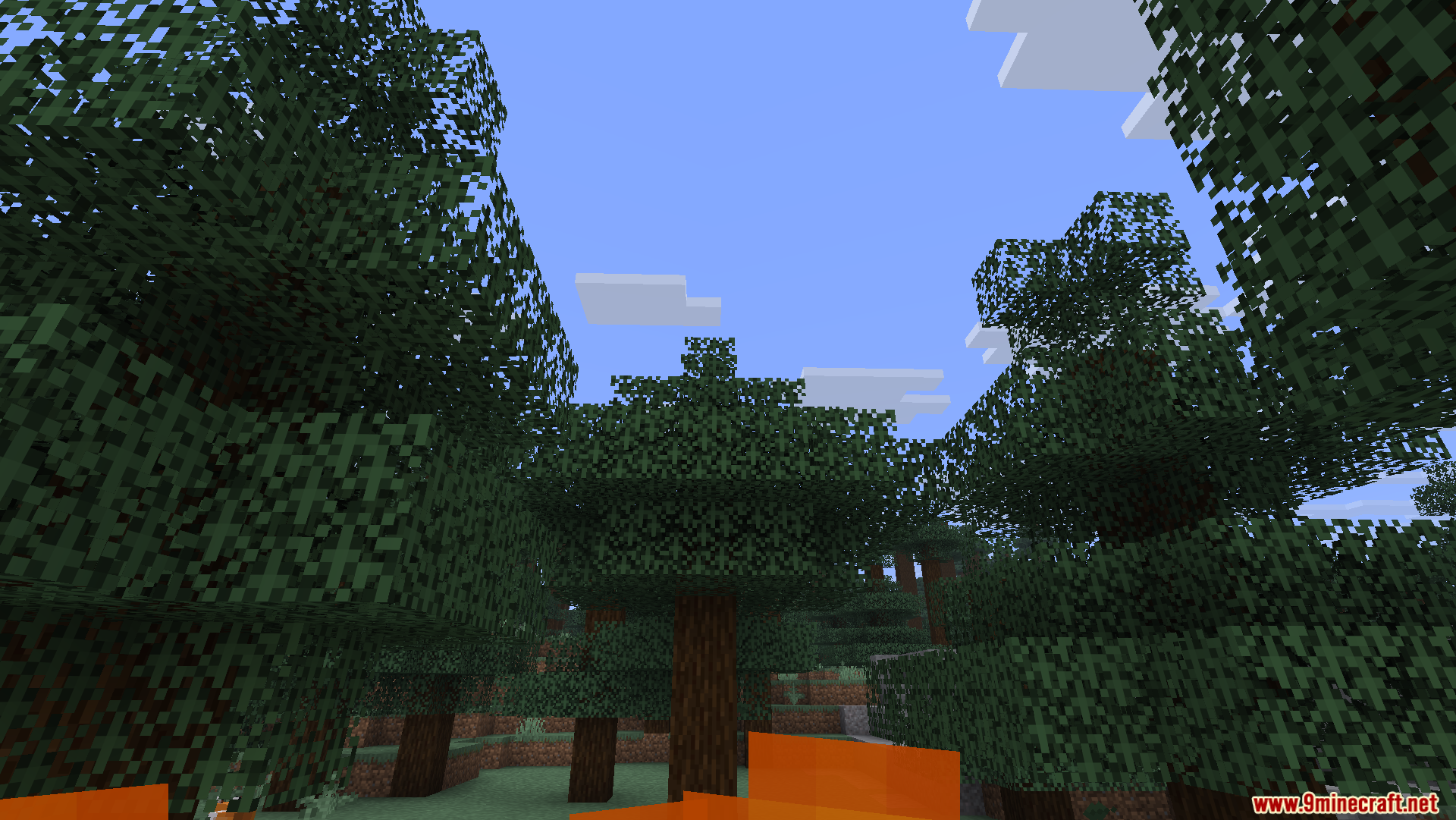
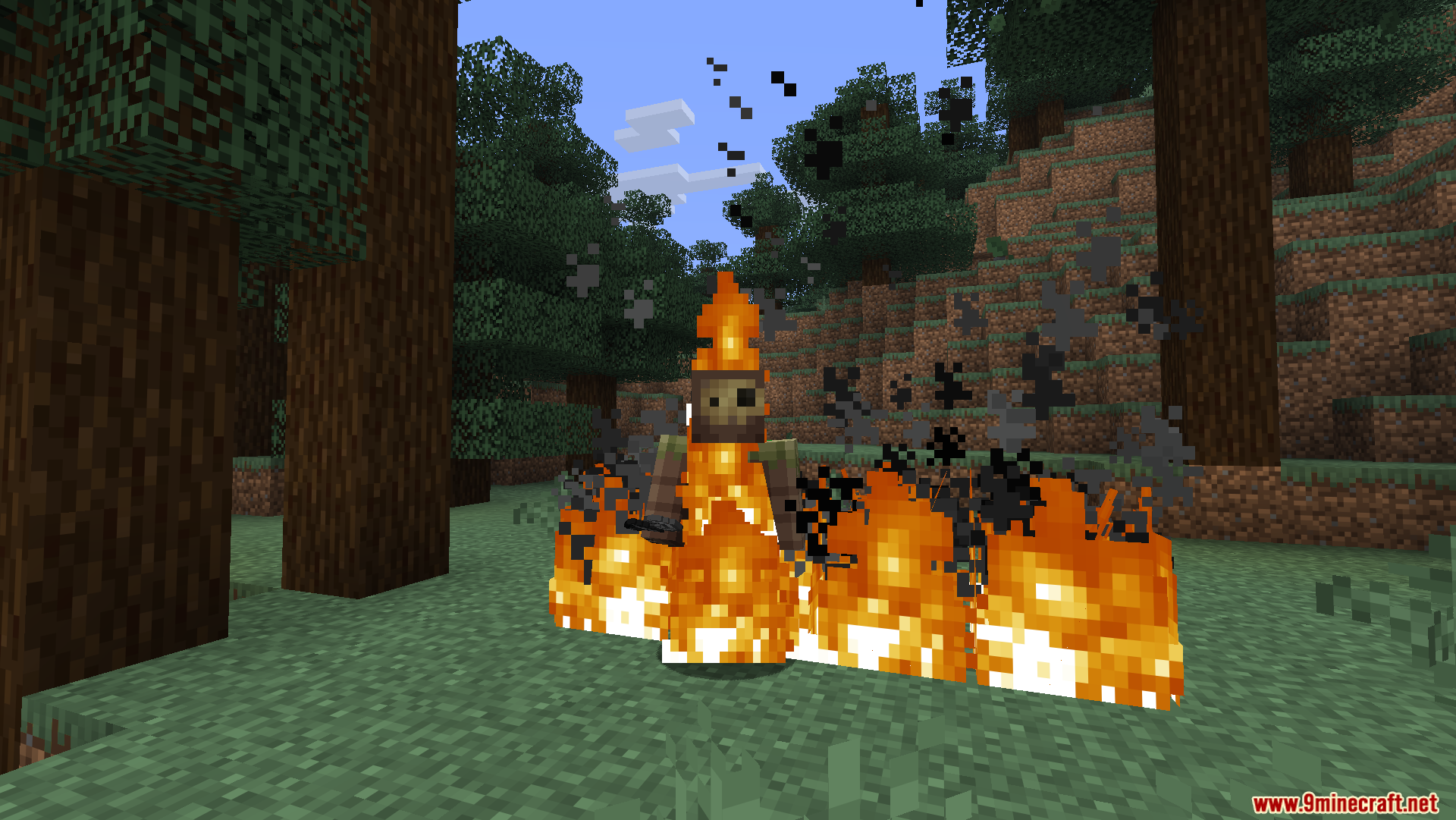
Oculies Low Fire Resource Pack shrinks the flames on your screen when your character catches on fire. Normal Minecraft fire covers a large part of your view, making it hard to see enemies or ledges. This pack pushes the flames down to the bottom of your screen. You keep a clear view of your surroundings during fights or accidents in lava. It changes only the fire on your body, leaving the regular fire on blocks looking normal.
Features:
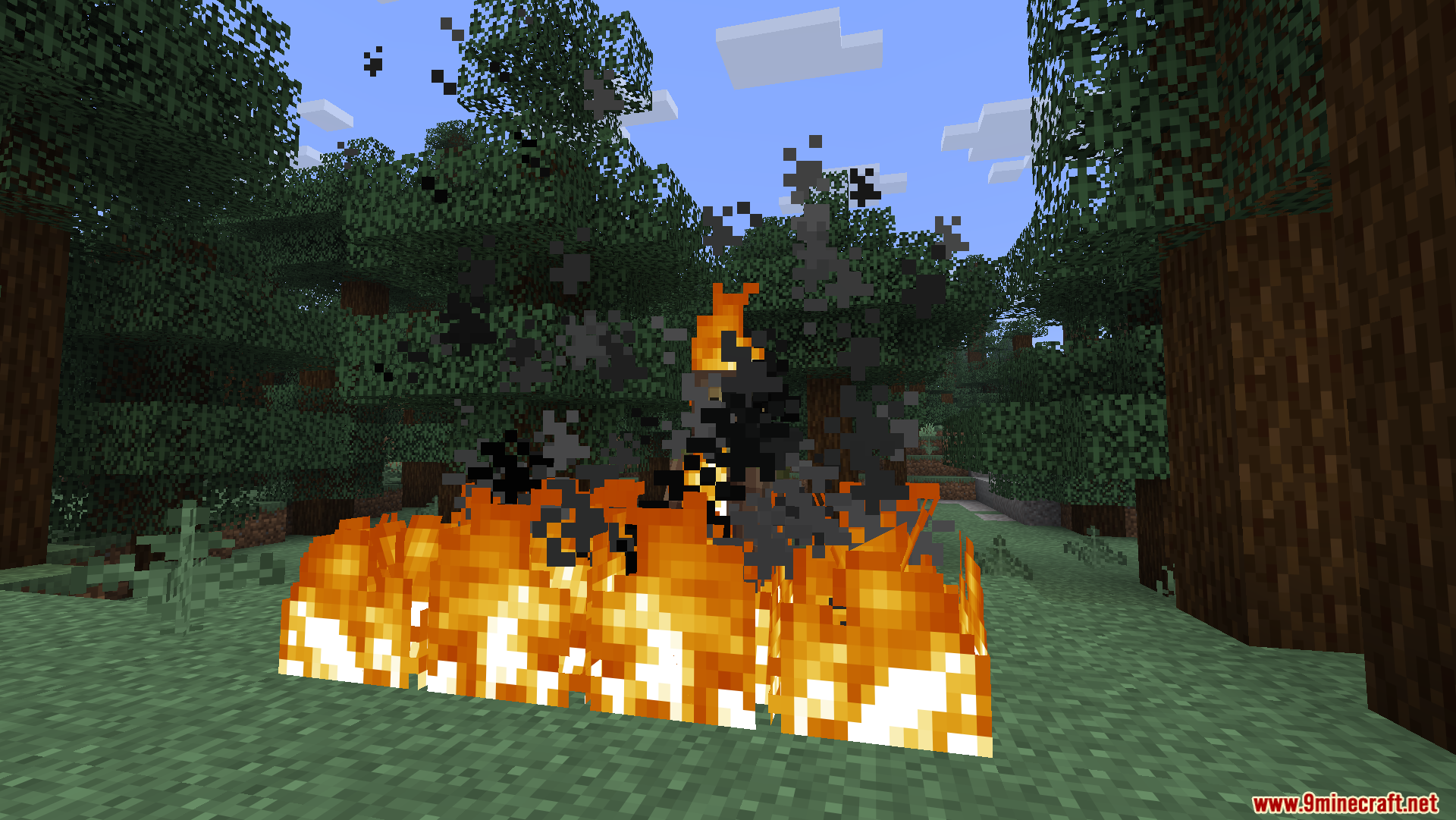
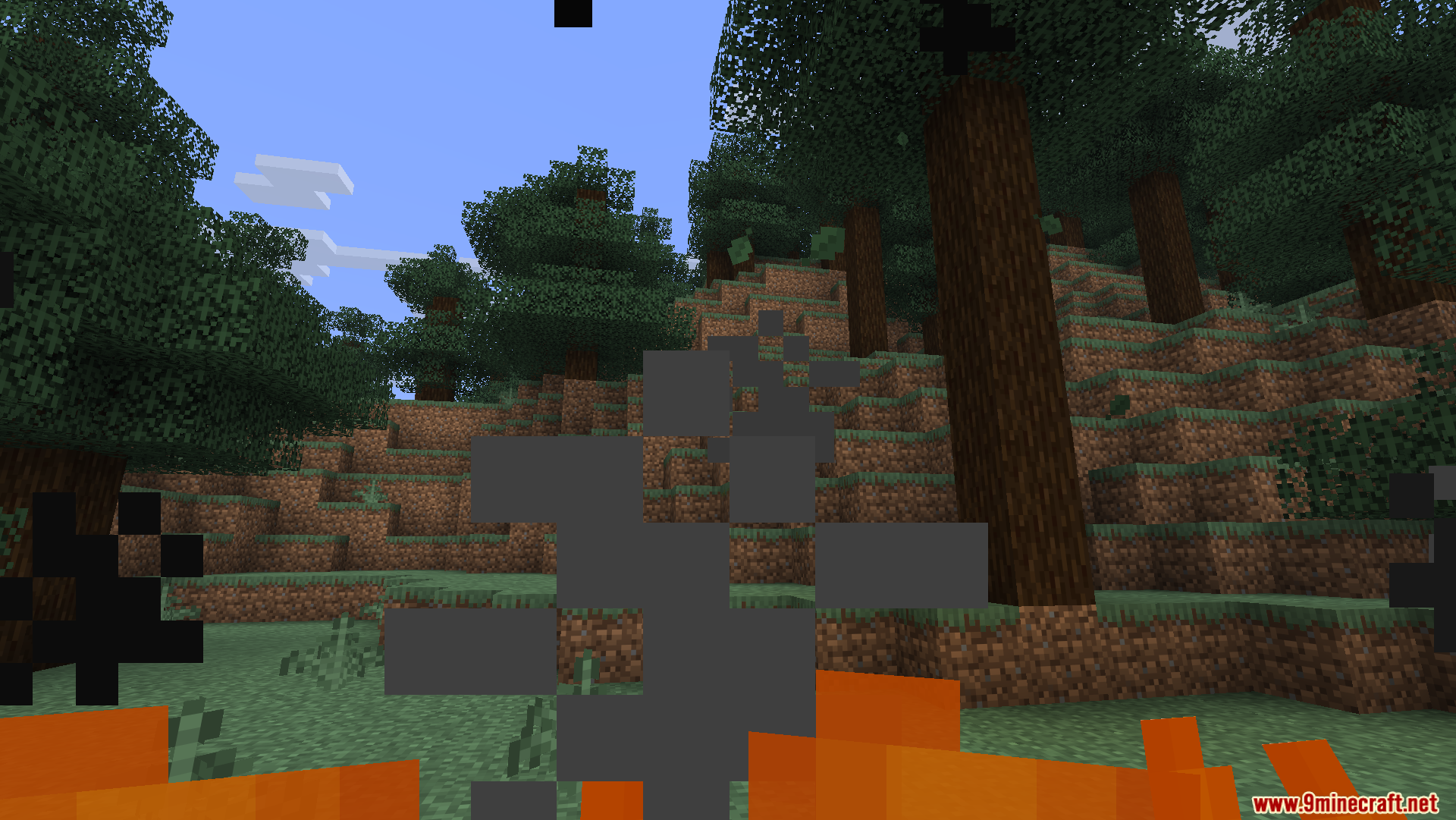
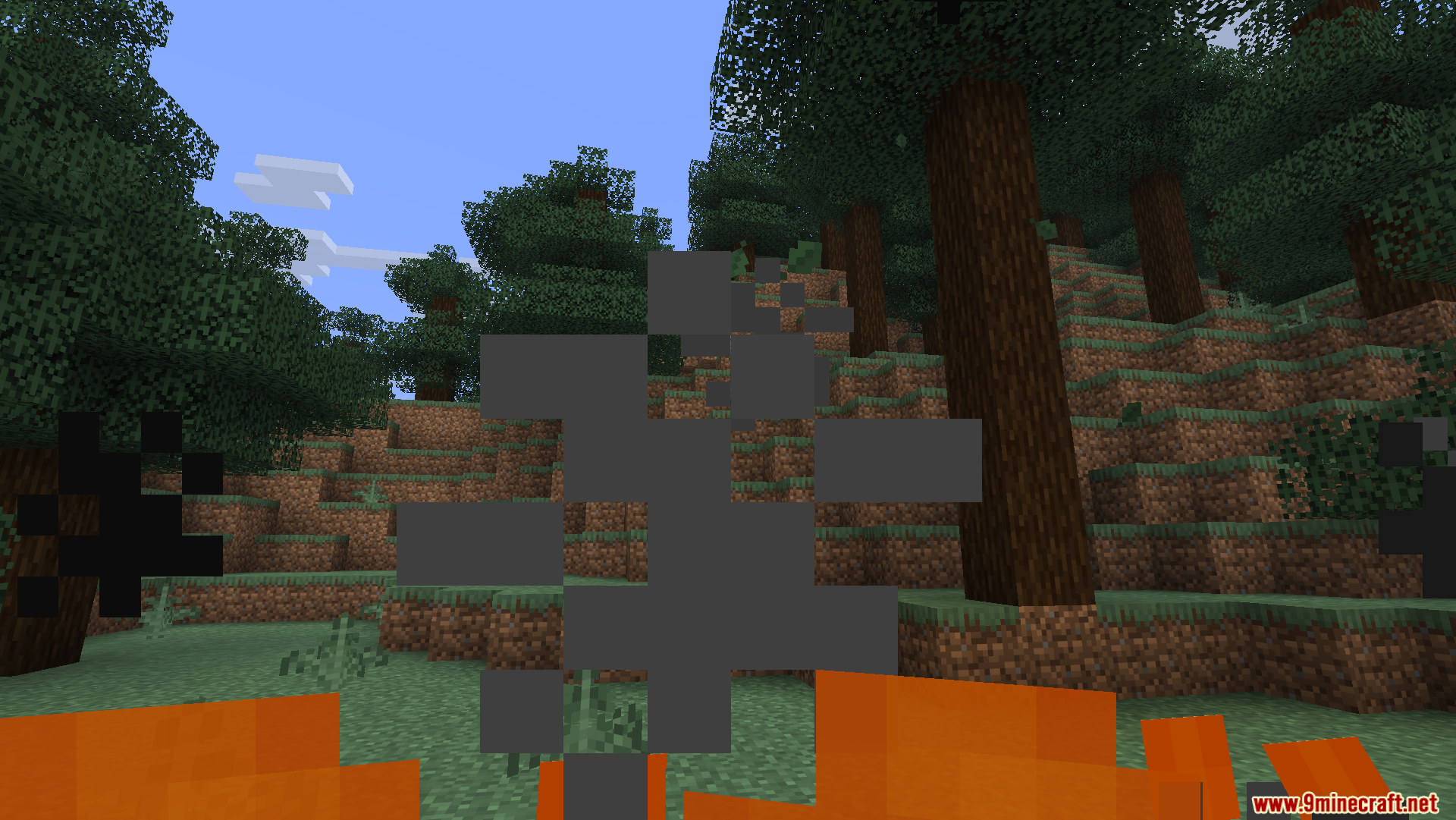
- Lower First-Person Fire: Flames stay near the bottom of your screen when you burn.
- Normal Block Fire: Fire placed on the ground or on wood keeps its regular look.
- Clearer Vision: Gives you more room to see where you walk or aim while taking fire damage.
- Separate Textures: Treats body fire and block fire as two different things so the world looks the same.
Screenshots:
Oculies Low Fire Resource Pack Download Links
Quick facts
- Edition: Minecraft Java
- File type: .zip (resource pack)
- Minecraft version listed: 1.20.1
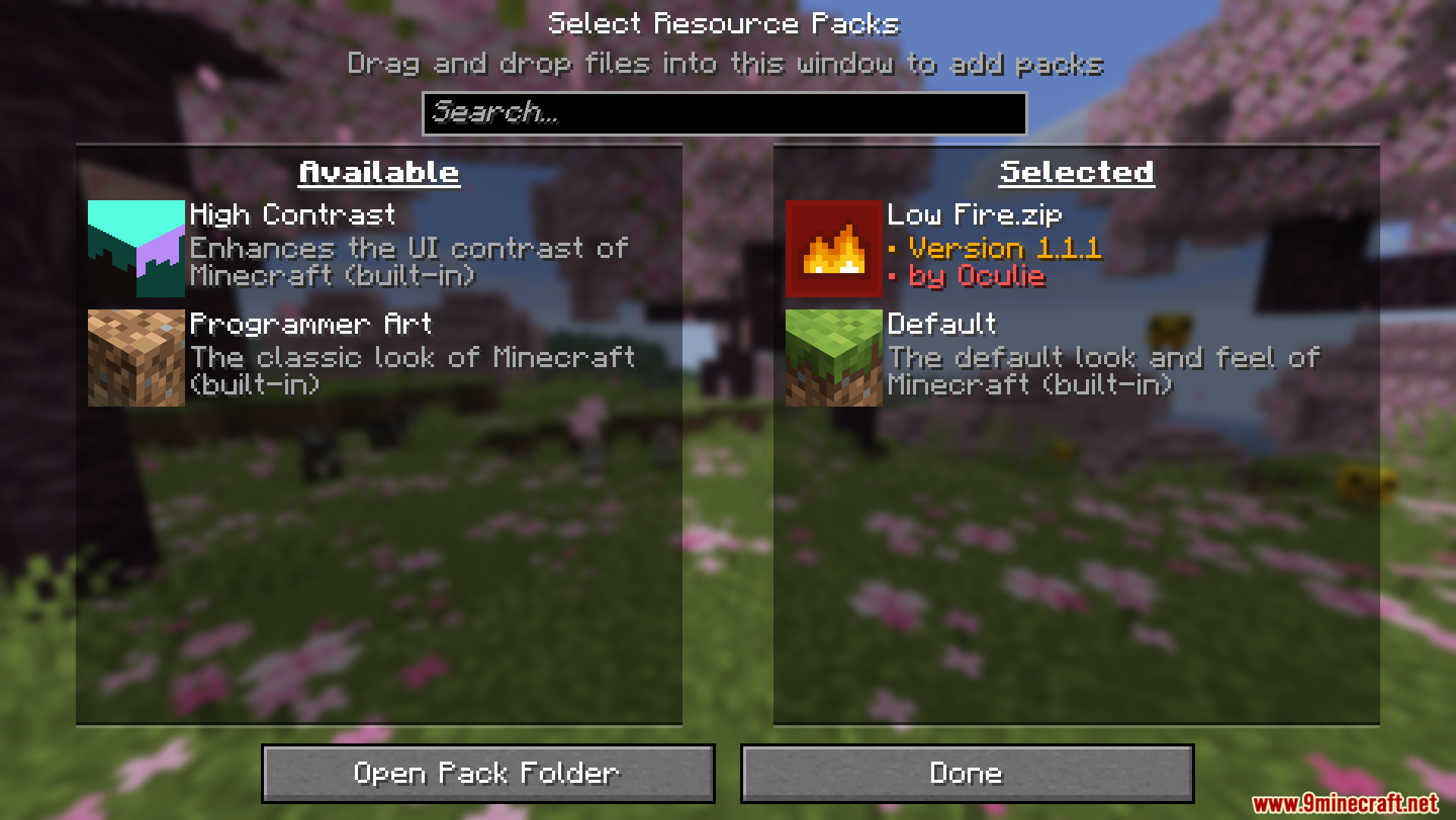
- How to install: Download the .zip resource pack — do not unzip it. → Put it in .minecraft/resourcepacks. → Enable it in Options → Resource Packs.
- Where to get it: In MC Java Mods, or directly above on this page.
Install steps are the general flow for this file type — How to install Minecraft Java resource packs walks through it step by step.
Verified by MCModsHub
- Downloads as 3689.mcpack
- Download size: 41 KB
- Download link checked 29 Jul 2026 — working
- Mirrored on our own servers — the download does not depend on the original host
These come from our own check of the pack file, not from the source page.