
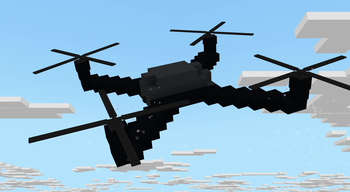
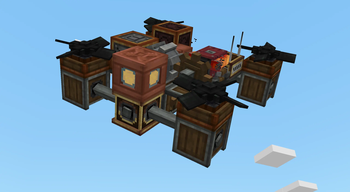
Create: Droneworks Simulated
Build and fly your own drones in Create.
Droneworks is an add-on for Aeronautics that lets you build aircraft from redstone-controlled parts and control it remotely
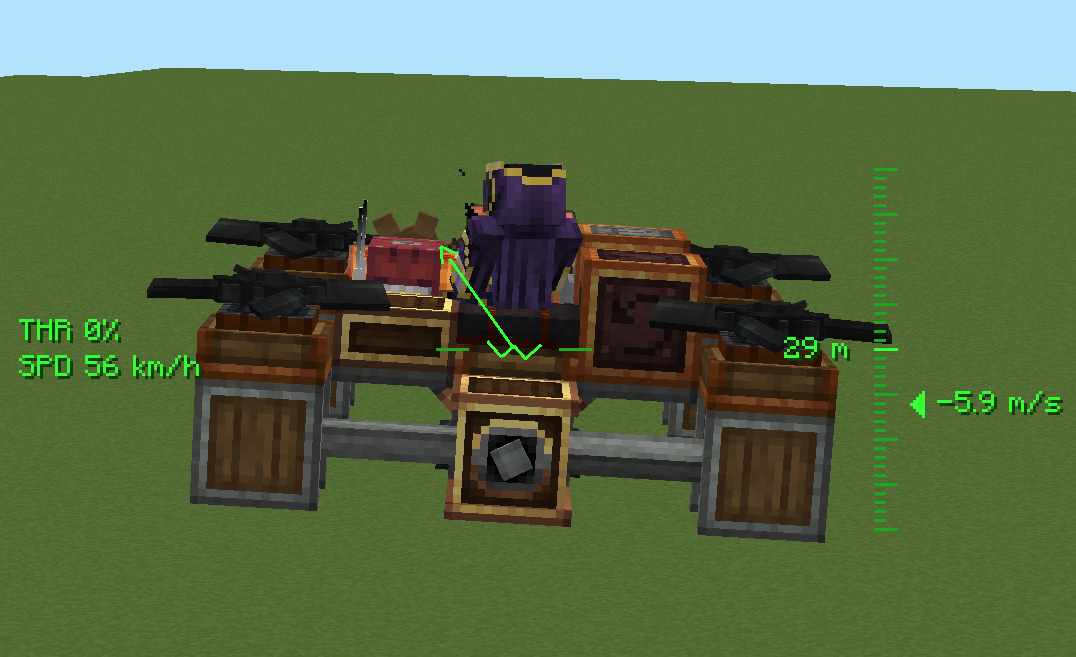
Realism
Propellers actually push, torque has to be balanced
Pilot it your way
- Commander Seat — hop in for a locked third-person view with a full flight HUD.
- Drone Camera — mount a tiny FPV camera and get a first-person feed that banks and tumbles with the craft, complete with analog glitch visuals.
- Drone Remote Controller — link to a seat or camera and watch your drone from anywhere in range(1500 blocks is a default), wirelessly.
The parts
- Drone Core — the brain: set your heading, feed it thrust with an analog redstone signal, and switch between stabilised and high-sensitivity modes.
- Drone Controls — maps each side to an axis (yaw, pitch, roll) for full steering.
- Drone Propeller & Tilting Propeller Bearing — your lift and thrust, with per-blade torque direction so you can tune yaw and keep the craft balanced.
- Drone Blade & Drone Hub — decorative rotor pieces to make your build look the part.
- Flap Bearing — combines clutch gearshift torsion spring and mechanical bearing to control flaps with analog redstone with setting max angle. What before was achieved by 4 blocks now compacted in one. Neat feature is analog redstone, if max degree is 30, then at 5 redstone signal angle would be 10, at 10 redstone signal it would be 20 and at 15 it would be max angle - 30.
Quick facts
- Edition: Minecraft Java
- File type: .jar
- Minecraft version listed: 1.21.1
- How to install: Install the matching mod loader (Forge, Fabric or NeoForge) for your Minecraft version. → Download the .jar. → Put it in the .minecraft/mods folder and launch that loader profile.
- Where to get it: Opens on Modrinth — not every file is mirrored on our own servers.
Install steps are the general flow for this file type — How to install Minecraft Java mods & modpacks walks through it step by step.
Verified by MCModsHub
- Ships as droneworks-0.1.1.jar — drop this file into the mods folder
- Download size: 1.1 MB
- Download link checked 29 Aug 2026 — working
These come from our own check of the pack file, not from the source page.