
Mossy Biomes
Java mod listed for Minecraft 26.x. Downloads from the MC Java Mods app on Android.
⬇ Download on Modrinth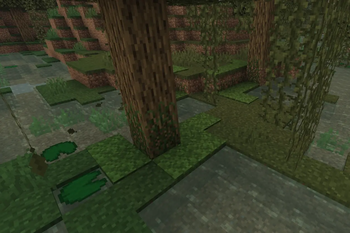
Mossy Biomes
Mossy Biomes integrates vanilla moss more naturally into Minecraft's Overworld.
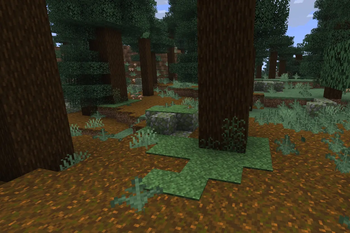
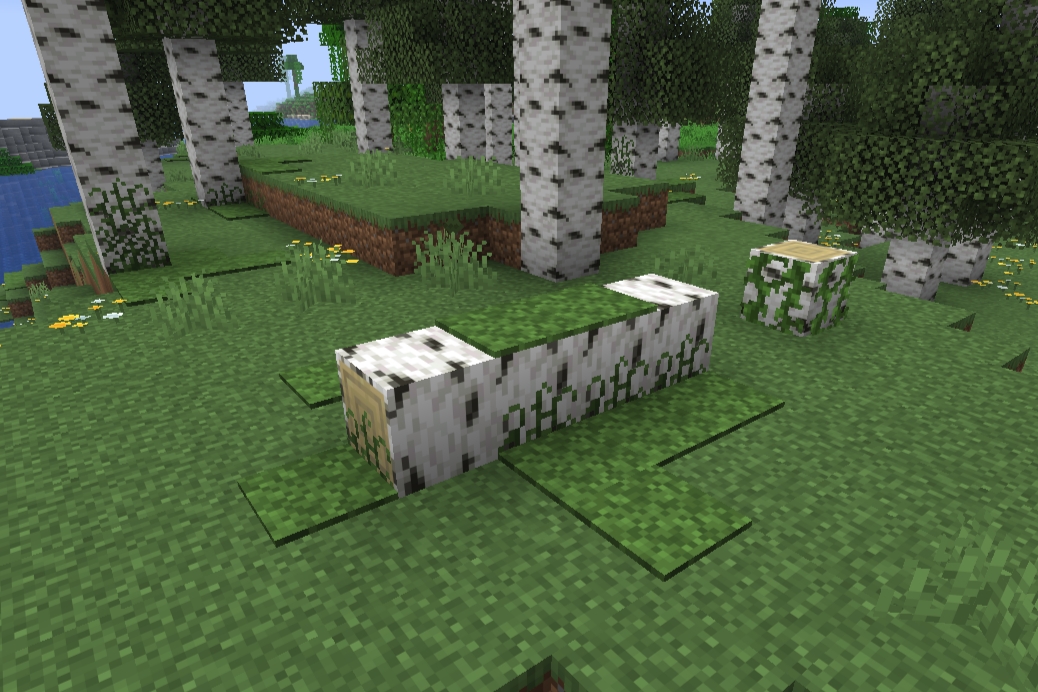
Moss can now appear around trees, fallen logs, water, stone formations, and other suitable natural surfaces. Regular moss carpet also gains the vertical growth appearance of pale moss carpet and changes colour depending on the biome.
Features
- Natural moss carpet generation in suitable forest and humid biomes.
- Moss concentrated around the bases of trees.
- Moss around naturally generated fallen trees.
- Moss near rivers, ponds, lakes, and swamp water.
- Moss along small terrain edges and natural slopes.
- Moss on and around exposed mossy cobblestone formations.
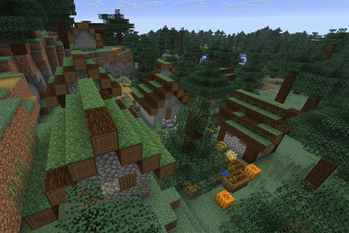
- Moss carpets on taiga village roofs.
- Vertical side extensions for regular moss carpet.
- Biome-dependent colours for moss carpet.
- Biome-dependent colours for moss blocks.
- Protection for mushrooms and other existing vegetation.
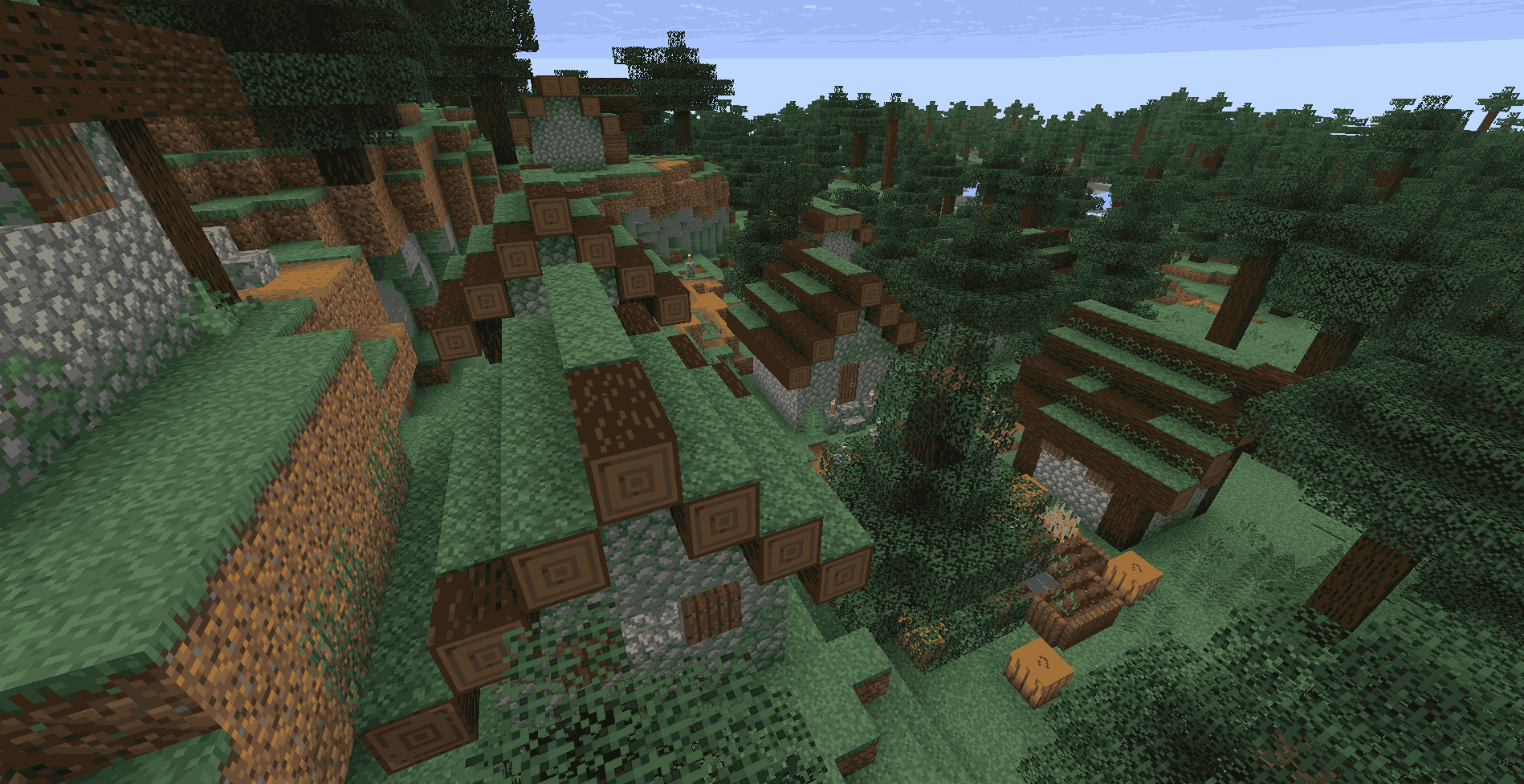
Biome colours
Moss carpet and moss blocks adapt their colour to the biome in which they are placed.
This creates subtle visual differences between forests, birch forests, taigas, jungles, swamps, and other supported environments.
- Edition: Minecraft Java
- File type: .jar
- Minecraft version listed: 26.2
- How to install: Install the matching mod loader (Forge, Fabric or NeoForge) for your Minecraft version. → Download the .jar. → Put it in the .minecraft/mods folder and launch that loader profile.
- Where to get it: Opens on Modrinth — not every file is mirrored on our own servers.
Install steps are the general flow for this file type — How to install Minecraft Java mods & modpacks walks through it step by step.
- Ships as mossy-biomes-1.0.0+26.2.jar — drop this file into the mods folder
- Download size: 304 KB
- Download link checked 9 Oct 2026 — working
These come from our own check of the pack file, not from the source page.