
Change Cyan Team Respawn Block to Gray (LBU2)
Java resource pack listed for Minecraft 1.20. Downloads from the MC Java Mods app on Android.
⬇ Download on Modrinth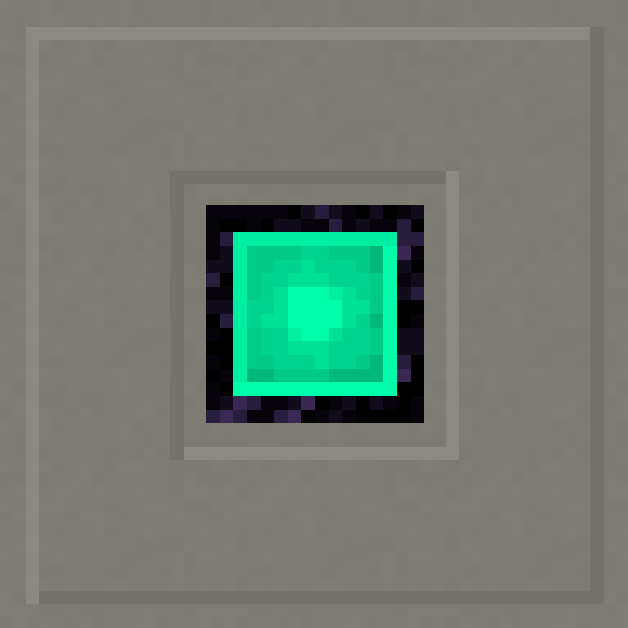
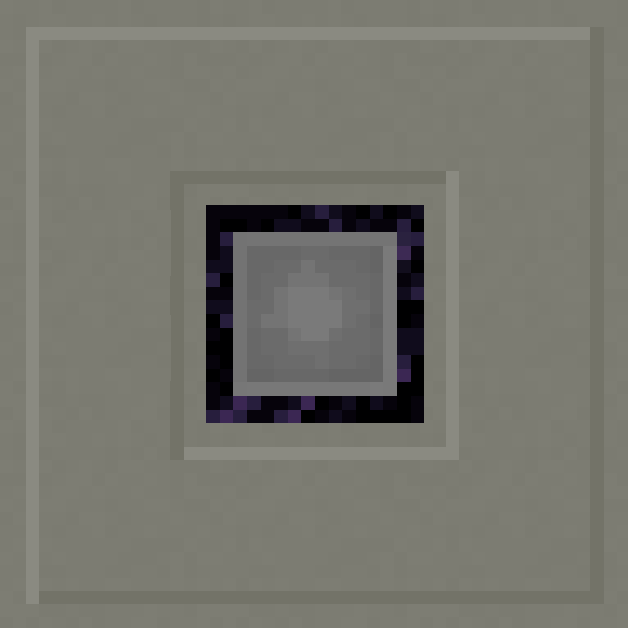
Change Cyan Team Respawn Block to Gray Team Respawn Block - FWF: LuckyBlocks (Addon)
This is a minor, purely visual official addon created specifically for the FWF: LuckyBlocks modpack ecosystem.
In the modpack's setup, I utilize the gray color theme instead of the cyan. This resource pack bridges that visual gap to ensure everything looks consistent and immersive while you play.
🔌 Requirements:
- Lucky Blocks Ultimate 2 (Required Mod)
🌟 Features:
- Texture Overhaul: Changes the vanilla Cyan Team Respawn Block texture to a sleek Gray variant.
- In-Game Renaming: Updates the item and block language strings so it is properly named as a gray variant in-game.
⚠️ Note:
This resource pack is designed as a complementary addon for the FWF: LuckyBlocks modpack. While it can be used standalone with LBU2, it is highly recommended to use it alongside the main pack for the intended visual experience.
- Edition: Minecraft Java
- File type: .zip (resource pack)
- Minecraft version listed: 1.20.1
- How to install: Download the .zip resource pack — do not unzip it. → Put it in .minecraft/resourcepacks. → Enable it in Options → Resource Packs.
- Where to get it: Opens on Modrinth — not every file is mirrored on our own servers.
Install steps are the general flow for this file type — How to install Minecraft Java resource packs walks through it step by step.
- Downloads as CCTRBtG.zip
- Download size: 5 KB
- Download link checked 30 Oct 2026 — working
These come from our own check of the pack file, not from the source page.