Mayview Resources Resource Pack (1.21.11, 1.21.1) – Cozy Farming Village Menus
Java resource pack listed for Minecraft 1.21. Downloads from the MC Java Mods app on Android.
⬇ Download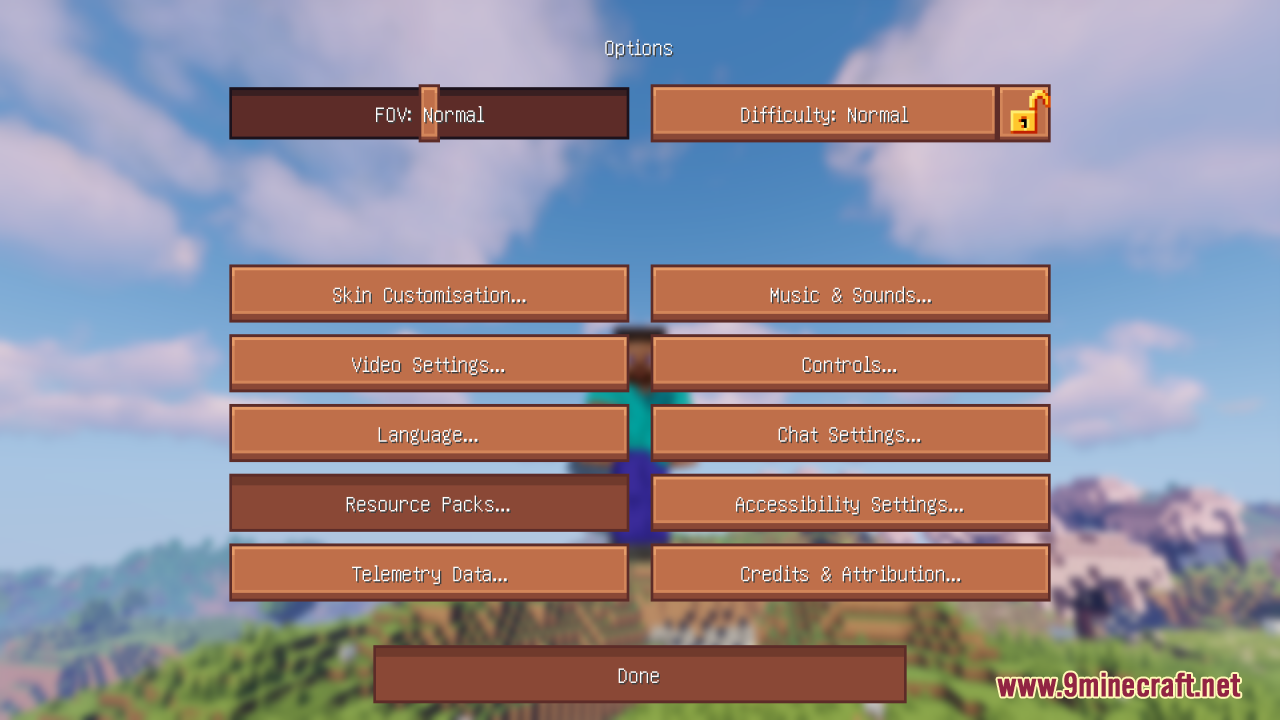
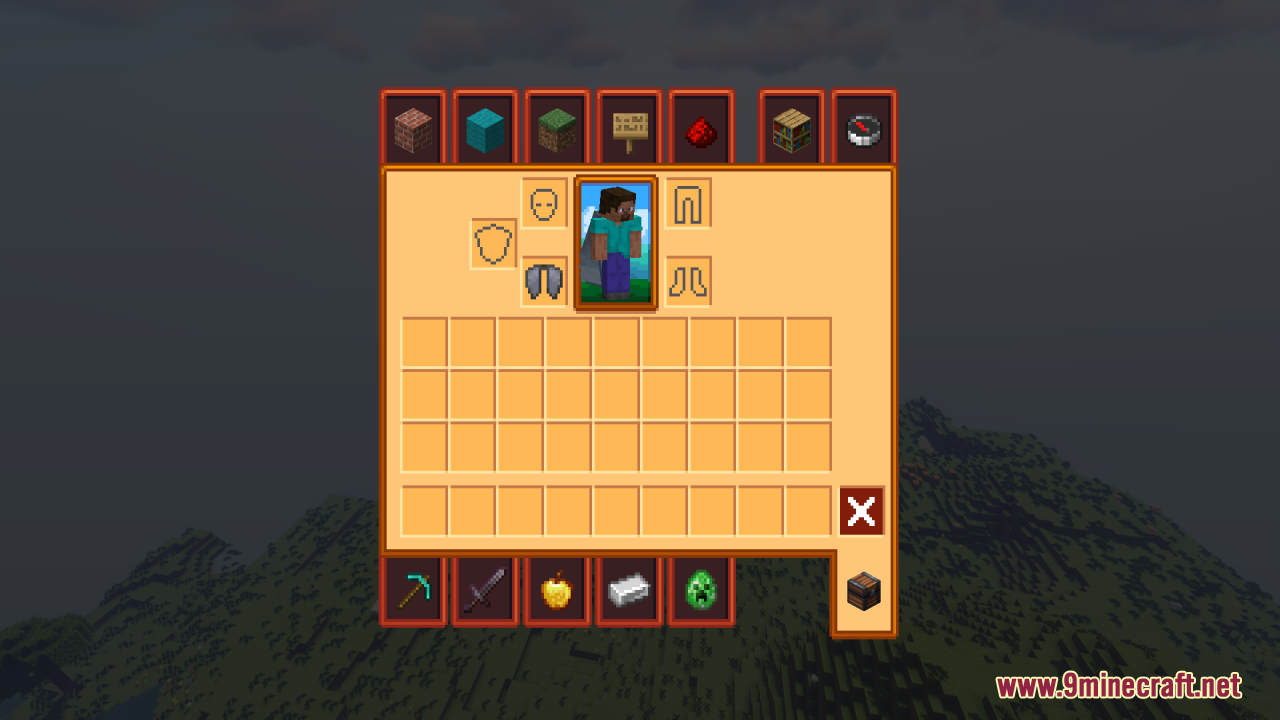
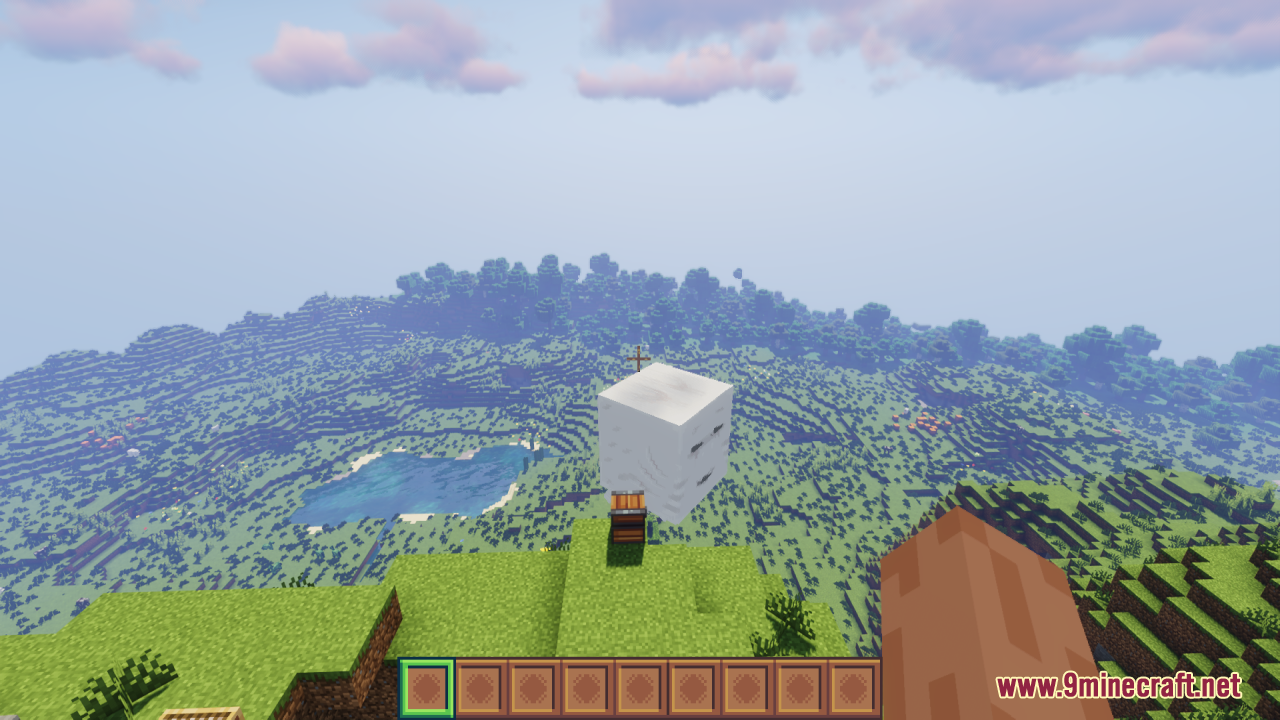
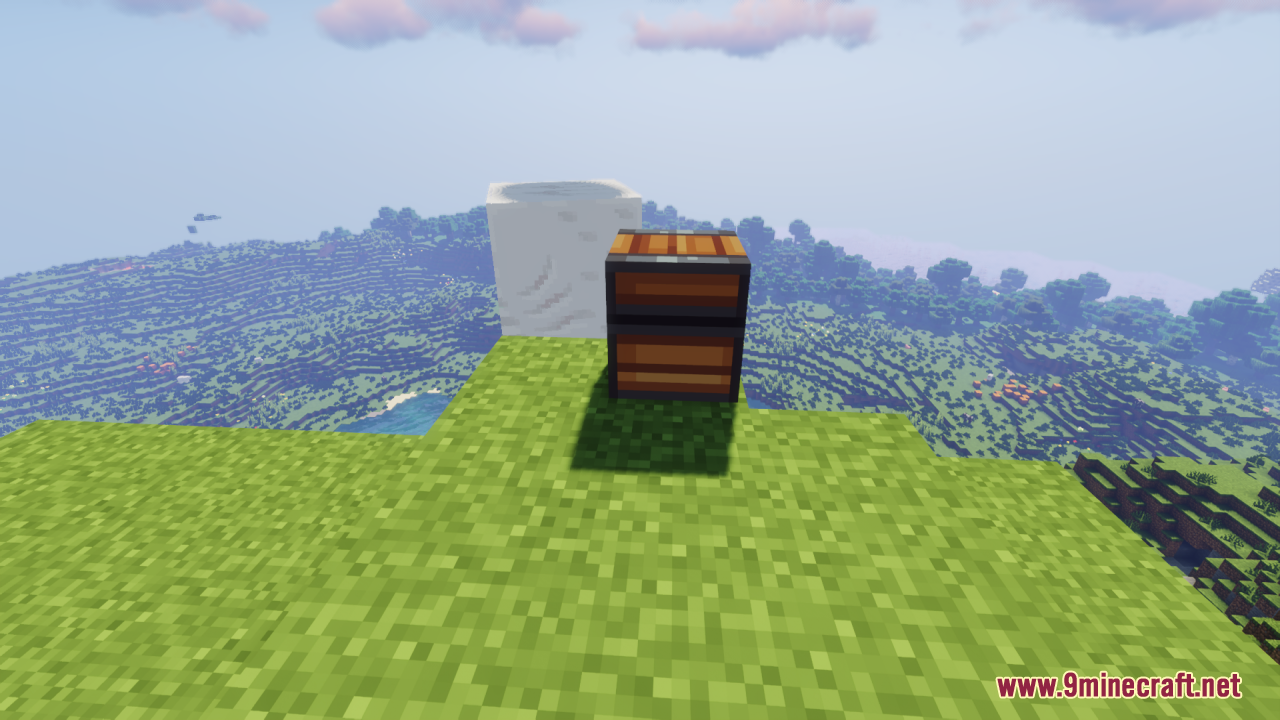
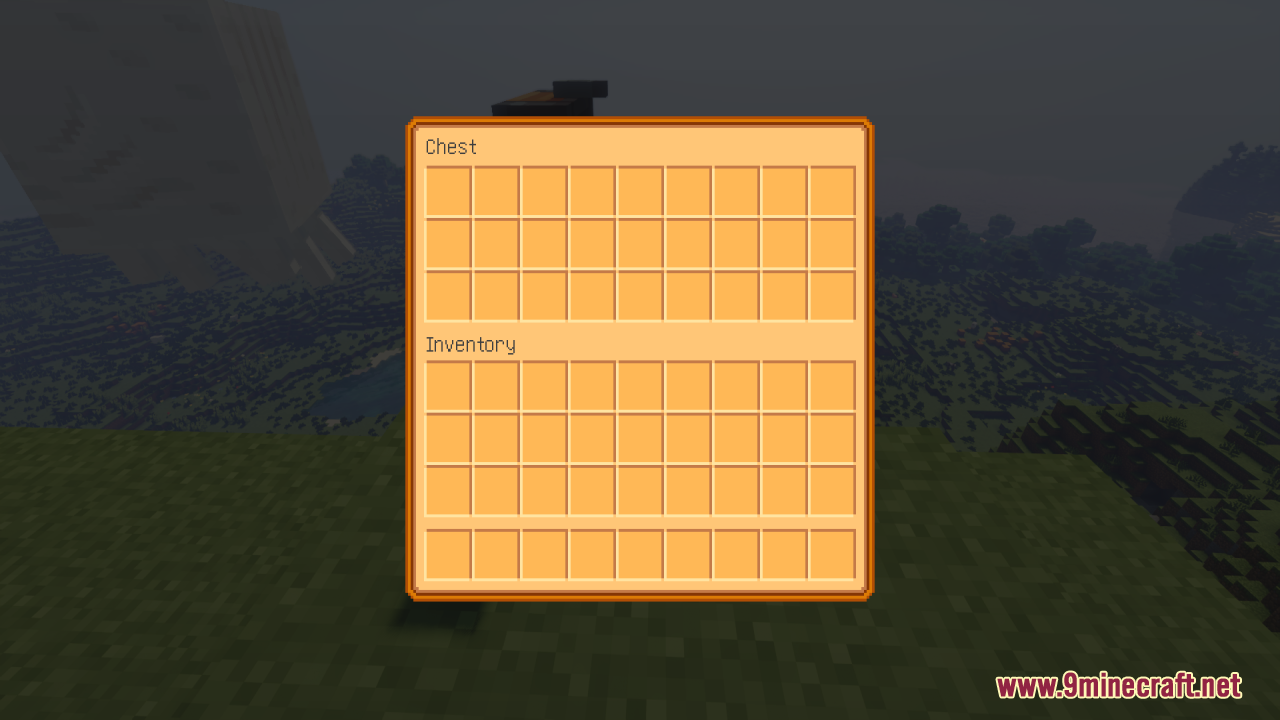
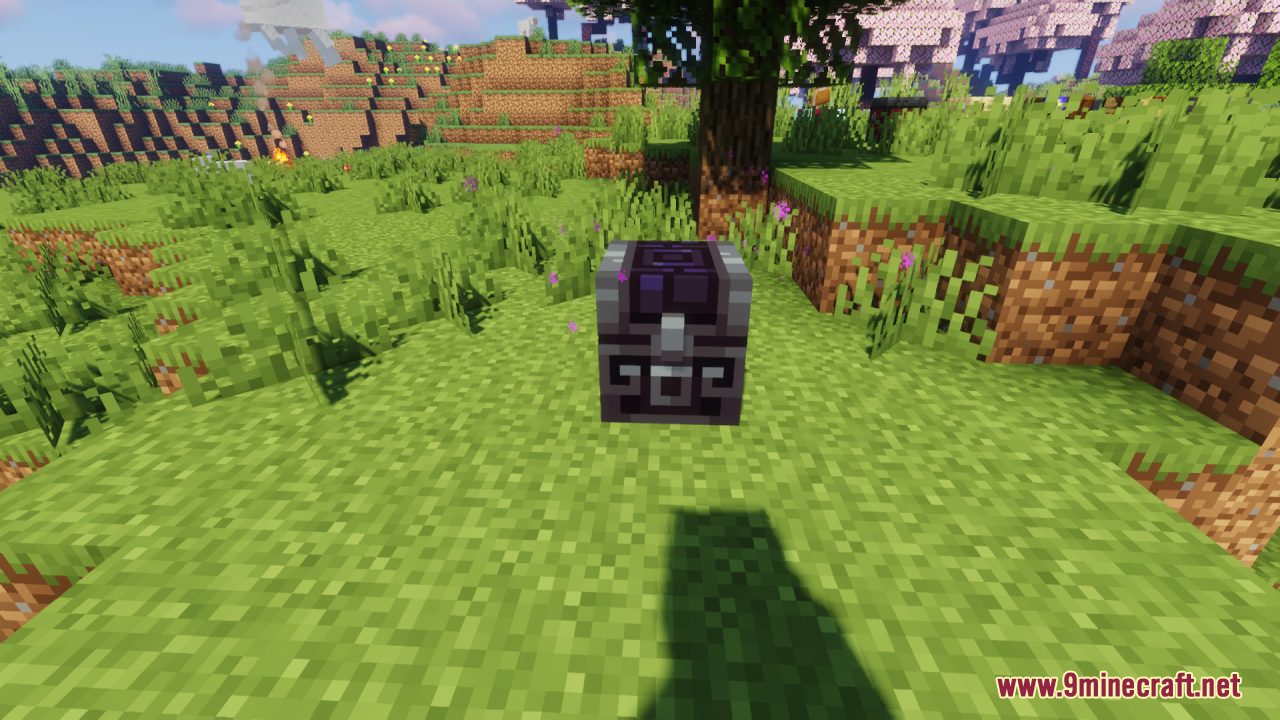
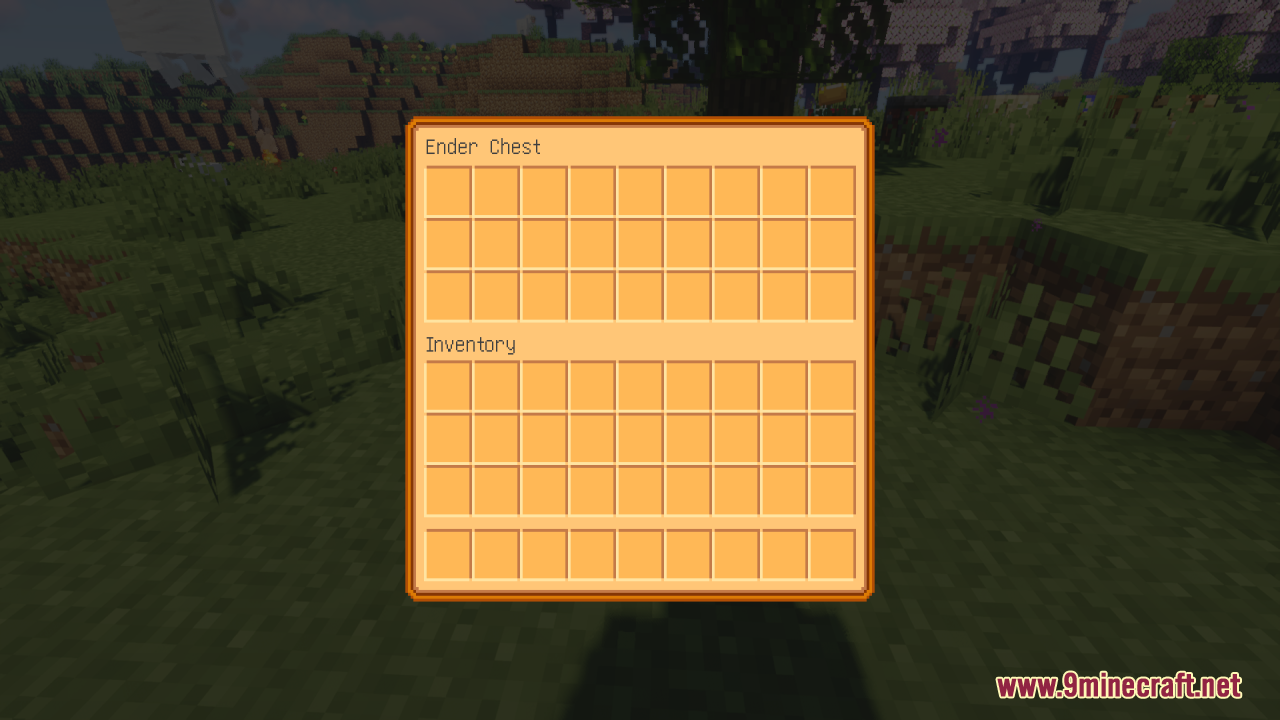
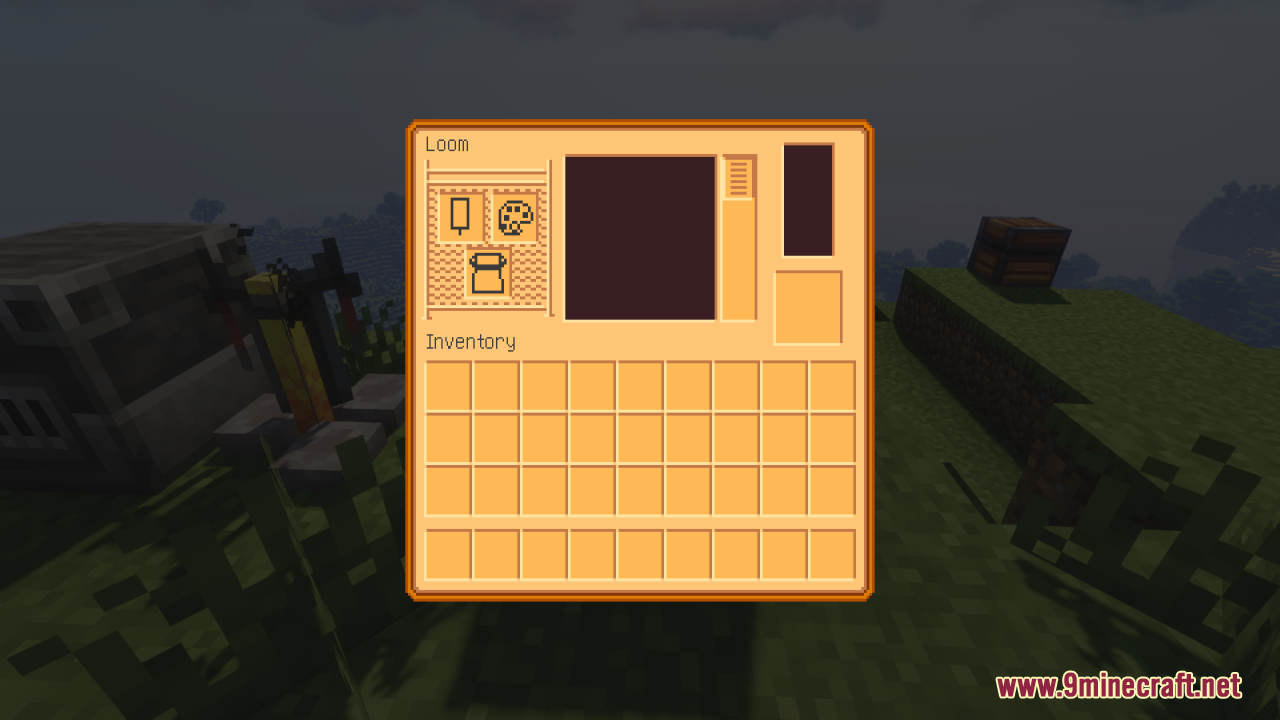
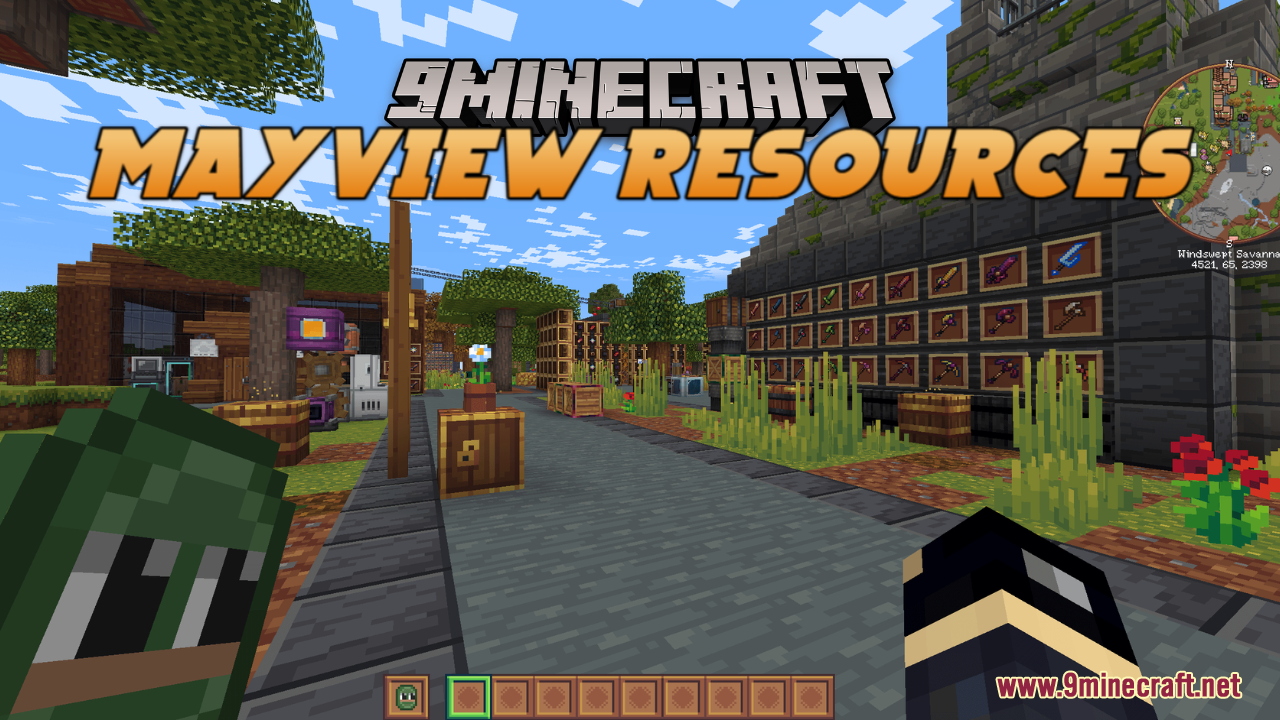
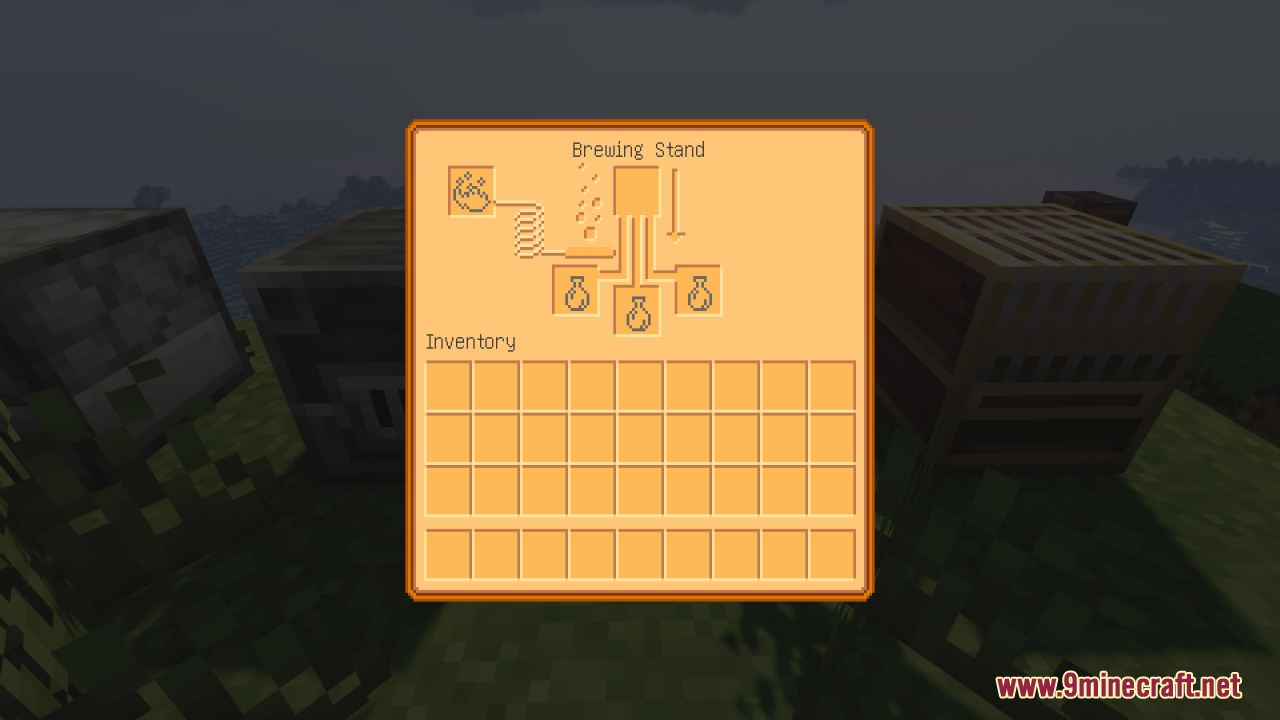
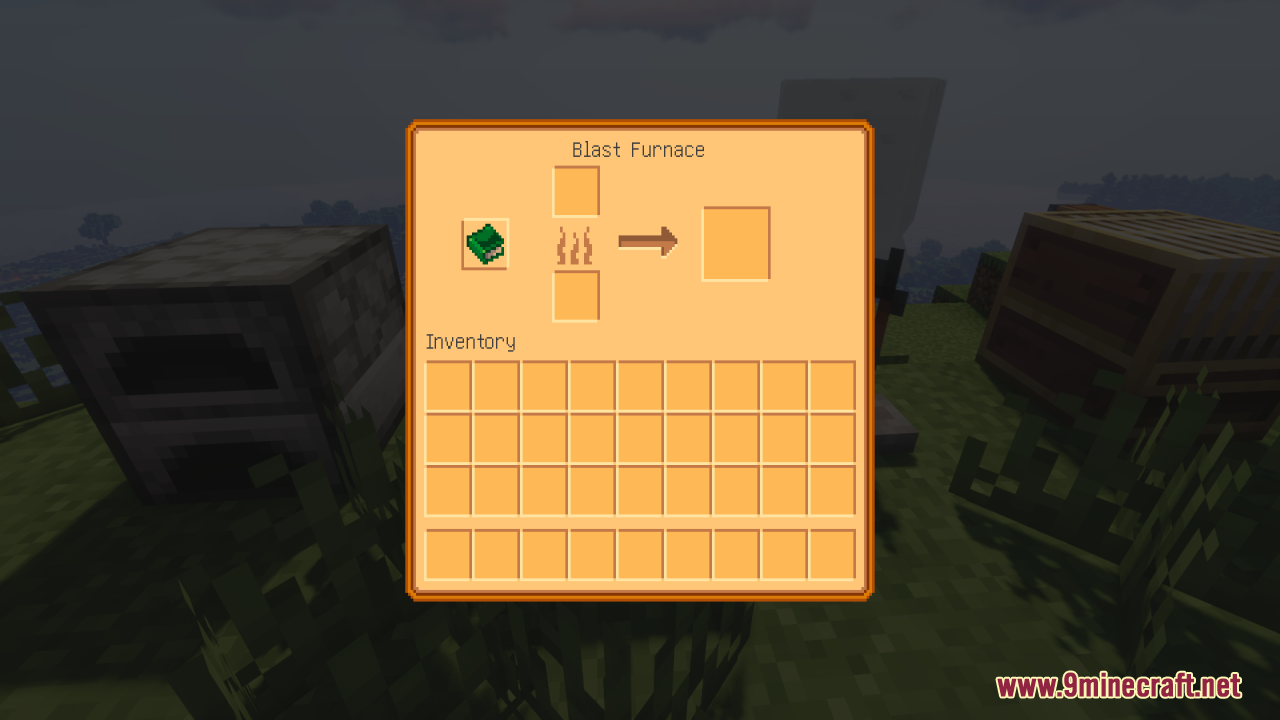
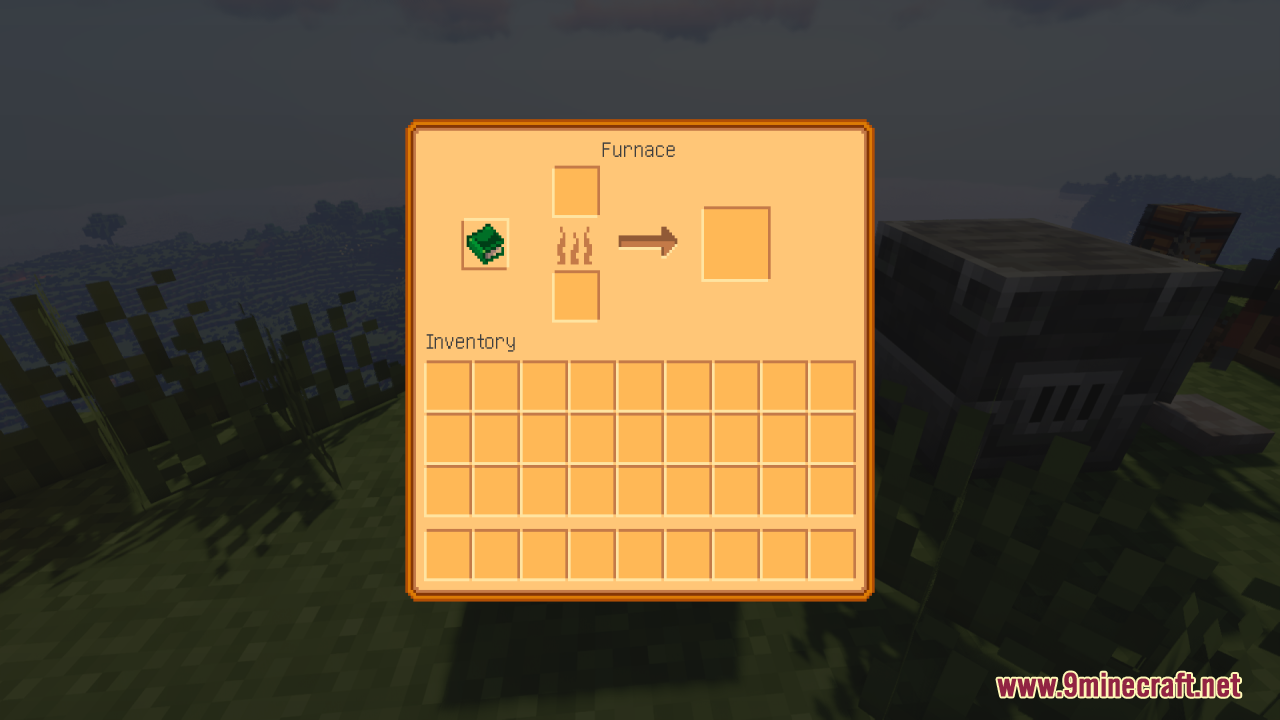
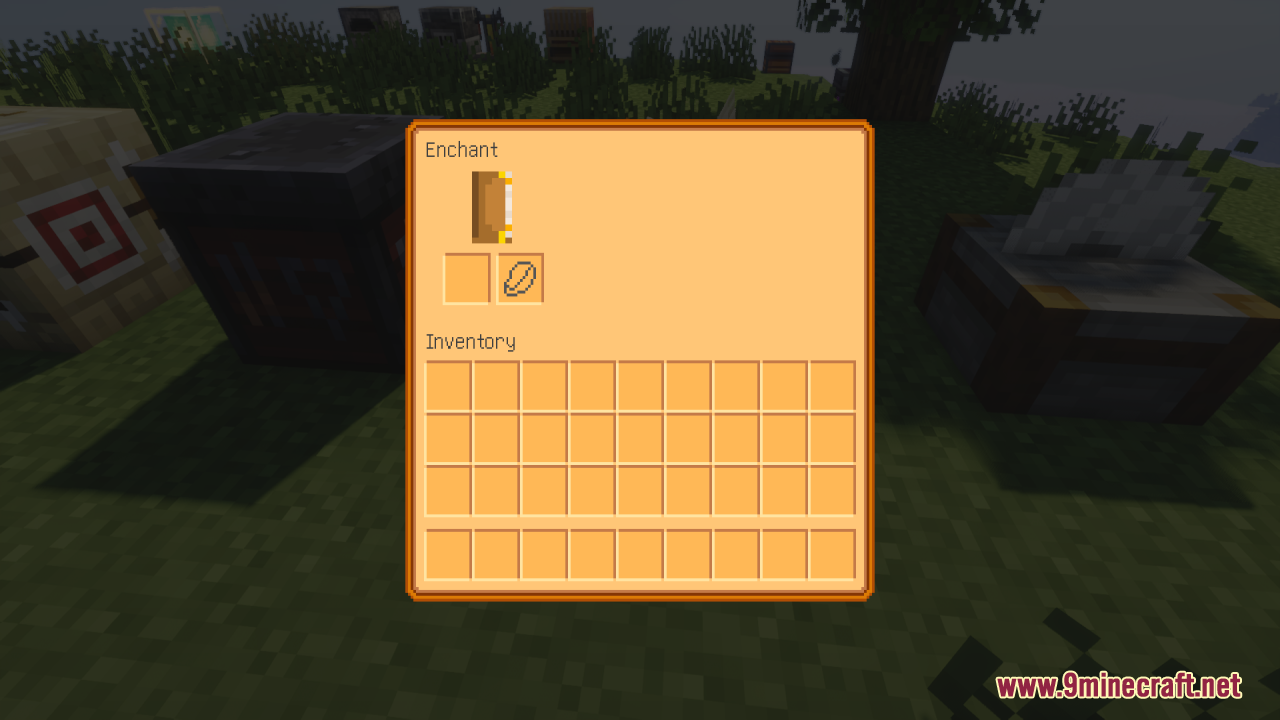
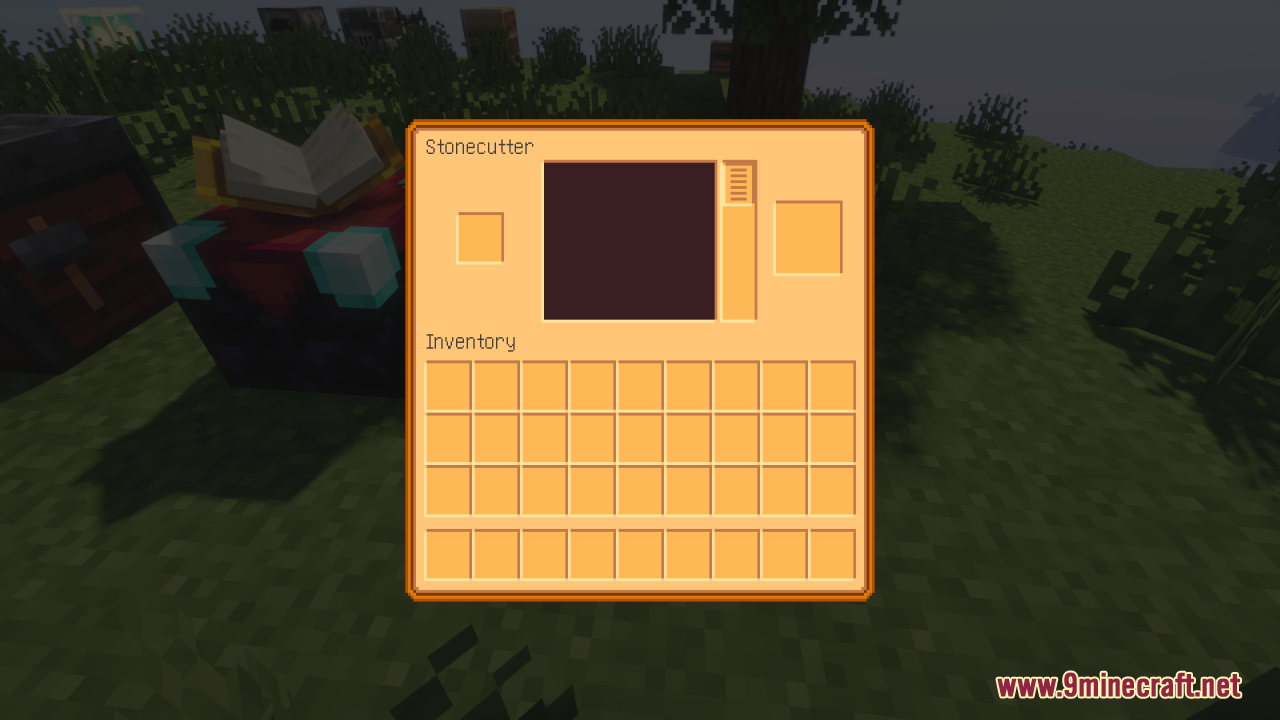
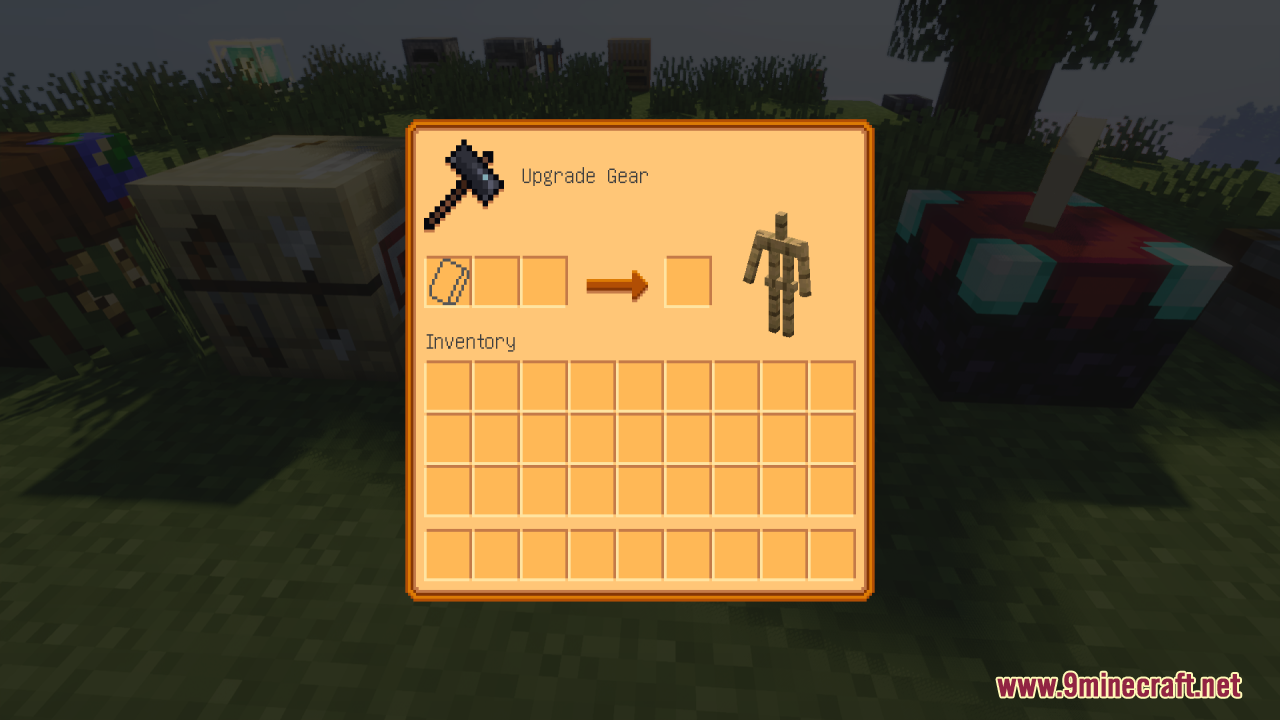
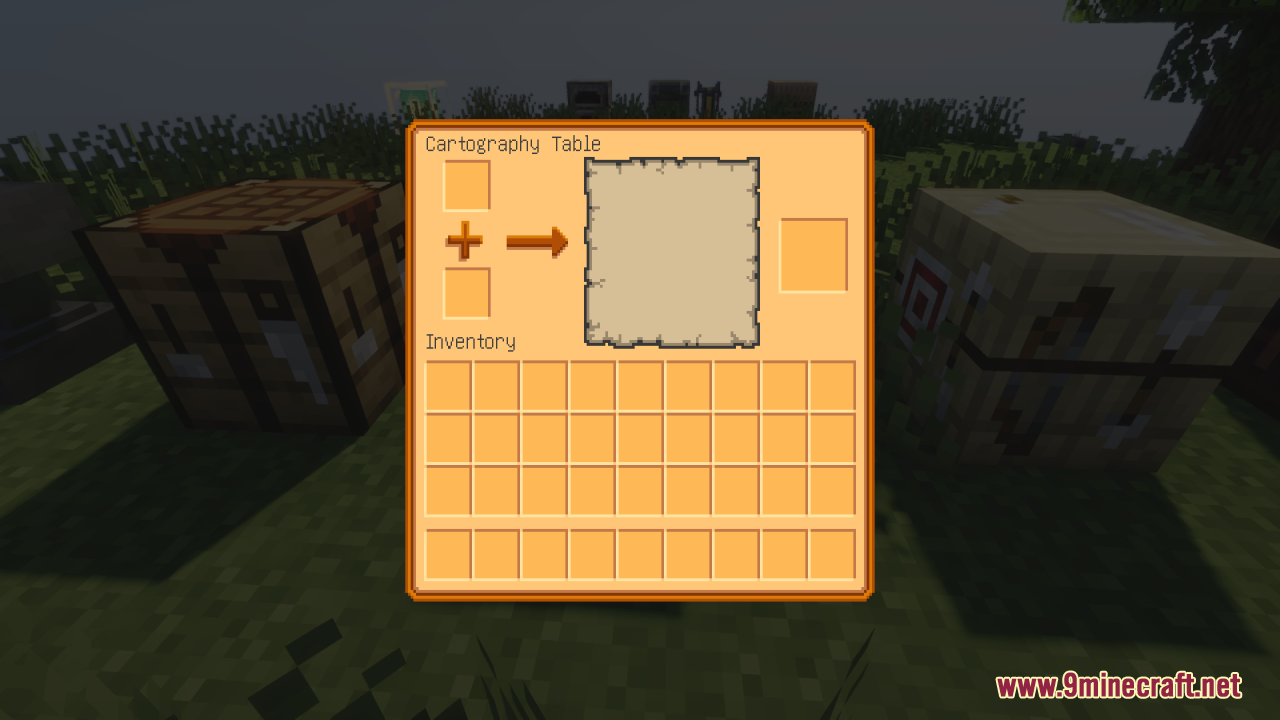
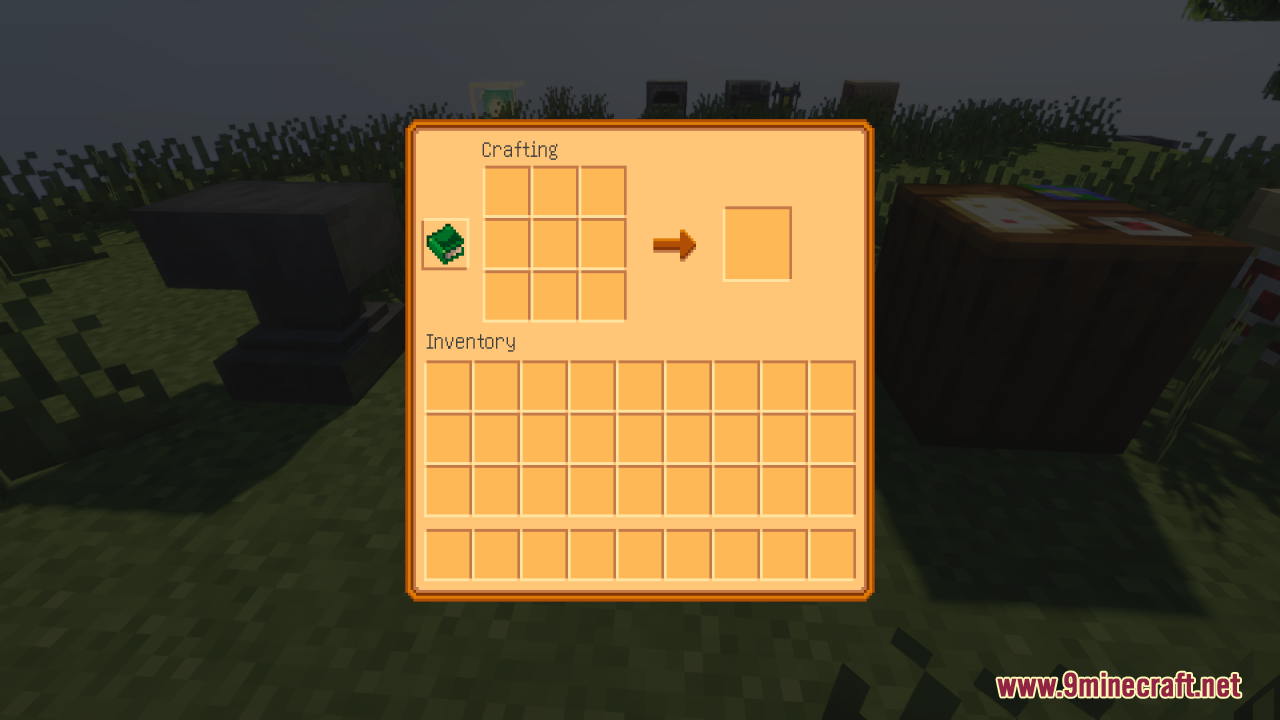
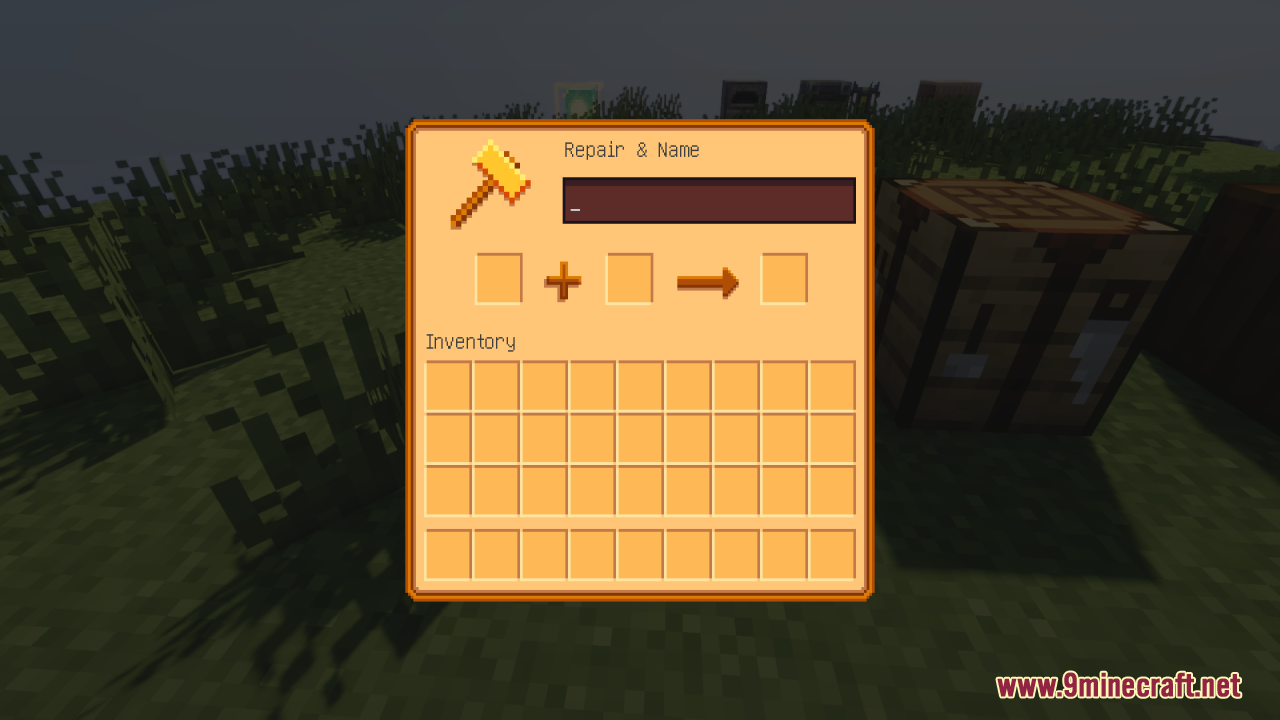
Mayview Resources Resource Pack repaints your game screens to look like a cozy farming village. It acts as the main visual theme for the Mayview modpack. This pack changes the standard menus and interface screens into a Stardew Valley inspired style. The Mayview Resources Texture Pack also adds custom menu graphics for many extra mods. You get matching screens for storage add-ons, furniture items, and farming tools. This keeps all your open windows looking the same while you play.
Features:
- Stardew Valley Style: Changes the main game menus to match a cozy farming game look.
- Mayview Official Theme: Acts as the main visual set for the Mayview modpack.
- Storage Menus: Adds matching screens for Tom’s Simple Storage and Compact Storage.
- Farming and Food: Updates the look of Farmer’s Delight, Bakery, and Brewery screens.
- Backpack Interfaces: Changes the inventory windows for Backpacked and Traveler’s Backpacks.
- Vehicle Screens: Updates the menus for Automobility, Small Ships, and Immersive Aircraft.
- Magic and Brewing: Adds custom graphics for Easy Magic and Herbal Brews.
- Questing Menus: Restyles the FTB Quests and FTB Library windows.
- Decor and Furniture: Modifies the interface for Macaw’s Furnitures and Supplementaries.
- Tool and Weapon Screens: Updates the look of Building Wands and Easy Anvils.
- Cobblemon Menus: Changes the screens for Cobblemon and the Cobblemon Smartphone.
- Shop and Trade Windows: Updates the Bartering Station, Daily Shop, and Universal Shops.
- Mail and Trash: Adds matching menus for Mighty Mail and Trash Cans.
- Waystones and Travel: Modifies the Fabric Waystones screen.
- Grave and Death Screens: Updates the Universal Graves interface.
Screenshots:
Mayview Resources Resource Pack Download Links
- Edition: Minecraft Java
- File type: .zip (resource pack)
- Minecraft versions listed: 1.21.11, 1.21.1
- How to install: Download the .zip resource pack — do not unzip it. → Put it in .minecraft/resourcepacks. → Enable it in Options → Resource Packs.
- Where to get it: In MC Java Mods, or directly above on this page.
Install steps are the general flow for this file type — How to install Minecraft Java resource packs walks through it step by step.
- Downloads as 3716.mcpack
- Download size: 11.5 MB
- Download link checked 27 Jul 2026 — working
- Mirrored on our own servers — the download does not depend on the original host
These come from our own check of the pack file, not from the source page.